
Zoho Lens
Remote Assistance with AR
Designed for iPhone, iPad, iPod touch
Free · In-app purchases
- Age rating4+
- CategoryBusiness
- DeveloperZoho Corporation
- LanguagesEnglish+ 10 more
- Size67.3 MB
Links to the official App Store page
Download.org hosts no file of Zoho Lens. The button opens its official App Store page, published by Zoho Corporation. Listing last checked on Nov 22, 2026.
Screenshots
About
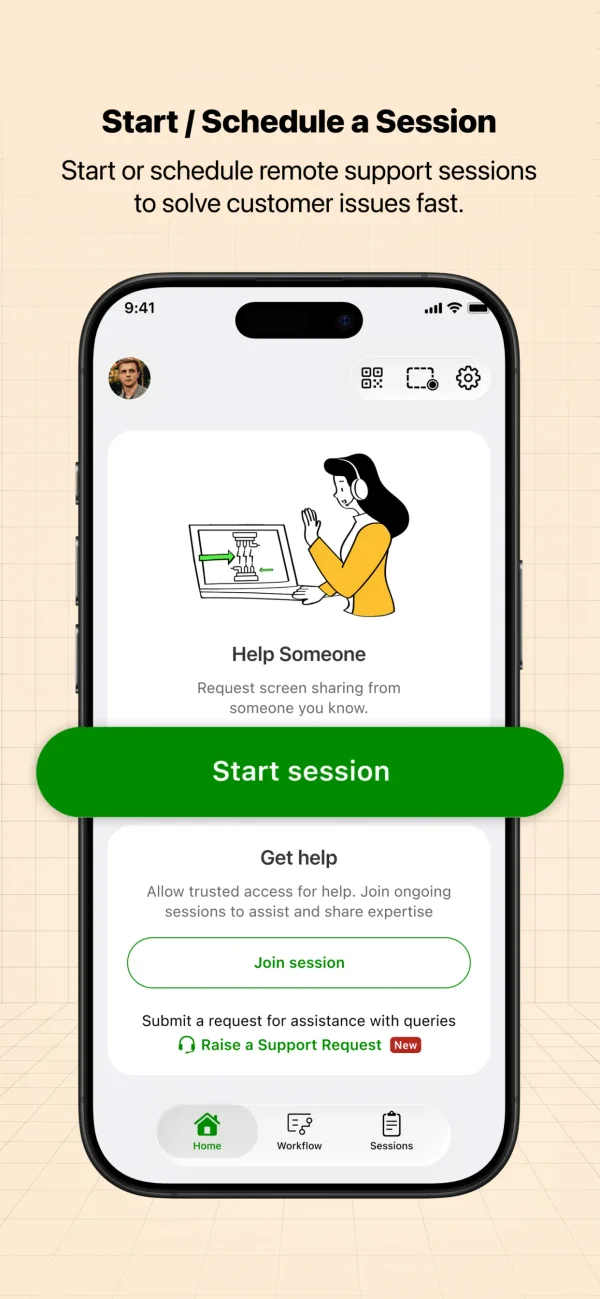
Zoho Lens allows support agents to provide expert work instructions to customers or field agents by initiating a session and accessing their smartphone. The efficient remote assistance tool with both HD video and audio lets you annotate live objects in need for problem solving.
Core features:
Initiate and schedule sessions:
Technician can instantly start a support session and share the session link with customers. Sessions can also be scheduled in advance based on convenience.
Join a session:
Customers can simply tap the shared join link or enter their Name and Session Key to join a session.
Live stream:
View high-definition real-time video from the customer's smartphone or smart glasses on the technician's screen for instant access to the issue requiring assistance.
Share Video:
Share videos during a session to demonstrate procedures, provide training, or assist with troubleshooting and remote guidance.
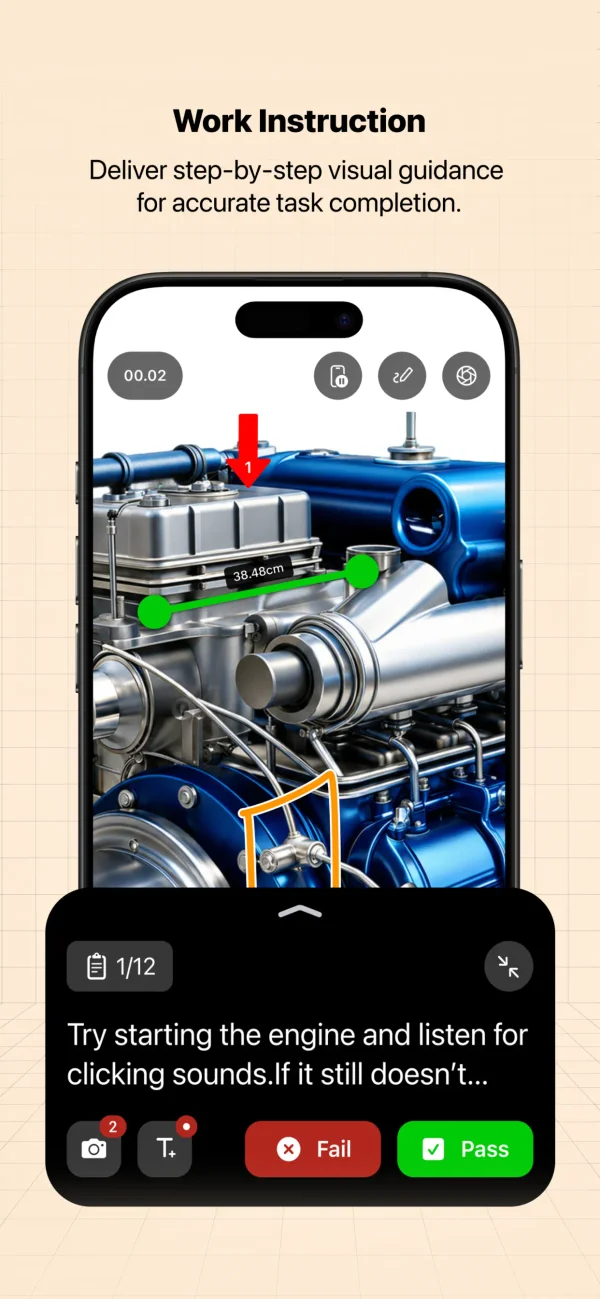
Work Instructions:
Create, manage, and share visual work instructions to help field technicians and customers perform tasks accurately and consistently.
Answer Bot:
Access relevant knowledge resources and troubleshooting information during a session to accelerate issue resolution and improve technician productivity.
Client Portal:
Provide users with a centralized portal to raise support requests, join sessions, and access support resources
Camera Switch:
End users can switch between the front-facing and rear-facing cameras during a session to provide better visibility and communicate more effectively with experts.
QR / Barcode / Live Text Scanner:
Quickly scan and retrieve information from QR codes, barcodes, or text in real time. Open links, extract text, and access relevant information instantly with a single tap.
Advanced Chat & File Transfer:
Exchange messages, images, documents, and other files securely in real time, ensuring efficient collaboration and issue resolution.
Zoom, Freeze and Screenshot:
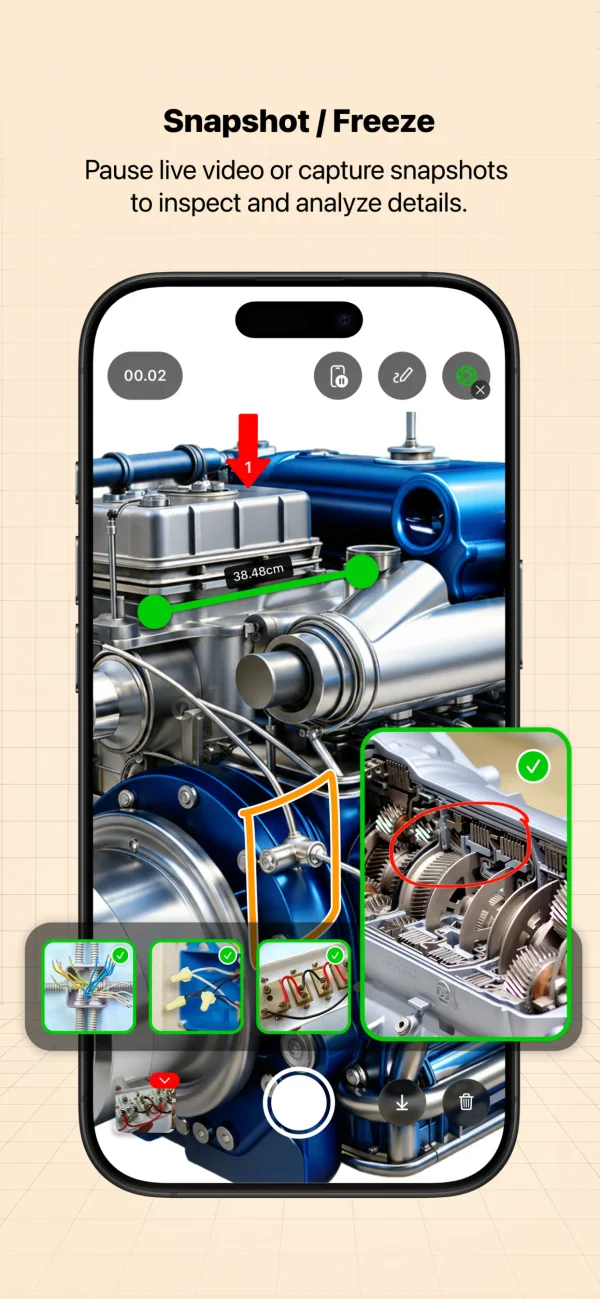
Pinch the screen to zoom into the video feed for a closer look at real-world objects. Freeze the video stream to inspect intricate details and capture screenshots for documentation, analysis, and future reference.
Session Notes:
Jot down notes, observations, and action items during a session and refer to them later whenever needed.
Session Recording:
Record remote assistance sessions for training, auditing, documentation, and knowledge-sharing purposes. Recording can be started or stopped at any time during an active session.
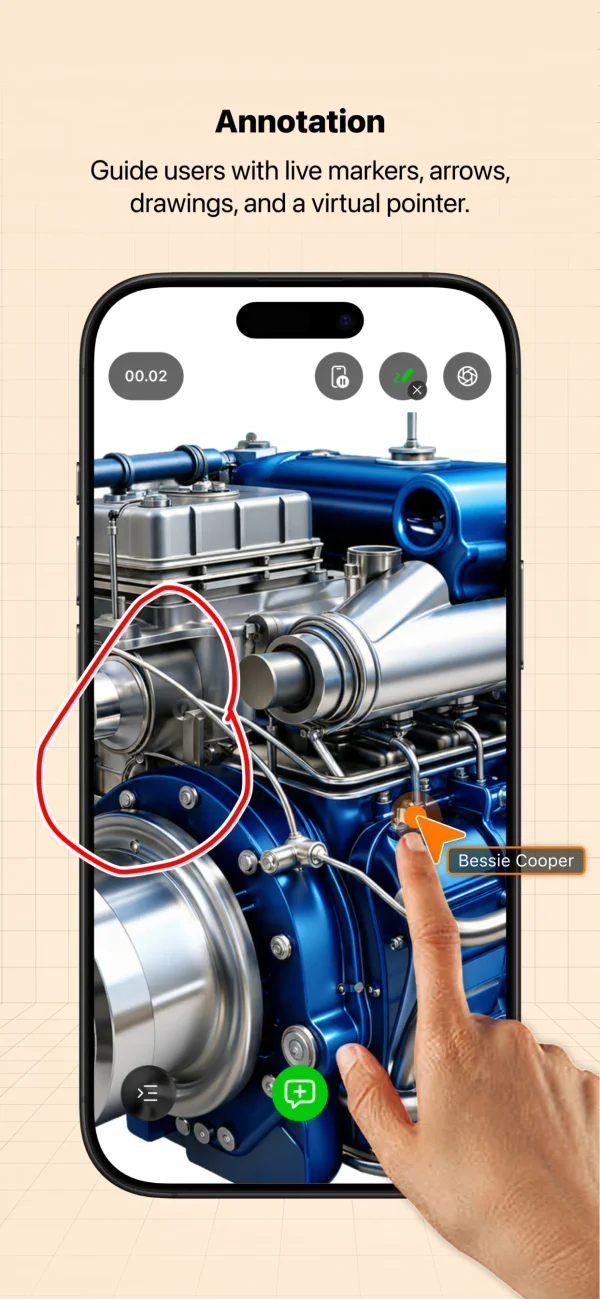
AR annotation:
Add AR annotations to the video stream for additional visual guidance. Easily place arrows, draw markers, and highlight specific areas to provide precise instructions.
AR Comments:
Add contextual comments to AR annotations to provide additional information, troubleshooting guidance, or step-by-step instructions.
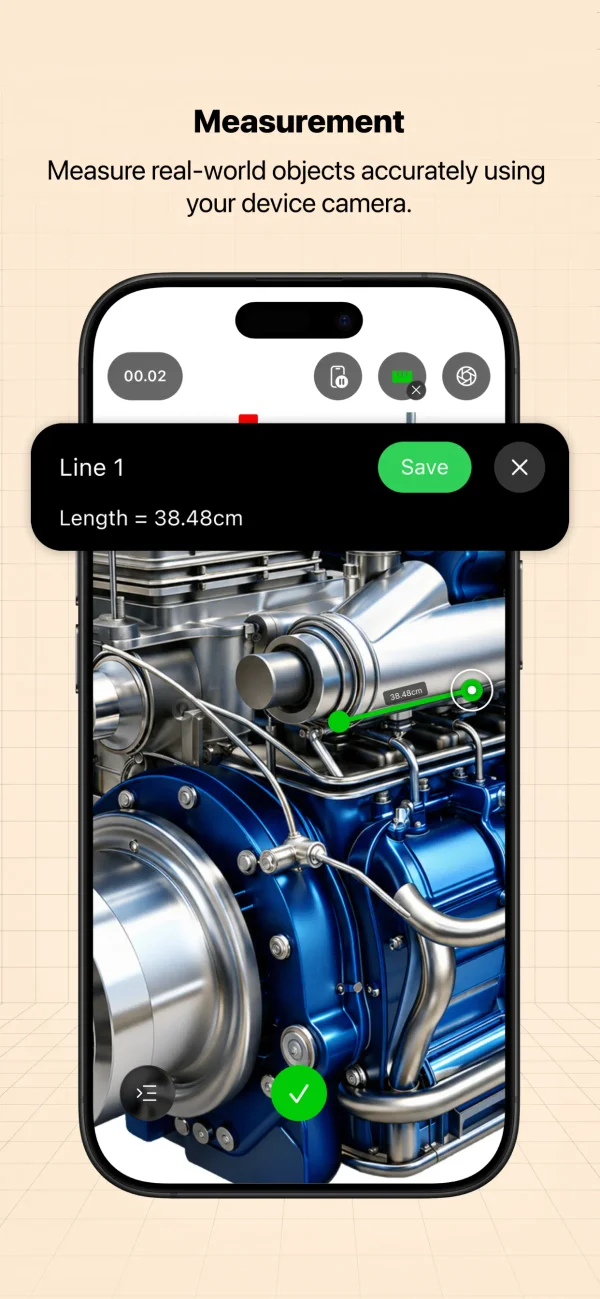
AR Measure:
Measure objects and spaces in real time to obtain accurate dimensions, making remote inspections and assessments easier and more precise.
Multi-participant Session:
Experts can invite internal specialists, external technicians, vendors, or other stakeholders to collaborate in a session and resolve issues faster.
Torch Control:
Turn the device flash light on or off during a session to improve visibility while inspecting equipment or working in low-light environments.
Location Sharing:
Share the device location with session participants to help experts better understand the environment and provide contextual assistance.
Offline Recording:
Record videos and capture observations even when internet connectivity is unavailable, and share them with the technician once connectivity is restored.
The mobile app is an extension of our Zoho Lens web application.
Download and sign up for a 14-day free trial.
For further comments, suggestions, and questions, please write to us at support@zoholens.com
Privacy Policy and Terms & Conditions:
-https://www.zoho.com/privacy.html
-https://www.zoho.com/terms.html
What’s new
Version 3.1.1 · Nov 18, 2026
Bug Fixes and Enhancements
App privacy
What Zoho Corporation declares on the App Store about how this app handles data.
-
Data linked to you
May be collected and linked to your identity.
- Contact info
- User content
- Identifiers
- Usage data
- Diagnostics
-
Data not linked to you
May be collected but is not linked to your identity.
- User content
Privacy practices may vary, for example with the features you use or your age.
Information
- Seller
- Zoho Corporation
- Category
- Business
- Version
- 3.1.1
- Updated
- Nov 18, 2026
- Released
- Sep 6, 2019
- Size
- 67.3 MB
- Requires
- iOS 15.0 or later
- Age rating
- 4+
- Price
- Free
- In-app purchases
- Yes
- Languages
- English, Bulgarian, French, German, Italian, Japanese, Korean, Portuguese, Simplified Chinese, Spanish, Swedish
- Copyright
- © 2026, Zoho Corporation Pvt. Ltd. All Rights Reserved.
You might also like
-
 Propelled BrandsBusiness
-
 Notify by Qu POSRestaurant reporting app
-
 Pax8Cloud solutions marketplace
-
 Syncro MobileCombined PSA and RMM
-
 SuperOpsBusiness
-
 Voxie Message HubBusiness
-
 DL Digital ManagerDecision Logic
-
 System Surveyor 2.0Site Surveys & System Design
-
 Hudu MobileProductivity
-
 NinjaRMM Screenshare UtilityProductivity