- Age rating4+
- CategoryProductivity
- DeveloperSatwant Brar
- LanguagesEnglish
- Size6.4 MB
Links to the official App Store page
Download.org hosts no file of Zone Log: Auto Time Tracker. The button opens its official App Store page, published by Satwant Brar. Listing last checked on Nov 23, 2026.
Screenshots
About
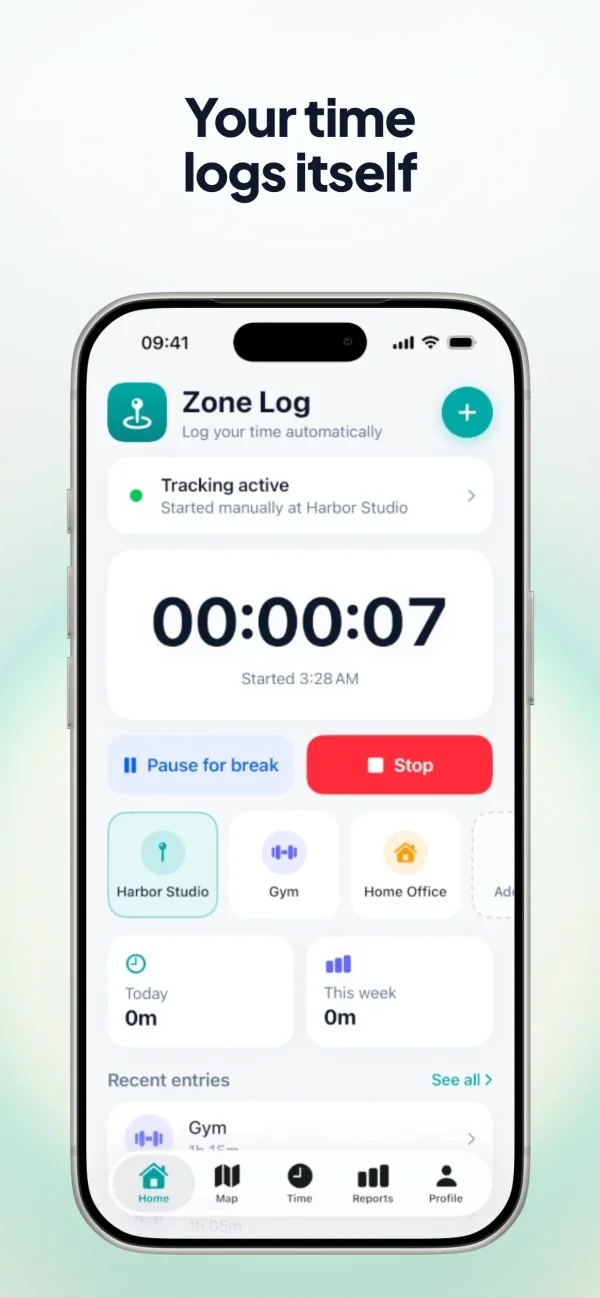
Zone Log tracks your hours automatically, so you never have to remember to clock in again.
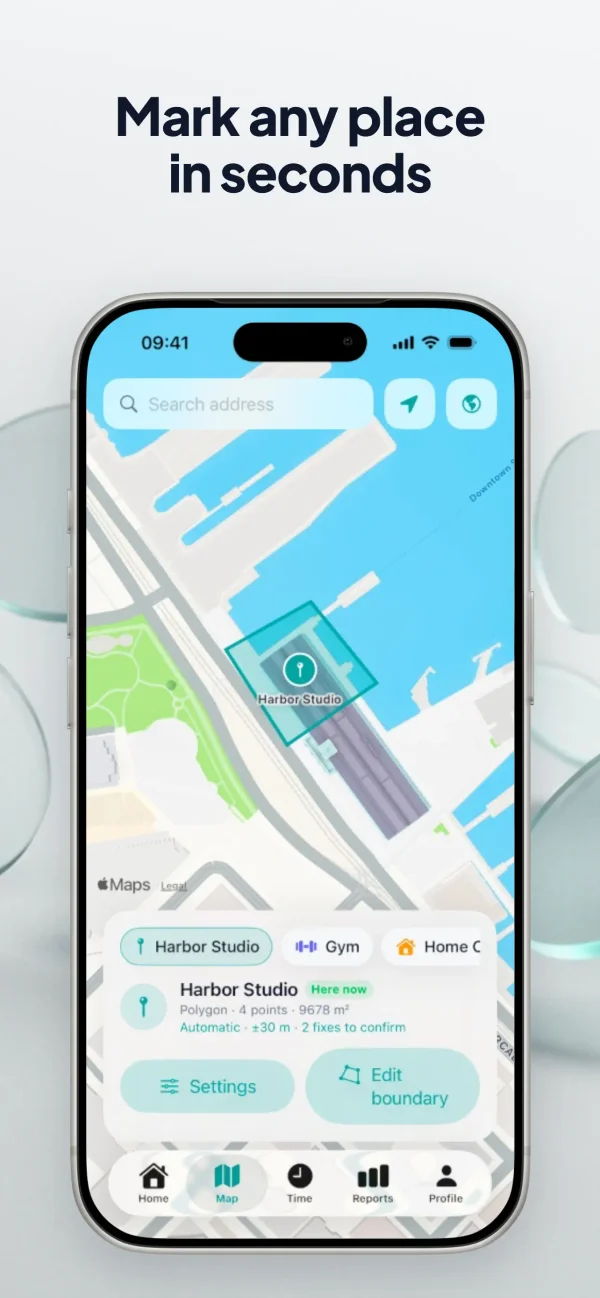
Mark the places where you work on a map. When you arrive, Zone Log starts the timer. When you leave, it stops. You get a notification each time, so you always know your hours are being counted.
AUTOMATIC CLOCK IN AND OUT
Draw a simple circle or trace an exact polygon around a job site, office, client location or campus building. Switch between standard and satellite map views to outline exactly the area you need. Zone Log handles the rest in the background.
A LIVE TIMER YOU CONTROL
The Home screen shows your running timer at a glance. Pause it, log a break, or start and stop manually whenever you need to. Automation does the work, and you always have the final say.
AN HONEST, EDITABLE TIME LOG
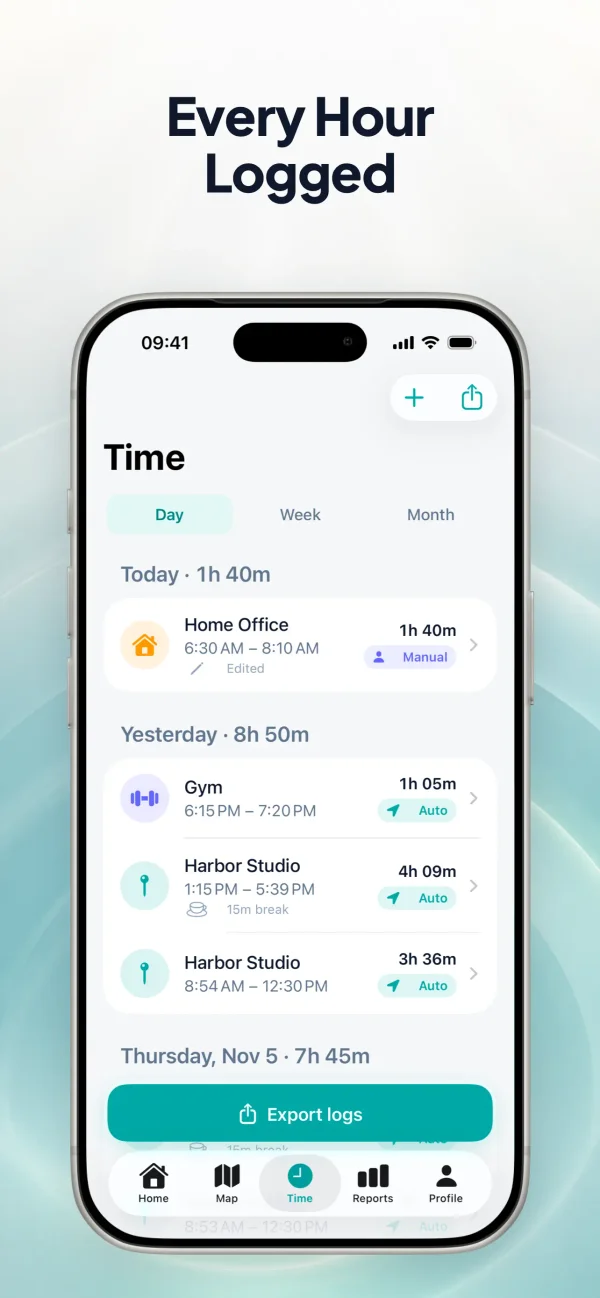
Fix a missed entry or adjust a time in seconds. Every change is recorded in an audit trail, so your timesheet stays accurate and trustworthy for clients, managers or your own records.
REPORTS THAT MAKE BILLING EASY
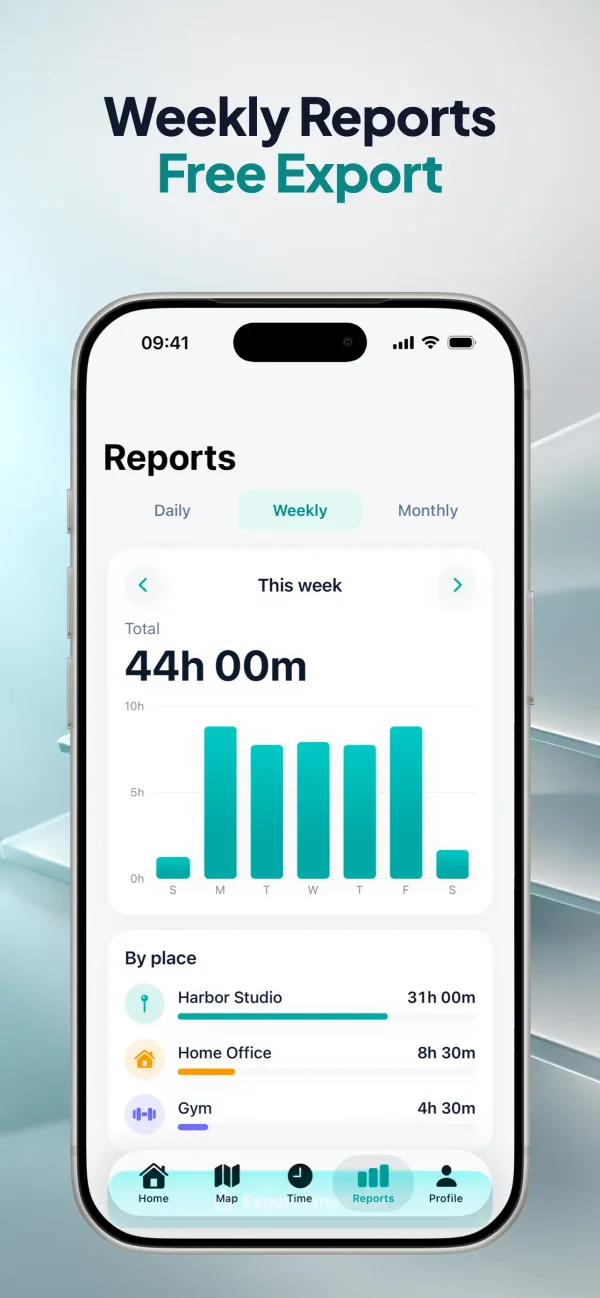
See weekly reports and per-place totals to know exactly where your time went. Export your timesheet when it is time to invoice, file hours or review your week.
SHARE PLACES WITH YOUR TEAM
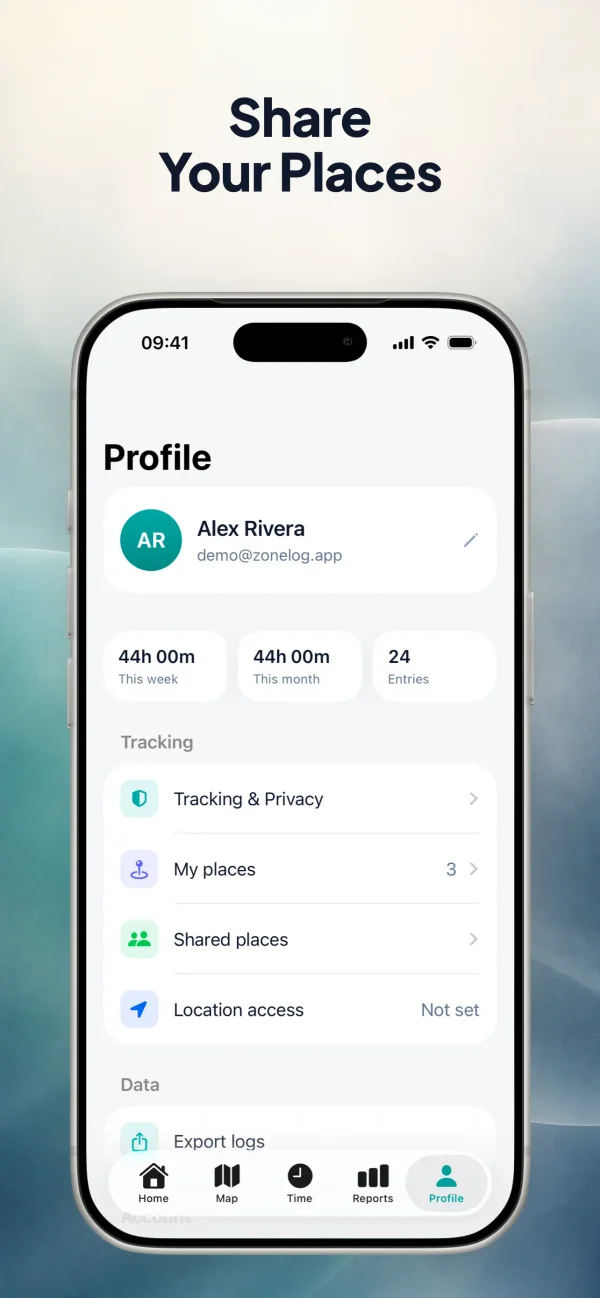
Invite others to a place by email. The place is added to their app automatically, and everyone can see who is here right now. Nobody ever sees anyone else's times.
PDF AND CSV EXPORT
Download your logs as PDF or CSV, or send them straight to your inbox. Perfect for invoices, payroll and recordkeeping.
PRIVACY FIRST
Your GPS coordinates are never shown or exported, and your live position stays on your phone. Zone Log only records what matters: when you arrived and when you left.
BUILT FOR PEOPLE WHO WORK ON THE MOVE
Contractors, freelancers, field workers, students and anyone who bills or tracks hours by location will feel right at home. Sign in with Apple or email and get started in minutes.
COMPLETELY FREE
Every feature is included: sharing, live status, PDF/CSV export and email. No ads, no subscription, nothing to unlock.
Download Zone Log today and let your hours track themselves.
Terms of Use: https://zonelog.rork.app/terms
Privacy Policy: https://zonelog.rork.app/privacy
What’s new
Version 2.1.0 · Nov 14, 2026
Your places and time logs are now backed up privately to your account, so they come back when you reinstall the app or sign in on a new iPhone.
App privacy
What Satwant Brar declares on the App Store about how this app handles data.
-
Data linked to you
May be collected and linked to your identity.
- Location
- Contact info
- User content
- Identifiers
Privacy practices may vary, for example with the features you use or your age.
Information
- Seller
- Satwant Brar
- Category
- Productivity
- Version
- 2.1.0
- Updated
- Nov 14, 2026
- Released
- Nov 6, 2026
- Size
- 6.4 MB
- Requires
- iOS 18.0 or later
- Age rating
- 4+
- Price
- Free
- Languages
- English
- Copyright
- © 2026 Zone Log
You might also like
-
 Countable: Your life TallyTrack habits, calories, goals
-
 Flow Task Planner & To-Do ListProductivity
-
 Project Manager Track ActivityEfficient Task Time Organizer
-
 Result: Your Personal AgentEveryday tasks, taken care of
-
 BriefFeedAI summaries, key points first
-
 easyDone: Lock Screen To-DoDon't forget · Dynamic Island
-
 City of ChilliwackThe Official City App
-
 easyDays: Calendar & WeatherStylish Widgets & Lock Screen
-
 Capylist: Countdown & DiaryDaily Habit Tracker · Calendar
-
 EML ViewerProductivity