
- Age rating17+
- CategoryUtilities
- Developerzhenqi li
- LanguagesEnglish+ 1 more
- Size30.5 MB
Links to the official App Store page
Download.org hosts no file of ZWHSmartLock. The button opens its official App Store page, published by zhenqi li. Listing last checked on Nov 21, 2026.
Screenshots
About
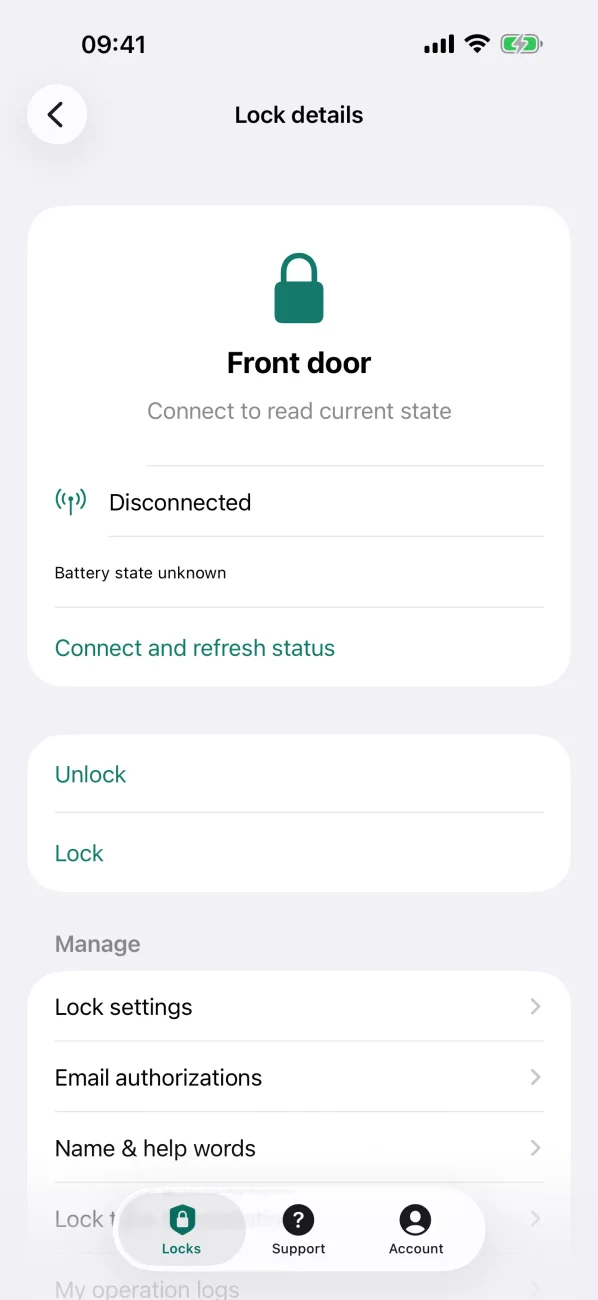
ZWHSmartLock is a companion app for compatible XWH/ZWH smart lock hardware. A compatible lock and Bluetooth permission are required to discover, pair with and operate a nearby lock. Available controls depend on the lock model and firmware.
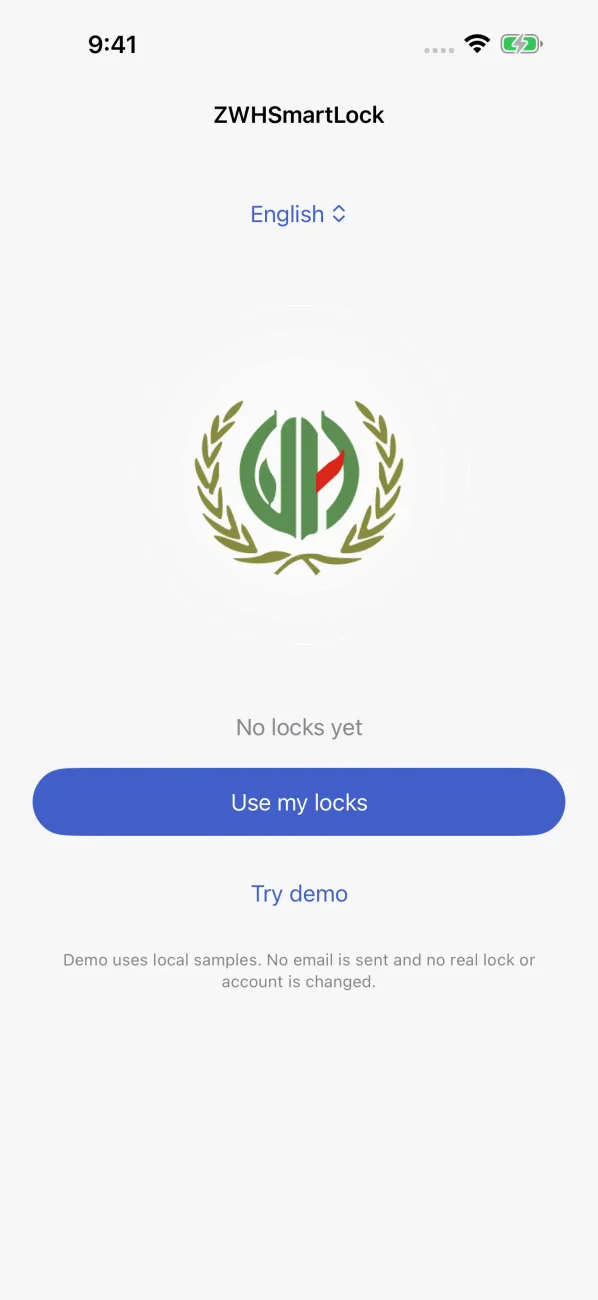
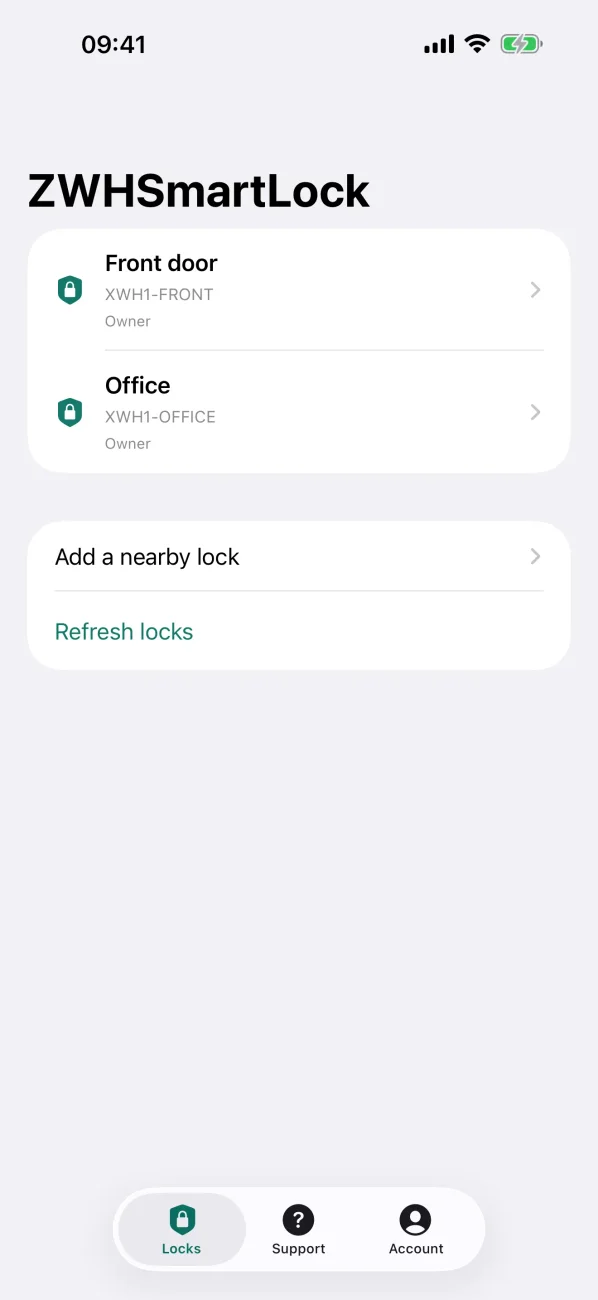
Choose Online mode or Offline mode from the home screen. The two modes manage separate device lists.
Online mode
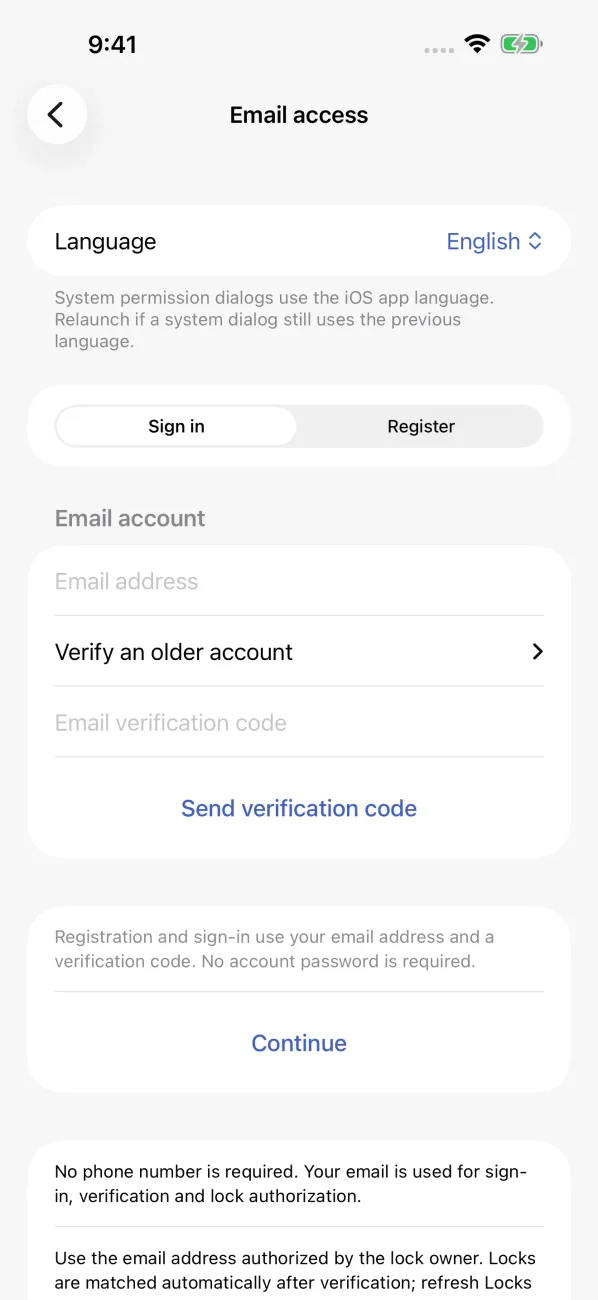
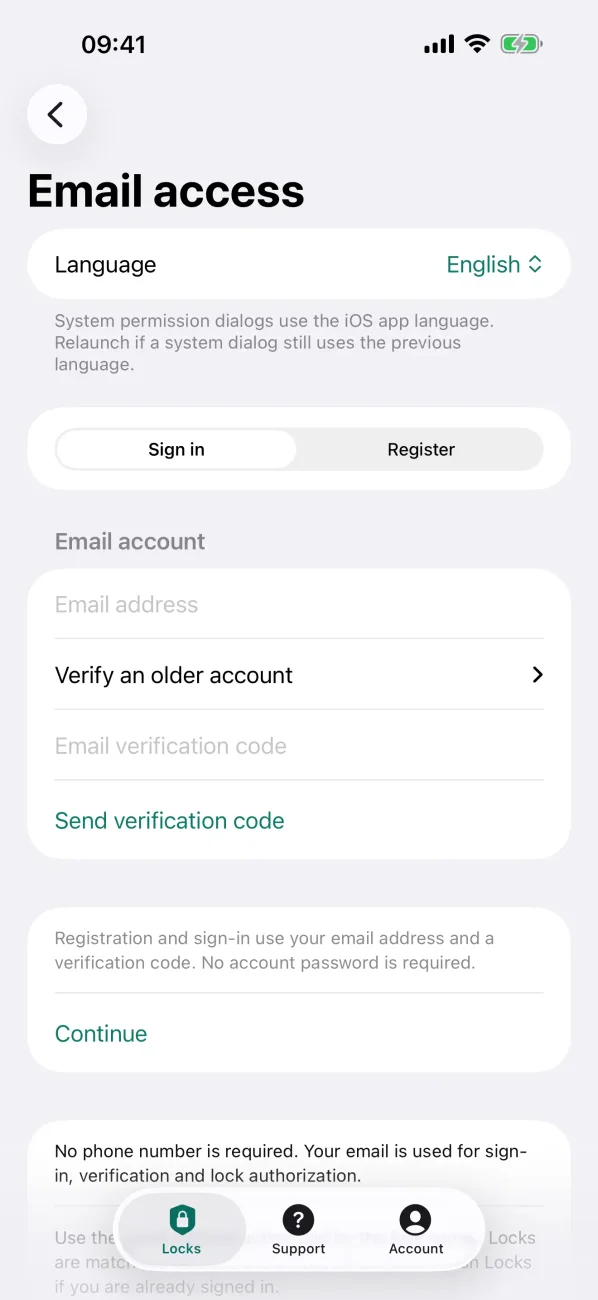
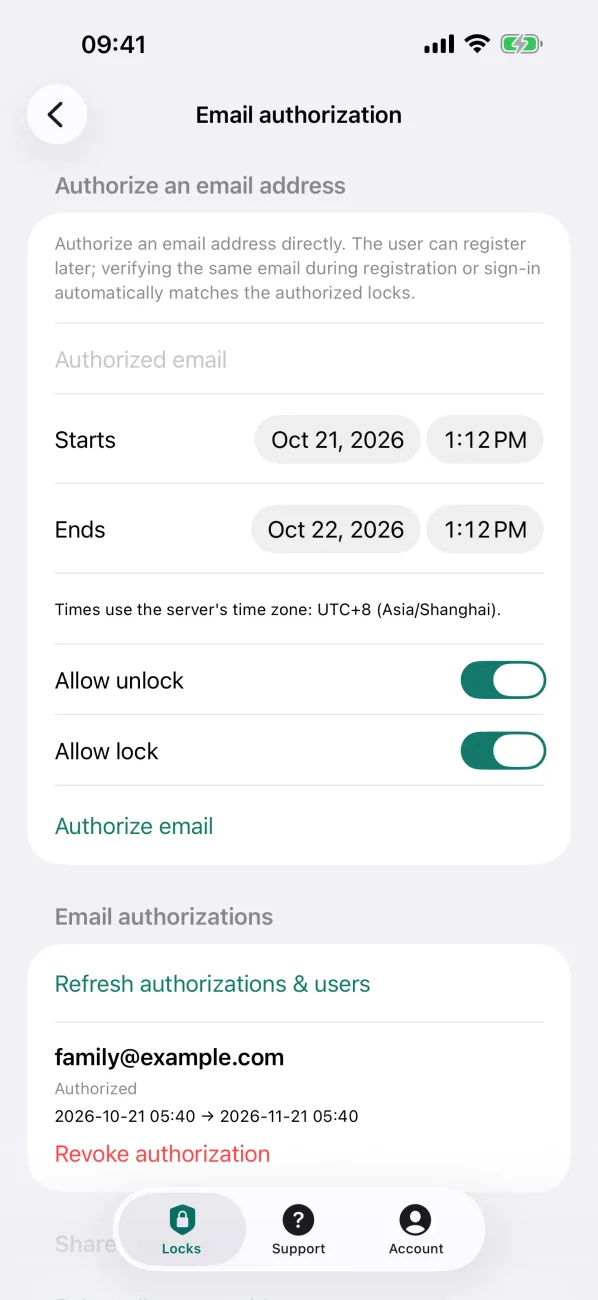
Register and sign in with your email address and a verification code. New accounts do not require an account password. An older account may need its original password once to verify ownership. Lock owners authorize an email address directly, with a validity period and separate lock/unlock permissions. Verifying that same email automatically matches eligible access. Internet access is required for account services and online authorization checks.
Offline mode
Pair a compatible nearby lock on site to create local device access stored on this phone. This mode does not require an account or internet connection for local pairing and operation. Use supported lock-type and function settings, read reported lock status and view local operation history. Local devices, credentials and history stay on the phone and are not uploaded or synchronized through the account. Cloud devices and authorizations are not imported into this local list. Removing the app or losing the phone may lose local device information.
Cached authorization in Online mode remains separate from Offline mode and is subject to validity, permissions and platform clock checks. Reconnect and refresh when the app requires it, including after a device restart.
The app starts in English. Use the language control to switch between English and Simplified Chinese. Your choice is saved on the device.
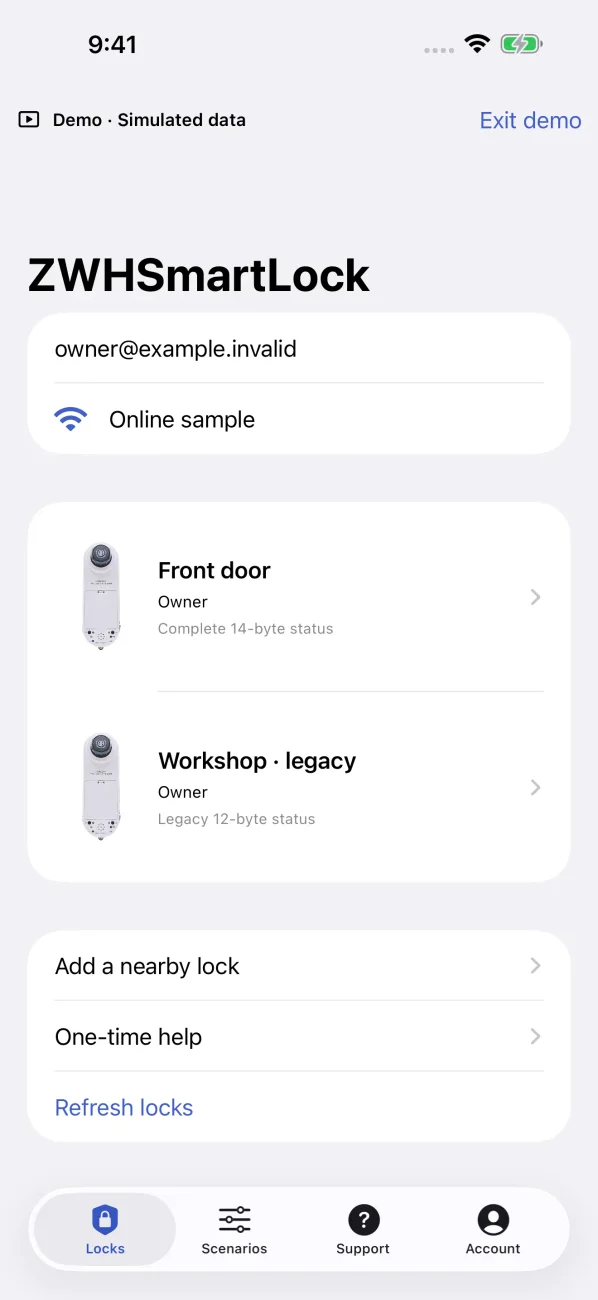
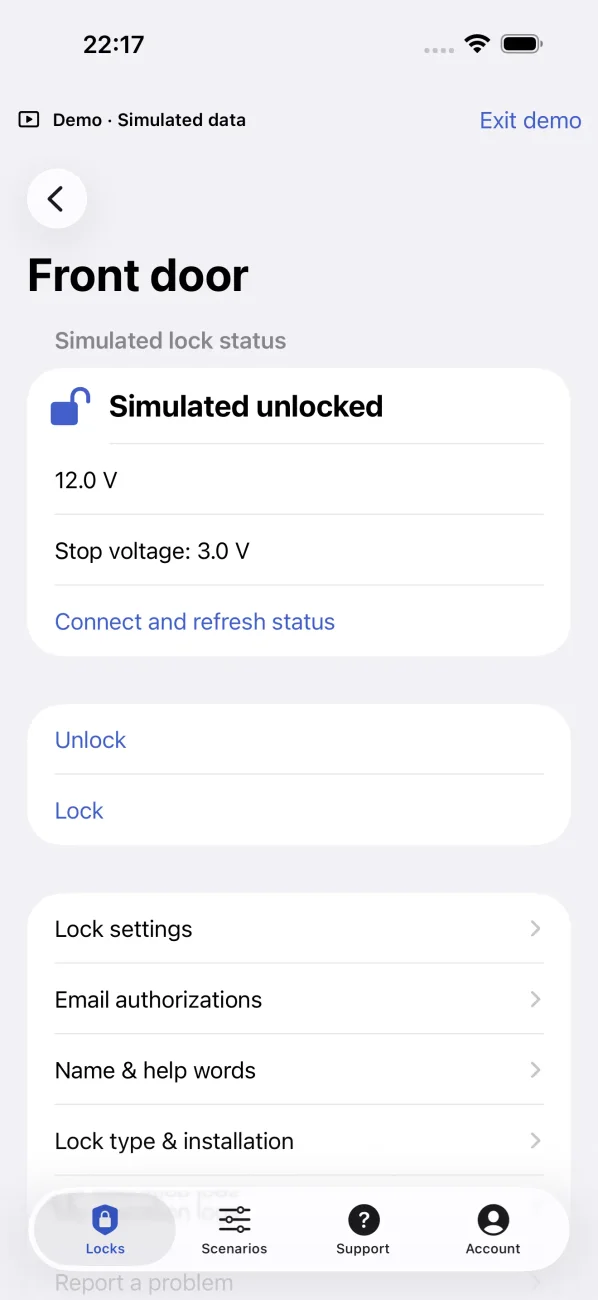
Choose Try demo from the public entry to explore clearly marked simulated examples without signing in or operating hardware. Internet access is needed initially to read the build-specific presentation policy.
The app provides foreground Bluetooth controls. It does not provide background or proximity-triggered automatic unlocking.
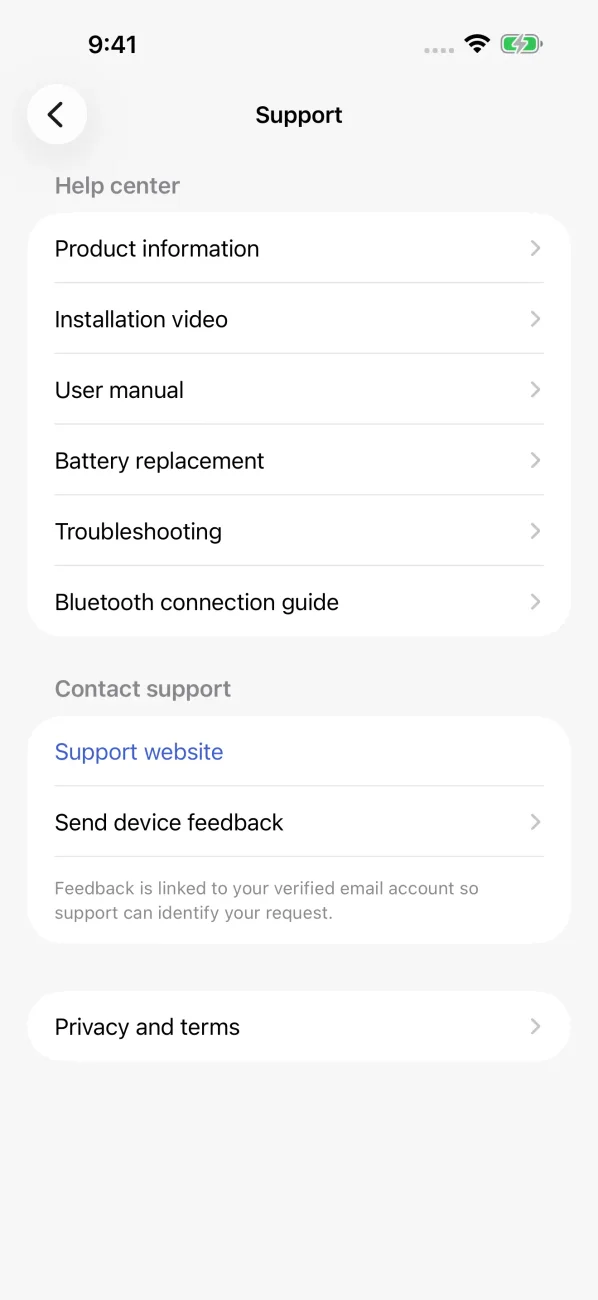
Account deletion currently requires manual review. Start a request from Account or the support website. Requesting a code or submitting a request does not mean deletion is complete.
What’s new
Version 205 · Nov 8, 2026
Added independent Offline mode with on-site pairing and a separate device list stored on this phone.
Added offline lock-type and supported function settings.
Refined lock status, factory-reset feedback and pairing recovery.
Mode switching appears on the home screen. Settings remain visible during operations.
Improved English and Simplified Chinese navigation and feedback.
App privacy
What zhenqi li declares on the App Store about how this app handles data.
-
Data linked to you
May be collected and linked to your identity.
- Contact info
- User content
- Identifiers
- Usage data
- Diagnostics
-
Data not linked to you
May be collected but is not linked to your identity.
- Location
Privacy practices may vary, for example with the features you use or your age.
Information
- Seller
- zhenqi li
- Category
- Utilities
- Version
- 205
- Updated
- Nov 8, 2026
- Released
- Jun 1, 2026
- Size
- 30.5 MB
- Requires
- iOS 15.0 or later
- Age rating
- 17+
- Price
- Free
- Languages
- English, Simplified Chinese
- Copyright
- © 2026 Zhongwuhe Inc