Adobe Scan: PDF Scanner App
Adobeアプリ内課金
- 3 歳以上対象年齢
- ビジネスカテゴリ
- 2026/11/3更新日
- 無料価格
com.adobe.scan.androidのGoogle Play公式ページにリンクしています。最終確認:2026/11/26。
スクリーンショット

このアプリについて
開発元はこのテキストをお使いの言語で提供していません。
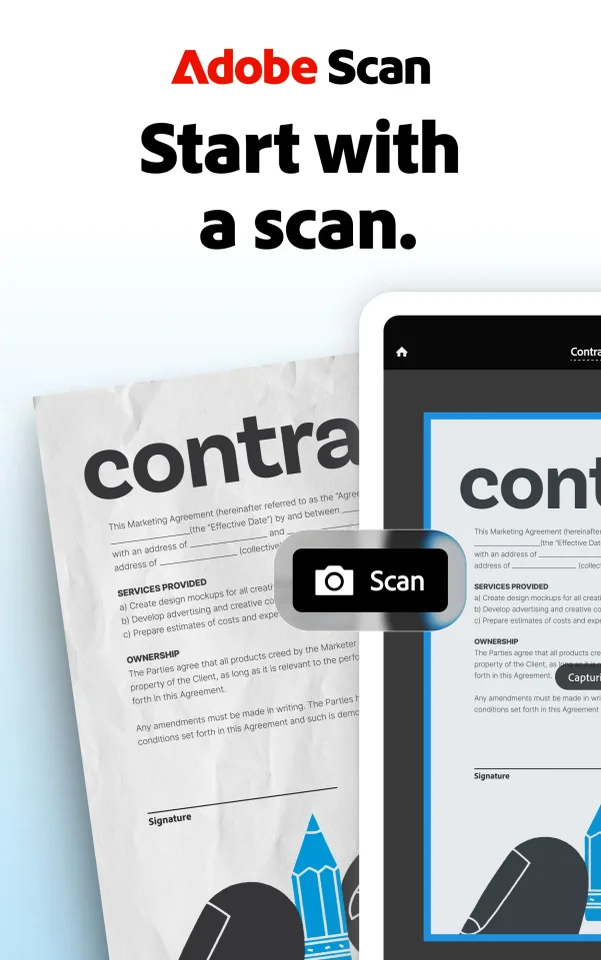
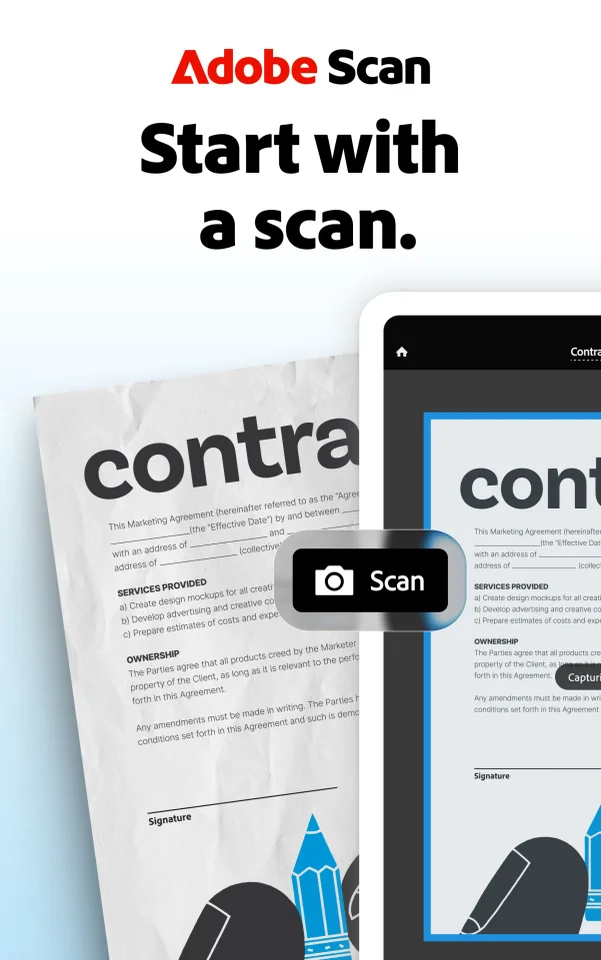
Scan paperwork into PDFs and organize into folders you can easily find and use.
Scan handwritten words into digital text.
The new Digitize tool lets you turn handwritten notes and whiteboards into editable, searchable documents that look digitally created.
6 WAYS TO USE THE ADOBE SCANNER APP
1) Save time with a fast document scanner app: Use High-speed scan to bulk scan documents and turn stacks into PDFs in seconds.
2) Make a PDF with your phone: Convert paper documents or printed photos into PDFs or JPEGs with the mobile PDF converter and photo scanner app.
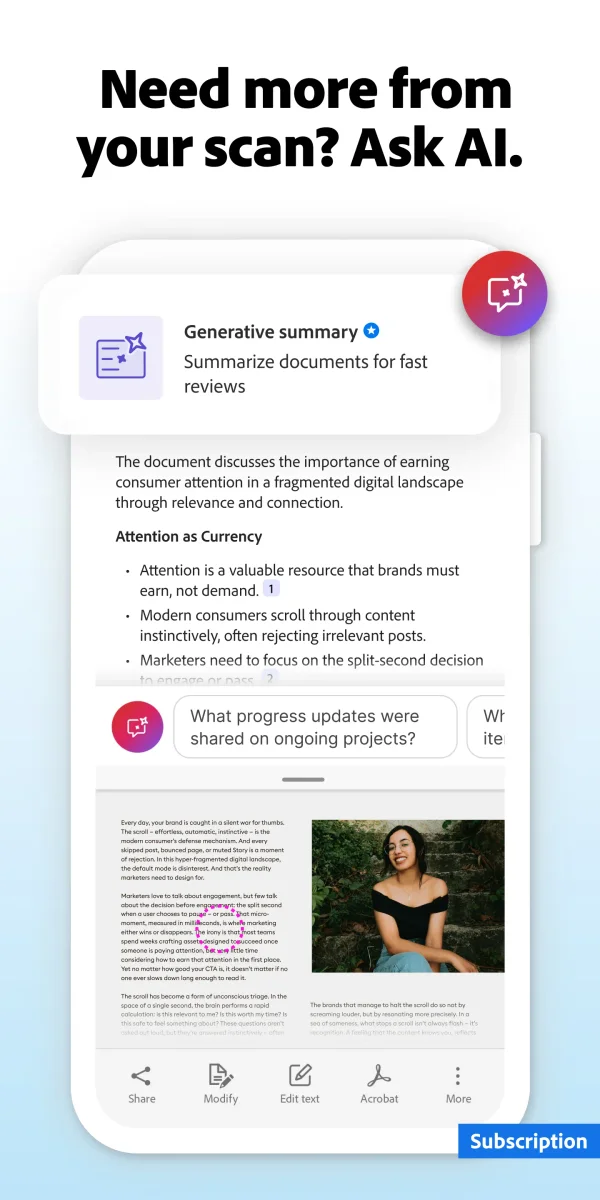
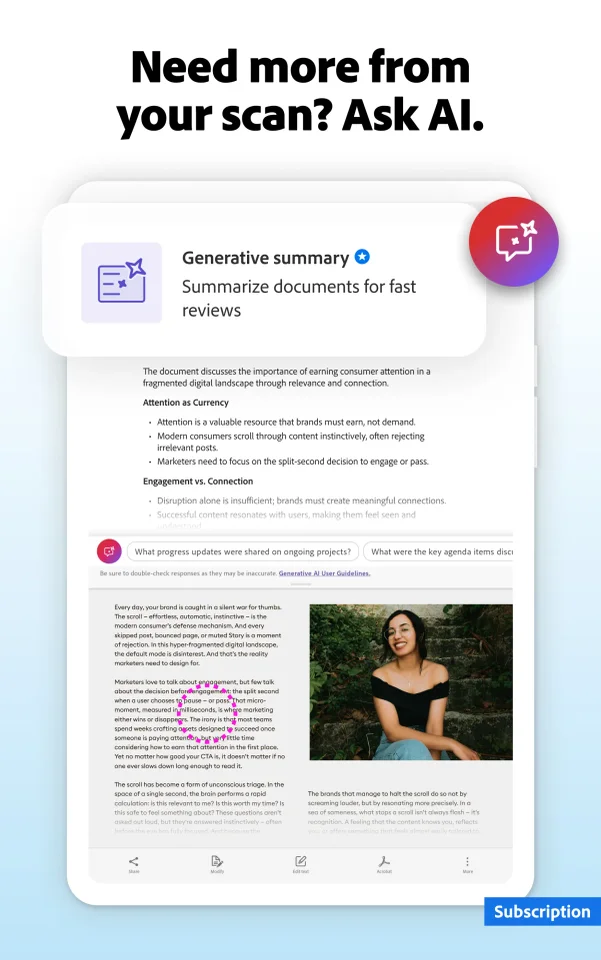
3) Ask AI Assistant to pull the key points from any scan, get follow-up answers or draft emails, reports, and next steps from your scan.
4) Use Generative summary: One tap pulls the key points from any scan, so you can find what matters and summarize your docs in a tap with AI.
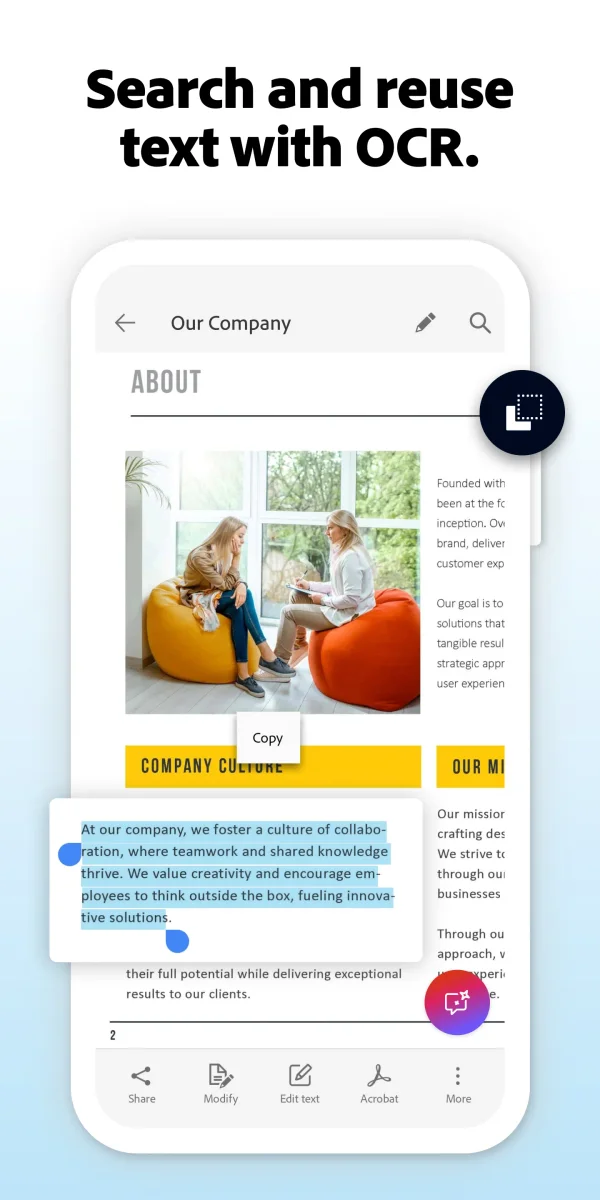
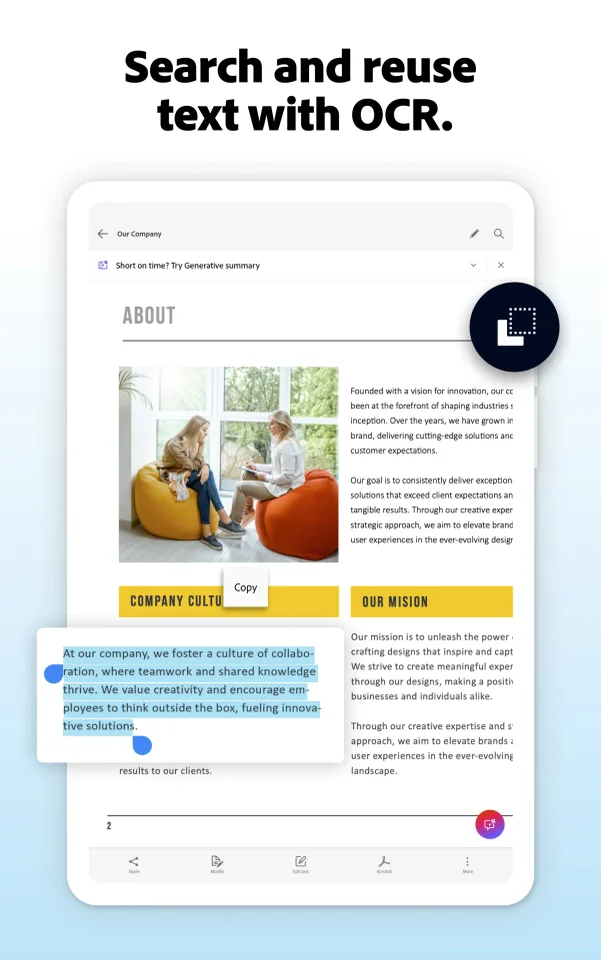
5) Turn images to text: Use the image-to-text feature in the scanner to make words searchable and editable with OCR.
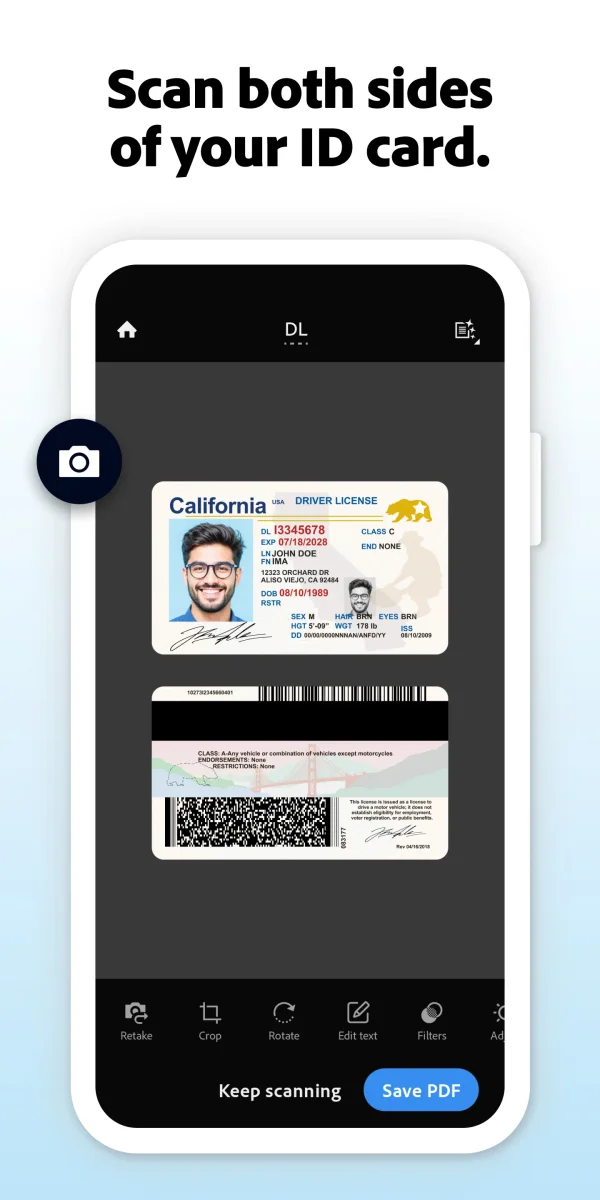
6) Scan anything: Receipts, IDs, notes, recipes, photos, business cards, whiteboards – this document scanner, photo scanner, and PDF maker gives you files you can work with on your phone, tablet, or computer.
CAPTURE WITH PRECISION
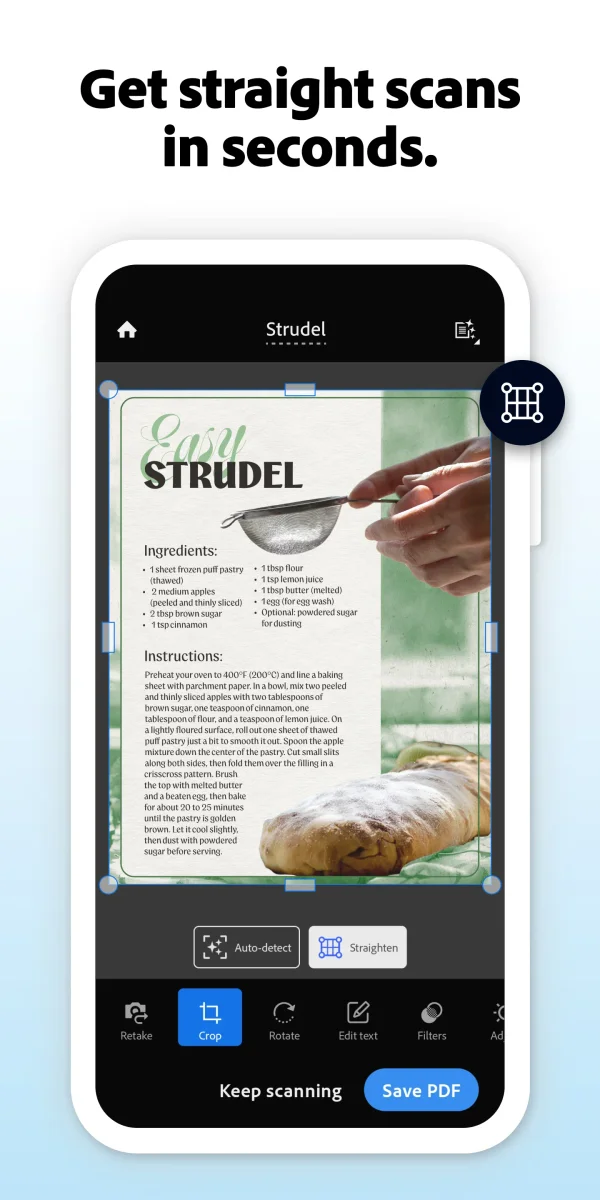
• The Straighten tool fixes pages that come out curved or tilted while you scan, even if all four corners aren’t visible in the scanner.
• Advanced scanner technology detects document borders, sharpens content, and makes your scans editable and searchable.
ENHANCE YOUR SCANS
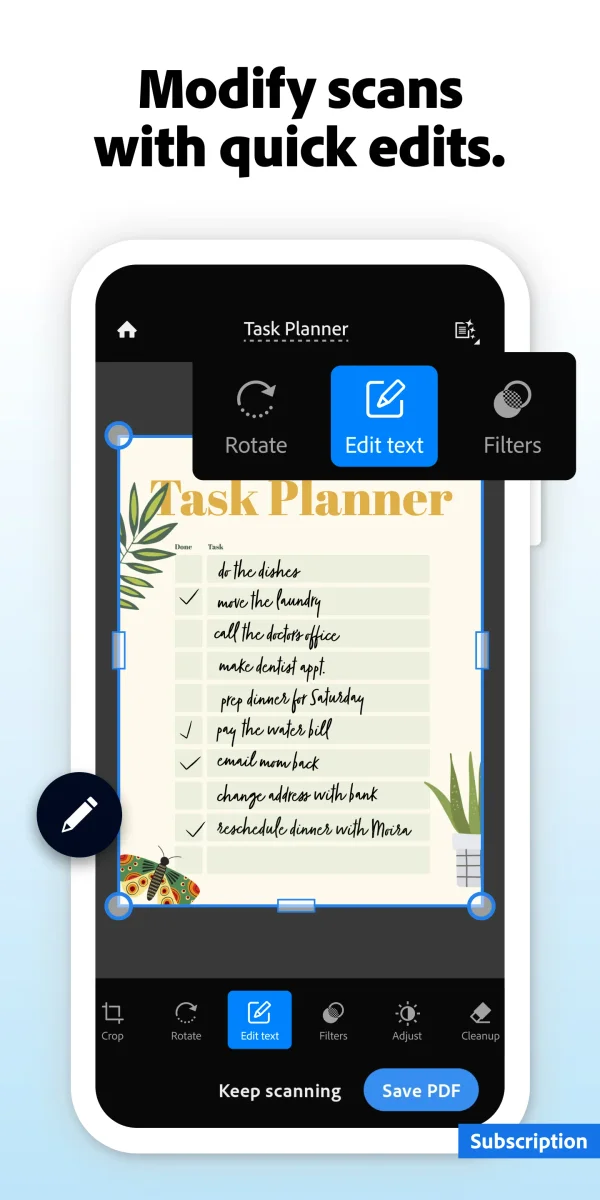
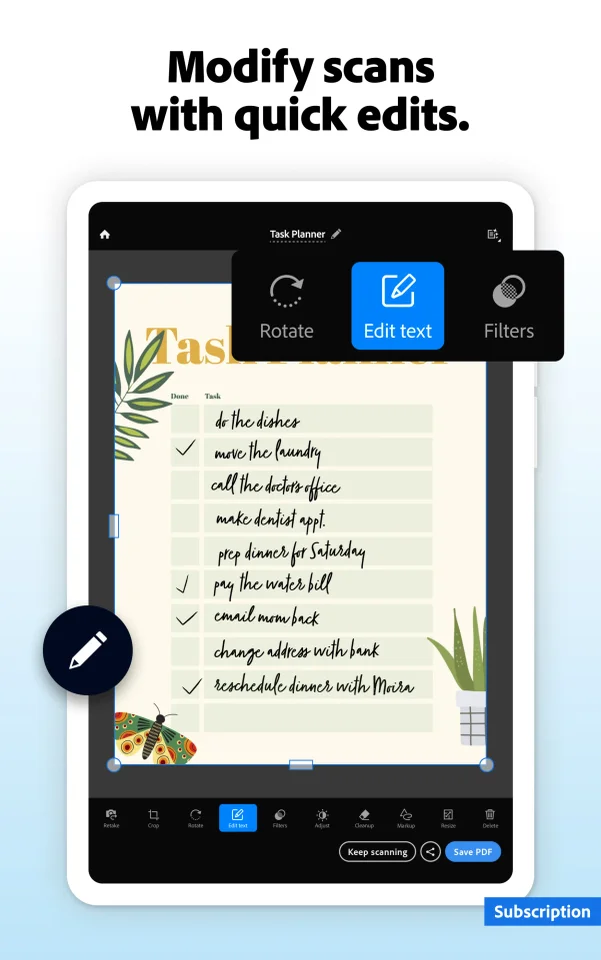
• Edit in text lets you scan words, and handwritten text, to make it editable.
• A photo scanner, PDF converter, and PDF maker that converts photos to PDFs, then try the Modify tool to crop, rotate, resize, and adjust colors in your scans.
• Reorder pages and preview before saving.
• Adjust the brightness and contrast of your scans in just a few taps.
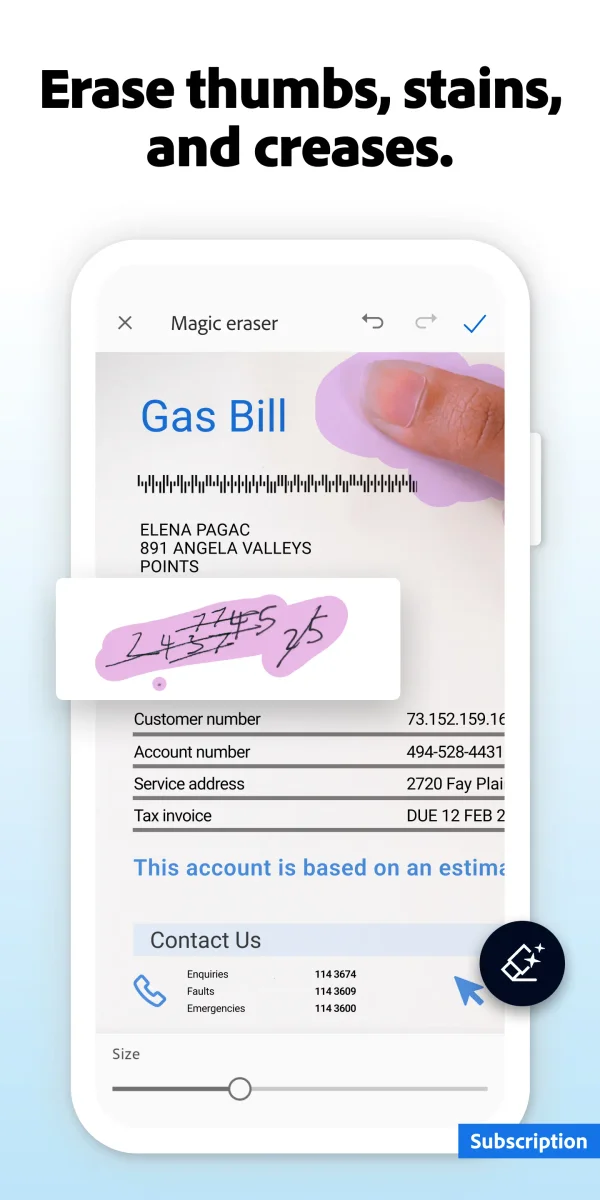
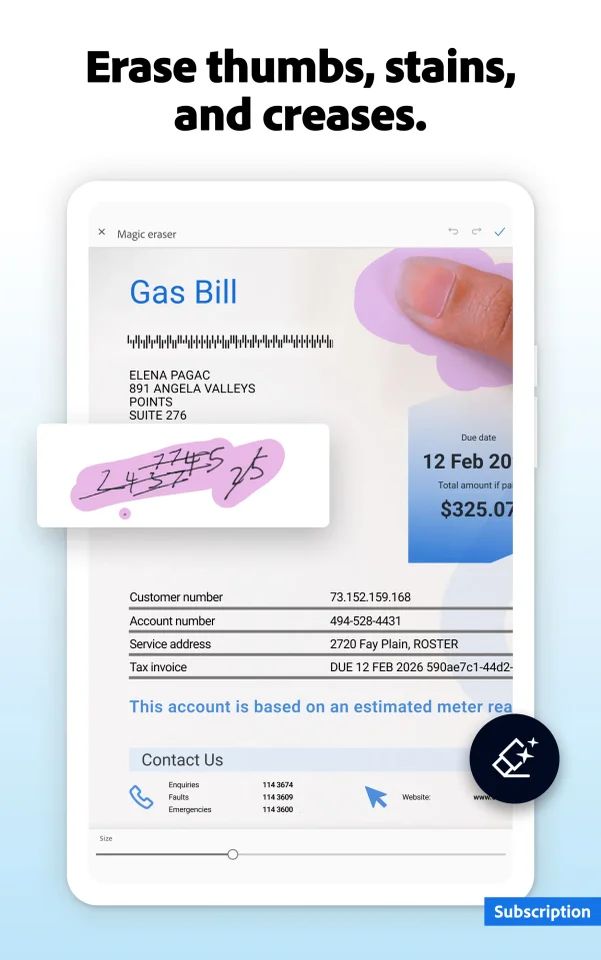
• The Magic eraser tool removes unwanted fingers, shadows, stains, and creases in your scan in one tap.
ORGANIZE YOUR DOCUMENTS
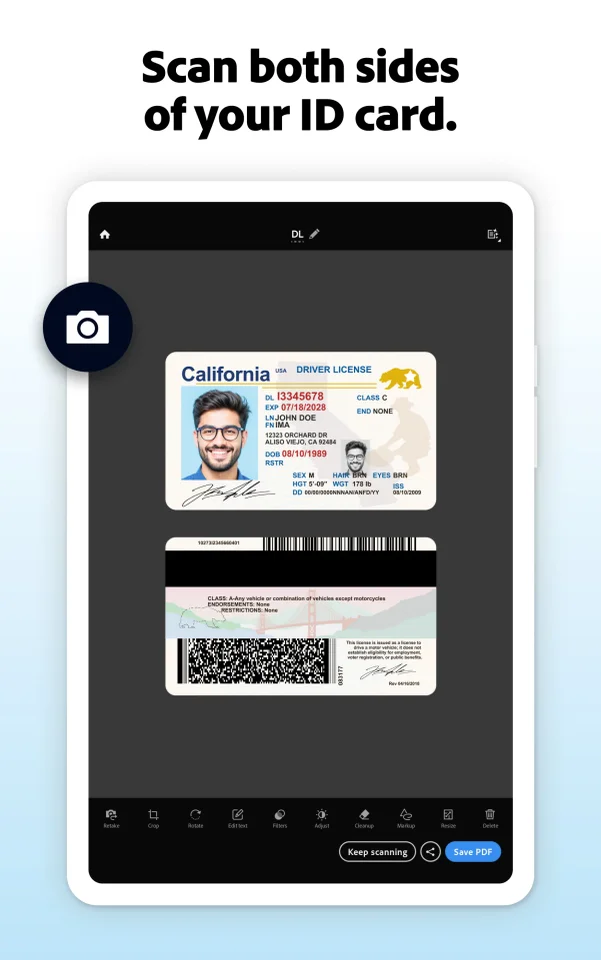
• A PDF maker that scans paperwork and lets you create custom folders for work documents, personal files, school forms, or ID scans.
• Contact details are pulled straight from business cards, so you can save them to your phone contacts in seconds.
• Scans are automatically saved to Adobe Document Cloud for instant access and sharing.
• Set a password to keep that important scan secure while you send it.
SMART LIBRARY
• This powerful scanner app and PDF maker finds documents, receipts, and photos in your library and converts them into PDFs.
• Touch up scans or turn photos into PDFs directly from your camera roll.
REUSE & SHARE
• A high-quality PDF maker and document scanner that unlocks text from images – from scanned contracts to study notes – so you can copy, edit, and reuse.
• Export your scans to Word, Excel, or PowerPoint for new formats, then share.
DO MORE WITH ACROBAT READER
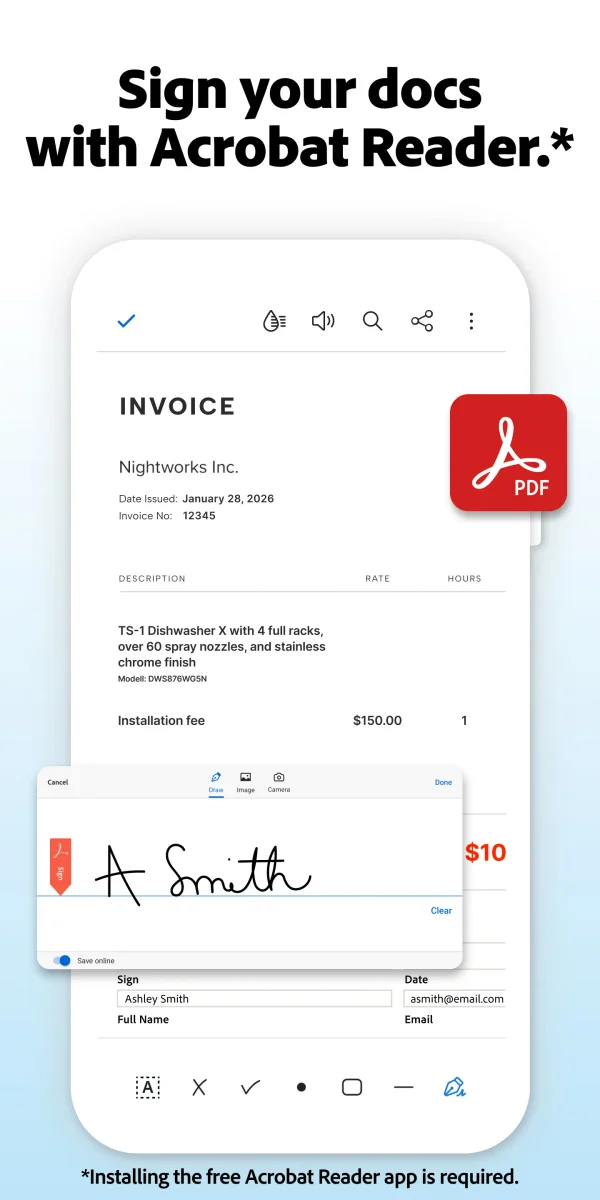
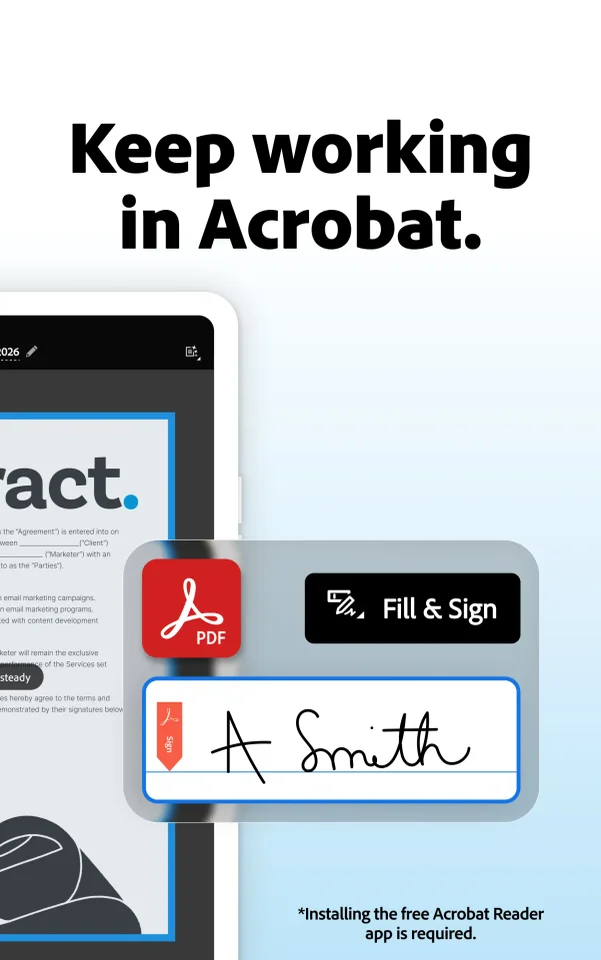
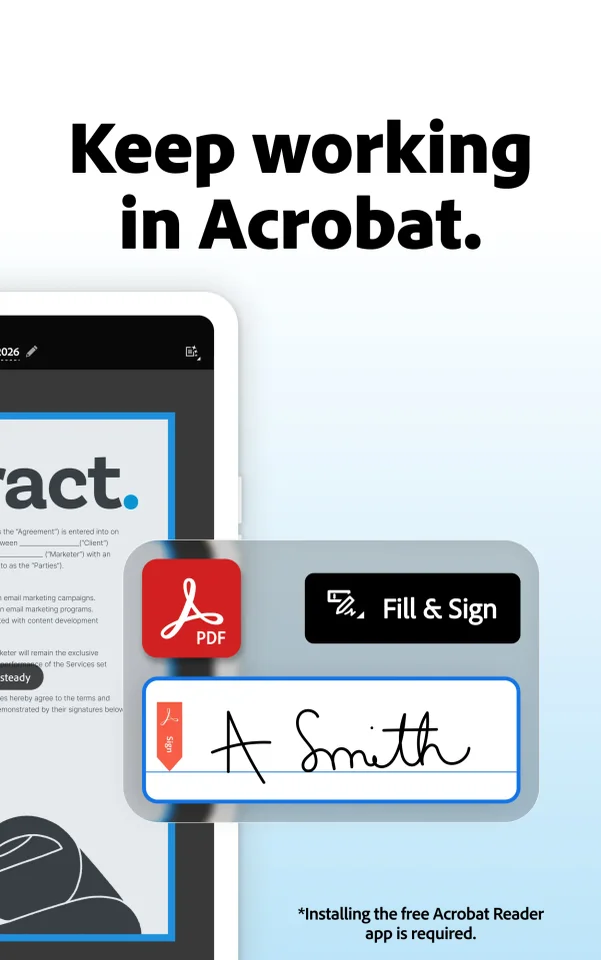
• Open your PDF scan in Acrobat Reader to comment, highlight, fill forms, and sign documents.
• Access and share securely across Scan, Reader, and Acrobat on web and mobile.
IN-APP PURCHASE
• Subscribe for even more scanning power. Subscriptions work across Scan and Reader mobile apps and Acrobat on the web.
• Combine scans into one file so you can take multiple scans and consolidate into one document.
• The scanner and PDF maker that lets you increase OCR capacity from 5 to 100 pages so that you can find text in multiple images.
Download this free mobile scanner app to convert important photos and documents into PDF and JPEG files to help you stay organized. Adobe Scan is the PDF converter trusted by millions worldwide.
Terms & Conditions:
Your use of this application is governed by the Adobe General Terms of Use http://www.adobe.com/go/terms_en and the Adobe Privacy Policy http://www.adobe.com/go/privacy_policy_en
Do Not Sell or Share My Personal Information: www.adobe.com/go/ca-rights
データ セーフティ
このアプリが収集・共有するデータについて、AdobeがGoogle Playで申告している内容です。
- このアプリはサードパーティと以下の種類のデータを共有することがありますおおよその現在地
- このアプリは以下の種類のデータを収集することがあります個人情報、アプリのアクティビティ
- データは送信中に暗号化されます
- データを削除するようリクエストできます
新機能
2026/11/3
IMPROVED:
• Performance and stability.
開発元の連絡先
- ウェブサイトhelpx.adobe.com
- メールGrp-adobescan-android@adobe.com
- プライバシーポリシーadobe.com
- 住所345 Park Ave San Jose, CA 95110 United States
情報
- 提供元
- Adobe
- カテゴリ
- ビジネス
- 更新日
- 2026/11/3
- リリース
- 2017/5/31
- 対象年齢
- 3 歳以上
- 価格
- 無料
- アプリ内課金
- ¥300~¥10,500/アイテム
- パッケージ名
- com.adobe.scan.android