AI GWC
AIwatch- 3 歳以上対象年齢
- カスタマイズカテゴリ
- 2026/8/14更新日
- 無料価格
com.watchfacestudio.ai_gwcのGoogle Play公式ページにリンクしています。最終確認:2026/11/24。

スクリーンショット



このアプリについて
Googleによる英語 (アメリカ合衆国)からの自動翻訳です。
シンプルな動き
シンプルな動きのアニメーション
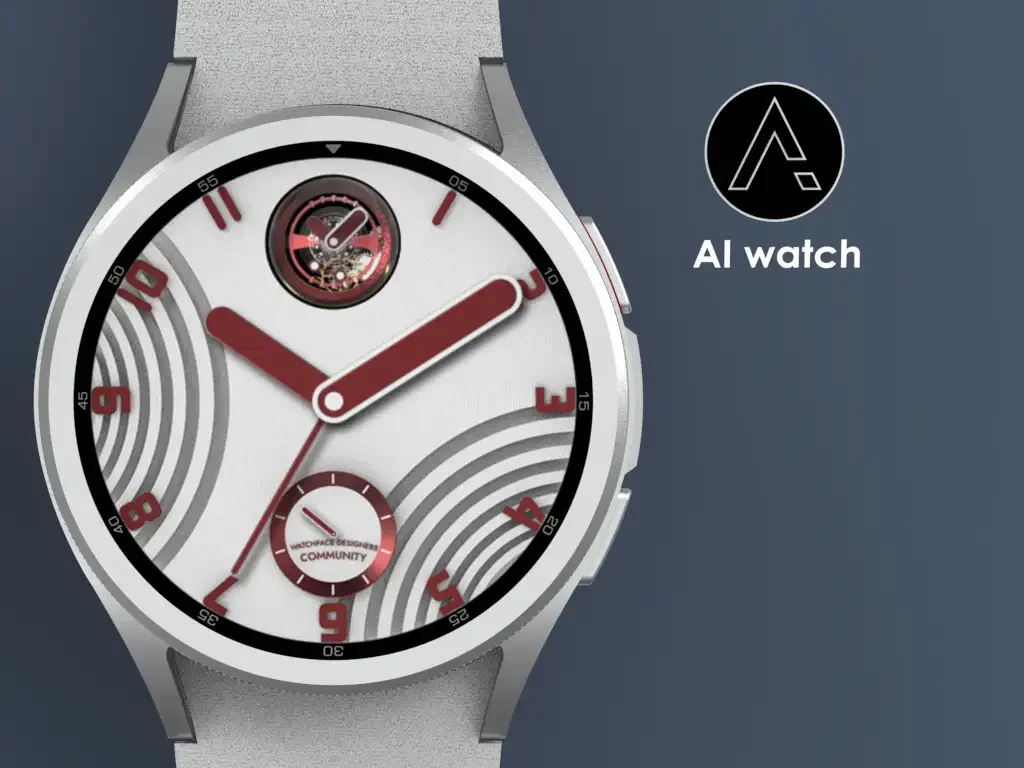
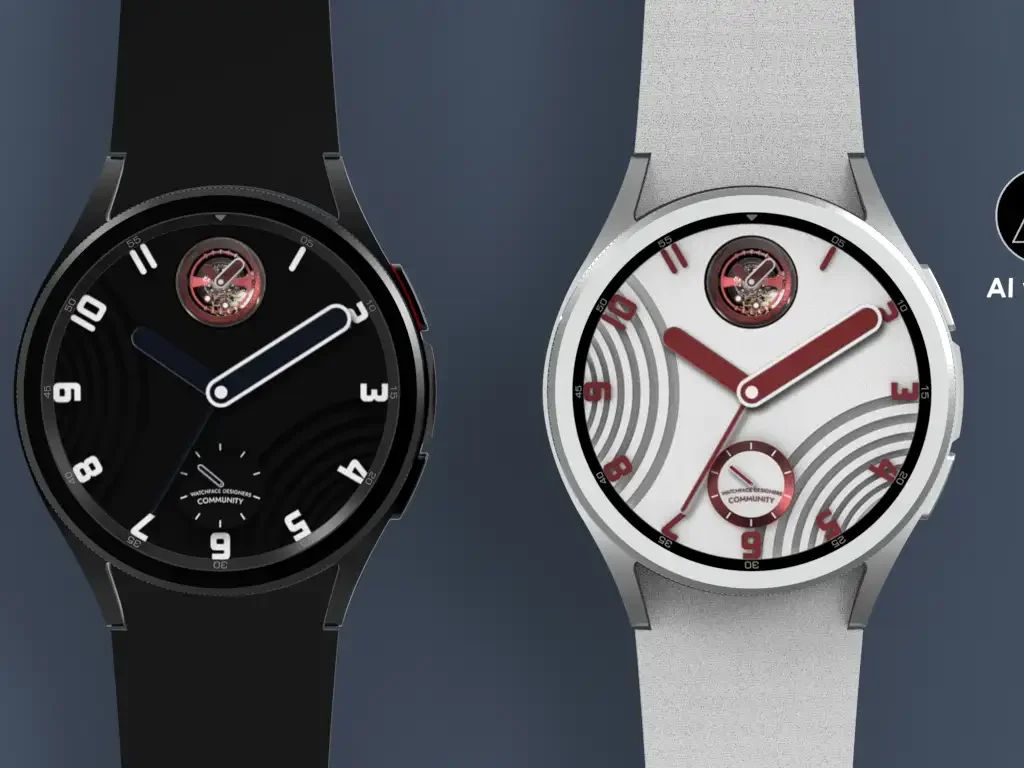
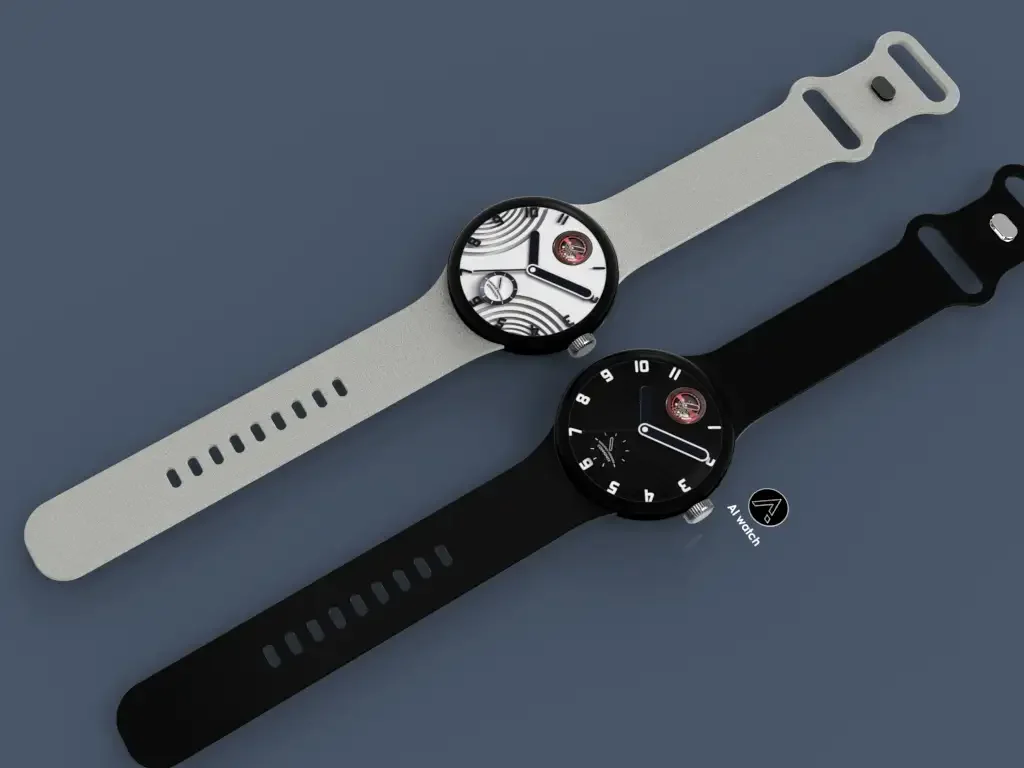
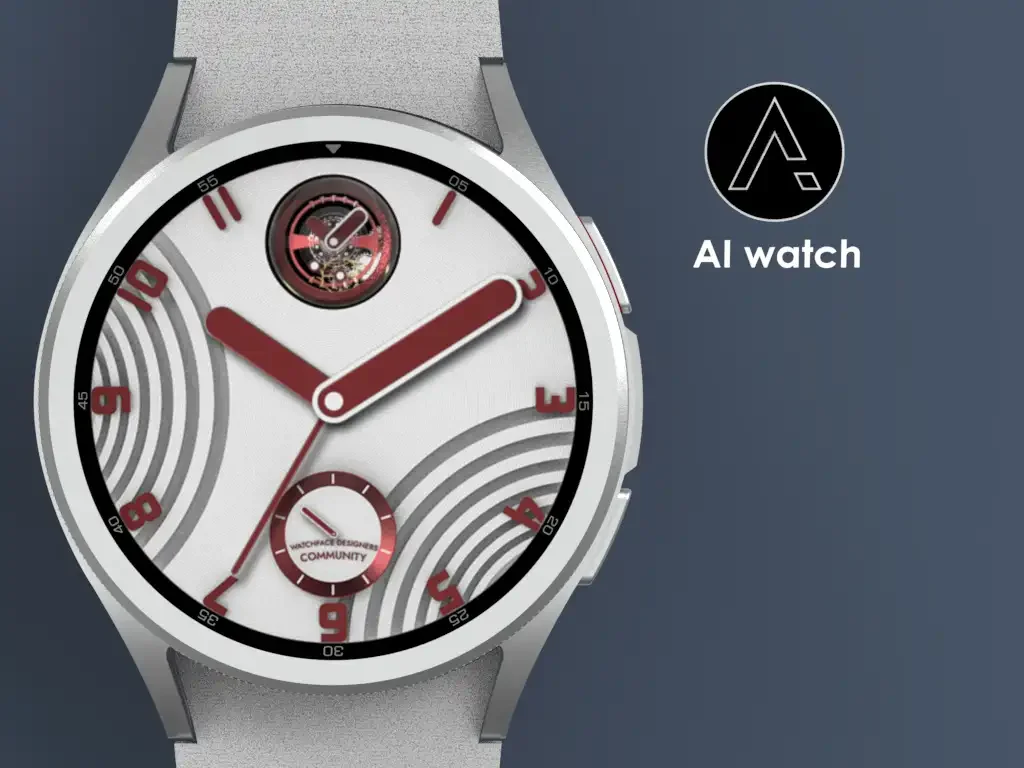
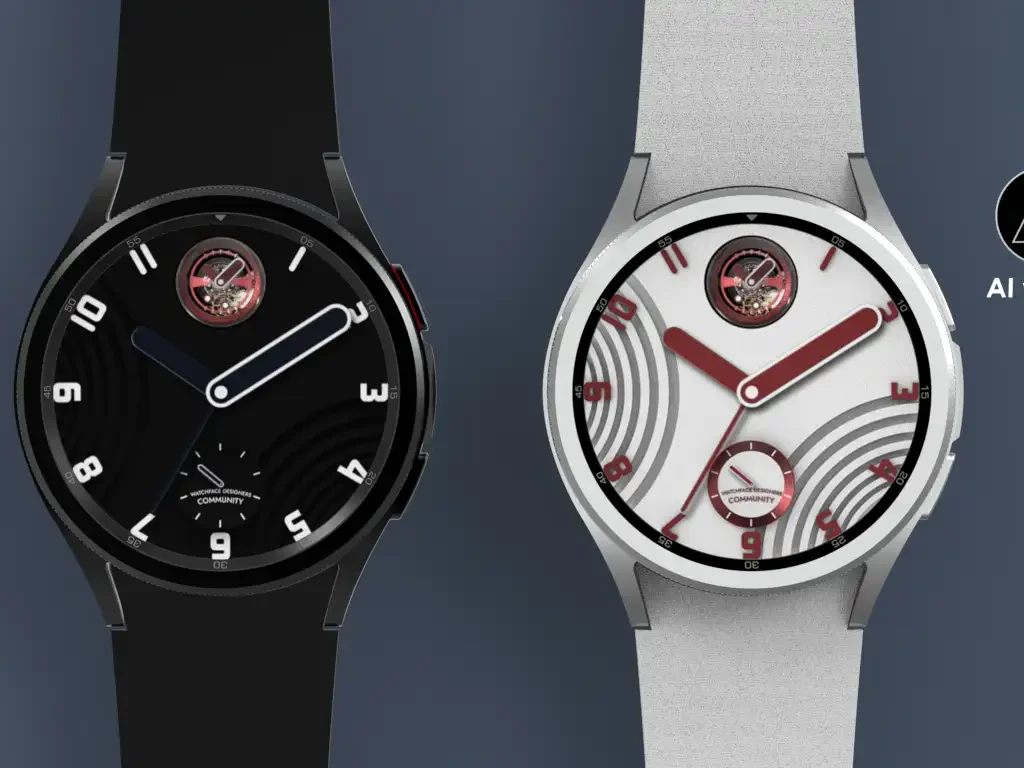
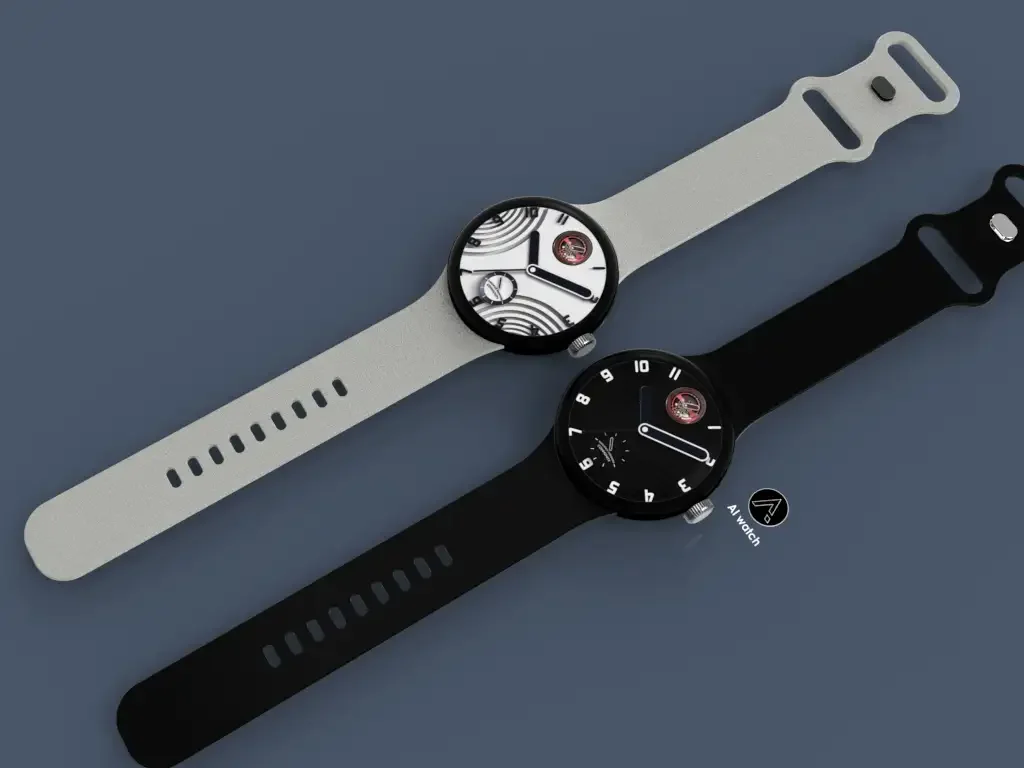
AIwatch アナログウォッチフェイス。
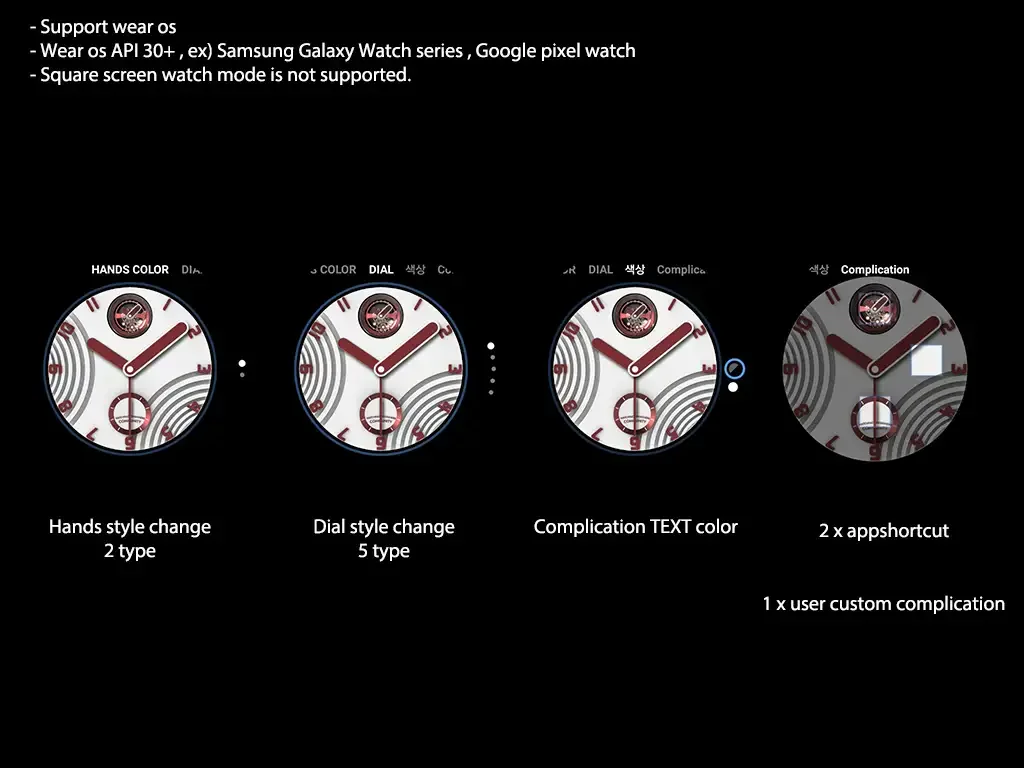
- Wear OS 対応
- スクエアスクリーンウォッチモードには対応していません。
長押し
カスタマイズ
- 針スタイル変更 - 2種類
- 文字盤スタイル変更 - 5種類
- コンプリケーション テキストカラー - 2色
- コンプリケーション ユーザー設定 1つ
- アプリショートカット 2つ
*** インストールガイド ***
モバイルアプリは、ウォッチアプリをインストールするためのヘルパーアプリです。
1. ウォッチとスマートフォンをBluetoothで接続する必要があります。
2. スマートフォンのコンパニオンアプリで「クリック」ボタンをタップします。
3. ウォッチの画面に従って操作すると、数分でウォッチフェイスがインストールされます。
ウォッチのGoogleアプリでウォッチフェイスを直接検索してインストールすることもできます。
モバイルのウェブブラウザで検索してインストールすることもできます。
サポート:aiwatchdesign@gmail.com
* Wear OS 対応 *
原文を表示
Simple Movement Animation
AIwatch analog watch face.
- Support wear os
- Square screen watch mode is not supported.
Press & Hold
Customizing
- Hands style change - 2 type
- Dial style change - 5 type
- Complication TEXT color - 2 color
- 1 x Complication user setting
- 2 x appshortcut
*** Installation Guide ***
The mobile app is a helper app for installing the watch app.
1. The watch and mobile phone must be connected via Bluetooth.
2. Tap the "CLICK" button on your phone's companion app.
3. Follow the screen of the watch to install the watch face in a few minutes.
You can also directly search for the watch face in the watch's Google app and install it.
You can search and install it in your mobile Mobile web browser.
support : aiwatchdesign@gmail.com
* Support Wear OS *
データ セーフティ
このアプリが収集・共有するデータについて、AIwatchがGoogle Playで申告している内容です。
- 第三者と共有されるデータはありません詳しくは、デベロッパーが共有を申告する方法についての説明をご覧ください
- データは収集されません詳しくは、デベロッパーが収集を申告する方法についての説明をご覧ください
開発元の連絡先
- ウェブサイトcafe.naver.com
- メールpocary70@gmail.com
- プライバシーポリシーsites.google.com
- 住所완정로65번안길 17 (마전동, 금호어울림아파트) 101동204호 검단구, 인천광역시 23469 South Korea
情報
- 提供元
- AIwatch
- カテゴリ
- カスタマイズ
- バージョン
- 1.0.0
- 更新日
- 2026/8/14
- リリース
- 2022/2/22
- 対象年齢
- 3 歳以上
- 価格
- 無料
- パッケージ名
- com.watchfacestudio.ai_gwc
類似のアプリ
-
 Outdoor Fit (H009)
カスタマイズ
-
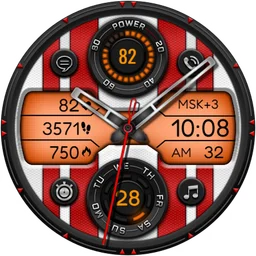 Hybrid TARDAN Watch face
カスタマイズ
-
 BLACK HOWK
カスタマイズ
-
 Nacre Bordeaux: Skeleton Watch
カスタマイズ
-
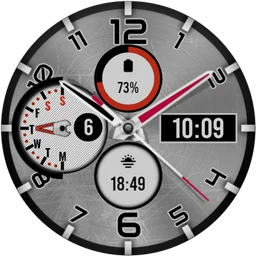 Tancha Elegant Watch Face
カスタマイズ
-
 S4U Ancient Winter SE
カスタマイズ
-
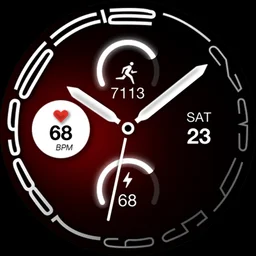 ML2U 290 Watch Face
カスタマイズ
-
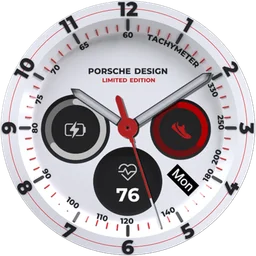 Analog Sport Watchface V1
カスタマイズ
-
 カタール - ウォッチフェイス
カスタマイズ
-
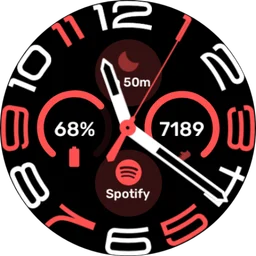 Stretched time - Watchface
カスタマイズ
-
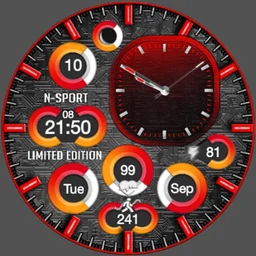 N-SPORT284 Hybird Color Face
カスタマイズ
-
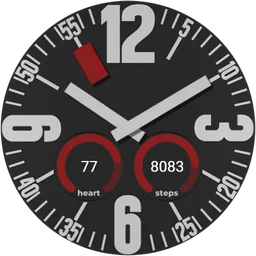 OH black watch face minimal
カスタマイズ