Almighty Volume Keys: Remapper
Galaxy studio apps広告を含む · アプリ内課金
- 3 歳以上対象年齢
- ツールカテゴリ
- 2025/12/29更新日
- 無料価格
com.masel.almightyvolumekeysのGoogle Play公式ページにリンクしています。最終確認:2026/11/28。

スクリーンショット
このアプリについて
Googleによる英語 (アメリカ合衆国)からの自動翻訳です。
音量キーは、音量を変更するだけではありません。
オールマイティ ボリューム キー – デバイスのボタンを再定義します!
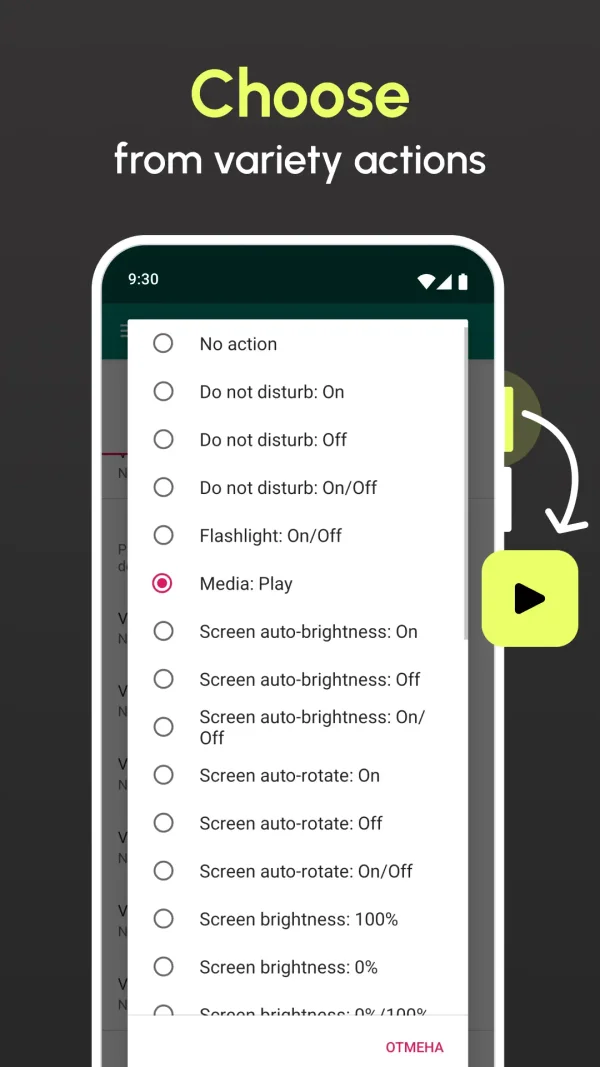
オールマイティ ボリューム キーを使用して、デバイスのボリューム ボタンの可能性を最大限に引き出します。このアプリは、画面に触れることなく、ハードウェア ボタンを日常業務用の多用途ツールに変換します。ボリューム コントロール ボタンの変更により、デバイスの使用をシームレスかつ効率的に保ちながら、ボタンの再マッピング、特定のコマンドの割り当て、機能のカスタマイズを可能にして、完全な制御が可能になります。デバイスの音量ボタンをサウンドの調整だけに制限する必要はもうありません。音量調節ボタンを変更して、さまざまなコマンドを実行します。全能のボリューム キーを使用すると、デバイスを思いのままに操作できます。
📄 Almighty ボリューム キーの主な機能: 📄
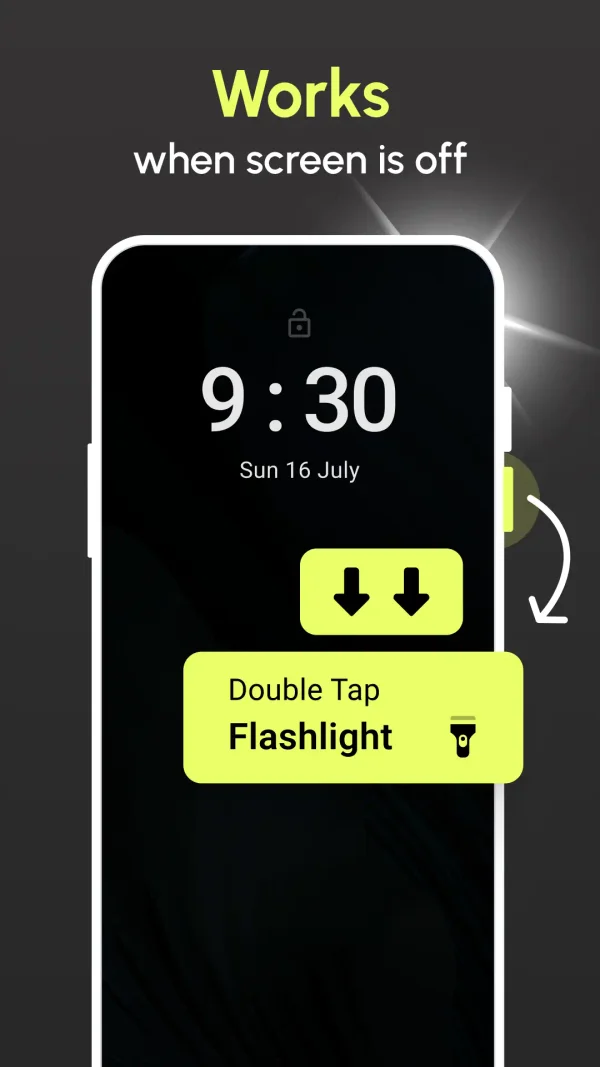
🔼音量ボタンを使用して懐中電灯のオンとオフを切り替えます。
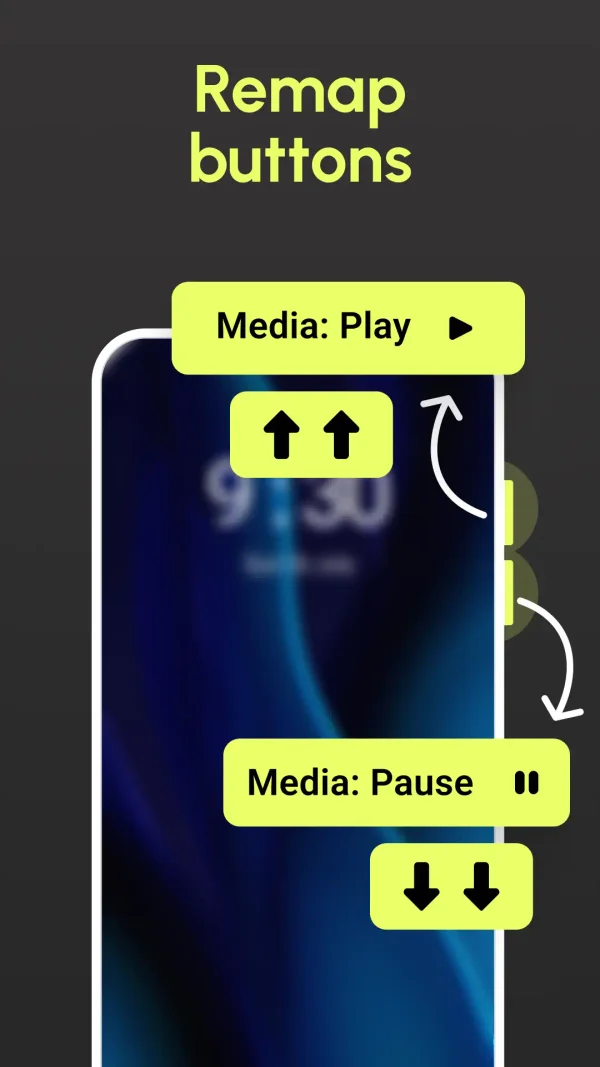
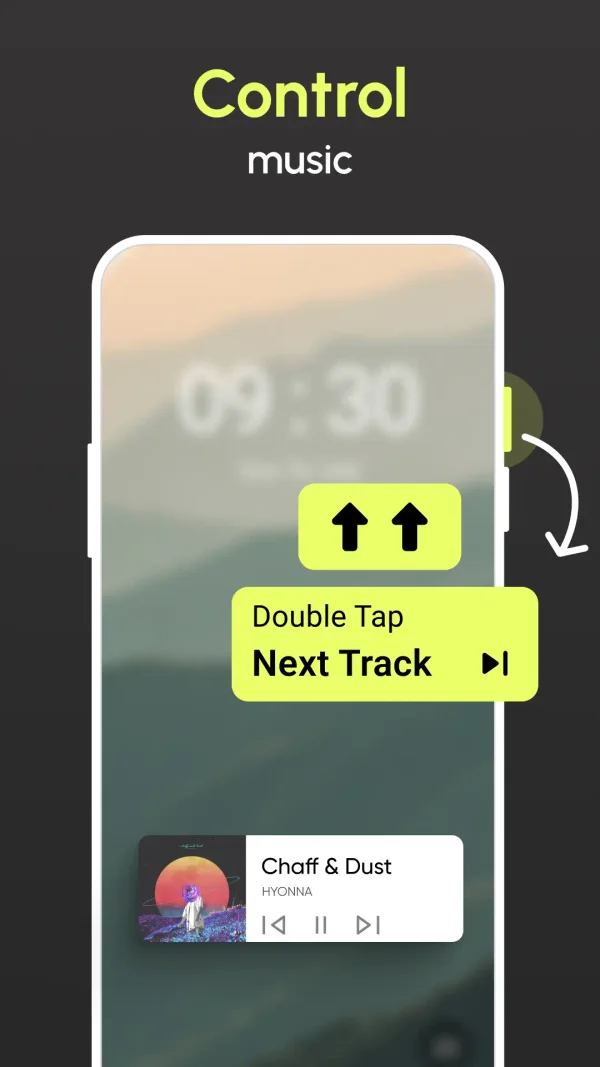
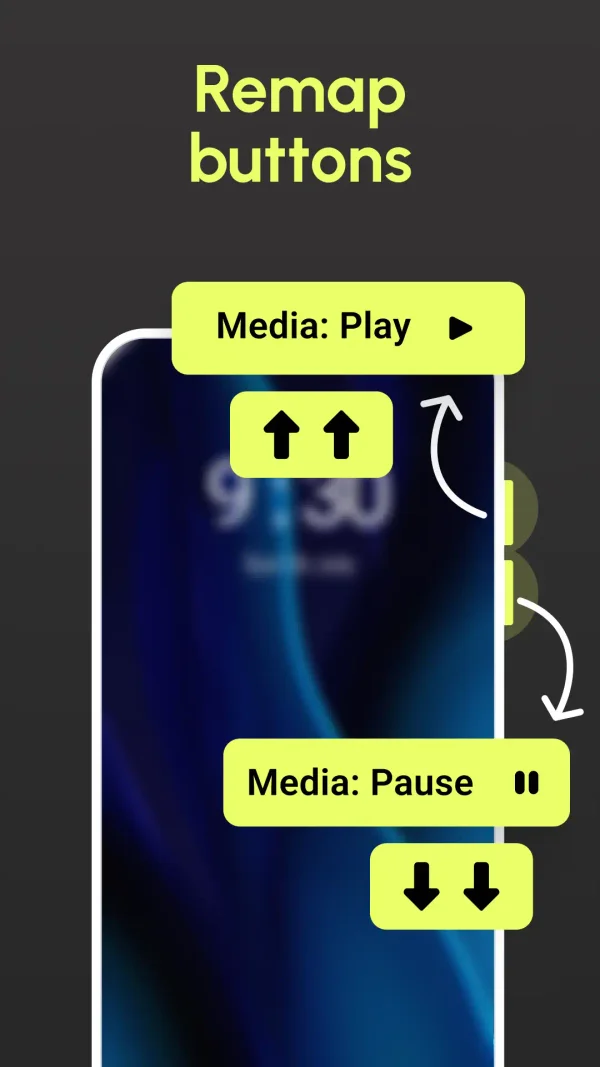
🔽完全な音楽コントロール(再生/一時停止/トラック/前のトラック)用にボタンを再マップします。
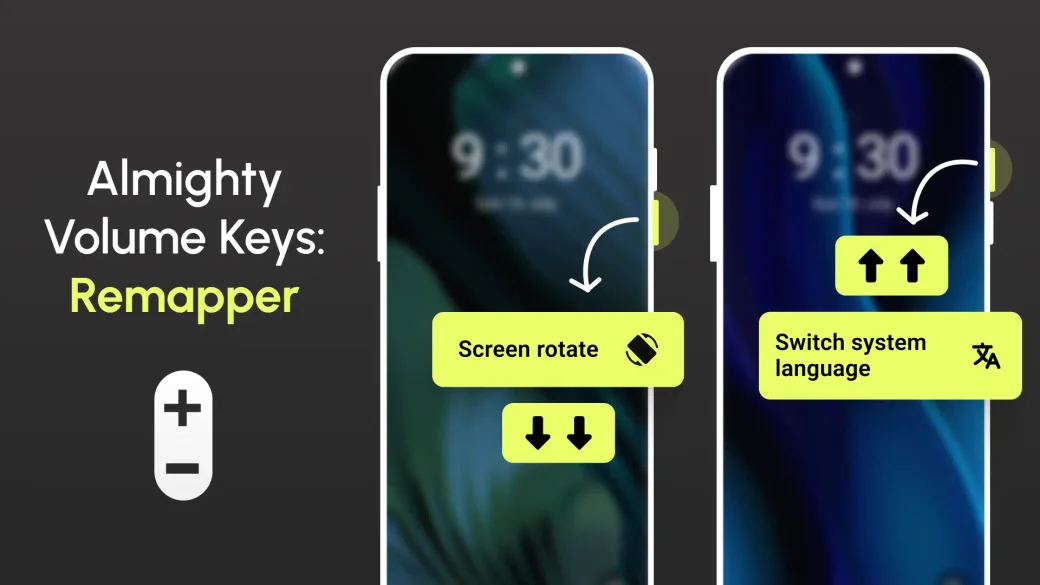
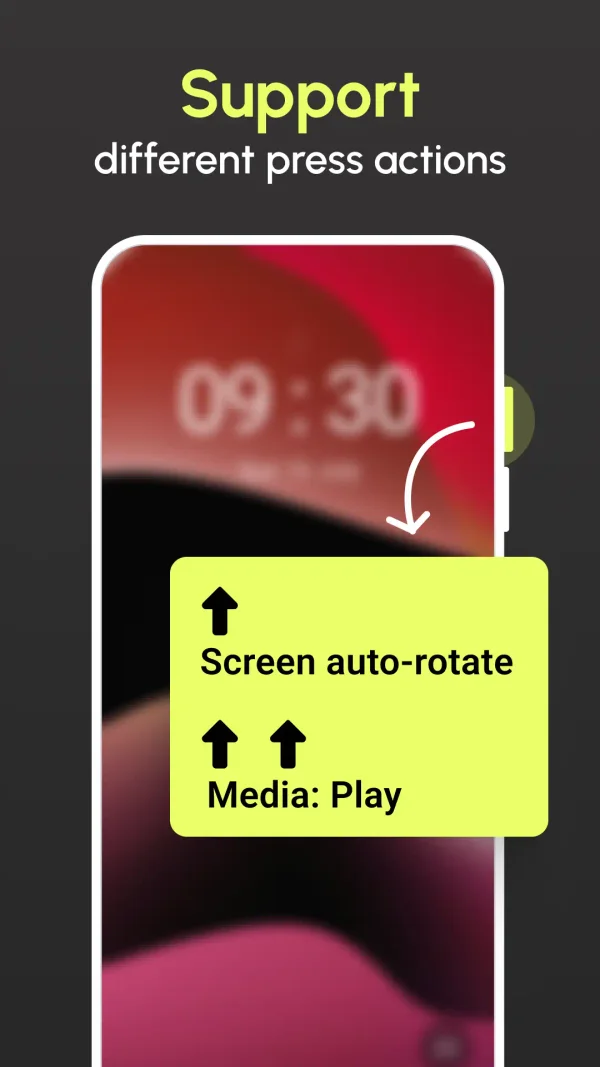
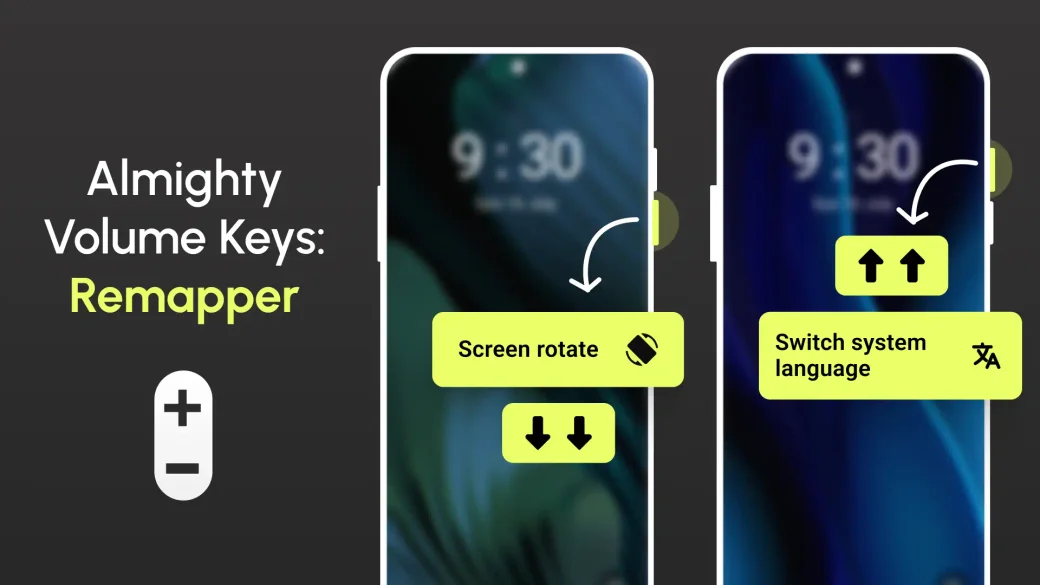
🔼画面の回転、言語の切り替え、時刻の表示などのアクションのボタンの組み合わせを設定します。
🔽サウンドモード(サウンド/バイブ/ミュート)を簡単に切り替えます。
🔼簡単なボタンコマンドで画面の自動回転設定を変更します。
🔽 おやすみモードを即座に有効またはオフにします。
🔼 デバイスのロックを解除したり操作したりせずに、クイックアクションを実行します。
🔽ボタンを押すだけで音声を録音します。
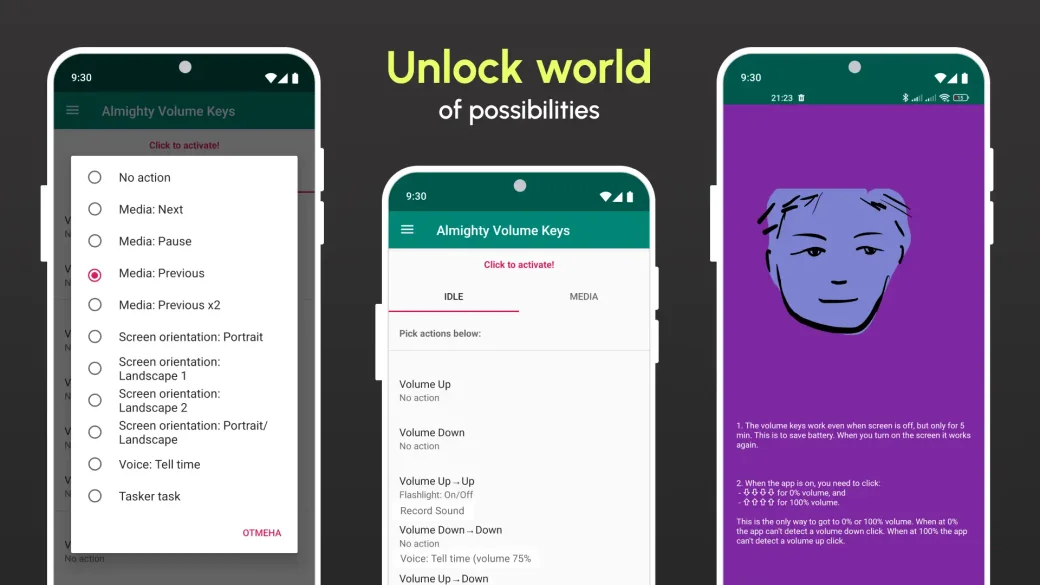
🔼拡張自動化のために Tasker タスクを実行します。
🔽そして、はい、いつものように音量を調整してください。
万能な音量キーで音量ボタンをカスタマイズしましょう!
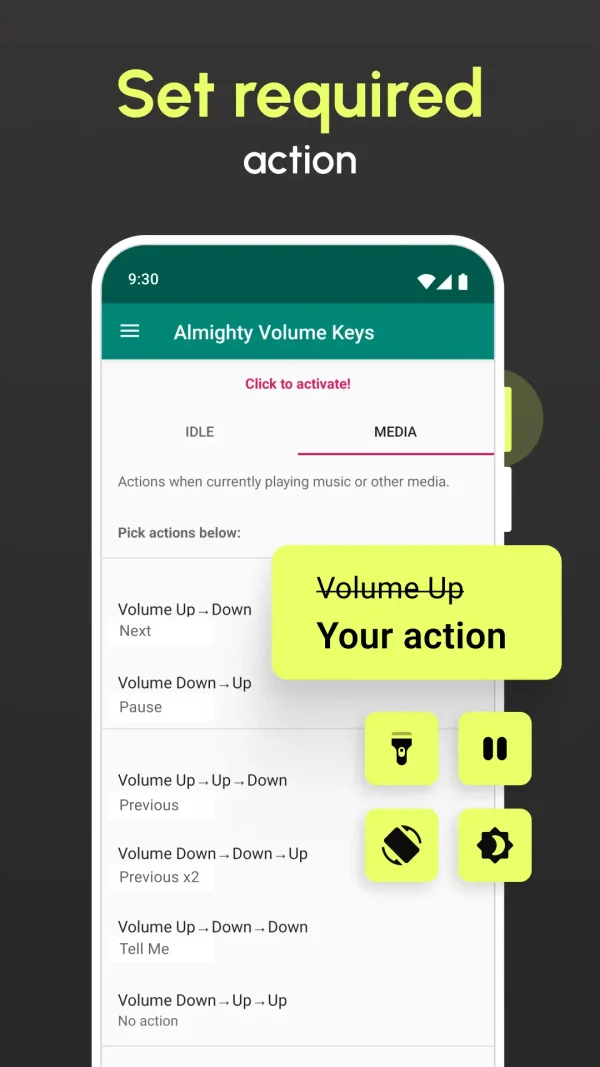
Almighty Volume Keys を使用すると、好みに合わせてボタンを再マッピングできるため、ボタンを毎日のタスクに不可欠なショートカットに変えることができます。簡単な懐中電灯が必要な場合でも、音楽トラックをスキップしたい場合でも、デバイスをすぐにミュートしたい場合でも、ニーズに合わせて音量コントロール ボタンを変更できます。好みのコマンドを設定するだけで、Almighty Volume Keys が毎回正確にコマンドを実行します。
ハンズフリーで簡単なコントロール: 🎶
Almighty Volume Keys を使用すると、簡単な作業を行うためにデバイスをポケットから取り出したり、手袋を外したりする必要がなくなります。ボタンを再マップして作業を容易にし、画面がオフの場合でも重要な機能を制御します。このボタン マッパー アプリでは、音楽コントロールから言語設定まで、あらゆるものに簡単にアクセスできます。
タスクを自動化して生産性を向上: 🚀
Tasker と Almighty Volume Keys の統合を利用して、ボタンを 1 回押すだけでさまざまな機能を自動化します。 Button Mapper は、特定の設定のアクティブ化、アプリの起動、または独自の機能の実行などを完全に制御します。
カスタム アクションで整理整頓: 📲
デバイス上で独自の組み合わせを設定することでルーチンを簡素化します。ボタン マッパーを使用すると、ボリュームを上げて懐中電灯をオンにしたり、ダブルタップして音をミュートしたりするなど、複数のボタンを押して特定のアクションをアクティブ化できます。
オールマイティ ボリューム キーで究極のコントロールを体験してください!
オールマイティ ボリューム キーでデバイスのボタンを変換し、真にパーソナライズされたエクスペリエンスの自由をお楽しみください。ボリューム コントロール ボタンを変更して、単なる音量調整以上のことを実行できます。このオールインワン ボタン マッパー アプリを使用して、ボタンを再マップし、タスクを自動化し、デバイスを最大限に活用してください。より革新的なデバイス インタラクションを楽しみ、これまでにない利便性を体験してください。このアプリは、さまざまな方法を使用してキーの押下を監視できます。一部のデバイスで確実に動作させるには、AccessibilityService API にアクセス許可を与える必要があります。この権限は通常、障害のある人を対象としたアプリで使用されますが、この場合はキーの押下を検出するためだけに使用されます。
原文を表示
Almighty Volume Keys – Redefine Your Device’s Buttons!
Unlock the full potential of your device’s volume buttons with Almighty Volume Keys! This app transforms hardware buttons into versatile tools for everyday tasks without touching the screen. Change Volume Control Buttons gives you complete control, allowing you to remap buttons, assign specific commands, and customize functions – all while keeping your device usage seamless and efficient.No more limiting your device’s volume buttons to adjusting sound; change volume control buttons to execute various commands. With Almighty Volume Keys, your device is in your hands on your terms!
📄 Key Features of Almighty Volume Keys: 📄
🔼Use volume buttons to turn the flashlight on and off;
🔽Remap buttons for full music control (play/pause/skip track/previous track);
🔼Set up button combinations for actions like screen rotation, language switching, or telling time;
🔽Switch sound modes (sound/vibrate/mute) with ease;
🔼Change screen auto-rotation settings with a simple button command;
🔽 Enable or turn off Do Not Disturb mode instantly;
🔼 Perform quick actions without unlocking or handling the device;
🔽Record audio with a button press;
🔼Execute a Tasker task for extended automation;
🔽And yes, adjust the volume as usual!
Personalize Your Volume Buttons with Almighty Volume Keys!
Almighty Volume Keys empowers you to remap buttons to suit your preferences, turning them into essential shortcuts for daily tasks. Whether you need a quick flashlight, want to skip music tracks, or mute your device instantly, change volume control buttons to meet your needs. Just set the commands you prefer, and Almighty Volume Keys will execute them accurately every time.
Hands-Free and Effortless Control: 🎶
With Almighty Volume Keys, you no longer need to take your device out of your pocket or remove your gloves to perform simple tasks. Remap buttons to make your life easier and control essential functions even with the screen off. This button mapper app offers hassle-free access to everything from music controls to language settings.
Automate Tasks for Enhanced Productivity: 🚀
Take advantage of Tasker integration with Almighty Volume Keys to automate various functions with a single button press. Button Mapper provides complete control, whether activating specific settings, launching apps, or performing unique functions.
Stay Organized with Custom Actions: 📲
Simplify your routine by setting unique combinations on your device. With the Button Mapper, use multiple button presses to activate specific actions, like volume up to turn on the flashlight or a double tap to mute sounds.
Experience Ultimate Control with Almighty Volume Keys!
Transform your device’s buttons with Almighty Volume Keys and enjoy the freedom of a truly personalized experience—change volume control buttons to perform more than just volume adjustments. Remap buttons, automate tasks and make the most out of your device today with this all-in-one button mapper app. Enjoy more innovative device interactions and experience convenience like never before!This app can use different methods to monitor key presses. To make it work reliably on some devices, you're required to give permission to AccessibilityService API. This permission is usually used by apps targeted for people with disabilities, but in this case it's just for detecting key presses.
データ セーフティ
このアプリが収集・共有するデータについて、Galaxy studio appsがGoogle Playで申告している内容です。
- このアプリはサードパーティと以下の種類のデータを共有することがありますファイル、ドキュメント
- データは収集されません詳しくは、デベロッパーが収集を申告する方法についての説明をご覧ください
- データは送信中に暗号化されます
- データを削除できません
新機能
バージョン 4.1.0 · 2025/12/29
- Improve stability
- Request ad consent
開発元の連絡先
- ウェブサイトgalaxystudioapps.me
- メールsupport.almightyvolumekeys@galaxystudioapps.me
- プライバシーポリシーgalaxystudioapps.me
- 住所8 The Grn Ste 4184 Dover, DE 19901-3618 United States
情報
- 提供元
- Galaxy studio apps
- カテゴリ
- ツール
- バージョン
- 4.1.0
- 更新日
- 2025/12/29
- リリース
- 2020/1/28
- 必要条件
- Android 8.0以降
- 対象年齢
- 3 歳以上
- 価格
- 無料
- アプリ内課金
- ¥110~¥10,900/アイテム
- パッケージ名
- com.masel.almightyvolumekeys