Animated Earth Watchfaces PRO
Systorso Inc.広告を含む
- 3 歳以上対象年齢
- カスタマイズカテゴリ
- 2026/3/25更新日
- ¥560価格
animatedwearosface.earthwatchface.animatedearthwearos.proのGoogle Play公式ページにリンクしています。最終確認:2026/11/15。

スクリーンショット
このアプリについて
Googleによる英語 (アメリカ合衆国)からの自動翻訳です。
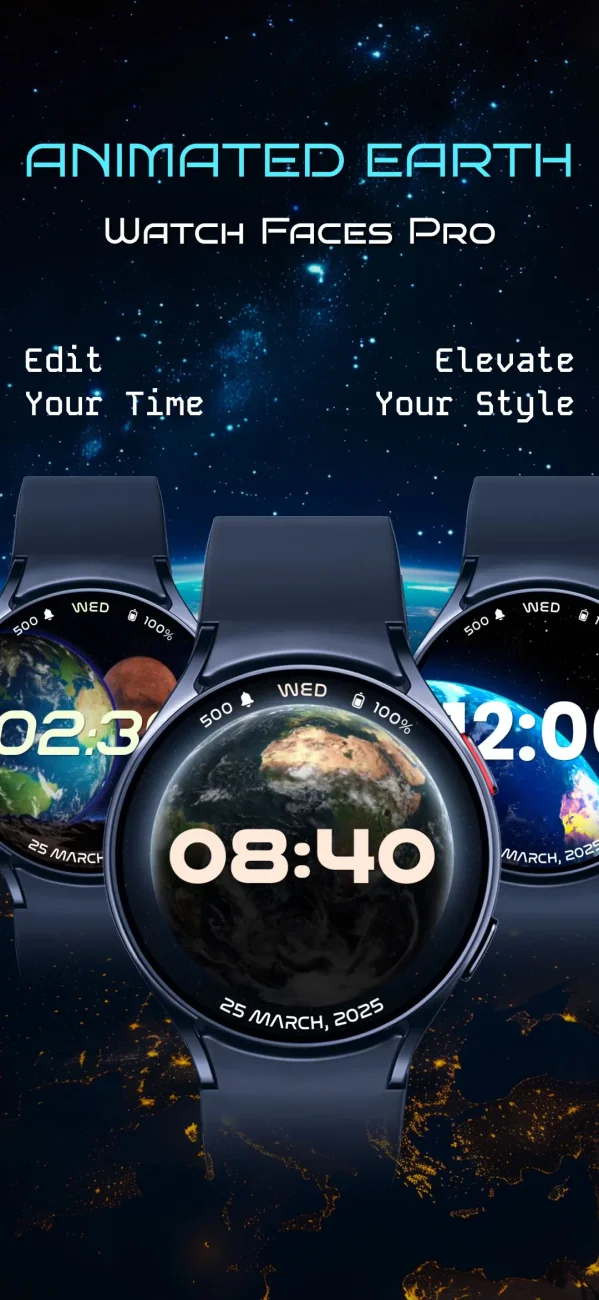
Wear OSを真に輝かせる、エレガントなアニメーション地球ウォッチフェイス。
Animated Earth Watchfaces PROで、躍動する地球の美しさを体感してください。スマートウォッチを見るたびに、光り輝き、回転し、細部まで生き生きと動き回る地球の魅惑的な景色が広がります。
夢見る人、旅人、そして宇宙を愛する人のためにデザインされたこのアニメーション地球ウォッチフェイスは、Wear OSスマートウォッチに優雅さと驚きをもたらします。単に時間を知るだけでなく、あなたが生きる世界との繋がりを感じさせてくれるのです。
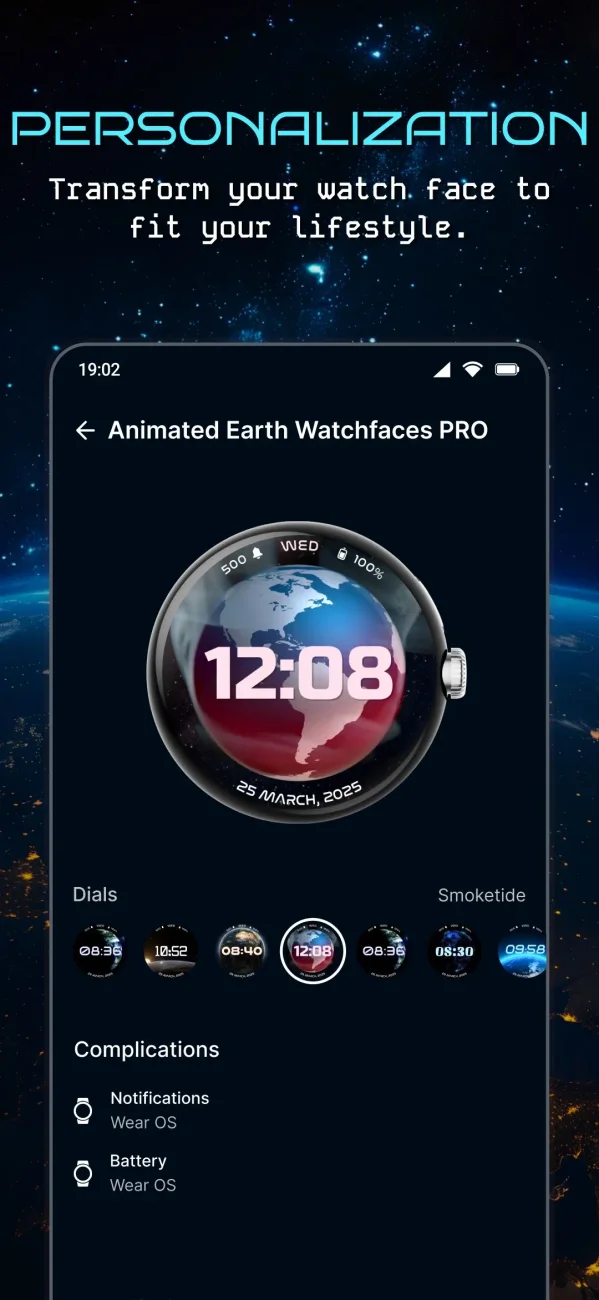
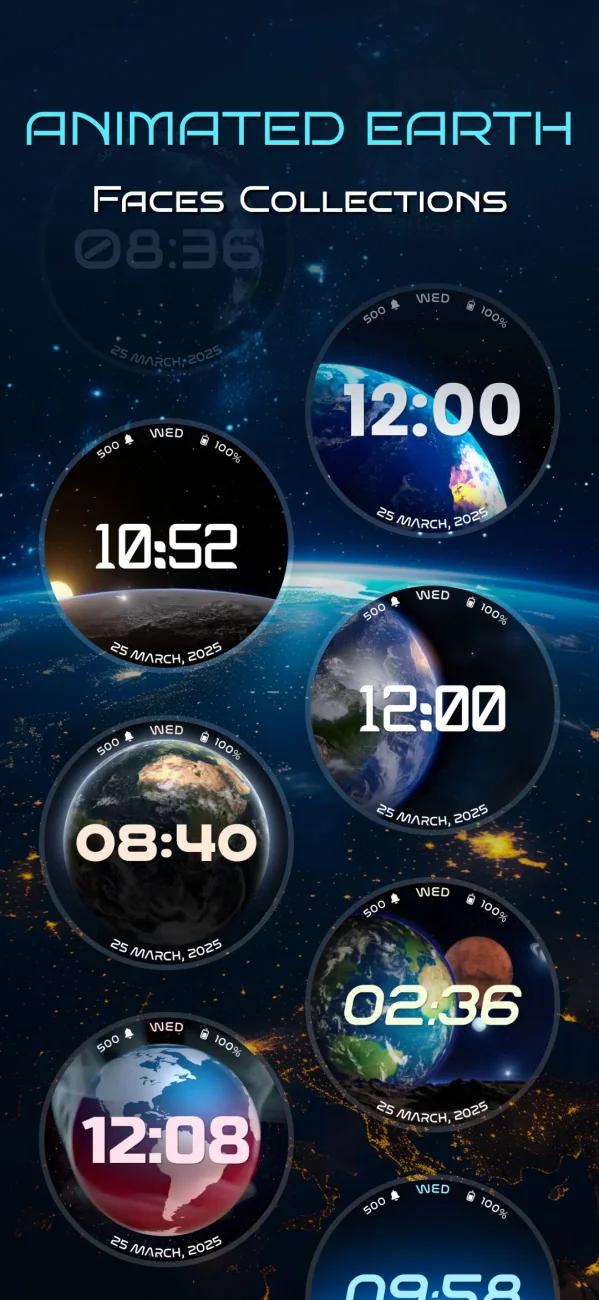
ダイナミックで鮮やかなアニメーションダイヤルで、あなたのスタイルをカスタマイズしましょう。個性的でスタイリッシュなコレクションで、スマートウォッチのスタイルをパーソナライズできます。ミニマルなエレガンスから精緻な3Dエフェクトまで、あらゆるシーンにぴったりのウォッチフェイスが見つかります。
このライブ地球ウォッチフェイスアプリは、様々なアニメーションテーマを備えたモダンなデジタルダイヤルを提供します。お好みのテーマを選んで、ウォッチ画面に適用できます。
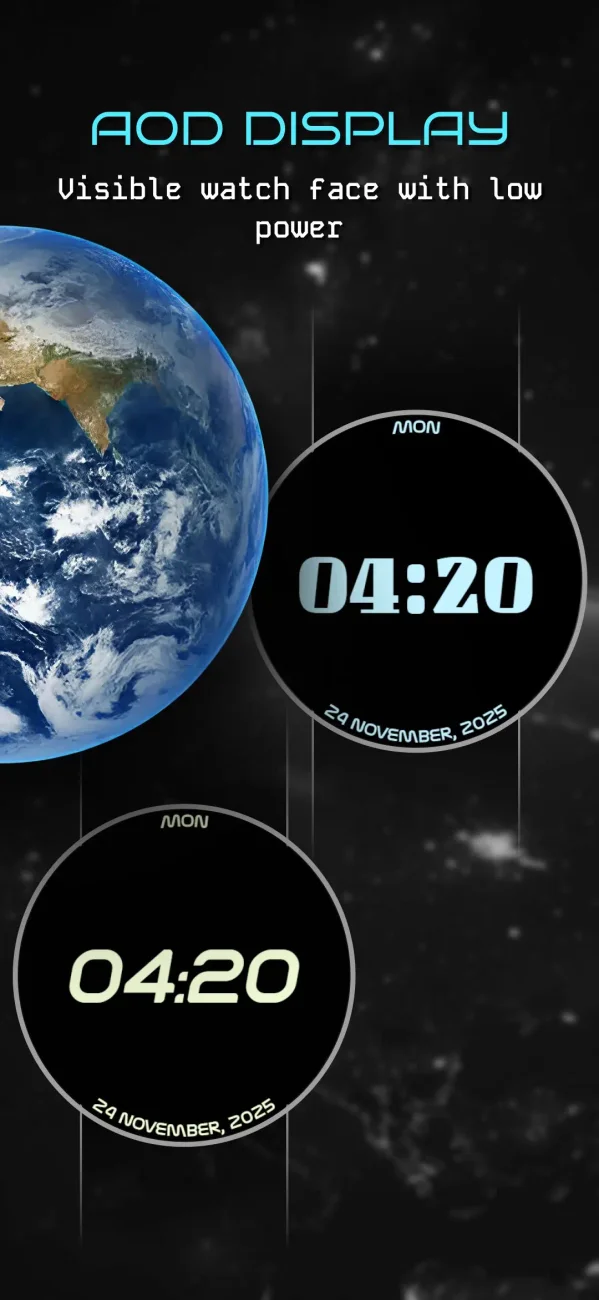
各ウォッチフェイスは、時代を超越したデザインと最新の機能を兼ね備えるよう、丁寧にデザインされています。この地球ライブウォッチフェイスアプリは、常時表示ディスプレイ(AOD)に対応しています。画面を点灯させなくても、一目で時間を確認できます。
Earth Live Watchfaceアプリの主な機能:
• 地球をテーマにしたアニメーションデジタルダイヤル
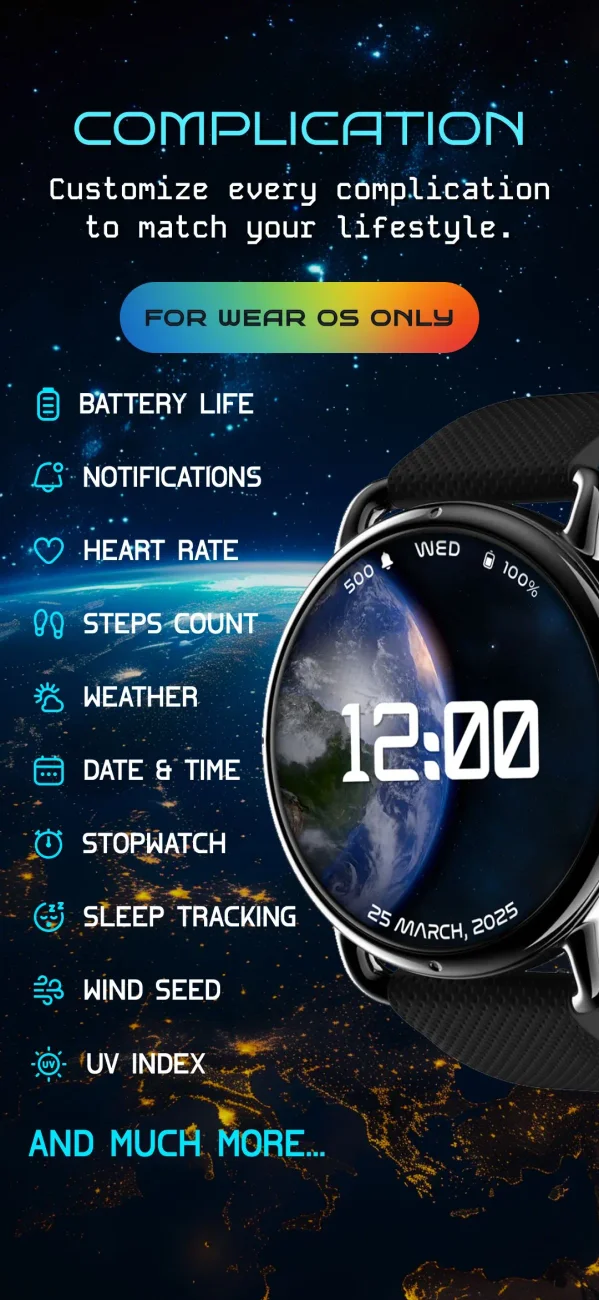
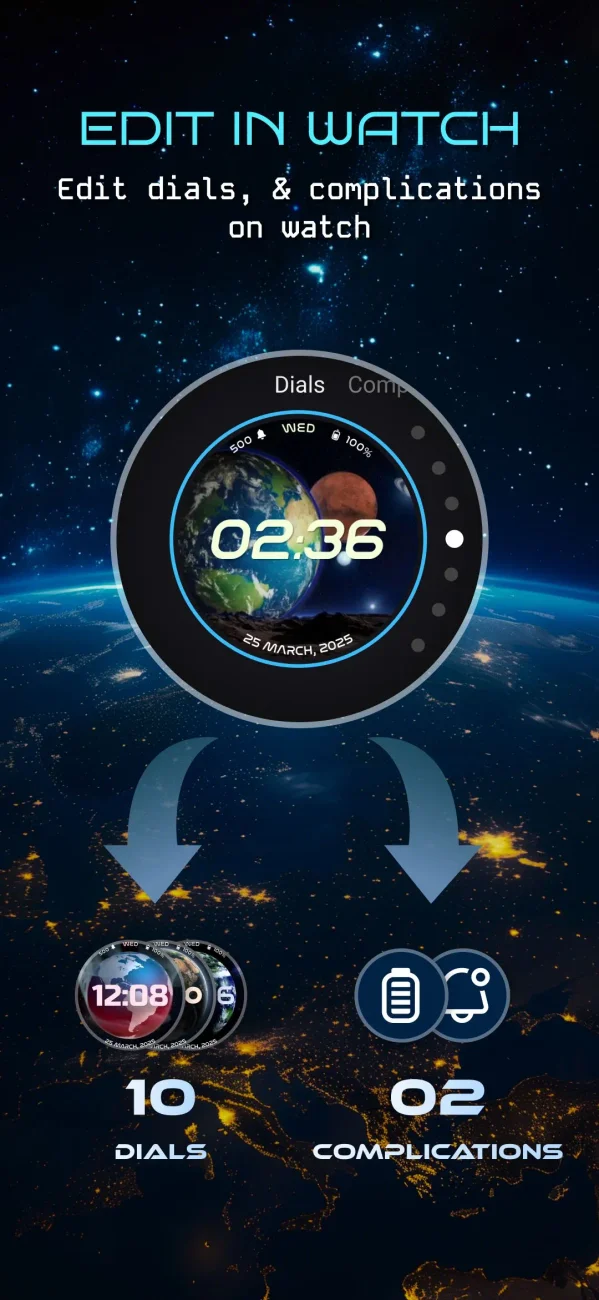
• カスタマイズ可能なコンプリケーション
• AOD(常時表示ディスプレイ)対応
• Wear OS 4、Wear OS 5、Wear OS 6、およびそれ以降のすべてのWear OS搭載スマートウォッチに対応。
対応デバイス:
このEarth Watchfaceアプリは、APIレベル33以上のデバイスに対応しています。
- Samsung Galaxy Watch 8 Classic
- Samsung Galaxy Watch 8
- Samsung Galaxy Watch 4/4 Classic
- Samsung Galaxy Watch 5/5 Pro
- Samsung Galaxy Watch 6/6 Classic
- Samsung Galaxy Watch 7/7 Ultra
- Google Pixel Watch 3
- Google Pixel Watch 4
- Fossil Gen 6 Wellness Edition
- Mobvoi TicWatch Pro 5 以降のモデル
コンプリケーション:
Wear OSスマートウォッチの画面に、以下のコンプリケーションを選択して表示できます。
- 日付
- 曜日
- 日付と曜日
- 次のイベント
- 時刻
- 歩数カウント
- 日の出と日の入り
- バッテリー残量
- 世界時計
- その他
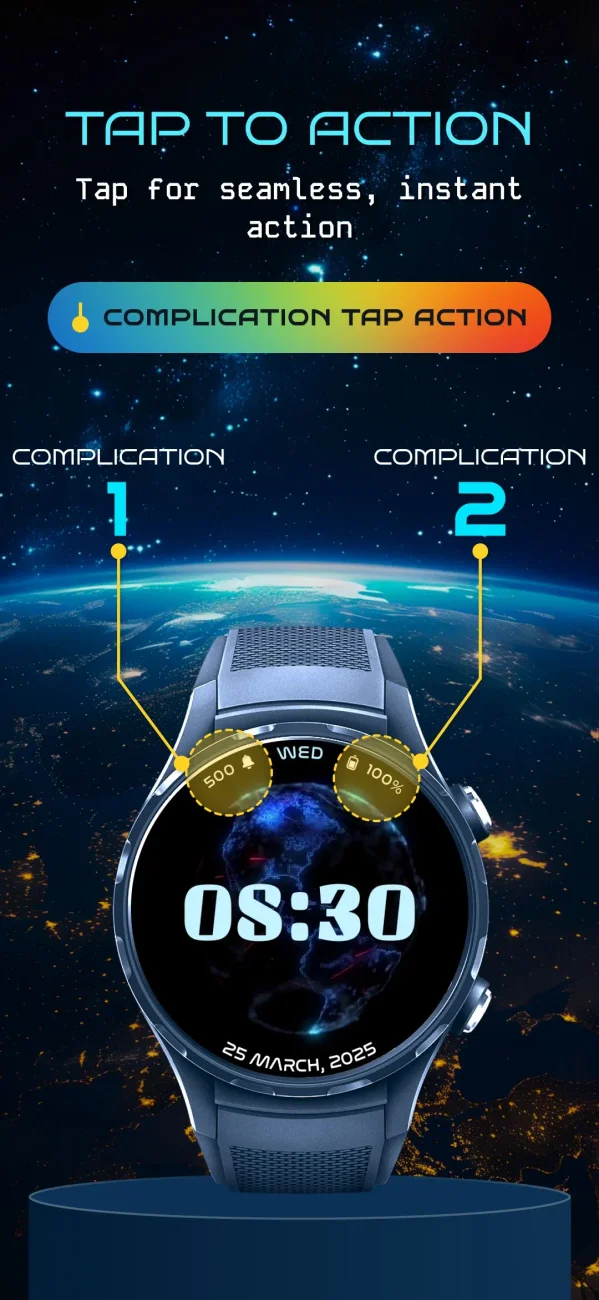
ウォッチフェイスのカスタマイズとコンプリケーションの設定手順:
手順1 → ディスプレイを長押しします。
手順2 → 「カスタマイズ」オプションをタップして、ウォッチフェイス(文字盤またはコンプリケーション)をカスタマイズします。
ステップ3 → コンプリケーションフィールドで、ディスプレイに表示するデータを選択します。
Wear OSスマートウォッチに「Animated Earth Watchfaces PRO」をダウンロードする方法:
1. コンパニオンアプリ(モバイルアプリ)からインストールする
• スマートフォンでコンパニオンアプリを開き、スマートウォッチで「インストール」をタップします。
• スマートウォッチにプロンプトが表示されない場合は、Bluetooth/Wi-Fiを一度オフにしてから再度オンにしてみてください。
2. Wear OS Playストアからダウンロードする
• スマートウォッチでPlayストアを開きます。
• 検索バーで「Animated Earth Watchfaces PRO」を検索し、ダウンロードを開始します。
「Animated Earth Watchfaces PRO」ウォッチフェイスを設定する方法:
1. ディスプレイを長押しします。
2. 左右にスワイプしてウォッチフェイスを選択するか、「ウォッチフェイスを追加」をタップしてダウンロード済みから選択します。
3. スクロールして「Animated Earth Watchfaces PRO」のウォッチフェイスを見つけ、タップして適用します。
お気に入りのライブアースウォッチフェイスを簡単に設定して、手首に地球の美しさを映し出しましょう。時間を確認するたびに、スマートウォッチがあなたを魅了します。
今すぐダウンロードして、「Animated Earth Watchfaces PRO」で躍動する世界を探検しましょう!
原文を表示
Experience the beauty of our planet in motion with Animated Earth Watchfaces PRO. Each glance at your smartwatch turns into a mesmerizing view of the Earth — glowing, rotating, and alive with stunning detail.
Designed for dreamers, travelers, and space lovers. These animated Earth watch faces bring elegance and wonder to your Wear OS smartwatch. It’s not just about telling time — it’s about feeling connected to the world you live in.
Customize your look with a dynamic, vibrant animated dial. Personalize your smartwatch style with a collection that feels both unique and stylish. From minimal elegance to detailed 3D effects, find the perfect match for every moment.
This live Earth watchface app offers you modern digital dials with different animated themes. You can select the desired one and apply it to the watchscreen.
Each watch face is carefully designed to give your watch a timeless look with modern features. This Earth live watch faces app supports Always-On Display (AOD). Now you can check the time at a glance without waking the screen.
Highlighted Features of the Earth Live Watchface App:
• Animated Earth Themed Digital Dials
• Customizable Complications
• AOD Support
• Supports Wear OS 4, Wear OS 5, Wear OS 6, and all above Wear OS Watches.
Supported Devices:
This Earth watch faces app is compatible with devices with API Level 33 & above.
- Samsung Galaxy Watch8 Classic
- Samsung Galaxy Watch 8
- Samsung Galaxy Watch 4/4 Classic
- Samsung Galaxy Watch 5/5 Pro
- Samsung Galaxy Watch 6/6 Classic
- Samsung Galaxy Watch 7/7 Ultra
- Google Pixel Watch 3
- Google Pixel Watch 4
- Fossil Gen 6 Wellness Edition
- Mobvoi TicWatch Pro 5 and newer models
Complications:
You can select and apply the following complications to your Wear OS smartwatch screen:
- Date
- Day of the week
- Day and date
- Next event
- Time
- Step count
- Sunrise and sunset
- Watch battery
- World clock
- and More
Steps to Customize Watch Face & Set Complications:
Step 1 -> Touch and hold the display.
Step 2 -> Tap on the "Customize" option to personalize the watchface (dial, or complication).
Step 3 -> In the complication fields, select the preferred data to view on the display.
How to Download "Animated Earth Watchfaces PRO" on a Wear OS smartwatch:
1. Install via Companion App (Mobile App)
• Open the companion app on your phone and tap "Install" on your smartwatch.
• If you don’t see a prompt on your watch, try toggling Bluetooth/Wi-Fi off and on again to resolve the issue.
2. Download From the Wear OS Play Store
• Open the Play Store on your watch
• In the search section, search for "Animated Earth Watchfaces PRO" and start the download.
How to Set "Animated Earth Watchfaces PRO" Watch Face:
1. Touch and hold the display.
2. Swipe left or right to select the watch face, or tap "Add watchface" to select it from the Downloaded section.
3. Scroll and find the "Animated Earth Watchfaces PRO" watchface and tap on it to apply.
Easily set your favorite live Earth watch face and let your wrist reflect the beauty of our planet. Make your smartwatch stunning every time you check the time.
Download now and explore the world in motion with Animated Earth Watchfaces PRO!
データ セーフティ
このアプリが収集・共有するデータについて、Systorso Inc.がGoogle Playで申告している内容です。
- このアプリはサードパーティと以下の種類のデータを共有することがありますファイル、ドキュメント
- データは収集されません詳しくは、デベロッパーが収集を申告する方法についての説明をご覧ください
- データは送信中に暗号化されます
- データを削除できません
開発元の連絡先
- ウェブサイトsystorsoinc.blogspot.com
- メールsarashvp18@gmail.com
- プライバシーポリシーsites.google.com
- 住所D-404, Ram Laxman Appartment Behind Kharvar Nagar, Khatodra, Surat City Surat, Gujarat 395002 India
情報
- 提供元
- Systorso Inc.
- カテゴリ
- カスタマイズ
- 更新日
- 2026/3/25
- リリース
- 2026/3/25
- 対象年齢
- 3 歳以上
- 価格
- ¥560
- パッケージ名
- animatedwearosface.earthwatchface.animatedearthwearos.pro