Attune
GN Hearing- 3 歳以上対象年齢
- 医療カテゴリ
- 2026/3/5更新日
- 無料価格
com.gnhearing.attuneのGoogle Play公式ページにリンクしています。最終確認:2026/11/14。
Attuneは現在Google Playで入手できない可能性があります
前回の確認時、ストアのページにアクセスできませんでした。リンク先は引き続きGoogle Playの公式ページです。
スクリーンショット


このアプリについて
Googleによる英語 (アメリカ合衆国)からの自動翻訳です。
AGXR Attune-AGXR N、T、Q、およびH用
AGXR Attune アプリは次の補聴器と互換性があります。
• Attune は GN Hearing が製造した補聴器と互換性があります
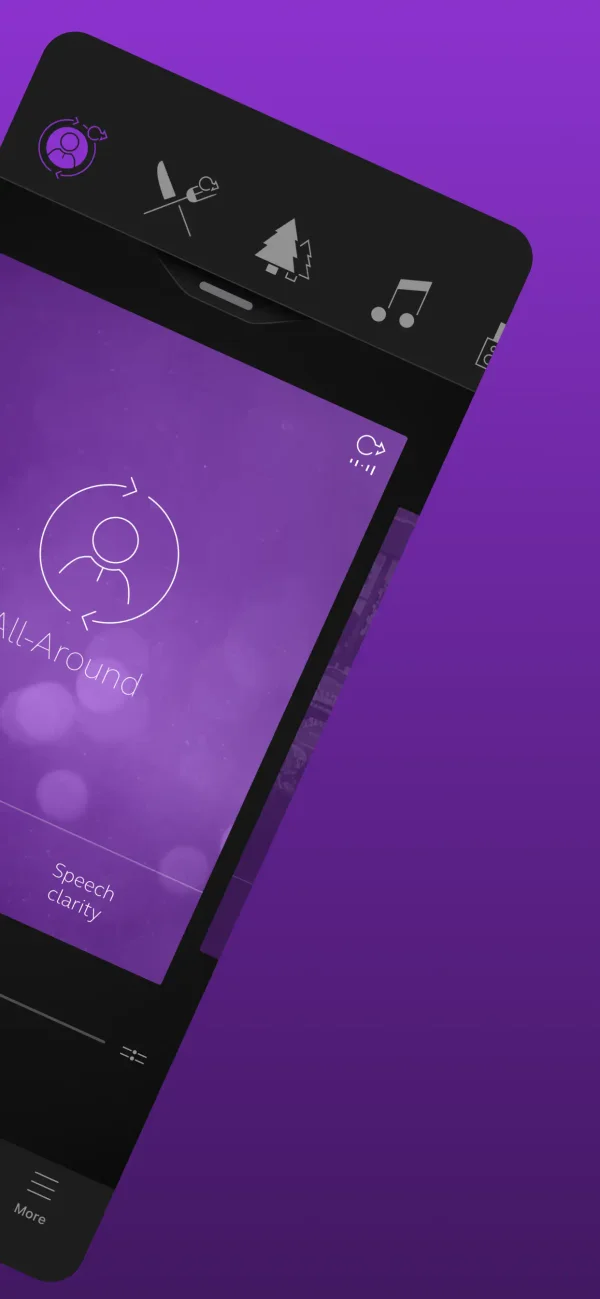
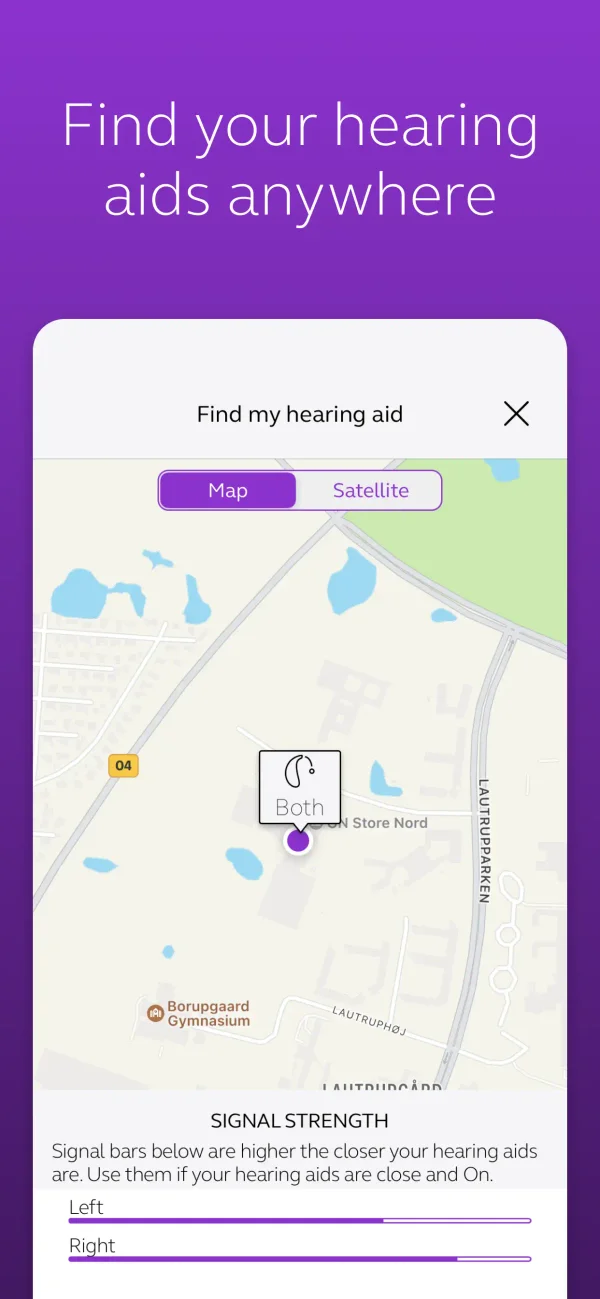
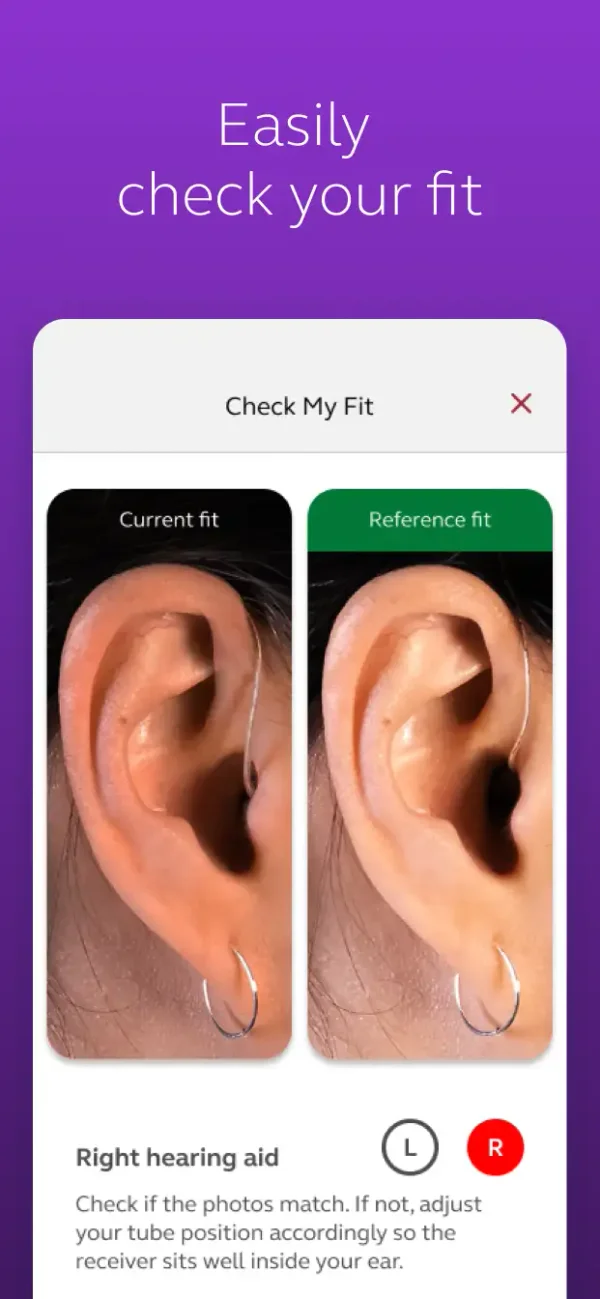
AGXR Attune アプリを使用すると、モバイル デバイスから補聴器を直接制御できます。プログラムを変更したり、簡単またはより高度なサウンド調整を行ってお気に入りとして保存することができます。このアプリは、何ができるか、そしてそれをどのように行うかを学ぶのに役立ちます。補聴器を紛失した場合にも、それを見つけるのに役立ちます。最後に、重要なことですが、クリニックに行かなくても、補聴器専門家に補聴器プログラムを更新してもらい、新しい補聴器ソフトウェアを送ってもらうことができます。
注: 補聴器では最新のソフトウェア バージョンを実行することをお勧めします。疑問がある場合は、聴覚専門家にご相談ください。
AGXR Attune モバイル デバイスの互換性:
最新の互換性情報については、AGXR アプリの Web サイトを参照してください: www.agxhearing.com/agx-hearing-technology/agxr/attune/agxr-attune/
AGXR Attune アプリを使用して次のことを行います。
• AGXR H 補聴器を互換性のある Android デバイスに接続して、オーディオを直接ストリーミングします。
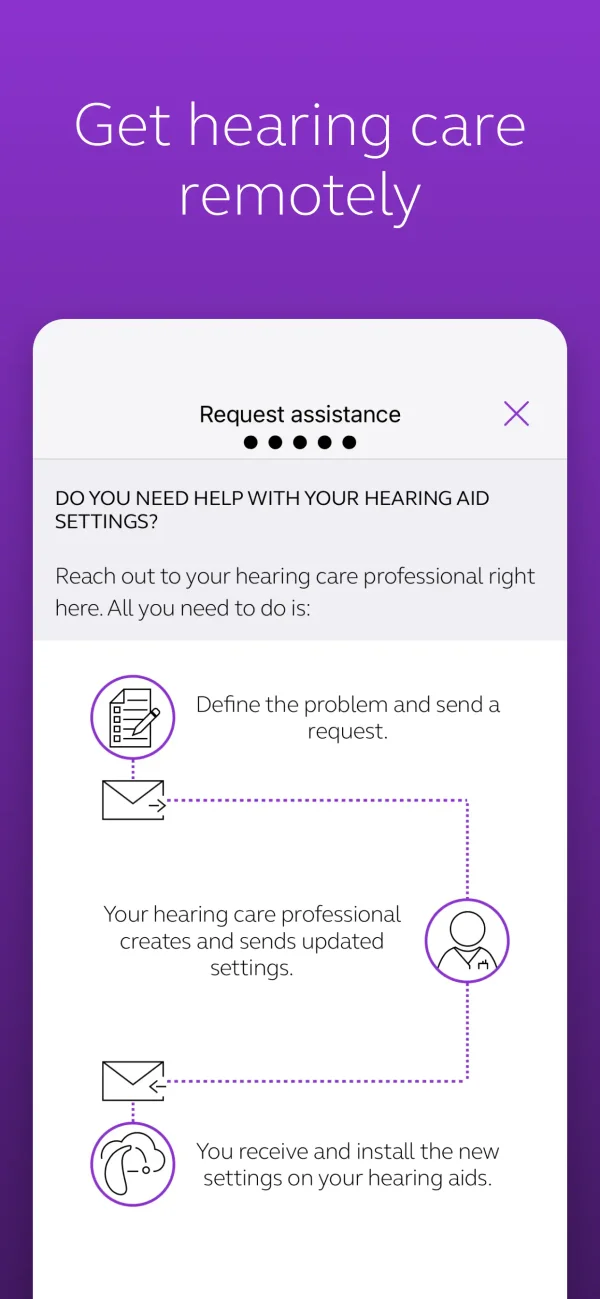
• Audigy Assist を使用してどこでも最適化を楽しむ: 補聴器の設定に関するヘルプを補聴器専門家にリクエストし、新しい設定とソフトウェアのアップデートを受け取ります。
また、次の直接制御およびパーソナライゼーション オプションを使用します。
• 補聴器の音量設定を調整する
• 補聴器をミュートにする
• Audigy ストリーミング アクセサリの音量を調整する
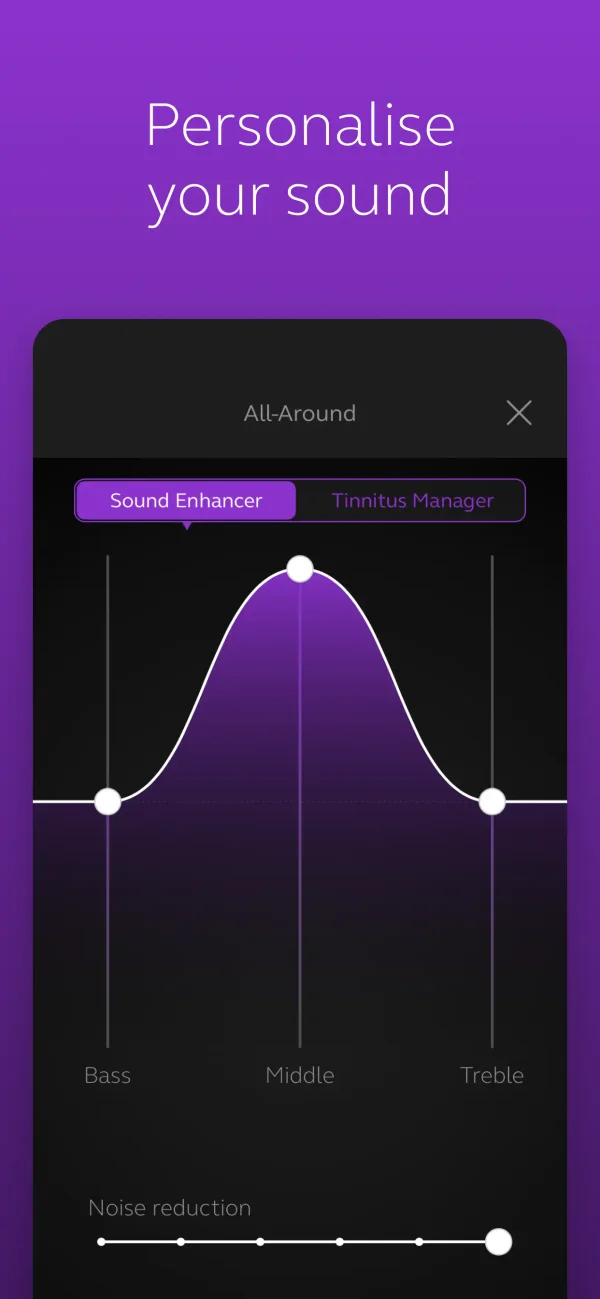
• サウンド エンハンサーを使用して、音声のフォーカスとノイズおよび風切り音のレベルを調整します (選択したプログラムと補聴器用)
• マニュアルおよびストリーマプログラムを変更する
• プログラム名の編集とカスタマイズ
• 高音、中音、低音を好みに合わせて調整
• 好みの設定をお気に入りとして保存 - 場所にタグを付けることもできます
• 紛失または置き忘れた補聴器を見つけるのに役立ちます
• 耳鳴りマネージャー: 耳鳴りサウンドジェネレーターの音の変化と周波数を調整します。 「自然の音」を選択します。 (補聴器専門家が有効にしている場合、補聴器で利用できる機能。)
詳細については、以下をご覧ください。
www.agxhearing.com/agx-hearing-technology/agxr/attune/agxr-attune/
原文を表示
The AGXR Attune app is compatible with the following hearing aids:
• Attune is compatible with hearing aids produced by GN Hearing
The AGXR Attune app lets you control your hearing aids directly from your mobile device. You can change programs, and make simple or more advanced sound adjustments and save them as favorites. The app helps you learn what you can do and how to do it. It can even help you find your hearing aids if you lose them. Last, but not least, you can have your hearing care professional update your hearing aid programs and send you new hearing aid software without taking a trip to the clinic.
Notes: We recommend that the hearing aids run the latest software version. If in doubt, please contact your hearing care professional.
AGXR Attune mobile device compatibility:
Please consult the AGXR app website for up-to-date compatibility information: www.agxhearing.com/agx-hearing-technology/agxr/attune/agxr-attune/
Use the AGXR Attune app to:
• Connect your AGXR H hearing aids to compatible Android devices for direct audio streaming
• Enjoy optimization anywhere with Audigy Assist: Request help with your hearing aid settings from your hearing care professional and receive new settings and software updates.
And use these direct control and personalization options:
• Adjust volume settings on your hearing aids
• Mute your hearing aids
• Adjust volume of your Audigy streaming accessories
• Adjust speech focus as well as noise and wind-noise levels with Sound Enhancer (for selected programs and hearing aids)
• Change manual and streamer programs
• Edit and personalize program names
• Adjust treble, middle and bass tones to your preferences
• Save your preferred settings as a Favorite – you can even tag to a location
• Help locate lost or misplaced hearing aids
• Tinnitus manager: Adjust sound variation and frequency of the Tinnitus Sound Generator. Select Nature Sounds. (Features available in your hearing aids if enabled by your hearing care professional.)
For more information please visit:
www.agxhearing.com/agx-hearing-technology/agxr/attune/agxr-attune/
データ セーフティ
このアプリが収集・共有するデータについて、GN HearingがGoogle Playで申告している内容です。
- 第三者と共有されるデータはありません詳しくは、デベロッパーが共有を申告する方法についての説明をご覧ください
- このアプリは以下の種類のデータを収集することがありますアプリのアクティビティ、アプリの情報、パフォーマンス、デバイスまたはその他の ID
- データは送信中に暗号化されます
- データを削除するようリクエストできます
新機能
バージョン 1.43.1 · 2026/3/5
This update includes general performance and stability improvements.
開発元の連絡先
- ウェブサイトuserguides.gnhearing.com
- メールappsupport@gnhearing.com
- プライバシーポリシーagxhearing.com
- 住所5005 Dean Lakes Blvd Shakopee, MN 55379-2998 United States
情報
- 提供元
- GN Hearing
- カテゴリ
- 医療
- バージョン
- 1.43.1
- 更新日
- 2026/3/5
- リリース
- 2018/4/13
- 必要条件
- Android 8.0以降
- 対象年齢
- 3 歳以上
- 価格
- 無料
- パッケージ名
- com.gnhearing.attune