Ballozi LEVAR Digital
BALLOZI Watch Faces- 3 歳以上対象年齢
- カスタマイズカテゴリ
- 2026/8/10更新日
- ¥30価格
com.watchfacestudio.ballozi.levar.watchfaceのGoogle Play公式ページにリンクしています。最終確認:2026/11/14。
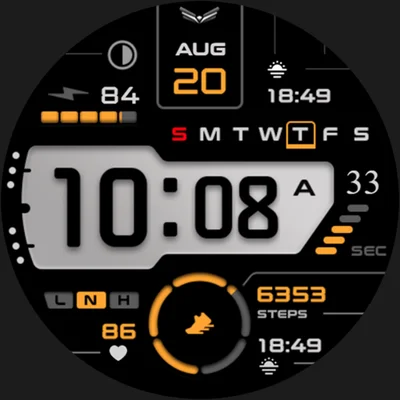
スクリーンショット
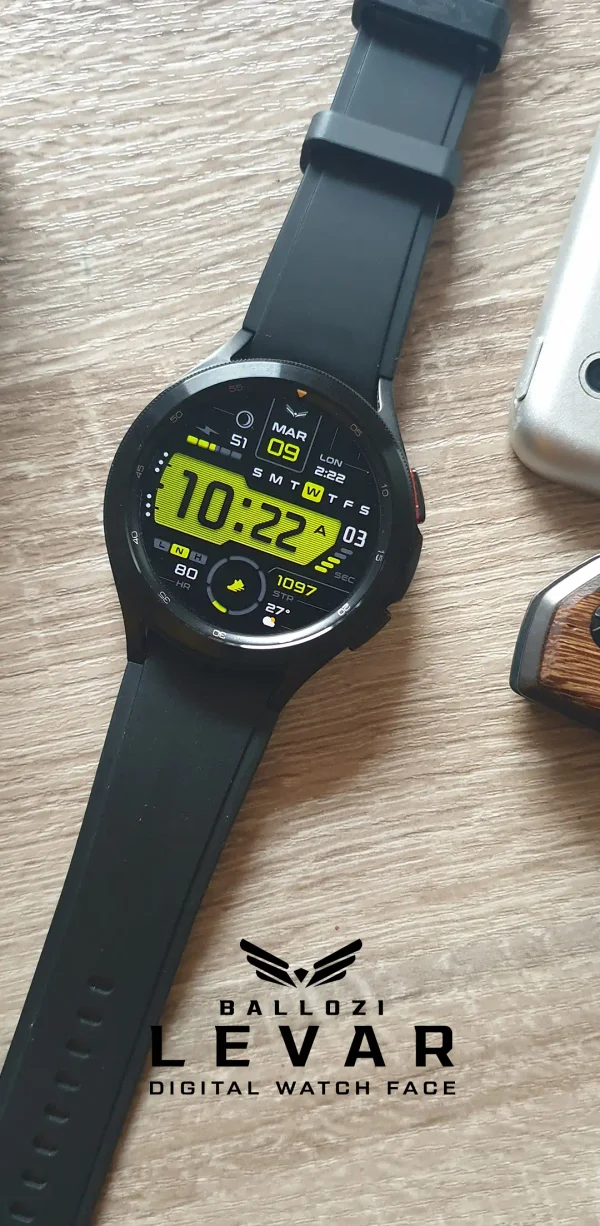

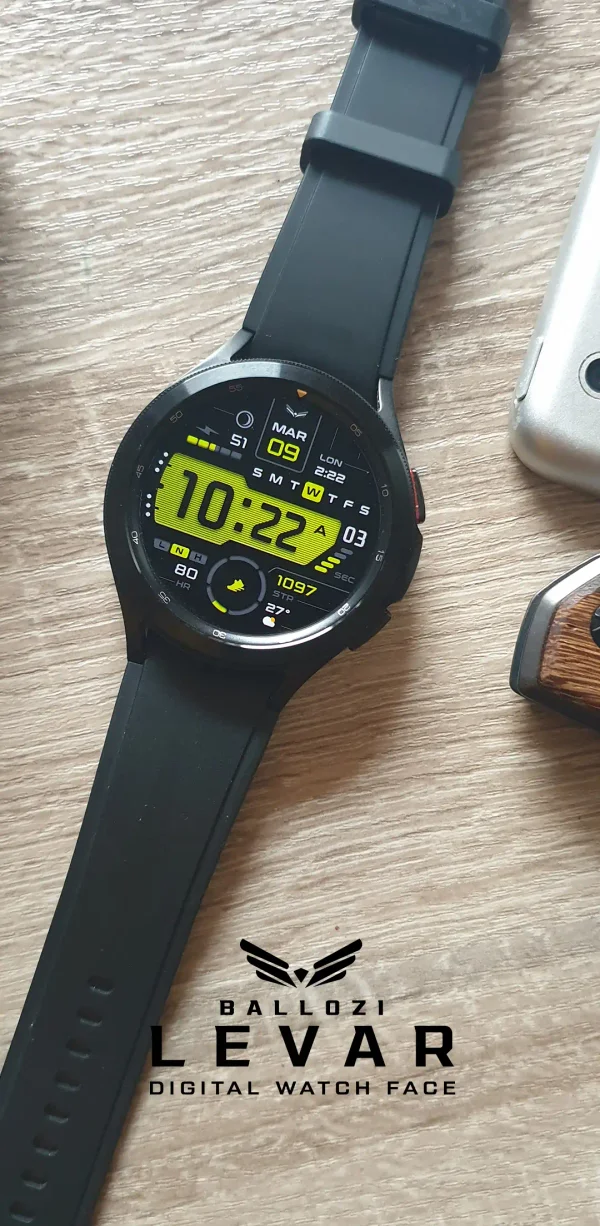
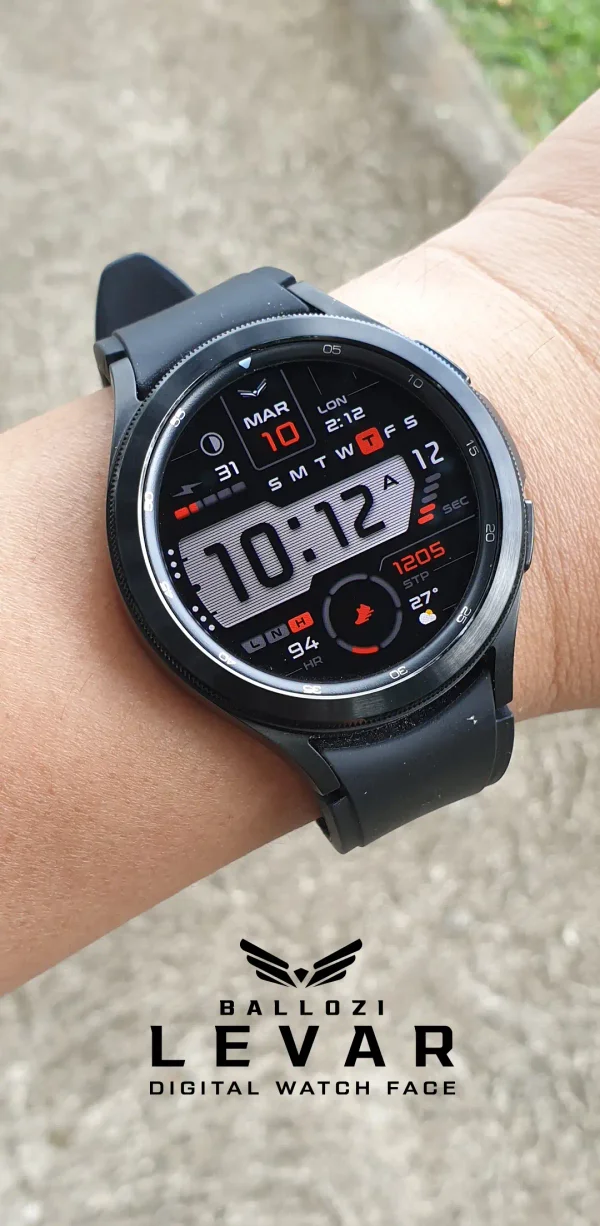
このアプリについて
Googleによる英語 (イギリス)からの自動翻訳です。
BalloziのWearOS用の最新のデジタル時計
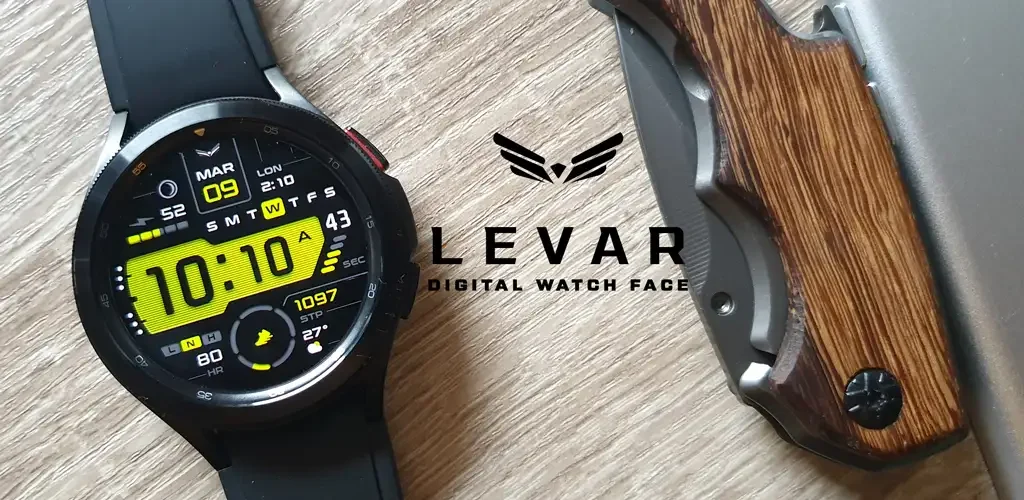
Ballozi LEVARは、5秒のカウンターループを備えたWear OS向けのモダンなデジタルウォッチフェイスです。Ballozi LEVARはTizenで最初にデザインされ、現在はWear OSで豊富なカスタマイズオプションとともに利用可能です。
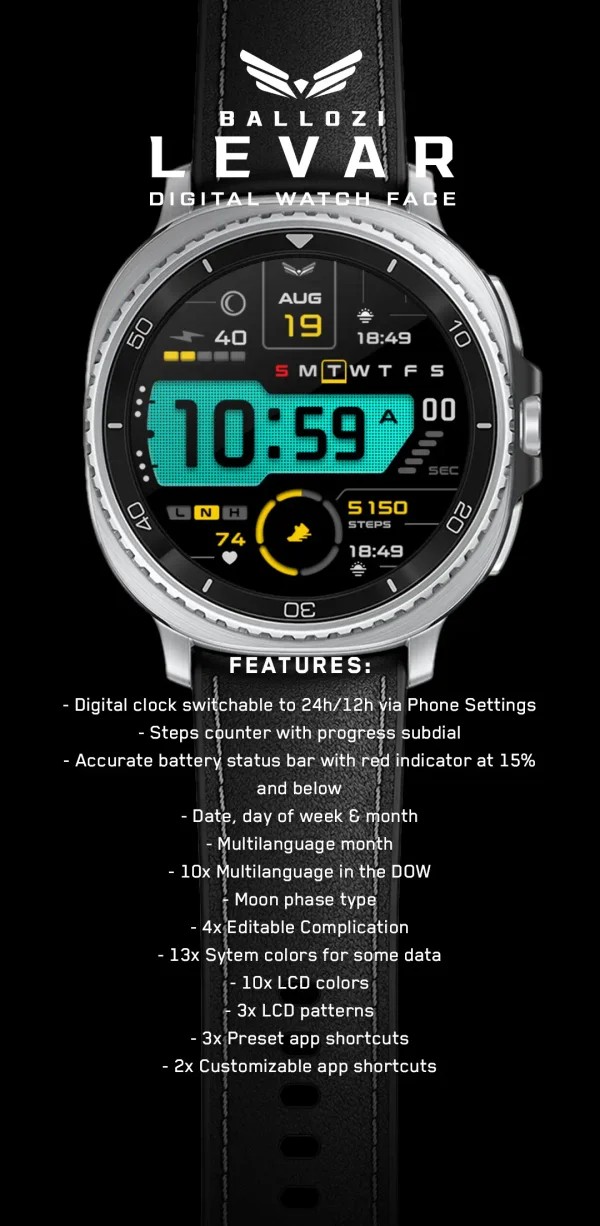
機能:
- スマートフォンの設定で24時間表示/12時間表示を切り替え可能なデジタル時計
- 歩数計と進捗状況を示すサブダイヤル
- バッテリー残量15%以下で赤色のインジケーターが表示される高精度バッテリーステータスバー
- 日付、曜日、月の表示
- 多言語対応の月表示
- 曜日表示で10種類の多言語に対応
- 月相表示
- 4種類の編集可能なコンプリケーション
- 一部のデータに13種類のシステムカラーを設定可能
- 10種類のLCDカラー
- 3種類のLCDパターン
- 3種類のプリセットアプリショートカット
- 2種類のカスタマイズ可能なアプリショートカット
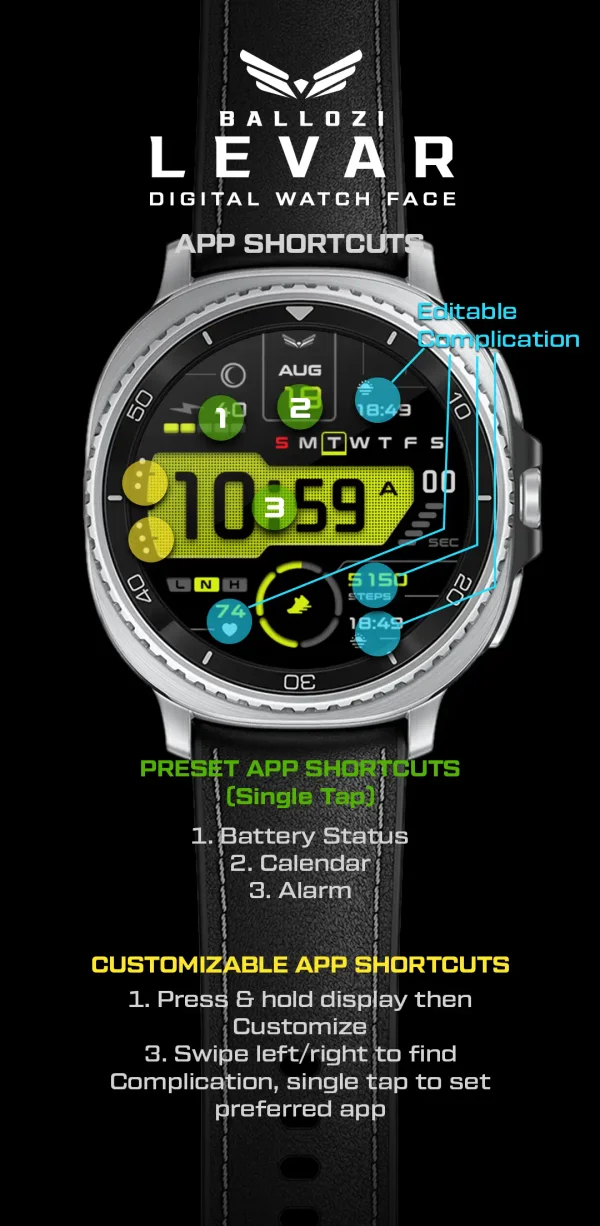
プリセットアプリショートカット
1. バッテリーステータス
2. カレンダー
3. アラーム
カスタマイズ方法:
1. 「表示」ボタンを長押しし、「カスタマイズ」をタップします。
2. 左右にスワイプしてカスタマイズする項目を選択します。
3. 上下にスワイプして利用可能なオプションを選択します。
4. 「OK」をタップします。
カスタマイズ可能なアプリショートカット
1. ディスプレイを長押しして「カスタマイズ」を選択します。
3. 「コンプリケーション」を見つけて、タップしてショートカットにお気に入りのアプリを設定します。
Balloziの最新情報は以下をご覧ください。
Facebookページ:https://www.facebook.com/ballozi.watchfaces/
Instagram:https://www.instagram.com/ballozi.watchfaces/
YouTubeチャンネル:https://www.youtube.com/channel/UCkY2oGwe1Ava5J5ruuIoQAg
Pinterest:https://www.pinterest.ph/ballozi/
サポートが必要な場合は、balloziwatchface@gmail.comまでメールでお問い合わせください。
原文を表示
Ballozi LEVAR is a modern digital watch face for Wear OS with a 5-second counter loop. Ballozi Levar was first designed in Tizen and is now available on Wear OS with lots of customizations.
FEATURES:
- Digital clock switchable to 24h/12h via Phone Settings
- Steps counter with progress subdial
- Accurate battery status bar with red indicator at 15% and below
- Date, day of week & month
- Multilanguage month
- 10x Multilanguage in the DOW
- Moon phase type
- 4x Editable Complication
- 13x system colors for some data
- 10x LCD colors
- 3x LCD patterns
- 3x Preset app shortcuts
- 2x Customizable app shortcuts
PRESET APP SHORTCUTS
1. Battery Status
2. Calendar
3. Alarm
CUSTOMIZATION:
1. Press and hold "Display" then hit "Customize."
2. Swipe left and right to choose what to customize.
3. Swipe up and down to choose options available.
4. Hit "OK."
CUSTOMIZABLE APP SHORTCUTS
1. Press & hold display then Customize
3. Find Complication, and single tap to set the preferred app in the shortcuts.
Check out Ballozi's updates at:
Facebook page: https://www.facebook.com/ballozi.watchfaces/
Instagram: https://www.instagram.com/ballozi.watchfaces/
Youtube Channel: https://www.youtube.com/channel/UCkY2oGwe1Ava5J5ruuIoQAg
Pinterest: https://www.pinterest.ph/ballozi/
For support, you can email me at balloziwatchface@gmail.com
データ セーフティ
このアプリが収集・共有するデータについて、BALLOZI Watch FacesがGoogle Playで申告している内容です。
- 第三者と共有されるデータはありません詳しくは、デベロッパーが共有を申告する方法についての説明をご覧ください
- データは収集されません詳しくは、デベロッパーが収集を申告する方法についての説明をご覧ください
新機能
2026/8/10
- Updated to support Android 15 (API level 35) or higher
開発元の連絡先
- メールballoziwatchface@gmail.com
- プライバシーポリシーsites.google.com
- 住所Block 2 Lot 5, Mabilis Street Diamond Jubilee Ville Subd Masaya Bay, Laguna 4033 Philippines
情報
- 提供元
- BALLOZI Watch Faces
- カテゴリ
- カスタマイズ
- 更新日
- 2026/8/10
- リリース
- 2022/3/7
- 対象年齢
- 3 歳以上
- 価格
- ¥30
- パッケージ名
- com.watchfacestudio.ballozi.levar.watchface