C Compiler
Anvaysoft広告を含む
- 3 歳以上対象年齢
- 教育カテゴリ
- 2026/8/12更新日
- 無料価格
com.techbajao.ccompilerのGoogle Play公式ページにリンクしています。最終確認:2026/11/28。

スクリーンショット
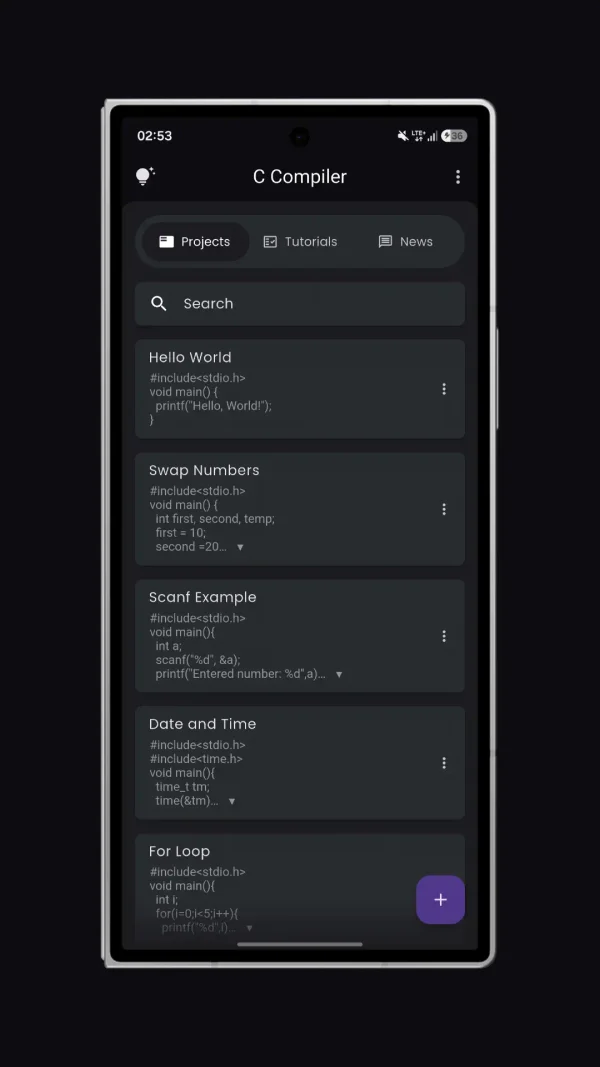
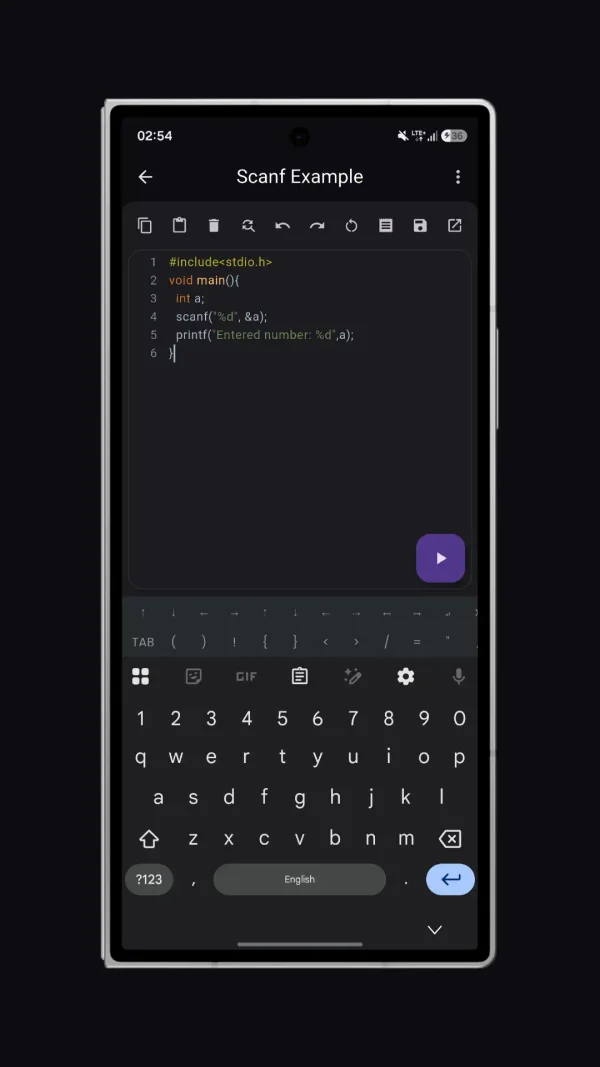
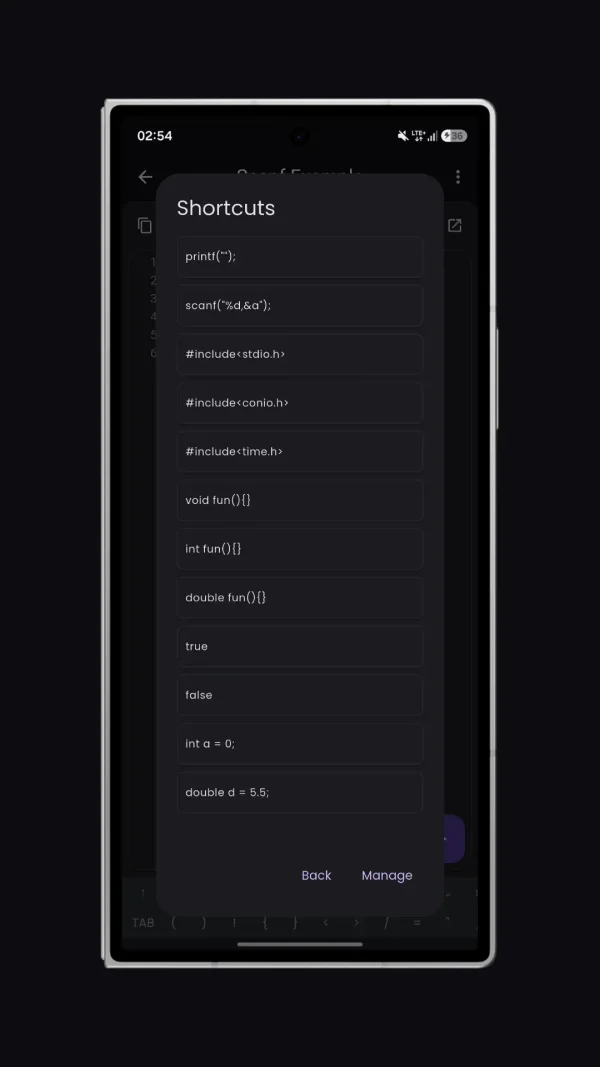
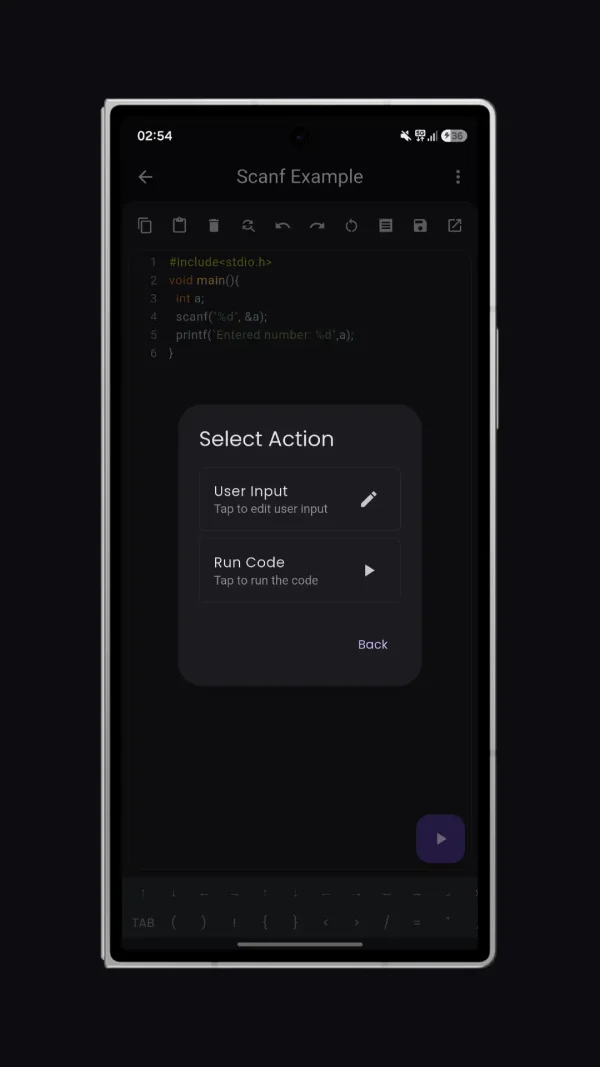
このアプリについて
Googleによる英語 (アメリカ合衆国)からの自動翻訳です。
C プログラムの実行
究極のCコンパイラアプリへようこそ。直感的でパワフルなコーディング体験を提供するために設計されました。初心者からベテラン開発者まで、あらゆるレベルのユーザーに対応する機能を備え、スムーズなコーディングを実現します。
主な機能:
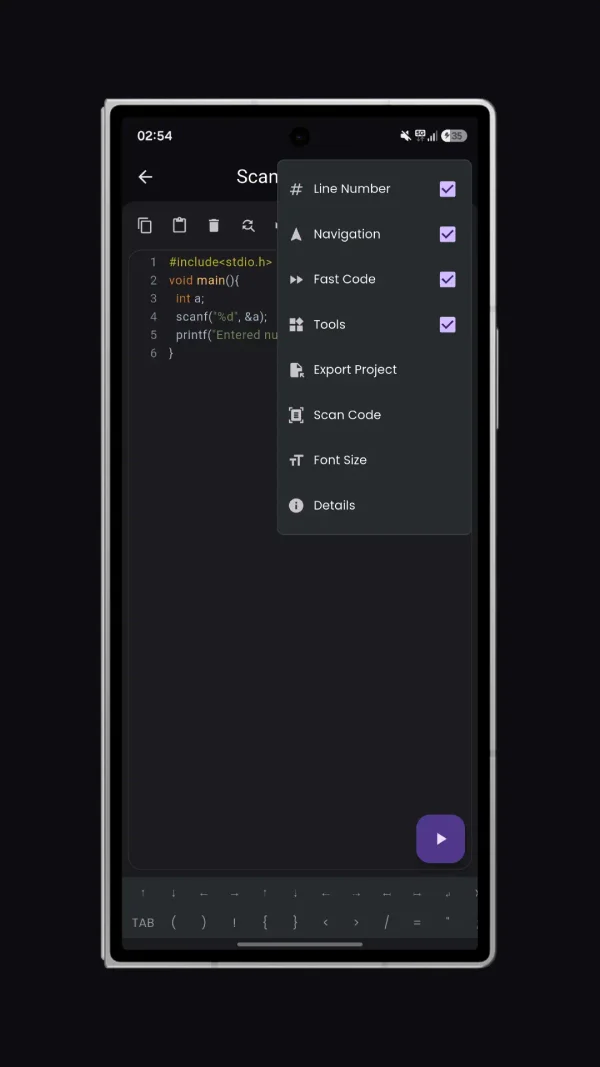
構文ハイライト:色分けされた構文ハイライトにより、鮮やかで読みやすいコードエディタで、コードの各部分を簡単に識別できます。
高速コードレイアウト:よく使用される記号をまとめた高速コードレイアウトにより、より効率的に、少ないキー操作でコーディングできます。
ツールレイアウト:コピー、ペースト、元に戻す、やり直し、共有など、必要なショートカットに便利なツールレイアウトからアクセスできます。ワークフローに合わせてショートカットをカスタマイズし、生産性を向上させましょう。
ナビゲーションレイアウト:コードナビゲーションをスムーズかつ直感的に行えるよう設計されたナビゲーションレイアウトで、カーソルを楽に移動できます。
コードスキャン機能:デバイスのカメラを使用して、コードスニペットをすばやくスキャンしてインポートできます。教科書、ホワイトボード、印刷物などからコードを取り込むのに最適です。
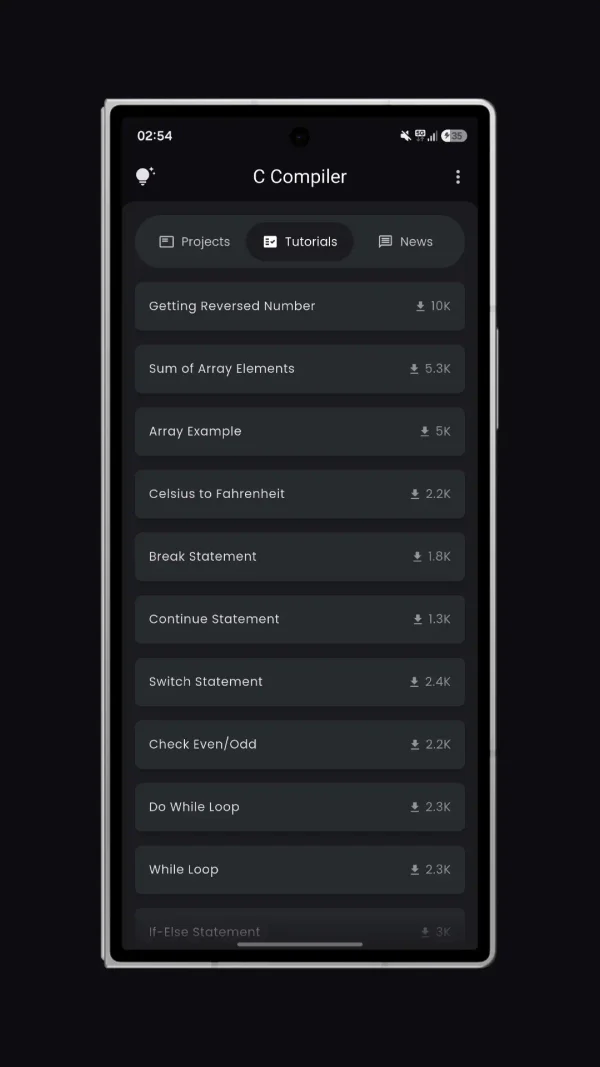
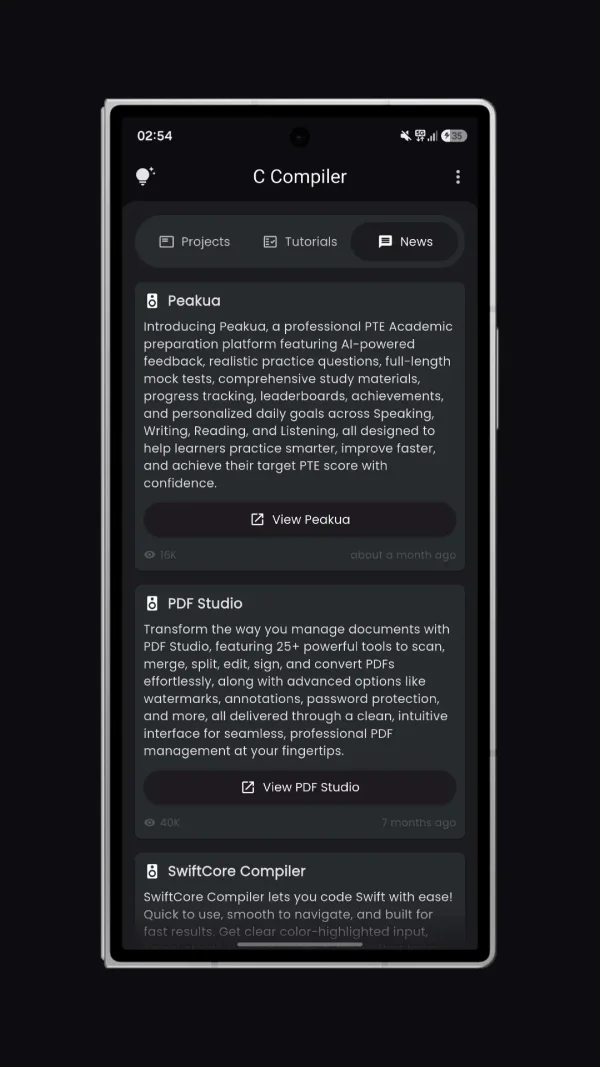
チュートリアルとニュースセクション:統合されたチュートリアルとニュースセクションで、C言語開発の最新情報を常に把握できます。新しいテクニックやベストプラクティスを学び、業界のトレンドを常に把握しましょう。
ブックマークとプロジェクト管理:重要なコードスニペットやプロジェクトを簡単にブックマークして、すぐにアクセスできます。内蔵のプロジェクト管理ツールで、プロジェクトを効率的に管理できます。
Cコンパイラアプリでコーディング体験を向上させましょう。すべての機能は、開発者のニーズをサポートするために設計されています。初めてコードを書くときも、複雑なプロジェクトのデバッグを行うときも、このアプリはあなたの完璧なコーディングパートナーです。
開発元:Anvaysoft
プログラマー:Hrishi Suthar
インドで愛情を込めて制作
原文を表示
Welcome to the ultimate C Compiler app, designed to provide an intuitive and powerful coding experience. The app is equipped with features that cater to both beginners and seasoned developers, ensuring a seamless coding journey.
Key Features:
Syntax Highlighting: Enjoy a vibrant and readable code editor with color-coded syntax highlighting, making it easy to distinguish between different parts of your code.
Fast Code Layout: Our fast code layout includes frequently used symbols, allowing you to code more efficiently and with fewer keystrokes.
Tools Layout: Access essential shortcuts such as copy, paste, undo, redo, share, and more, all from a convenient tools layout. Customize your own shortcuts to match your workflow and enhance productivity.
Navigation Layout: Move your cursor effortlessly with our navigation layout, designed to make code navigation smooth and intuitive.
Scan Code Feature: Quickly scan and import code snippets using your device's camera. Perfect for grabbing code from textbooks, whiteboards, or printed documents.
Tutorials and News Section: Stay updated with the latest in C development through our integrated tutorials and news section. Learn new techniques, best practices, and keep up with industry trends.
Bookmarks and Project Management: Easily bookmark important code snippets and projects for quick access. Manage your projects efficiently with our built-in project organization tools.
Elevate your coding experience with the C Compiler app, where every feature is crafted to support your development needs. Whether you're writing your first line of code or debugging complex projects, the app is your perfect coding companion.
Developed by Anvaysoft
Programmer- Hrishi Suthar
Made with love in India
データ セーフティ
このアプリが収集・共有するデータについて、AnvaysoftがGoogle Playで申告している内容です。
- 第三者と共有されるデータはありません詳しくは、デベロッパーが共有を申告する方法についての説明をご覧ください
- このアプリは以下の種類のデータを収集することがあります個人情報、デバイスまたはその他の ID
- データは送信中に暗号化されます
- データを削除するようリクエストできます
新機能
バージョン 3.0.2 · 2026/8/12
Introducing C Compiler 3.0!
Save your projects securely on the cloud
Share your projects publicly with ease
Editor preferences now saved per user
App settings personalized and synced for each user
開発元の連絡先
- ウェブサイトq3b1c7537.app-ads-txt.com
- メールanvaysoft@gmail.com
- プライバシーポリシーtechbajao.blogspot.com
- 住所17, Karnavati bungalows, Near Haridarshan cross roads Nikol-Naroda road Ahmedabad, Gujarat 382330 India
情報
- 提供元
- Anvaysoft
- カテゴリ
- 教育
- バージョン
- 3.0.2
- 更新日
- 2026/8/12
- リリース
- 2022/7/11
- 必要条件
- Android 7.0以降
- 対象年齢
- 3 歳以上
- 価格
- 無料
- パッケージ名
- com.techbajao.ccompiler