Captions Lite
Captionsアプリ内課金
- 3 歳以上対象年齢
- 動画プレーヤー&エディタカテゴリ
- 2026/10/19更新日
- 無料価格
com.nocap.captionsのGoogle Play公式ページにリンクしています。最終確認:2026/11/20。

スクリーンショット
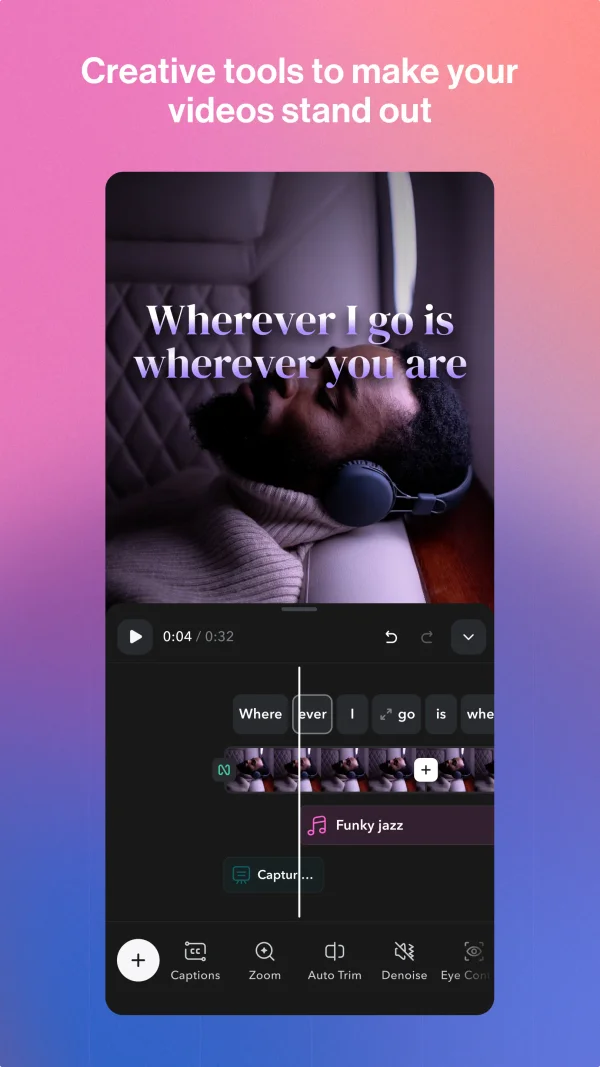
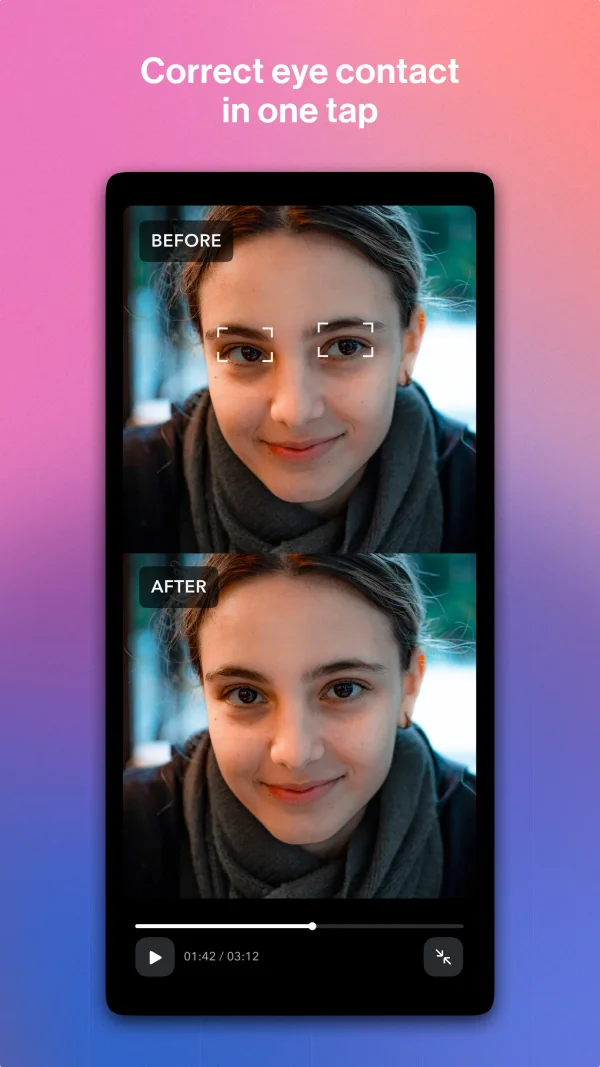
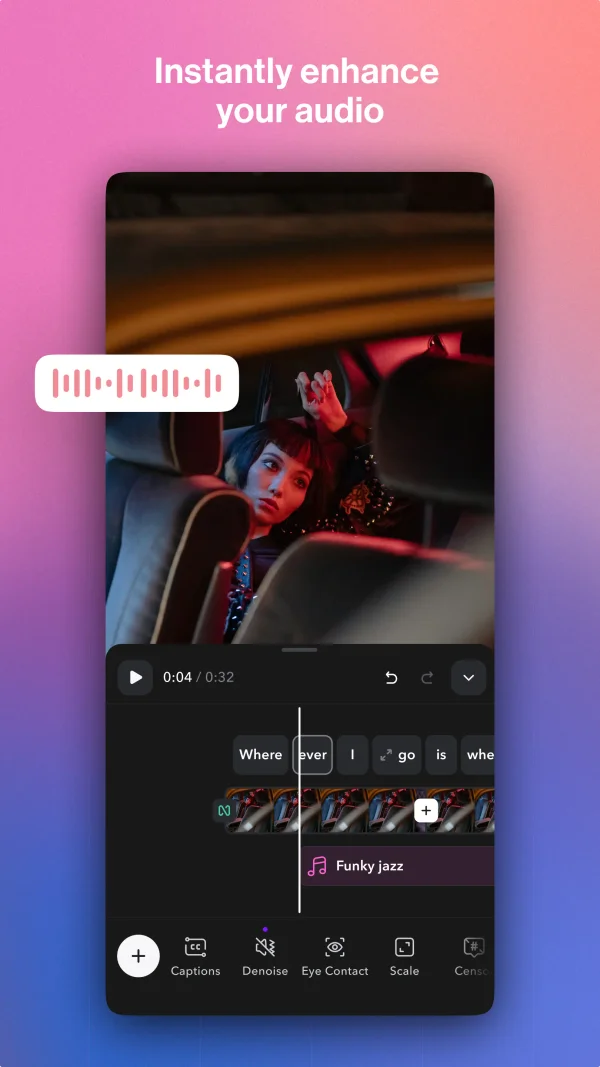
このアプリについて
Googleによる英語 (アメリカ合衆国)からの自動翻訳です。
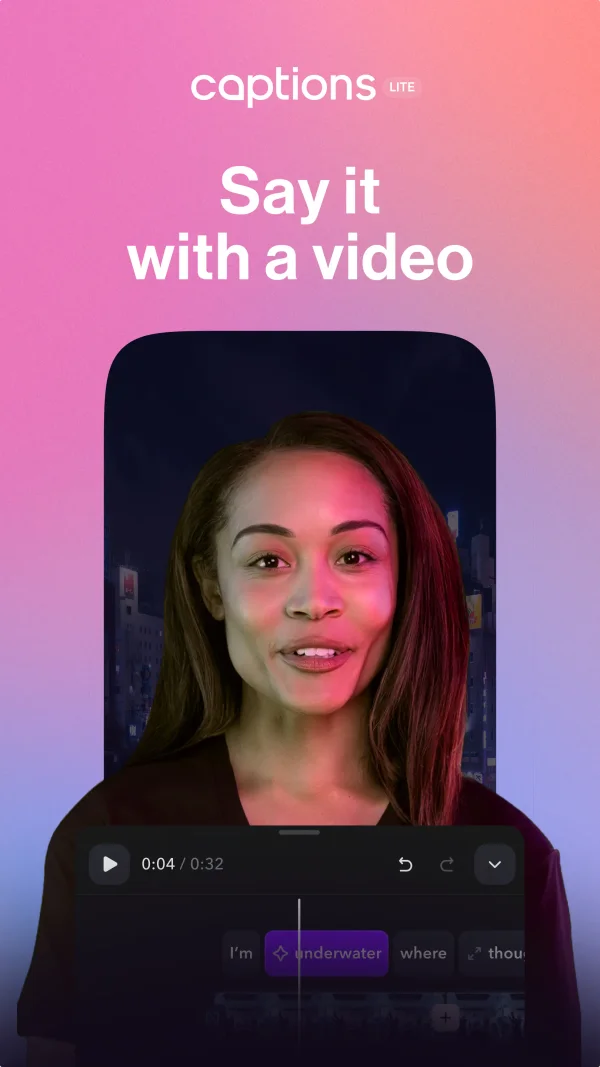
AI を使用してビデオに字幕を付け、編集します。
MIRAGE™ が開発した Captions Lite アプリは、AI 動画エディターで、簡単にトーク動画を作成できます。クリエイターや中小企業向けに設計されており、プロの編集者や特別なスキルは必要ありません。
Captions Lite の編集ツールを使えば、動画をソーシャルプラットフォーム向けに最適化できます。自動生成されるキャプション、吹き替え、字幕を使って、誰でも簡単に視聴できる動画を素早く作成できます。豊富な言語から選択して、必要なだけバージョンを作成できます。
キャプションと吹き替え
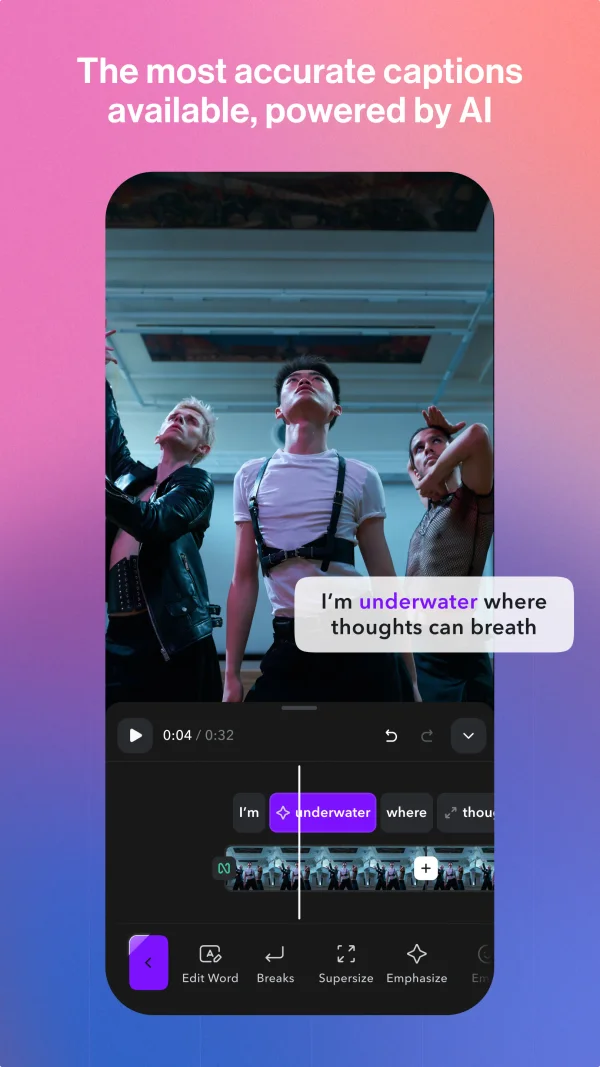
-AI キャプション:100 以上の言語で正確なキャプションまたは字幕を自動生成します。フォントや色も自由に選択できます。
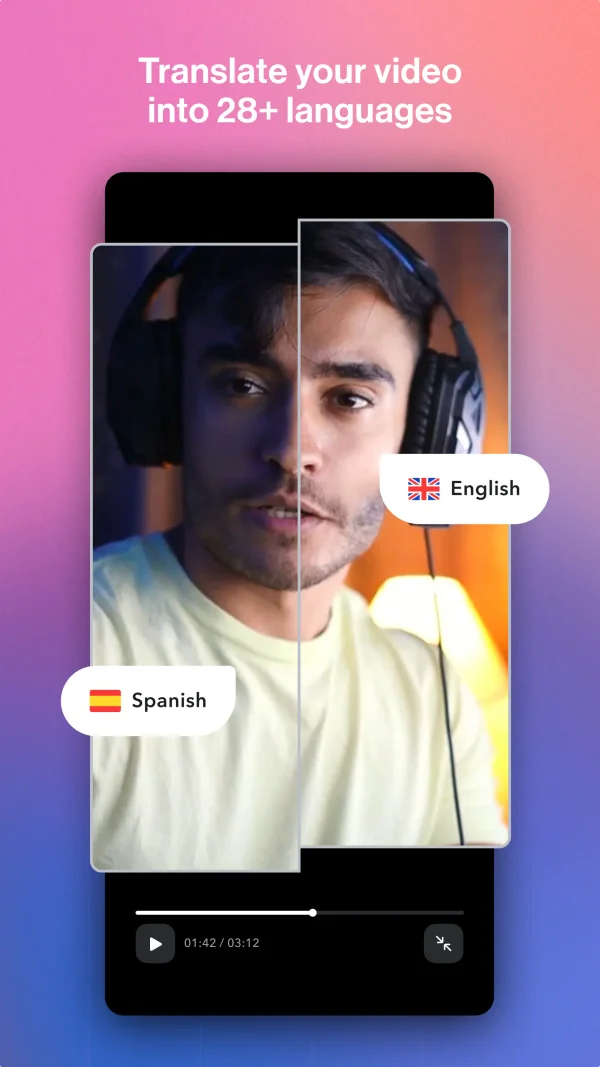
-AI 吹き替え:ボタンをタップするだけで、29 の言語にコンテンツを吹き替えることができます。
AI 編集ツール
-AI アイコンタクト:アイコンタクトを補正し、元の動画の雰囲気を調整します。
-AI ズーム:動画をより魅力的に見せるダイナミックズームを自動で追加します。
- AIサウンド:動画に合わせた効果音を生成します。
- AIノイズ除去:動画の背景ノイズを除去します。
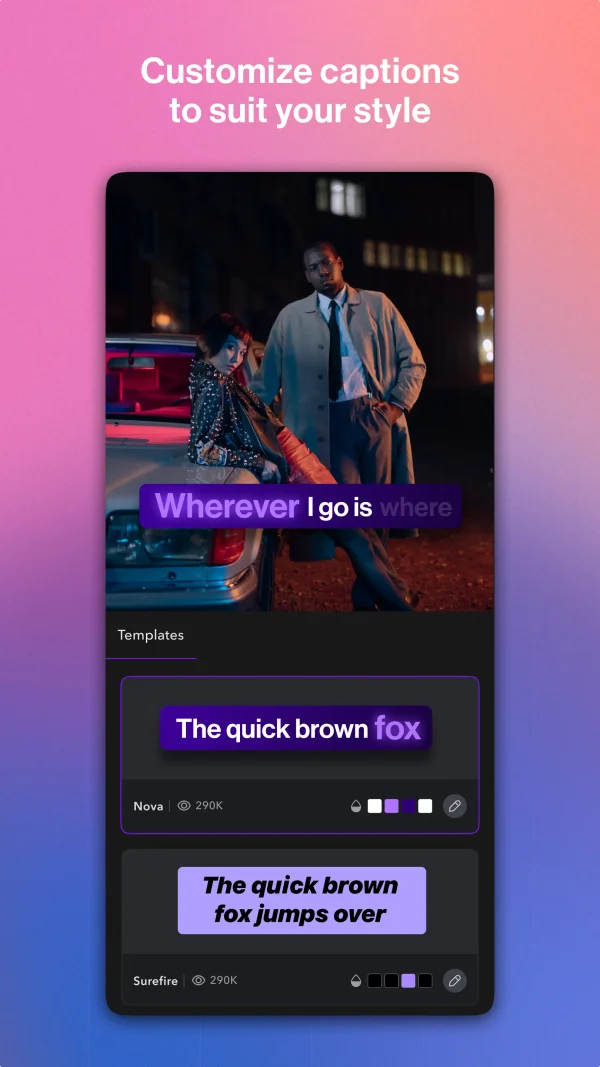
- テンプレートライブラリ:豊富なトレンドのキャプションテンプレートとスタイルライブラリから選択できます。
- テレプロンプター&AIスクリプトライター:AIが生成したスクリプトを読み上げながら、自信を持って録画できます。
- 自動トリム&スケール:あらゆるソーシャルプラットフォームに合わせて、クリップのサイズ、トリミング、フォーマットを素早く調整できます。
視聴者を拡大
- インクルーシブな動画を作成:キャプションを追加することで、より多くの人々が動画を視聴できるようになります。
- 騒音環境に対応:ダイナミッククローズドキャプション(CC)でエンゲージメントを高めます。
CAPTIONS LITEを選ぶ理由
Captions Liteは、AIを活用してトーク動画を簡単に作成・編集できるツールです。今すぐ無料トライアルを始めましょう。
利用規約:https://mirage.app/legal/captions-terms
プライバシーポリシー:https://mirage.app/legal/privacy-policy
原文を表示
The Captions Lite app, built by MIRAGE™, is an AI video editor that makes it easy to create talking videos. It’s designed for creators and small businesses—no professional editor or special skills required.
Use Captions Lite’s editing tools to make your videos ready for social platforms. Create accessible videos fast, with auto-generated captions, dubbing, and subtitles. You can choose from a range of languages to make as many versions as you need.
CAPTIONS AND DUBBING
-AI Captions: Automatically generate accurate captions or subtitles in 100+ languages. You can choose specific fonts or colors, too.
-AI Dubbing: Dub your content into 29 languages, with just a tap of a button.
AI EDITING TOOLS
- AI Eye Contact: Correct your eye contact to adjust the original recording.
- AI Zoom: Automatically add dynamic zooms that make your video more engaging.
- AI Sounds: Generate relevant sound effects for your videos.
- AI Denoise: Remove background noise from your video.
- Template library: Select from an extensive library of trending caption templates and styles.
- Teleprompter & AI Script writer: Record confidently while reading a script generated by AI.
- Auto-trim & Scale: Quickly resize, trim, and format your clips for every social platform.
EXPAND YOUR AUDIENCE
- Create inclusive videos: Adding captions makes your videos accessible to more people.
- Support for noisy environments: Boost engagement with dynamic closed captions (cc).
WHY CHOOSE CAPTIONS LITE?
Captions Lite offers the easiest way to create and edit talking videos with AI. Start your free trial now.
Terms of Use: https://mirage.app/legal/captions-terms
Privacy Policy: https://mirage.app/legal/privacy-policy
データ セーフティ
このアプリが収集・共有するデータについて、CaptionsがGoogle Playで申告している内容です。
- このアプリはサードパーティと以下の種類のデータを共有することがあります位置情報、デバイスまたはその他の ID
- このアプリは以下の種類のデータを収集することがあります位置情報、個人情報、他 4 件
- データは送信中に暗号化されます
- データを削除するようリクエストできます
新機能
バージョン 4.17.0 · 2026/10/19
Bugfixes and Improvements
開発元の連絡先
- ウェブサイトmirage.app
- メールhello@mirage.app
- プライバシーポリシーcaptions.ai
- 住所169 Madison Ave Ste 11185 New York, NY 10016-5101 United States
情報
- 提供元
- Captions
- カテゴリ
- 動画プレーヤー&エディタ
- バージョン
- 4.17.0
- 更新日
- 2026/10/19
- リリース
- 2024/3/20
- 必要条件
- Android 9以降
- 対象年齢
- 3 歳以上
- 価格
- 無料
- アプリ内課金
- ¥800~¥92,100/アイテム
- パッケージ名
- com.nocap.captions
類似のアプリ
-
 AI Video Generator - Clips AI
アート&デザイン
-
 Mimic - AI顔写真アニメーター
エンタメ
-
 VLLO ブロ - AI動画編集アプリ
動画プレーヤー&エディタ
-
 invideo: AI動画編集アプリ
動画プレーヤー&エディタ
-
 Filmora HD-動画編集アプリ:動画作成、動画加工
動画プレーヤー&エディタ
-
 Filmora - AI動画生成・動画編集・動画作成
動画プレーヤー&エディタ
-
 Smart Video Crop - Video Cut
動画プレーヤー&エディタ
-
 AI Video Editor, Reels: inMelo
動画プレーヤー&エディタ
-
 PixelFlow: Intro Video maker
動画プレーヤー&エディタ
-
 KwaiCut-Trình chỉnh sửa video
動画プレーヤー&エディタ
-
 Hitext: Add Text & Story Font
アート&デザイン
-
 Renderforest Video & Animation
動画プレーヤー&エディタ