Christmas - Gingerbread
RECREATIVE Watch Faces広告を含む
- 3 歳以上対象年齢
- カスタマイズカテゴリ
- 2026/10/13更新日
- ¥240価格
com.recreative.christmasgingerbreadのGoogle Play公式ページにリンクしています。最終確認:2026/11/24。
スクリーンショット


このアプリについて
Googleによる英語 (イギリス)からの自動翻訳です。
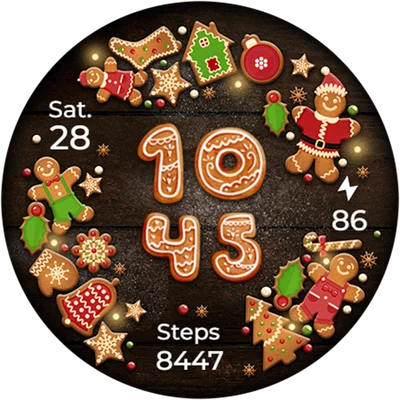
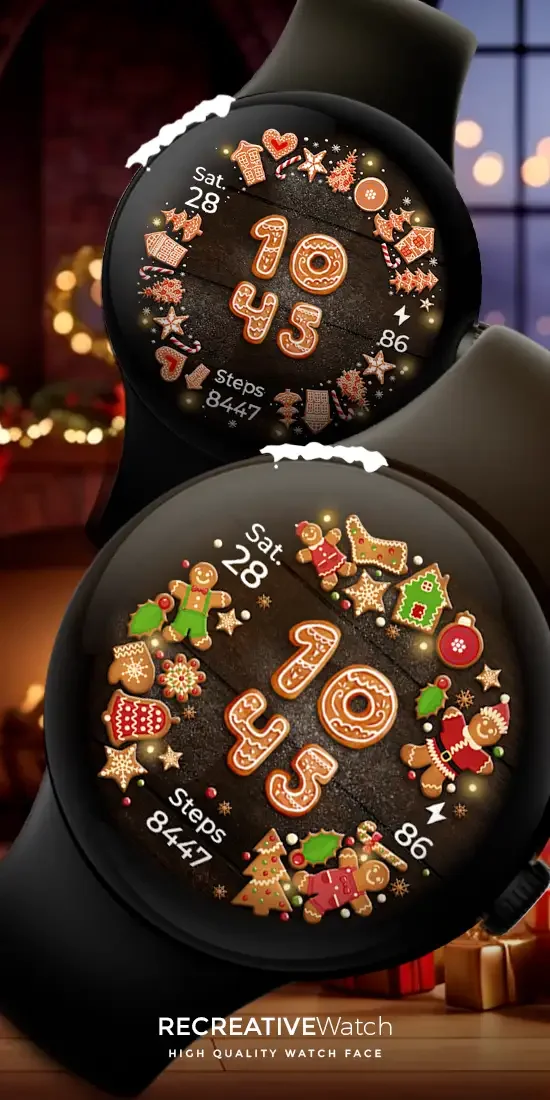
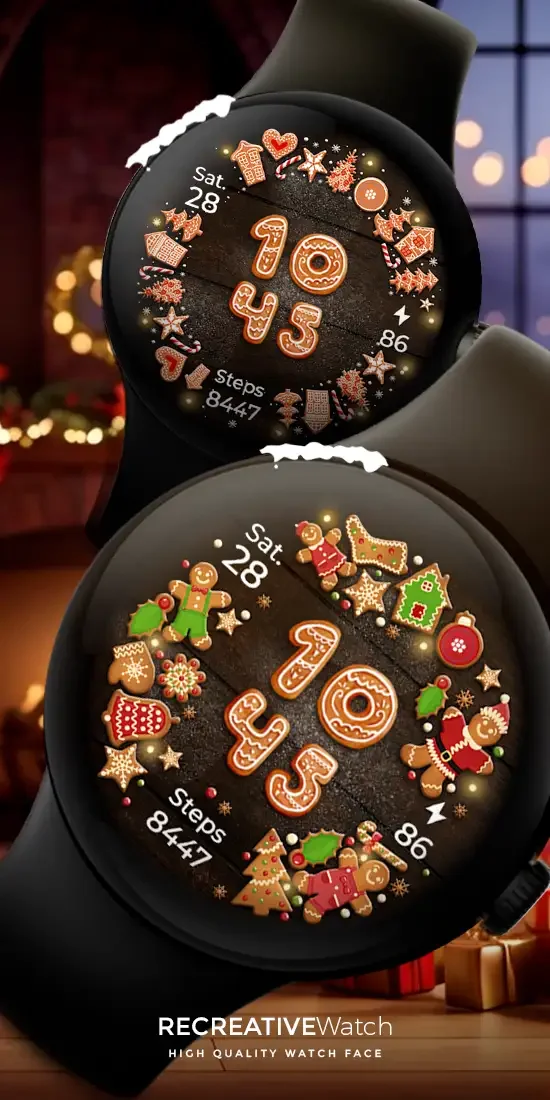
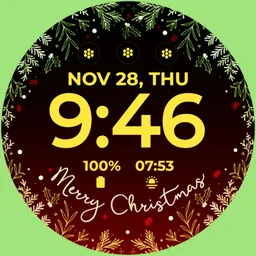
ジンジャーブレッド クッキー フレームで Wear OS ウォッチフェイスをかわいくしましょう。
🎄 ジンジャーブレッド クッキー フレームで Wear OS ウォッチフェイスをかわいくしましょう! 🍪 これらのおいしい境界線の中に、陽気なサンタ、輝くトナカイ、はしゃぐ雪だるま、元気なエルフ、またはサンタの大切な仲間など、お気に入りのお祭りキャラクターを選んでください。 🎅🦌⛄️🧝♂️ 手首を見るたびに楽しい休日のご褒美となり、おいしいジンジャーブレッドの雰囲気の中で選んだキャラクターが現れます。 🎁🕰️🍪🎊
ウォッチフェイス形式を利用
⚙️ 電話アプリの機能
電話アプリは、Wear OS ウォッチへのインストールと文字盤の検索を容易にするための単なるツールです。モバイル アプリのみに広告が含まれます。
⚙️ ウォッチフェイスの機能
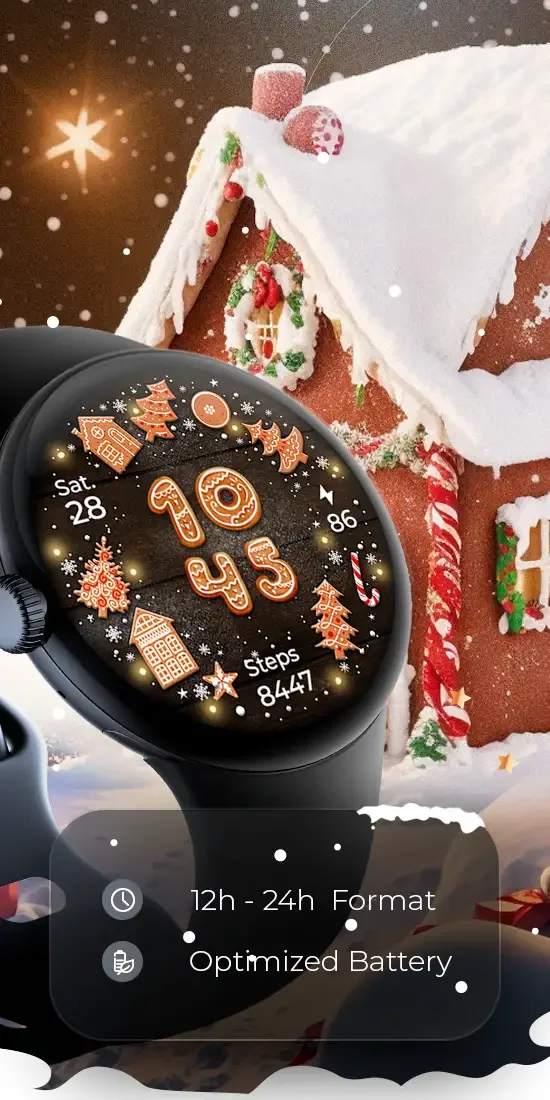
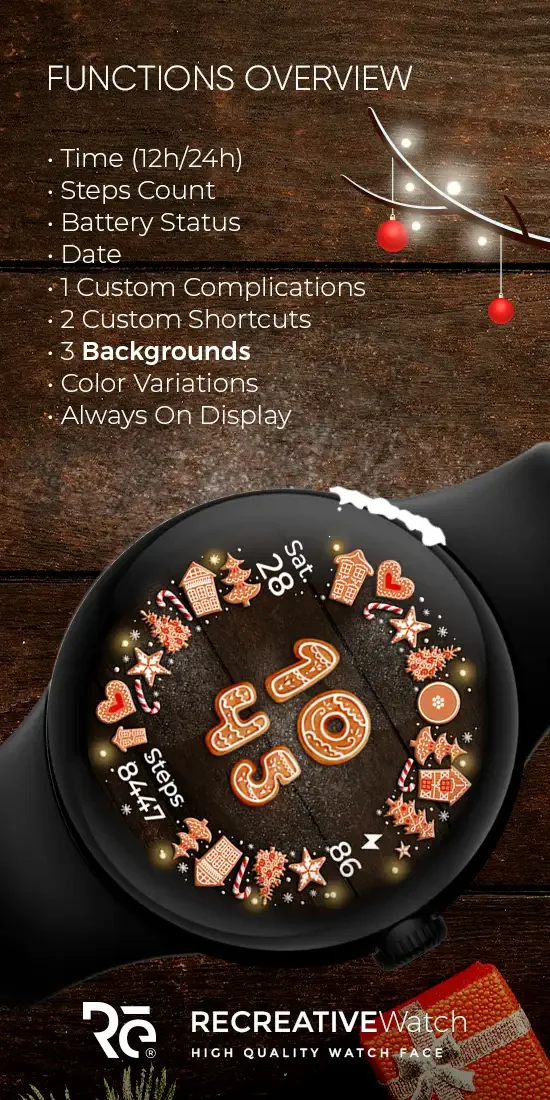
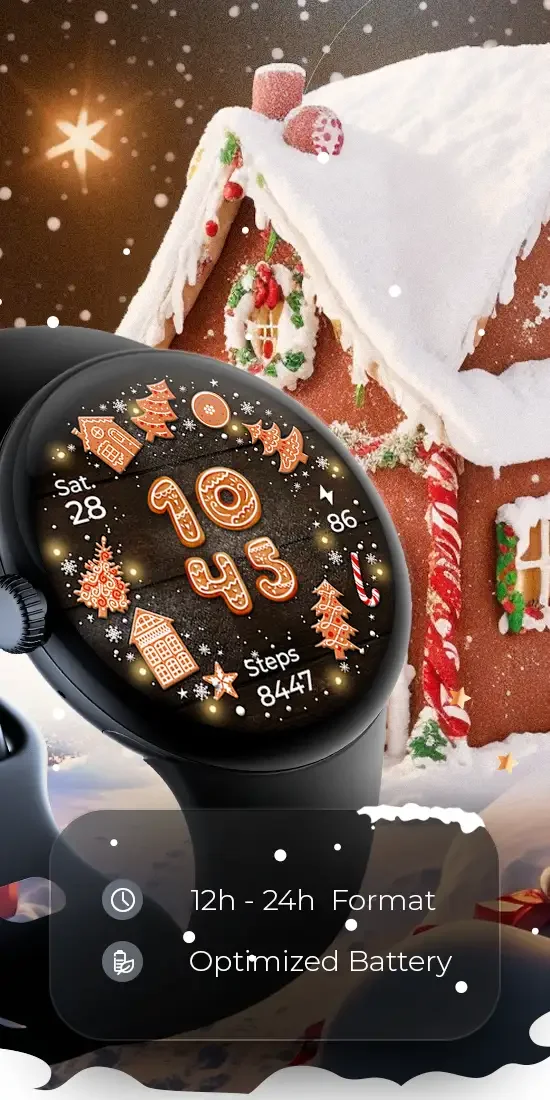
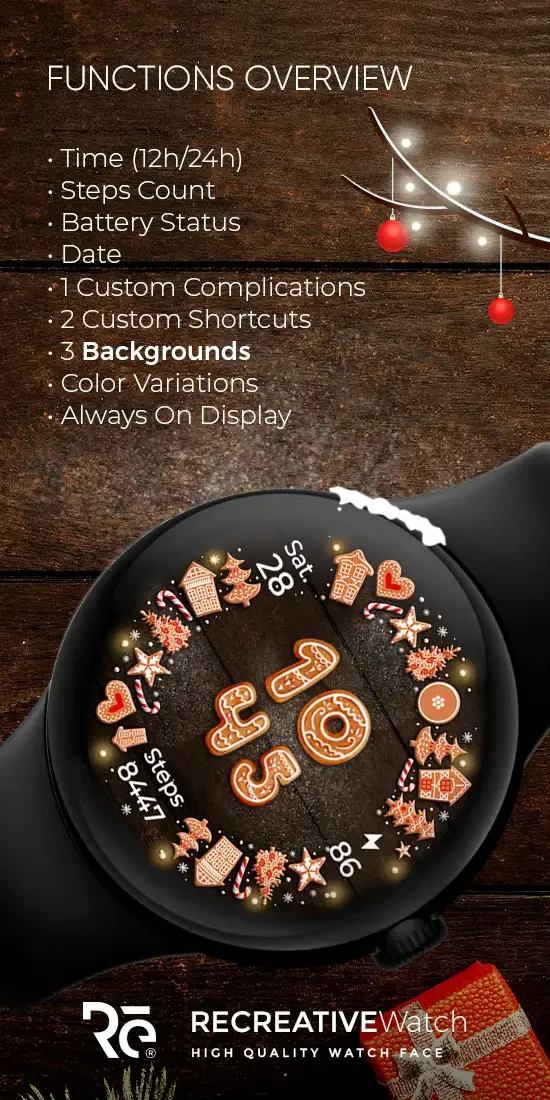
• 12/24時間デジタル時間
• 日付
• バッテリー
• 歩数カウント
• 1 つのカスタマイズ可能なコンプリケーション
• 2 つのカスタマイズ可能なショートカット
• 3つの背景
• 常にオンのディスプレイをサポートし、変更可能な色と変更可能なモードをサポート
🎨 カスタマイズ
1 - ディスプレイをタッチアンドホールドします
2 - カスタマイズ オプションをタップします
🎨 合併症
ディスプレイを長押しすると、カスタマイズ モードが開きます。必要なデータを使用してフィールドをカスタマイズできます。
🔋 バッテリー
時計のバッテリー性能を向上させるために、「常時表示」モードを無効にすることをお勧めします。
✅ 互換性のあるデバイスには、API レベル 33 以上の Google Pixel、Galaxy Watch 4、5、6、およびその他の Wear OS モデルが含まれます。
インストールとトラブルシューティング
このリンクに従ってください: https://www.recreative-watch.com/help/#installation-methodes
インストール後、ウォッチフェイスはウォッチ画面に自動的に適用されません。そのため、 時計の画面で設定する必要があります。
💌 サポートが必要な場合は、support@recreative-watch.com までお問い合わせください。
原文を表示
🎄 Sweeten up your Wear OS Watch face with a gingerbread cookie frame! 🍪 Nestled within these delicious borders, pick your favored festive character: be it jolly Santa, a radiant reindeer, a frolicsome snowman, lively elves, or any of Santa's cherished companions. 🎅🦌⛄️🧝♂️ Every glance at your wrist becomes a delightful holiday treat, showcasing your chosen character amidst the yummy gingerbread ambiance! 🎁🕰️🍪🎊
Powered by Watch Face Format
⚙️ Phone App Features
The phone app is simply a tool to facilitate installation and locating the watch face on your Wear OS watch. Only the mobile app contains ads.
⚙️ Watch Face Features
• 12/24h Digital Time
• Date
• Battery
• Steps Count
• 1 customizable Complications
• 2 customizable Shortcuts
• 3 Backgrounds
• Always ON Display supported with changeable colors and changeable modes
🎨 Customization
1 - Touch and hold display
2 - Tap on Customize option
🎨 Complications
Touch and hold display to open customization mode. You can customize the field with any data you want.
🔋 Battery
For better battery performance of the watch, we recommend disabling the "Always On Display" mode.
✅ Compatible devices include API level 33+ Google Pixel, Galaxy Watch 4, 5, 6, and other Wear OS models.
Installation and troubleshooting
Follow this link: https://www.recreative-watch.com/help/#installation-methodes
Watch faces don't automatically apply on your watch screen after the installation. That's why you must set it on your watch's screen.
💌 Write to support@recreative-watch.com for assistance.
データ セーフティ
このアプリが収集・共有するデータについて、RECREATIVE Watch FacesがGoogle Playで申告している内容です。
- 第三者と共有されるデータはありません詳しくは、デベロッパーが共有を申告する方法についての説明をご覧ください
- このアプリは以下の種類のデータを収集することがあります位置情報、個人情報、他 3 件
- データは送信中に暗号化されます
- データを削除するようリクエストできます
開発元の連絡先
- ウェブサイトrecreative-watch.com
- メールsupport@recreative-watch.com
- プライバシーポリシーrecreative-watch.com
- 住所STR. MIHAIL EMINESCU BL.18 SC.A AP.2 545100 Iernut Romania
情報
- 提供元
- RECREATIVE Watch Faces
- カテゴリ
- カスタマイズ
- 更新日
- 2026/10/13
- リリース
- 2023/10/25
- 対象年齢
- 3 歳以上
- 価格
- ¥240
- パッケージ名
- com.recreative.christmasgingerbread
類似のアプリ
-
 Animated - Christmas Tree
カスタマイズ
-
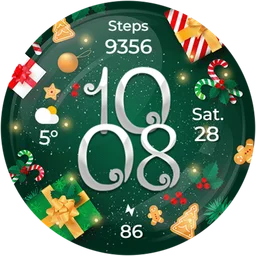 Christmas Globes & Decorations
カスタマイズ
-
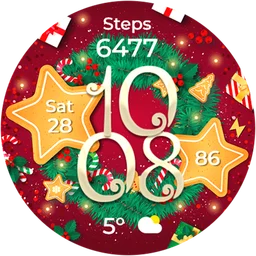 Christmas Gifts & Lights
カスタマイズ
-
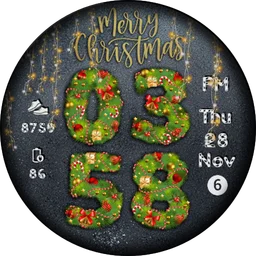 Christmas Numbers Watch Face
カスタマイズ
-
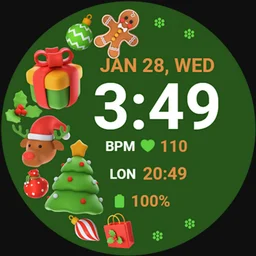 Holiday Watchface
カスタマイズ
-
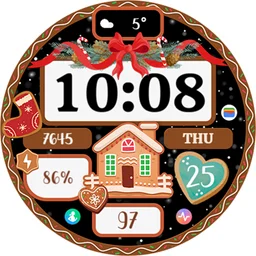 TVV Christmas 8 Watch Face
カスタマイズ
-
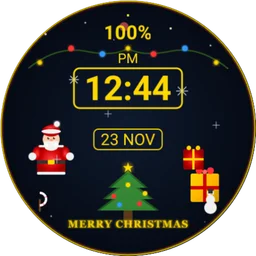 Holiday Pulse ウォッチフェイス
カスタマイズ
-
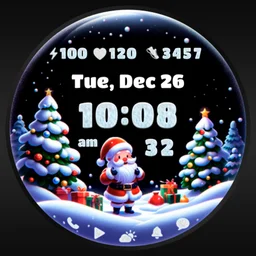 AZ276 Christmas Santa Watch
カスタマイズ
-
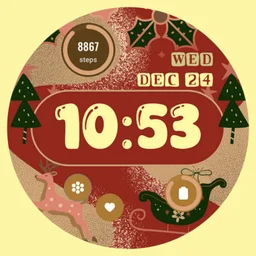 Yuletide Path
カスタマイズ
-
 Merry Christmas Tree Lights
カスタマイズ
-
 Christmas
カスタマイズ
-
 クリスマスエルフ
カスタマイズ