ColorLine IconPack
ArrowWalls- 3 歳以上対象年齢
- カスタマイズカテゴリ
- 2025/8/13更新日
- ¥140価格
com.arrow.icons.colorlineのGoogle Play公式ページにリンクしています。最終確認:2026/11/20。
スクリーンショット
このアプリについて
Googleによる英語 (アメリカ合衆国)からの自動翻訳です。
鮮やかな形状とラインの組み合わせ。素晴らしい視覚体験を提供
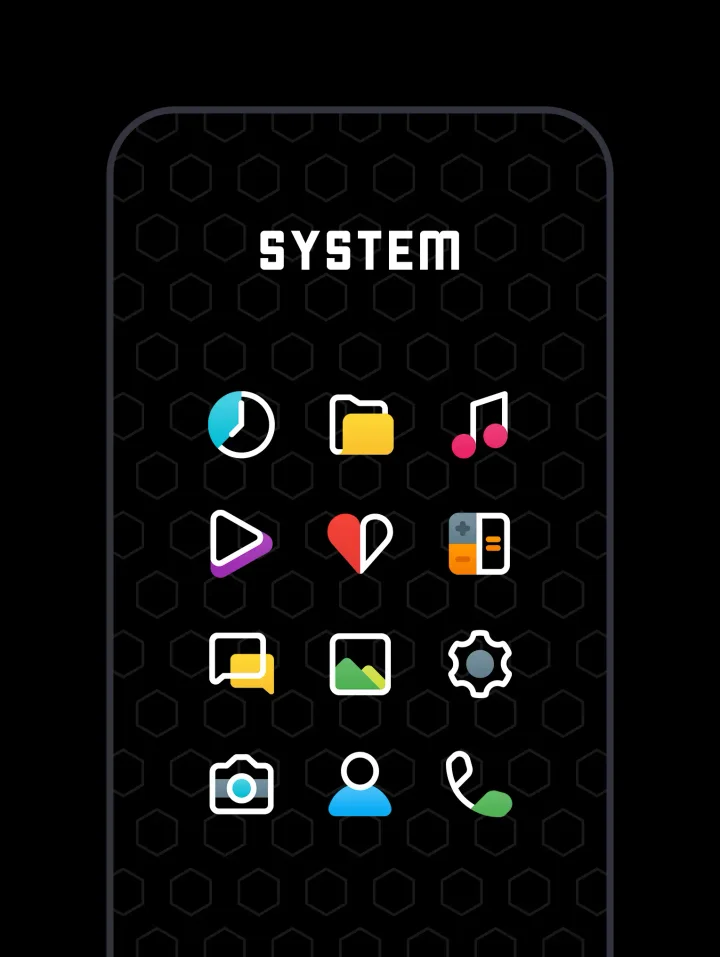
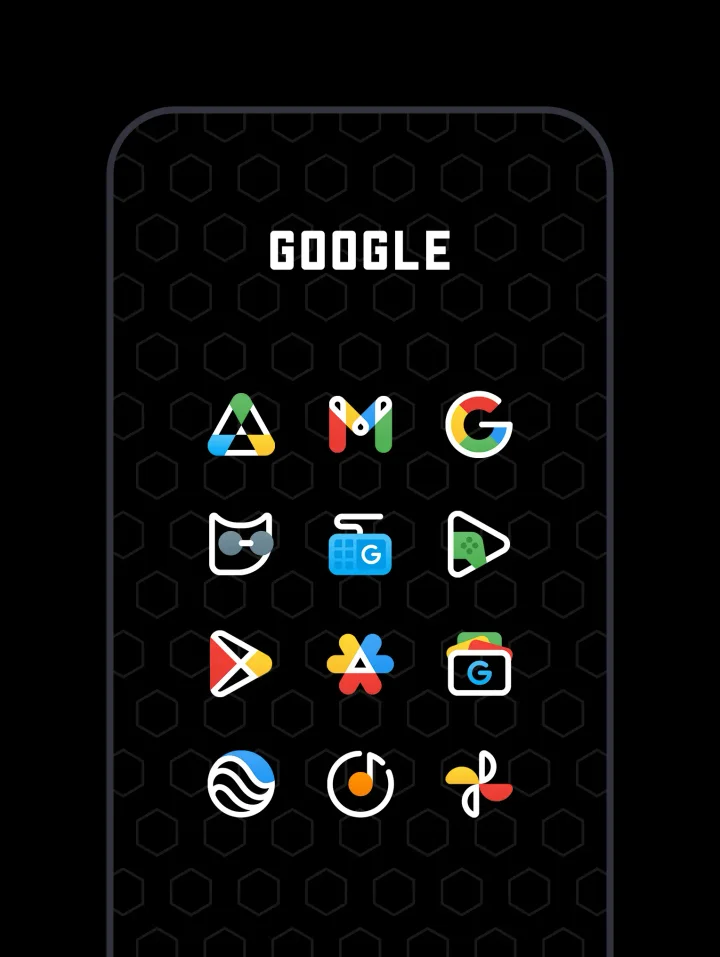
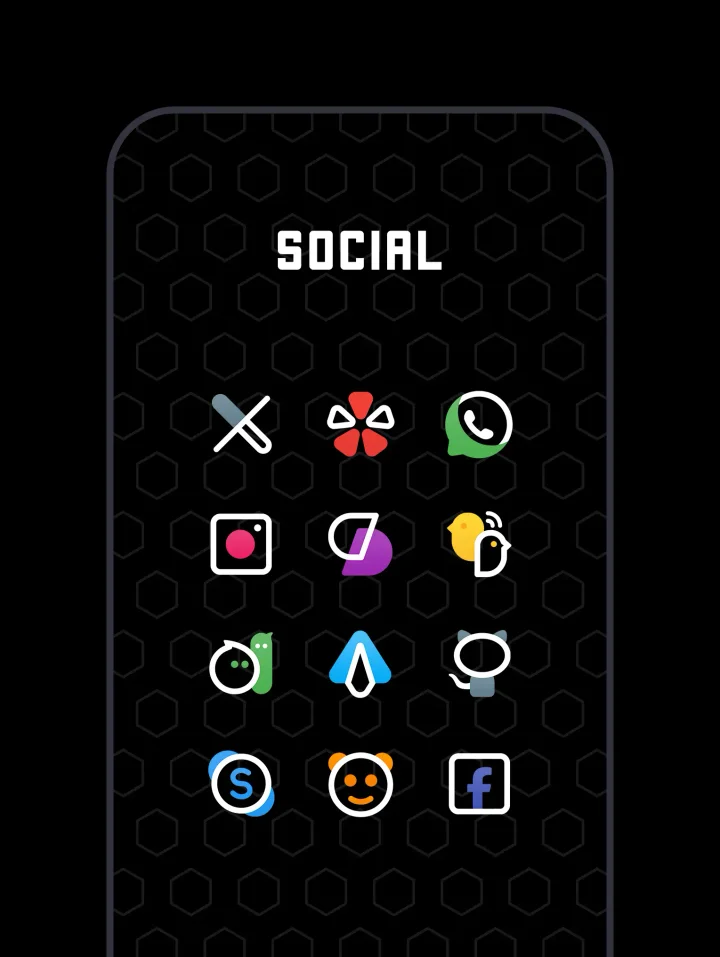
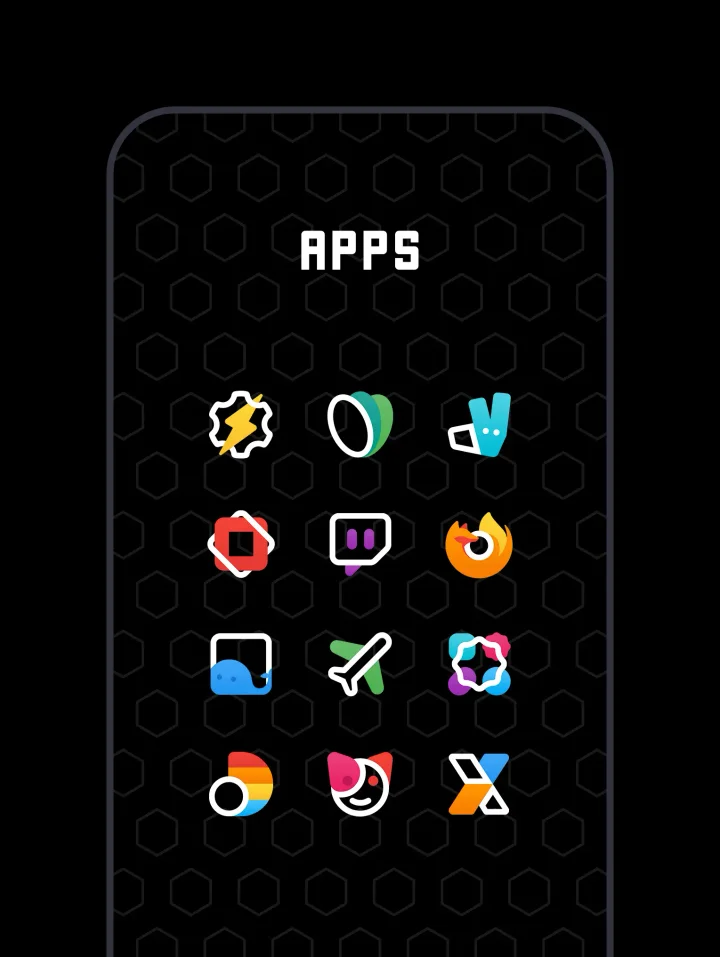
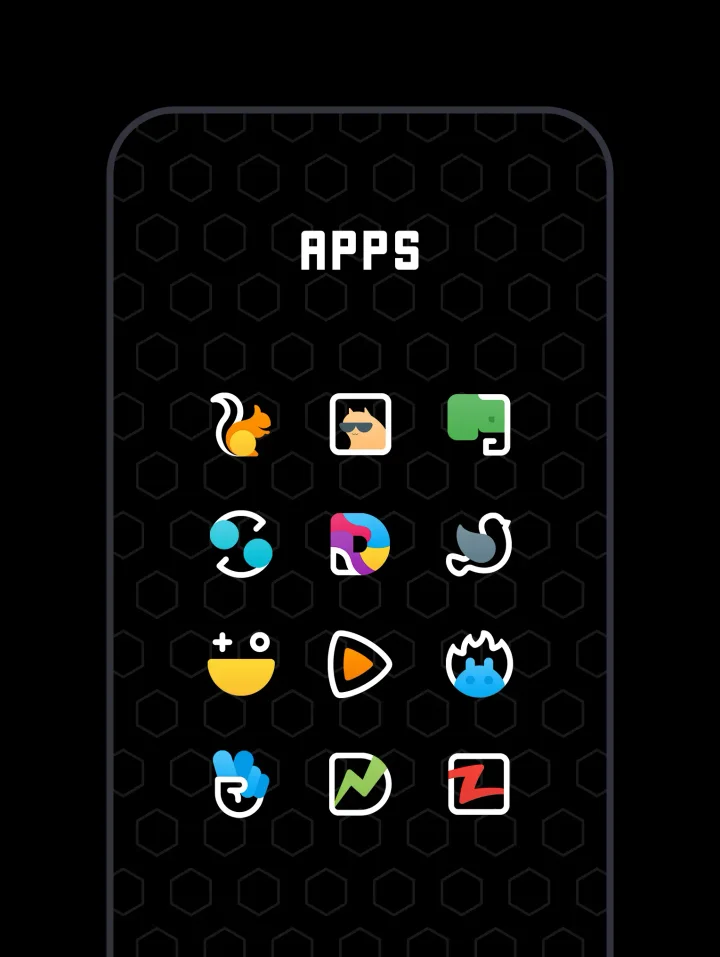
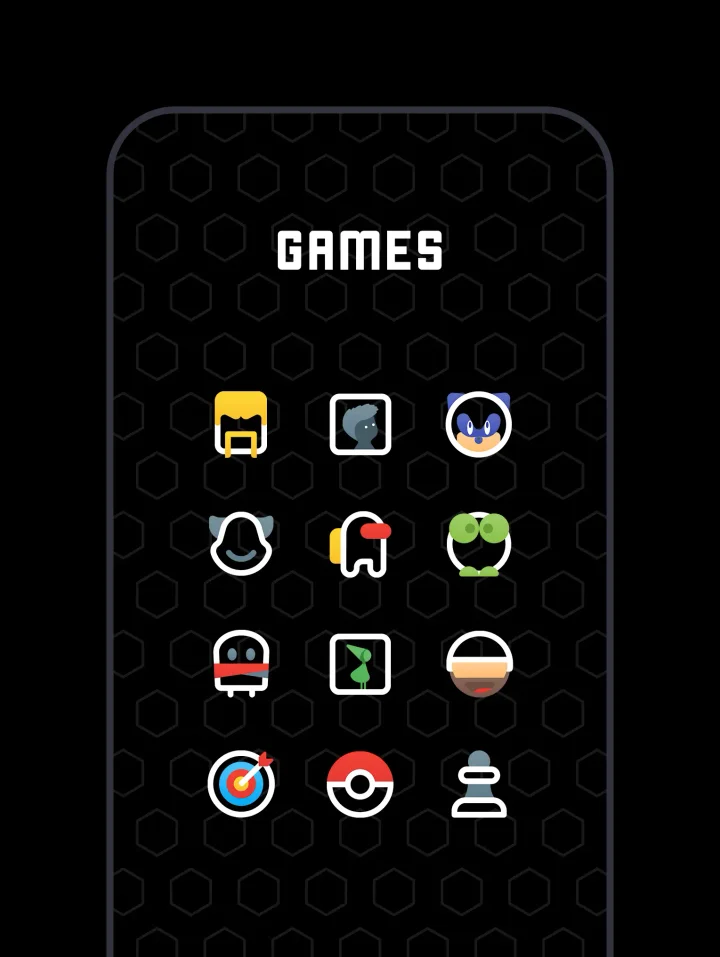
ColorLine Iconpack は、鮮やかな形状と線の組み合わせを提供します。これらの美しいアイコンで新しい体験をしてください。デバイスに美しいタッチを加える、新鮮で鮮やかなアイコン体験をお楽しみください。
特徴
✦ 3,250 個以上の美しいアイコンが毎週増加します。
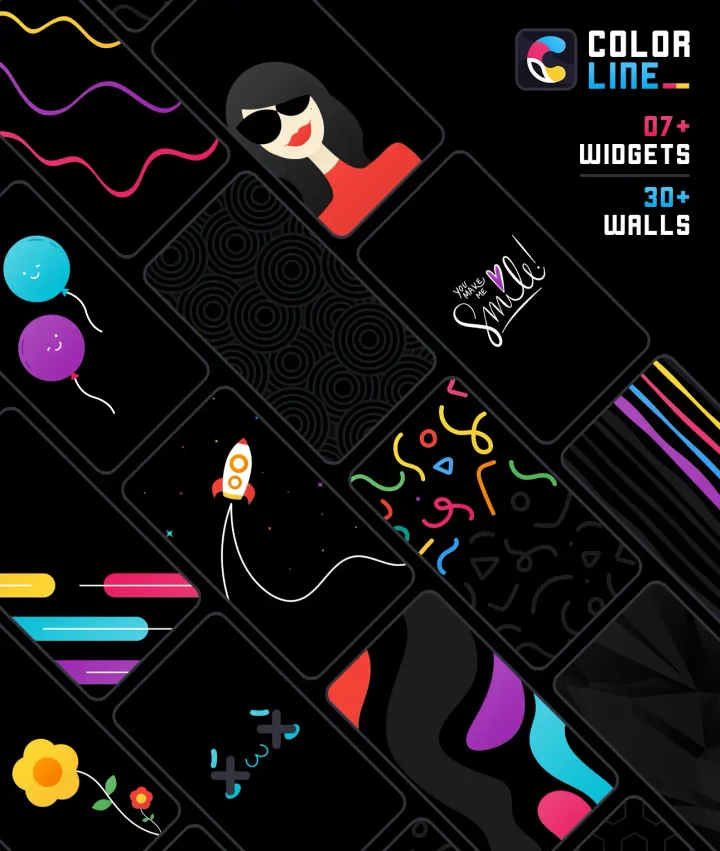
✦ 30 以上の手作りの壁紙。
✦ KWGT に一致する 7 個以上のウィジェット。
✦ 新しいアイコンと壁紙による定期的な更新。
✦ 次のレベルにカスタマイズするための代替アイコン。
✦ アイコンのプレビューと検索。
✦ 動的カレンダーのサポート。
✦ 多くのランチャーのサポート。
✦ カスタム アプリ ドロワー アイコン。
✦ 簡単なアイコンのリクエスト。
✦ ヘルプ セクションの検索オプション。
まだ混乱していますか?
ColorLine Icon Pack は、ストア内で傑出したアイコン パックとして際立っていることに疑いの余地はありません。購入を検討している場合は、ためらわずに購入してください。さらに、パックがご期待に添えない場合には、100% 返金保証をご用意しておりますので、ご安心ください。お客様の満足が私たちの最優先事項です。
このアイコン パックの使用方法
ステップ 1 : サポートされているテーマ ランチャーをインストールします。
ステップ 2 : ColorLine Icon Pack を開き、「適用」をクリックします。
推奨されるランチャー設定
アイコンのサイズを90%から100%に設定
アイコンの正規化機能が無効になっています
免責事項
このアイコン パックを使用するには、サポートされているランチャーが必要です。
アプリ内のヘルプ セクションでは、多くの質問に答えます。質問をメールで送信する前に必ずお読みください。
サポート
アイコンパックの使用に関して問題がある場合。 arrowwalls9@gmail.com までメールをお送りください。
連絡してください
Twitter: https://twitter.com/ArrowWalls
Gmail: arrowwalls9@gmail.com
原文を表示
ColorLine Iconpack offers a Combination of Vibrant Shape With a Line. Live a new experience with these beautiful icons. Enjoy a fresh and vibrant icon experience that adds a beautiful touch to your device.
FEATURES
✦ 3250+ Beautiful Icons and Growing Weekly.
✦ 30+ Hand made Wallpapers.
✦ 7+ Matching Widgets for KWGT.
✦ Regular updates with new icons and wallpapers.
✦ Alternative icons to make customization to the next level.
✦ Icon preview and search.
✦ Dynamic Calendar support.
✦ Support for many launchers.
✦ Custom app drawer icons.
✦ Easy Icon Request.
✦ Help section with search option.
Still Confuse?
Indisputably, ColorLine Icon Pack stands out as an exceptional icon pack in the store. If you're contemplating a purchase, don't hesitate – go for it! Plus, rest assured with our 100% refund guarantee in case the pack doesn't meet your expectations. Your satisfaction is our priority.
How to use this Icon pack?
Step 1 : Install supported theme Launcher.
Step 2 : Open ColorLine Icon Pack and click on Apply.
Recommended launcher settings
Icons size set 90% to 100%
Icon normalization feature disabled
DISCLAIMER
A supported launcher is required to use this icon pack!
Help section inside the app which answers a lot of questions you may have.Please read it before you emailing your question.
Support
If you have any issue with using Icon pack. Just email me at arrowwalls9@gmail.com
Contact Me
Twitter: https://twitter.com/ArrowWalls
Gmail: arrowwalls9@gmail.com
データ セーフティ
このアプリが収集・共有するデータについて、ArrowWallsがGoogle Playで申告している内容です。
- 第三者と共有されるデータはありません詳しくは、デベロッパーが共有を申告する方法についての説明をご覧ください
- データは収集されません詳しくは、デベロッパーが収集を申告する方法についての説明をご覧ください
新機能
バージョン 1.9 · 2025/8/13
1.9
• 100+ New Icons.
• New and Updated Activities.
...
..
.
1.0
• Initial Release with 3250+ Icons
開発元の連絡先
- ウェブサイトarrow.bio.link
- メールarrowwalls9@gmail.com
- プライバシーポリシーarrowwallsapps.blogspot.com
- 住所122 ALIGUNJPURA SUKHBAG ROAD AT PO-PALANPUR PALANPUR, Gujarat 385001 India
情報
- 提供元
- ArrowWalls
- カテゴリ
- カスタマイズ
- バージョン
- 1.9
- 更新日
- 2025/8/13
- リリース
- 2024/1/26
- 必要条件
- Android 5.0以降
- 対象年齢
- 3 歳以上
- 価格
- ¥140
- パッケージ名
- com.arrow.icons.colorline