Dash Digital: Watch face
amoledwatchfaces™- 3 歳以上対象年齢
- カスタマイズカテゴリ
- 2026/8/4更新日
- ¥72価格
com.watchfacestudio.awfdashdigitalのGoogle Play公式ページにリンクしています。最終確認:2026/11/14。
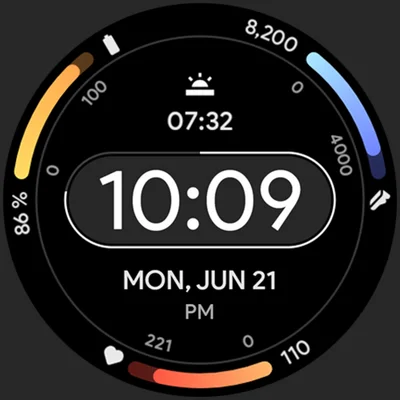
スクリーンショット
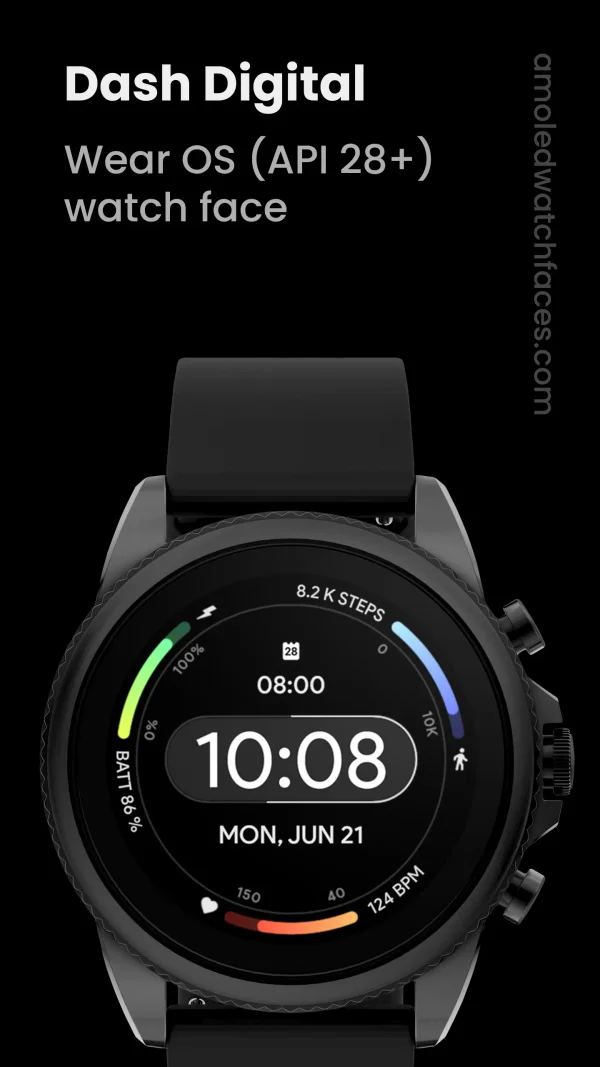
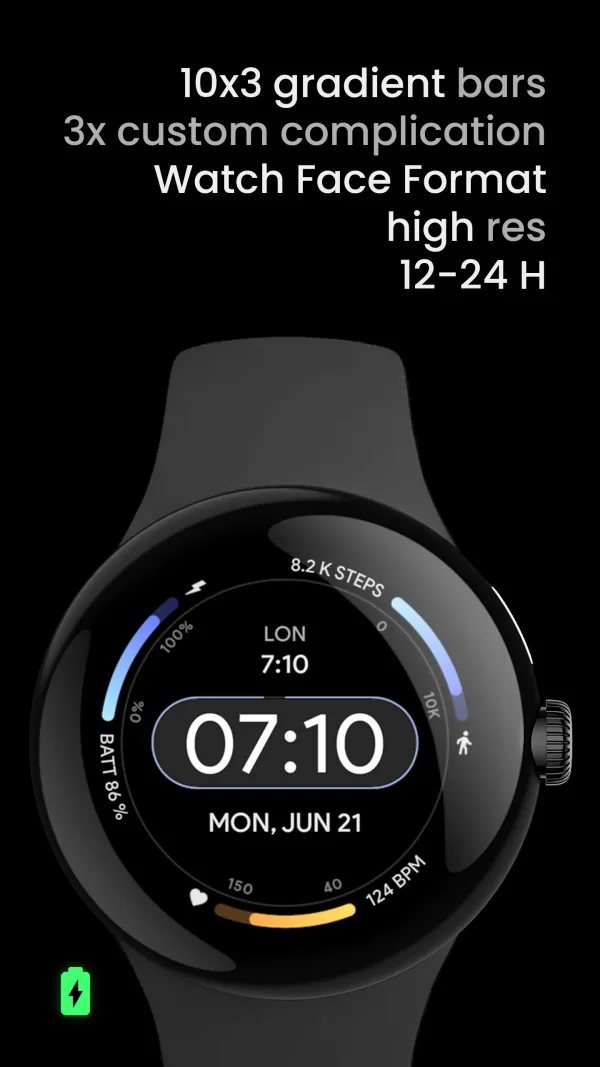
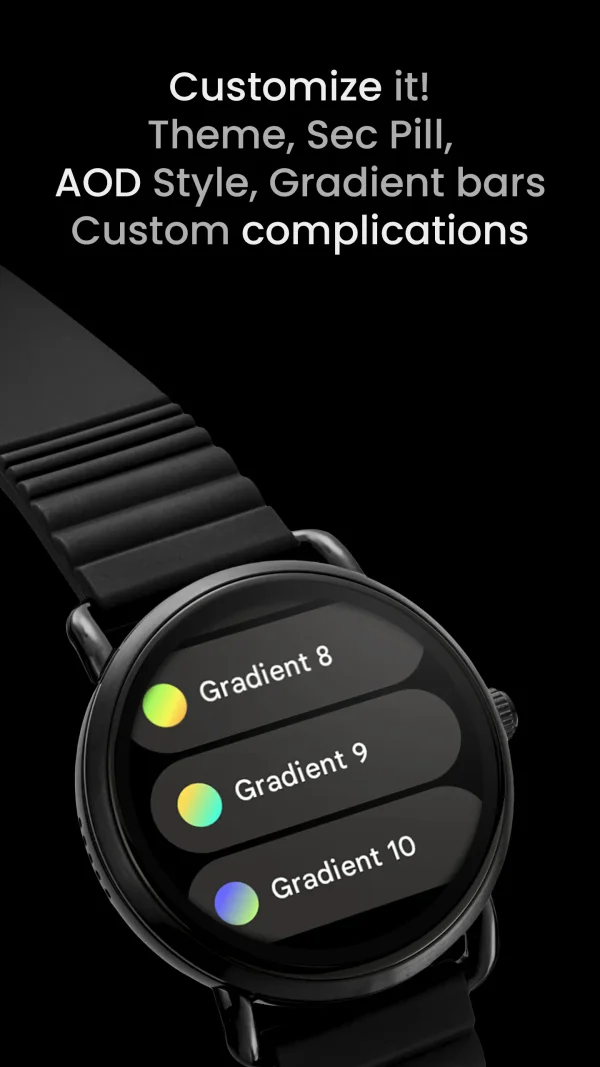
このアプリについて
Googleによる英語 (アメリカ合衆国)からの自動翻訳です。
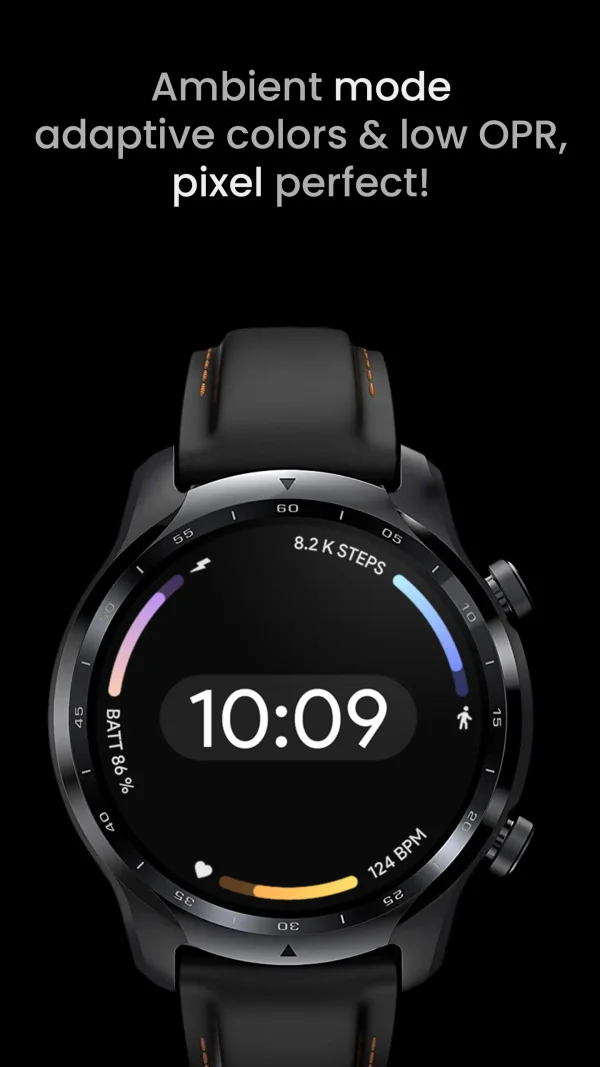
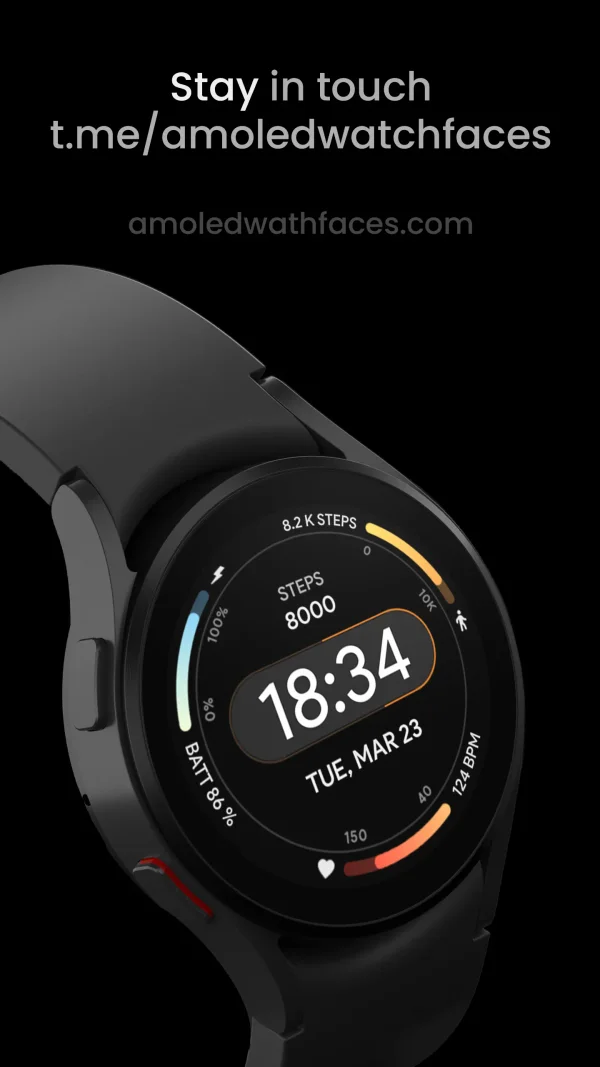
真の黒背景のマルチカラー、デジタル フィットネス Wear OS のウォッチフェイス
Wear OS デバイスのみ - API 28+
// 長方形の時計には適していません
ウォッチフェイス形式を採用
amoledwatchfaces.com
1 つ購入すると 1 つ特典!
amoledwatchfaces.com/bogo
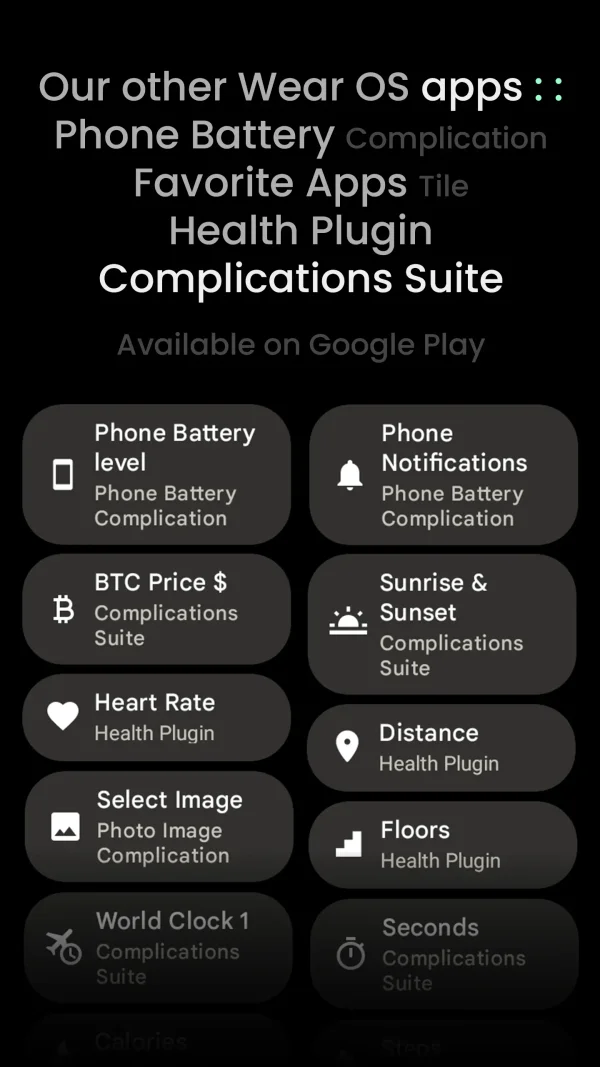
カスタム コンプリケーション アプリ
amoledwatchfaces.com/apps
特徴
• 真っ黒な背景
• ユニークな秒針インジケーター (錠剤)
• 高解像度
• 多くの色のカスタマイズオプション
• グラデーションカラーバー(インジケーター)
• 10x 秒インジケーターの色
• 秒インジケーターをオフにするオプション
• PNGQuant に最適化されたレイヤー > バッテリーに優しい
• カスタムショートカット
• 低OPRとアダプティブカラーを備えたシンプルなアンビエントモード
• 4 つの AOD スタイル
• 6x カスタムコンプリケーション (API 33+)
• 多言語の日付
ユーザー設定
• アーク 1 カラー (10x)
• アーク 2 カラー (10x)
• アーク 3 カラー (10x)
• セカンズピル(3回)
• AOD スタイル (4x)
• カラー (10x)
• カスタムコンプリケーション
• バーマーカー (切り替え - API 33+)
インストールとトラブルシューティングのガイド
amoledwatchfaces.com/guide
問題のレポートやヘルプ リクエストがある場合は、サポート アドレスに送信してください。
support@amoledwatchfaces.com
Telegram グループに参加してライブ サポートやディスカッションを行ってください
t.me/amoledwatchfaces
ニュースレター
amoledwatchfaces.com/contact#newsletter
amoledwatchfaces™ - Awf
原文を表示
Only for Wear OS devices - API 28+
// Not suitable for rectangular watches
Powered by Watch Face Format
amoledwatchfaces.com
BUY ONE GET ONE OFFER!
amoledwatchfaces.com/bogo
CUSTOM COMPLICATION APPS
amoledwatchfaces.com/apps
FEATURES
• true black background
• unique sec hand indicator (pill)
• high resolution
• many color-customization options
• gradient color bars (indicators)
• 10x sec indicator colors
• option to turn off sec indicator
• PNGQuant optimized layers > battery friendly
• custom shortcut
• simple ambient mode with low OPR & adaptive colors
• four AOD styles
• 6x custom complication (API 33+)
• multilanguage date
USER CONFIGURATIONS
• Arc 1 Color (10x)
• Arc 2 Color (10x)
• Arc 3 Color (10x)
• Seconds Pill (3x)
• AOD Style (4x)
• Color (10x)
• Custom complication
• Bar Markers (Toggle - API 33+)
Installation and troubleshooting guide
amoledwatchfaces.com/guide
Please send any issues reports or help requests to our support address
support@amoledwatchfaces.com
Join our Telegram group for live support and discussion
t.me/amoledwatchfaces
Newsletter
amoledwatchfaces.com/contact#newsletter
amoledwatchfaces™ - Awf
データ セーフティ
このアプリが収集・共有するデータについて、amoledwatchfaces™がGoogle Playで申告している内容です。
- 第三者と共有されるデータはありません詳しくは、デベロッパーが共有を申告する方法についての説明をご覧ください
- データは収集されません詳しくは、デベロッパーが収集を申告する方法についての説明をご覧ください
新機能
2026/8/4
v1.5.7
• replaced old font with Google Sans Flex (Wear OS 6+)
• removed HEART_RATE SourceType completely
• added isAutoSize text feature
v1.5.5
• arc complication slot fixes
v1.5.4
• changed left arc RANGED_VALUE text direction
• updated watch face icon
v1.5.3
• center pill improvements
• markers min-max size increased by 1px
...
NOTE: Remove watch face from favorites and add it back to ensure watch face runs smoothly after update.
開発元の連絡先
- ウェブサイトamoledwatchfaces.com
- メールsupport@amoledwatchfaces.com
- プライバシーポリシーamoledwatchfaces.com
- 住所51 Nižný Kručov 09301 Nižný Kručov Slovakia
情報
- 提供元
- amoledwatchfaces™
- カテゴリ
- カスタマイズ
- 更新日
- 2026/8/4
- リリース
- 2021/11/15
- 対象年齢
- 3 歳以上
- 価格
- ¥72
- パッケージ名
- com.watchfacestudio.awfdashdigital