Dialist Market
Time Fliesアプリ内課金
- 3 歳以上対象年齢
- カスタマイズカテゴリ
- 2026/11/17更新日
- 無料価格
com.dialistmarket.appのGoogle Play公式ページにリンクしています。最終確認:2026/11/19。

スクリーンショット

このアプリについて
Googleによる英語 (アメリカ合衆国)からの自動翻訳です。
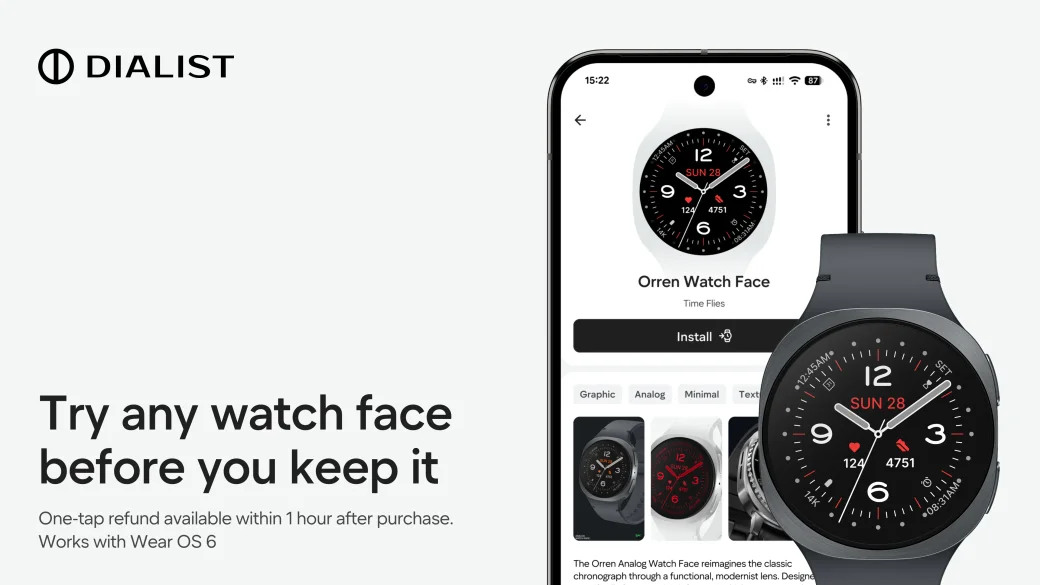
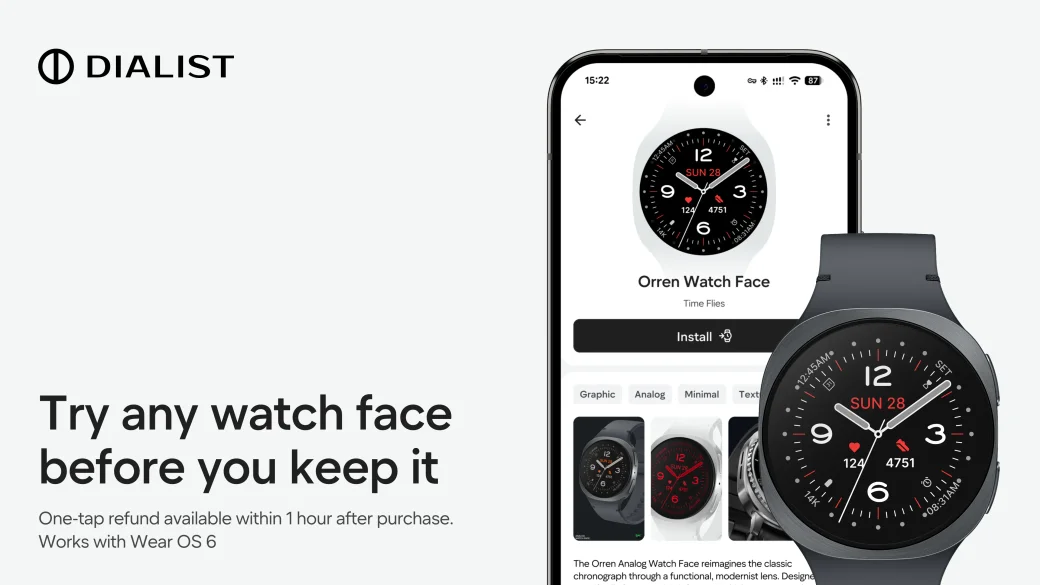
どのウォッチフェイスでもお試しください。購入後1時間以内であれば、ワンタップで返金可能です。
ウォッチフェイスはお試しいただけます。ご購入後1時間以内であれば、ワンタップで返金いたします。ご質問は一切受け付けておりません。
Dialistは、Wear OS 6でウォッチフェイスを検索してインストールするためのアプリです。長い検索や複雑な設定は不要です。スマートフォンから直接、シンプルで信頼性の高い方法でウォッチフェイスを管理できます。
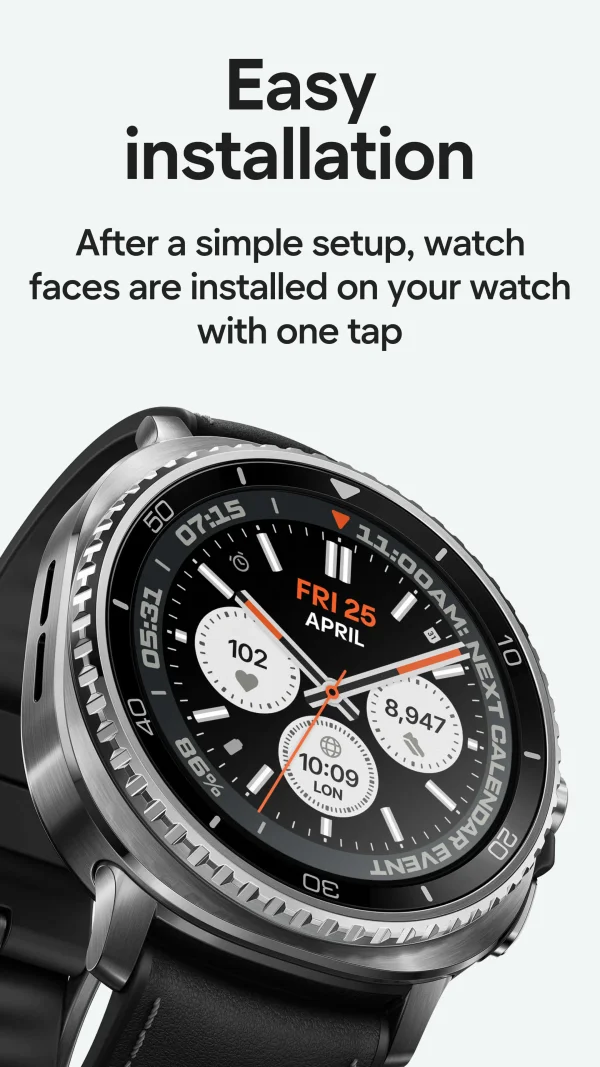
簡単なインストール
一度設定すれば、ウォッチフェイスをワンタップでインストールできます。追加の手順やサードパーティツールは不要です。Dialistがインストールプロセス全体を処理します。
ウォッチフェイスカタログ
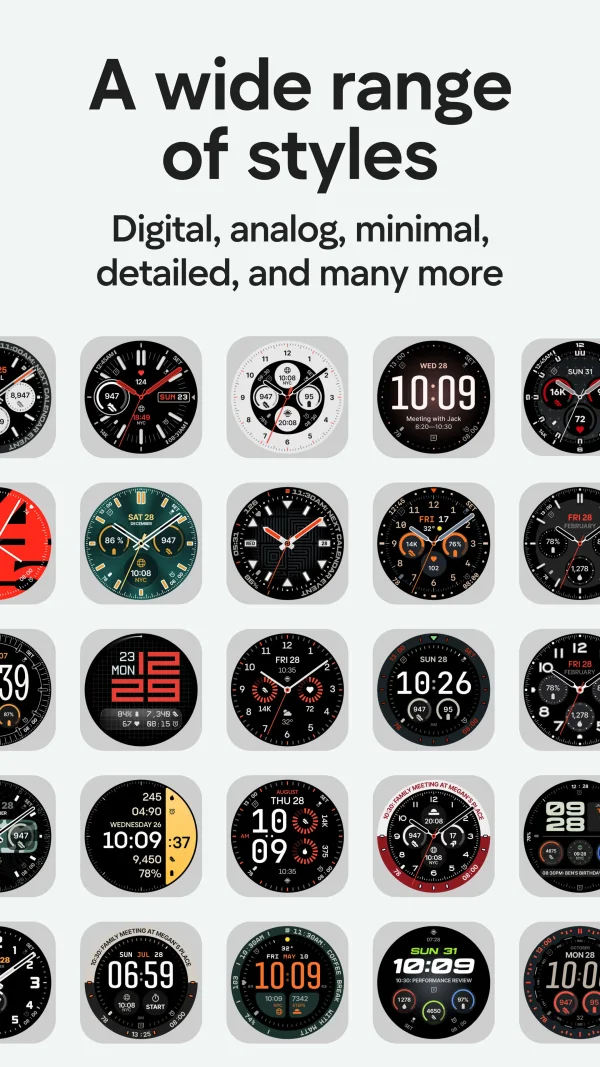
ミニマル、クラシック、グラフィック、ディテールデザインなど、厳選されたアナログおよびデジタルウォッチフェイスのコレクションをご覧ください。新しいウォッチフェイスが定期的に追加されます。
Wear OS 6との互換性
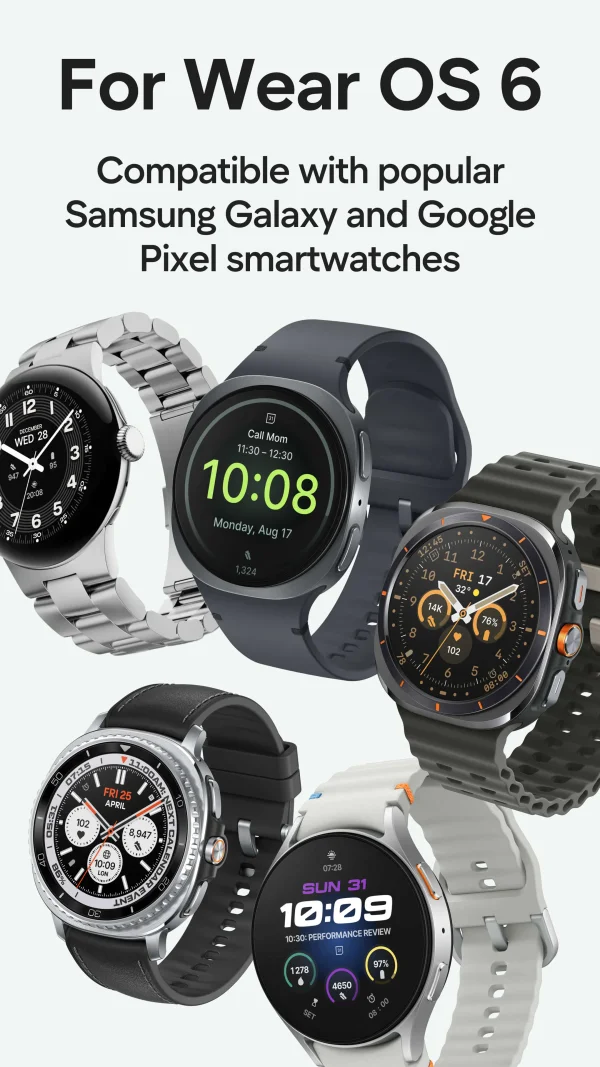
Dialistは、Samsung Galaxy WatchやGoogle Pixel WatchなどのWear OS 6搭載の人気スマートウォッチで動作します。Wear OSの以前のバージョンは現時点ではサポートされていません。
カスタマイズオプション
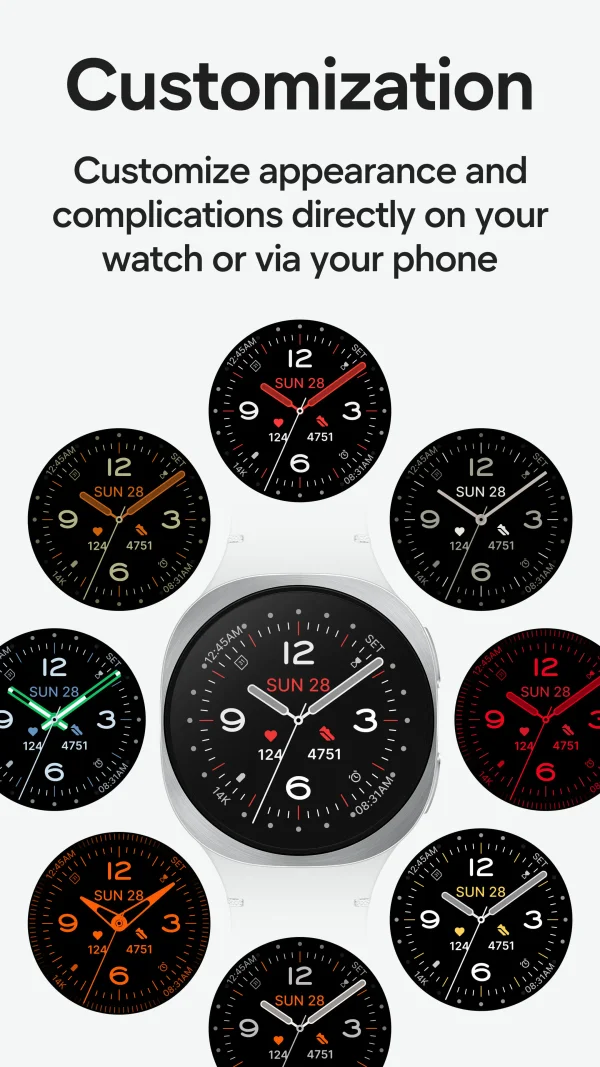
ウォッチフェイスは、あなたのスタイルに合わせてカスタマイズできます。カラー、針、インデックス、コンプリケーション、常時表示設定は、ウォッチ本体またはスマートフォンから直接調整できます。
コレクションとおすすめ
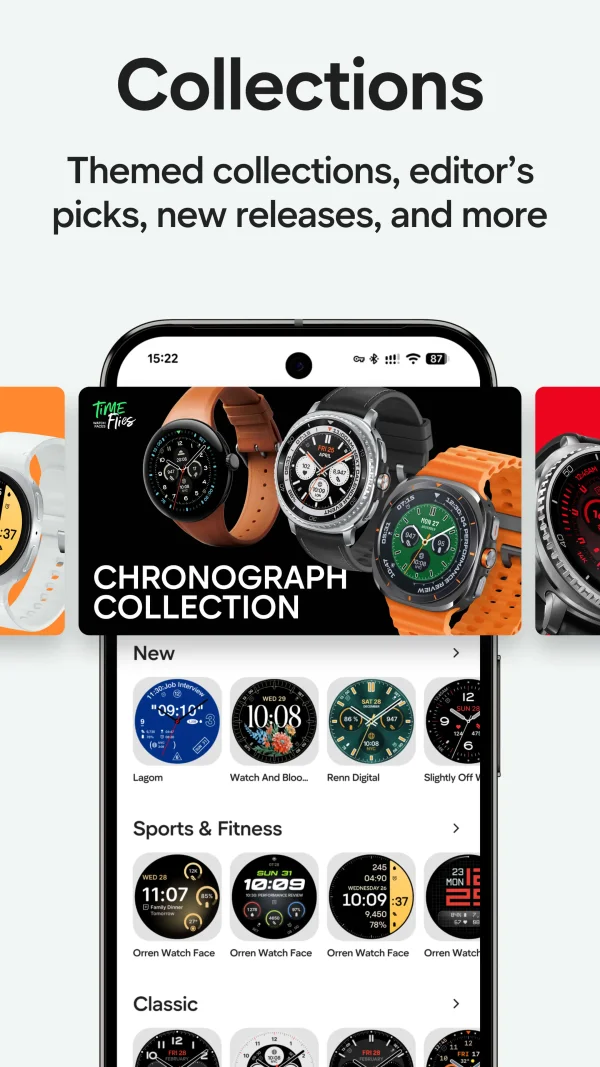
テーマ別カテゴリー、新作、エディターのおすすめ、デザイナーによる厳選コレクションなどから、お好みにぴったりのウォッチフェイスをすぐに見つけられます。
Google公式フォーマット
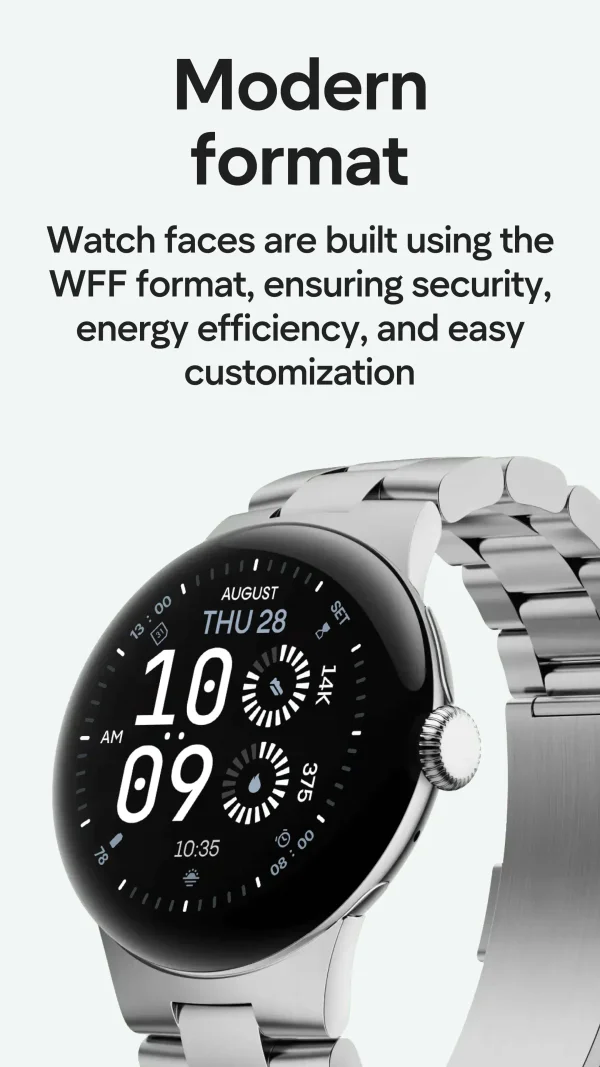
すべてのウォッチフェイスは、Google公式規格であるウォッチフェイスファイルフォーマットを採用しています。これにより、低消費電力、安定したパフォーマンス、安全な操作、そしてシームレスなシステム統合が実現します。
あなたのスタイルを一目で
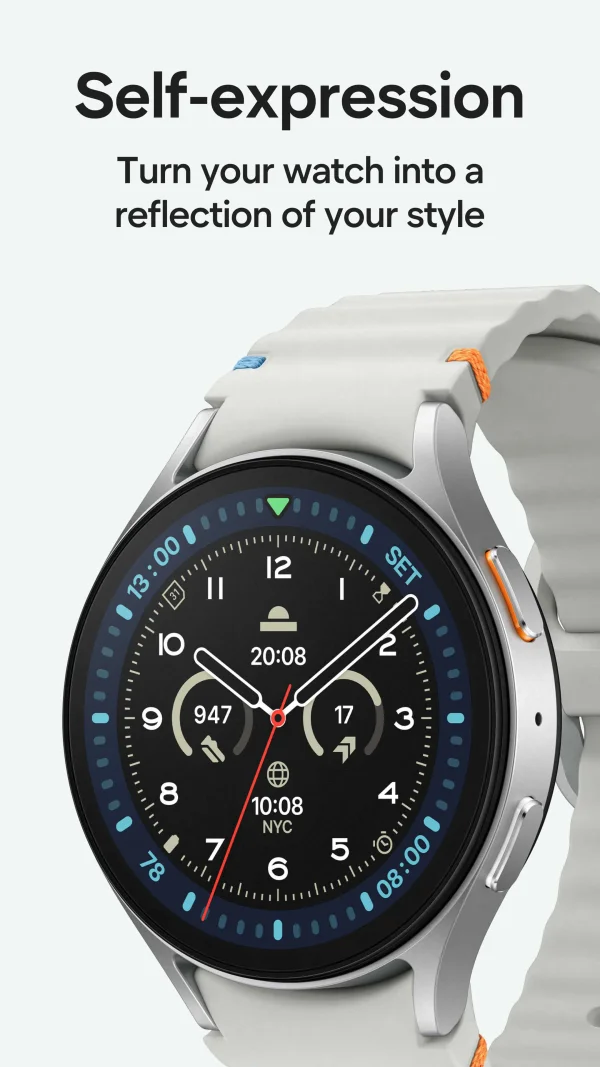
Dialistは、スマートウォッチを個性的なスタイルへと導きます。シンプルで実用的なデザインから、大胆でスポーティなルックスまで、様々なスタイルでお楽しみいただけます。
原文を表示
Try any watch face before you keep it.
One-tap refund available within 1 hour after purchase. No questions asked.
Dialist is an app for discovering and installing watch faces on Wear OS 6. Instead of long searches and complicated setup, you get a simple and reliable way to manage watch faces directly from your phone.
Easy installation
After a one-time setup, watch faces can be installed on your watch with a single tap. No extra steps or third-party tools — Dialist handles the entire installation process.
Watch face catalog
Browse a curated collection of analog and digital watch faces, including minimalist, classic, graphic, and detailed designs. New watch faces are added regularly.
Wear OS 6 compatibility
Dialist works with popular smartwatches such as Samsung Galaxy Watch and Google Pixel Watch running Wear OS 6. Earlier versions of Wear OS are not supported at this time.
Customization options
Customize each watch face to match your style: colors, hands, indices, complications, and Always-on Display settings can be adjusted directly on the watch or via your phone.
Collections and recommendations
Explore themed categories, new releases, editorial picks, and curated collections from designers to quickly find a watch face that fits your preferences.
Official Google format
All watch faces use the Watch Face File Format — Google’s official standard. This ensures low power consumption, stable performance, secure operation, and seamless system integration.
Your style, at a glance
Dialist helps turn your smartwatch into a personal expression of style — from clean and utilitarian designs to bold and sporty looks.
データ セーフティ
このアプリが収集・共有するデータについて、Time FliesがGoogle Playで申告している内容です。
- 第三者と共有されるデータはありません詳しくは、デベロッパーが共有を申告する方法についての説明をご覧ください
- このアプリは以下の種類のデータを収集することがあります個人情報、財務情報、他 2 件
- データは送信中に暗号化されます
- データを削除するようリクエストできます
新機能
2026/11/17
Time to say bye
開発元の連絡先
- ウェブサイトdialistmarket.com
- メールmg23apps@gmail.com
- プライバシーポリシーdialistmarket.com
- 住所litera B, kv. 100, Bolshoi prospekt Vasilievskogo ostrova 76 St. Petersburg Russia 199106
情報
- 提供元
- Time Flies
- カテゴリ
- カスタマイズ
- 更新日
- 2026/11/17
- リリース
- 2026/2/13
- 対象年齢
- 3 歳以上
- 価格
- 無料
- アプリ内課金
- ¥80~¥640/アイテム
- パッケージ名
- com.dialistmarket.app