Digi Dash Clock - Watch Face
EK Watch Faces ™- 3 歳以上対象年齢
- カスタマイズカテゴリ
- 2026/9/19更新日
- ¥350価格
com.ekwatchfaces.digidashclockのGoogle Play公式ページにリンクしています。最終確認:2026/11/26。
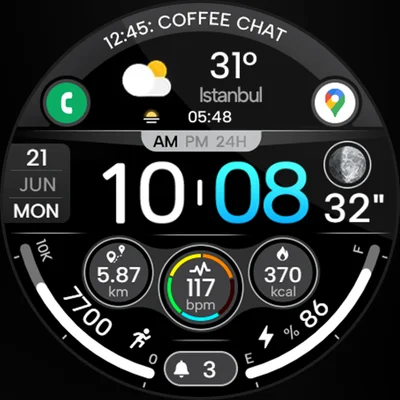
スクリーンショット
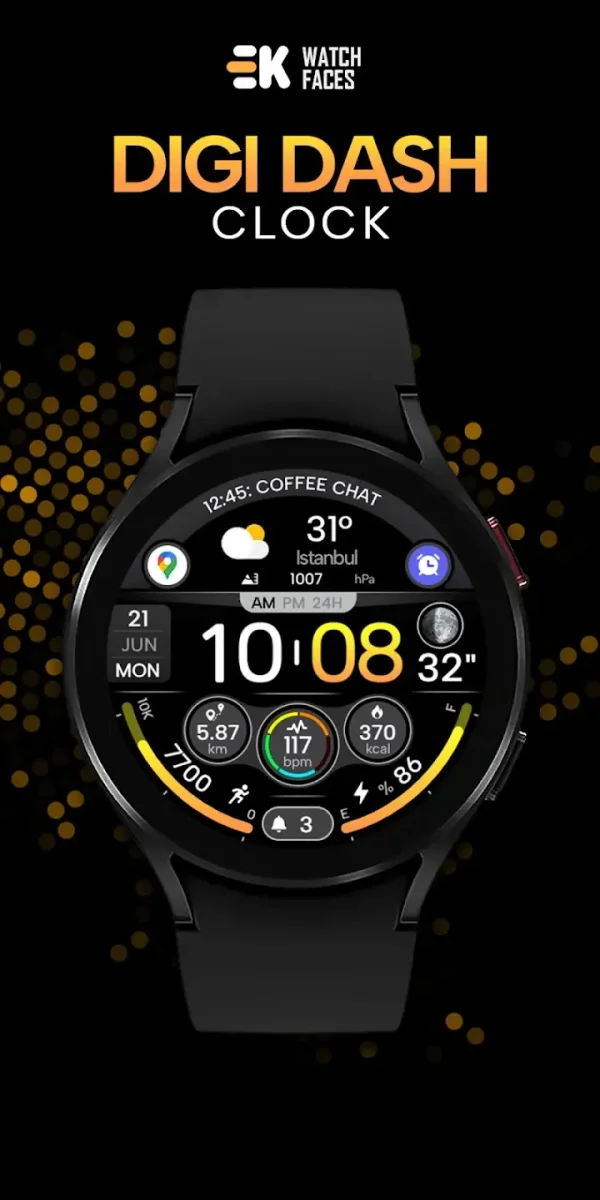

このアプリについて
Googleによる英語 (アメリカ合衆国)からの自動翻訳です。
色であなたのスタイルを形作ってください!
🌟 Wear OS専用
[ Wear OSデバイス専用 - API 33以降 ]
🧩 色でスタイルを彩ろう!
機能
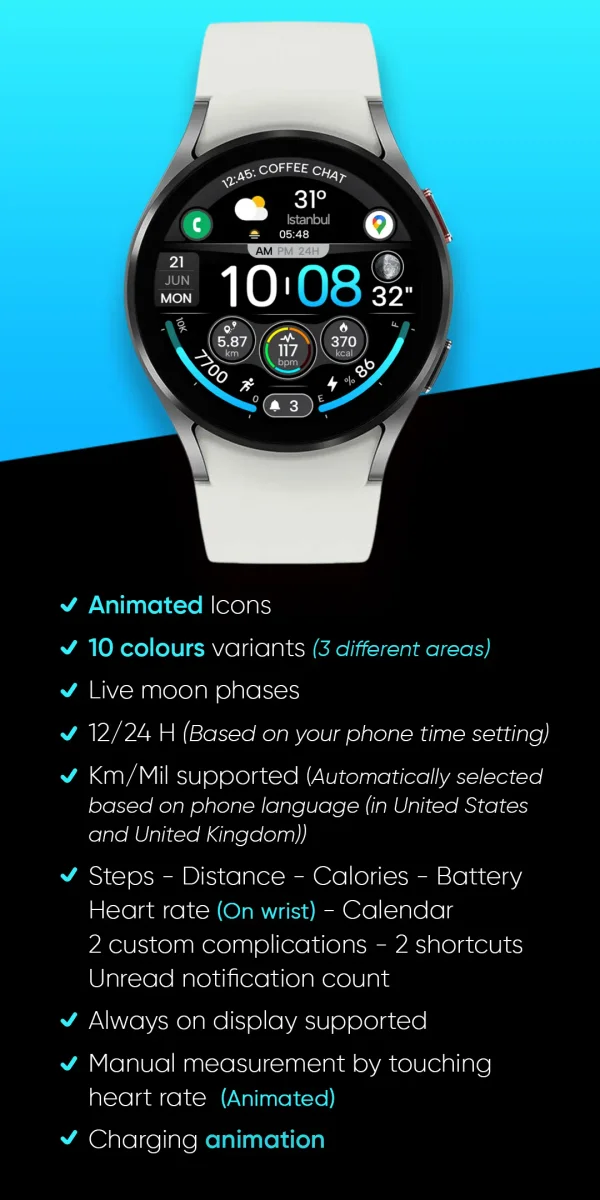
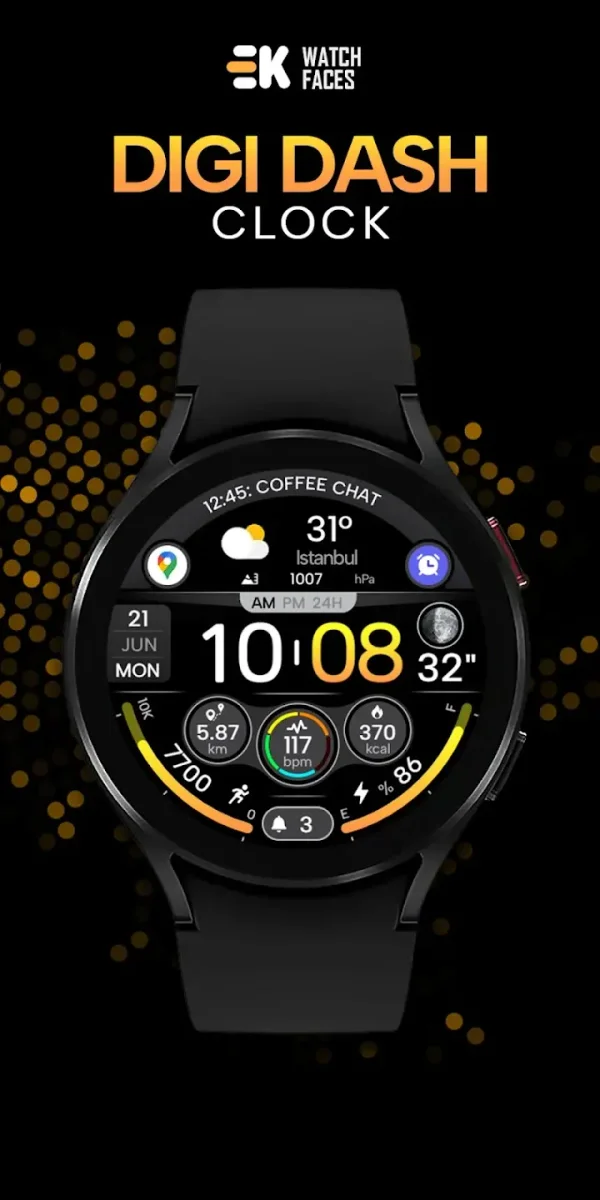
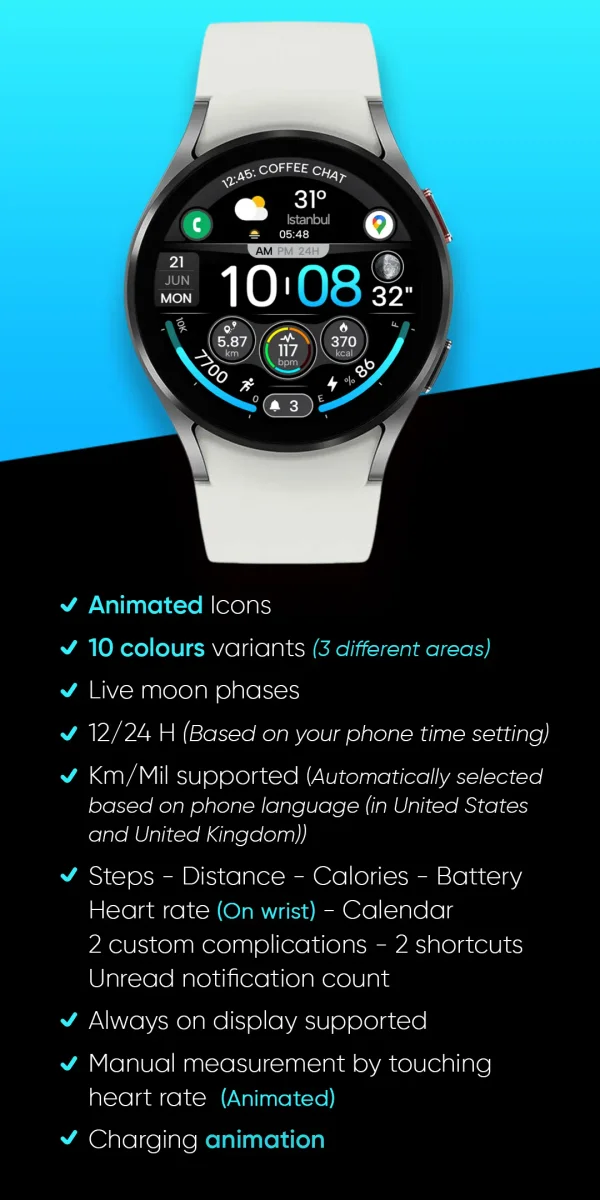
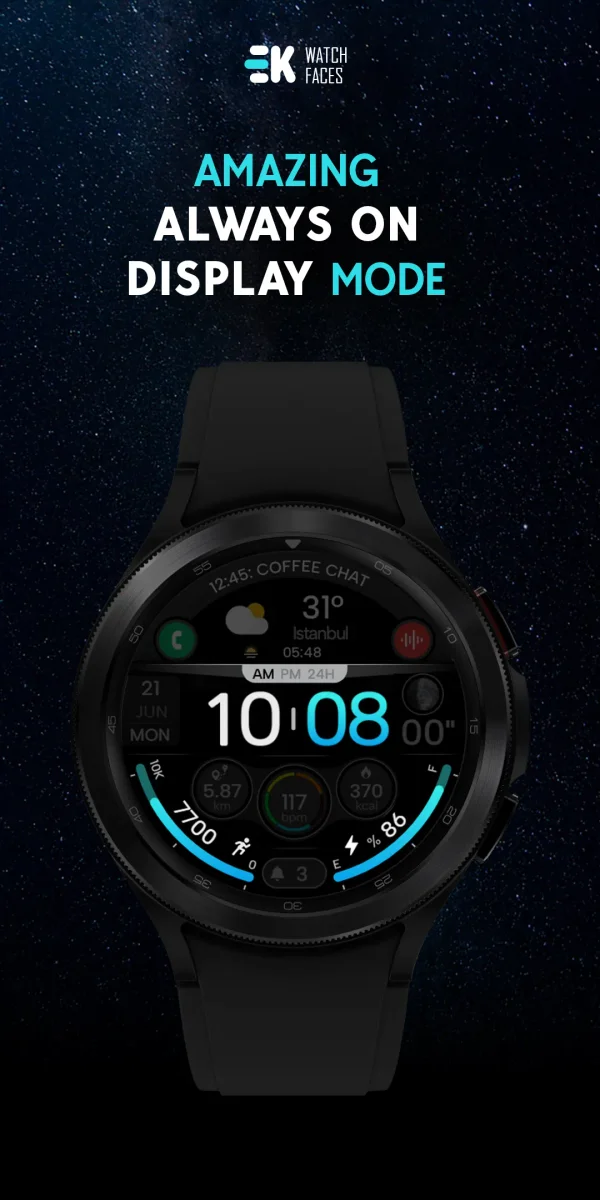
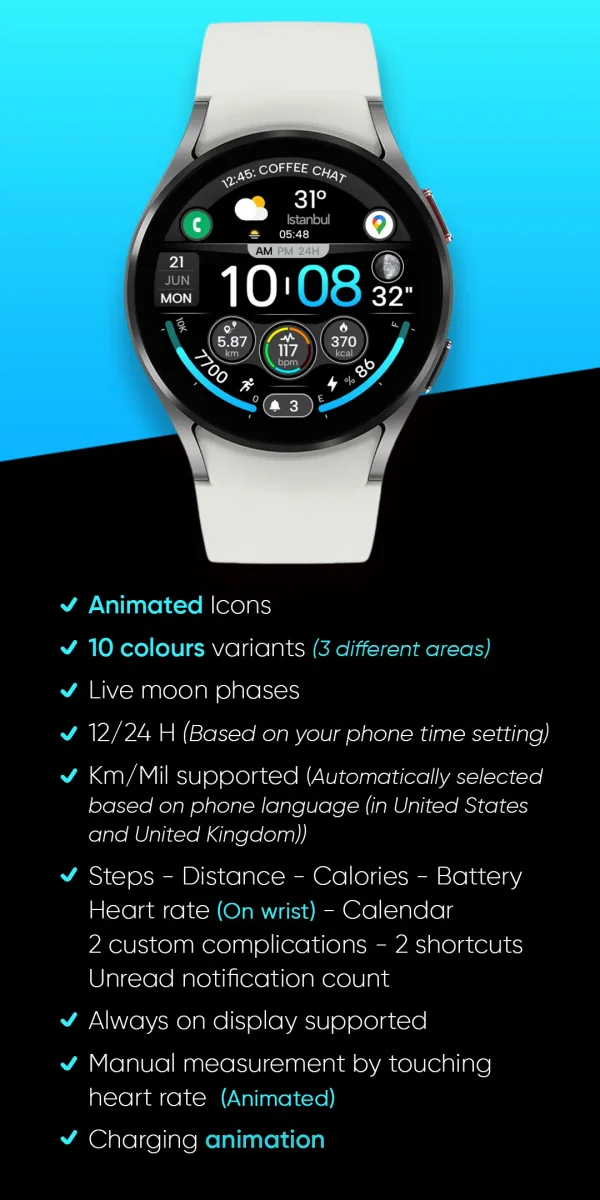
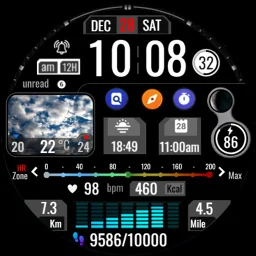
● 📺 アニメーションアイコン
● 🎨 10色のカラーバリエーション(3つの異なるエリア)
● 🌕 ライブムーンフェイズ
● 🕒 12/24時間表示(スマートフォンの時刻設定に基づきます)
● 🚧 キロメートル/マイル表示対応(スマートフォンの言語設定に基づき自動選択(米国および英国))
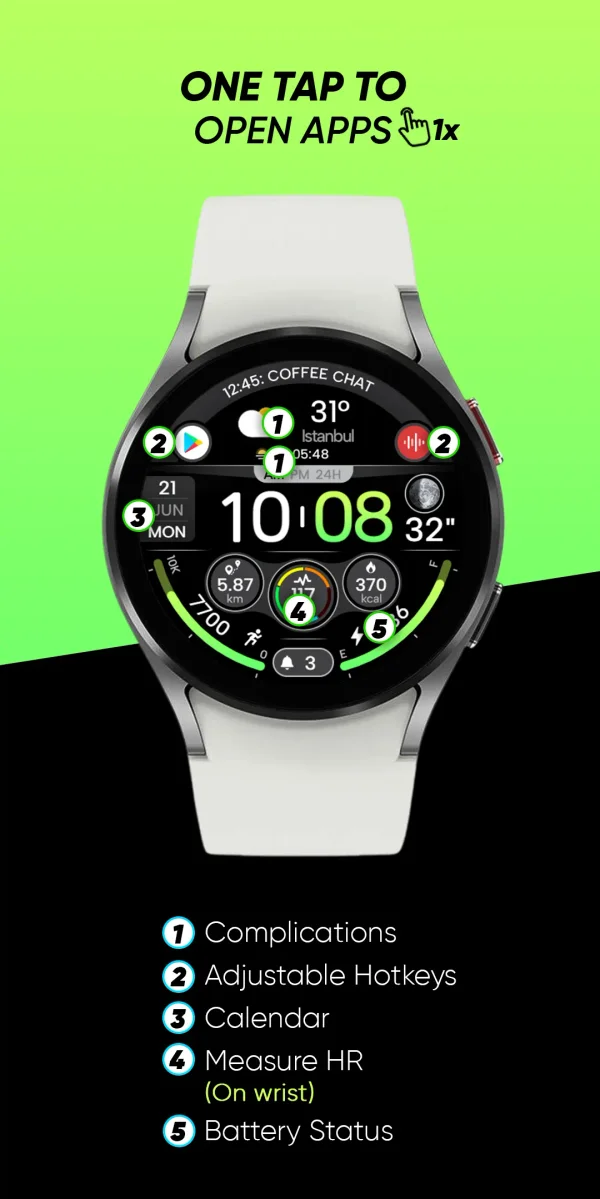
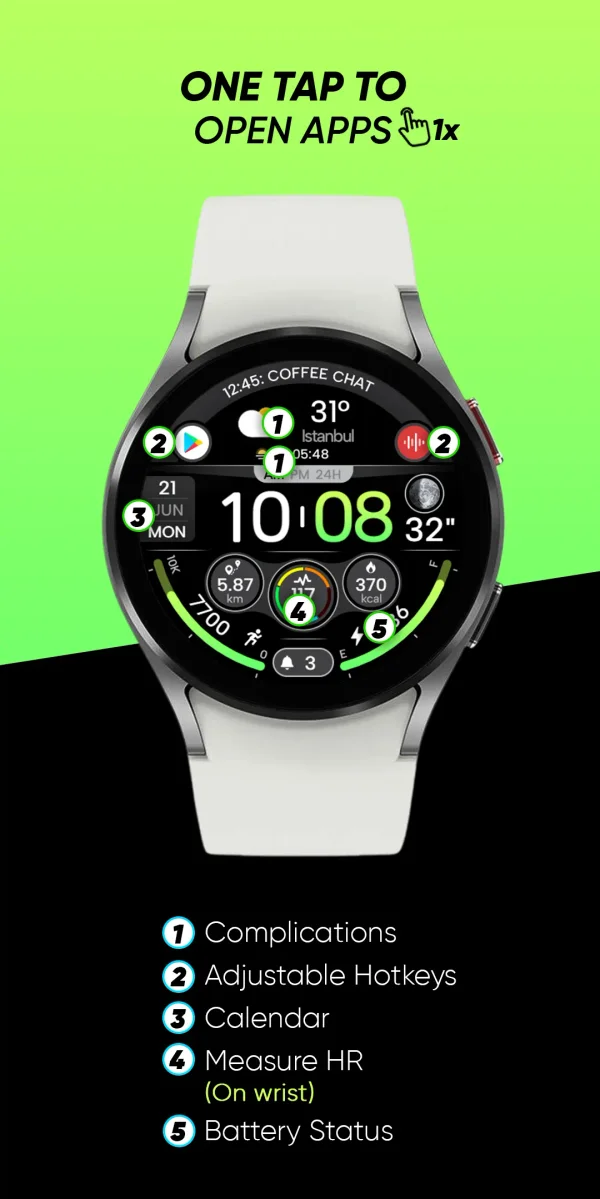
● 📊 歩数 - 距離 - 消費カロリー - バッテリー残量 - 心拍数(手首で計測) - カレンダー - カスタムコンプリケーション2つ - ショートカット2つ - 未読通知数
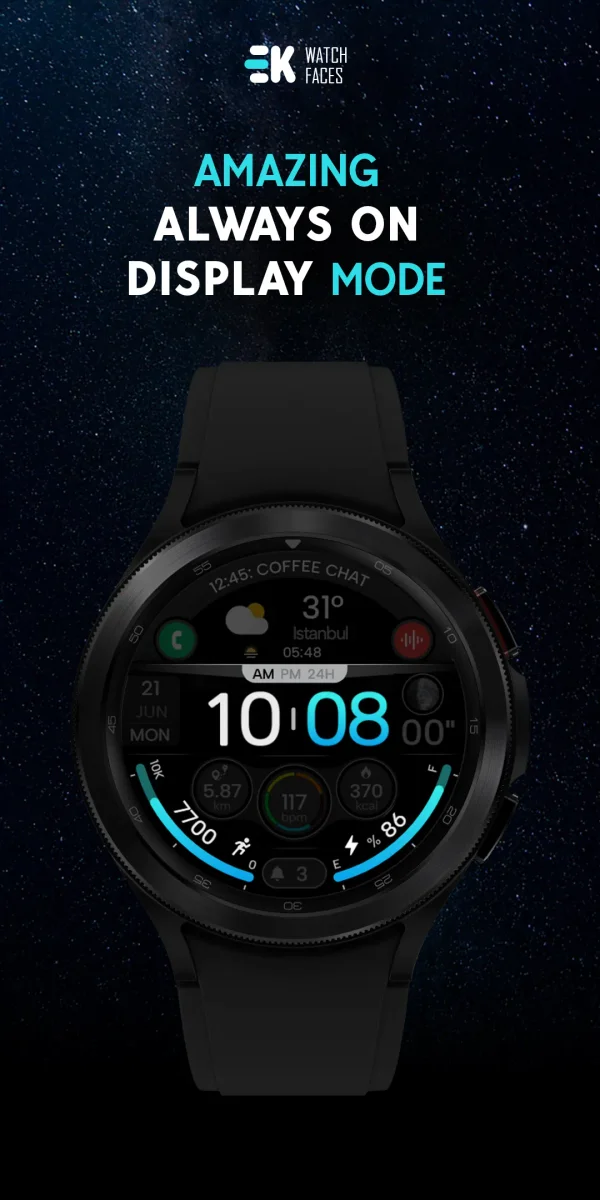
● 👀 常時表示対応
● ⚡ 充電アニメーション
📌 インストール手順
1 - 🔗 スマートウォッチがスマートフォンに正しく接続されていることを確認してください。スマートフォンのアプリを開き、「ウォッチにダウンロード」をタップしてください。その後、ウォッチの画面に表示される指示に従ってください。
⌛ ウォッチのインストールボタンをタップしてから数分後、ウォッチフェイスがインストールされます。インストールが完了したら、新しいウォッチフェイスを選択できます。
📱 スマートフォンアプリは、Wear OSデバイスでウォッチフェイスを簡単にインストールして見つけるためのプレースホルダーとして機能します。
⚠️ 注意:支払いループに陥ってしまった場合でもご安心ください。再度支払いを求められても、料金は一度しか請求されません。5分待つか、ウォッチを再起動してもう一度お試しください。これは、デバイスとGoogleサーバー間の同期の問題である可能性があります。
2 - 💻 または、PCのWebブラウザからウォッチフェイスをインストールすることもできます。
⚠️ なお、この方法で発生する問題は、開発者側の問題ではありません。開発者側ではPlayストアを管理することはできません。ご了承ください。
🔑 すべての機能をご利用いただくには、センサーを有効にし、コンプリケーションデータの権限を付与してください。
ウェブサイト
https://www.ekwatchfaces.com
Instagram
https://www.instagram.com/ekwatchfaces
Facebook
https://www.facebook.com/ekwatchfaces
Twitter
https://twitter.com/ekwatchfaces
Pinterest
https://www.pinterest.com/ekwatchfaces
YouTube
https://bit.ly/2TowlDE
原文を表示
🌟 Built for Wear OS
[ Only for Wear OS devices - API 33+ ]
🧩 Shape your style with colors!
FEATURES
● 📺 Animated Icons
● 🎨 10 colours variants (3 different areas)
● 🌕 Live moon phases
● 🕒 12/24 H (Based on your phone time setting)
● 🚧 Km/Mil supported (Automatically selected based on phone language (in United States and United Kingdom))
● 📊 Steps - Distance - Calories - Battery - Heart rate (On wrist) - Calendar - 2 custom complications - 2 shortcuts - Unread notification count
● 👀 Always on display supported
● ⚡ Charging animation
📌 INSTALLATION NOTES:
1 - 🔗 Ensure your watch is properly connected to your phone. Open the Phone App on your phone and tap on "DOWNLOAD TO THE WATCH", then follow the instructions on your watch.
⌛ A few minutes after tapping the install button on your watch, the watch face will be installed. You can then select your new watch face!
📱 The phone app serves as a placeholder to make it easier to install and find the watch face on your Wear OS device.
⚠️ Note: If you find yourself stuck in a payment loop, don’t worry! You will only be charged once, even if prompted to pay again. Wait 5 minutes or restart your watch and try again. This could be a synchronization issue between your device and Google servers.
2 - 💻 Alternatively, you can try installing the watch face from a web browser on your PC.
⚠️ Please note that any issues on this side are NOT developer-dependent. The developer has no control over the Play Store from this side. Thank you.
🔑 For full functionality, please manually enable Sensors & receive complication data permissions!
WEB
https://www.ekwatchfaces.com
INSTAGRAM
https://www.instagram.com/ekwatchfaces
FACEBOOK
https://www.facebook.com/ekwatchfaces
TWITTER
https://twitter.com/ekwatchfaces
PINTEREST
https://www.pinterest.com/ekwatchfaces
YOUTUBE
https://bit.ly/2TowlDE
データ セーフティ
このアプリが収集・共有するデータについて、EK Watch Faces ™がGoogle Playで申告している内容です。
- 第三者と共有されるデータはありません詳しくは、デベロッパーが共有を申告する方法についての説明をご覧ください
- データは収集されません詳しくは、デベロッパーが収集を申告する方法についての説明をご覧ください
新機能
2026/9/19
- Security update performed.
開発元の連絡先
- ウェブサイトekwatchfaces.com
- メールsupport@ekwatchfaces.com
- プライバシーポリシーekwatchfaces.com
- 住所NUMUNE EVLER MAH. SOYER 1 SK. DURMUŞ DENİZ APT. SİTESİ HACI DURMUŞ DENIZ APT BLOK NO: 44 İÇ KAPI NO: 4 31600 DÖRTYOL/Hatay Türkiye
情報
- 提供元
- EK Watch Faces ™
- カテゴリ
- カスタマイズ
- 更新日
- 2026/9/19
- リリース
- 2022/7/20
- 対象年齢
- 3 歳以上
- 価格
- ¥350
- パッケージ名
- com.ekwatchfaces.digidashclock
類似のアプリ
-
 TVV Sport 8 Digital Watch Face
カスタマイズ
-
 Animated FSW284 Digital
カスタマイズ
-
 幾何学的なマルチカラー
カスタマイズ
-
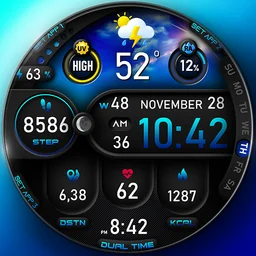 PER7 Storm Animated Weather
カスタマイズ
-
 ES WR005
カスタマイズ
-
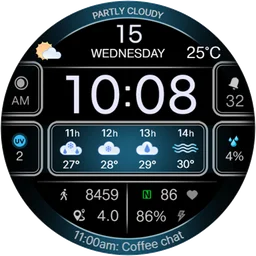 CFS103 天気
カスタマイズ
-
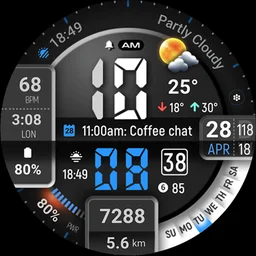 ML2U 413 Active Lifestyle
カスタマイズ
-
 Circle Clock - Watch Face
カスタマイズ
-
 MD314 Health Watch Face
カスタマイズ
-
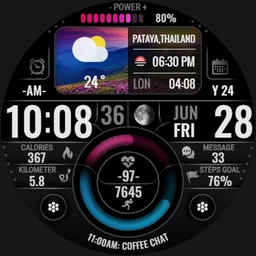 KNA014 [ORDINARY]
アート&デザイン
-
 Weather Forecast Short Term 99
カスタマイズ
-
 CFS129 デジタルバランス
カスタマイズ