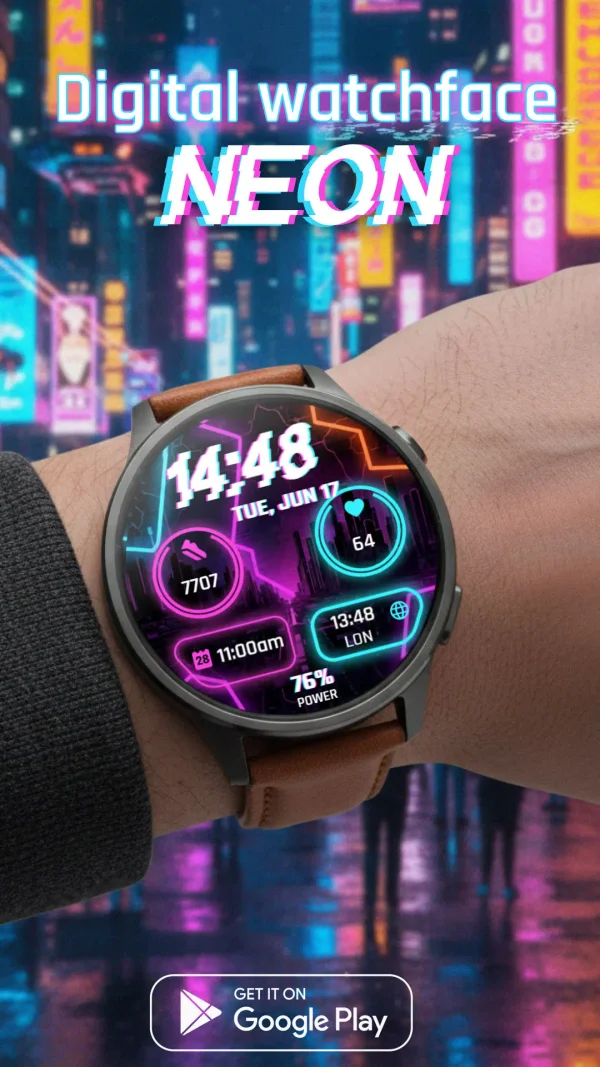
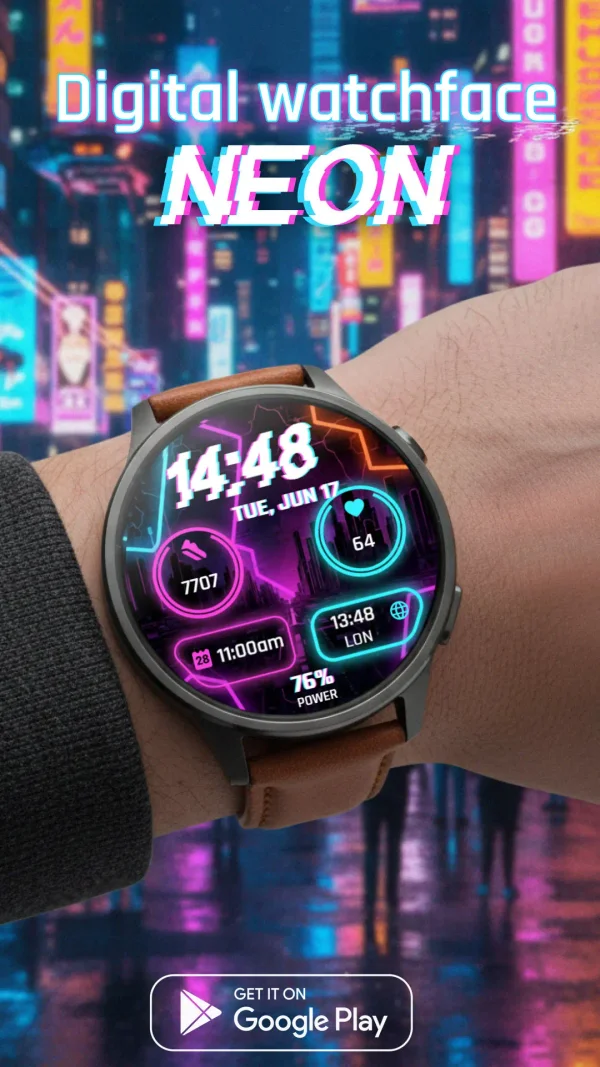
Digital watchface Neon
VG Faces- 3 歳以上対象年齢
- カスタマイズカテゴリ
- 2026/8/13更新日
- ¥26価格
com.watchfacestudio.neon_wfのGoogle Play公式ページにリンクしています。最終確認:2026/11/15。

スクリーンショット


このアプリについて
Googleによる英語 (アメリカ合衆国)からの自動翻訳です。
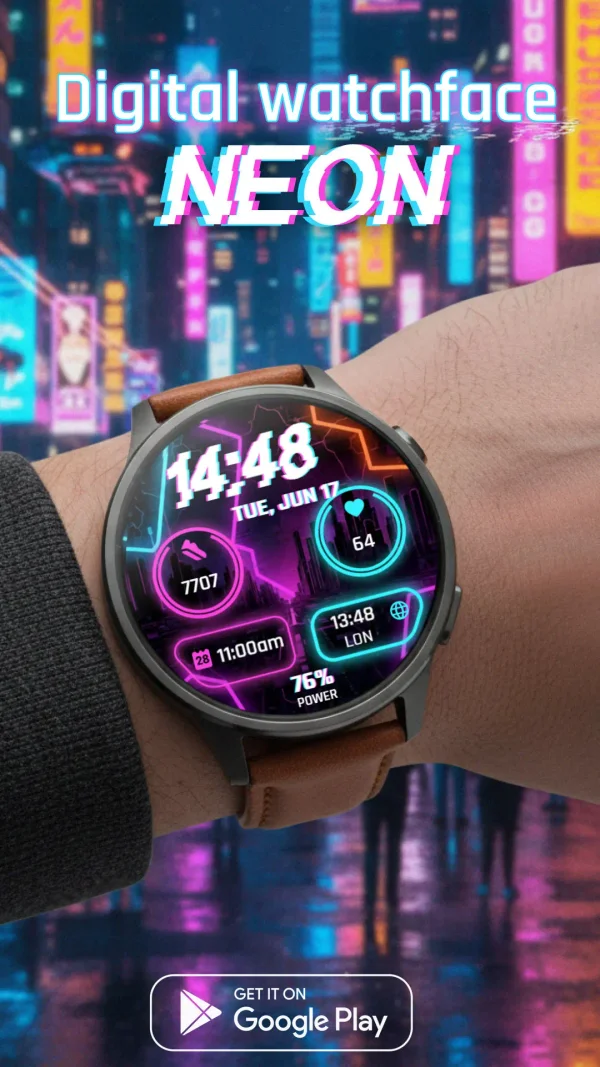
ネオンサイバーパンクスタイルの、スタイリッシュで鮮やかな Wear OS 用デジタルウォッチフェイス。
デジタルウォッチフェイス「NEON」でスマートウォッチに活気を与えましょう。ネオンの街の灯りにインスパイアされた、鮮やかで未来的なデザインです。大胆な色使い、ダイナミックなスタイル、そしてモダンなデジタルデザインがお好きな方に最適です。
機能:
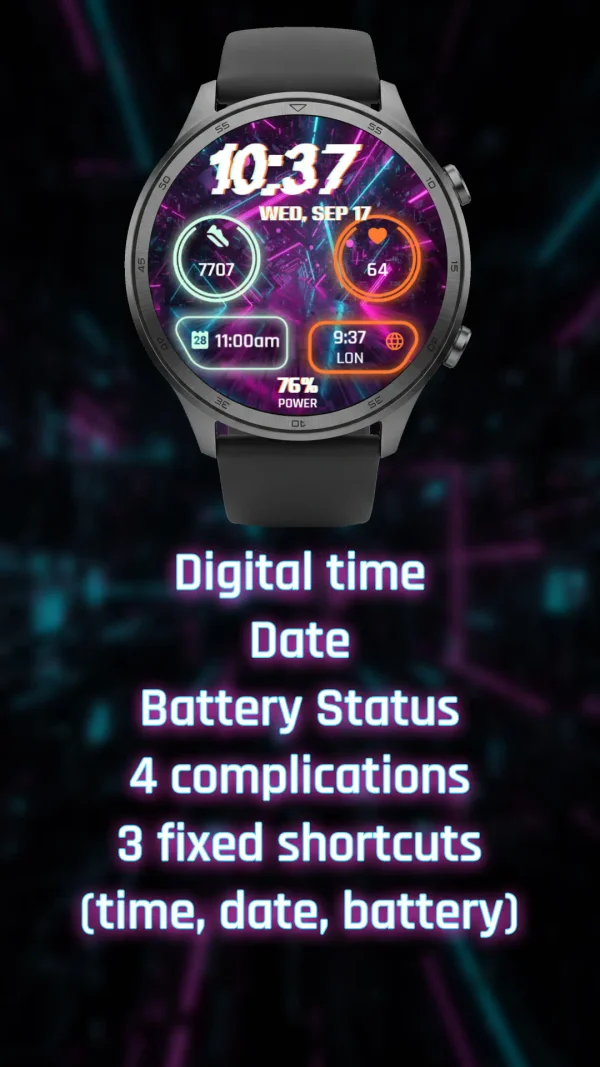
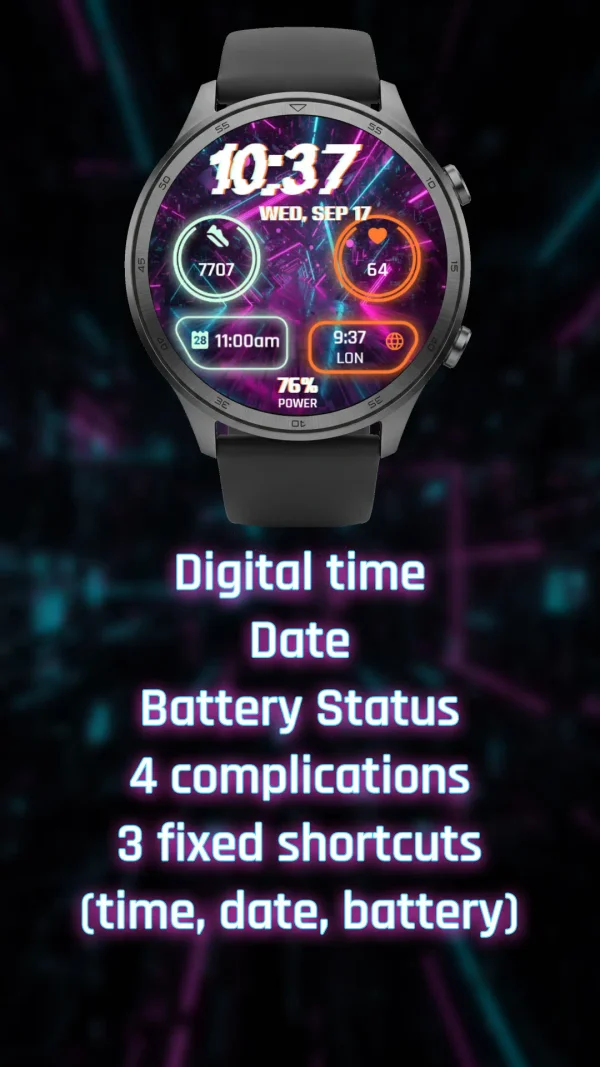
- デジタル時刻と日付
- バッテリーステータス
- 4つのコンプリケーション
- 3つの固定ショートカット(時刻、日付、バッテリー)
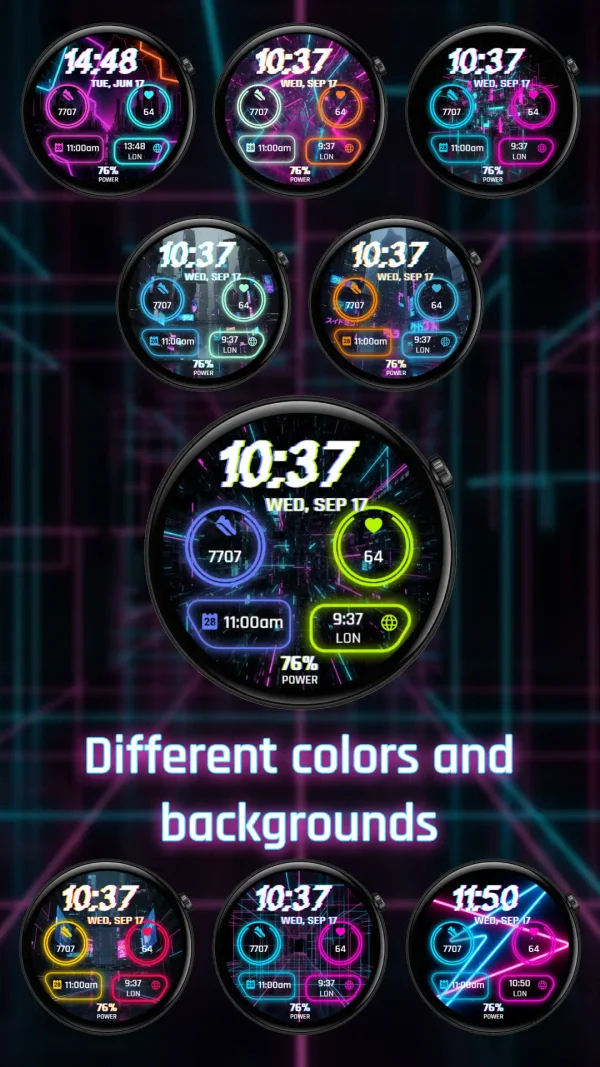
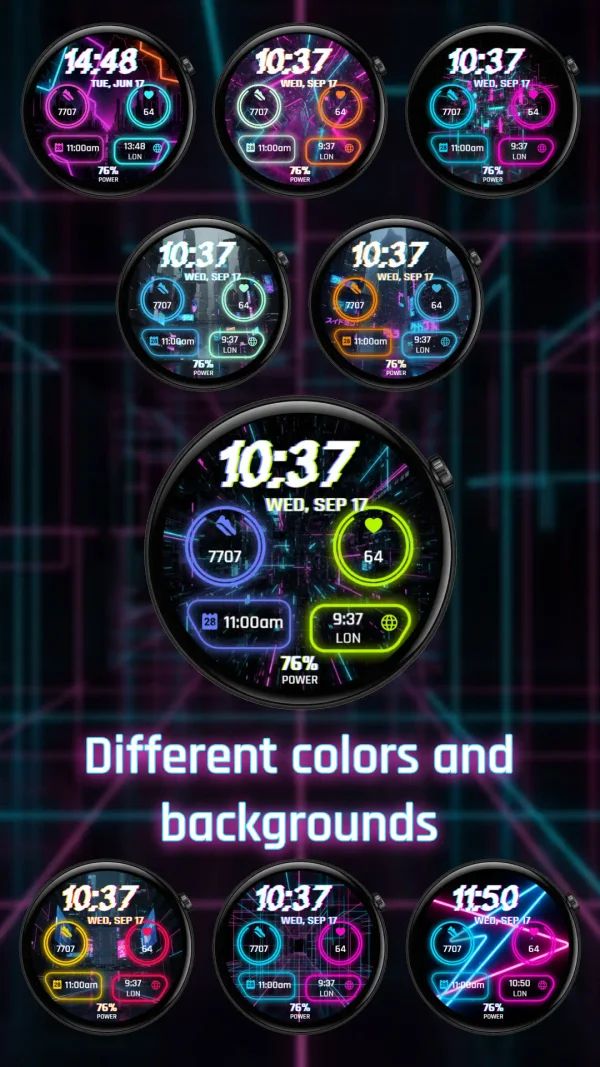
- さまざまなカラーと背景
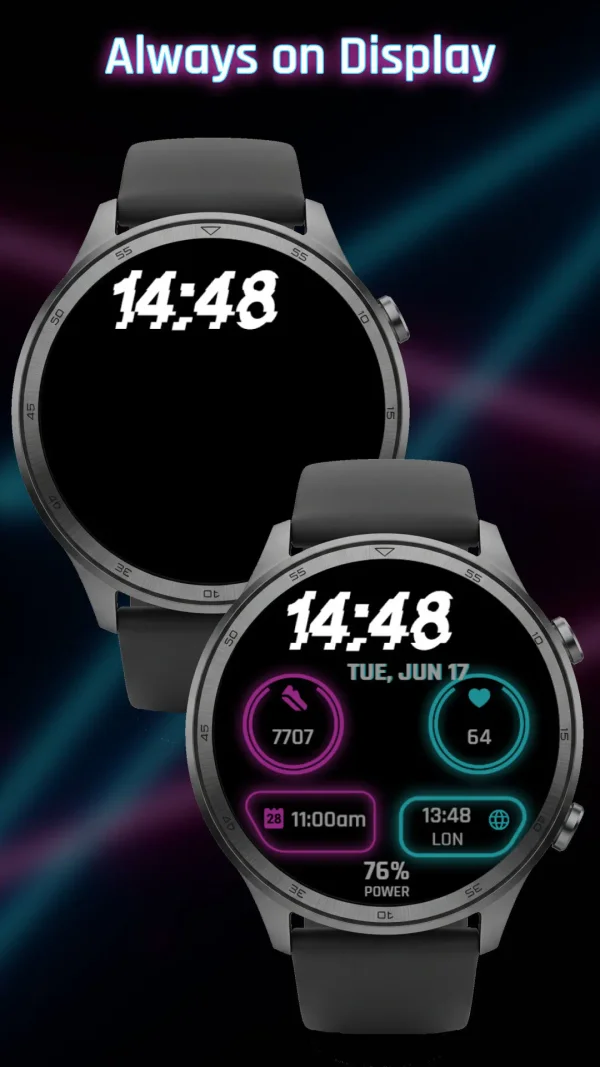
- 常時表示モード
- スマートフォンの設定に応じて12時間/24時間表示
Wear OSウォッチをスタイリッシュに、そしてエネルギッシュに輝かせましょう。明るくカラフルで、毎日の使用に最適です。
インストール:
- ウォッチがスマートフォンにBluetoothで接続されていることを確認してください。
- Google Playストアからウォッチフェイスをインストールしてください。スマートフォンにダウンロードされ、自動的にウォッチで利用できるようになります。
- 適用するには、ウォッチの現在のホーム画面を長押しし、スクロールして「Neon Watch Face」を見つけてタップして選択します。
互換性:
このウォッチフェイスは、以下のすべての最新の Wear OS デバイス向けに設計されています。
- Samsung Galaxy Watch
- Google Pixel Watch
- Fossil
- TicWatch
その他、最新の Wear OS を搭載したスマートウォッチ。
原文を表示
Bring your smartwatch to life with Digital Watch Face NEON – a vibrant and futuristic design inspired by neon city lights. Perfect for those who love bold colors, dynamic style, and modern digital looks.
Features:
- Digital time and date
- Battery status
- 4 complications
- 3 fixed shortcuts (time, date, battery)
- Different colors and backgrounds
- Always On Display mode
- 12/24 hours depending on phone settings
Make your Wear OS watch glow with style and energy. Bright, colorful, and perfectly optimized for everyday use.
Installation:
- Ensure your watch is connected to your phone via Bluetooth.
- Install the watch face from the Google Play Store. It will be downloaded to your phone and automatically become available on your watch.
- To apply, long-press on your watch's current home screen, scroll to find the Neon Watch Face, and tap to select it.
Compatibility:
This watch face is designed for all modern Wear OS 5+ devices, including:
- Samsung Galaxy Watch
- Google Pixel Watch
- Fossil
- TicWatch
And other smartwatches running the latest Wear OS.
データ セーフティ
このアプリが収集・共有するデータについて、VG FacesがGoogle Playで申告している内容です。
- 第三者と共有されるデータはありません詳しくは、デベロッパーが共有を申告する方法についての説明をご覧ください
- データは収集されません詳しくは、デベロッパーが収集を申告する方法についての説明をご覧ください
- Play ファミリー ポリシーの遵守に努めています
新機能
2026/8/13
app-release
開発元の連絡先
- メールvolder83@gmail.com
- プライバシーポリシーsites.google.com
- 住所W.-I.-Lenin-Straße 51 19370 Parchim Germany
情報
- 提供元
- VG Faces
- カテゴリ
- カスタマイズ
- 更新日
- 2026/8/13
- リリース
- 2025/10/8
- 対象年齢
- 3 歳以上
- 価格
- ¥26
- パッケージ名
- com.watchfacestudio.neon_wf