Double Tap Screen Off / Lock
Jawomo広告を含む · アプリ内課金
- 3 歳以上対象年齢
- ツールカテゴリ
- 2026/10/21更新日
- 無料価格
com.jamworks.doubletaptosleepscreenoffのGoogle Play公式ページにリンクしています。最終確認:2026/11/28。

スクリーンショット

このアプリについて
Googleによる英語 (アメリカ合衆国)からの自動翻訳です。
ダブルタップして画面をオフ/ロックします!通知の常時表示を有効にします。
この専用アプリで携帯電話の可能性を最大限に引き出しましょう!
Pixel ToolBox アプリには、ダブルタップ/ダブルタップして画面をオフにする/画面オフ ウィジェットを使用せずに画面をロックする、新しい通知で常時表示を有効にする、最近使用したアプリ パネルの前面に直接閉じる/すべてのアプリをクリアするボタンを追加する、指紋認証などの機能が導入されています。画面オフ時のロック解除、カスタマイズ可能な着信音モード タイル、革新的なカメラ ランチャー システムなど、お使いのデバイス専用に最適化されています。
Pixel ToolBox の主な機能:
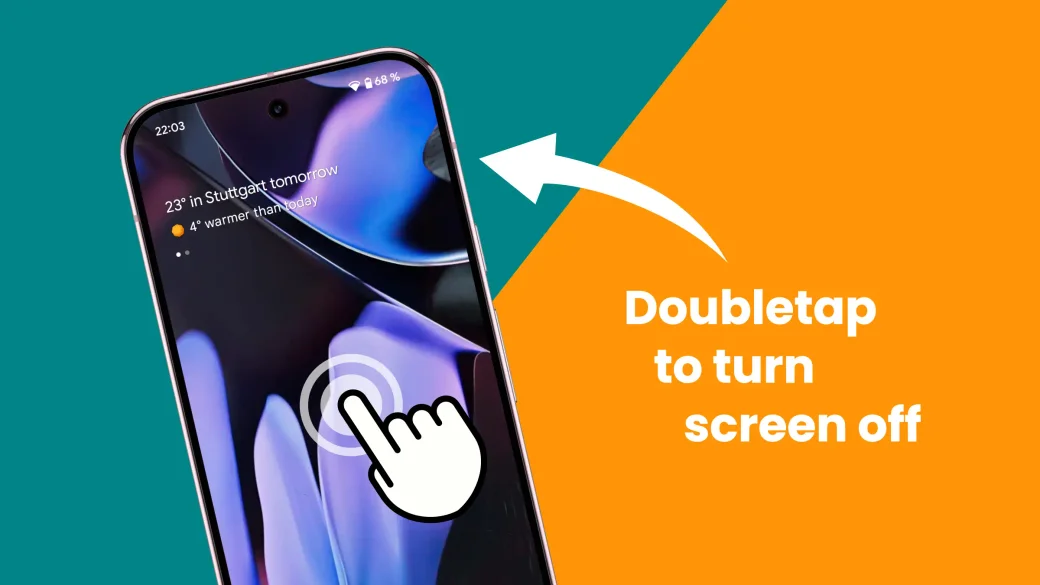
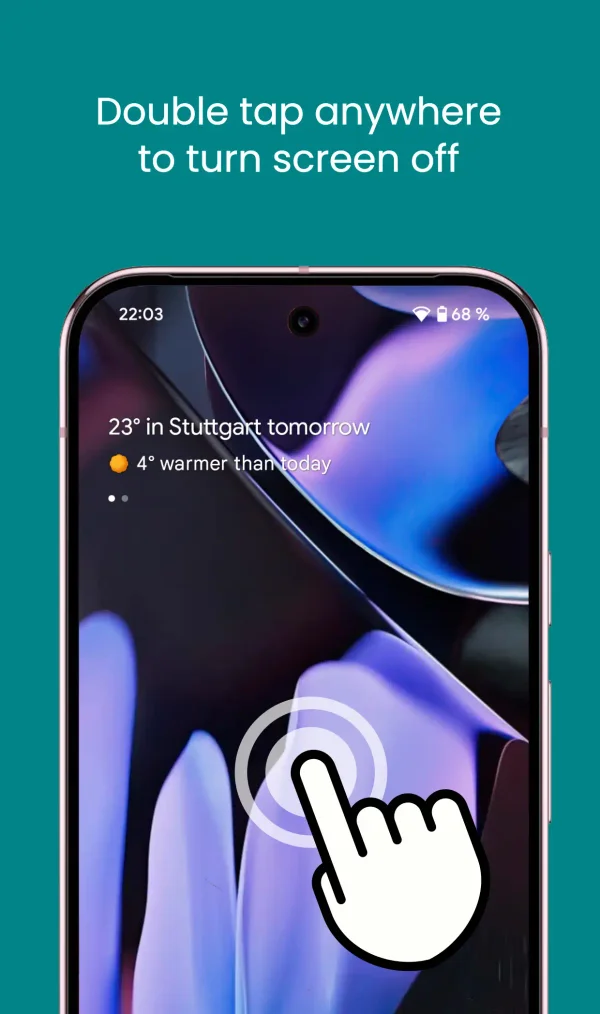
• ダブルタップして画面をオフにする: 電源ボタンを忘れて、ホーム画面でもロック画面でも、シンプルなダブルタップ/ダブルタップですぐに画面をオフ/ロック画面にします。 ToolBox はホーム画面またはロック画面にダブルタップ検出を追加します。画面オフ ウィジェットではウィジェットをタップする必要がありますが、ToolBox ではホーム画面の任意の場所をタップするだけで画面をオフ/画面ロックできます。デバイスをテーブルの上に平らに置いたときに電源ボタンを押す必要はありません。電話をタップするだけで画面が起動し、ダブルタップ/ダブルタップしてデバイスをスリープ状態にして画面をオフにします。ウィジェットの画面を忘れて、Pixel ToolBox を試してみてください。
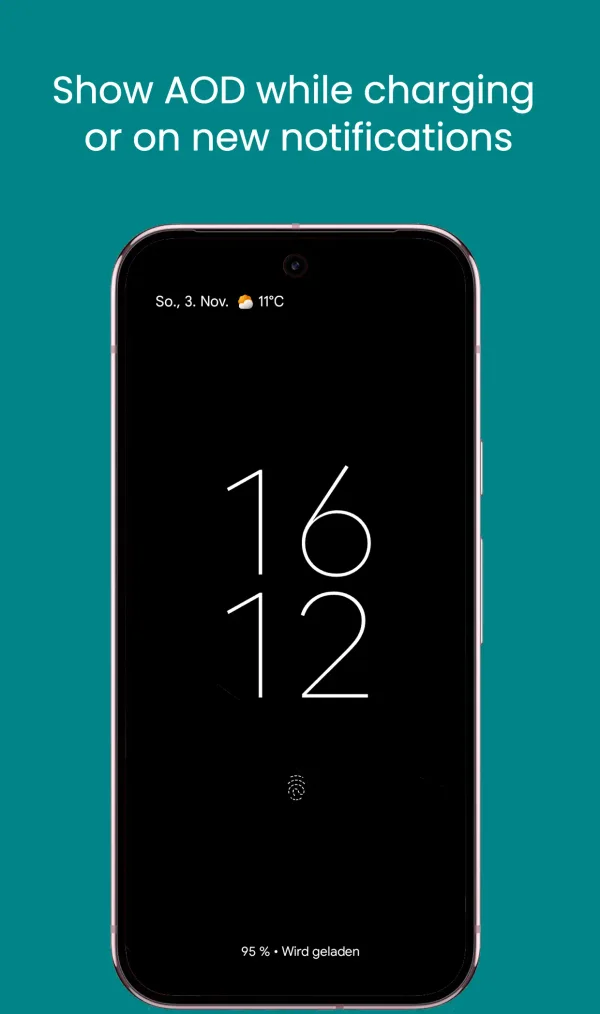
• Always On Display / AOD を有効にする Pixel ToolBox では、新しい通知に対して Always On Display / AOD を自動的に有効にしたり、Always On Display / AOD が組み込まれているデバイスの充電時に AOD を有効にしたりできるようになりました。 Always On Display / AOD の便利な機能により、重要な通知が一目でわかる最新情報を常に把握できます。
• すべてのアプリを閉じる / クリア ボタン 最近使用したアプリ パネルの前面から直接、すべてのアプリを閉じる / クリアできるようになりました。 ToolBox チューナーは、システム UI の最近使用したアプリ パネルの前面に「すべてのアプリを閉じる」または「すべてのアプリをクリア」ボタンを直接追加します。
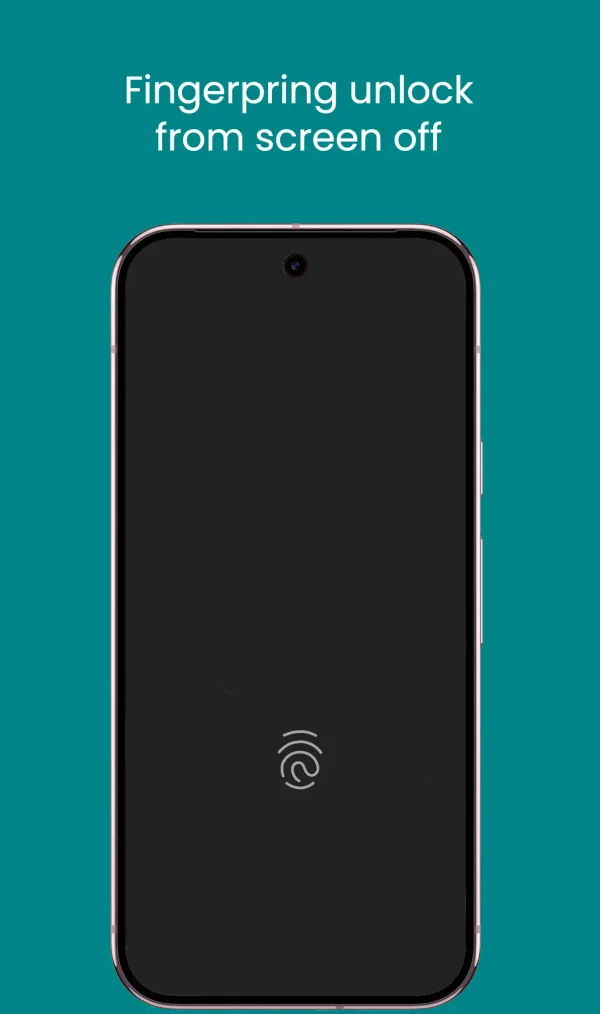
• 画面がオフのときに指紋でロックを解除する: 最初に画面をスリープ解除する必要はありません。画面がオフの場合でも、指紋センサーを使用してデバイスのロックを簡単に解除できます。常に表示される指紋インジケーターを有効にすると、指を置く場所が正確にわかります。
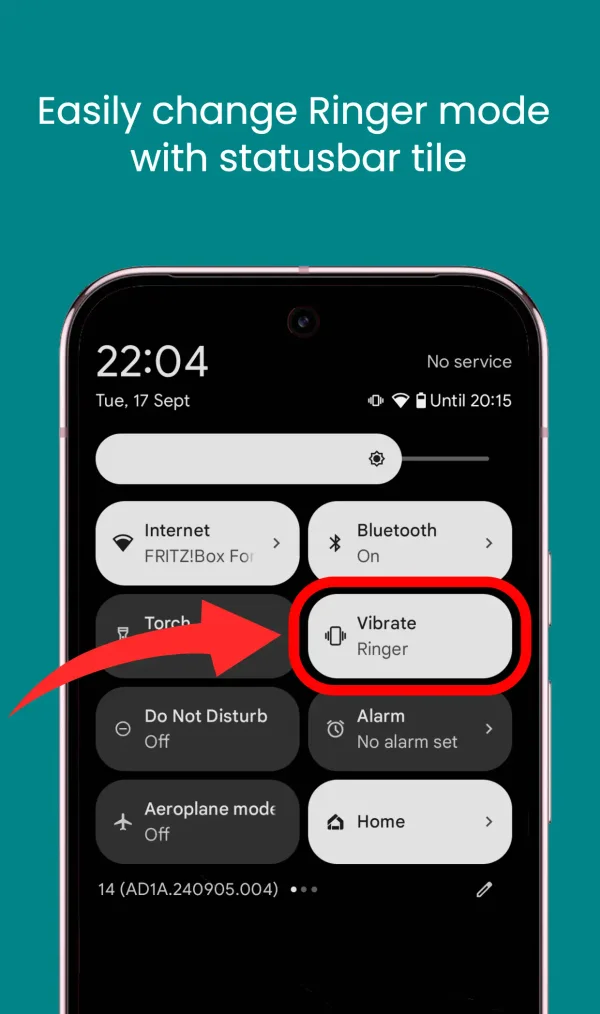
• 着信音モード タイル: 着信音モードを変更するために音量ロッカーを押す必要はありません。カスタム着信音モード タイルを使用して、サウンド、バイブレーション、サイレント モードをすばやく切り替えることができるようになり、クイック設定から簡単に起動できるようになりました。好みに応じて、Android または iOS の着信音モードを選択してください。
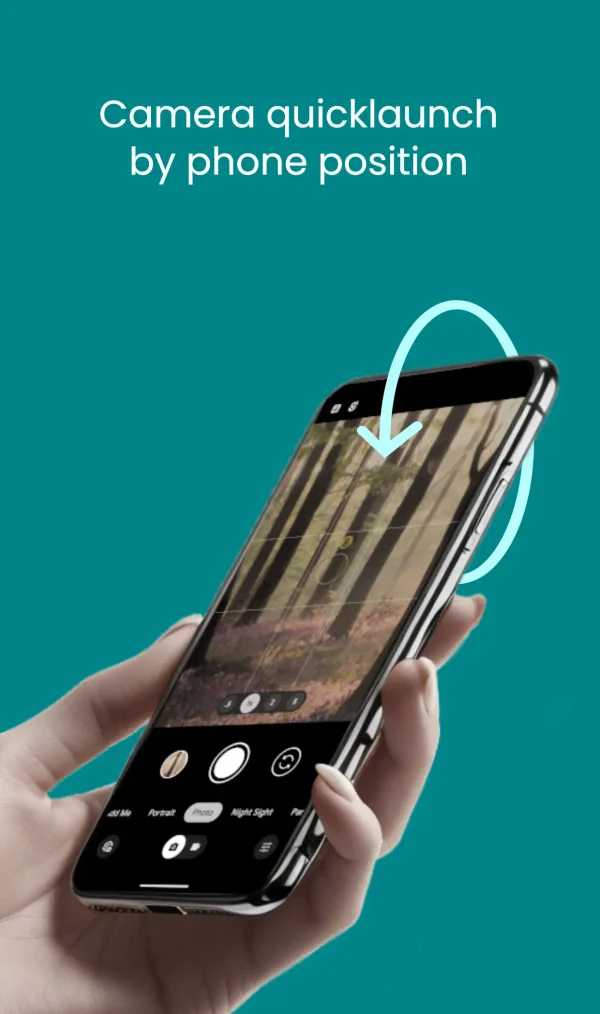
• カメラ クイック ランチャー : カメラのクイック ランチャー機能を使用して、瞬間をより速く捉えます。画面をオンにした後、携帯電話を縦向きまたは横向きに持ってカメラを起動するだけで、すぐに写真を撮ることができます。
特徴:
• ダブルタップ/ダブルタップして画面をオフにします
• 画面オフウィジェットは必要ありません
• 画面オフ / ロック画面
• 通知で常時表示を有効にする
• 充電中に常時表示を有効にする
• 常時表示/AOD
• 最近のアプリパネルに「すべてのアプリをクリア」ボタンを追加
• 画面オフ時の指紋によるロック解除
• カスタム着信音モードタイル
• カメラクイックランチャー
Pixel ToolBox でスマートフォンのエクスペリエンスをアップグレードしてください。
開示:
アプリは AccessibilityService API を使用してホーム画面を検出し、ユーザーが画面をタップして画面をオフにできるようにします。
AccessibilityService API を使用してデータが収集または共有されることはありません。
原文を表示
Unlock the full potential of your phone with this exclusive app!
Pixel ToolBox app introduces features like double tap / doubletap to turn the screen off / lock screen without a screen off widget, enable the always on display on new notifications, adds a close / clear all apps button directly to front of recent apps panel, fingerprint unlocking when the screen is off, a customizable ringer mode tile, and an innovative camera launcher system—optimized exclusively for your device!
Key Features of Pixel ToolBox:
• Double Tap to Turn Screen Off: Forget the power button and instantly turn your screen off / lock screen with a simple double tap / doubletap, whether you're on the home screen or even on lock screen. ToolBox adds a double tap detection to your homescreen or lockscreen. With a screen off widget you have to tap on the widget, with ToolBox you can just tap anywhere on homescreen to turn screen off / lock screen. No need to press the power button when you device lays flat on a table. Just tap the phone to wake the screen and double tap / doubletap to put the device to sleep and turn screen off. Forget screen off widget's and try Pixel ToolBox!
• Enable Always On Display / AOD Pixel ToolBox now allows you to enable the Always On Display / AOD automatically for new notifications or enable the AOD when your device is charging with it's build in Always On Display / AOD. Stay updated with essential notifications at a glance, with the convenience of Always On Display / AOD.
• Close / Clear All Apps Button You can now close / clear all apps directly from the front of the recent apps panel. ToolBox tuner adds a "Close All Apps" or "Clear All Apps" button directly to the front of the recent apps panel on the system ui!
• Unlock with Fingerprint When Screen is Off: No need to wake your screen first. Effortlessly unlock your device using the fingerprint sensor, even when the screen is off. Enable an always visible fingerprint indicator, so you exactly know where to place your finger.
• Ringer Mode Tile: No need to press the volume rocker to change ringer mode. Now you can quickly toggle between sound, vibrate, and silent modes using the custom ringer mode tile for convenient launch from quick settings. Choose between android an iOS ringer modes as you prefer.
• Camera Quick Launcher : Capture the moment faster with the camera quick launcher feature. Just hold your phone in portrait or landscape after turning on the screen, to launch the camera and you’re ready to snap pictures instantly.
Features:
• Double tap / doubletap to turn screen off
• No screen off widget needed
• Screen off / Lock screen
• Enable Always On Display on notifications
• Enable Always On Display while charging
• Always On Display / AOD
• Add "Clear All Apps" button to recent apps panel
• Fingerprint unlock from screen off
• Custom ringer mode tile
• Camera quick launcher
Upgrade your phone experience with Pixel ToolBox!
Disclosure:
The app uses the AccessibilityService API to detect the home screen and allow the user to turn screen off with a tap on screen.
No data is collected or shared using the AccessibilityService API!
データ セーフティ
このアプリが収集・共有するデータについて、JawomoがGoogle Playで申告している内容です。
- 第三者と共有されるデータはありません詳しくは、デベロッパーが共有を申告する方法についての説明をご覧ください
- データは収集されません詳しくは、デベロッパーが収集を申告する方法についての説明をご覧ください
新機能
バージョン 1.22 · 2026/10/21
Android 17 support
• Improved support for tablets and foldables
• Fixed double tap on lock screen for Android 17
• Updated Google Play billing
• Security improvements
• Fixes & optimizations
開発元の連絡先
- メールjamworks.mobile@gmx.net
- プライバシーポリシーjawomo.app
- 住所Bergstraße 8/2 70825 Korntal-Münchingen Germany
情報
- 提供元
- Jawomo
- カテゴリ
- ツール
- バージョン
- 1.22
- 更新日
- 2026/10/21
- リリース
- 2024/9/25
- 対象年齢
- 3 歳以上
- 価格
- 無料
- アプリ内課金
- ¥239~¥849/アイテム
- パッケージ名
- com.jamworks.doubletaptosleepscreenoff