Easter Spring Bunny Watch
jigu watchface広告を含む
- 3 歳以上対象年齢
- アート&デザインカテゴリ
- 2026/8/17更新日
- 無料価格
com.watchface.wearos.happyeaster.easterspringbunnywatch.easterbunnywatchfaceのGoogle Play公式ページにリンクしています。最終確認:2026/11/15。
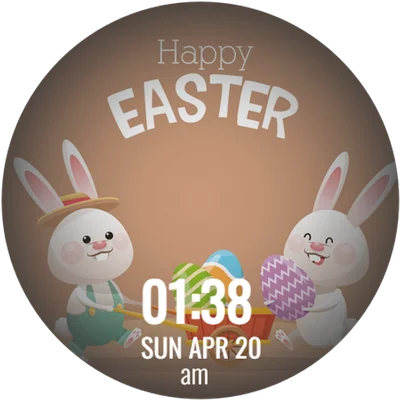
スクリーンショット
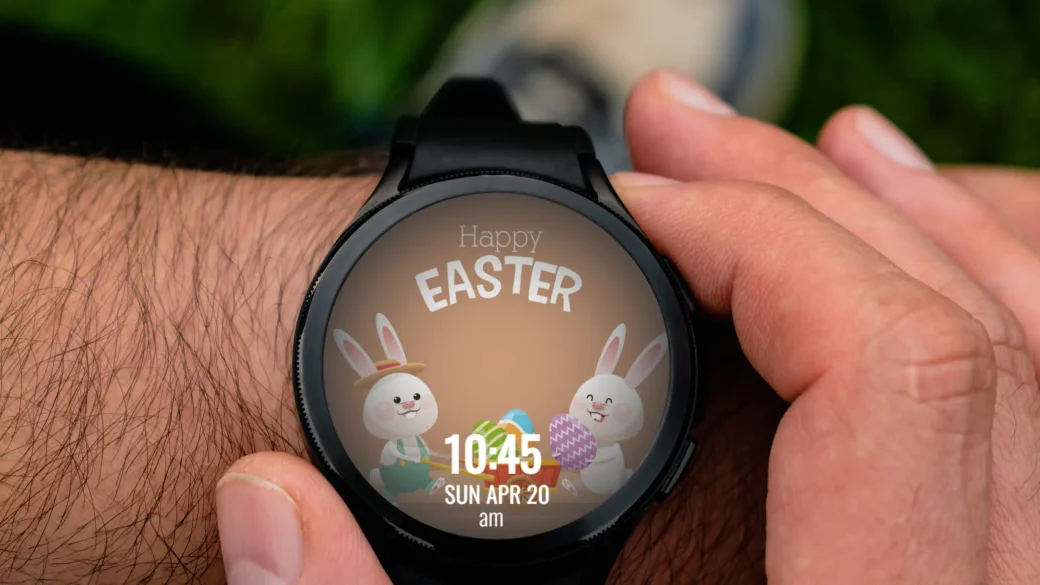

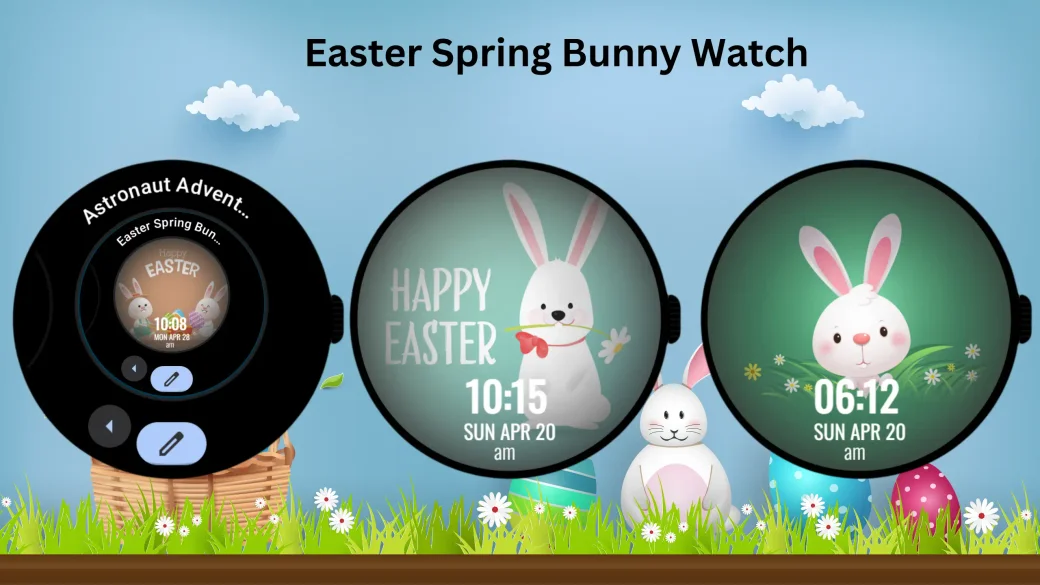
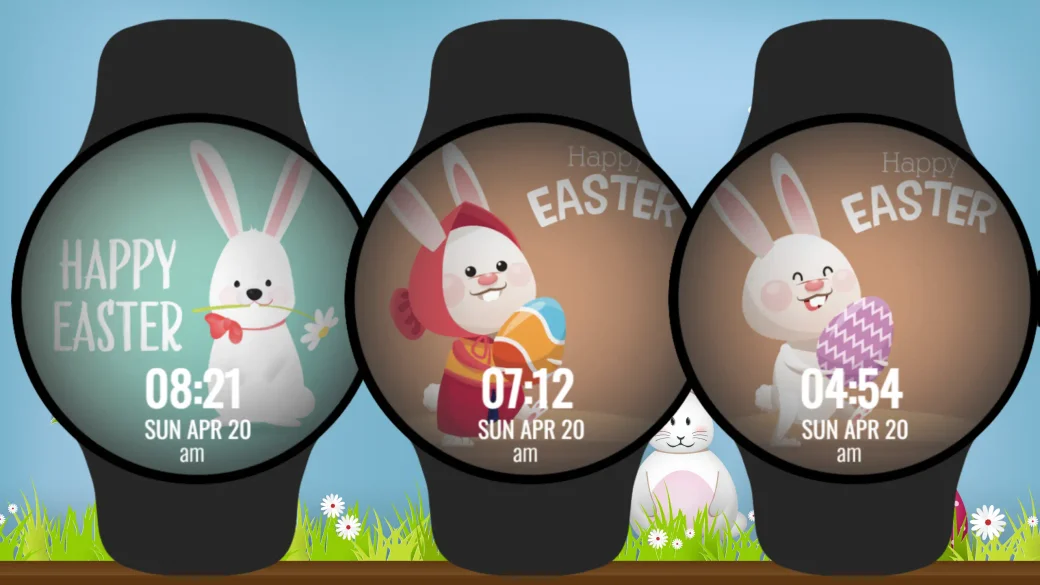
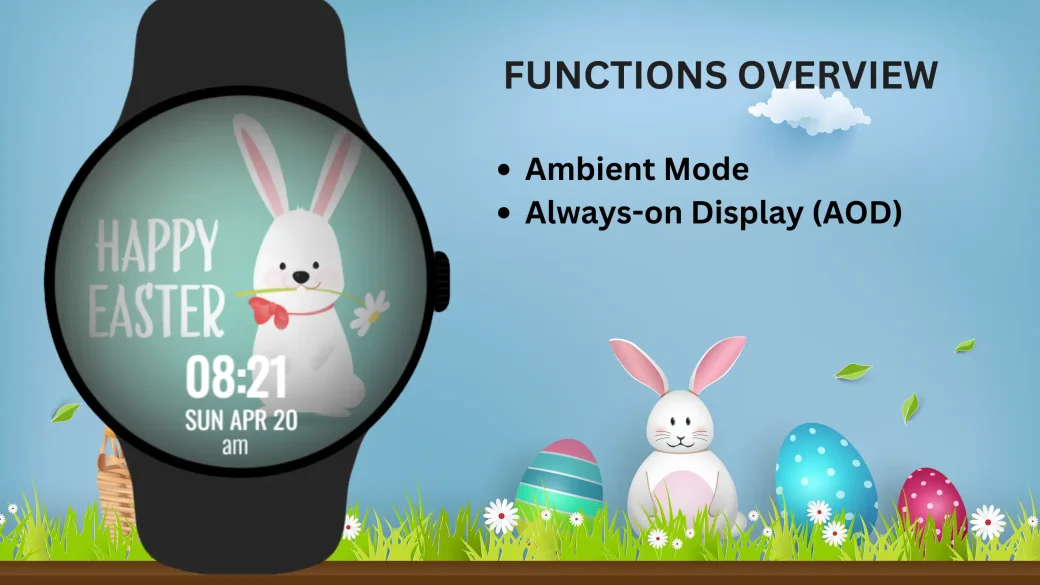

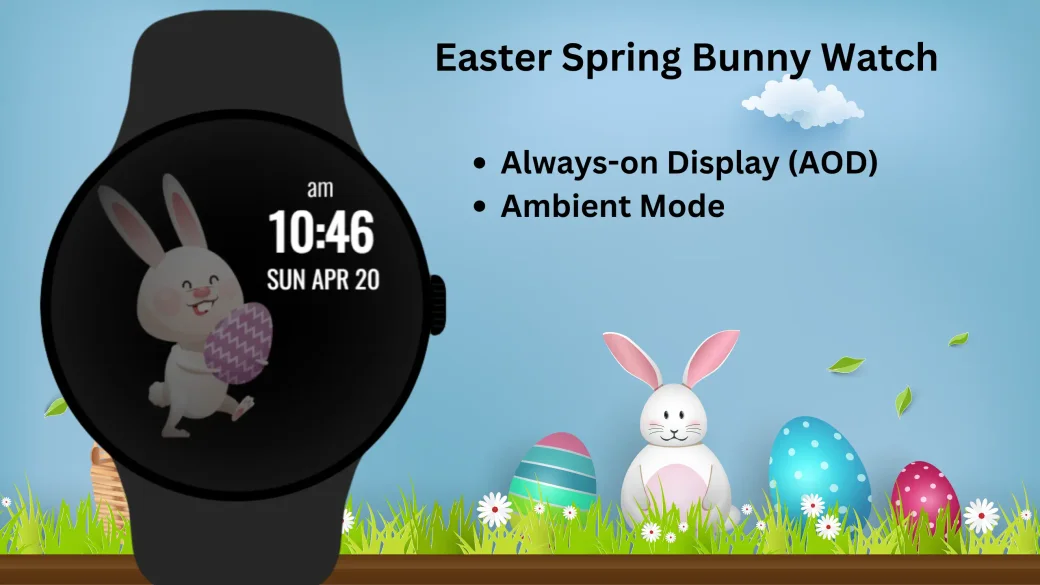
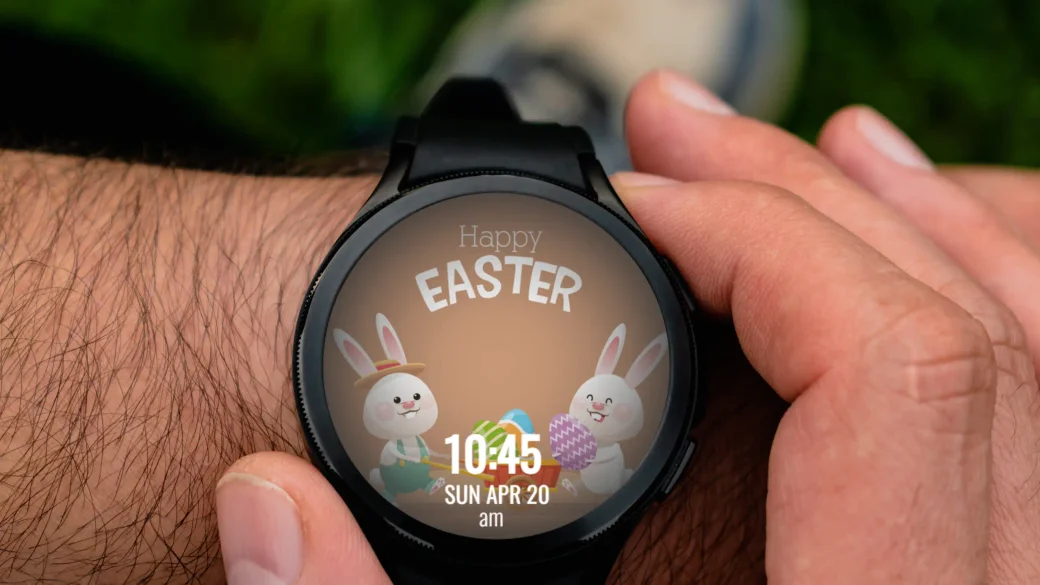

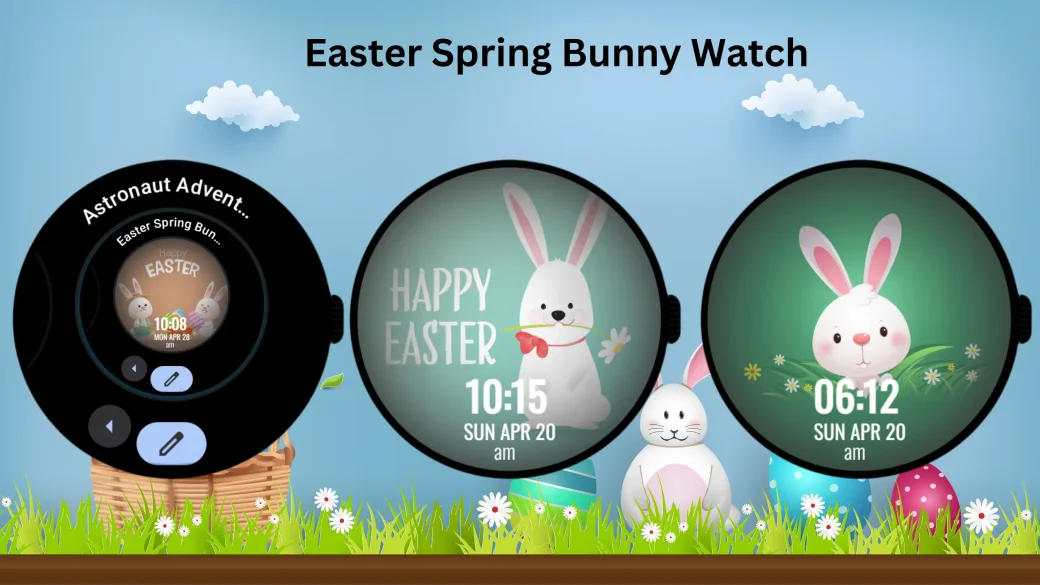
このアプリについて
Googleによる英語 (アメリカ合衆国)からの自動翻訳です。
Wear OS ウォッチのかわいい春ウサギと一緒にイースターを楽しく祝いましょう。
Easter Spring Bunny Watch でイースター シーズンを迎えましょう。これは、カラフルなイースターエッグを運ぶ 2 匹の愛らしいウサギを特徴とする、Wear OS 用の陽気なデジタル文字盤です。春のお祝いの雰囲気をもたらすようにデザインされたこの文字盤は、かわいらしさと時刻、日付、AM/PM表示などの実用的な機能を兼ね備えています。
🐰 こんな方に最適: 遊び心のある春のデザインを愛する女性、子供、イースター愛好家。
🌼こんな方に最適:
日常使い、イースターの集まり、パーティー、お祝いのお祝いに。
主な特徴:
1) かわいいウサギとイースターエッグのアートワーク
2) ディスプレイタイプ: デジタル時計の文字盤
3) 時間、日付、AM/PM インジケーターを表示します。
4) スムーズなパフォーマンスを実現するために最適化
5) アンビエント モードと常時オン ディスプレイ (AOD) のサポート
インストール手順:
1)携帯電話でコンパニオン アプリを開きます。
2)「Watchにインストール」をタップします。
3)Wear OS デバイスで Easter Spring Bunny Watch を選択します。
互換性:
✅ すべての Wear OS デバイス API 33+ と互換性があります (例: Google Pixel Watch、Samsung Galaxy Watch)
❌ 長方形の時計には適していません
🌸 このかわいいウサギをあなたの春の日課に取り入れましょう!
原文を表示
Welcome the Easter season with the Easter Spring Bunny Watch—a cheerful digital watch face for Wear OS featuring two adorable bunnies carrying colorful Easter eggs. Designed to bring festive spring vibes, this watch face combines cuteness with practical features like time, date, and AM/PM display.
🐰 Great For: Ladies, kids, and Easter lovers who adore playful spring designs.
🌼 Ideal For:
Everyday use, Easter gatherings, parties, and festive celebrations.
Key Features:
1)Cute bunnies and Easter egg artwork
2)Display Type: Digital Watch Face
3)Shows time, date, and AM/PM indicator
4)Optimized for smooth performance
5)Ambient mode and Always-On Display (AOD) support
Installation Instructions:
1)Open the Companion App on your phone.
2)Tap "Install on Watch."
3)Select Easter Spring Bunny Watch on your Wear OS device.
Compatibility:
✅ Compatible with all Wear OS devices API 33+ (e.g., Google Pixel Watch, Samsung Galaxy Watch)
❌ Not suitable for rectangular watches
🌸 Let these sweet bunnies hop into your springtime routine!
データ セーフティ
このアプリが収集・共有するデータについて、jigu watchfaceがGoogle Playで申告している内容です。
- 第三者と共有されるデータはありません詳しくは、デベロッパーが共有を申告する方法についての説明をご覧ください
- このアプリは以下の種類のデータを収集することがありますアプリのアクティビティ、アプリの情報、パフォーマンス、デバイスまたはその他の ID
- データは送信中に暗号化されます
- データを削除できません
開発元の連絡先
- ウェブサイトjiguprivacypolicywatchfacewear.blogspot.com
- メールjigsdevganiya12345@gmail.com
- プライバシーポリシーjiguwatchfaceprivacypolicy.wordpress.com
- 住所India
情報
- 提供元
- jigu watchface
- カテゴリ
- アート&デザイン
- 更新日
- 2026/8/17
- リリース
- 2025/4/12
- 対象年齢
- 3 歳以上
- 価格
- 無料
- パッケージ名
- com.watchface.wearos.happyeaster.easterspringbunnywatch.easterbunnywatchface