Endoscope Camera Connector
FastSoft広告を含む
- 3 歳以上対象年齢
- ライブラリ&デモカテゴリ
- 2026/10/9更新日
- 無料価格
com.scnc.cameraendscopesのGoogle Play公式ページにリンクしています。最終確認:2026/11/26。
スクリーンショット
このアプリについて
Googleによる英語 (アメリカ合衆国)からの自動翻訳です。
内視鏡カメラ – USB OTG ボアスコープビューア&検査カメラアプリ
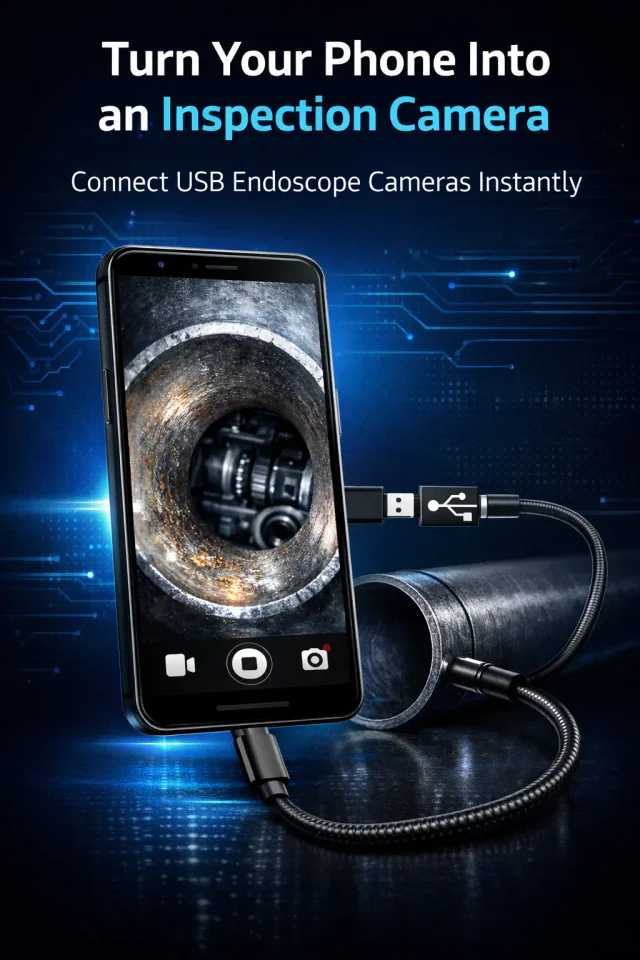
内視鏡カメラは、USB OTGアダプターを使用して、USB内視鏡、ボアスコープ、検査カメラをスマートフォンやタブレットに直接接続できる強力なAndroidアプリです。
このアプリを使えば、Androidデバイスをポータブル検査モニターとして使用し、ライブカメラ映像の閲覧、写真撮影、手の届きにくい場所の検査を簡単に行うことができます。
整備士、配管工、電気技師、技術者、DIY愛好家など、どんな方でも内視鏡カメラがあれば、詳細な検査を迅速かつ簡単に行うことができます。
主な機能
USB内視鏡カメラ対応
OTGアダプターを使用して、ほとんどのUVC対応USB内視鏡カメラとボアスコープを接続できます。アプリはUSBカメラを素早く検出し、ライブ映像の配信を開始します。
OTG互換性チェック
お使いのスマートフォンがOTGに対応しているかどうかわからない場合は、アプリにUSBホスト互換性チェック機能が搭載されており、AndroidデバイスがUSB OTGカメラ接続に対応しているかどうかを確認できます。
リアルタイムカメラプレビュー
内視鏡カメラからのライブ映像をAndroid画面で直接確認できます。通常のカメラでは届かない狭い場所の検査に最適です。
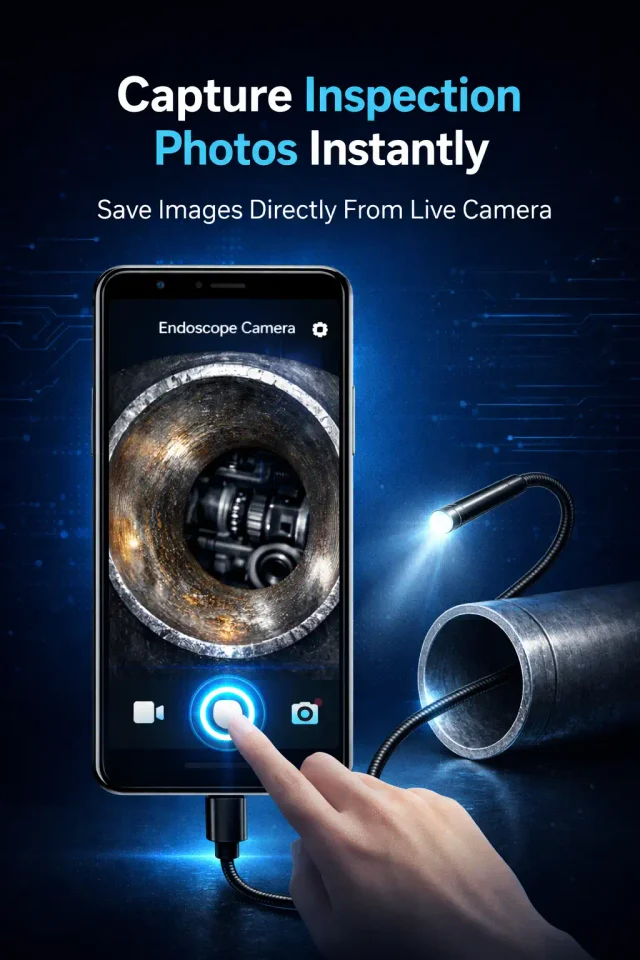
ワンタップで写真撮影
ライブ映像を見ながら、検査画像を瞬時に撮影できます。写真は自動的に保存されるので、後で確認できます。
自動画像保存
撮影した画像はすべて「内視鏡カメラ」フォルダに保存されるため、検査画像を簡単に見つけることができます。
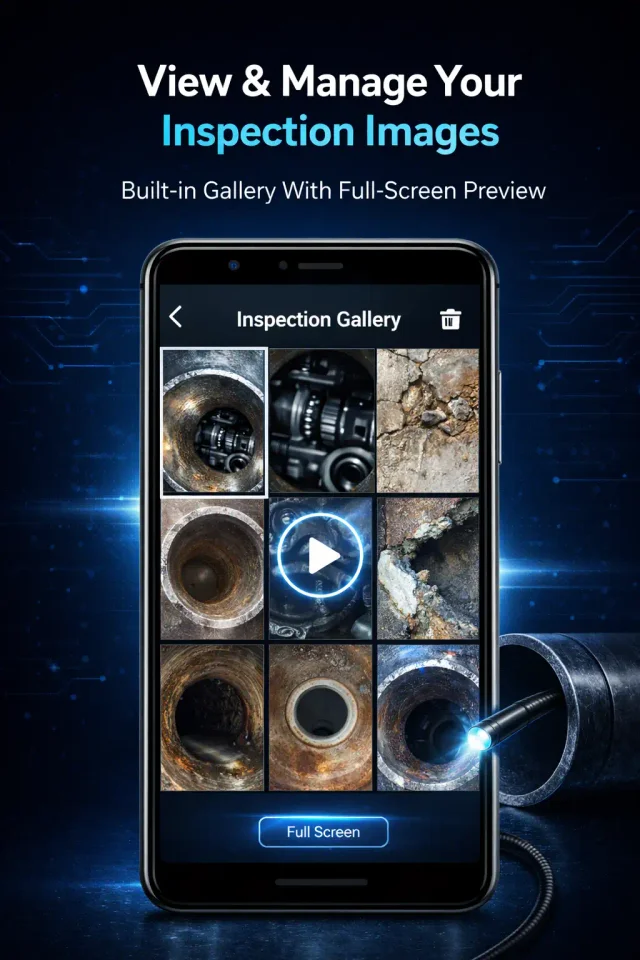
内蔵画像ギャラリー
撮影した検査画像をアプリ内で直接管理できます。
• 全画面画像プレビュー
• クイック削除オプション
• 整理された画像表示
カメラの設定と操作
検査のニーズに合わせてカメラ設定を調整できます。
• 解像度の選択
• ミラーイメージモード
• カメラの向きを反転
• 明るさ調整
内蔵ヘルプとセットアップガイド
カメラが検出されない場合は、アプリにセットアップ手順とトラブルシューティングのヒントが記載されており、USB内視鏡を正しく接続するための情報が表示されます。
内視鏡カメラの一般的な用途
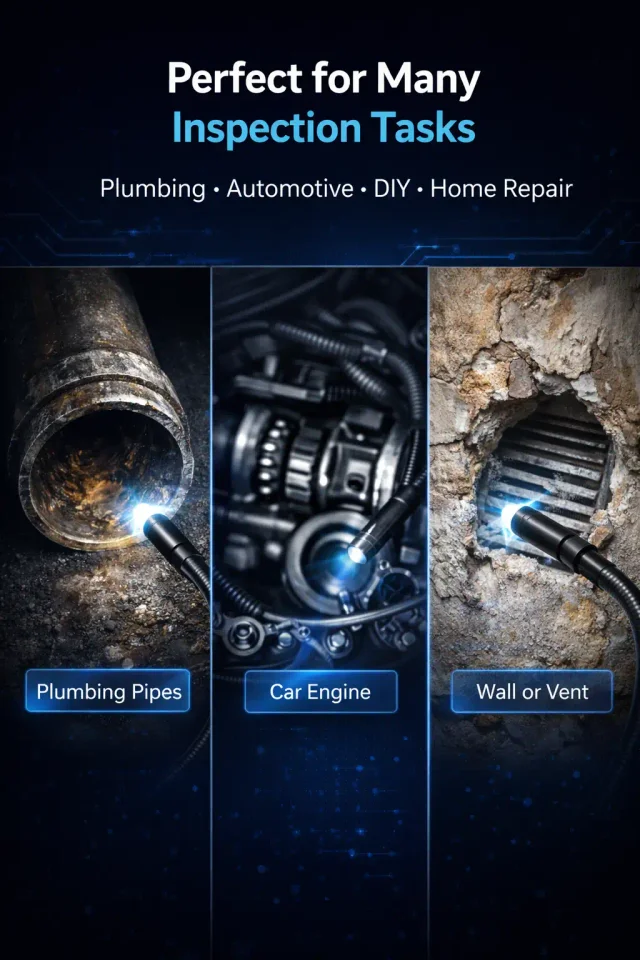
内視鏡カメラは、手の届きにくい場所の検査に非常に便利です。このアプリは主に以下の用途に使用されます。
配管検査
パイプ、排水管、配管システムを検査し、詰まりや漏れを特定します。
自動車診断
エンジン部品、スパークプラグホール、シリンダー、その他の車内の隠れた部品を確認します。
家庭メンテナンス
修理や改修工事の際に、壁、天井、換気ダクト、狭い空間を検査します。
電気工事
配線工事や狭いケーブル経路を検査します。
DIYプロジェクト
内視鏡カメラを一般的なメンテナンス、検査、技術的なトラブルシューティングに使用します。
アプリの使い方
OTGアダプターを使用して、USB内視鏡またはボアスコープカメラをAndroidデバイスに接続します。
デバイスが検出されたら、USB権限要求を許可します。
アプリはライブカメラのプレビューを表示します。
写真を撮影し、内蔵ギャラリーで検査画像を管理します。
要件
Endoscope Camera を使用するには、以下のものが必要です。
• USB OTG (USB ホスト) 対応の Android スマートフォンまたはタブレット
• UVC 対応の USB 内視鏡またはボアスコープカメラ
• 対応 OTG アダプター (デバイスに応じて USB-C または Micro-USB)
重要情報
• このアプリは、ライブカメラのプレビューと写真の撮影に重点を置いています。
• Android デバイスのモデルと USB カメラのチップセットによって互換性が異なる場合があります。
• 一部の内視鏡カメラは特定のドライバーを必要とし、すべてのデバイスでサポートされているとは限りません。
• このアプリケーションは、医療診断または医療処置を目的としたものではありません。
スマートフォンを検査ツールに
Endoscope Camera を使用すると、Android デバイスが USB 内視鏡およびボアスコープ用のポータブル検査カメラモニターになります。
カメラをすばやく接続し、隠れた場所を検査したり、写真を撮影したりして、簡単に検査タスクを完了できます。
今すぐ Endoscope Camera をダウンロードして、Android デバイスで USB OTG 内視鏡カメラを直接使い始めましょう。
原文を表示
Endoscope Camera is a powerful Android app designed to connect your USB endoscope, borescope, and inspection cameras directly to your phone or tablet using a USB OTG adapter.
With this app you can easily view the live camera feed, capture photos, and inspect hard-to-reach areas using your Android device as a portable inspection monitor.
Whether you are a mechanic, plumber, electrician, technician, or DIY enthusiast, Endoscope Camera helps you perform detailed inspections quickly and easily.
Main Features
USB Endoscope Camera Support
Connect most UVC-compatible USB endoscope cameras and borescopes using an OTG adapter. The app quickly detects the USB camera and starts the live feed.
OTG Compatibility Check
Not sure if your phone supports OTG? The app includes a USB host compatibility check to confirm if your Android device supports USB OTG camera connections.
Real-Time Camera Preview
Watch the live video stream from your endoscope camera directly on your Android screen. Perfect for inspecting tight spaces where normal cameras cannot reach.
One-Tap Photo Capture
Capture inspection images instantly while viewing the live feed. Photos are saved automatically so you can review them later.
Automatic Image Storage
All captured images are stored in the Endoscope Camera folder, making it easy to locate your inspection photos.
Built-in Image Gallery
Manage your captured inspection images directly inside the app:
• Full-screen image preview
• Quick delete option
• Organized image viewing
Camera Settings & Controls
Adjust camera settings depending on your inspection needs:
• Resolution selection
• Mirror image mode
• Flip camera orientation
• Brightness adjustments
Built-in Help & Setup Guide
If your camera is not detected, the app includes setup instructions and troubleshooting tips to help you connect your USB endoscope properly.
Common Uses for Endoscope Cameras
Endoscope cameras are extremely useful for inspecting areas that are difficult to reach. This app is commonly used for:
Plumbing Inspections
Inspect pipes, drains, and plumbing systems to identify clogs or leaks.
Automotive Diagnostics
Check engine parts, spark plug holes, cylinders, and other hidden components inside vehicles.
Home Maintenance
Inspect walls, ceilings, ventilation ducts, and tight spaces during repairs or renovations.
Electrical Work
Examine wiring installations and narrow cable channels.
DIY Projects
Use your endoscope camera for general maintenance, inspections, and technical troubleshooting.
How to Use the App
Connect your USB endoscope or borescope camera to your Android device using an OTG adapter.
Allow the USB permission request when the device is detected.
The app will display the live camera preview.
Capture photos and manage your inspection images inside the built-in gallery.
Requirements
To use Endoscope Camera you need:
• Android smartphone or tablet with USB OTG (USB Host) support
• UVC-compatible USB endoscope or borescope camera
• Compatible OTG adapter (USB-C or Micro-USB depending on your device)
Important Information
• This app focuses on live camera preview and photo capture.
• Compatibility may vary depending on the Android device model and USB camera chipset.
• Some endoscope cameras require specific drivers that may not be supported on all devices.
• This application is not intended for medical diagnosis or medical procedures.
Turn Your Phone into an Inspection Tool
With Endoscope Camera, your Android device becomes a portable inspection camera monitor for USB endoscopes and borescopes.
Quickly connect your camera, inspect hidden areas, capture photos, and complete your inspection tasks easily.
Download Endoscope Camera now and start using your USB OTG endoscope camera directly on your Android device.
データ セーフティ
このアプリが収集・共有するデータについて、FastSoftがGoogle Playで申告している内容です。
- このアプリはサードパーティと以下の種類のデータを共有することがあります位置情報、アプリのアクティビティ、他 2 件
- このアプリは以下の種類のデータを収集することがあります位置情報、アプリのアクティビティ、他 2 件
- データは送信中に暗号化されます
- データを削除できません
開発元の連絡先
- ウェブサイトfastsoftdev.blogspot.com
- メールalbertdidix@outlook.fr
- プライバシーポリシーfastsoftapps.blogspot.com
- 住所2435 Rue Jean-Talon E Montréal, QC H2E 1W1 Canada
情報
- 提供元
- FastSoft
- カテゴリ
- ライブラリ&デモ
- バージョン
- 29
- 更新日
- 2026/10/9
- リリース
- 2020/7/3
- 必要条件
- Android 7.0以降
- 対象年齢
- 3 歳以上
- 価格
- 無料
- パッケージ名
- com.scnc.cameraendscopes