Everything Iconpack : Material
JustNewDesigns- 3 歳以上対象年齢
- カスタマイズカテゴリ
- 2026/8/15更新日
- ¥140価格
com.nothing.icon.material.youのGoogle Play公式ページにリンクしています。最終確認:2026/11/14。

スクリーンショット
このアプリについて
Googleによる英語 (アメリカ合衆国)からの自動翻訳です。
マテリアルのすべてのアイコンをあなたの色に - 壁紙に基づいて
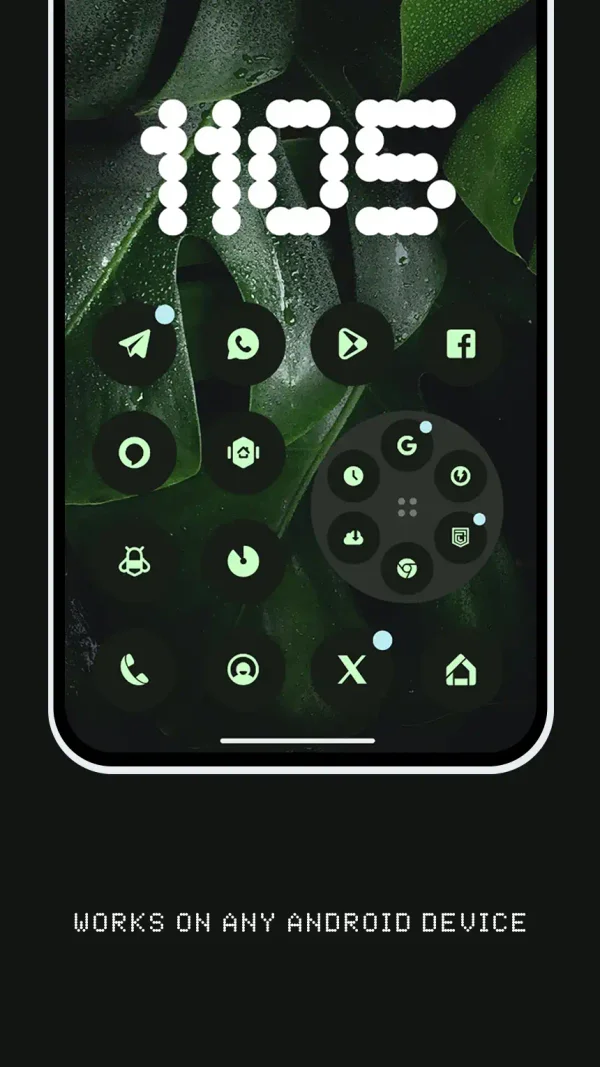
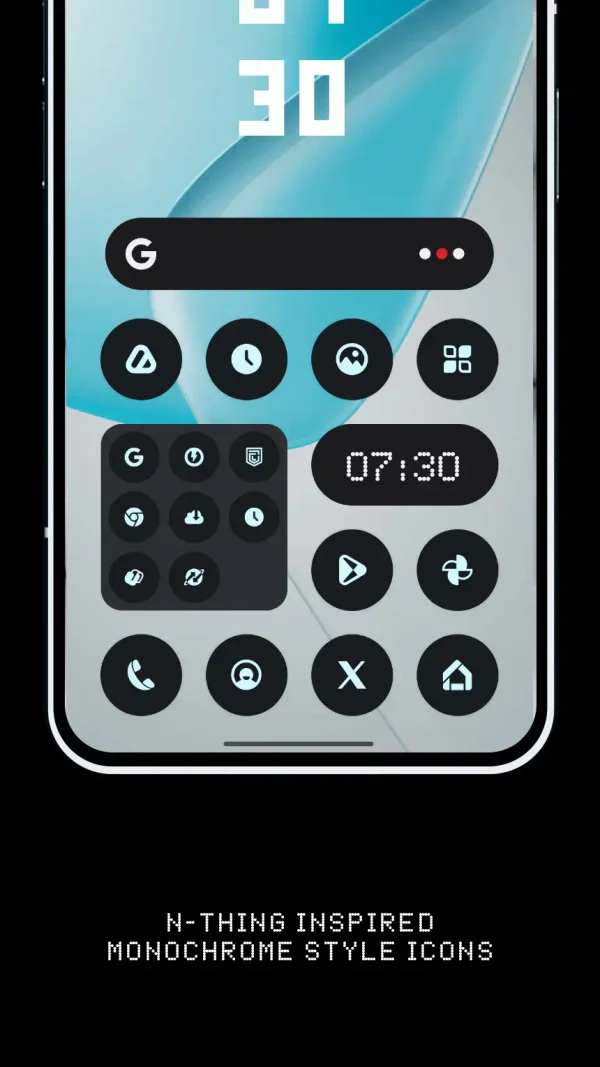
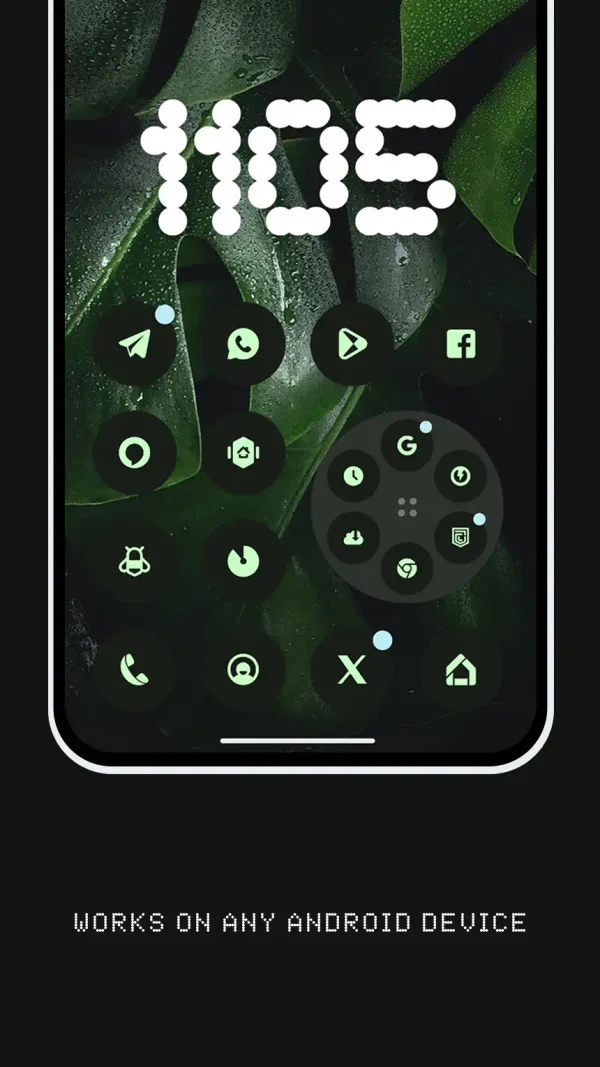
モバイル画面を独自の Everything IconPack : Materials で補完します。Nothing からインスピレーションを得た Everything Icons Pack のマテリアル バージョンです。このパックの各アイコンには創造性と情熱が完璧に融合しており、デバイスに純粋な至福のひとときをもたらすように設計されています。では、Everything Icon Pack を使用して創造性と愛情を加えることができるのに、なぜ基本的で退屈な画面に満足するのでしょうか?
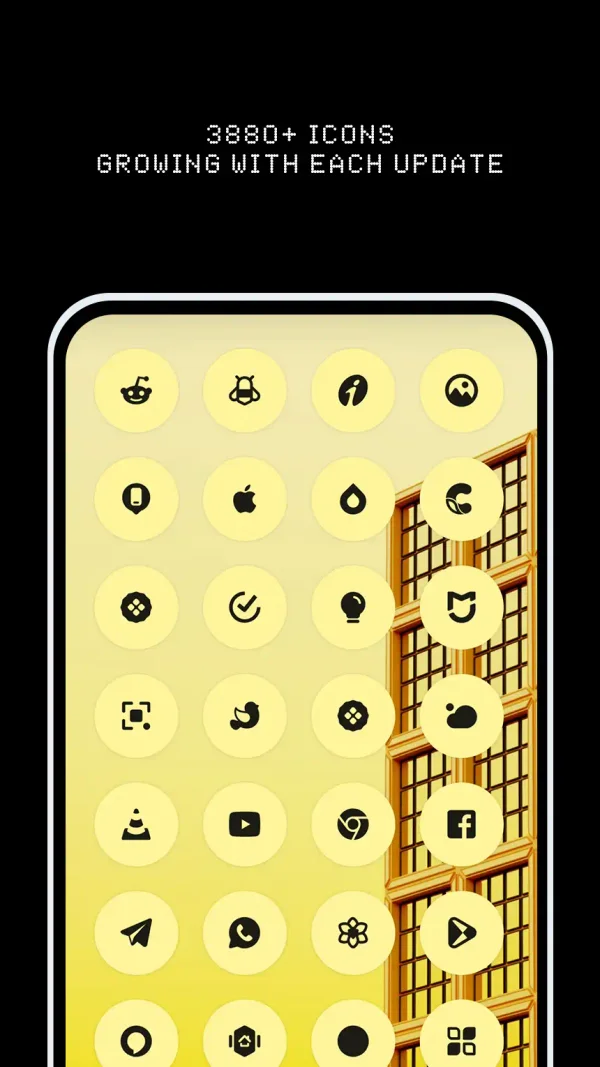
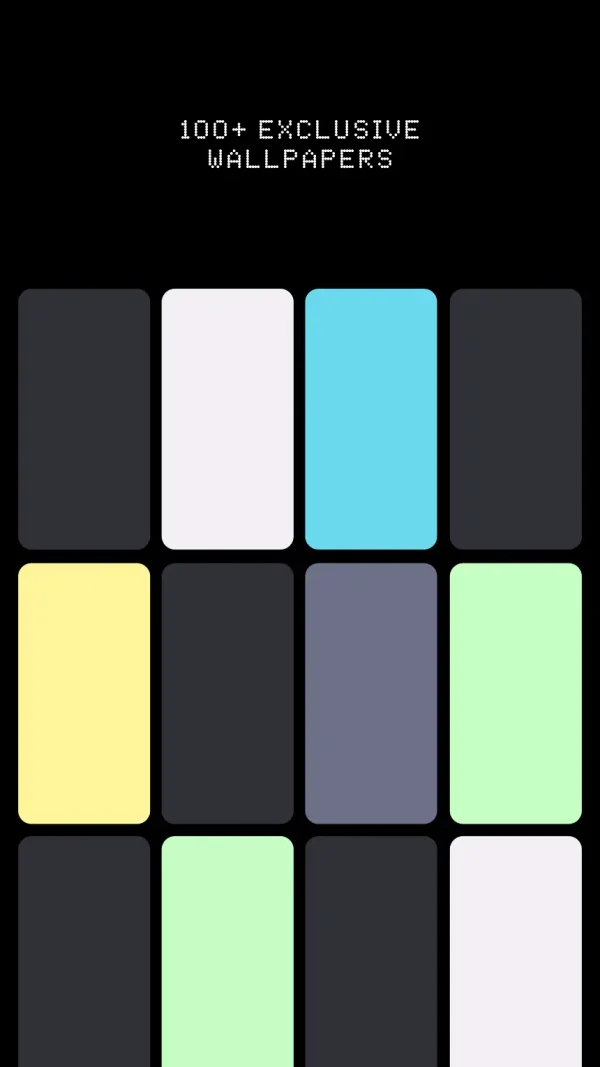
Everything Icon Pack はカスタマイズの世界への新しいエントリーであり、現在 3,850 個以上のアイコンと 100 個以上の限定壁紙が利用可能で、新しいコンテンツは定期的に追加されます。
Everything IconPack を選択する理由
• 慎重にデザインされた 3850 以上の高解像度アイコン
• テーマのないアイコンでも均一な外観を実現するアイコン マスキング
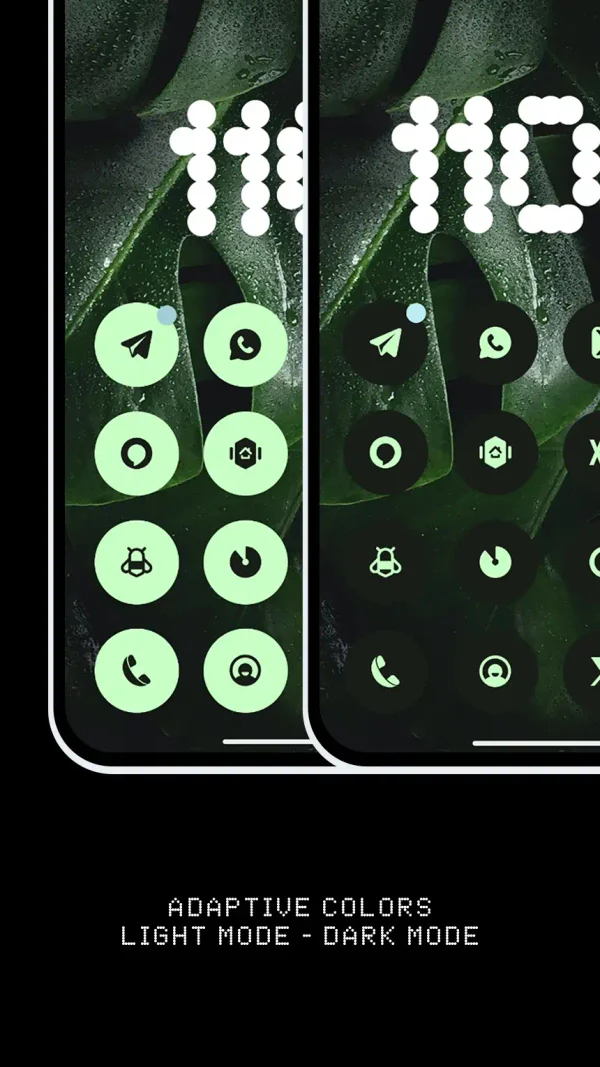
• マテリアルカラーのサポート – アイコンは壁紙の色に適応します (サポートされているランチャー上)
• ダーク & ライト テーマ対応 – どちらのモードでも見栄えがするように設計されています
• 新しいアイコンとアクティビティの修正による定期的な更新
• 人気のあるシステムアプリの代替アイコン
• クラウドベースの壁紙コレクションが含まれています
• KWGT ウィジェット (近日公開予定)
• サーバーベースのアイコン要求システム
• カスタムフォルダーアイコンとアプリドロワーアイコン
• 内蔵アイコンのプレビューと検索
• 動的カレンダーのサポート
• 滑らかなマテリアルのダッシュボード
このアイコンパックの使い方は?
デフォルトのランチャーがアイコン パックをサポートしていない場合は、サポートされているランチャーをインストールします。
Everything Icon Pack を開き、「適用」セクションに移動して、ランチャーを選択します。ランチャーがリストにない場合は、ランチャーの設定から適用できます。
推奨ランチャー:
• ノヴァランチャー
• 芝生椅子
• ハイペリオン
• ナイアガラランチャー
• 無慈悲なランチャー
• スマートランチャー
• OneUI の場合: テーマパークを使用して色/アイコンを変更します。
• ピクセルランチャー(ショートカットメーカー経由)
Everything Icon Pack は、Google のマテリアル デザイン ガイドラインに従って作成された、クリーンで直線的でマテリアルな外観を提供しますが、ユニークでクリエイティブなひねりが加えられています。すべてのアイコンは慎重にデザインされ、完璧に磨き上げられています。
重要な注意事項:
• カラーテーマは Android 12、13 以降でのみ機能します
• 場合によっては、色の変化を確認するためにアイコン パックを再適用する必要がある場合があります。
• 壁紙の色に適応しないフルカラーのアイコンをお好みの場合は、他のアイコン パックをチェックしてください。
• このアイコン パックを使用するには、サポートされているランチャーが必要です
• アプリには役立つ FAQ セクションが含まれています – 質問をメールで送信する前に必ずお読みください。
• アイコンが見つかりませんか?お気軽にリクエストをお送りください - 今後のアップデートに含めるように努めます
平均的な人は 1 日に 50 回以上携帯電話をチェックしていることをご存知ですか? Everything Icon Pack を使って、その瞬間を楽しいものに変えてみませんか?その見事なデザインと鮮やかなスタイルにより、デバイスのロックを解除するたびにインスピレーションが得られることでしょう。
連絡先:
Twitter: https://twitter.com/justnewdesigns
メール: justnewdesigns@gmail.com
ウェブサイト: https://justnewdesigns.bio.link
原文を表示
Complement your mobile screen with the exclusive Everything IconPack : Material – a Material version of the Everything Icons Pack inspired by Nothing. Each icon in this pack is infused with a perfect blend of creativity and passion, designed to bring a touch of pure bliss to your device. So why settle for a basic and boring screen when you can add creativity and love with the Everything Icon Pack?
Everything Icon Pack is a new entry into the world of customization, with 3850+ icons and 100+ exclusive wallpapers currently available — with new content being added regularly.
Why Choose Everything IconPack ?
• 3850+ High-Definition Icons, carefully designed
• Icon Masking for a uniform look, even on unthemed icons
• Material Colors Support – icons adapt to your wallpaper's colors (on supported launchers)
• Dark & Light Theme Ready – designed to look great in both modes
• Regular Updates with new icons and activity fixes
• Alternative Icons for popular and system apps
• Cloud-Based Wallpaper Collection included
• KWGT Widgets (Coming Soon)
• Server-Based Icon Request System
• Custom Folder Icons & App Drawer Icons
• Built-in Icon Preview & Search
• Dynamic Calendar Support
• Smooth Material Dashboard
How to use this Icon Pack?
Install a supported launcher if your default launcher doesn’t support icon packs.
Open Everything Icon Pack, go to the Apply section, and select your launcher. If your launcher is not listed, you can apply it from your launcher's settings.
Recommended Launchers:
• Nova Launcher
• Lawnchair
• Hyperion
• Niagara Launcher
• Ruthless Launcher
• Smart Launcher
• For OneUI: Use Theme Park to change colors/icons
• Pixel Launcher (via Shortcut Maker)
Everything Icon Pack offers a clean, linear, and material look — created following Google’s Material Design guidelines, but with a unique and creative twist. Every icon is carefully designed and polished to perfection.
Important Notes:
• Color theming works only on Android 12, 13, and later
• In some cases, you may need to reapply the icon pack to see color changes
• If you prefer full-colored icons that don't adapt to wallpaper colors, check out my other icon packs
• A supported launcher is required to use this icon pack
• The app includes a helpful FAQ section – please read it before emailing your questions
• Missing an icon? Feel free to send a request — I’ll try to include it in future updates
Did you know the average person checks their phone over 50 times a day? Why not turn those moments into something delightful with the Everything Icon Pack? With its stunning design and vibrant style, it’s sure to inspire every time you unlock your device.
Contact Me:
Twitter: https://twitter.com/justnewdesigns
Email: justnewdesigns@gmail.com
Website: https://justnewdesigns.bio.link
データ セーフティ
このアプリが収集・共有するデータについて、JustNewDesignsがGoogle Playで申告している内容です。
- 第三者と共有されるデータはありません詳しくは、デベロッパーが共有を申告する方法についての説明をご覧ください
- データは収集されません詳しくは、デベロッパーが収集を申告する方法についての説明をご覧ください
新機能
バージョン 2.9 · 2026/8/15
• Initial Release with 3880+ Icons
開発元の連絡先
- ウェブサイトjustnewdesigns.com
- メールjustnewdesigns@gmail.com
- プライバシーポリシーjndapps.blogspot.com
- 住所ALIGUNJPURA, JAMPURA JAMPURA DHUNDHIYAWADI, PALANPUR. BANASKANTHA Palanpur, Gujarat 385001 India
情報
- 提供元
- JustNewDesigns
- カテゴリ
- カスタマイズ
- バージョン
- 2.9
- 更新日
- 2026/8/15
- リリース
- 2025/4/23
- 必要条件
- Android 6.0以降
- 対象年齢
- 3 歳以上
- 価格
- ¥140
- パッケージ名
- com.nothing.icon.material.you