FCCHD
FreeConferenceCall.com- 3 歳以上対象年齢
- ビジネスカテゴリ
- 2022/5/6更新日
- 無料価格
com.freeconferencecall.sipphone.fcchdのGoogle Play公式ページにリンクしています。最終確認:2026/11/27。

スクリーンショット
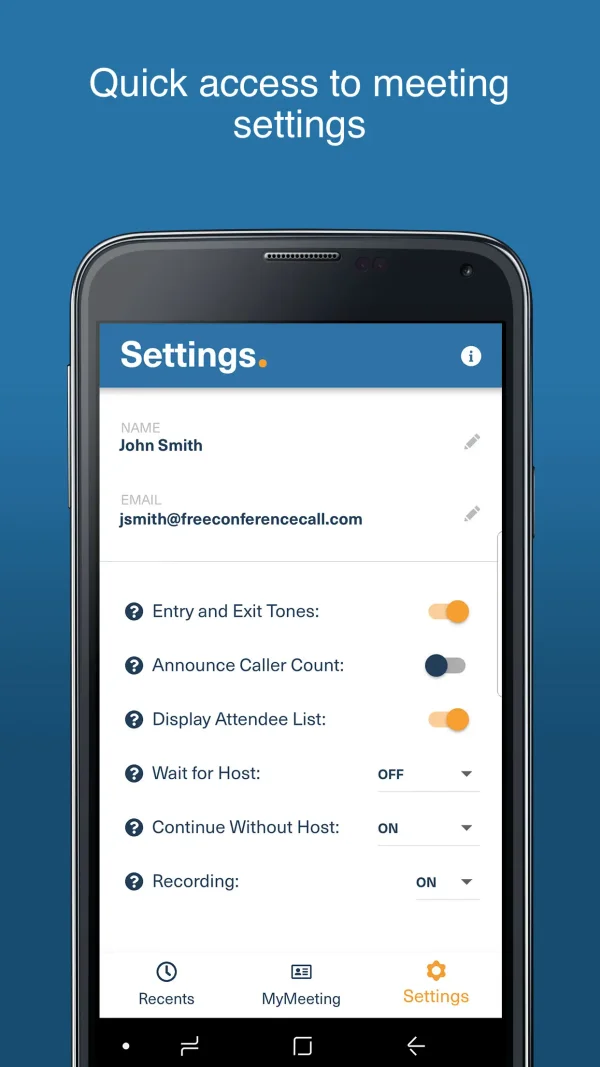
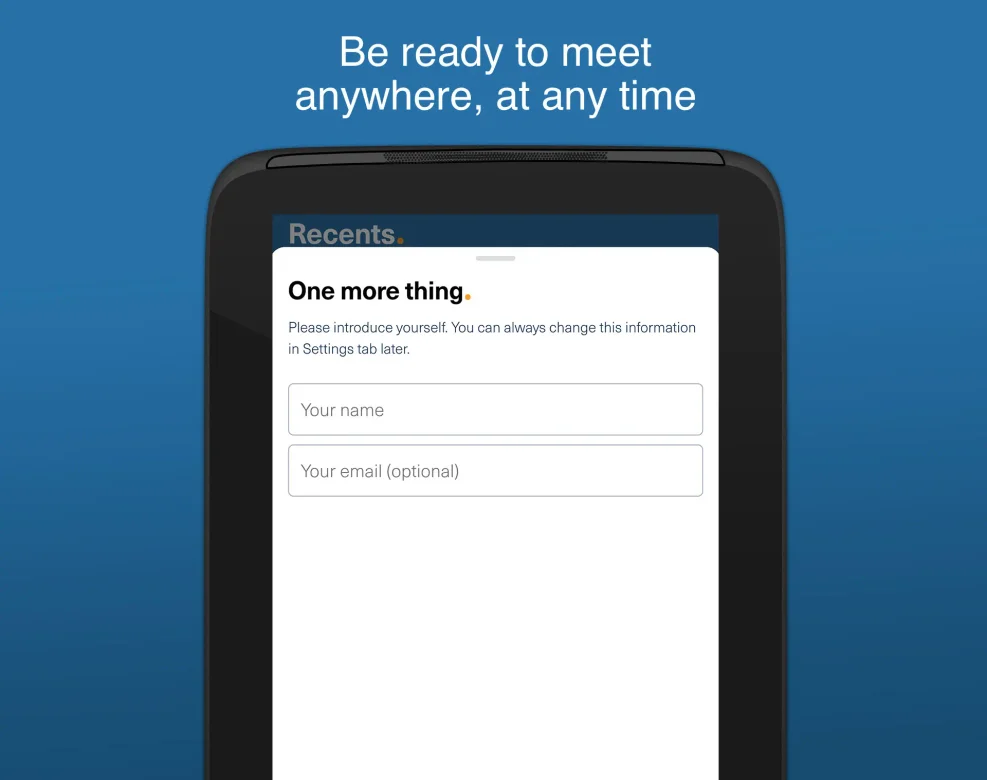
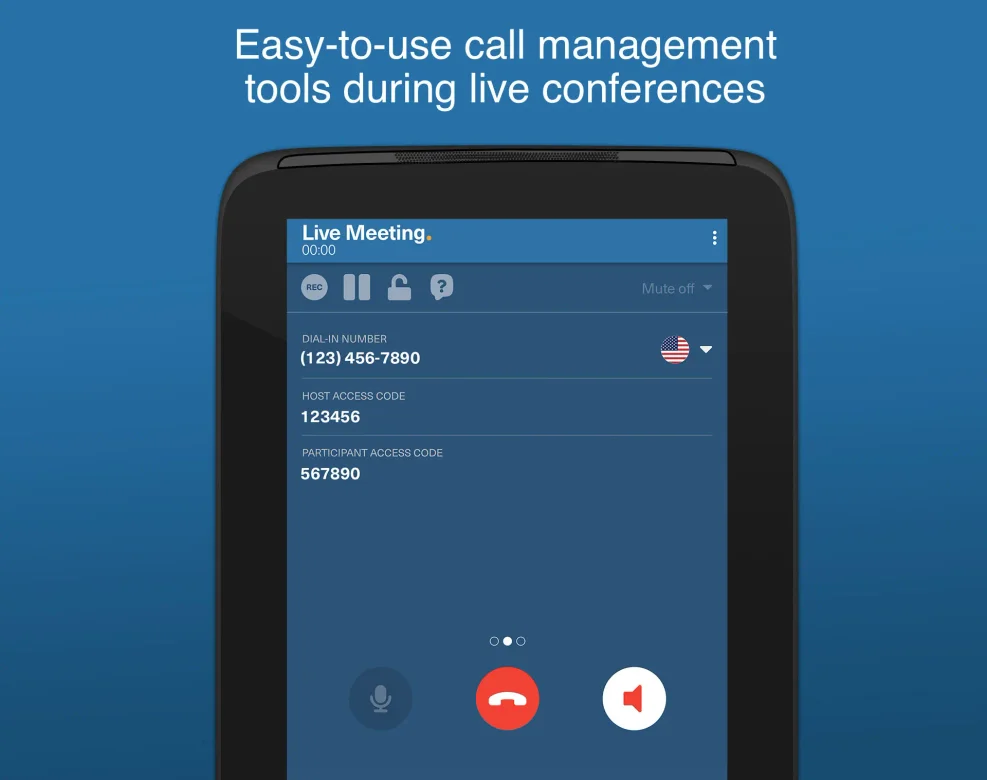
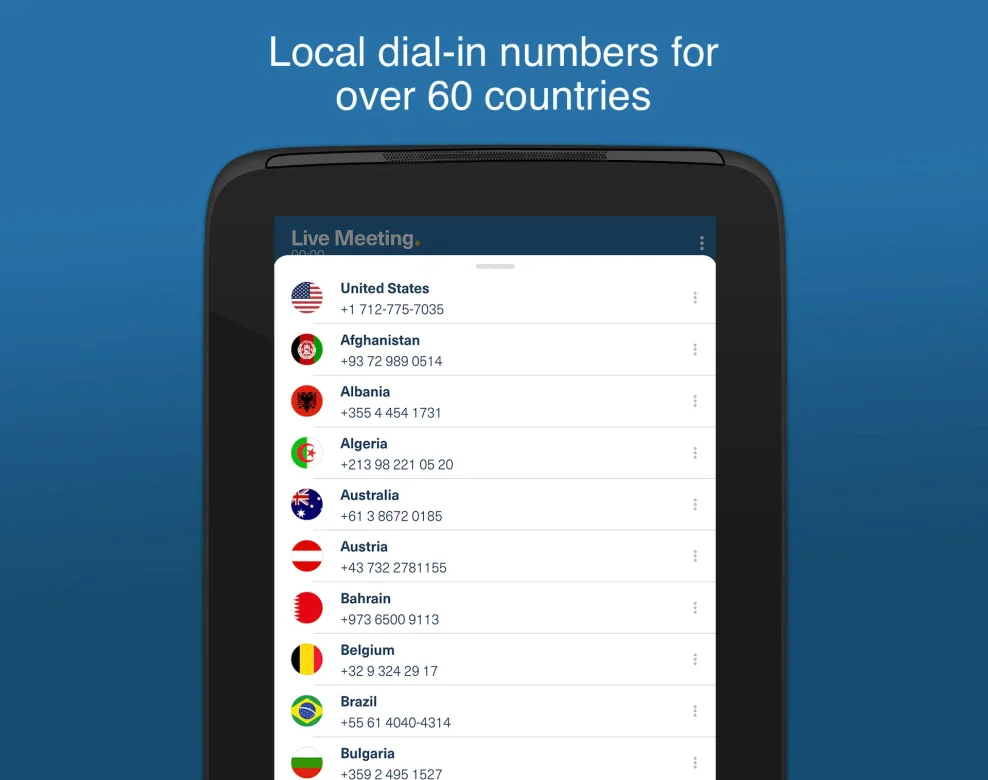
このアプリについて
Googleによる英語 (アメリカ合衆国)からの自動翻訳です。
電話会議のホスティングと参加のための迅速で簡単なアプリ
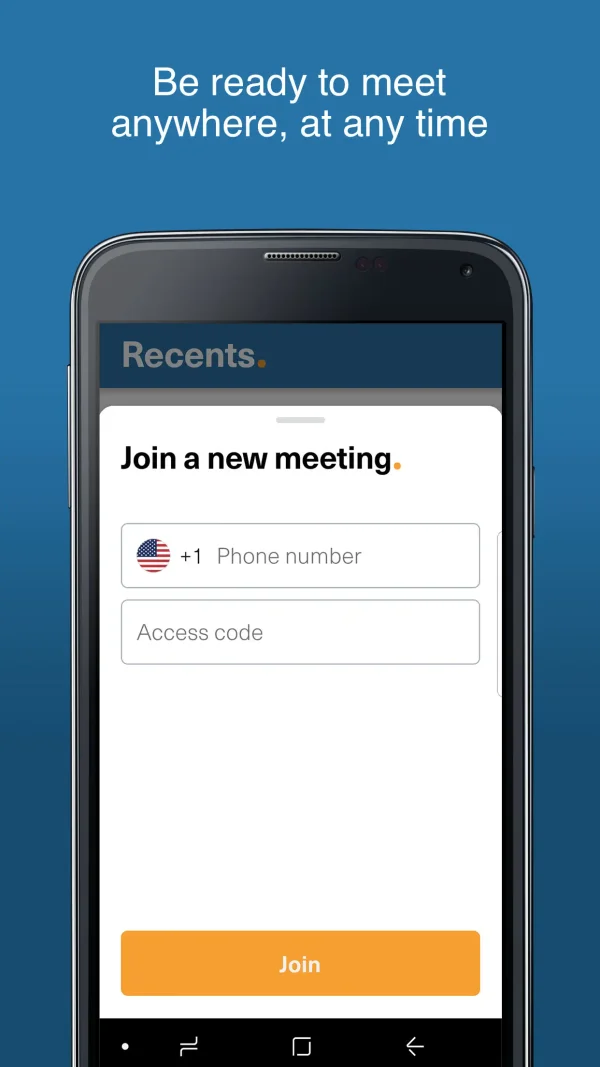
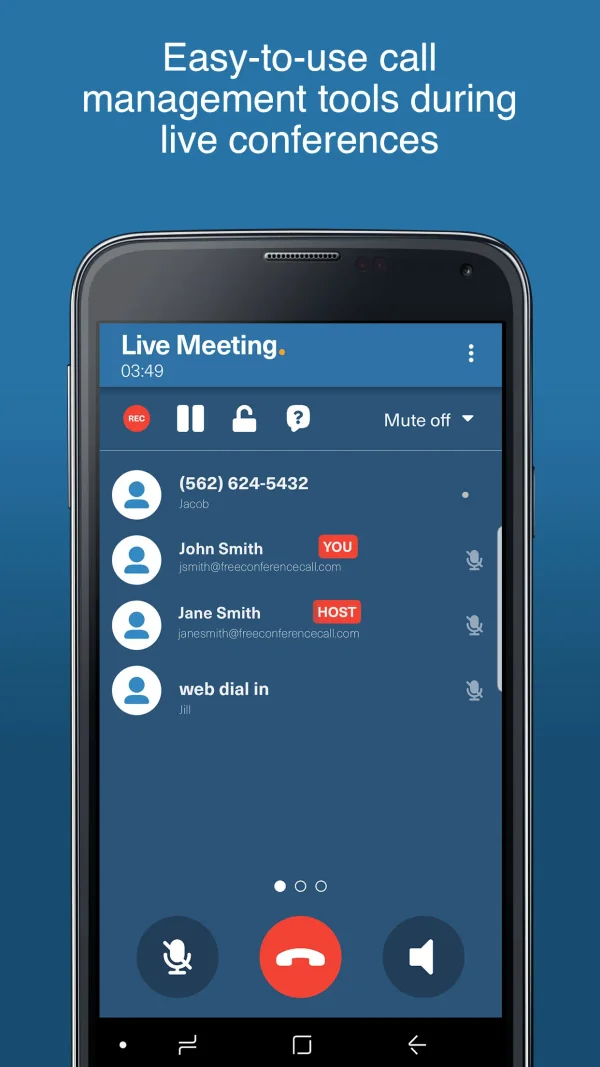
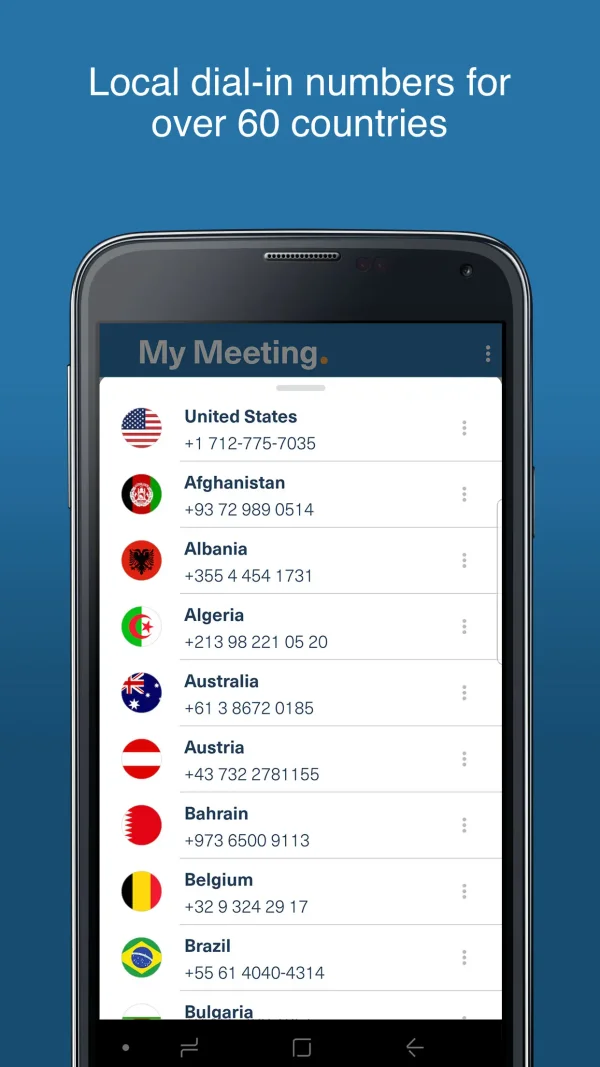
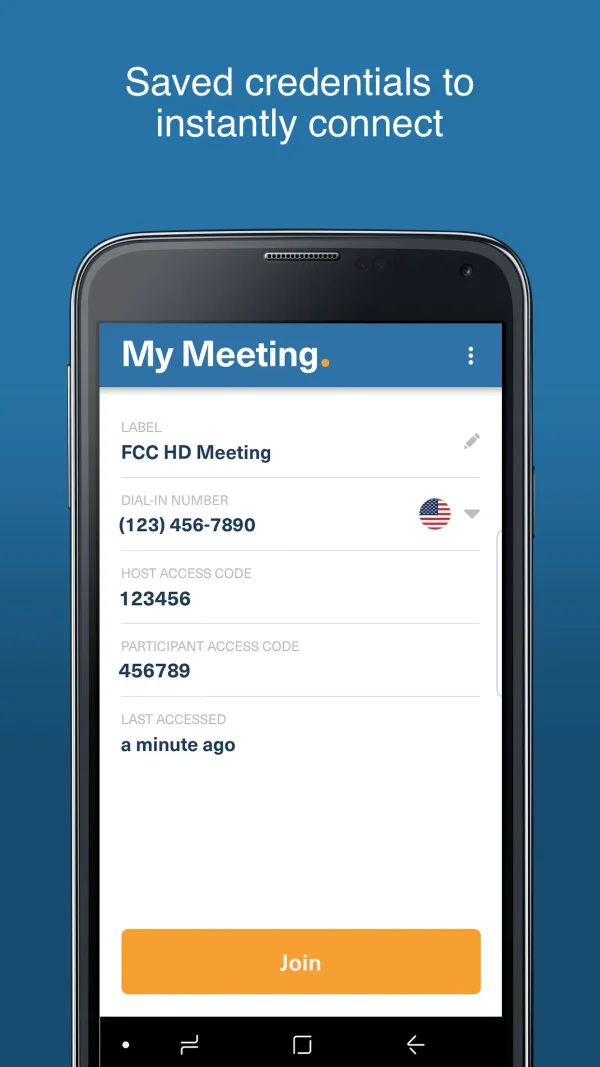
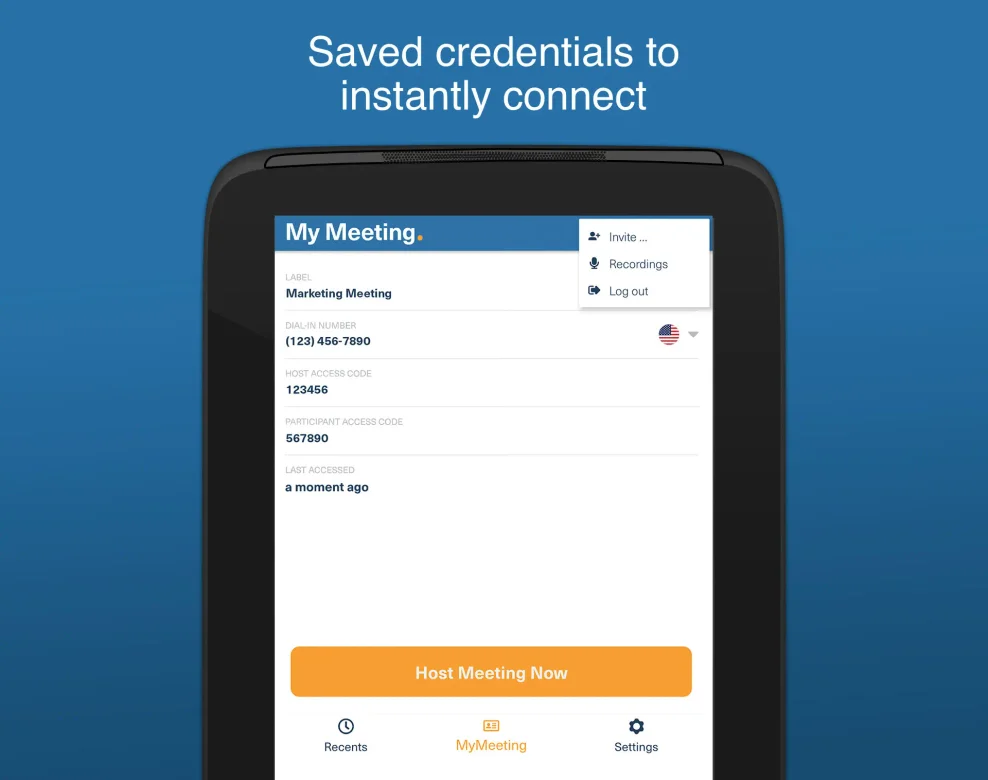
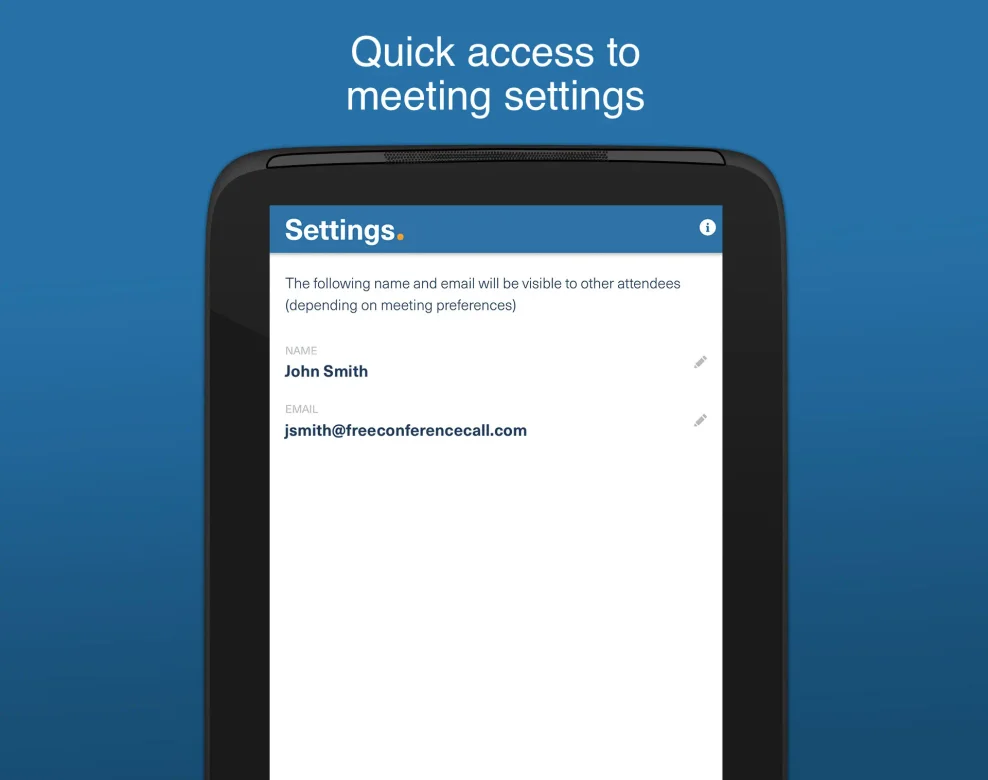
Free Conference Call HDは、ダイヤルイン認証情報を覚えなくても電話会議にすばやく簡単にダイヤルする方法を提供します。このアプリを使用してあなたの電話会議のダイヤルイン番号とアクセスコードをすべて保存します。 Free Conference Call HDを使用すると、複数のアカウントを保存および作成し、招待状を配布し、3G / 4Gデータネットワークまたは通常の携帯電話会社を介して即座に電話会議にダイヤルできます。
機能は次のとおりです。
✓受信者リスト
アプリケーションのメインページにある既存および新規の会議のロロデックスを保管してください
✓新規アカウント登録
さらに会議回線を追加するには、下部のメニューから[自分の会議]を選択して必要なフィールドに入力します。
✓招待状
アプリケーションの[マイミーティング]ページから[招待]メニュー項目を選択して、電話会議の参加者にテキストまたは電子メールで着信資格情報を配布します。
✓自動会議ダイヤルイン
会議の一覧から会議回線を選択し、[今すぐ会議を開催]アイコンをタップして電話会議を開催または参加します。
✓アカウントの説明を編集
簡単に識別できるように、いつでも会議ラインにタイトルまたは名前を割り当てる
✓アカウントを削除
使用していない会議回線または基本的なクリーンアップには、アカウント削除オプションを使用できます(これはアプリケーションウィンドウからのみ削除され、アカウント自体は引き続きアクティブになります)。
Free Conference Call HDには、必要なだけの会議回線が保存されています。このアプリは無料で、どのFreeConferenceCallHDアカウントでも使用できます。
質問やコメントについては、米国外に電話をする場合は、844-844-1322または1-562-437-1411のカスタマーサービス部に電話してください。メールでのお問い合わせは、services @ freeconferencecall.comをご利用ください。
原文を表示
Free Conference Call HD provides a quick and easy way for you to dial into conference calls without having to remember the dial-in credentials. Save all of your conference call dial-in numbers and access codes using this app. With the Free Conference Call HD you can store and create multiple accounts, distribute invitations and instantly dial into a conference call via 3G/4G data network and or regular mobile carrier.
Features Include:
✓ Recents List
Keep a rolodex of existing and new meetings located on the main page of the application
✓ New Account Registration
To add more conferencing lines, select My Meeting from the bottom menu and fill out the required fields
✓ Invitations
Distribute call in credentials to your conference participants via text or email by selecting the Invite menu item from the My Meeting page of the application
✓ Auto Conference Dial-In
Select your conferencing line from your list of meetings and tap the Host Meeting Now icon to host or join a conference call
✓ Edit Account Description
Assign titles or names to your conferencing lines at anytime for easy identification
✓ Delete Accounts
For conferencing lines you are not using or for basic clean up, a delete account option is available (this only delete it from the application window, the account itself will still active)
The Free Conference Call HD stores as many conferencing lines as you need. This app is free and can be used with any FreeConferenceCallHD account.
Please call our Customer Service Department at 844-844-1322 or 1-562-437-1411 if calling outside the U.S., for any questions or comments. For email inquiries, please use services@freeconferencecall.com.
データ セーフティ
このアプリが収集・共有するデータについて、FreeConferenceCall.comがGoogle Playで申告している内容です。
- 第三者と共有されるデータはありません詳しくは、デベロッパーが共有を申告する方法についての説明をご覧ください
- このアプリは以下の種類のデータを収集することがあります個人情報、アプリの情報、パフォーマンス、デバイスまたはその他の ID
- データは送信中に暗号化されます
- データを削除するようリクエストできます
新機能
バージョン 2.2.2.1 · 2022/5/6
Bug fixes
開発元の連絡先
- ウェブサイトfreeconferencecallhd.com
- メールsupport@freeconferencecall.com
- プライバシーポリシーfreeconferencecallhd.com
- 住所4300 E Pacific Coast Hwy Long Beach, CA 90804-2114 United States
情報
- 提供元
- FreeConferenceCall.com
- カテゴリ
- ビジネス
- バージョン
- 2.2.2.1
- 更新日
- 2022/5/6
- リリース
- 2012/12/6
- 必要条件
- Android 5.0以降
- 対象年齢
- 3 歳以上
- 価格
- 無料
- パッケージ名
- com.freeconferencecall.sipphone.fcchd