File Explorer Root Browser
Maple Media広告を含む · アプリ内課金
- 3 歳以上対象年齢
- 仕事効率化カテゴリ
- 2026/6/8更新日
- 無料価格
com.jrummy.root.browserfreeのGoogle Play公式ページにリンクしています。最終確認:2026/11/20。

スクリーンショット
このアプリについて
Googleによる英語 (アメリカ合衆国)からの自動翻訳です。
スーパーユーザー向けの強力でシンプルでカスタマイズ可能なファイルマネージャーとルートブラウザー
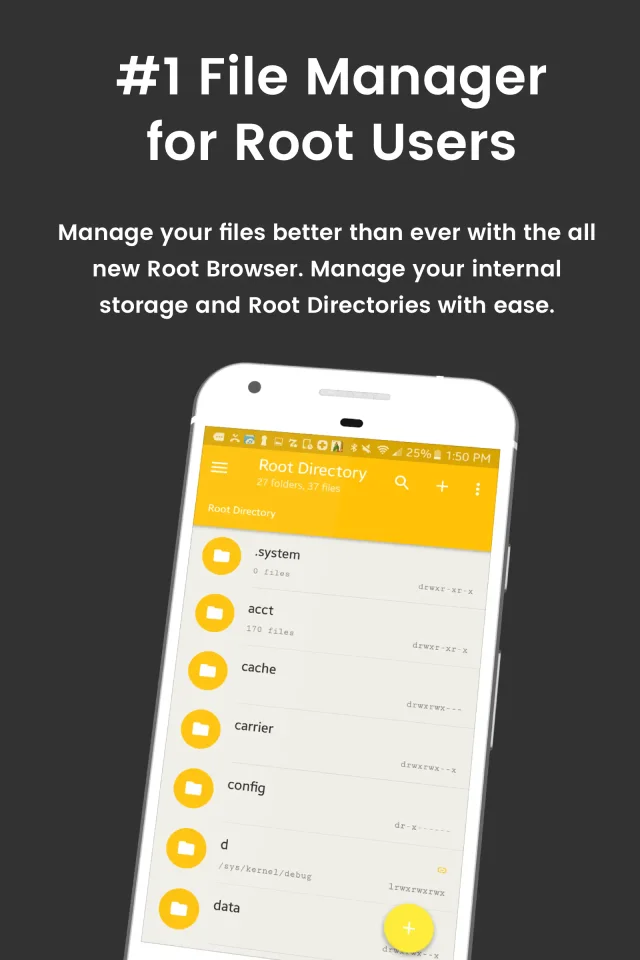
ファイル エクスプローラー ルート ブラウザーは、ルート化されたスーパーユーザーが自分の Android デバイスとルート ファイルとフォルダーを制御するためのフル機能のファイル マネージャーとルート ブラウザーです。
- すべてのルート ディレクトリにアクセス: この高度なルート ブラウザを使用して、Android のルート ディレクトリとサブディレクトリのすべてを探索してアクセスします。
- 高度なルート ブラウザ機能: 高度な機能には、SQLite データベース エディター、APK アナライザー、マルチペイン ナビゲーション、スクリプト ファイルを実行する機能、クロックワーク リカバリを使用して zip ファイルをインストールする機能、およびファイルのアクセス許可と所有権を変更する機能が含まれます。
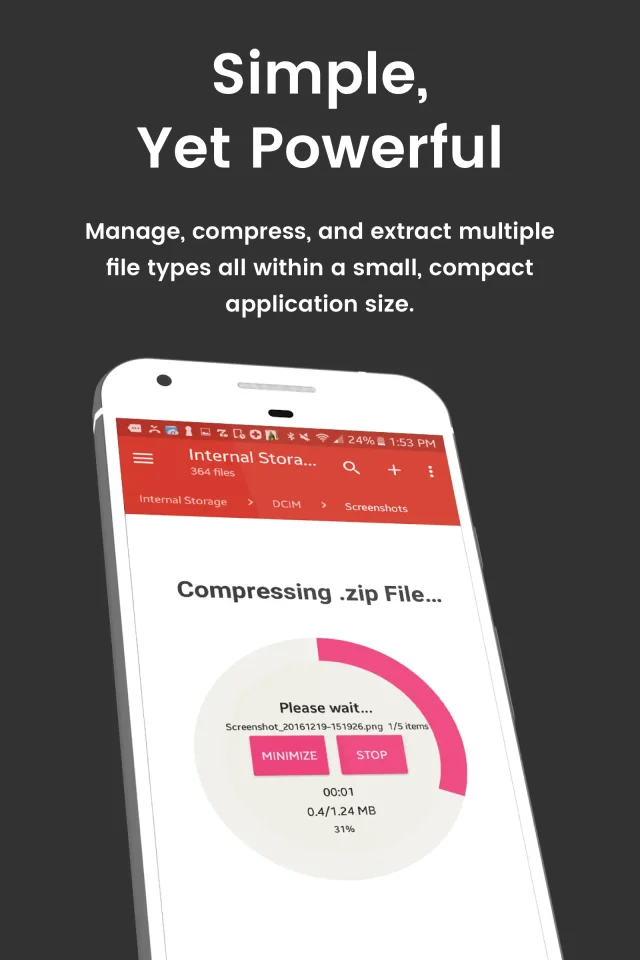
- 高度なファイル マネージャーとファイル エクスプローラーの機能: このフル機能のファイル エクスプローラーは、コンテンツの転送、コピーと貼り付け、圧縮、ZIP、RAR、BIN、TAR、JAR および APK ファイルの抽出、解凍、削除、およびローカル ドライブ、外部ストレージ、クラウド ストレージの間でファイルを移動する
- クラウド ストレージ: 保存したファイルにアクセスし、Box、Dropbox、Google Drive、One Drive にファイルを転送できるようになりました
- 外部ファイル マネージャー: ファイルへのアクセスと転送、ストレージ バックアップ、USB フラッシュ ドライブ マネージャー、外出先でのサポート
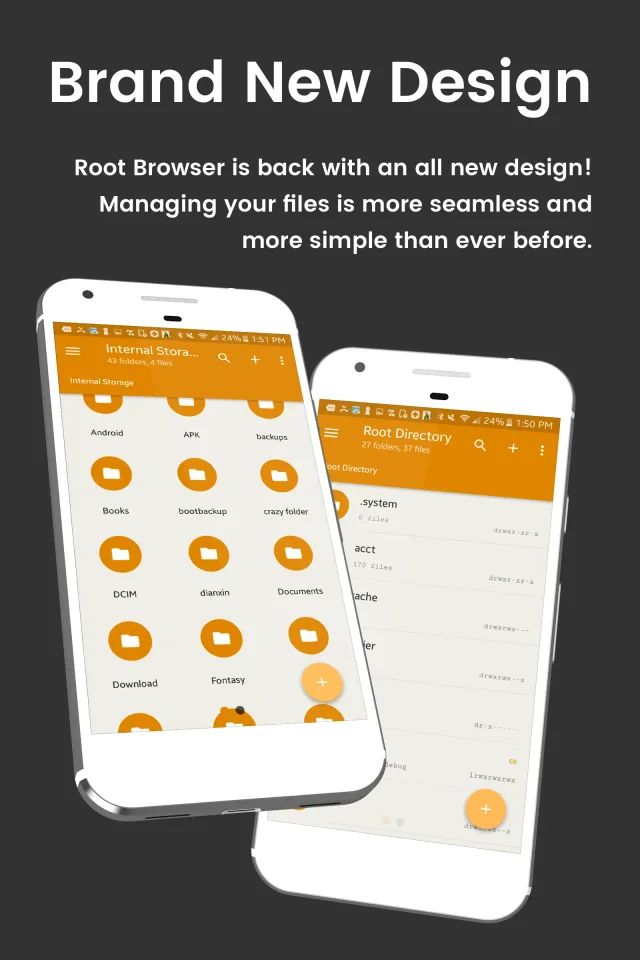
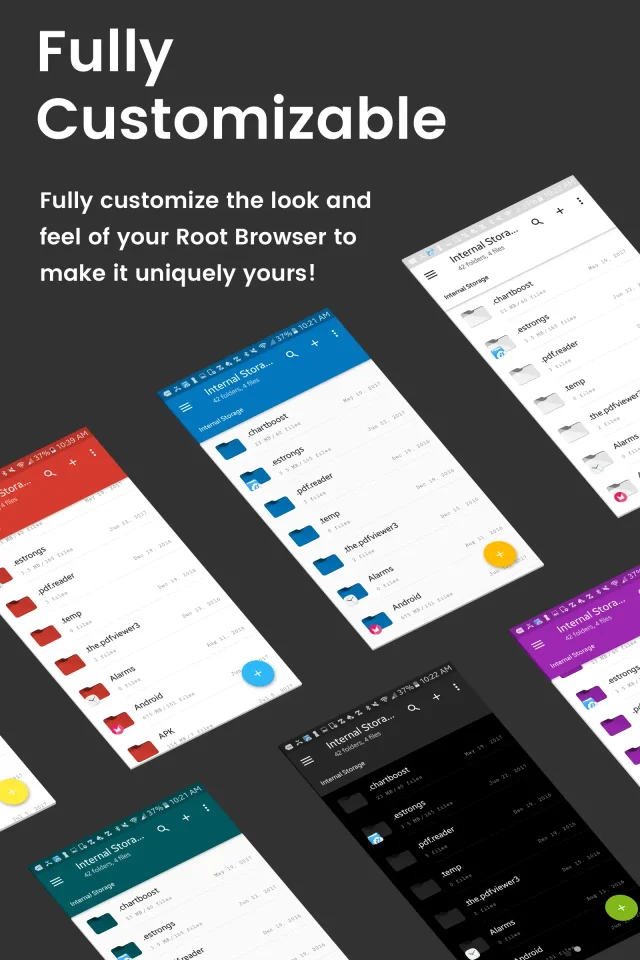
- 完全にカスタマイズ可能: ルート ブラウザは、カスタム カラー、テーマ、アイコン、ファイル/ビュー レイアウトなど、完全にカスタマイズ可能なエクスペリエンスをユーザーに提供することに誇りを持っています。
- オーディオ マネージャーと音楽プレーヤー: mp3 ファイルのファイル マネージャー、着信音マネージャー
- ビデオ プレーヤー お気に入りのビデオ ファイルを管理して視聴する
- アプリ マネージャー: アプリの削除、アプリ ストレージの管理
- Android の整理: ファイル エクスプローラーのルート ブラウザーにより、ユーザーはすべてのデバイス ファイルを完全に制御できます。システム ディレクトリ内の任意のファイルの検索とアクセス、名前のサイズと日付による並べ替え、任意のファイルの作成、移動、コピー/貼り付け、転送 (外部転送)、および削除
- ファイルの共有: クラウド ストレージの統合により、外部ストレージと外出先のデバイス間でファイルを転送できます。ファイルをメールで送信して、連絡先と簡単に共有できます。
ファイル エクスプローラー ルート エクスプローラーの機能リスト:
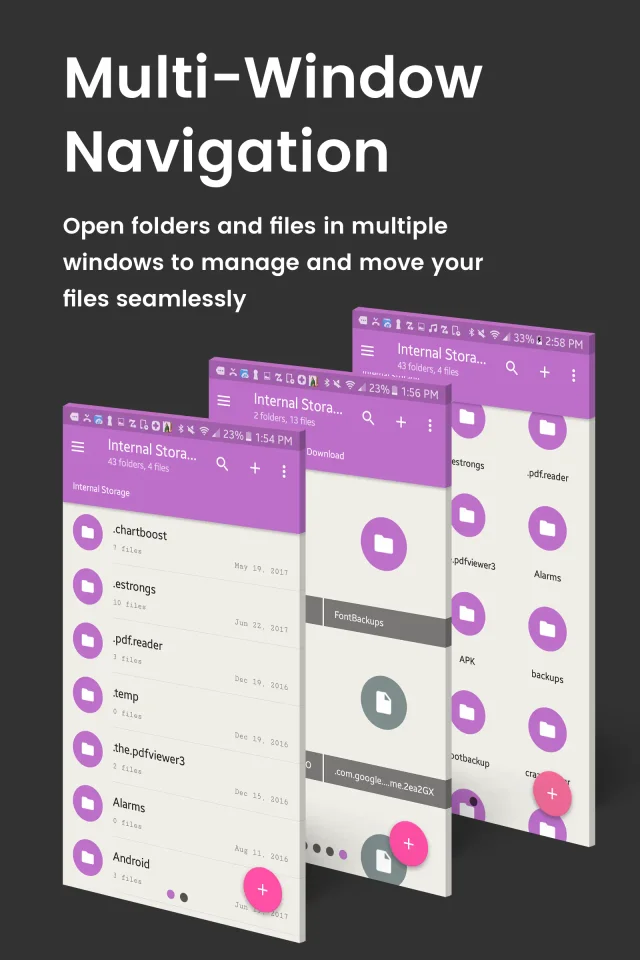
- マルチペイン ナビゲーション
- SQLite データベース エディタ
- カスタム ファイル リスト ビュー
- APK アナライザー
- 任意のファイルまたはフォルダーのバッチ コピー/貼り付け、zip、tar、削除、移動
- 外部ファイル転送
- APK、RAR、JAR、TAR、ZIP ファイルにアクセス apk、rar、jar、tar、zip ファイル
- オーディオプレイヤー
- ビデオプレーヤー
- クラウド ストレージの統合
- ファイルのパーミッションと所有権を変更する
- 任意のファイルの表示と編集
- sqlite エクスプローラー
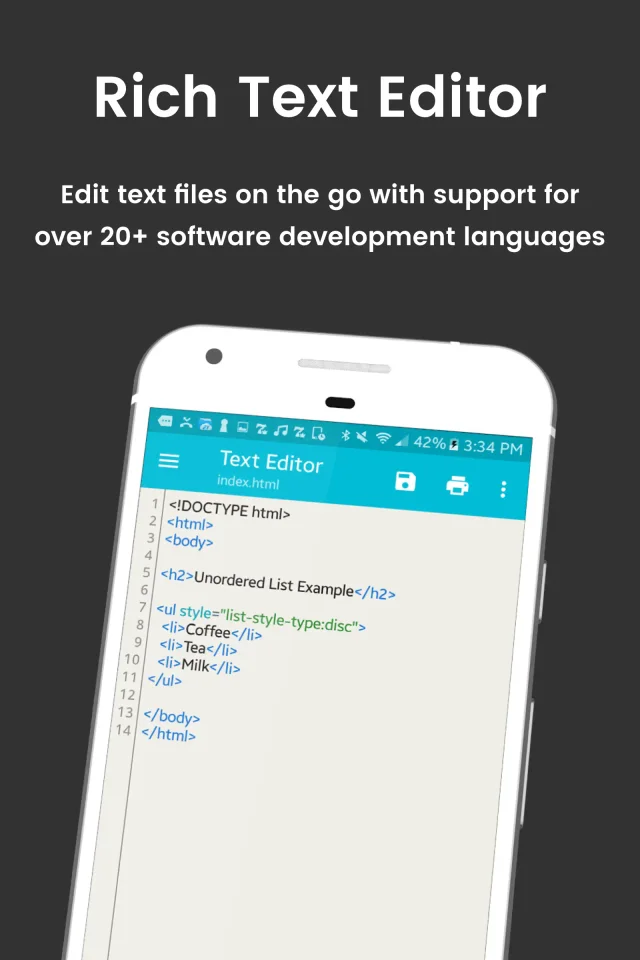
- テキストエディタ
- ファイルの移動、コピー、名前の変更、および削除。
- ディレクトリ(フォルダ)の作成と削除。
- 電子メールでファイルを送信します。
- 任意のディレクトリに新しいファイルとフォルダを追加
- クロックワーク リカバリを使用して zip ファイルをインストールする
- スクリプトファイルの実行
- 画像のサムネイルを含むファイルのリストを表示します。
- 任意のフォルダをブックマーク
- ファイルやフォルダを他のアプリで開く
- テーマの変更 (ホームボタンをダブルタップ)
- 名前、サイズ、日付で並べ替え
- zip/apks/jars から単一のファイルを抽出します
- ファイルまたはフォルダーの検索
⚡️⚡️従来のルート ブラウザをお探しですか? ➡️http://bit.ly/RootBrowserClassic
迅速でフレンドリーなサポートが必要な場合は、contact@maplemedia.io までメールでお問い合わせください。お客様のすべてのご質問にお答えし、トラブルシューティングをお手伝いさせていただきます。
原文を表示
File Explorer Root Browser is a fully featured file manager & root browser for rooted superusers to take control of their Android device and root files & folders.
- Access all Root Directories: Explore & access all of your Android's root directories & subdirectories with this advanced root browser
- Advanced Root Browser Features: Advanced features include a SQLite Database Editor, APK Analyzer, multi-pane navigation, ability to execute script files, ability to install zip files using clockwork recovery, and change file permissions and ownerships
- Advanced File Manager & File Explorer Features: This fully featured file explorer will transfer content, copy and paste, compress, extract ZIP, RAR, BIN, TAR, JAR & APK files, unzip, delete, and move files between local drive, external storage and cloud storage
- Cloud Storage: Now access your stored files and transfer files on Box, Dropbox, Google Drive, One Drive
- External File Manager: Access and transfer files, storage backup, USB Flash Drive manager, on the go support
- Fully Customizable: Root Browser prides itself on offering users with a fully customizable experience including custom colors, themes, icons and file / view layout
- Audio Manager & Music Player: File manager for mp3 files, ringtone manager
- Video Player Manage and watch your favorite video files
- App Manager: Delete apps, manage app storage
- Organize your Android: File Explorer Root Browser allows users to have full control over all device files. Search and access any file in your system directory, sort by name size & date, create, move, copy/paste, transfer (external transfer) and delete any file
- Share your Files: Cloud storage integration to transfer files between external storage and on-the-go devices. Send files by email to easily share with your contacts.
File Explorer Root Explorer Features List:
- Multi-Pane Navigation
- SQLite Database Editor
- Custom File Listing View
- APK Analyzer
- Batch copy/paste, zip, tar, delete, move any file or folder
- External file transfer
- Access APK, RAR, JAR, TAR & ZIP files apk, rar, jar, tar & zip files
- Audio Player
- Video Player
- Cloud Storage Integration
- Change file permissions and ownership
- View and edit any file
- sqlite explorer
- Text editor
- Move, copy, rename, and delete files.
- Create and delete directories (folders).
- Send files by email.
- Add new files & folders in any directory
- Install zip files using clockwork recovery
- Execute script files
- Show list of files with thumbnails for images.
- Bookmark any folder
- Open files and folders with other apps
- Change the theme (double tap home button)
- Sort by name, size & date
- Extract single files from zip/apks/jars
- Search for files or folders
⚡️⚡️Looking for our classic Root Browser? ➡️ http://bit.ly/RootBrowserClassic
For fast and friendly support, please email us at contact@maplemedia.io. We will be glad to help answer all of your questions and troubleshoot with you.
データ セーフティ
このアプリが収集・共有するデータについて、Maple MediaがGoogle Playで申告している内容です。
- このアプリはサードパーティと以下の種類のデータを共有することがありますファイル、ドキュメント
- このアプリは以下の種類のデータを収集することがあります財務情報、アプリのアクティビティ、他 2 件
- データは送信中に暗号化されます
- データを削除できません
新機能
バージョン 4.2.0(44125) · 2026/6/8
Quick new update! This release includes:
- Small but significant changes for app optimization and performance improvements
開発元の連絡先
- ウェブサイトmaplemedia.io
- メールcontact@maplemedia.io
- プライバシーポリシーmaplemedia.io
- 住所6618 San Fernando Rd Unit 205 Glendale, CA 91201-1703 United States
情報
- 提供元
- Maple Media
- カテゴリ
- 仕事効率化
- バージョン
- 4.2.0(44125)
- 更新日
- 2026/6/8
- リリース
- 2011/10/23
- 必要条件
- Android 6.0以降
- 対象年齢
- 3 歳以上
- 価格
- 無料
- アプリ内課金
- ¥110~¥230/アイテム
- パッケージ名
- com.jrummy.root.browserfree
類似のアプリ
-
 ファイルマネージャー
仕事効率化
-
 Solid Explorer ファイルマネージャ
仕事効率化
-
 Total Commander - file manager
ツール
-
 ファイルマネージャー - クリーナー
ツール
-
 1Tap Cleaner (日本語版)
ツール
-
 EXファイルマネージャー :ファイルエクスプローラー
ツール
-
 Deleted Photo & Video Recovery
ツール
-
 TAP Kiln Control Mobile
ツール
-
 CXファイルエクスプローラ
ツール
-
 Super ファイルマネージャーとエクスプローラー
ツール
-
 Enpass password manager
仕事効率化
-
 Malwarebytesモバイルセキュリティ
ツール