Fireflies: AI Note Taker
Fireflies.ai- 12 歳以上対象年齢
- 仕事効率化カテゴリ
- 2026/11/20更新日
- 無料価格
ai.fireflies.mobileのGoogle Play公式ページにリンクしています。最終確認:2026/11/25。
スクリーンショット


このアプリについて
Googleによる英語 (アメリカ合衆国)からの自動翻訳です。
会議や音声をテキストに書き起こし、AIによる要約を取得し、あらゆるアプリで音声入力できます。
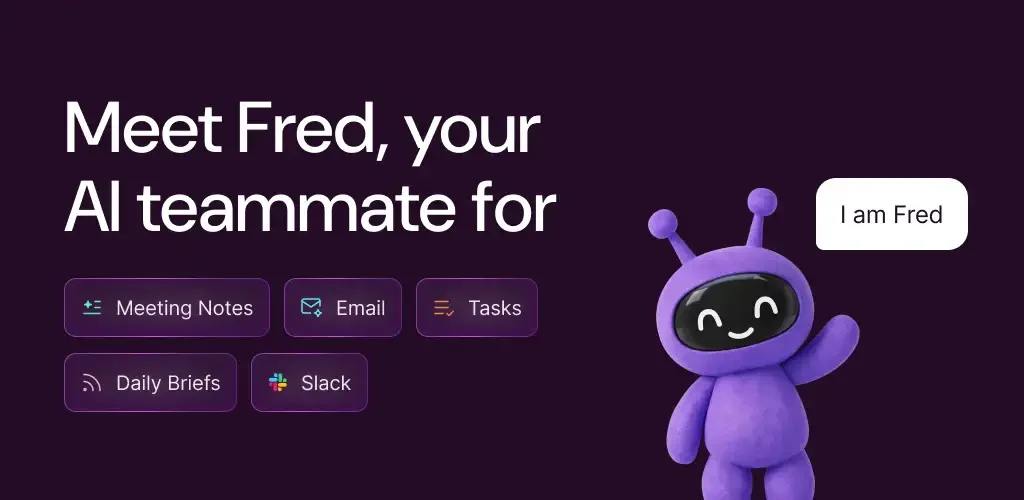
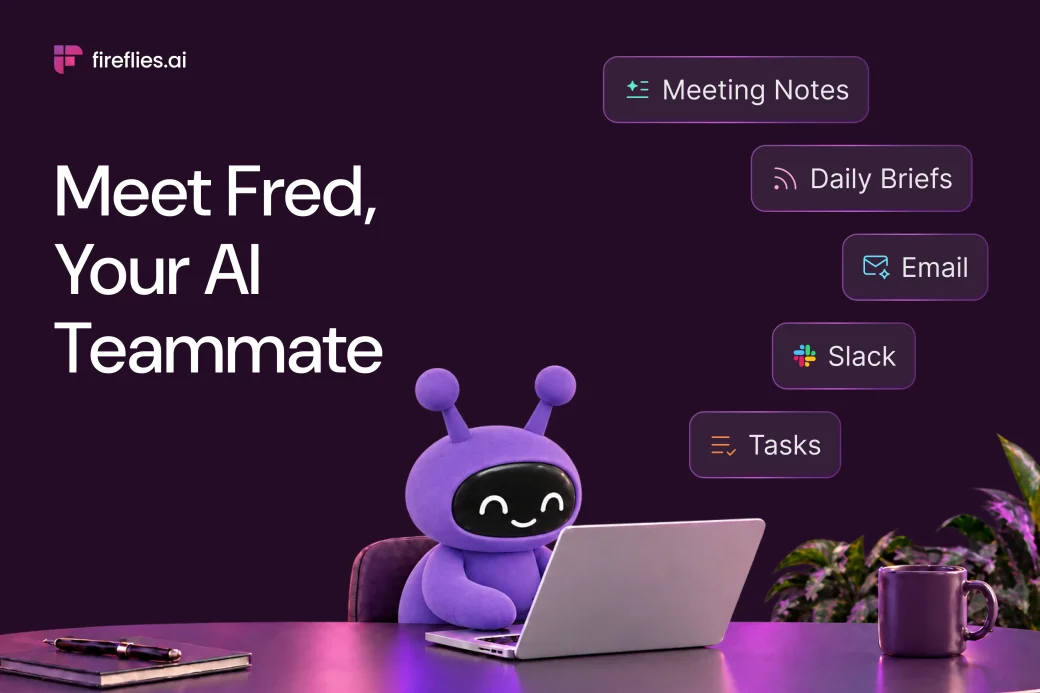
FirefliesのAIチームメイト、Fredをご紹介します。Firefliesは、会議や会話のためのAIノートテイカーです。対面でも通話でも録音でき、音声をテキストに変換して、要約やアクションアイテムを数秒で取得できます。Fireflies Talkを使えば、あらゆるアプリに音声入力できます。
Fireflies Talk、Android版登場
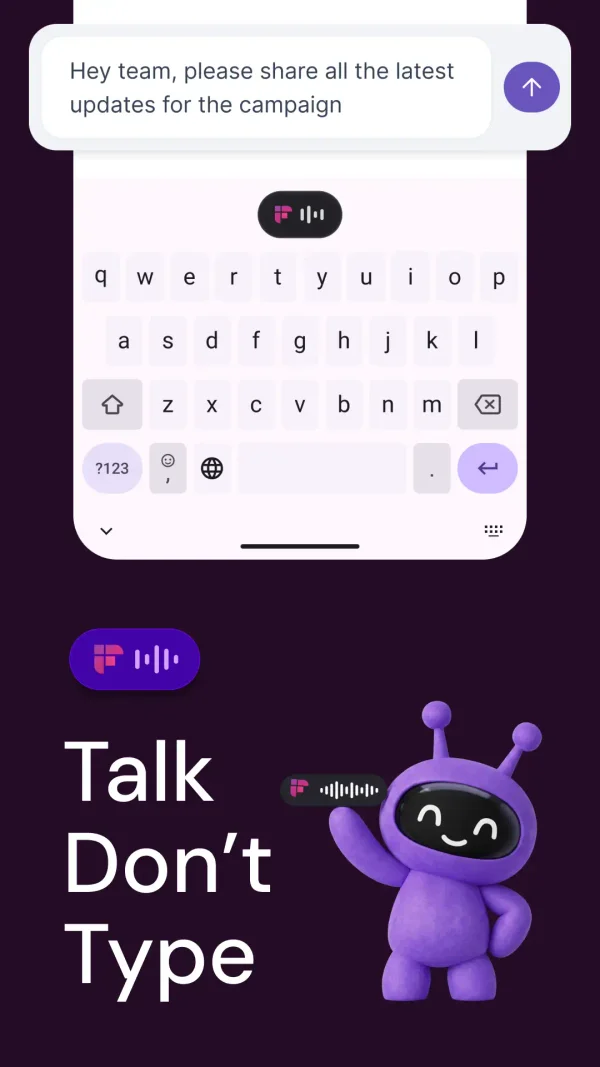
キーボード上部のフローティングボタンをタップして話すだけで、きれいなテキストが任意のアプリに表示されます。90以上の言語に対応し、すべてのプランで無制限の音声入力、音声入力、音声テキスト変換が利用できます。Android 13以降が必要です。
仕事の場を問わず会話を記録
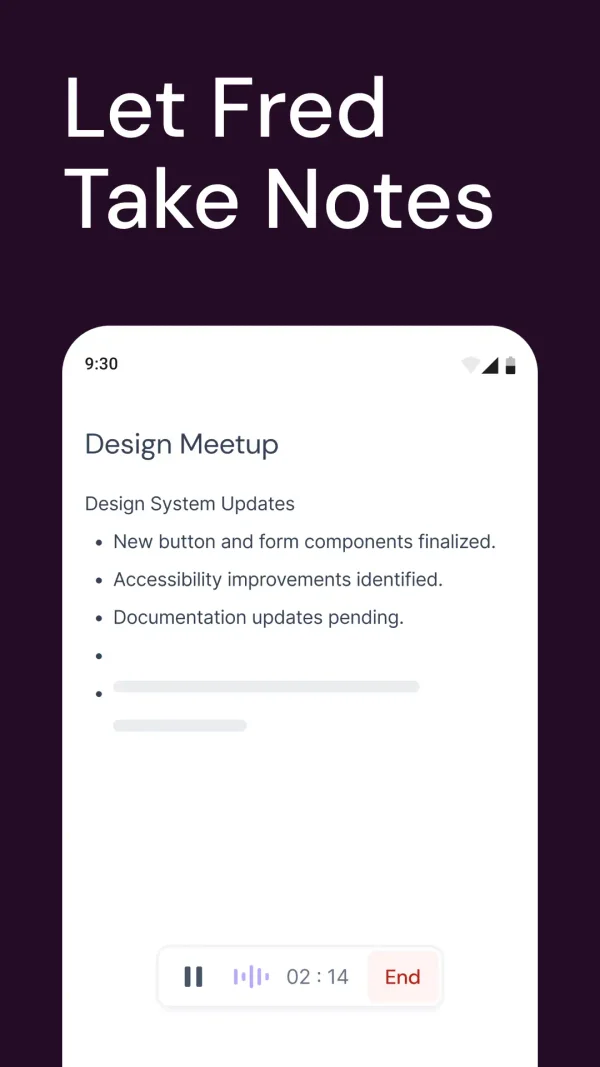
対面会議、インタビュー、講義、ちょっとした音声メモには、ワンタッチ録音機能を使ってみましょう。休憩が必要な時は一時停止し、録音を停止して保存できます。録音は100以上の言語で文字起こしされ、Firefliesノートブックとウェブアプリですぐに利用できます。
オンライン通話の議事録を取得
カレンダーに登録した会議にFirefliesノートテイカーを招待しましょう。 FirefliesはZoom、Google Meet、Microsoft Teamsの会議に参加し、議事録と要約を自動的に作成します。
毎日頼れるAIチームメイト
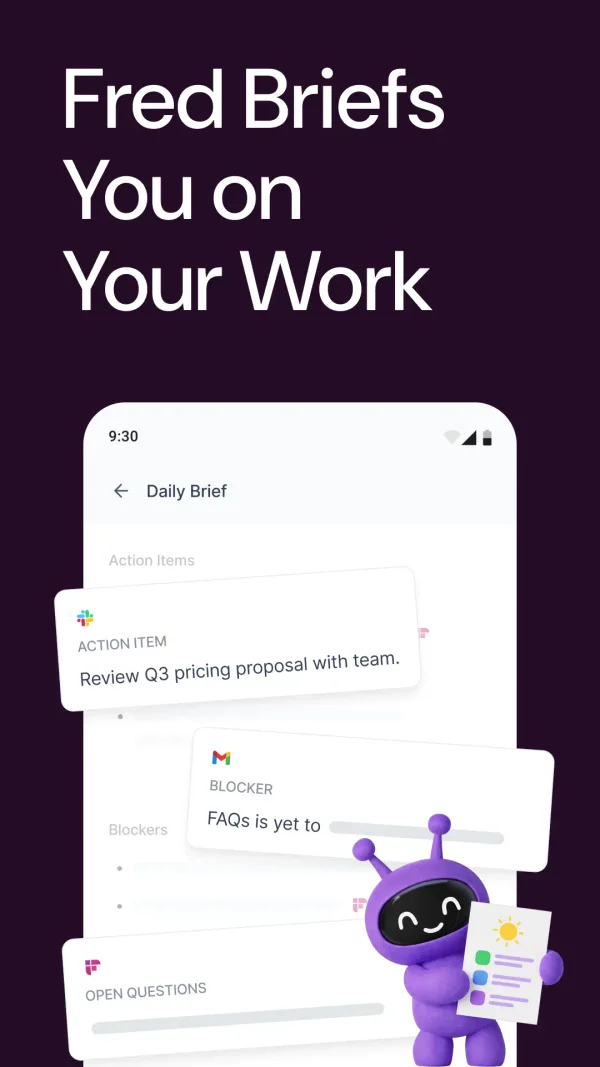
- デイリーブリーフィング:毎朝、会議のアクションアイテム、トピック、未解決の質問を確認できます。
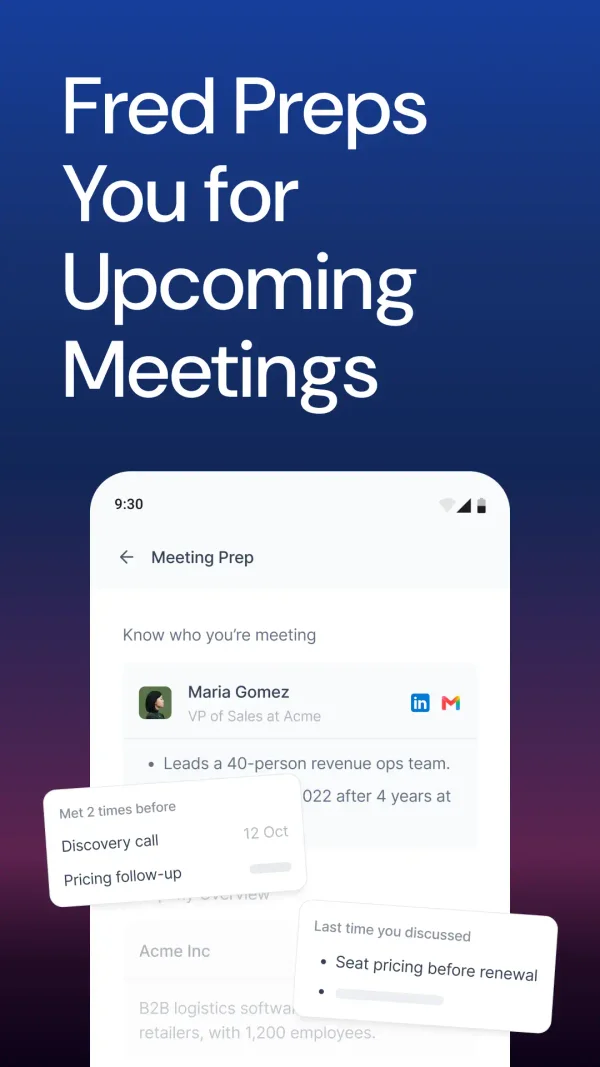
- 会議準備:前回の会議の内容と、次の会議までに未解決の事項を確認できます。
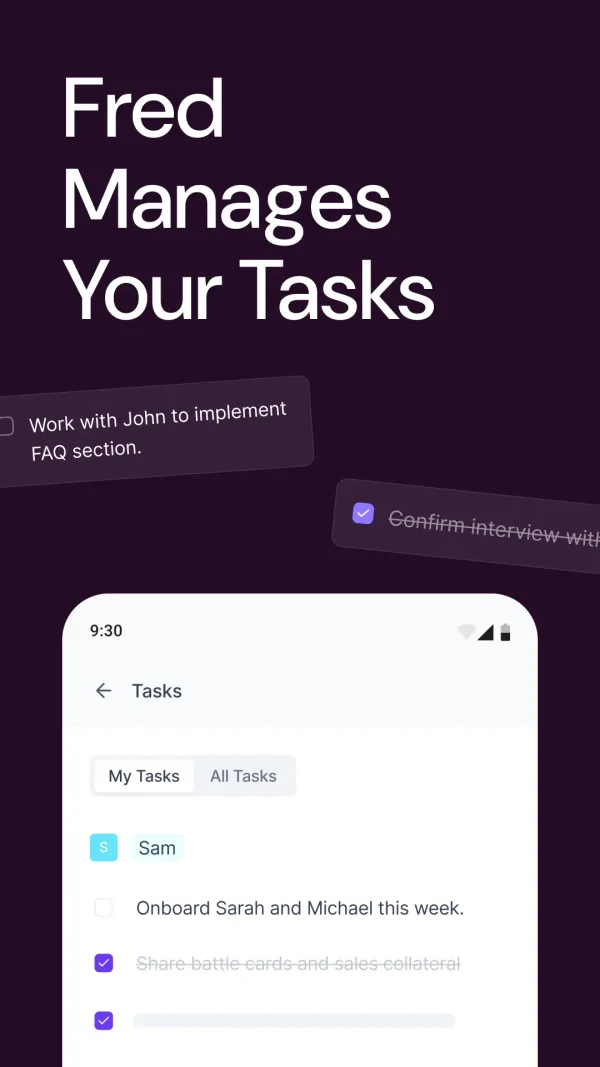
- タスク:すべての会話からアクションアイテムが自動的に追跡されます。
Fredに何でも質問、またはFredに任せよう
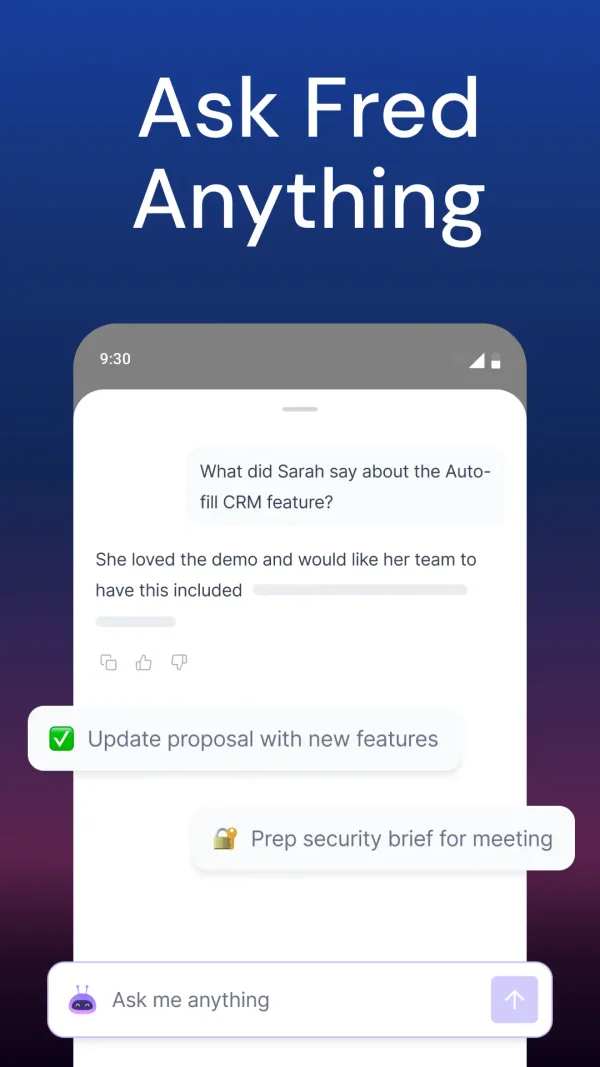
Fredに特定の会議について、またはすべての会議について質問すれば、発言があった正確なタイミングを示す回答が得られます。あるいは、Fredに雑務を任せることもできます。フォローアップメールの作成、CRMの更新、会議の準備、週の要約など、様々な作業をFredに任せましょう。
重要な情報を見つけて共有
すべての会話を再生する代わりに、会議履歴を検索できます。音声クリップを作成し、会議メモをSlack、Notion、CRMなどに送信できます。
会話を理解する
会話インテリジェンスは、話者の発言時間、感情分析、追跡対象として選択したトピックを表示し、営業、採用、チームプロセスを支援します。
プライバシーとセキュリティ
Fireflies Talk:音声入力データはユーザーのデバイスに保存されます。Firefliesはコピーを保持せず、Firefliesの従業員やユーザーのワークスペース内の誰もデータを見ることはできません。音声入力データはモデルのトレーニングには一切使用されません。
FirefliesはSOC 2 Type II、GDPR、HIPAAに準拠し、ISO/IEC 42001認証を取得しています。
Fireflies Talk(オプション、Android 13以降)
あらゆるアプリに音声入力:キーボード上部の小さなフローティングボタンをタップし、話すと、カーソル位置に整形されたテキストが入力されます。
アクセシビリティサービスAPIに関する開示: Fireflies Talkは、AndroidのAccessibilityService APIを使用して、他のアプリの上にフローティングボタンを表示したり、音声入力したテキストを編集中のフィールドに挿入したりします。画面上の他のコンテンツを読み取ったり、収集したり、保存したり、共有したりすることはありません。Talkはデフォルトではオフになっています。アプリ内の説明に従って、「設定」>「アクセシビリティ」でオンにすることができ、いつでもオフにすることもできます。Firefliesのその他の機能は、Talkがなくても動作します。
原文を表示
Meet Fred, your AI teammate from Fireflies. Fireflies is your AI note taker for meetings and conversations: record in person or on a call, transcribe audio to text, and get summaries and action items in seconds. With Fireflies Talk, you can dictate into any app.
Fireflies Talk, now on Android
Tap the floating button above your keyboard, speak, and clean text lands in any app. Unlimited dictation, voice typing and speech to text on every plan, in 90+ languages. Android 13 or newer.
Capture conversations wherever you work
Use One-Touch Record for in-person meetings, interviews, lectures and quick voice notes. Pause when you need a break, then stop and save. Your recordings are transcribed in 100+ languages and ready in your Fireflies notebook and web app.
Get meeting notes from online calls
Invite the Fireflies notetaker to meetings on your calendar. Fireflies joins your Zoom, Google Meet and Microsoft Teams calls and writes the transcript and summary for you.
Your AI teammate, every day
- Daily Brief: start each morning with action items, topics and open questions from your meetings.
- Meeting Prep: see what happened last time and what's still open before your next call.
- Tasks: action items are tracked automatically from every conversation.
Ask Fred anything, or put Fred in charge
Ask Fred anything about one meeting or all of them, and get answers that point to the exact moment it was said. Or put Fred in charge of the busy work: draft a follow-up, update your CRM, prep you for a call, or summarize your week.
Find and share what matters
Search your meeting history instead of replaying every conversation. Create soundbites and send meeting notes to Slack, Notion, your CRM and more.
Understand your conversations
Conversation Intelligence shows speaker talk time, sentiment and the topics you choose to track, to support sales, recruiting and team processes.
Privacy and security
Fireflies Talk: Dictations are stored on the user’s device. Fireflies doesn’t keep a copy, and no one else at Fireflies or in the user’s workspace can see them. Dictations are never used to train models.
Fireflies is SOC 2 Type II, GDPR, and HIPAA compliant, and ISO/IEC 42001 certified.
Fireflies Talk (Optional, Android 13+)
Dictate into any app: tap a small floating button above your keyboard, speak, and the cleaned-up text is typed where your cursor is.
Accessibility Service API disclosure: Fireflies Talk uses Android's AccessibilityService API only to show a floating button over other apps and to insert your dictated text into the field you are editing. It does not read, collect, store, or share any other on-screen content. Talk is off by default. You turn it on yourself in Settings > Accessibility after an in-app explanation, and you can turn it off there at any time. The rest of Fireflies works without it.
データ セーフティ
このアプリが収集・共有するデータについて、Fireflies.aiがGoogle Playで申告している内容です。
- 第三者と共有されるデータはありません詳しくは、デベロッパーが共有を申告する方法についての説明をご覧ください
- このアプリは以下の種類のデータを収集することがあります個人情報、音声、他 3 件
- データは送信中に暗号化されます
- データを削除するようリクエストできます
開発元の連絡先
- ウェブサイトfireflies.ai
- メールsupport@fireflies.ai
- プライバシーポリシーfireflies.ai
- 住所5424 Sunol Blvd Ste 10-531 Pleasanton, CA 94566 United States
情報
- 提供元
- Fireflies.ai
- カテゴリ
- 仕事効率化
- バージョン
- 0.7.2
- 更新日
- 2026/11/20
- リリース
- 2023/8/7
- 必要条件
- Android 8.0以降
- 対象年齢
- 12 歳以上
- 価格
- 無料
- パッケージ名
- ai.fireflies.mobile
類似のアプリ
-
 TicNote: AI Recorder & Agent
ツール
-
 Plaud:AI業務パートナー
ツール
-
 Mindbook: Markdown Cloud Notes
仕事効率化
-
 HiNotes by HiDock
仕事効率化
-
 Meeting.ai:仕事のエージェント
仕事効率化
-
 Hedy: AI 会議コーチ&ノート
仕事効率化
-
 Chaos Control 2: AI Organizer
仕事効率化
-
 Noah:あなたのAIセラピスト
健康&フィットネス
-
 UpNote: メモ、日記、やる事
仕事効率化
-
 AI Writer: Any Content Writing
ツール
-
 Chatbot - 日本語でいうAI
仕事効率化
-
 AudioPen: AI Voice to Text
ライフスタイル