Flower - Spring Summer Watch
jigu watchface広告を含む
- 3 歳以上対象年齢
- カスタマイズカテゴリ
- 2026/8/4更新日
- 無料価格
com.freewatchface.watchface.wearos.wear.floradigital.floral.spring.flowerbloom.flower2のGoogle Play公式ページにリンクしています。最終確認:2026/11/27。
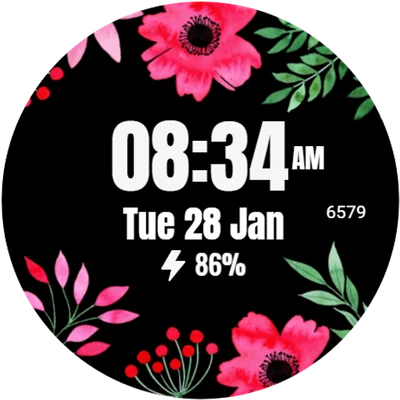
スクリーンショット
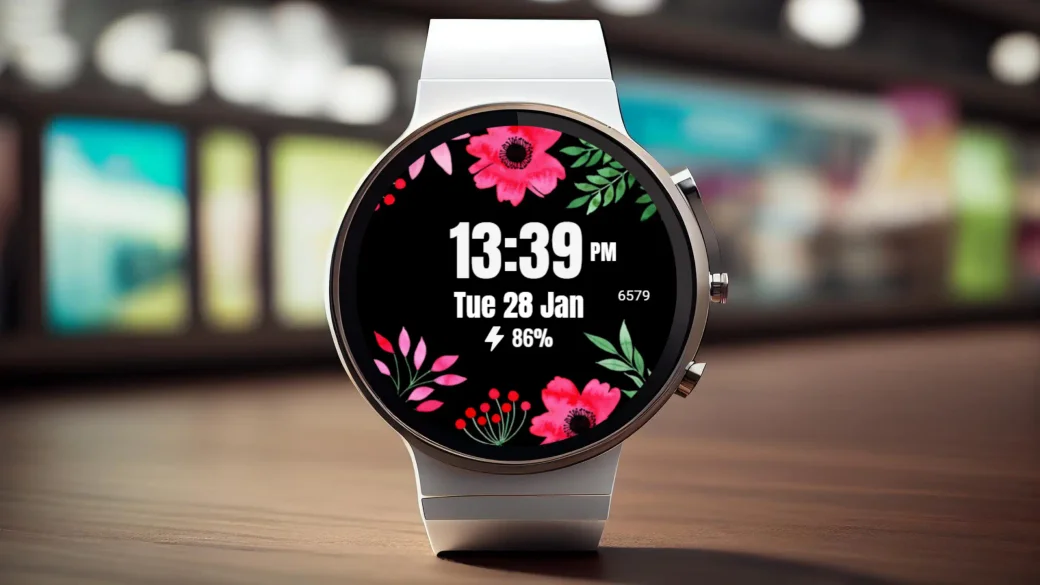

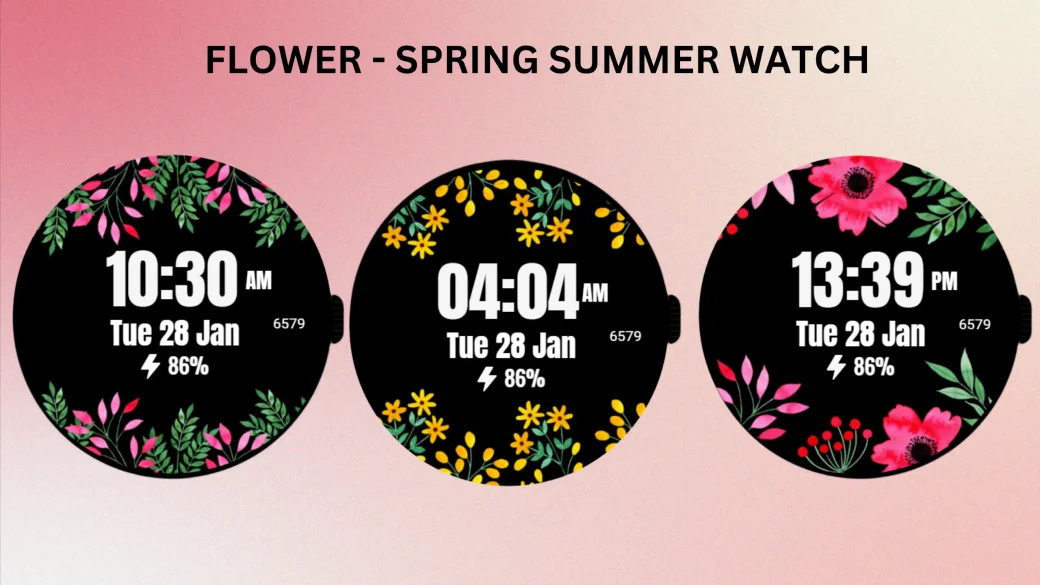
このアプリについて
Googleによる英語 (アメリカ合衆国)からの自動翻訳です。
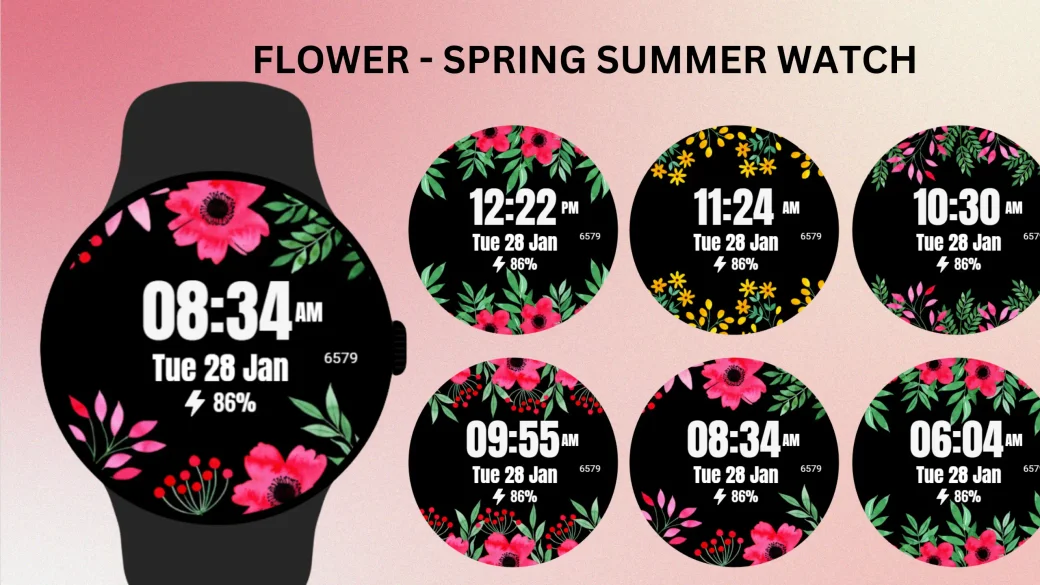
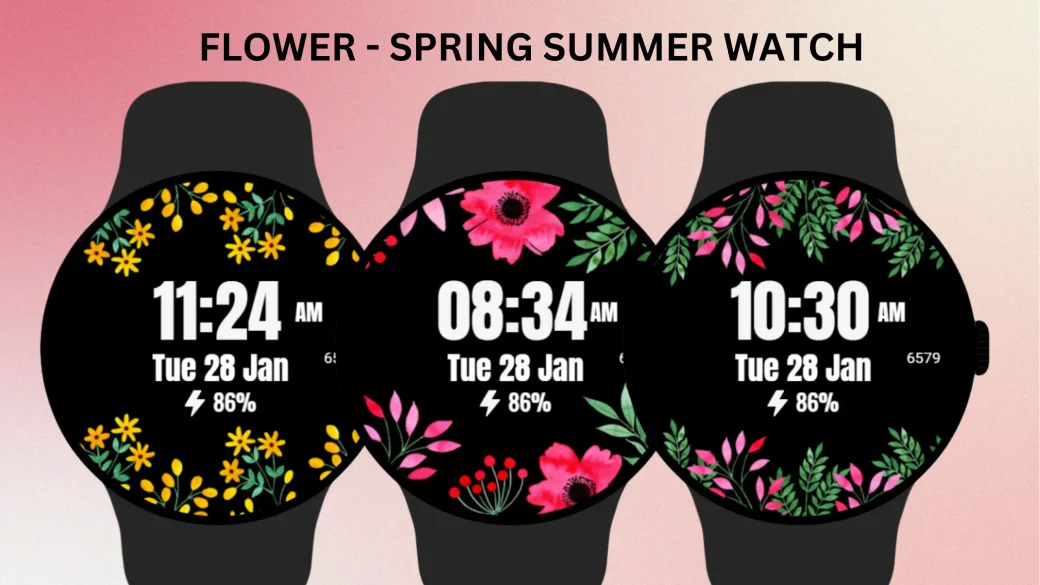
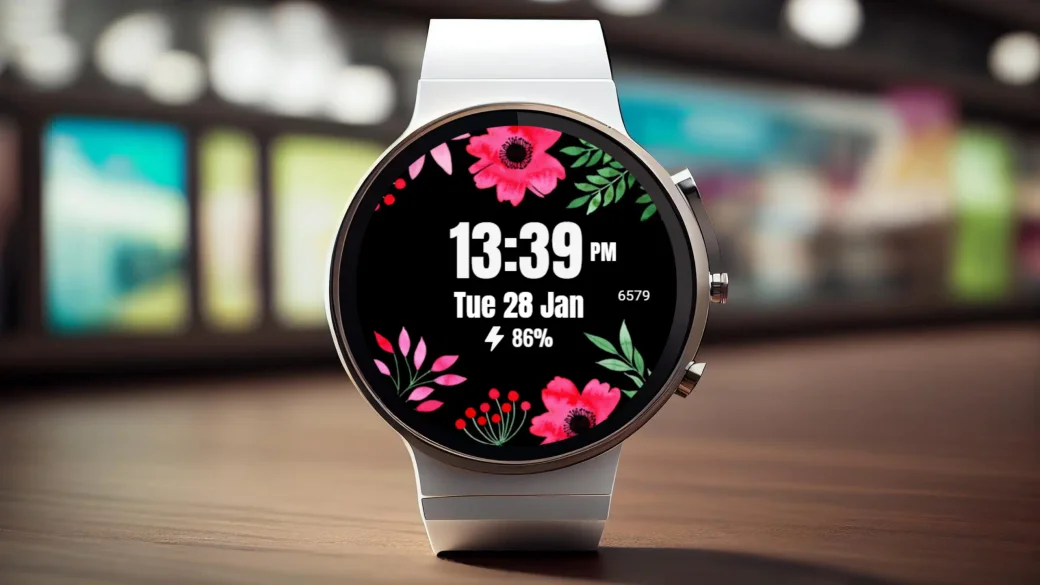
この春夏の文字盤で手首に鮮やかな花を咲かせましょう。
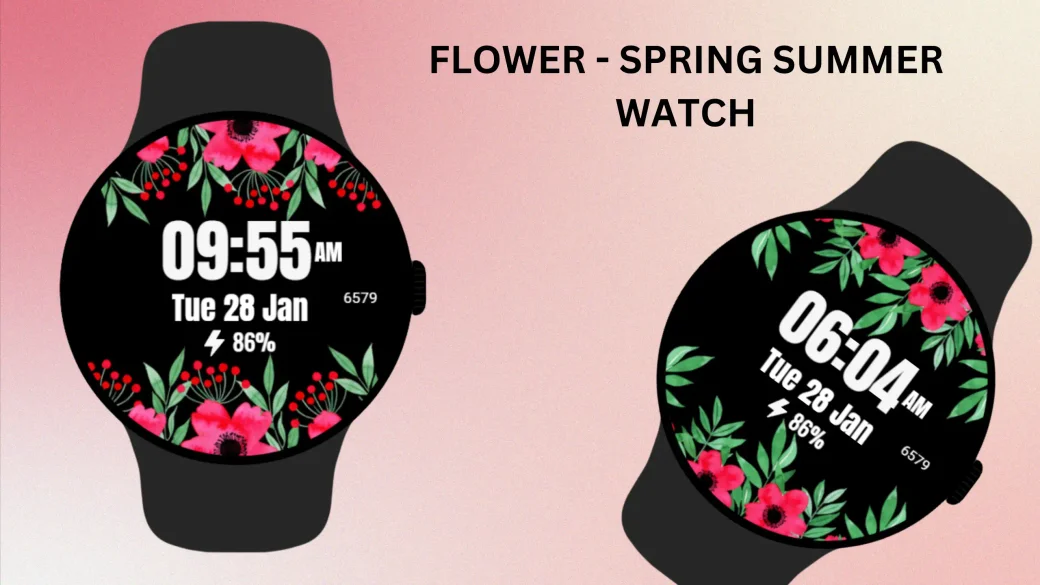
フラワー - 春夏ウォッチフェイスで、Wear OSデバイスに自然の彩りを添えましょう!この美しくデザインされたウォッチフェイスは、春夏の季節にぴったりの鮮やかな花々を描いています。時間、日付、歩数、バッテリー残量を表示するシンプルでモダンなデザインで、手首にエレガントさと機能性をもたらします。
⚙️ ウォッチフェイスの機能
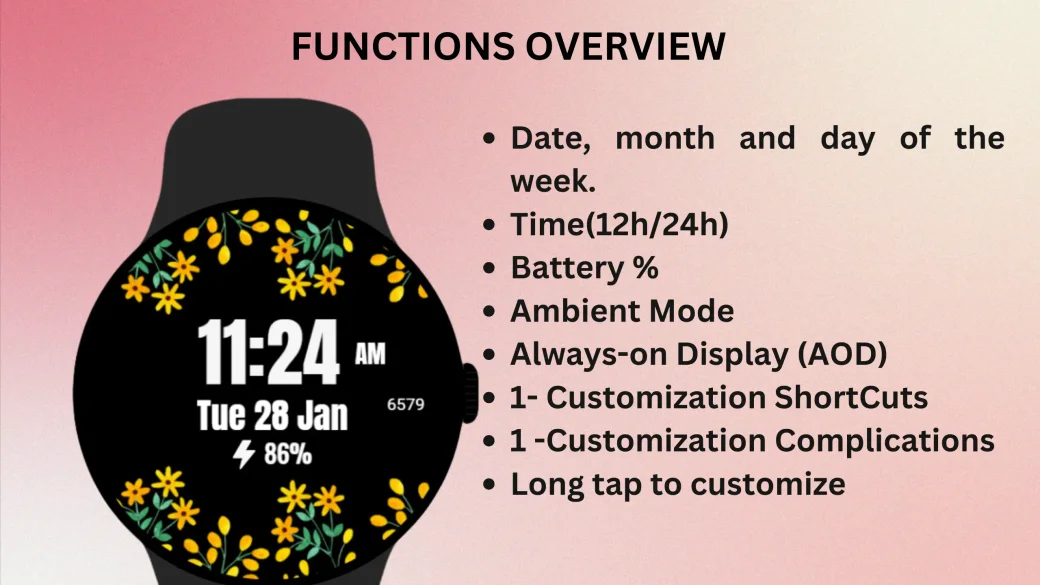
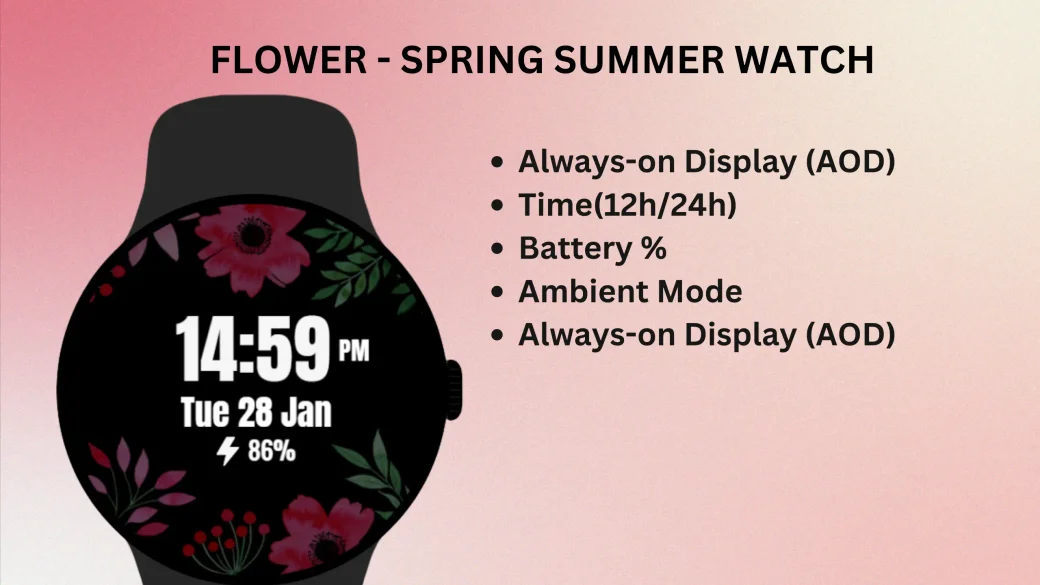
• 日付、月、曜日
• 明るくスタイリッシュな花柄デザイン
• バッテリー残量
• 歩数計
• アンビエントモード
• 常時表示(AOD)
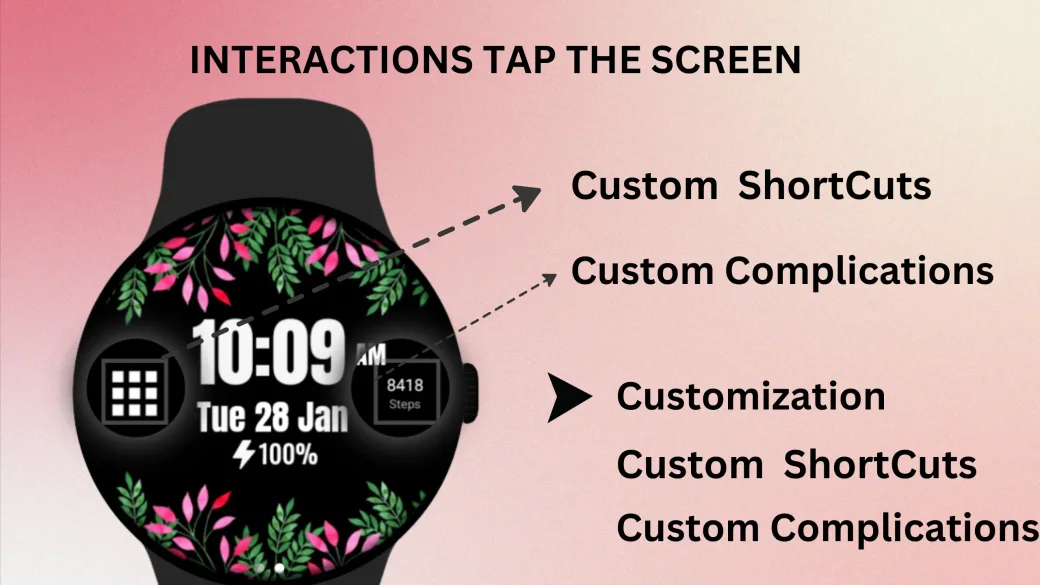
🎨 フラワー - 春夏ウォッチフェイスのカスタマイズ
1 - ディスプレイを長押し
2 - 「カスタマイズ」オプションをタップ
🎨 フラワー - 春夏ウォッチフェイスのコンプリケーション
ディスプレイを長押しするとカスタマイズモードが開きます。お好みのデータでフィールドをカスタマイズできます。
🔋 バッテリー
ウォッチのバッテリーパフォーマンスを向上させるために、「常時表示」モードを無効にすることをお勧めします。
Flower - Spring Summer ウォッチフェイスをインストールしたら、以下の手順に従ってください。
1) スマートフォンでコンパニオンアプリを開きます。
2) 「Watchにインストール」をタップします。
3) Watchの設定またはウォッチフェイスギャラリーから、Flower - Spring Summer ウォッチフェイスを選択します。
これでウォッチフェイスが使用できるようになりました!
✅ Google Pixel Watch、Samsung Galaxy Watchなど、API 33以上のすべてのWear OSデバイスと互換性があります。
長方形の時計には適していません。
ありがとうございます!
原文を表示
Add a touch of nature to your Wear OS device with the Flower - Spring Summer Watch Face! This beautifully designed watch face features vibrant blooms, perfect for spring and summer seasons. With a clean and modern display of time, date, steps, and battery percentage, it brings both elegance and functionality to your wrist.
⚙️ Watch Face Features
• Date, month and day of the week.
• Bright floral design for a fresh, stylish look
• Battery %
• Steps Counter
• Ambient Mode
• Always-on Display (AOD)
🎨 Flower - Spring Summer Watch Face Customization
1 - Touch and hold display
2 - Tap on Customize option
🎨 Flower - Spring Summer Watch Face Complications
Touch and hold display to open customization mode. You can customize the field with any data you want.
🔋 Battery
For better battery performance of the watch, we recommend disabling the "Always On Display" mode.
After installing the Flower - Spring Summer Watch Face , follow these steps:
1)Open the Companion App on your phone.
2)Tap "Install on Watch".
3)On your watch, select the Flower - Spring Summer Watch Face from your settings or watch face gallery.
Your watch face is now ready to use !
✅ Compatible with all Wear OS devices API 33+ including such as Google Pixel Watch, Samsung Galaxy Watch etc.
Not suitable for rectangular watches.
Thank you !
データ セーフティ
このアプリが収集・共有するデータについて、jigu watchfaceがGoogle Playで申告している内容です。
- 第三者と共有されるデータはありません詳しくは、デベロッパーが共有を申告する方法についての説明をご覧ください
- このアプリは以下の種類のデータを収集することがありますアプリのアクティビティ、アプリの情報、パフォーマンス、デバイスまたはその他の ID
- データは送信中に暗号化されます
- データを削除できません
開発元の連絡先
- ウェブサイトjiguprivacypolicywatchfacewear.blogspot.com
- メールjigsdevganiya12345@gmail.com
- プライバシーポリシーjiguwatchfaceprivacypolicy.wordpress.com
- 住所18 Katargam Vitthalnagar Dabholi Road Surat City Surat, Gujarat 395004 India
情報
- 提供元
- jigu watchface
- カテゴリ
- カスタマイズ
- 更新日
- 2026/8/4
- リリース
- 2025/1/25
- 対象年齢
- 3 歳以上
- 価格
- 無料
- パッケージ名
- com.freewatchface.watchface.wearos.wear.floradigital.floral.spring.flowerbloom.flower2
類似のアプリ
-
 Floral WatchFace - FLOR-06
写真
-
 Flower Digital WatchFace
カスタマイズ
-
 Rose Watch Face
カスタマイズ
-
 Ast104 - Animated Watch Face
カスタマイズ
-
 Floral WatchFace - FLOR-01
写真
-
 Floral WatchFace - FLOR-05
写真
-
 Colorful Floral WatchFace
カスタマイズ
-
 Flower Heart Watchface
カスタマイズ
-
 Flowers Spring Summer Watch 2
アート&デザイン
-
 SpringTime WatchFace
写真
-
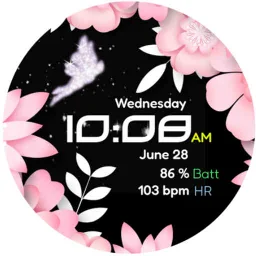 Flower Pixie (Wear OS)
カスタマイズ
-
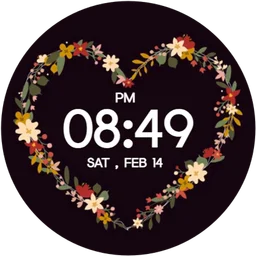 Floral Heart -Animated Wear OS
カスタマイズ