Framelapse 2 Time Lapse Camera
NEXIMO TECH LLPアプリ内課金
- 3 歳以上対象年齢
- 写真カテゴリ
- 2025/1/12更新日
- 無料価格
com.Nishant.Singh.DroidTimelapseのGoogle Play公式ページにリンクしています。最終確認:2026/11/27。
スクリーンショット

このアプリについて
Googleによる英語 (イギリス)からの自動翻訳です。
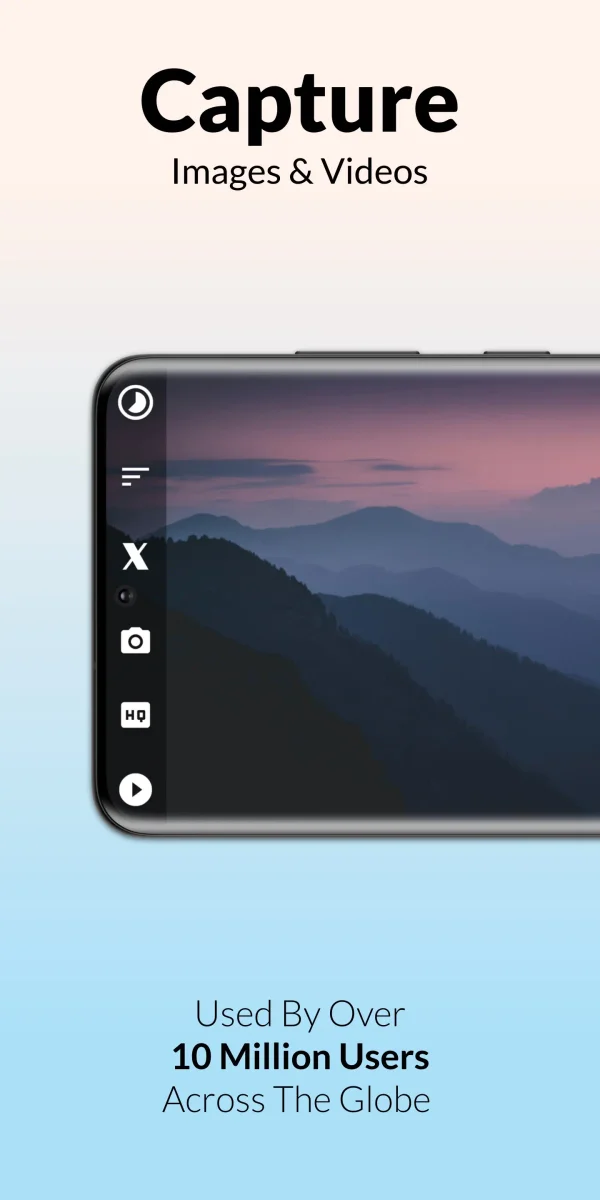
ボタンを押すだけで、素晴らしいタイムラプス画像やビデオを撮影できます。
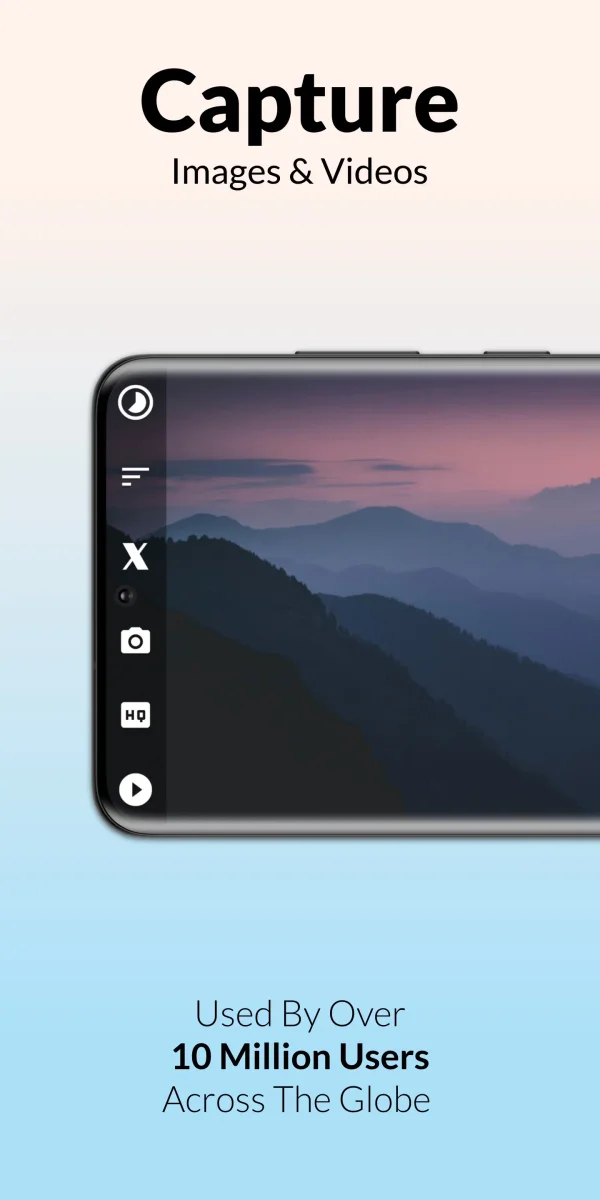
📸 Framelapse 2: Android™ デバイスで素晴らしいタイムラプス画像、動画、またはその両方を作成できるフル機能アプリです。
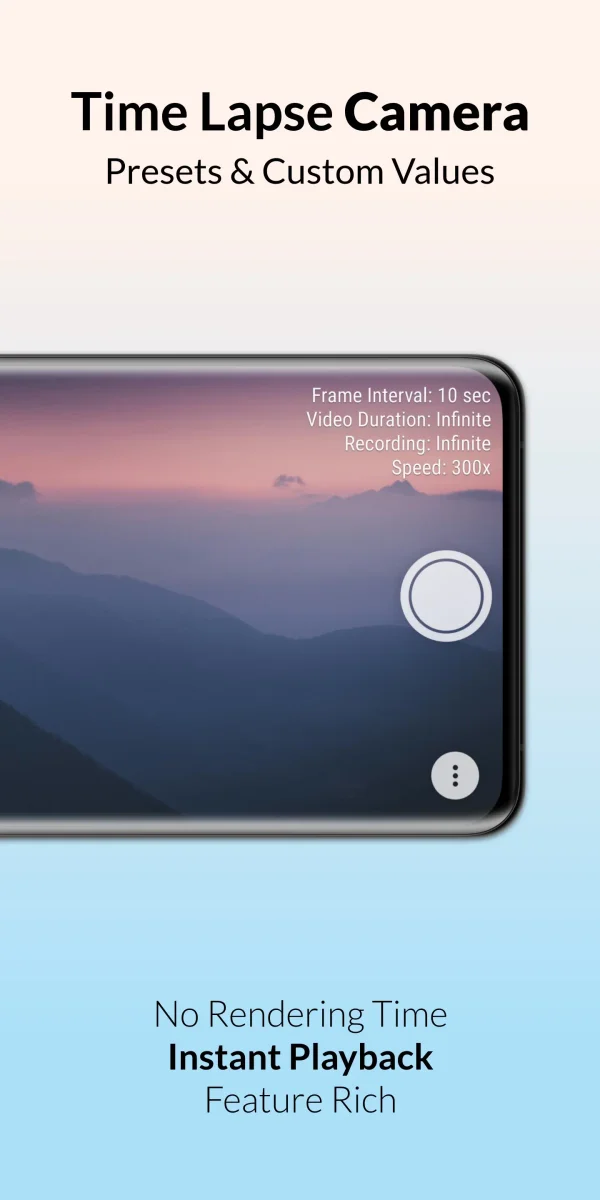
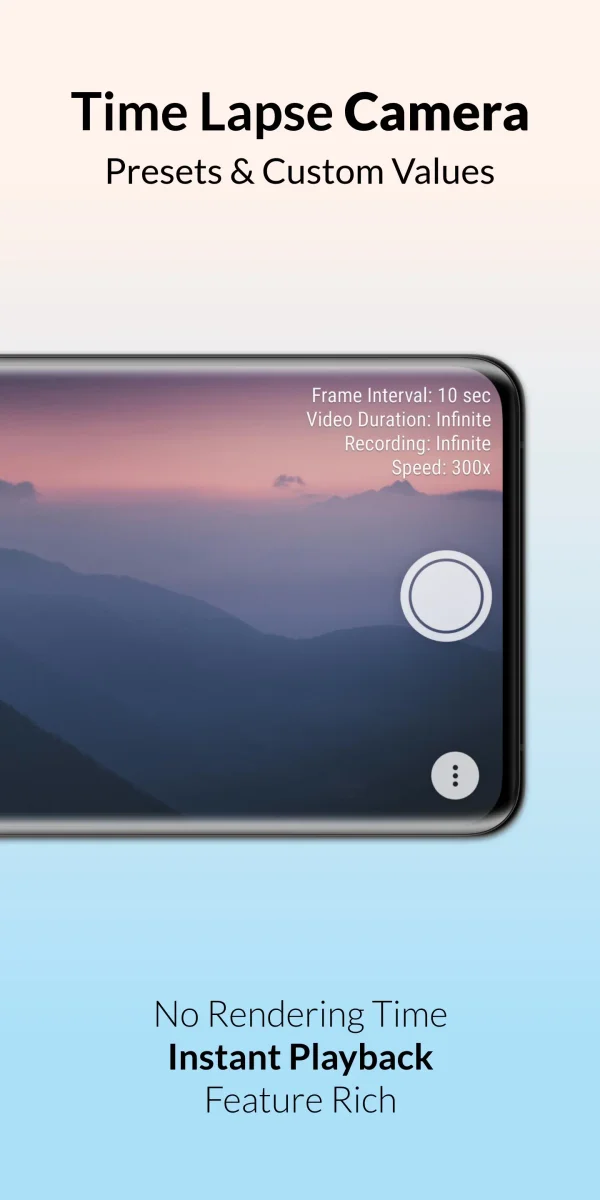
🎞️ 高画質のタイムラプスやファストモーション映像を簡単に録画し、瞬時に再生。レンダリング時間も不要!
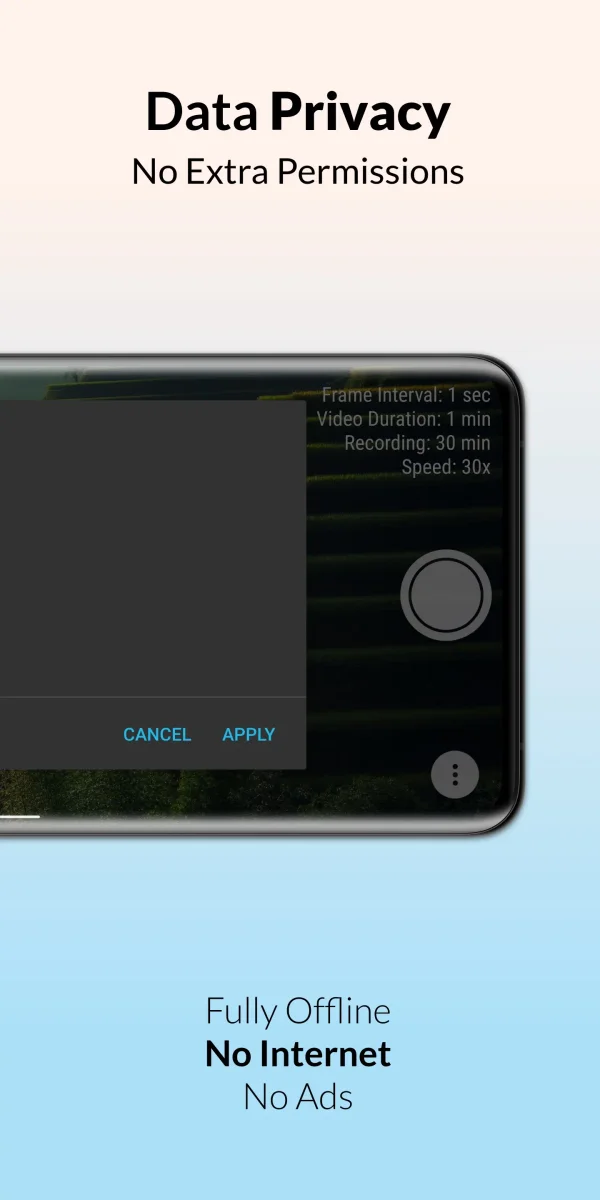
🎬 広告なし、インターネット接続許可も不要で、コンテンツを無制限に作成できます!ユーザーのプライバシーとセキュリティを最優先に設計されています。
🆕 Framelapse の新バージョンをお試しください。このバージョンには、最新のアップデートとエキサイティングな新機能が搭載されています。
✨ 機能:
• フレーム間隔で撮影頻度を調整できます。
• 動画、静止画、または両方を同時に撮影できます。
• 瞬時に再生。レンダリング時間なし。
• 録画時間を設定すると自動停止します。
• 動画解像度は最大 2160p 4K*。
• 前面カメラと背面カメラに対応。
• SD カードによるストレージサポート。
• 動画のフレームレートオプション。
• アプリガイドとFAQを内蔵。
• セルフタイマーとカラーエフェクト。
• フォーカスオプションとズーム範囲。
• タイムラプス動画はデバイスギャラリーで確認できます。
• クロッピングなしのダイナミックプレビュー。
• 録画中の動画の長さを表示します。
• ホワイトバランスと露出補正。
• 録画時間を概算する計算機を内蔵。
* デバイスのカメラハードウェアによって異なる一部の機能に対応しています。
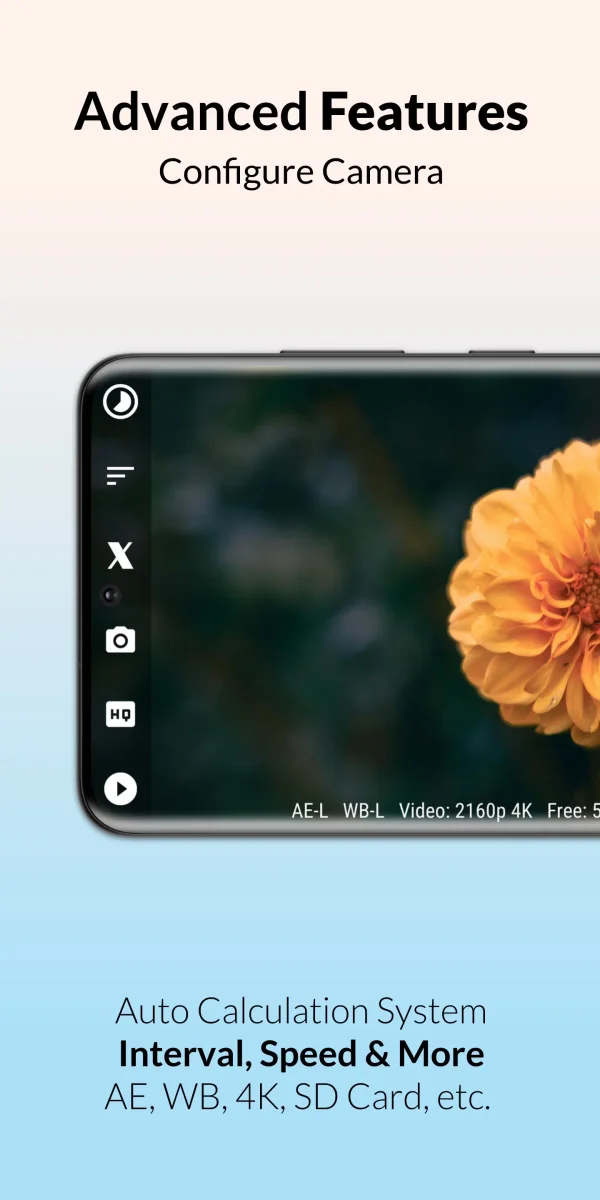
✨ 高度な機能:
• 0.1秒から開始するカスタムインターバル。
• 動画に直接録画することで容量を節約。
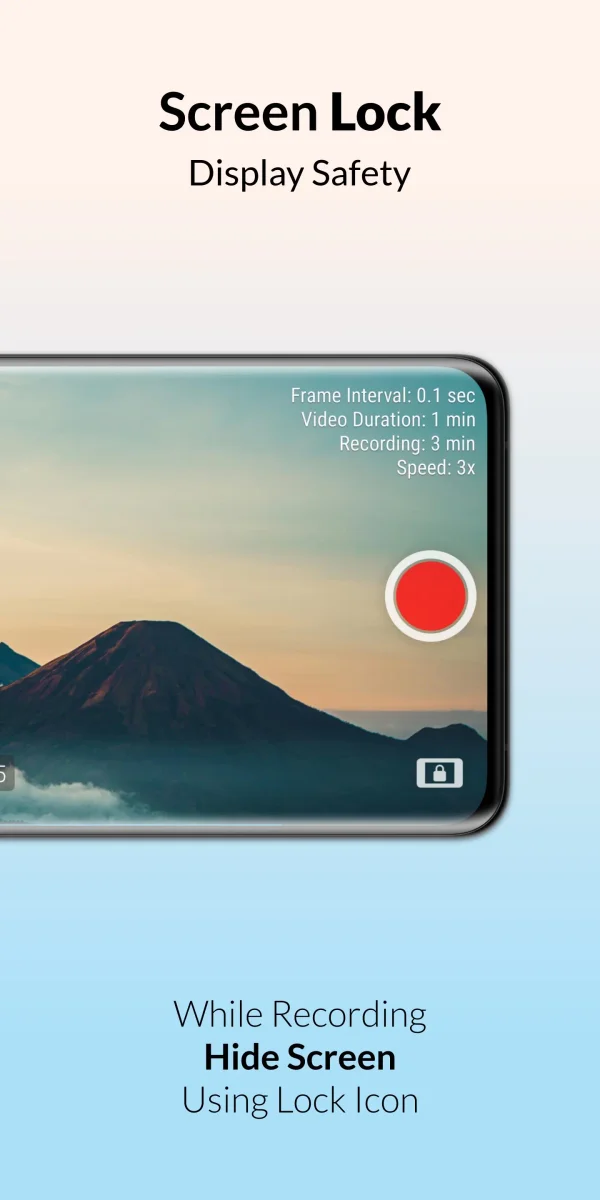
• 録画中に画面を黒くするオプション。
• 空き容量、バッテリー、時間を表示。
• 画像モードでのタイムスタンプ。
• 動画の長さをカスタマイズ可能。
• ホワイトバランスのロック。
• リモートシャッター。
• 露出ロック。
• 動画の手ぶれ補正。
• プリセットウィザードモード。
• JPEG画質調整。
• MP4動画のビットレート調整。
• 録画遅延のカスタムタイマー。
🌟 新機能:
🖼️ 画像キャプチャ機能では、デバイスのカメラで撮影した高解像度の画像(動画の有無にかかわらず)を保存できます。インターバルメーターのように機能し、プロ品質の出力を実現します。
⏱️ 速度オプション機能では、リアルタイムに対する速度値(1倍から999倍まで)を直接変更できます。そのため、フレーム間隔を自分で計算する手間が省けます。シーンに基づいた提案機能も搭載されています!
🪄 カスタムウィザード機能では、プリセットに制限されることなく、ウィザードモードでカスタム値にアクセスできます。録画時間がわかっている場合に非常に便利です。
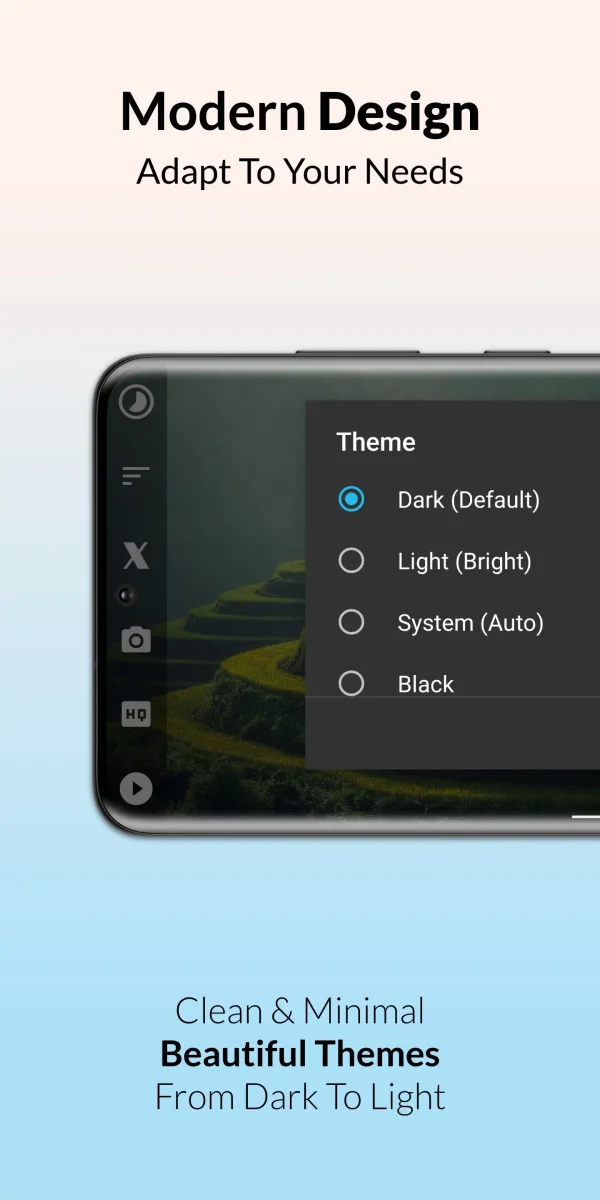
🎨 アプリテーマ機能では、暗い色調から明るい色調まで、20種類以上の美しいアプリテーマをご用意しており、あなたの好みに合わせてお選びいただけます。「真夜中の海」など、他にもたくさんのテーマをご用意しています!
𖣐 リモートシャッターとウルトラビューもボーナス機能として搭載されています。リモートシャッターを使用すると、音量ボタンまたはBluetoothリモコンでカメラを操作できます。ウルトラビューは、撮影画質、ストレージ残量、バッテリー残量、撮影時間などの詳細情報をカメラのプレビューに追加し、一目で全体像を把握するのに役立ちます。
💠 さあ、日常の出来事の中に、目には見えない美しい新しいパターンを発見しましょう。数秒で沈む夕日や1分で旅の様子を捉え、感動の瞬間を体験しましょう。今すぐ、素晴らしいタイムラプス動画やハイパーラプス動画を簡単に録画しましょう。
ほとんどのデバイスで、HQボタン>詳細設定で動画の最適化をオンにすると、パフォーマンスが向上する場合がありますのでご注意ください。
🏆 Framelapseが10年以上にわたりGoogle Playストアでサポートされていることをお知らせします!
❄️ タイムラプス、インターバルメーター、ファストモーションアプリとして最も愛されているこのアプリが、11周年記念の冬季アップデートのリリースでさらに進化しました!
原文を表示
📸 Framelapse 2: is a full featured app for creating amazing time-lapse images, videos or both on your Android™ device.
🎞️ Effortlessly record high quality time lapse or fast motion footage with instant playback, no rendering time needed!
🎬 Create unlimited content with no ads, even internet permission not requested! App built with user privacy and security at its core.
🆕 Get ready for the new iteration of Framelapse. This version has the latest updates and exciting new features.
✨ FEATURES:
• Frame interval to adjust capture frequency.
• Capture video, images or both together.
• Instant playback, no rendering time.
• Set duration to auto-stop recording.
• Video resolution up to 2160p 4K*.
• Front and back camera support.
• Storage with SD Card support.
• Video frame rate options.
• Inbuilt app guide and FAQ.
• Self timer and colour effects.
• Focus options and zoom range.
• Timelapse visible in device gallery.
• Dynamic preview with no cropping.
• Displays length of video being recorded.
• White balance and exposure compensation.
• Inbuilt calculator to estimate recording duration.
* Support for certain features determined by device camera hardware.
✨ ADVANCED FEATURES:
• Custom intervals starting from 0.1 seconds.
• Save space by directly recording to video.
• Black screen option while recording.
• View free space, battery and time.
• Timestamp in image mode.
• Custom video duration.
• White balance lock.
• Remote shutter.
• Exposure lock.
• Video stabilisation.
• Preset wizard mode.
• JPEG image quality control.
• MP4 video bitrate adjustment.
• Custom timer for recording delay.
🌟 BRAND NEW FEATURES:
🖼️ CAPTURE IMAGES let's you store high resolution pictures captured by the device camera with or without video. Works like an intervalometer for professional quality output.
⏱️ SPEED OPTIONS allow you to directly change speed value relative to real-time (starting from 1x to 999x). Thus, avoiding any hassle to calculate frame interval yourself. Scene based suggestions are also included in this feature!
🪄 CUSTOM WIZARD gives you access to custom values in wizard mode instead of being limited to presets. Very useful if you know the time duration you will record for.
🎨 APP THEMES has over 20 beautiful app themes ranging from dark to light hues, to go along with your personal taste. You've got to try 'midnight ocean' and many more!
𖣐 REMOTE SHUTTER and ULTRA VIEW also come as bonus features. Remote shutter allows you to control camera with volume buttons or bluetooth remote. Ultra view adds advanced information such as capture quality, storage left, battery and time to the camera preview which helps to see overview in a single glance..
💠 So, let's discover beautiful new patterns in everyday events which remain invisible to our eyes. Watch the setting sun in a few seconds or a journey in a minute and prepare to be amazed. Record amazing timelapse and hyperlapse videos with ease now.
Please note on most devices turning on video optimisation inside HQ button>Advanced, can help improve performance.
🏆 We are proud to announce Framelapse has been supported on the Google Play Store for over a decade now!
❄️ The most loved time lapse, intervalometer and fast motion app has gotten even better with the release of 11th Anniversary Winter Update!
データ セーフティ
このアプリが収集・共有するデータについて、NEXIMO TECH LLPがGoogle Playで申告している内容です。
- 第三者と共有されるデータはありません詳しくは、デベロッパーが共有を申告する方法についての説明をご覧ください
- データは収集されません詳しくは、デベロッパーが収集を申告する方法についての説明をご覧ください
新機能
バージョン 11.7 · 2025/1/12
11th Anniversary Winter Update ❄️
• Enhanced speed interface.
• Timestamp in images.
• Video stabilisation.
• Major UI overhaul.
• All in one ultra pack.
• Remote shutter feature.
• Improved SD card support.
• Ultra view for advanced info.
• Performance optimisation & more.
開発元の連絡先
- ウェブサイトsites.google.com
- メールframelapse2@neximotech.com
- プライバシーポリシーsites.google.com
- 住所308, J. S. Arcade D-1, Sector-18, Noida Gautam Budh Nagar, Uttar Pradesh 201301 India
情報
- 提供元
- NEXIMO TECH LLP
- カテゴリ
- 写真
- バージョン
- 11.7
- 更新日
- 2025/1/12
- リリース
- 2013/3/31
- 必要条件
- Android 6.0以降
- 対象年齢
- 3 歳以上
- 価格
- 無料
- アプリ内課金
- ¥300~¥1,390/アイテム
- パッケージ名
- com.Nishant.Singh.DroidTimelapse
類似のアプリ
-
 HDカメラ-フィルター付き高速スナップ
写真
-
 Android用HDカメラ
写真
-
 Persona: Beauty Camera
写真
-
 プロフェッショナルHDカメラ
写真
-
 手動カメラ:デジタル一眼レフ カメラプロフェッショナル
写真
-
 InFrame-フォトエディター&フレーム&フィルター
写真
-
 Camera360 Lite -Stylish Filter
写真
-
 Camera FV-5 Lite
写真
-
 HDカメラ2026 – 自撮りカメラ、フィルター、4Kビデオ
写真
-
 ビューティーカメラ - セルフィー、フィルター
写真
-
 Nice OS Camera, Beauty Camera
写真
-
 音楽イコライザ-・重低音
カスタマイズ