Freedom: App & Website Blocker
Eighty Percent Solutions Corporationアプリ内課金
- 3 歳以上対象年齢
- 仕事効率化カテゴリ
- 2026/11/20更新日
- 無料価格
to.freedom.android2のGoogle Play公式ページにリンクしています。最終確認:2026/11/23。

スクリーンショット



このアプリについて
Googleによる英語 (アメリカ合衆国)からの自動翻訳です。
全てのデバイスでアプリやウェブサイトをブロックしましょう。画面を見る時間を制限し、集中力を維持しましょう。
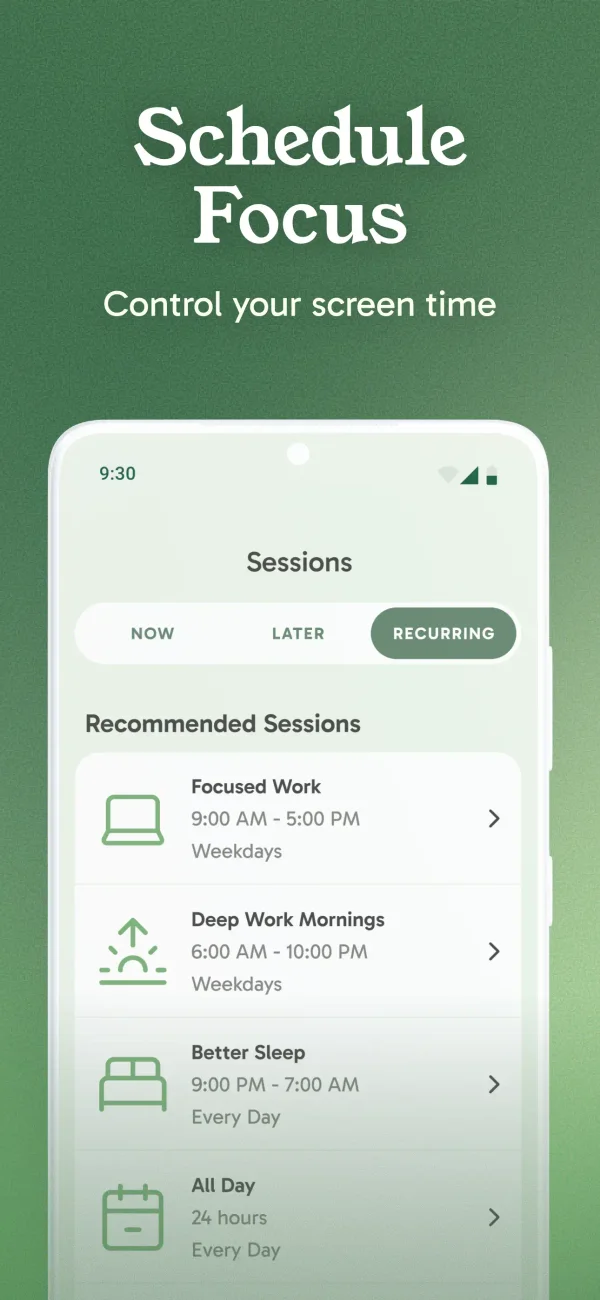
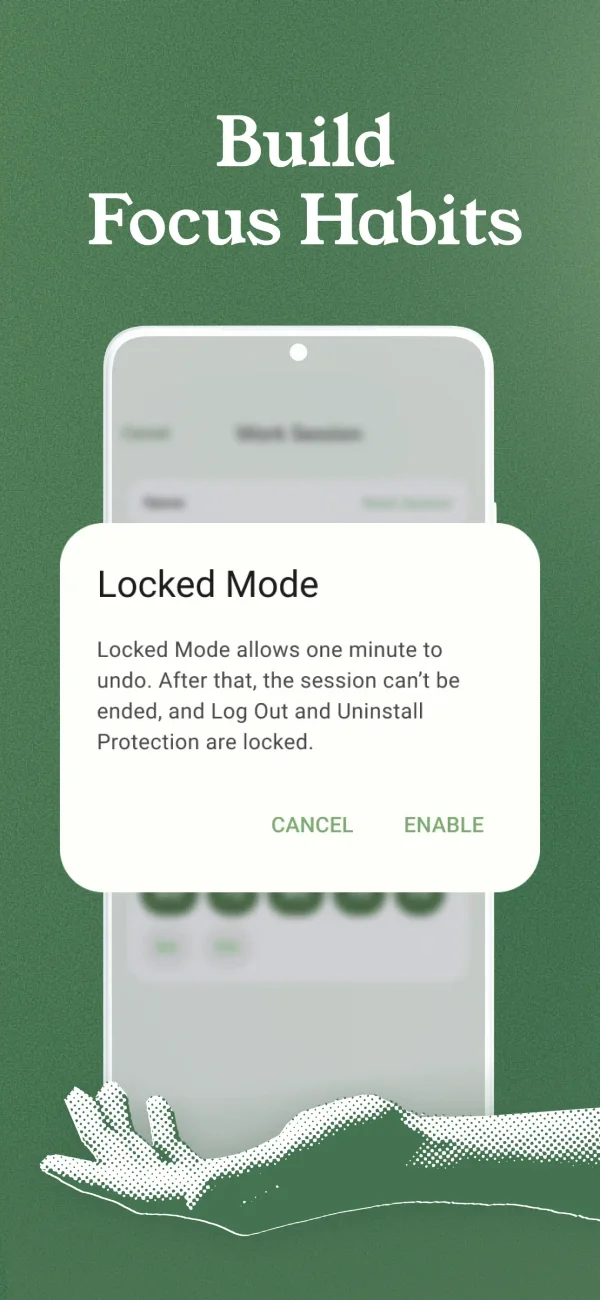
Freedomは、400万人以上が利用するアプリブロッカー兼ウェブサイトブロッカーです。スマートフォンでアプリ、ウェブサイト、またはインターネット全体をブロックし、パソコンやタブレットも同じセッションに追加できます。無料プランは有効期限がなく、セッション数やデバイス数に制限はありません。プレミアムプランでは、スケジュール設定、ロックモード、セッション時間の延長などの機能が追加されます。
ランダム化比較試験では、Freedomを使ってスマートフォンのモバイルインターネットをブロックした人は、1日あたり約2.5時間スクリーンタイムを削減できたことが示されました。
使い方
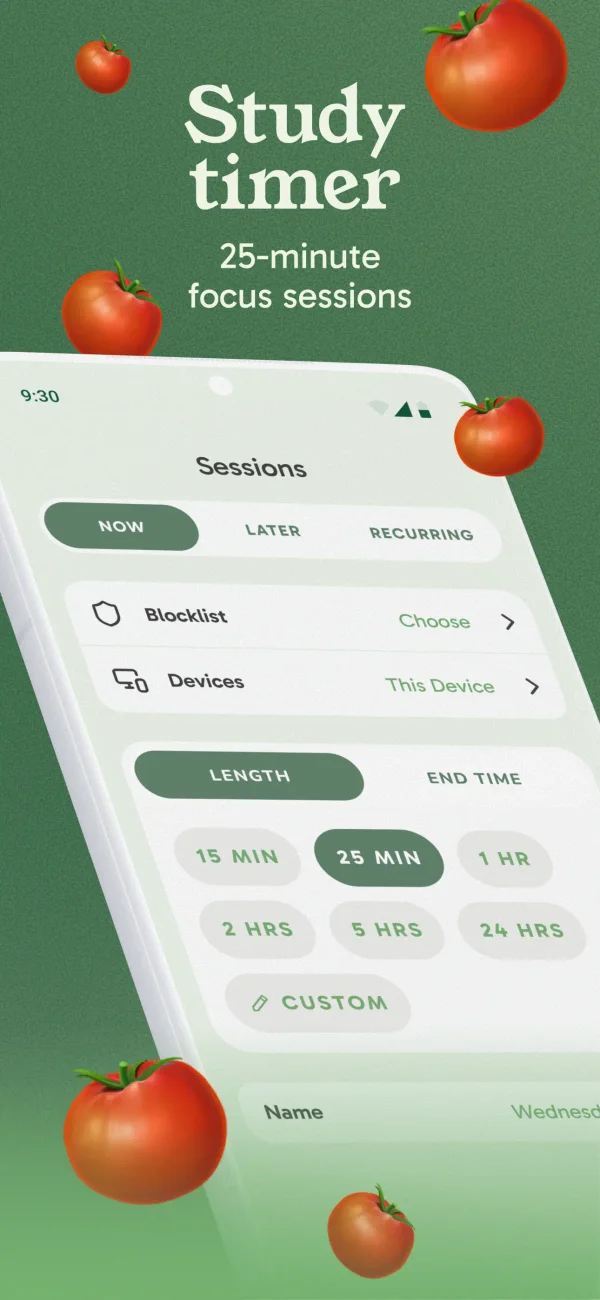
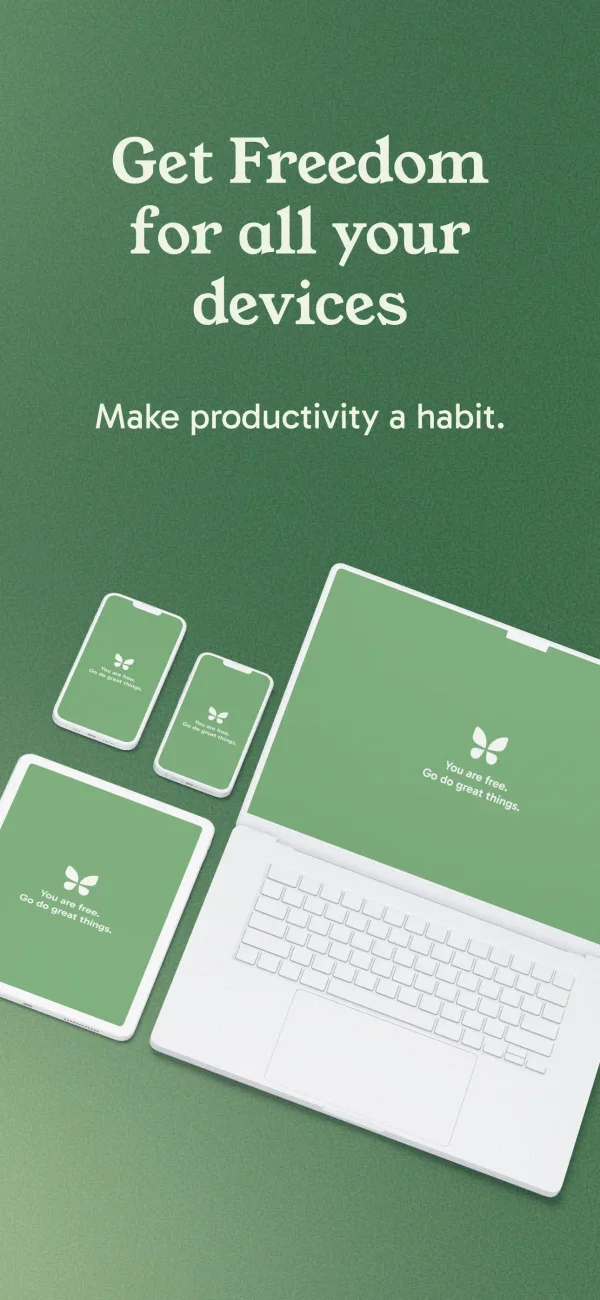
Instagram、TikTok、YouTube、ゲーム、ニュースなど、集中力を奪うアプリやウェブサイトを選びましょう。セッションを開始すれば、セッションが終了するまでそれらのアプリやウェブサイトは開きません。Mac、Windows PC、Chromebook、iPhone、iPadも同じセッションに追加できるので、別の画面で誘惑に負ける心配もありません。
無料プラン
• アプリ、ウェブサイト、またはインターネット全体をブロック
• セッションは無制限、各セッションは最大2時間
• デバイスはいくつでも使用可能:Android、iOS、Mac、Windows、Chromebook
• カスタムブロックリスト
• 集中を促すサウンド
プレミアムプランの追加機能
• スケジュール設定と自動開始の繰り返しセッション
• ロックモード:セッションの早期終了を防止する厳格なモード
• 2時間以上のセッション
• Freedom Perks:他の生産性向上ツールの割引
プレミアムプランはオプションです。年間プランは7日間の無料トライアルから始まります。
独立研究で検証済み
上記の研究結果は、2025年にPNAS Nexus誌に掲載されました。被験者はFreedomを使用して2週間モバイルインターネットをブロックしました。スクリーンタイムの減少に伴い、持続的注意力と健康状態が改善されました。Freedomは、カーネギーメロン大学、マイクロソフトリサーチ、ウォータールー大学の研究でもアプリブロッカーとして使用されました。
ルールはあなた次第
何をいつブロックするかはあなたが決められます。「正午まではSNS禁止」はブロックリストの一つ、スケジュールの一つです。「ベッドでスクロール禁止」もまた別のルールです。Freedomには連続記録やポイント制がないので、一度スケジュールを設定すればアプリを開く必要はありません。
Freedomは次のような用途で利用されています
• 仕事や勉強に集中するために、スマホに気を取られないようにする
• スクリーンタイムを制限し、スマホのスクロールを減らす
• 午後だけ、試験期間中、あるいは永久にTikTokやInstagramをやめる
• ソーシャルメディアから一時的に離れる、あるいは完全にデジタルデトックスをする
• 寝る前にスマホを置く
• ADHDでも集中力を維持する
Google Playレビューより
「Freedomは複数のデバイスを同時にブロックできる点が他と違います。スマホ、ノートパソコン、デスクトップパソコンが同時に集中できる状態になっていると、安心感があります。」
ダニエル・V.
「この手のアプリをたくさん試しましたが、長期的に効果があったのはこれだけです。」
デビッド・W.
「無料版でも十分使えますし、必要な機能はすべて揃っています。」
フロー1
「午後10時から午後10時まで、すべてのソーシャルメディアをロックしています。」午後12時になると、自然と自分が本当にやりたいことに意識が向かうようになります。」
エディット・J.
メディア掲載
「私たちのお気に入りの、集中を妨げるコンテンツブロッカー。」 Lifehacker
「常にオンライン状態にある生活への解毒剤の一つがFreedomです。」 Time Magazine
Freedomは、ニューヨーク・タイムズ、BBC、ウォール・ストリート・ジャーナル、ワシントン・ポストなどでも取り上げられています。
Freedomは、2011年からウェブサイトブロッカーとして、2018年からはAndroidアプリブロッカーとして提供されています。
必要な権限
• デバイス管理者:アプリをアクティブに保ち、アンインストールを防止するため。
• アクセシビリティAPI:選択したアプリとウェブサイトをブロックするため。
デバイス管理者またはアクセシビリティAPIから提供される個人情報や機密情報は、収集または共有しません。
原文を表示
Freedom is the app blocker and website blocker used by more than 4 million people. Block apps, block websites, or block the whole internet on your phone, and add your computer and tablet to the same session. The free plan doesn't expire, and has no cap on sessions or devices. Premium adds schedules, Locked Mode, and longer sessions.
In a randomized controlled trial, people who used Freedom to block mobile internet on their phones cut their screen time by about 2.5 hours a day.
How it works
Pick the apps and websites that pull you away: Instagram, TikTok, YouTube, games, news. Start a session and they won't open until it ends. You can add your Mac, Windows PC, Chromebook, iPhone, or iPad to the same session, so the distraction isn't waiting for you on another screen.
Free plan
• Block apps, websites, or the whole internet
• Unlimited sessions, each up to 2 hours
• As many devices as you want: Android, iOS, Mac, Windows, and Chromebook
• Custom blocklists
• Focus sounds
What Premium adds
• Schedules and recurring sessions that start on their own
• Locked Mode, a strict mode that stops you from ending a session early
• Sessions longer than 2 hours
• Freedom Perks: discounts on other productivity tools
Premium is optional. The yearly plan starts with a 7-day free trial.
Tested in independent research
The trial above was published in PNAS Nexus in 2025. People blocked mobile internet with Freedom for two weeks. Along with the drop in screen time, their sustained attention and well-being improved. Freedom was also the app blocker used in research at Carnegie Mellon, Microsoft Research, and the University of Waterloo.
Your rules
You choose what's blocked and when. "No social media before noon" is one blocklist and one schedule. "No scrolling in bed" is another. Freedom has no streaks or points to collect, so once your schedule is set you don't need to open the app.
People use Freedom to
• Stay focused at work and study without their phone pulling at them
• Limit screen time and cut down on doomscrolling
• Quit TikTok or Instagram for an afternoon, for exam week, or for good
• Take a break from social media, or do a full digital detox
• Put the phone down before bed
• Stay on task with ADHD
From Google Play reviews
"Freedom is different in how it lets you block multiple devices at once. It gives me a sense of peace knowing that my phone, laptop and desktop computer are simultaneously distraction-free."
Daniel V.
"I've tried lots of these kinds of apps. This is the only one that's worked for me over the long term."
David W.
"The free version works great and has everything I need."
Flow 1
"I have all social media locked from 10pm to 12pm and it helps me naturally gravitate towards what I actually want to be doing."
Édith J.
In the press
"Our favorite distraction-killing content blocker." Lifehacker
"One antidote to the always-on life is Freedom…" Time Magazine
Freedom has also been covered by The New York Times, the BBC, The Wall Street Journal, and The Washington Post.
Freedom has been a website blocker since 2011 and an app blocker on Android since 2018.
Permissions required:
• Device Administrator: To keep the app active & to prevent uninstallation.
• Accessibility API - To block the apps & websites you choose.
We do not collect or share any personal or sensitive information provided by Device Administrator or Accessibility API.
データ セーフティ
このアプリが収集・共有するデータについて、Eighty Percent Solutions CorporationがGoogle Playで申告している内容です。
- 第三者と共有されるデータはありません詳しくは、デベロッパーが共有を申告する方法についての説明をご覧ください
- このアプリは以下の種類のデータを収集することがあります個人情報、アプリのアクティビティ、他 2 件
- データは送信中に暗号化されます
- データを削除するようリクエストできます
新機能
バージョン 7.20.0 · 2026/11/20
See when your subscription renews in Account & Preferences.
This update also includes more reliable blocking during sessions, fixes for in-app banners, and performance improvements.
開発元の連絡先
- ウェブサイトfreedom.to
- メールsupport@freedom.to
- プライバシーポリシーfreedom.to
- 住所3109 Mel Oaks Trl Chapel Hill, NC 27516 United States
情報
- 提供元
- Eighty Percent Solutions Corporation
- カテゴリ
- 仕事効率化
- バージョン
- 7.20.0
- 更新日
- 2026/11/20
- リリース
- 2018/12/3
- 必要条件
- Android 7.1以降
- 対象年齢
- 3 歳以上
- 価格
- 無料
- アプリ内課金
- ¥2,280~¥29,500/アイテム
- パッケージ名
- to.freedom.android2
類似のアプリ
-
 Kaizen: Focus & Study Timer
仕事効率化
-
 Shortcut Maker
カスタマイズ
-
 AppBlock - Block Apps & Sites
仕事効率化
-
 Sonar - 健康とパフォーマンス
健康&フィットネス
-
 Cxxdroid - C/C++ compiler IDE
教育
-
 Peterson Academy
教育
-
 Flora – グリーン集中力
仕事効率化
-
 Jillian Michaels | Fitness App
健康&フィットネス
-
 Ever Accountable - ポルノを超えて上昇
仕事効率化
-
 Chegg: Solve tough concepts
教育
-
 Code Studio
仕事効率化
-
 Bundled Notes - List, Organize
仕事効率化