Galaxy Buds2 Manager
Samsung Electronics Co., Ltd.- 3 歳以上対象年齢
- ツールカテゴリ
- 2026/7/29更新日
- 無料価格
com.samsung.accessory.berrymgrのGoogle Play公式ページにリンクしています。最終確認:2026/11/21。

スクリーンショット
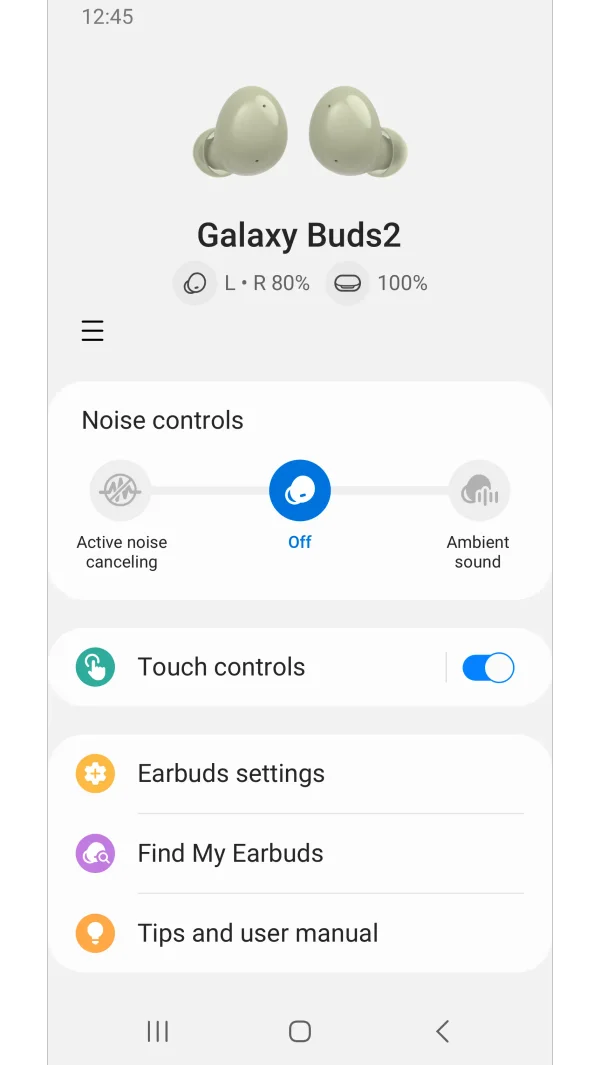
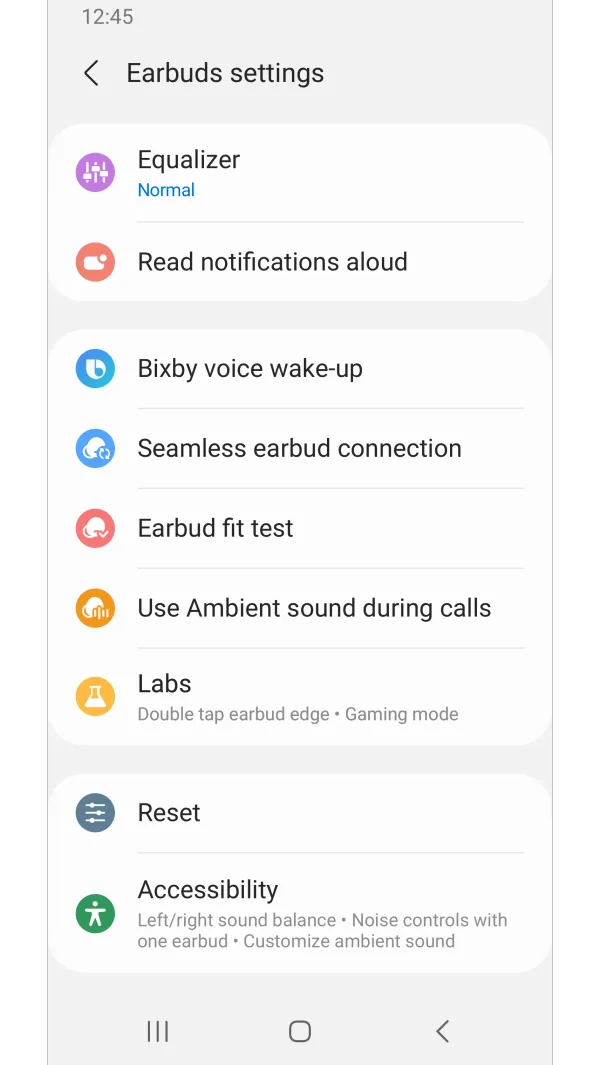

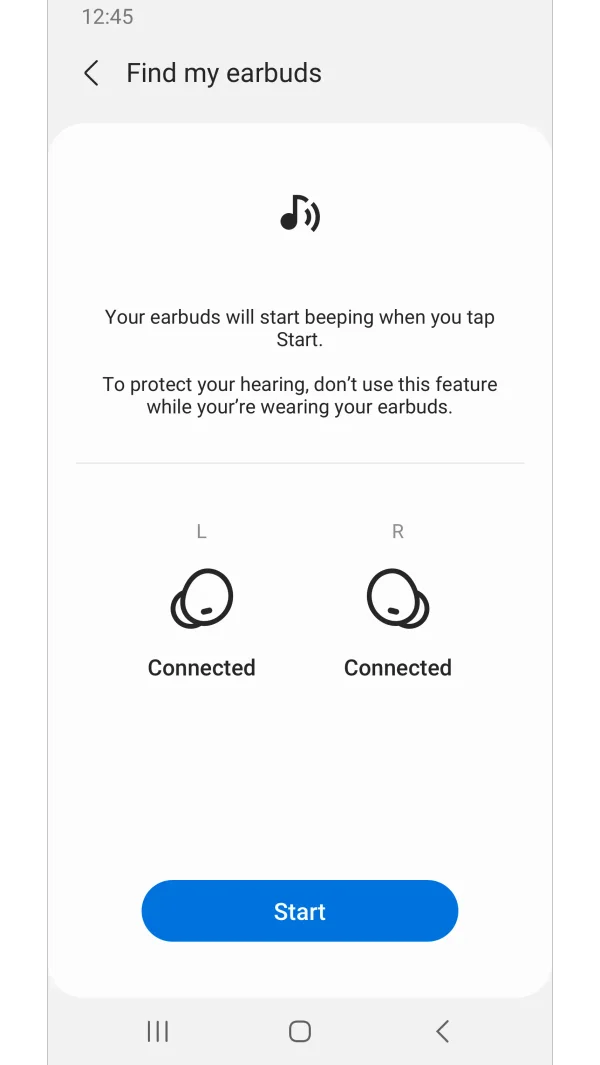
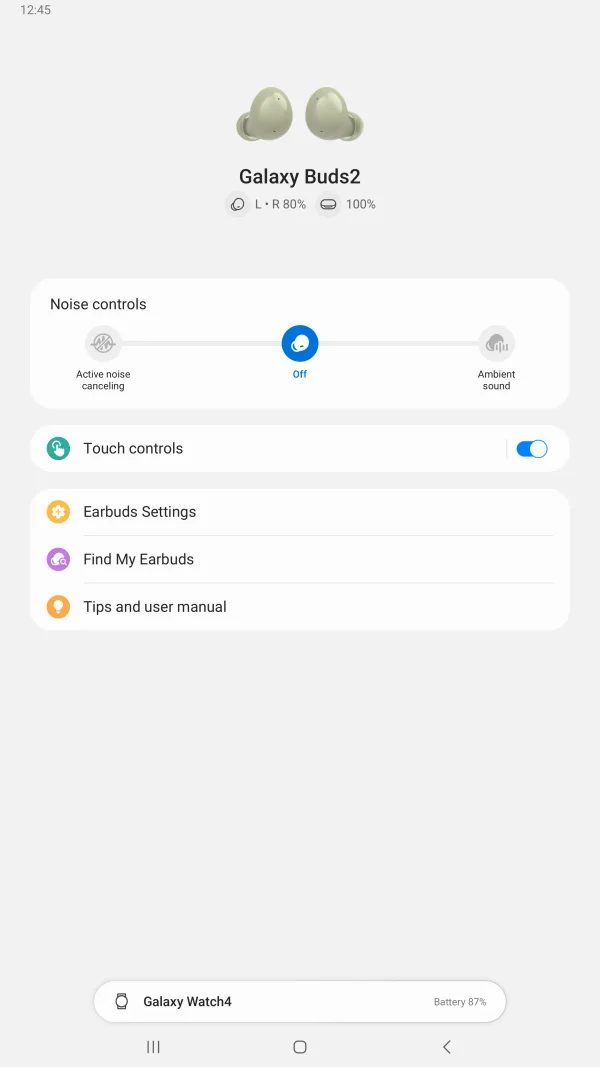



このアプリについて
Googleによる英語 (アメリカ合衆国)からの自動翻訳です。
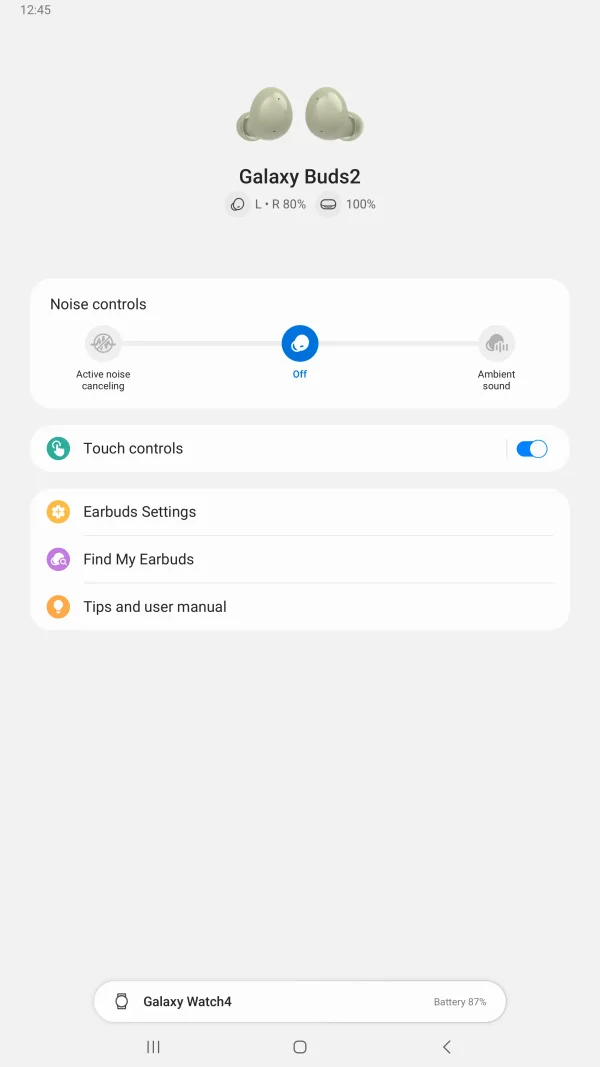
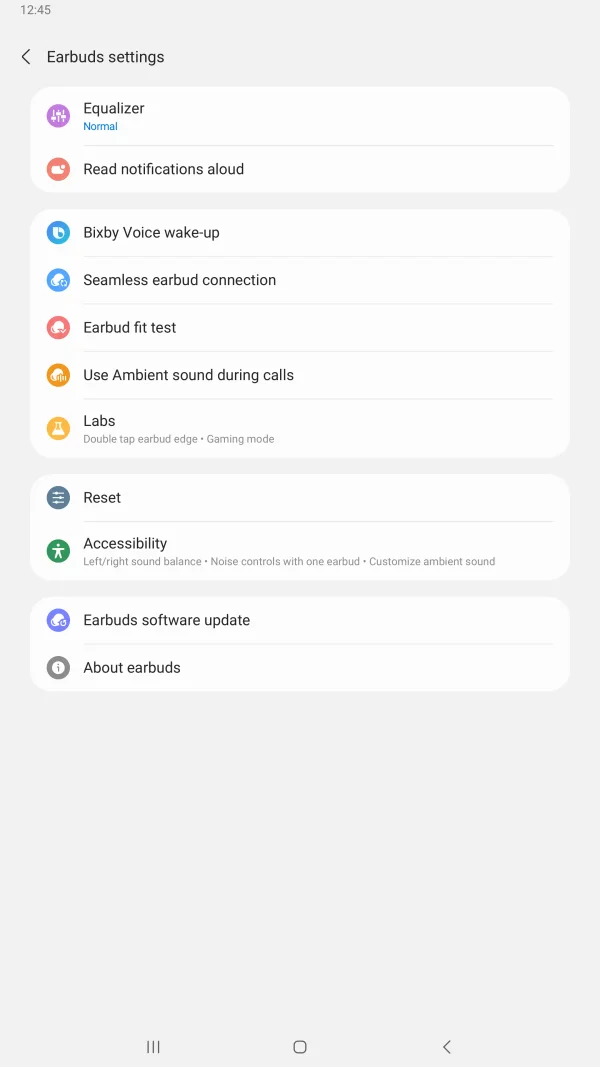
このアプリを使用すると、Galaxy Buds2 デバイスに接続しているときに機能を使用できます。
Galaxy Buds2 Managerは、Galaxy Buds2デバイスに接続した際に、デバイス設定やステータス表示などの機能を利用するためのアプリです。
このアプリはGalaxy Wearableアプリのコンポーネントであるため、単体では動作しません。
Galaxy Buds2 Managerアプリを正常に動作させるには、まずGalaxy Wearableアプリをインストールする必要があります。
※ Android 7.0以降でGalaxy Buds2 Managerのすべての機能を使用するには、Androidの設定でGalaxy Buds2 Managerの権限を許可してください。
設定 > アプリケーション > Galaxy Buds2 Manager > 権限
※ アクセス権限に関する情報
アプリサービスには以下の権限が必要です。オプションの権限については、サービスのデフォルト機能は有効になっていますが、許可はされていません。
【必須権限】
- 近隣デバイス:Budsデバイスを検索するための確認に使用します。
【任意権限】
- カレンダー:音声通知機能を使用するためにカレンダー情報を確認するのに使用します。
- 通話履歴:音声通知機能を使用するために通話履歴情報を確認するのに使用します。
- 連絡先:音声通知機能を使用するために連絡先情報を確認するのに使用します。
- 通知:音声通知機能を使用するために通知を確認するのに使用します。
- 電話:音声通知機能を使用するために連絡先情報を確認するのに使用します。
以前に許可した権限は、ソフトウェアアップデート後にデバイス設定のアプリメニューからリセットできます。
原文を表示
The Galaxy Buds2 Manager allows you to use features such as device settings and status view when connected to a Galaxy Buds2 device.
This application does not work alone because this is a component of the Galaxy Wearable application.
The Galaxy Wearable application has to be installed first for the Galaxy Buds2 Manager application to operate normally.
※ Please allow the permissions of the Galaxy Buds2 Manager in Android Settings to use all the features in Android 7.0 or later.
Settings > Applications > Galaxy Buds2 Manager> Permissions
※ Access rights information
The following permissions are required for the app service. For optional permissions, the default functionality of the service is turned on, but not allowed.
[Required Permissions]
- Nearby devices : Purpose for confirming to search Buds Devices
[Optional Permissions]
- Calendar : Purpose for checking Calendar information for using voice notification function
- Call logs : Purpose for confirming Call logs information for voice notification function
- Contacts : Purpose for confirming Contacts information for voice notification function
- Notifications : Purpose for confirming voice notification function
- Phone : Purpose for confirming Contacts information for voice notification function
Previously allowed permissions can be reset on Apps menu in device settings after software update.
データ セーフティ
このアプリが収集・共有するデータについて、Samsung Electronics Co., Ltd.がGoogle Playで申告している内容です。
- 第三者と共有されるデータはありません詳しくは、デベロッパーが共有を申告する方法についての説明をご覧ください
- データは収集されません詳しくは、デベロッパーが収集を申告する方法についての説明をご覧ください
新機能
バージョン 8.5.26070351 · 2026/7/29
Improved system stability and reliability
開発元の連絡先
- ウェブサイトsamsung.com
- メールnoreply.sec@samsung.com
- プライバシーポリシーterms.samsungconsent.com
- 住所대한민국 16677 경기도 수원시 영통구 삼성로 129 (매탄동)
情報
- 提供元
- Samsung Electronics Co., Ltd.
- カテゴリ
- ツール
- バージョン
- 8.5.26070351
- 更新日
- 2026/7/29
- リリース
- 2021/8/11
- 必要条件
- Android 7.0以降
- 対象年齢
- 3 歳以上
- 価格
- 無料
- パッケージ名
- com.samsung.accessory.berrymgr