Hearing Sound Amplifier
Galaxy studio apps広告を含む · アプリ内課金
- 3 歳以上対象年齢
- ツールカテゴリ
- 2026/11/19更新日
- 無料価格
com.agbtechnologies.supereartoolのGoogle Play公式ページにリンクしています。最終確認:2026/11/26。
スクリーンショット


このアプリについて
Googleによる英語 (アメリカ合衆国)からの自動翻訳です。
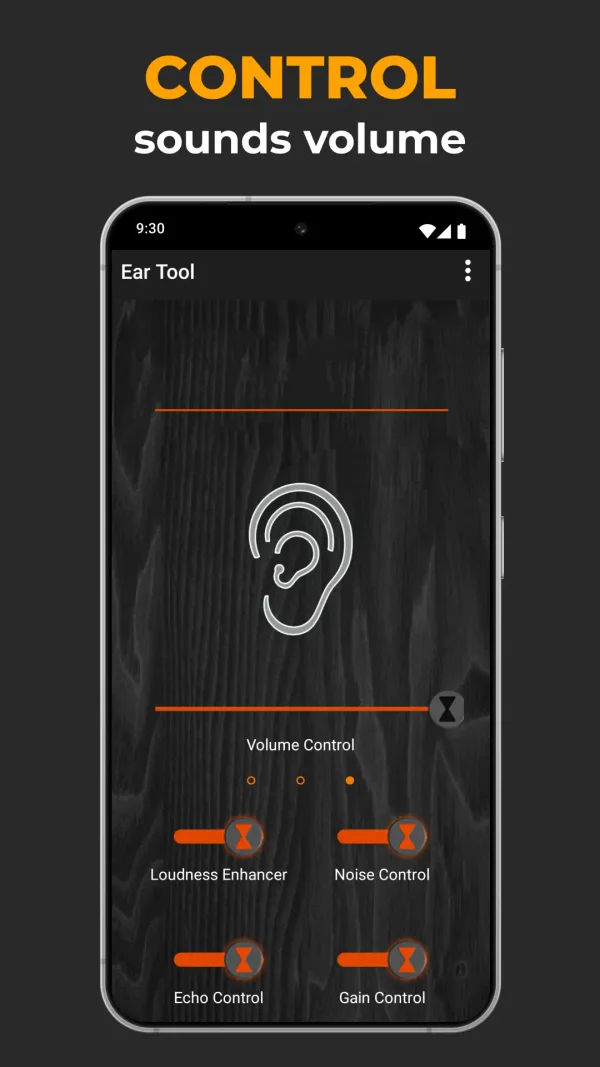
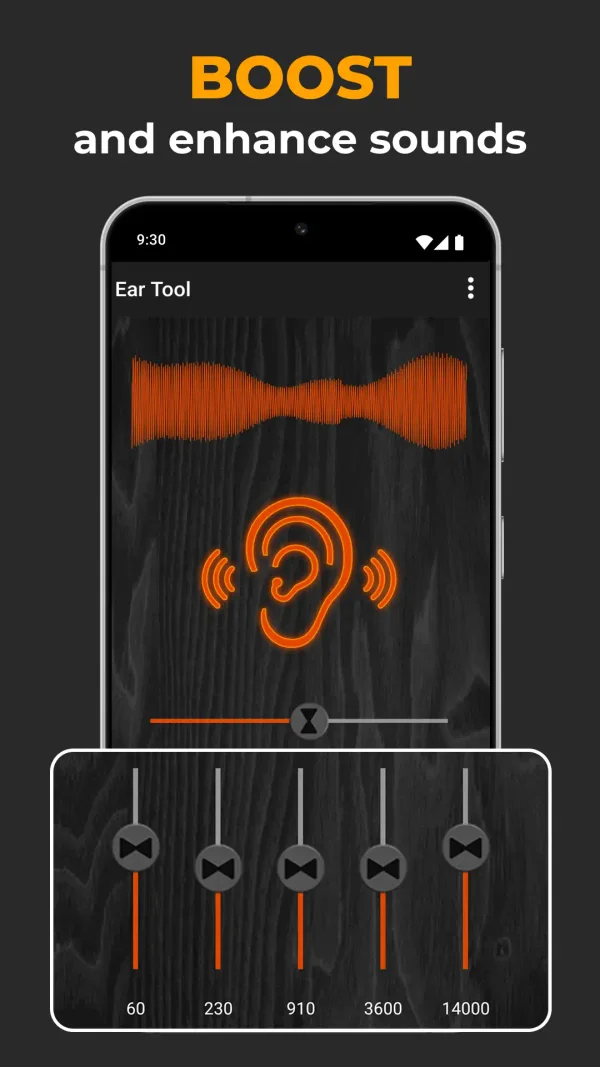
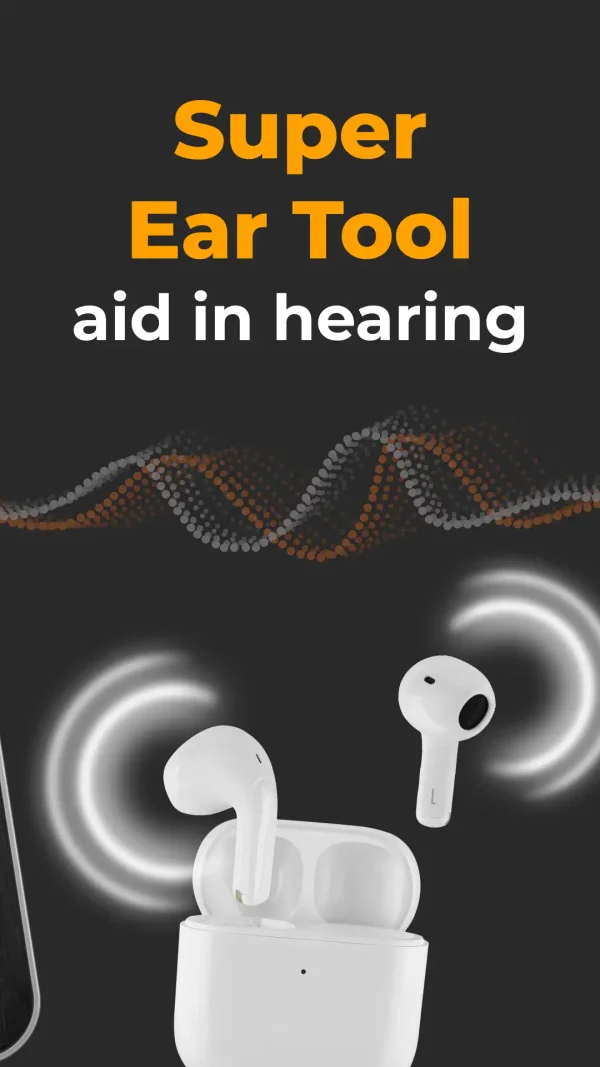
音量調節機能、ライブビジュアライザー、ヘッドホンを使って、周囲の音を増幅できます。
ヒアリングサウンドアンプとは?
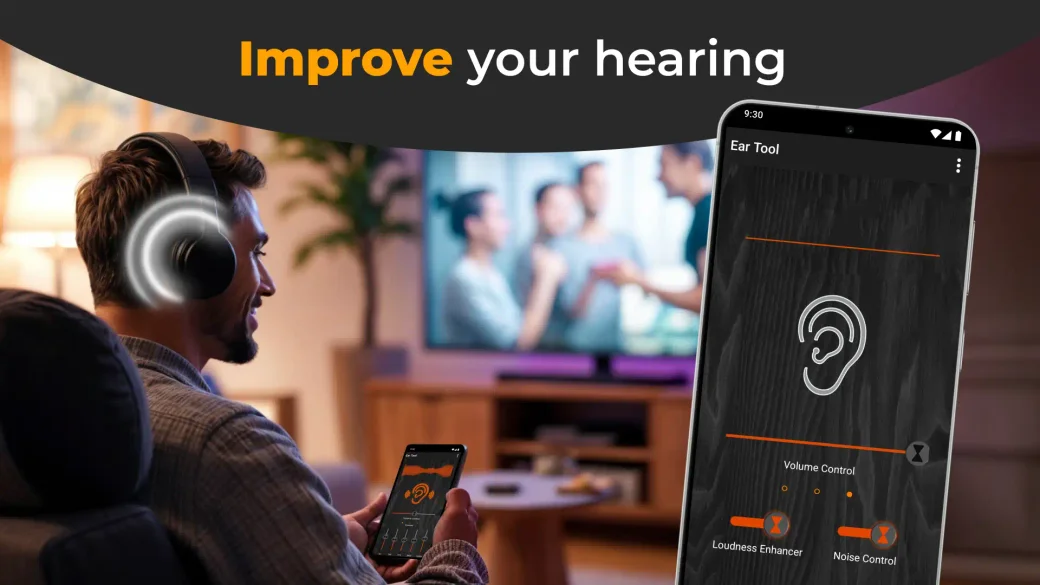
このAndroid向けリスニングツールは、スマートフォンのマイクから音声を処理し、接続されたヘッドホンを通して再生します。周囲の会話、テレビの音声、プレゼンテーション、環境音などを聞き取りやすくするために設計されており、音量レベルを直接調整できます。
このアプリはリアルタイムの音声増幅機能を提供し、提供されている情報によると、録音データは保存されません。他人のプライバシーを尊重し、使用場所の規則を遵守して、安心してご利用ください。
ヒアリングサウンドアンプはどのような人向け?
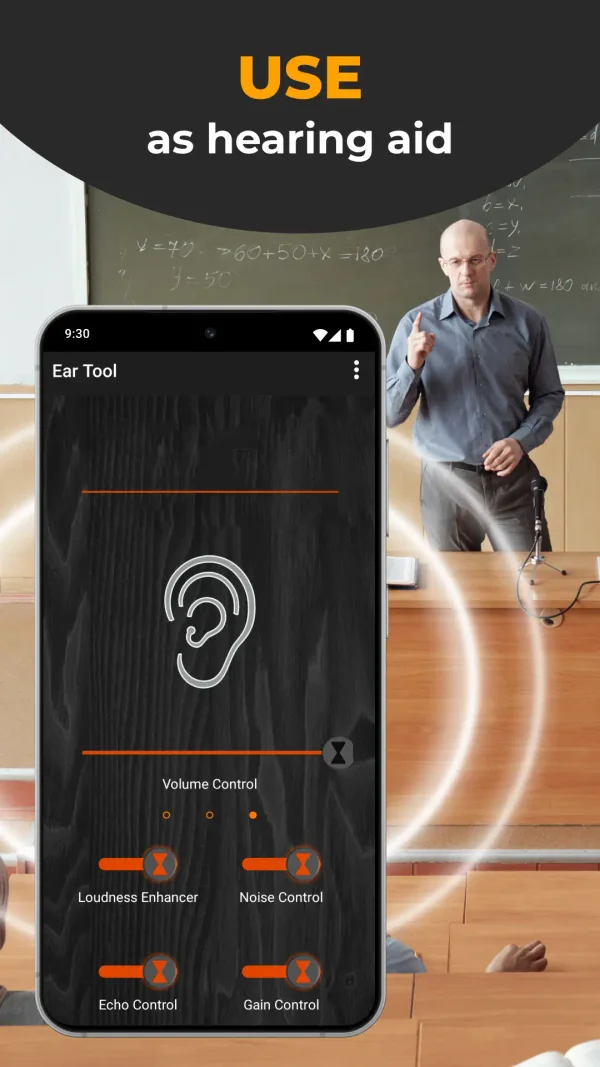
このアプリは、日常生活の中で周囲の音声を簡単に調整したい人向けです。許可された講義やプレゼンテーションを聞き取る際、部屋の別の場所からテレビを聞く際、騒がしい場所で会話に集中する際、屋外で周囲の音を探索する際などに役立ちます。
また、マイクの位置、ヘッドホンの種類、音量設定が聞こえ方にどのような影響を与えるかを試すのにも役立ちます。このアプリは医療用補聴器の代替品ではなく、難聴の診断や治療に使用しないでください。
補聴音増幅器の機能
このアプリは、ライブリスニングのための便利なコントロール機能を提供します。
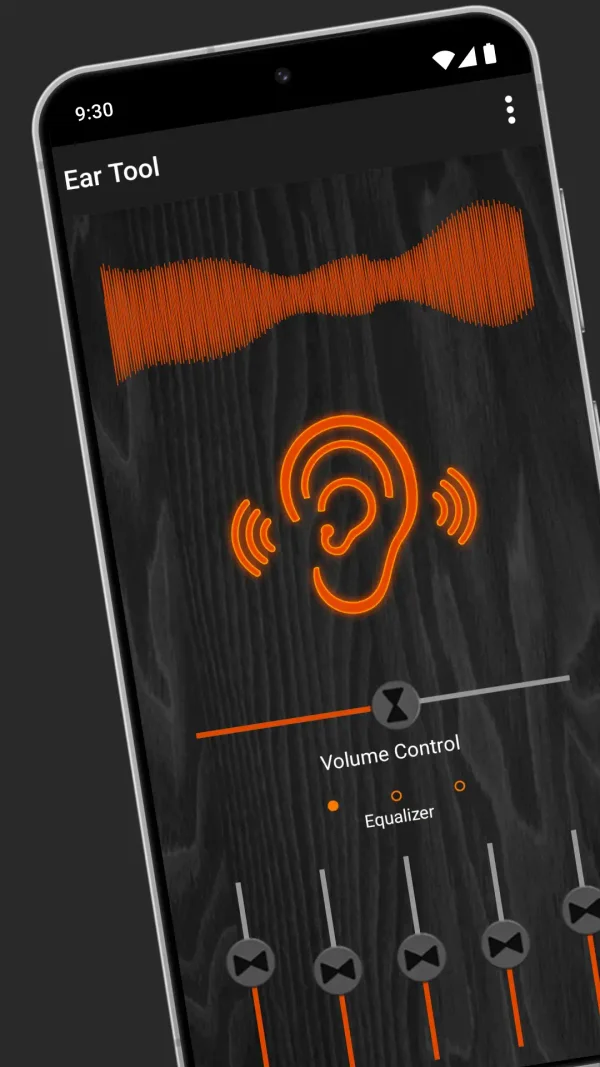
• スマートフォンのマイクで拾った音声をリアルタイムで増幅します。
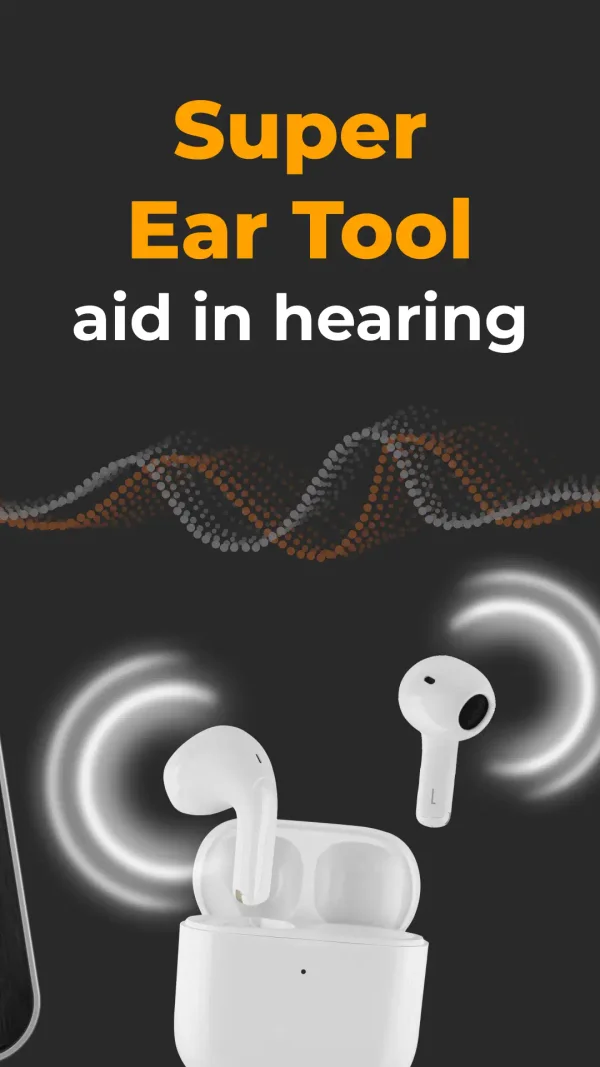
• 処理された音声を、有線または互換性のあるBluetoothヘッドホンで再生します。
• 画面上およびデバイスの音量コントロールで出力音量を調整できます。
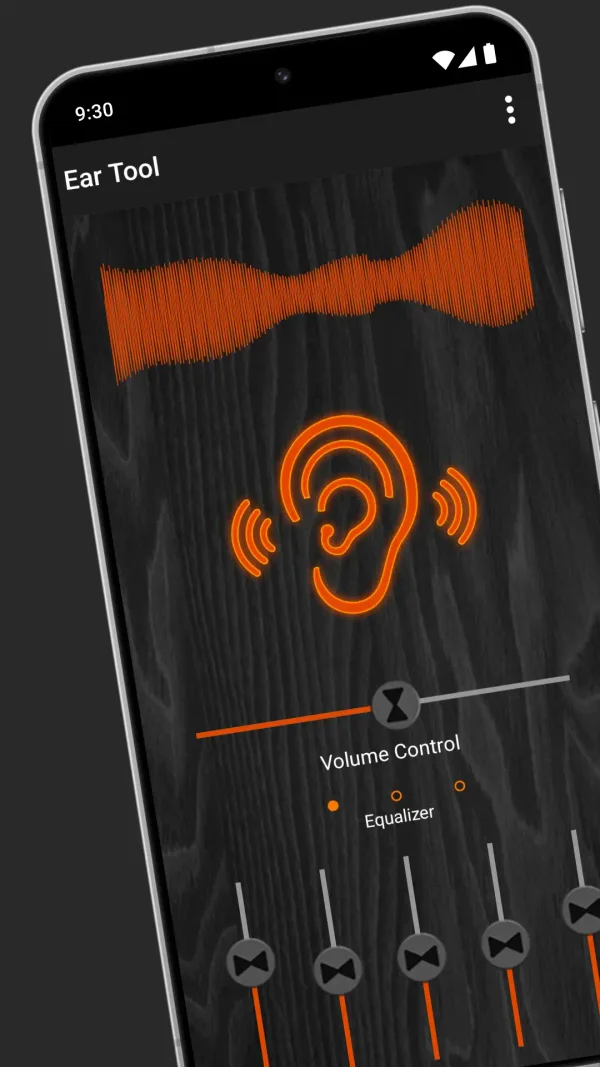
• 入力レベルを視覚的に確認できる音量強度表示機能があります。
• スマートフォンを音源の近くに移動させることで、様々なリスニング状況に対応できます。
• 提供されている説明によると、インターネット接続なしで動作します。
• 提供されている説明によると、録音機能は搭載されていません。
音声品質は、スマートフォンのマイク、音源までの距離と方向、周囲の騒音、室内の音響特性、接続されているヘッドセットによって異なります。出力音量を大きくしても必ずしも音声がクリアになるわけではないため、音量とスマートフォンの位置は徐々に調整してください。
補聴器アンプの仕組み
有線ヘッドホンを接続するか、互換性のあるBluetoothヘッドセットをペアリングしてください。アプリを開き、マイクへのアクセスを許可して、リスニング機能を開始します。モニタリングを許可されている音源の近くにスマートフォンを安全な場所に置いてください。アプリのコントロールまたはデバイスの音量ボタンを使用して出力レベルを増減し、調整中はビジュアライザーを確認してください。
突然大きな音が出たり、ハウリングが発生したりするのを防ぐため、最初は低い音量から始めてください。会話が聞き取りにくい場合は、スマートフォンを話者に近づけたり、周囲の騒音を減らしたり、ヘッドセットを交換したりしてから、レベルを上げてみてください。増幅が必要なくなったら、セッションを終了してください。
互換性と要件
マイクが正常に動作するAndroidスマートフォンまたはタブレットと、対応するヘッドホンが必要です。Bluetoothの遅延、オーディオルーティング、音量範囲は、デバイス、ヘッドセット、Androidのバージョン、およびメーカーの設定によって異なります。オフライン動作とは、提供されているリストに記載されているリスニング機能を指します。広告やその他のアプリサービスには、接続が必要になる場合があります。
このアプリは、医療用補聴器、聴力検査、診断製品、または治療ではありません。持続的な難聴、痛み、耳鳴り、めまい、または突然の聴力変化がある方は、資格のある医療専門家にご相談ください。快適な音量で聴き、同意、会場の規則、および地域のプライバシー法を遵守してください。
補聴器用サウンドアンプは、マイクの音声増幅、音量調整、視覚的なフィードバックを簡単に行えるため、責任ある日常的なリスニングをサポートします。
原文を表示
What is Hearing Sound Amplifier?
This Android listening tool processes sound from your phone’s microphone and plays it through connected headphones. It is designed to make nearby speech, television audio, presentations, and environmental sounds easier to follow by giving you direct control over the listening level.
The app provides live sound amplification and, according to the supplied listing, does not save recordings. Use it openly, with respect for other people’s privacy and any rules that apply in the location where you use it.
Who is Hearing Sound Amplifier for?
The app is for people who want a simple way to adjust nearby audio during everyday activities. It may help when following a permitted lecture or presentation, listening to a television from another part of the room, focusing on a conversation in a noisy setting, or exploring ambient sound outdoors.
It can also be useful for testing how microphone placement, headphone choice, and volume settings affect what you hear. The app is not a replacement for a medical hearing device and should not be used to diagnose or treat hearing loss.
What does Hearing Sound Amplifier do?
The app offers a focused set of live listening controls:
• Amplifies sound captured by the phone’s microphone in real time.
• Plays processed audio through wired or compatible Bluetooth headphones.
• Provides on-screen and device-volume controls for adjusting output.
• Shows a visual sound-intensity display to help you monitor input levels.
• Supports different listening situations by letting you reposition the phone near the permitted sound source.
• Is described in the supplied listing as working without an internet connection.
• Does not provide a recording feature according to the supplied listing.
Audio quality depends on the phone’s microphone, the distance and direction of the source, background noise, room acoustics, and the connected headset. Louder output does not necessarily mean clearer speech, so adjust the level and phone position gradually.
How does Hearing Sound Amplifier work?
Connect wired headphones or pair a compatible Bluetooth headset. Open the app, allow microphone access, and start the listening function. Place the phone safely near the sound source you are permitted to monitor. Use the app controls or device volume buttons to increase or decrease the output, and watch the visualizer while making adjustments.
Begin at a low volume to avoid sudden loud sound or feedback. If speech is difficult to follow, try moving the phone closer to the speaker, reducing surrounding noise, or changing the headset before increasing the level further. End the session when you no longer need amplification.
Compatibility and requirements
An Android phone or tablet with a functioning microphone and supported headphones is required. Bluetooth delay, audio routing, and volume range vary by device, headset, Android version, and manufacturer settings. Offline operation refers to the listening function described in the supplied listing; advertising or other app services may still require connectivity.
This app is not a medical hearing aid, hearing test, diagnostic product, or treatment. People with persistent hearing difficulty, pain, ringing, dizziness, or sudden hearing changes should consult a qualified healthcare professional. Use comfortable listening levels and respect consent, venue rules, and local privacy laws.
Hearing Sound Amplifier provides straightforward live microphone amplification, volume adjustment, and visual feedback for responsible everyday listening.
データ セーフティ
このアプリが収集・共有するデータについて、Galaxy studio appsがGoogle Playで申告している内容です。
- このアプリはサードパーティと以下の種類のデータを共有することがありますファイル、ドキュメント
- データは収集されません詳しくは、デベロッパーが収集を申告する方法についての説明をご覧ください
- データは送信中に暗号化されます
- データを削除できません
新機能
バージョン 5.1.0 · 2026/11/19
Bug Fixes
Bluetooth Headphones Management
Equalizer Added
Audio Effects
More Controls
Minimal Size
Elegant Design
Enhanced Features
Better Performance
Latest Functionality
開発元の連絡先
- ウェブサイトgalaxystudioapps.me
- メールsupport.supereartool@galaxystudioapps.me
- プライバシーポリシーgalaxystudioapps.me
- 住所8 The Grn Ste 4184 Dover, DE 19901-3618 United States
情報
- 提供元
- Galaxy studio apps
- カテゴリ
- ツール
- バージョン
- 5.1.0
- 更新日
- 2026/11/19
- リリース
- 2018/9/26
- 必要条件
- Android 6.0以降
- 対象年齢
- 3 歳以上
- 価格
- 無料
- アプリ内課金
- ¥110~¥10,900/アイテム
- パッケージ名
- com.agbtechnologies.supereartool
類似のアプリ
-
 音声増幅
通信
-
 FLYLOG.io - For Pilots
地図&ナビ
-
 NebulaBuds
ツール
-
 Pie: Free Events, Cool People
イベント
-
 Camtronome - pro metronome
音楽&オーディオ
-
 myNoise - The Soundscape App
健康&フィットネス
-
 Primo Notes: AI要約・文字起こし・議事録
仕事効率化
-
 ギターを弾くことを学ぶ
音楽&オーディオ
-
 聴音・楽典・絶対音感: Ear Gym
教育
-
 Crossover Health
健康&フィットネス
-
 IFSTA Company Officer 6
教育
-
 Guitar Tuner - Simply Tune
音楽&オーディオ