HiPER Calc Pro
HiPER Labs- 3 歳以上対象年齢
- ツールカテゴリ
- 2026/11/10更新日
- ¥695価格
cz.hipercalc.proのGoogle Play公式ページにリンクしています。最終確認:2026/11/19。
スクリーンショット


このアプリについて
Googleによる英語 (アメリカ合衆国)からの自動翻訳です。
記号代数、積分、導関数をもつ優れた電卓
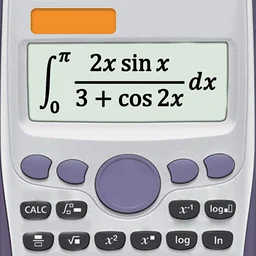
段階的な解法、記号代数、グラフ作成、方程式、積分、微分など、高度な機能を備えた優れた関数電卓です。
この電卓は世界中で5,000万回以上ダウンロードされ、25万件以上の5つ星評価を獲得しています。
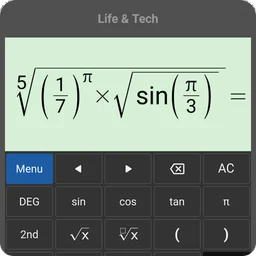
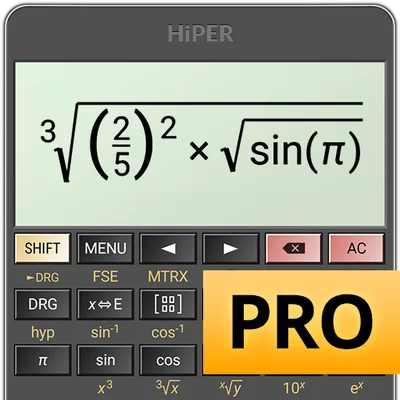
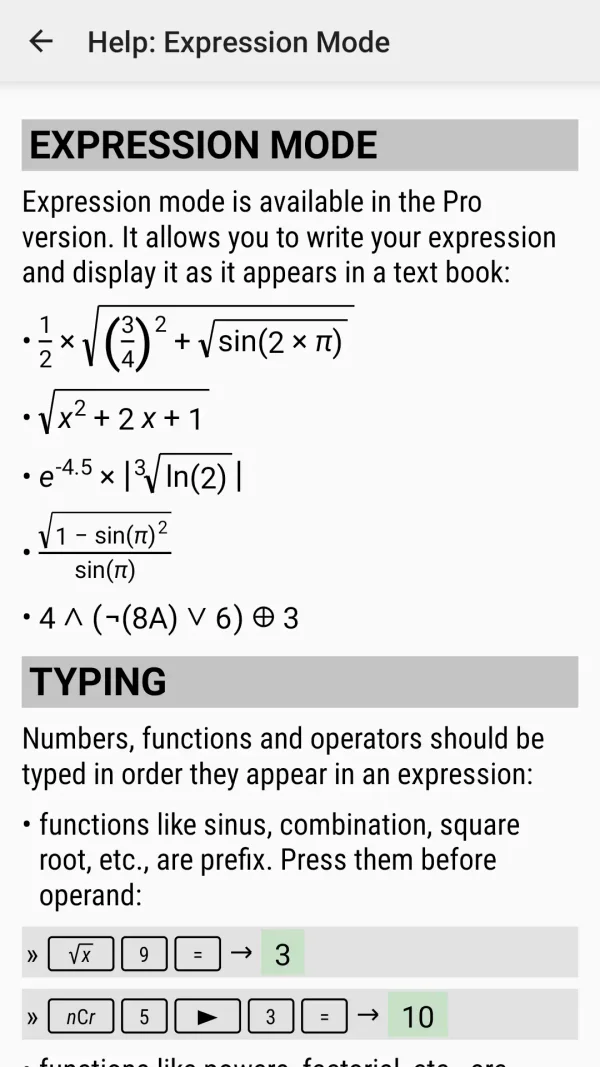
自然な文章で数式を入力し、計算過程をリアルタイムで確認できます。結果は数値、簡略化された数式など、様々な形式で表示されます。
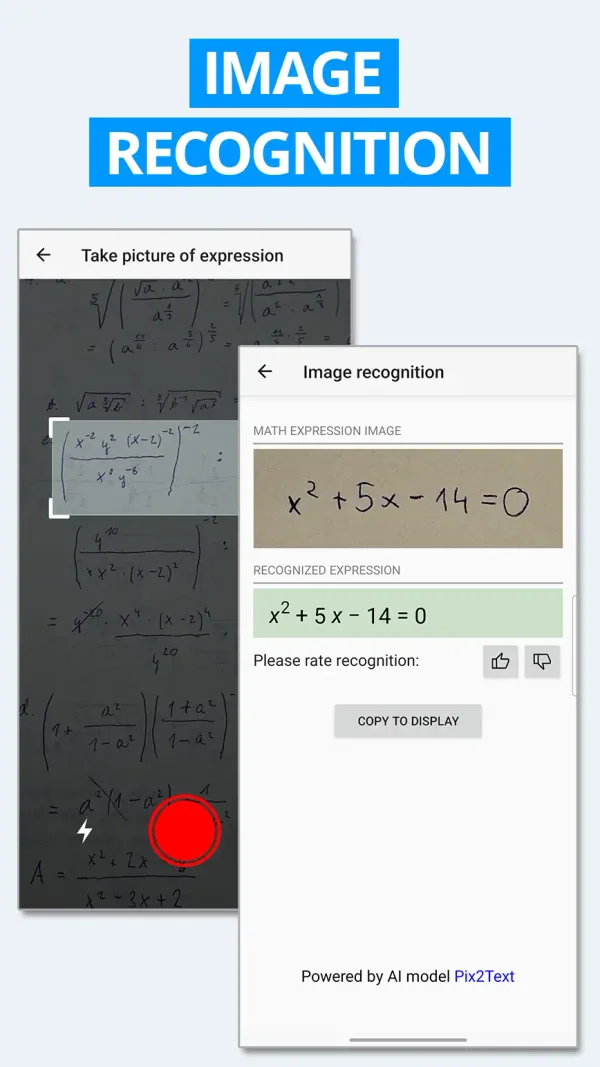
写真から数式を入力することも可能。手書きまたは印刷された数式を写真に撮ると、電卓が認識して画面に挿入し、編集や計算ができるようになります。
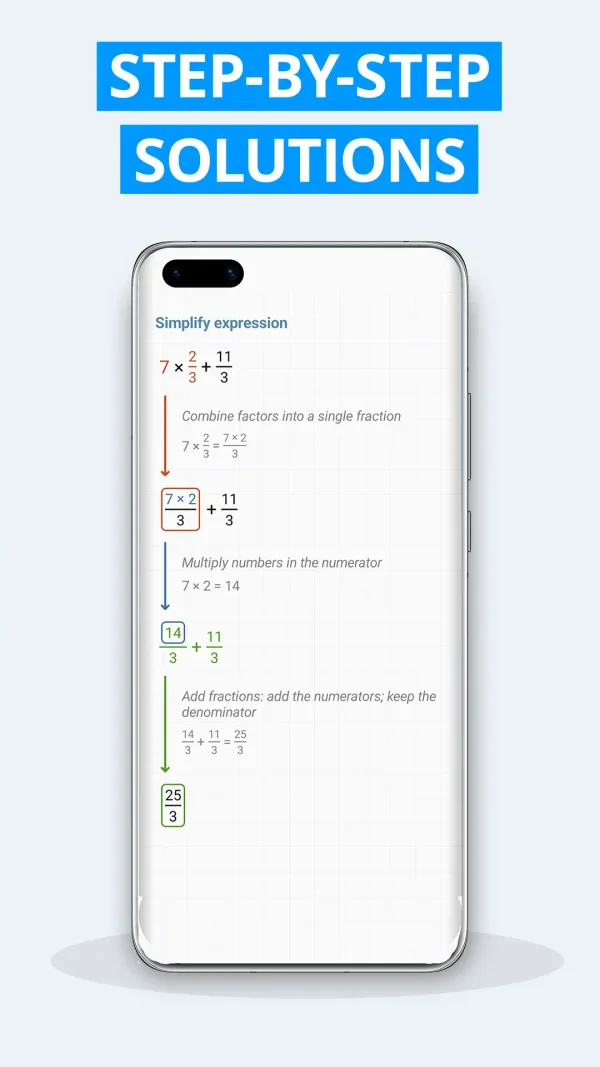
段階的な解法では、入力された数式から最終結果に至るまでの計算過程を、ステップごとに分かりやすく表示します。各ステップの説明が表示されるので、結果だけでなく、その過程も確認できます。
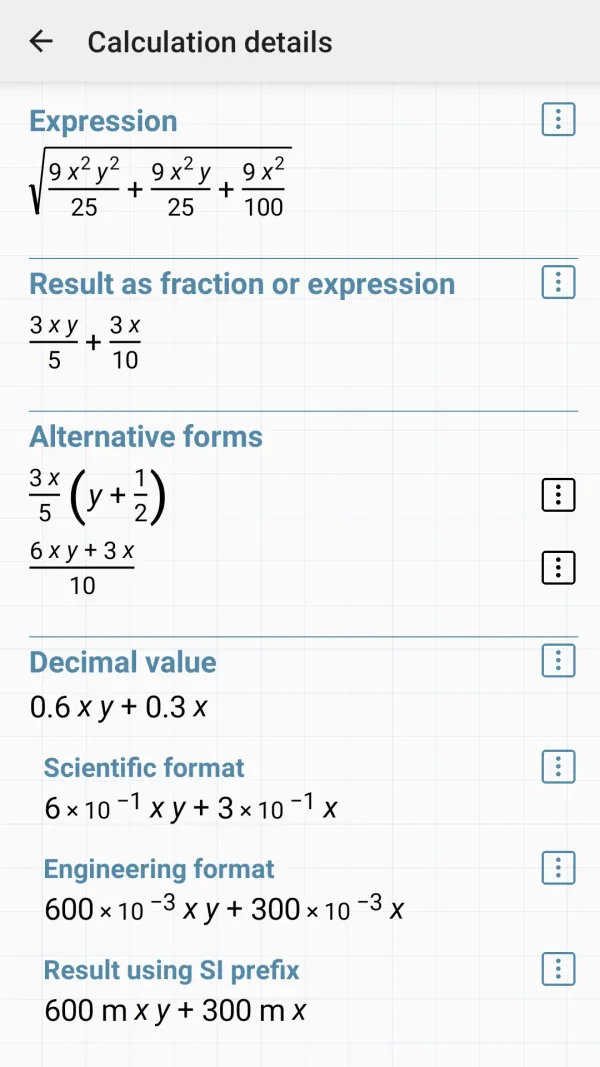
計算の詳細では、結果の様々な表現、すべての複素根、単位円、関数の性質など、結果に関する詳細な情報が表示されます。
この電卓には、様々な画面サイズに対応した複数のレイアウトが用意されています。
- 小型デバイス向けの「ポケット」レイアウト
- スマートフォン向けの「コンパクト」レイアウト(縦向き・横向き両方に対応)
- タブレット向けの「拡張」レイアウト
ユーザーは複数の高品質なテーマから選択できます。
この電卓には、以下のような多くの機能が搭載されています。
- 有効数字100桁、指数9桁まで
- パーセント、剰余、符号反転を含む基本的な算術演算
- 分数と帯分数
- 周期数とその分数への変換
- 無制限の括弧数
- 演算子の優先順位設定
- 繰り返し演算
- 式の一部を選択し、選択範囲に対してコンテキスト演算を適用
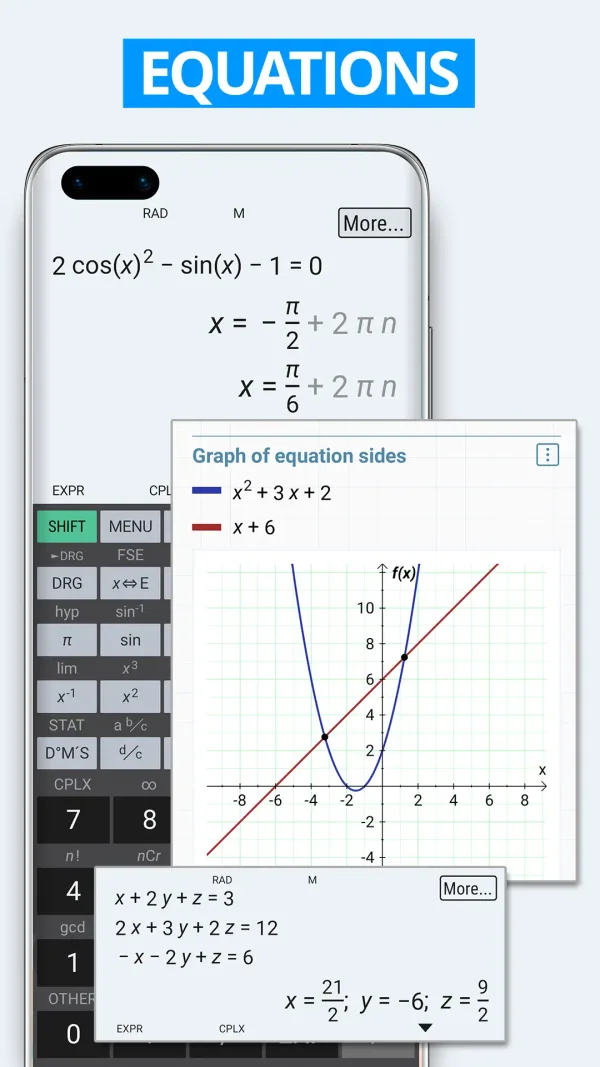
- 方程式(1変数または複数変数、連立方程式)
- 変数と記号計算
- 微分と積分
- 関数、方程式、積分領域と積分範囲のグラフ表示、3Dグラフ表示
- 行列とベクトル
- 統計
- 回帰分析
- 複素数
- 直交座標と極座標の変換
- 級数の和と積
- 極限
- 乱数、組み合わせ、順列、最大公約数などの高度な数値演算
- 三角関数と双曲線関数
- べき乗、平方根、対数など
- 度、分、秒の変換
- 固定小数点、科学表記、工学表記の表示形式
- 指数をSI単位の接頭辞として表示
- 無制限の拡張メモリによるメモリ操作
- さまざまなクリップボード形式によるクリップボード操作
- 結果履歴
- タブレット上での複数行表示による計算履歴の完全な表示と過去の結果へのアクセス
- 2進数、8進数、16進数表記
- 論理演算
- ビットシフトとビット回転
- 120種類以上の物理定数と数学定数
- 250種類以上の単位間の変換逆ポーランド記法に対応しています。
この電卓には、計算精度、小数点区切り記号、桁区切り記号など、さまざまな設定項目があります。
すべての機能は内蔵ヘルプで説明されています。
原文を表示
Excellent scientific calculator with step-by-step solutions, symbolic algebra, graphing, equations, integrals and derivatives.
The calculator has globally more than 50 million downloads and 250 000 five-star ratings.
You can write expressions in a natural way and watch your calculations. The result is displayed as a number, simplified expression etc.
An expression can also be entered from a photo. Take a picture of a handwritten or printed expression, and the calculator recognizes it and inserts it into the display, ready to be edited or evaluated.
A step-by-step solution shows how an expression is solved, one step at a time, from the entered expression to the final result. Every step is explained, so you can see not only the result, but also the way to it.
Calculation details give you extended information about the result - alternative forms of the result, all complex roots, the unit circle, properties of a function and more.
The calculator has several layouts suitable for various screen sizes:
- "pocket" for small devices
- "compact" for smartphones (in portrait and landscape orientation)
- "expanded" for tablets
Users can choose from several high-quality themes.
The calculator has many functions, such as:
- up to 100 digits of significand and 9 digits of exponent
- basic arithmetic operations including percentage, modulo and negation;
- fractions and mixed numbers;
- periodic numbers and their conversion to fractions;
- unlimited number of braces;
- operator priority;
- repeated operations;
- selecting a part of an expression and applying context operations to the selection;
- equations (with one or more variables, systems of equations)
- variables and symbolic computation;
- derivatives and integrals;
- graphs of functions, equations, integral area and limits; 3D graphs;
- matrices and vectors
- statistics
- regression analysis
- complex numbers
- conversion between rectangular and polar coordinates
- sums and products of series
- limits
- advanced number operations such as random numbers, combinations, permutations, common greatest divisor, etc.;
- trigonometric and hyperbolic functions;
- powers, roots, logarithms, etc.;
- degrees, minutes and seconds conversion;
- fixed point, scientific and engineering display format;
- display exponent as SI units prefix;
- memory operations with unlimited extended memories;
- clipboard operations with various clipboard formats;
- result history;
- multiline display on tablets showing the complete history of calculations and access to the previous results;
- binary, octal and hexadecimal numeral systems;
- logical operations;
- bitwise shifts and rotations;
- more than 120 physical and mathematical constants;
- conversion among 250 units;
- Reverse Polish notation.
The calculator has many settings to manage the calculation precision, decimal and thousand separators, etc.
All features are described with a built-in help.
データ セーフティ
このアプリが収集・共有するデータについて、HiPER LabsがGoogle Playで申告している内容です。
- 第三者と共有されるデータはありません詳しくは、デベロッパーが共有を申告する方法についての説明をご覧ください
- データは収集されません詳しくは、デベロッパーが収集を申告する方法についての説明をご覧ください
- データは送信中に暗号化されます
- データを削除するようリクエストできます
新機能
バージョン 12.2.1 · 2026/11/10
- Faster evaluation of roots, logarithms, trigonometric functions and more
- Numerical solving of equations, polynomial roots, integrals and sums with user-defined precision
- Step-by-step solutions for matrix equations
- More trigonometric equations solved symbolically
- Automatic selection of the angular unit
- Limits with factorial
- New language: Indonesian
開発元の連絡先
- ウェブサイトhiperlabs.eu
- メールandroid@hiperlabs.eu
- プライバシーポリシーhiperlabs.eu
- 住所Stříbrná Lhota 1174 252 10 Mníšek Pod Brdy Czechia
情報
- 提供元
- HiPER Labs
- カテゴリ
- ツール
- バージョン
- 12.2.1
- 更新日
- 2026/11/10
- リリース
- 2015/4/9
- 必要条件
- Android 7.0以降
- 対象年齢
- 3 歳以上
- 価格
- ¥695
- パッケージ名
- cz.hipercalc.pro