join.me - Simple Meetings
GoTo Group, Inc.- 3 歳以上対象年齢
- ビジネスカテゴリ
- 2023/10/18更新日
- 無料価格
com.logmein.joinmeのGoogle Play公式ページにリンクしています。最終確認:2026/11/27。

スクリーンショット



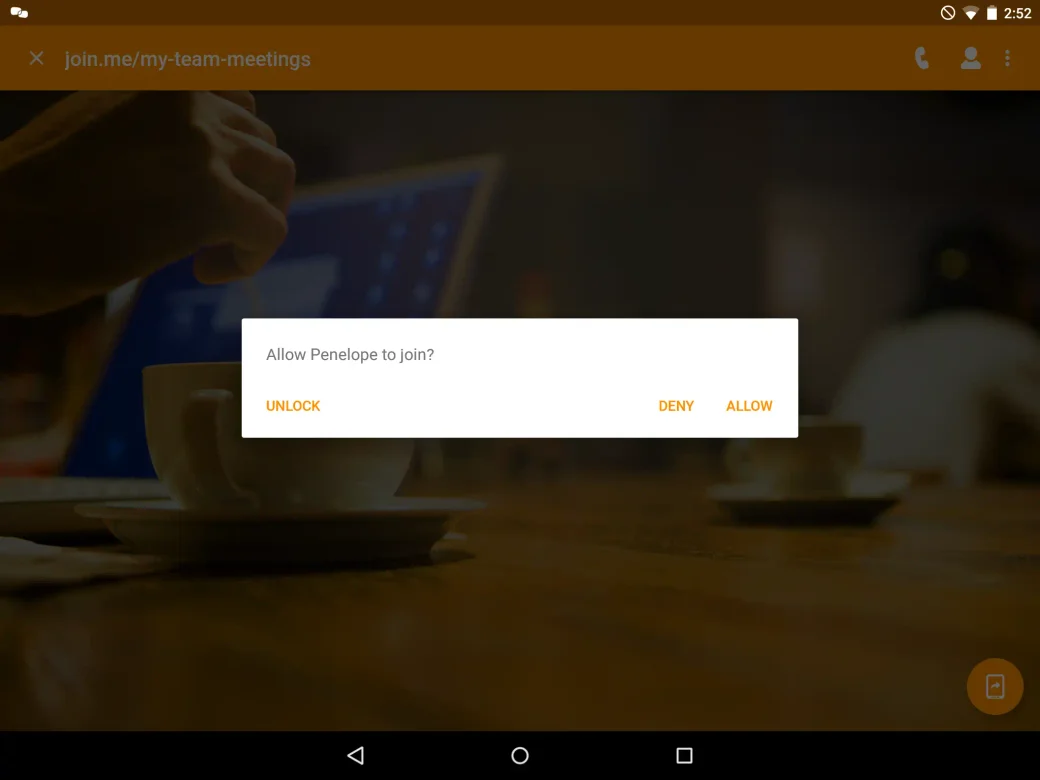
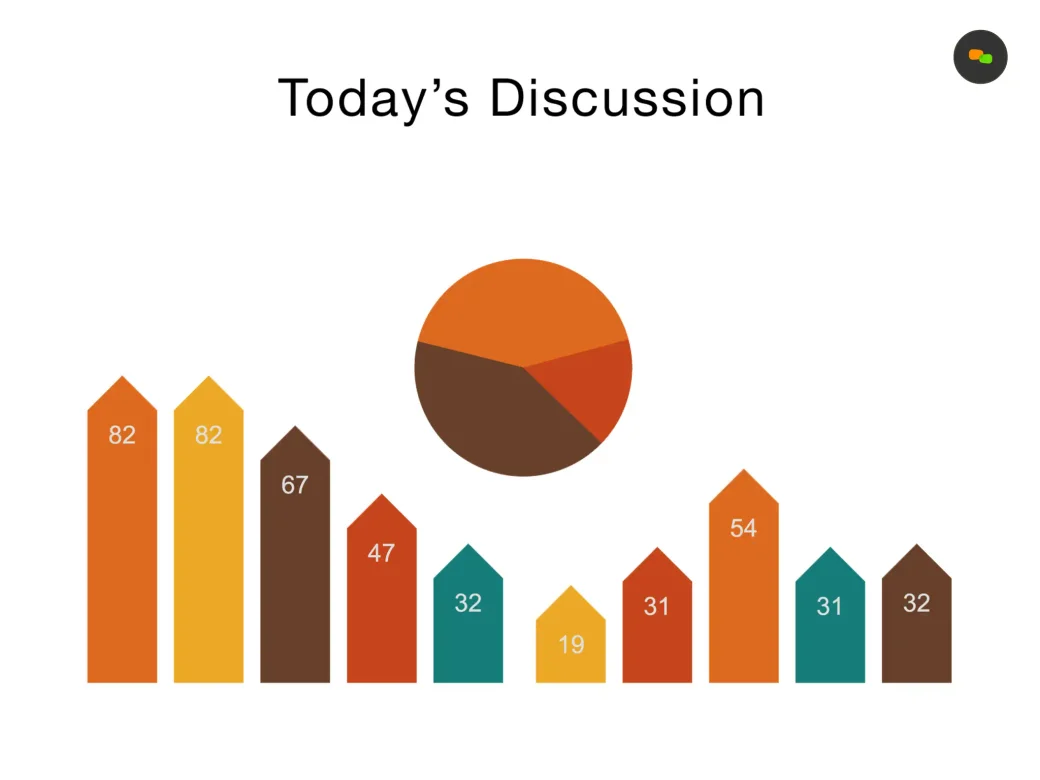
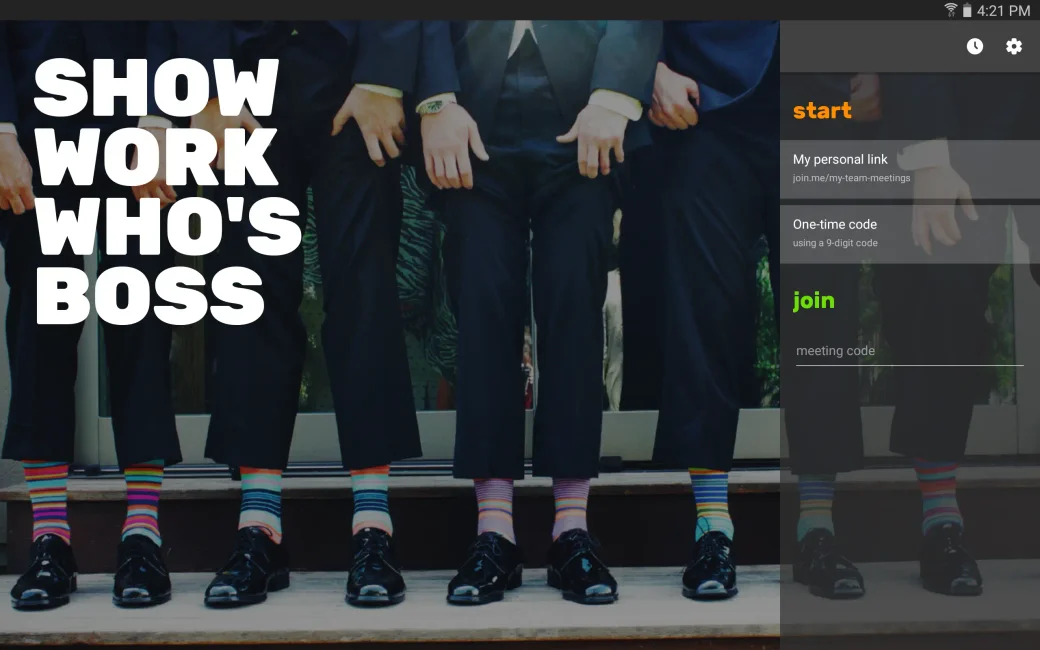



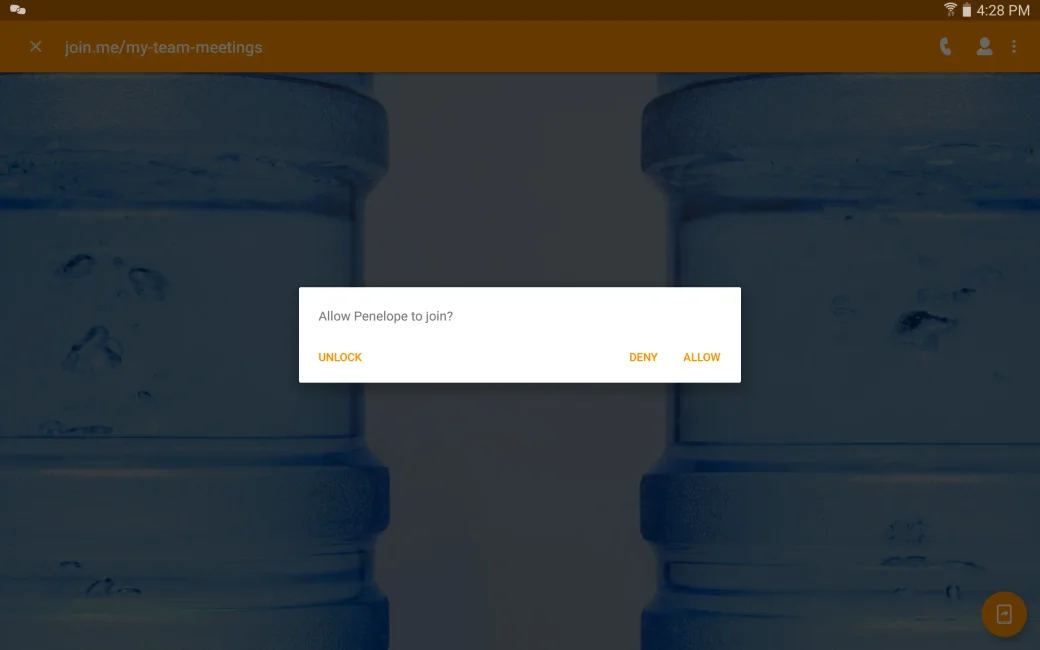
このアプリについて
Googleによる英語 (アメリカ合衆国)からの自動翻訳です。
簡単なオンライン会議とスクリーン共有
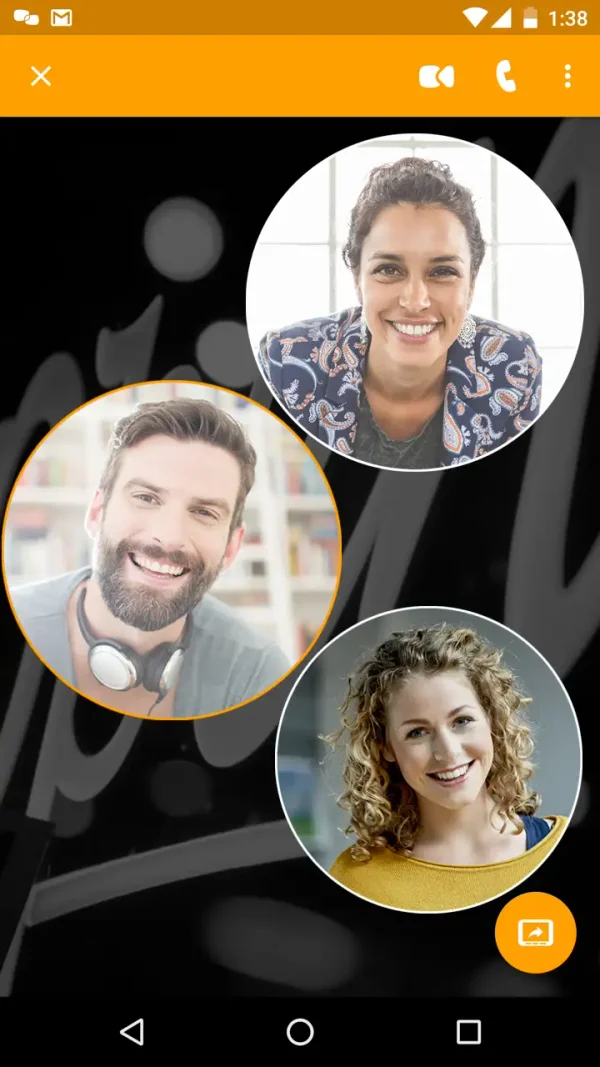
join.meでどこにでもつながっているように! join.meには電話またはインターネット(VoIP)による音声およびビデオ会議が含まれているので、リアルタイムで何でも見たり聞いたりすることができます。音声とビデオを同時に使用しながら、参加者と画面を共有します。ズームインして、すべてのディスカッションの詳細を見ることができます - お使いの携帯電話でも。自宅でも、空港でも、コーヒーショップでも、join.meを使って誰でも会話に参加できます。
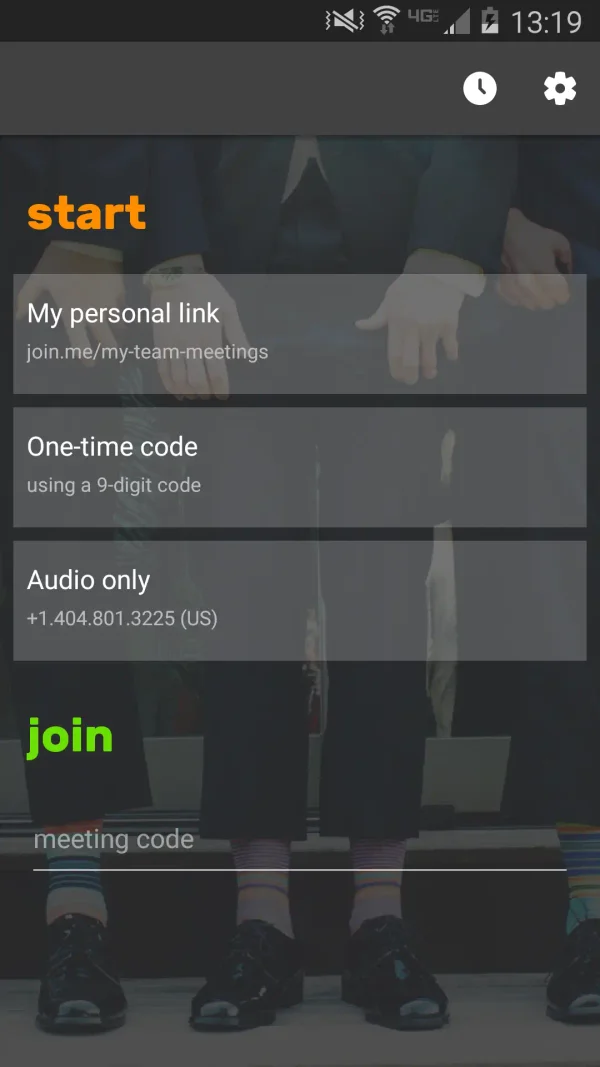
開始
シングルタップで会議を開催します。 join.meを使用すると、音声通話、ビデオ通話をホストしたり、画面*や任意のアプリを共有したりできます。 1回タップするだけで、スケジュールされた会議、自発的な会議、または電話会議を開始できます。
参加する
どこからでも会議、電話会議、またはビデオ会議にすぐに参加できます。会議コードを入力するだけで、何百マイルも離れていても、同じページに表示されます。
コラボレート
スクリーン*を共有する準備が整ったら、会議を開始してスクリーン共有ボタンをタップします。今すぐあなたの出席者はあなたのAndroid携帯電話やタブレットの画面を見ることができます。ドキュメント、シート、スライド、Webサイトなどを開きます。出席者はあなたがフォローしてあなたがしていることすべてを見ることができます。スポットライトを共有したいですか?自分の携帯電話またはタブレットからプレゼンターの役割を別の出席者に渡します。
保存する
無制限の電話会議会議中に発表する場合でも、単にjoin.meオーディオを使用する場合でも、制限や隠れた料金はありません。 join.me PROを使えば、米国および45カ国以上の国で、専用の電話回線と市内電話番号を使って、次のレベルに電話をかけることができます。**
その他の機能に含まれるもの:
•すべての参加者と同時にまたは個別に会議中チャット
•VoIPを使用して出席者と話す
•共有画面のズームインとズームアウト
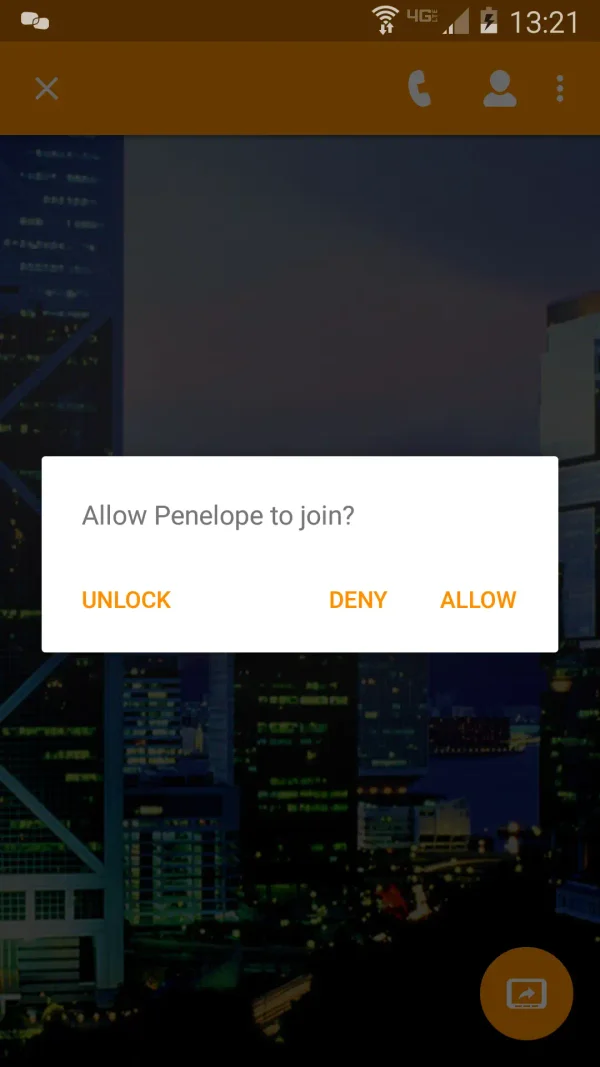
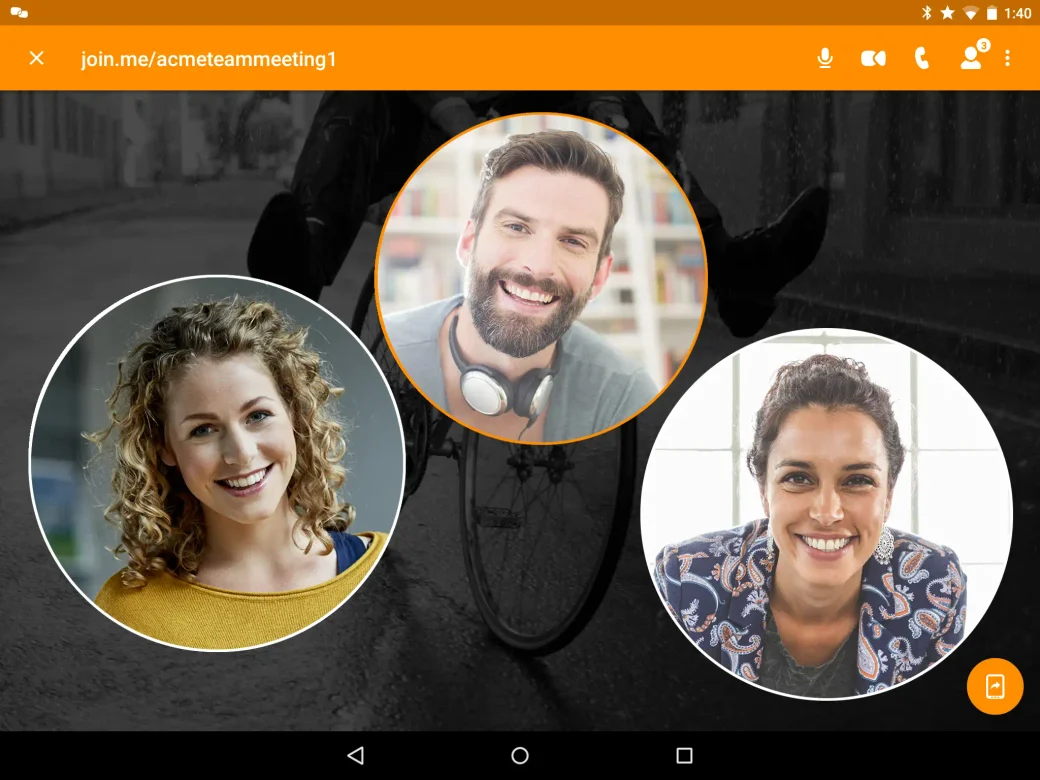
•誰が参加しているかを見る
セキュリティを強化するための会議ロック
•アプリから会議をスケジュールする
PROでさらに詳しく
•あなた自身の個人的なリンクを作る(join.me/あなたの名前)
•最大10人の参加者のためのビデオ会議
•あなたの個人的なブランドの背景画像を設定する
•会議中に発表者を交換する
•join.meデスクトップ版へのフルアクセスも含まれています
*画面共有はAndroid 5.0以降でサポートされています。
**ローミング、データおよびその他の該当する通信事業者または通信事業者の料金/手数料が適用される場合があります。
必要条件:
Android 4.4以上に最適化されています。
原文を表示
Stay connected everywhere with join.me! join.me includes audio and video conferencing by phone or internet (VoIP) so you can see and hear anything in real time… on your time. Share your screen with participants while using audio and video at the same time. You can zoom in and see the details of every discussion - even on your phone. Whether at home, at the airport, in the coffee shop – everyone can join in the conversation with join.me.
START
Host meetings with a single tap! join.me lets you host audio calls, video calls, and share your screen* and any of your apps. Just one tap starts a scheduled meeting, a spontaneous meeting, or a conference call.
JOIN
Join a meeting, call, or video conference instantly from anywhere. Just type in the meeting code and you’re on the same page, even if you’re hundreds of miles away.
COLLABORATE
When you’re ready to share your screen*, start your meeting and tap the screenshare button! Now your attendees can see the screen of your Android phone or tablet. Open Docs, Sheets, Slides, websites, or whatever! Attendees can follow and see everything you do. Want to share the spotlight? Pass the presenter role off to another attendee from your phone or tablet.
SAVE
Unlimited conference calling. Whether presenting during a meeting or just using join.me audio, there are never any limits or hidden charges. With join.me PRO, take your calls to the next level with a dedicated conference line and local dial in numbers in the US and more than 45 countries.**
OTHER FEATURES INCLUDE:
• In-meeting chat with all participants at once or individually
• Talk to attendees using VoIP
• Zoom in and out of the shared screen
• See who’s attending
• Meeting lock for extra security
• Schedule meetings right from the app
EVEN MORE WITH PRO
• Create your own personal link (join.me/yourname)
• Video conferencing for up to 10 participants
• Set your personal, branded background image
• Swap presenters during meetings
• Includes full access to join.me desktop version too
* Screen sharing is supported on Android 5.0 and higher.
** Roaming, data and other applicable operator or carrier charges/fees may apply.
REQUIREMENTS:
Optimized for Android 4.4 and higher.
データ セーフティ
このアプリが収集・共有するデータについて、GoTo Group, Inc.がGoogle Playで申告している内容です。
- このアプリはサードパーティと以下の種類のデータを共有することがありますユーザー ID
- このアプリは以下の種類のデータを収集することがあります位置情報、個人情報、他 5 件
- データは送信中に暗号化されます
- データを削除するようリクエストできます
新機能
バージョン 5.6.0.1828 · 2023/10/18
• Bug fixes and improvements
開発元の連絡先
- ウェブサイトjoin.me
- メールjoinme-android-feedback@logmein.com
- プライバシーポリシーjoin.me
- 住所333 Summer St Fl 5 Boston, MA 02210 United States
情報
- 提供元
- GoTo Group, Inc.
- カテゴリ
- ビジネス
- バージョン
- 5.6.0.1828
- 更新日
- 2023/10/18
- リリース
- 2011/2/22
- 必要条件
- Android 5.0以降
- 対象年齢
- 3 歳以上
- 価格
- 無料
- パッケージ名
- com.logmein.joinme