JPEG Image Compressor & Resize
DictionaryAndTranslator広告を含む · アプリ内課金
- 3 歳以上対象年齢
- 写真カテゴリ
- 2026/11/26更新日
- 無料価格
com.jpeg.image.compressorのGoogle Play公式ページにリンクしています。最終確認:2026/11/26。

スクリーンショット
このアプリについて
Googleによる英語 (アメリカ合衆国)からの自動翻訳です。
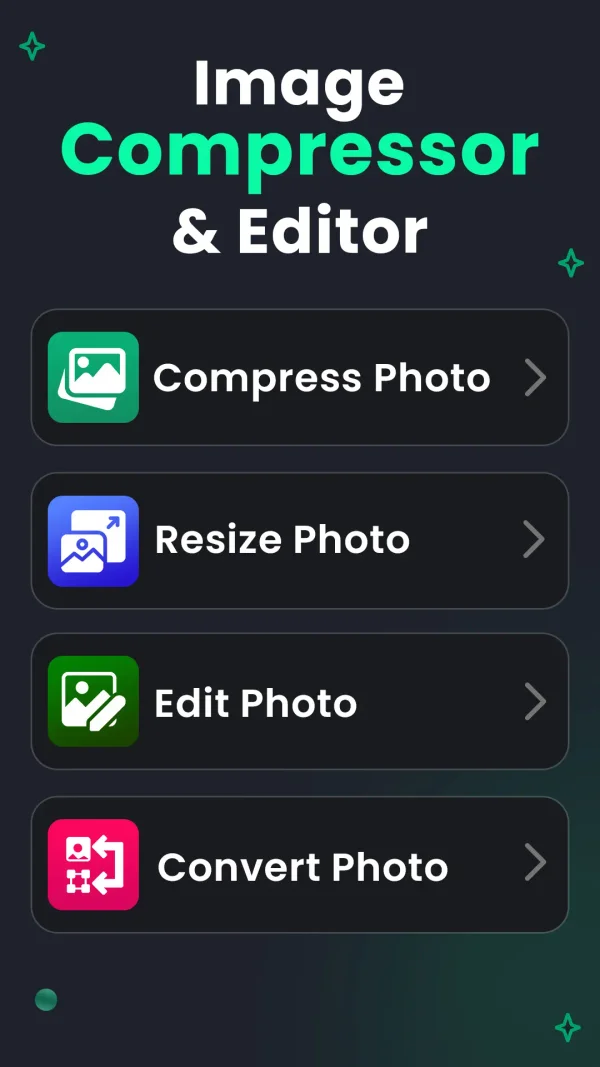
JPEG Image Compressor & Resizer を使用して、写真を圧縮、サイズ変更、トリミング、変換します。
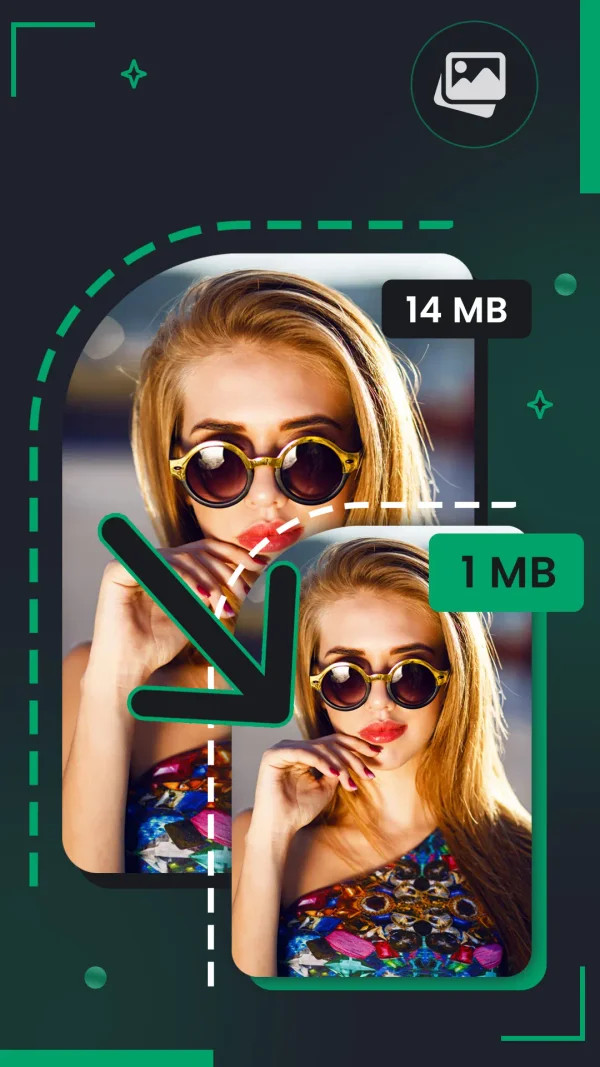
JPEG 画像圧縮:写真リサイズ – 写真のサイズを瞬時に変更・圧縮!
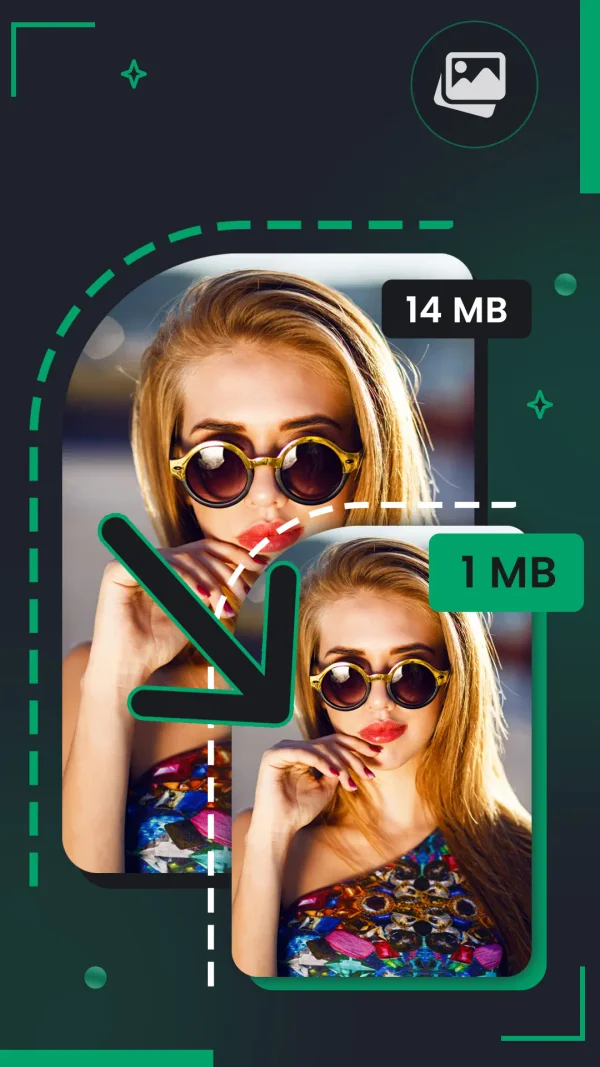
JPEG 画像圧縮:写真リサイズを使えば、写真のサイズを簡単に、あっという間に縮小できます!容量節約、画像の高速送信、写真の解像度変更など、このツールなら数秒で作業が完了します。この高度な画像リサイズ:解像度変更ツールを使えば、画質を損なうことなく写真のサイズを縮小できます。写真家、プロフェッショナル、そして大量の画像を扱うすべての方に最適なツールです。もうオンラインコンバーターで待つ必要はありません!JPEG 画像圧縮:写真リサイズを使えば、強力なオフライン機能で、わずか数秒で簡単にサイズ変更、トリミング、編集できます。
📄JPEG 画像圧縮アプリの機能:📄
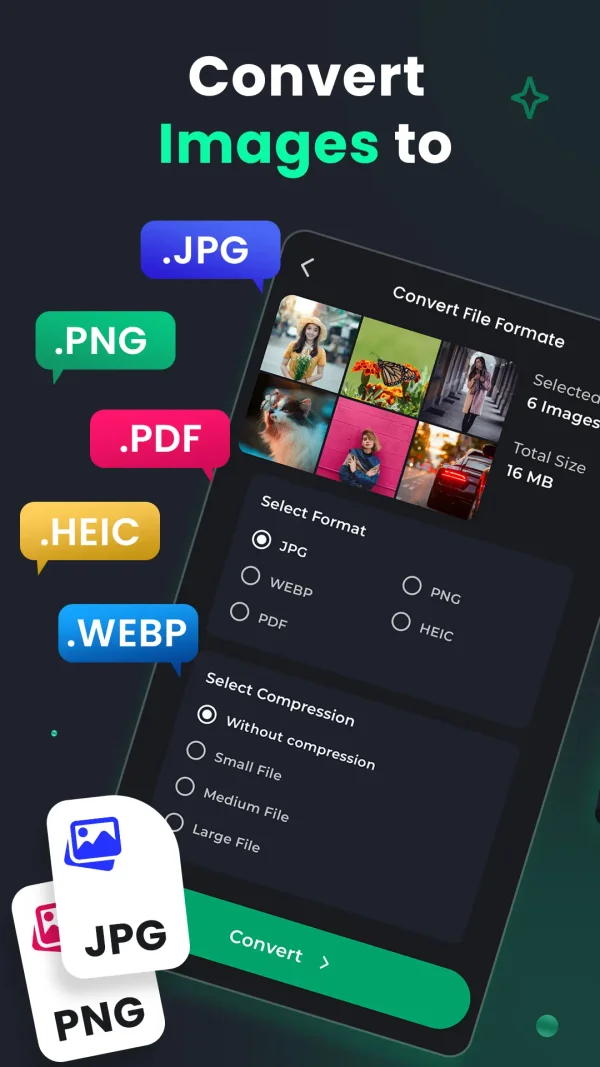
📸 高速 JPEG 画像コンバータ:あらゆる形式(JPG、PNG、HEIC、WEBP、PDF)に対応した写真圧縮ツール。
📸 画像サイズ縮小:複数の圧縮レベルに対応した写真サイズエディター。
📸 カスタム画像リサイズ:画質オプションを調整できる解像度チェンジャー
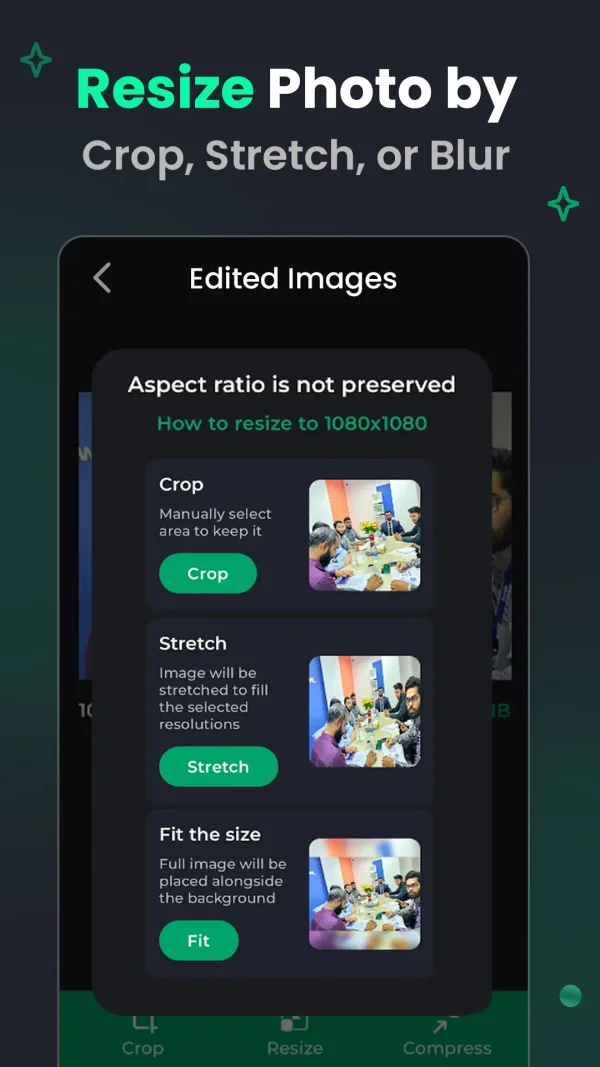
📸 高度なツールで写真のサイズ変更とトリミング
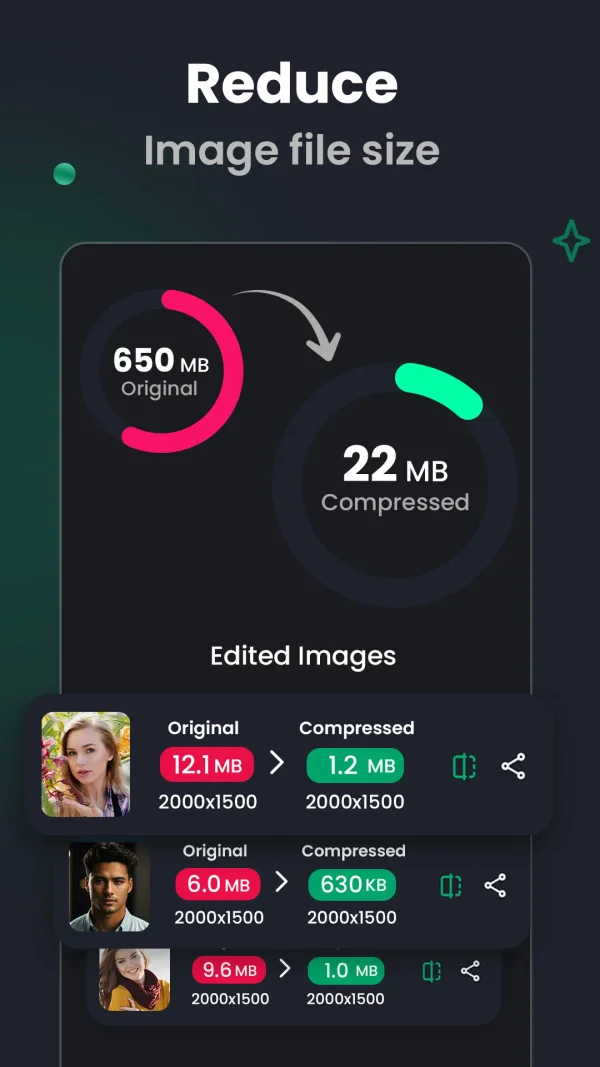
📸 圧縮前後の結果を比較
📸 写真のサイズ変更:ワンタップでJPGサイズをKB単位で縮小
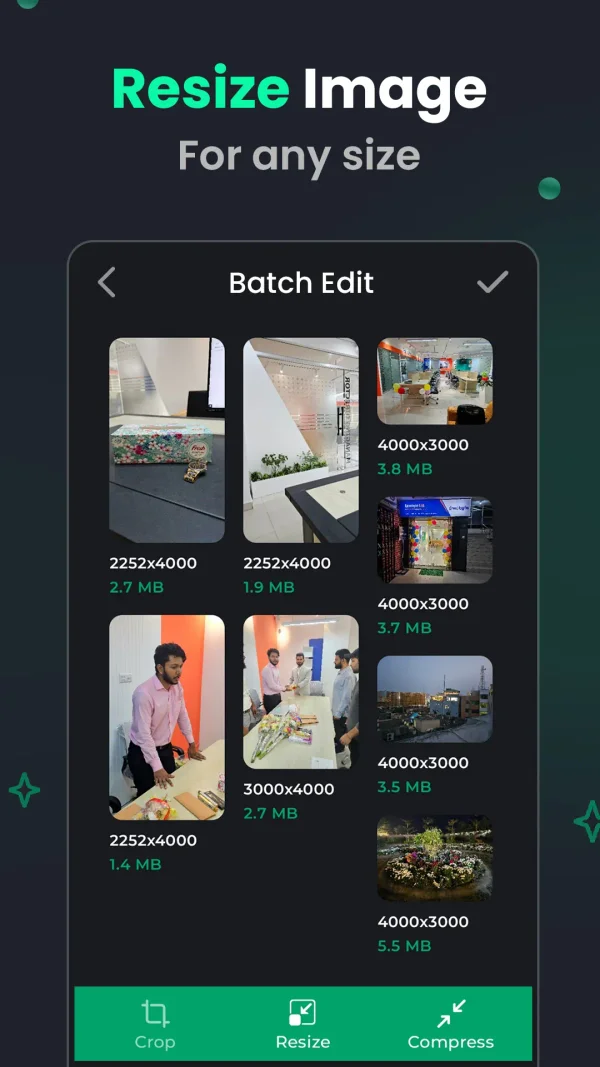
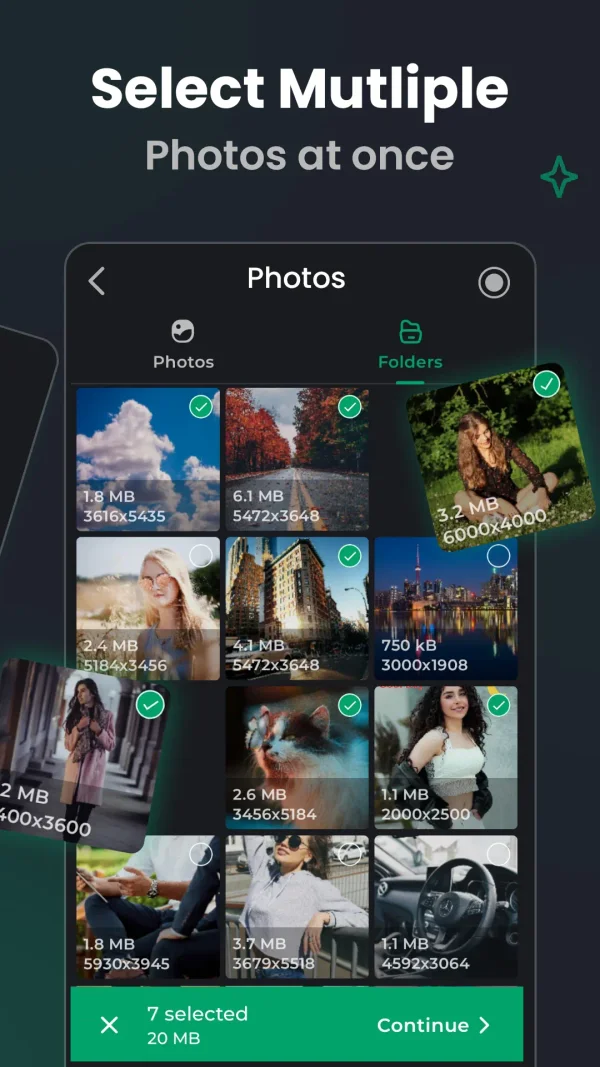
📸 複数の写真を一括でサイズ変更
📸 内蔵エディターでトリミング、回転、調整
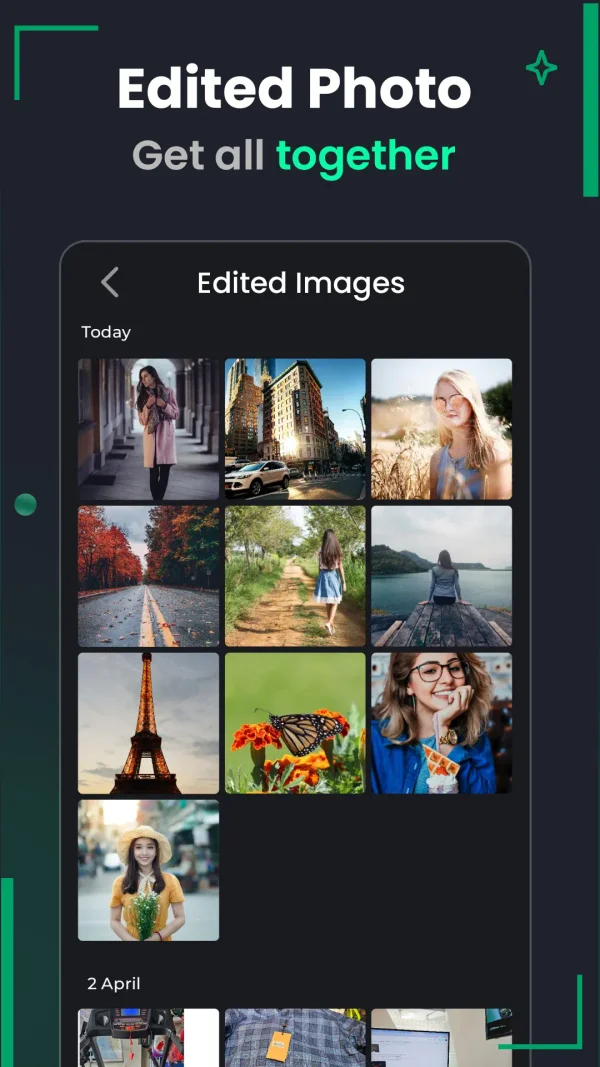
📸 サイズ変更および圧縮された画像のファイル管理
JPEG画像コンバータ:写真圧縮で圧縮が簡単!
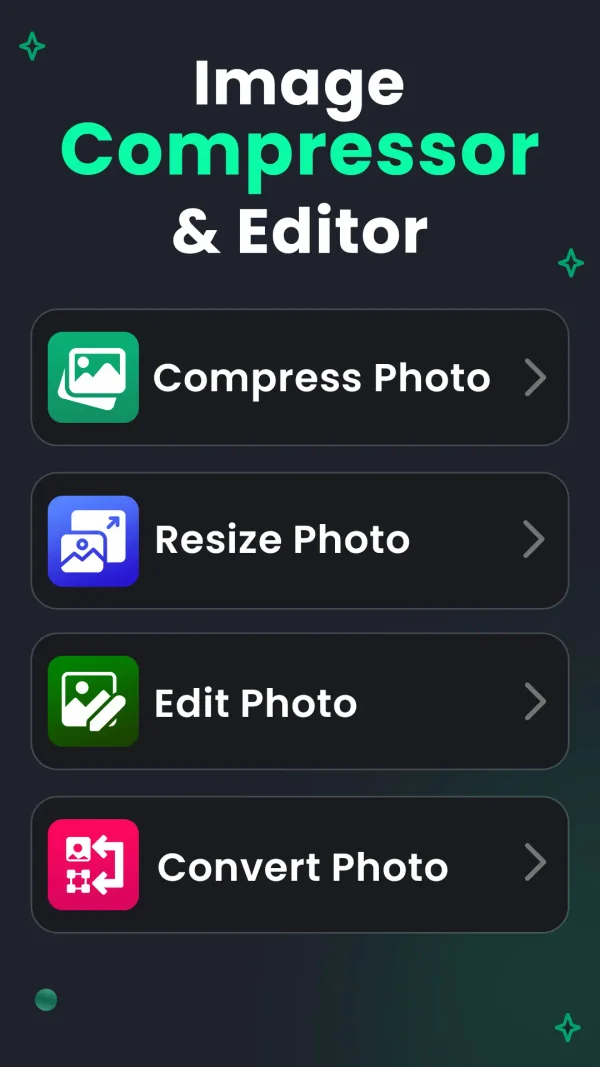
JPEG画像コンバータ:写真圧縮を使えば、複数の画像を一度に圧縮できます。このアプリには、低、中、高、カスタムの4つのスマートな圧縮設定があり、写真の画質と最終的なサイズに合わせて圧縮レベルをコントロールできます。各調整はリアルタイムで行われ、圧縮前後の画像を並べて簡単に比較できます。あらゆる画像に対応するスマート編集ツール:⚡
Photo Converter: JPEG Compressorアプリには、サイズ変更、切り抜き、回転、明るさ調整など、基本的な編集ツールがすべて搭載されています。圧縮機能だけでなく、精密な編集を可能にするImage Size Shrinker: Photo Size Editorも搭載されています。Image Resizer: Resolution Changerで画像のサイズや構図を変更し、最適化することで、アップロードや共有前に素早く事前準備を整えることができます。
プロ仕様の高度なImage Resizer: Resolution Changer:🖼️
Image Size Shrinker: Photo Size Editorを使えば、サイズ、画質、ファイルサイズを自由に変更できます。そのため、JPEG Image Compressor: Photo Resizerは、ファイルサイズを削減しながら、完璧で鮮明な画像を提供します。
画像のサイズ変更と写真の切り抜きをシームレスに:✂️
画像のサイズ変更と写真の切り抜きツールを使えば、様々なプロジェクトに合わせて画像をカスタマイズできます。商品画像、ポートレート、壁紙などのサイズ調整に最適です。すべての画像に、必要な精度と均一性を提供します。
高品質な変換オプション:🔄
このアプリは、プロ仕様の写真コンバーター:JPEG 圧縮アプリとしても機能し、JPEG、PNG、HEIC、WEBP を変換できます。JPEG 画像コンバーター:写真圧縮アプリを使えば、ボタン一つで簡単に容量を節約し、解像度を維持し、メディアライブラリを整理できます。
写真のサイズ変更:JPG サイズ縮小ツール(KB 形式)で最高の結果を実現!
すべての画像を 1 か所で分割、サイズ変更、編集できるようになりました。このツール「写真のサイズ変更:JPG サイズ縮小ツール(KB 形式)」は、高速で使いやすく、すべての画像を好みに合わせてカスタマイズできるように設計されています。JPEG 画像圧縮アプリ:写真リサイズツールは、作業効率を最大限に高めるために作られました。このオールインワンの写真コンバーター:JPEG 圧縮アプリは、画質を維持しながら、画像を希望のサイズに保存できるように設計されています。心ゆくまで画像のサイズを変更し、写真をトリミングして、毎回素晴らしい結果を期待しましょう!
原文を表示
JPEG Image Compressor: Photo Resizer – Instantly Resize and Compress Photos!
JPEG Image Compressor: Photo Resizer allows you to decrease the size of your photos easily and in no time! Whether it's to save space, send images rapidly, or change the resolution of the photos, this tool gets the job done within a couple of seconds. You can use this advanced Image Resizer: Resolution Changer to decrease your photos’ size without losing their quality. This tool is perfect for photographers, professionals and anyone else handling large collections of images.No more waiting with online converters! JPEG Image Compressor: Photo Resizer allows you to resize, crop, and edit easily in seconds with powerful offline functionality.
📄Features Of The JPEG Image Compressor App:📄
📸 Fast JPEG Image Converter: Photo Compressor for all formats (JPG, PNG, HEIC, WEBP, PDF);
📸 Image size shrinker: Photo size editor with multiple compression levels;
📸 Custom Image Resizer: Resolution Changer with adjustable quality options;
📸 Resize and crop photos with advanced tools;
📸 Compare results before and after compression;
📸 Resize photos: JPG size reducer in KB with one tap;
📸 Resize multiple photos in a batch;
📸 Cropping, rotating and adjusting built-in editor;
📸 File management for resized and compressed images.
Compression Made Easy with JPEG Image Converter: Photo Compressor!
With JPEG Image Converter: Photo Compressor, you can compress multiple images at once. The app has four smart compression settings---low, medium, high, or custom---which provide compression control over photo quality and final size. Each adjustment is in real time, with an easy and helpful, side-by-side, before and after comparison.Smart Editing Tools for Every Image:⚡
The Photo Converter: JPEG Compressor App has all the basic editing tools: resize, crop, rotate, and brightness. It is not only a compressor, it is an Image Size Shrinker: Photo Size Editor, designed to help you with precision. Change picture dimensions, composition, and then optimize in Image Resizer: Resolution Changer for quick pre-posting or sharing before you upload or share anywhere.
Advanced Image Resizer: Resolution Changer for Professionals:🖼️
With Image Size Shrinker: Photo Size Editor you can completely change dimensions, set quality, and file size your own way. Consequently, every JPEG Image Compressor: Photo Resizer will provide you with perfect and clear images with file size reduction.
Resize Images And Crop Photos Seamlessly:✂️
The Resize Images And Crop Photos tool allows you to customize each and every image for your different projects. Perfect for adjusting the sizes of product images, portraits, or wallpapers. It gives you the desired accuracy and uniformity for all images.
High-Quality Conversion Options:🔄
The app can also function as a professional Photo Converter: JPEG Compressor App and convert JPEG, PNG, HEIC, and WEBP. JPEG Image Converter: Photo Compressor makes it easy to save space, keep the same resolution, and organize your media library all with the touch of a button.
Get the Best Results with Resize Photos: JPG Size Reducer In KB!
You can now break, resize and edit all your images in one place. This tool, Resize Photos: JPG Size Reducer In KB, was designed to be fast and easy to use, and customize every image to your liking. JPEG Image Compressor: Photo Resizer was made to maximize your work efficiency.This all-in-one Photo Converter: JPEG Compressor App is designed to help you store images to your desired sizes while keeping the image quality. Resize Images And Crop Photos to your heart's content and expect exceptional results every time!
データ セーフティ
このアプリが収集・共有するデータについて、DictionaryAndTranslatorがGoogle Playで申告している内容です。
- このアプリはサードパーティと以下の種類のデータを共有することがありますファイル、ドキュメント
- データは収集されません詳しくは、デベロッパーが収集を申告する方法についての説明をご覧ください
- データは送信中に暗号化されます
- データを削除できません
開発元の連絡先
- ウェブサイトdictionarytranslator.app
- メールsupport.imagecompressor@dictionarytranslator.app
- プライバシーポリシーdictionarytranslator.app
- 住所16 Kampinsky RISHON LEZION, 7546350 Israel
情報
- 提供元
- DictionaryAndTranslator
- カテゴリ
- 写真
- バージョン
- 4.0.0
- 更新日
- 2026/11/26
- リリース
- 2024/4/17
- 必要条件
- Android 8.0以降
- 対象年齢
- 3 歳以上
- 価格
- 無料
- アプリ内課金
- ¥110~¥10,900/アイテム
- パッケージ名
- com.jpeg.image.compressor
類似のアプリ
-
 コラージュ - 写真加工アプリ & 画像編集
写真
-
 写真 PDF 変換 - 画像 PDF 変換、PDF 編集
仕事効率化
-
 InFrame-フォトエディター&フレーム&フィルター
写真
-
 写真からPDFへ:画像変換
仕事効率化
-
 Deleted Photo & Video Recovery
ツール
-
 ギャラリー - フォトビューア フォトギャラリ アルバム
写真
-
 Background Eraser Photo Editor
写真
-
 PDFエディタ―自由に編集しましょう!
ツール
-
 消しゴムマジック - 写真消しゴム - 人消しアプリ
写真
-
 Photo Studio: 写真加工アプリ
写真
-
 プリセット LR - 写真フィルター
写真
-
 フォトスキャン by Google フォト
写真