JStudio - IDE for Java, Kotlin
Abdirahman Mohammedアプリ内課金
- 3 歳以上対象年齢
- ツールカテゴリ
- 2026/8/13更新日
- 無料価格
com.qamar.ide.javaのGoogle Play公式ページにリンクしています。最終確認:2026/11/14。

スクリーンショット
このアプリについて
Googleによる英語 (アメリカ合衆国)からの自動翻訳です。
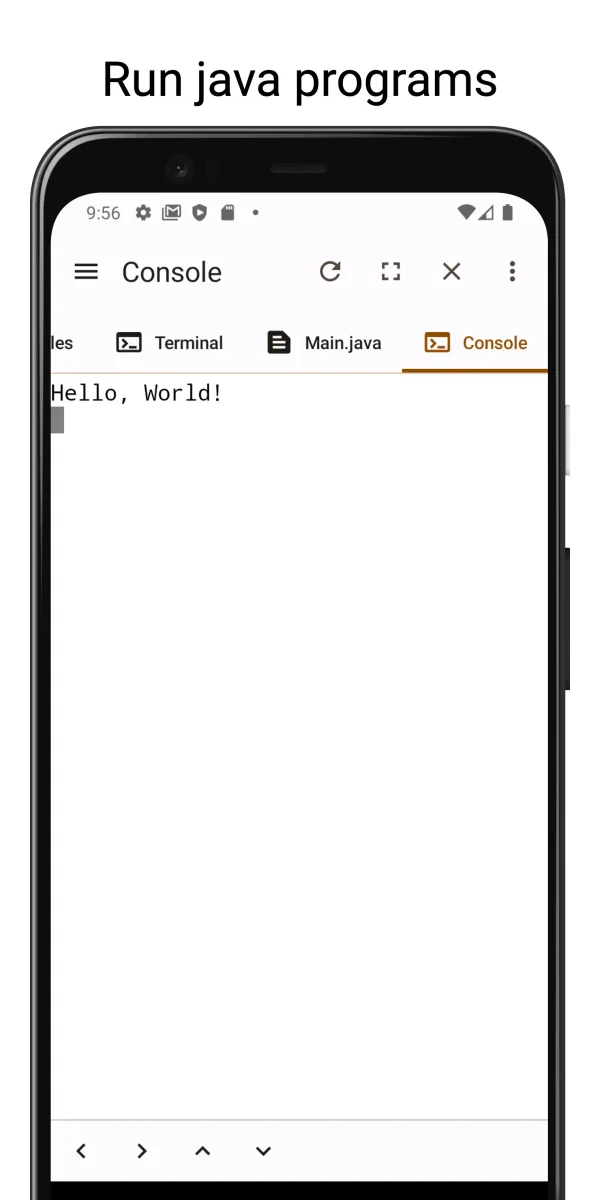
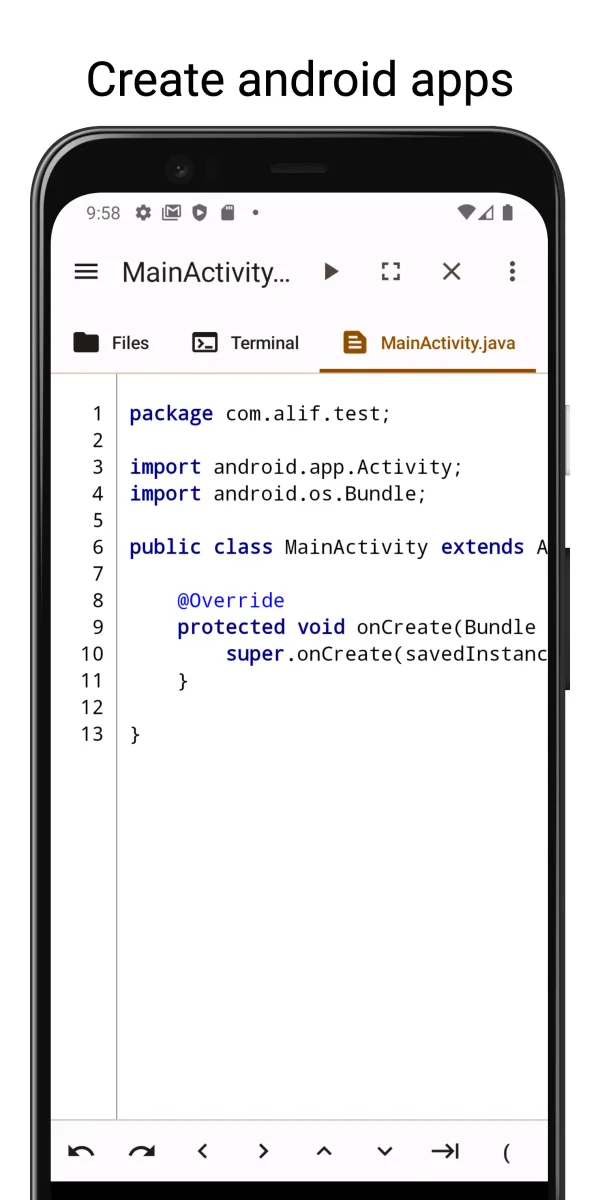
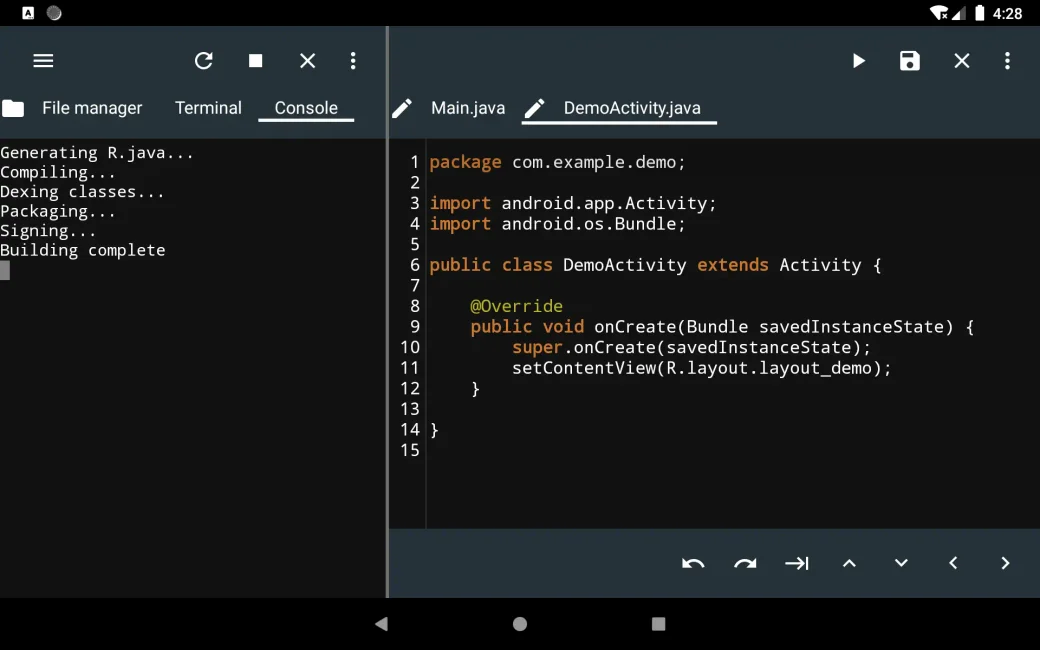
Android アプリと Java コンソール プログラムを開発するための Java および Kotlin IDE。
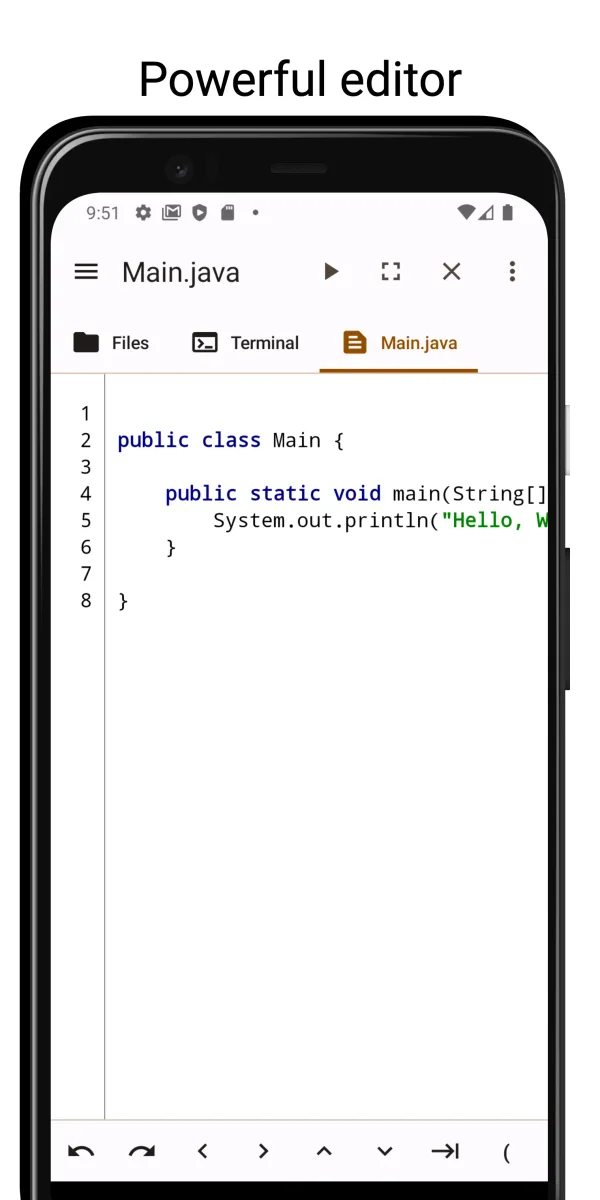
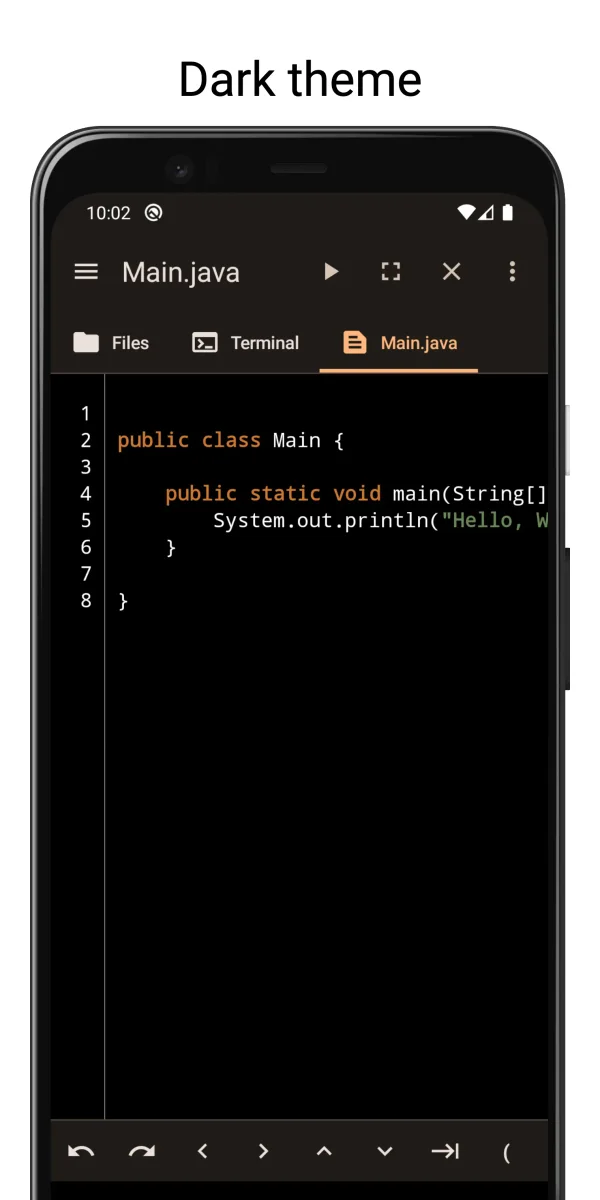
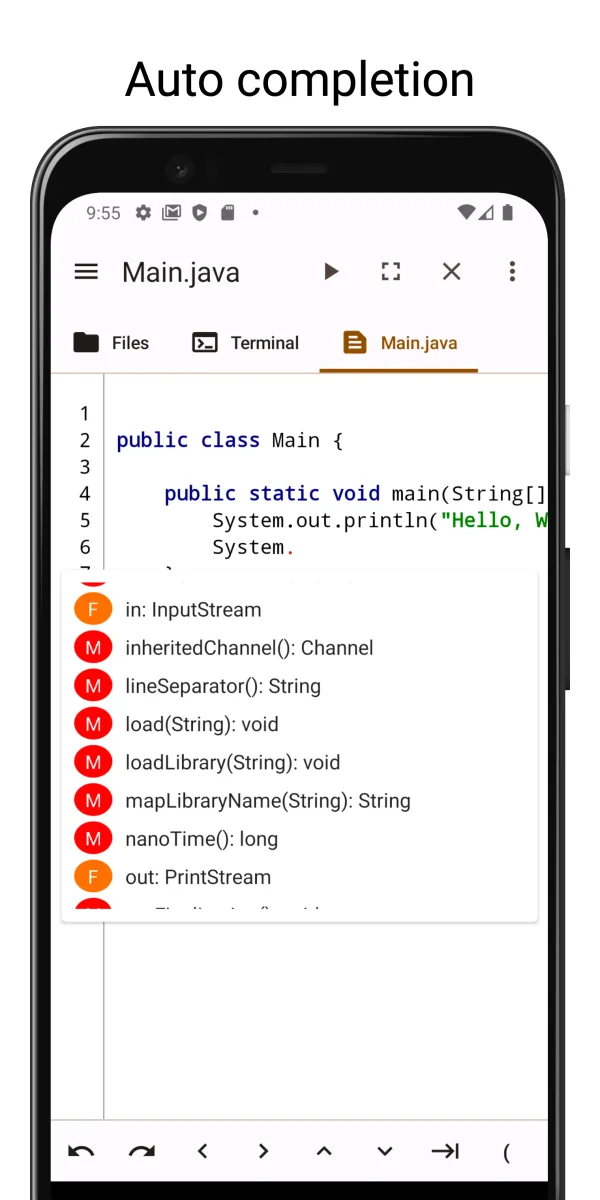
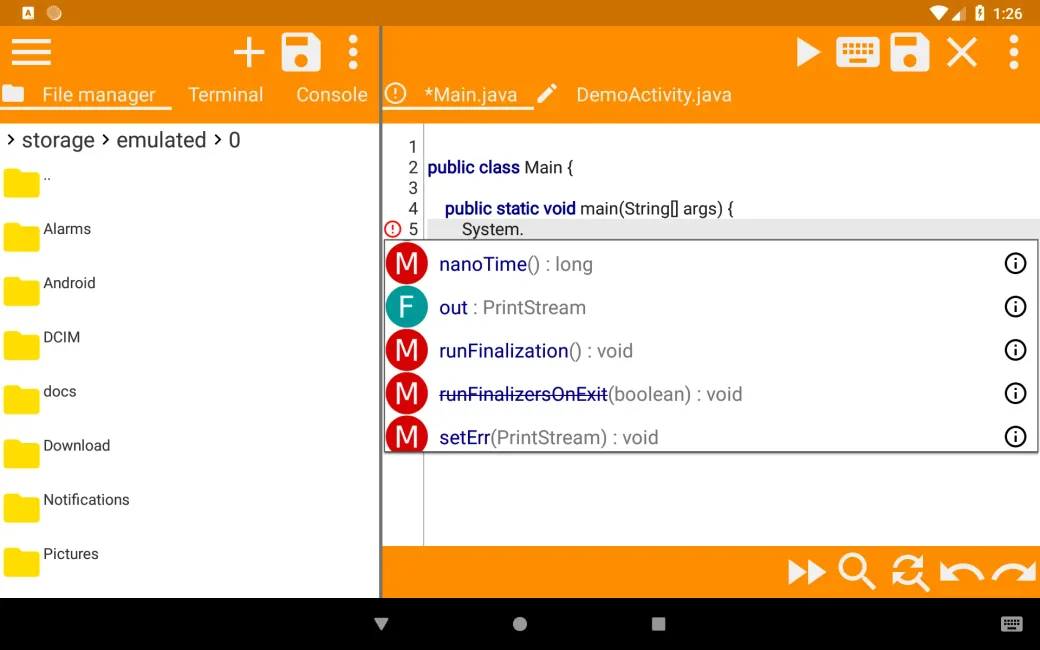
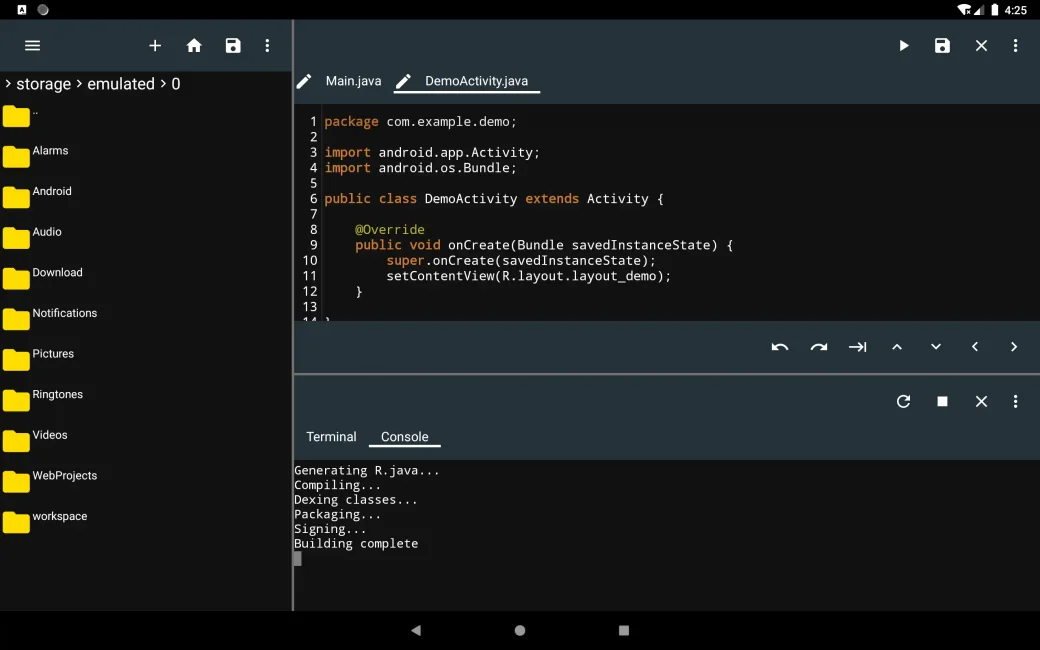
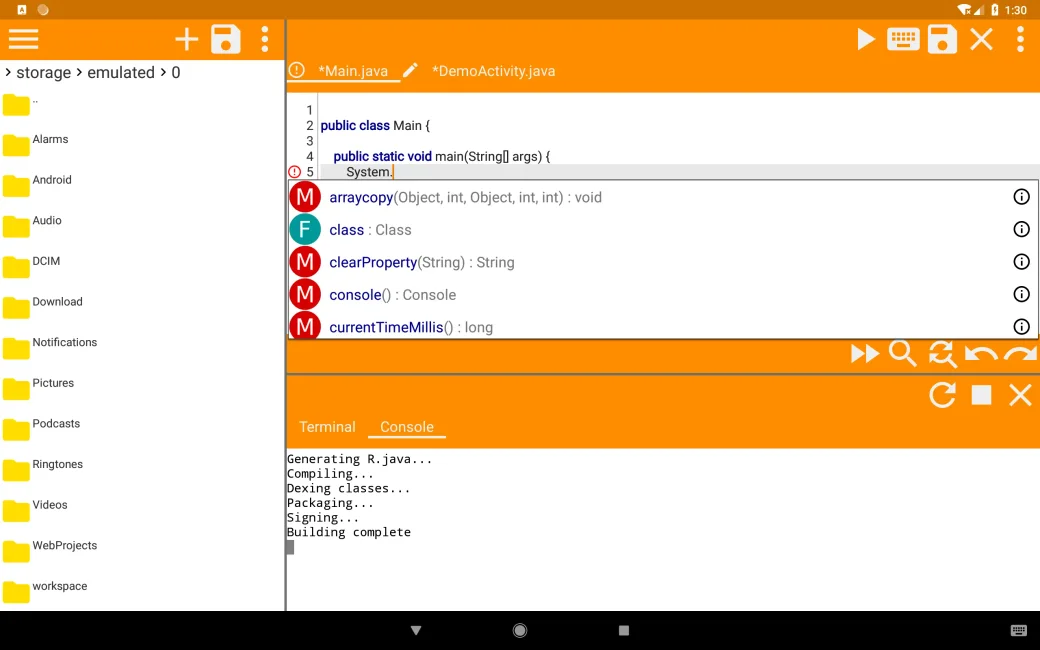
JStudio は、Android アプリや Java/Kotlin コンソールプログラムを開発するための統合開発環境 (IDE) です。自動補完やリアルタイムエラーチェックなどの機能を備えています。
Gradle、Ant、Maven などの最新の Java ビルドツールをサポートしています。
エディター
- Java のコード補完。
- リアルタイムエラーチェック。
- 保存せずにアプリを終了した場合の自動バックアップ。
- 元に戻す/やり直し。
- タブや矢印など、仮想キーボードに通常表示されない文字のサポート。
ターミナル
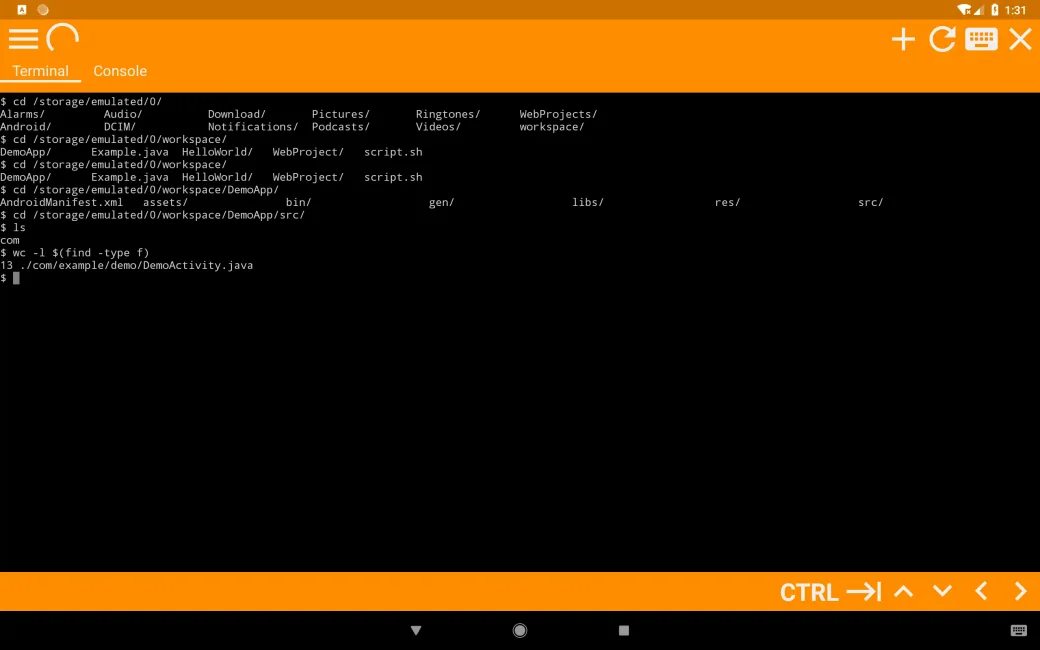
- Android に付属のシェルとコマンドにアクセスできます。
- grep や find などの基本的な Unix コマンドがプリインストールされています (古いバージョンの Android には存在しませんが、新しいデバイスにはすでに搭載されています)。
- 仮想キーボードにタブや矢印がない場合でも、これらのキーとキーをサポートします。
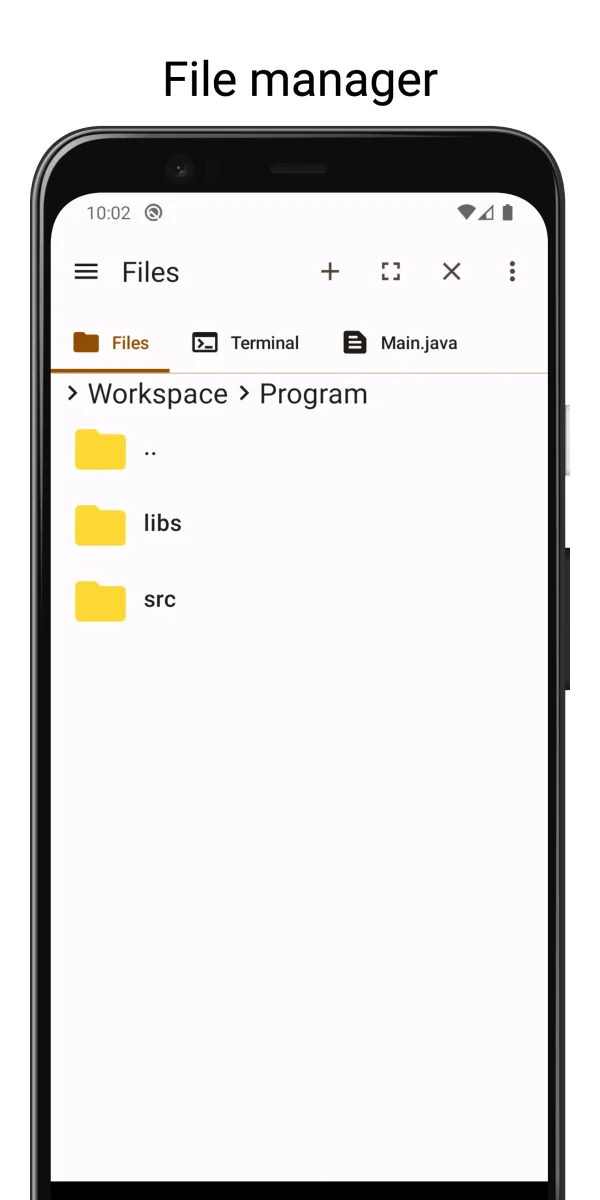
ファイルマネージャー
- アプリを終了せずにファイルにアクセスできます。
- コピー、貼り付け、削除。
Gradle、Ant、Maven などの最新の Java ビルドツールをサポートしています。
機能
エディター
- Java のコード補完。
- リアルタイムエラーチェック。
- 保存せずにアプリを終了した場合の自動バックアップ。
- 元に戻す/やり直し。
- タブや矢印など、仮想キーボードに通常表示されない文字のサポート。
ターミナル
- Android に付属のシェルとコマンドにアクセスできます。
- grep や find などの基本的な Unix コマンドがプリインストールされています (古いバージョンの Android には存在しませんが、新しいデバイスにはすでに搭載されています)。
- 仮想キーボードにタブや矢印がない場合でも、これらのキーとキーをサポートします。
ファイルマネージャー
- アプリを終了せずにファイルにアクセスできます。
- コピー、貼り付け、削除。
原文を表示
JStudio is an integrated development environment(IDE) for developing Android apps or Java/Kotlin console programs on your device with support for auto completion and real time error checking among others.
It supports modern Java build tools like Gradle, Ant and Maven.
Editor
- Code completion for java.
- Real Time error checking.
- Auto backup if you leave the app without saving.
- Undo and Redo.
- Support for characters not normally present in the virtual keyboard like tabs and arrows.
Terminal
- Access the shell and commands that ship with android.
- Preinstalled with basic unix command like grep and find(Missing in older android versions but newer devices already ship with them)
- Support for tab and arrows even if the virtual keyboard lacks them.
File Manager
- Access your files without leaving the app.
- Copy, Paste and Delete.
It supports modern Java build tools like Gradle, Ant and Maven.
Features
Editor
- Code completion for java.
- Real Time error checking.
- Auto backup if you leave the app without saving.
- Undo and Redo.
- Support for characters not normally present in the virtual keyboard like tabs and arrows.
Terminal
- Access the shell and commands that ship with android.
- Preinstalled with basic unix command like grep and find(Missing in older android versions but newer devices already ship with them)
- Support for tab and arrows even if the virtual keyboard lacks them.
File Manager
- Access your files without leaving the app.
- Copy, Paste and Delete.
データ セーフティ
このアプリが収集・共有するデータについて、Abdirahman MohammedがGoogle Playで申告している内容です。
- 第三者と共有されるデータはありません詳しくは、デベロッパーが共有を申告する方法についての説明をご覧ください
- データは収集されません詳しくは、デベロッパーが収集を申告する方法についての説明をご覧ください
新機能
バージョン 7.2.1 · 2026/8/13
Bug fixes and performance improvements
開発元の連絡先
- メールaliftech6@gmail.com
- プライバシーポリシーsites.google.com
- 住所Schweigaards gate 54C 0656 Oslo Norway
情報
- 提供元
- ALIF Technology
- カテゴリ
- ツール
- バージョン
- 7.2.1
- 更新日
- 2026/8/13
- リリース
- 2018/6/10
- 必要条件
- Android 7.0以降
- 対象年齢
- 3 歳以上
- 価格
- 無料
- アプリ内課金
- ¥400~¥4,160/アイテム
- パッケージ名
- com.qamar.ide.java