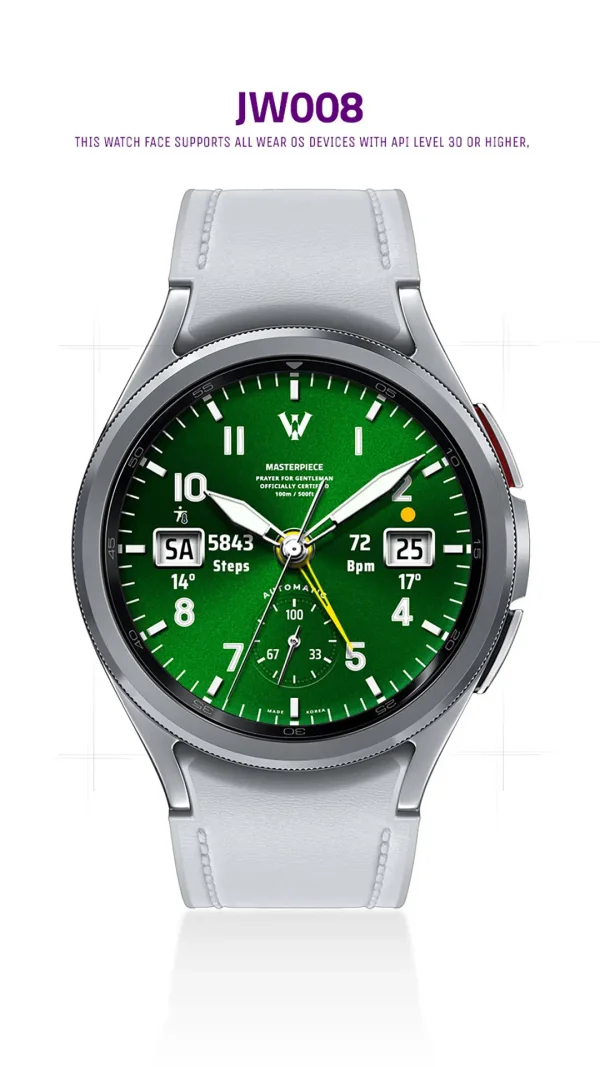
JW008 jwstudio
JWstudio- 3 歳以上対象年齢
- カスタマイズカテゴリ
- 2026/5/15更新日
- ¥230価格
com.watchfacestudio.jwstudio_a_008のGoogle Play公式ページにリンクしています。最終確認:2026/11/24。
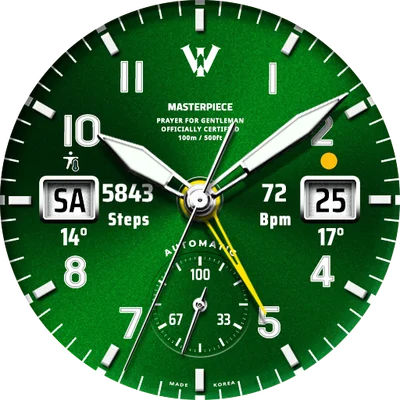
スクリーンショット

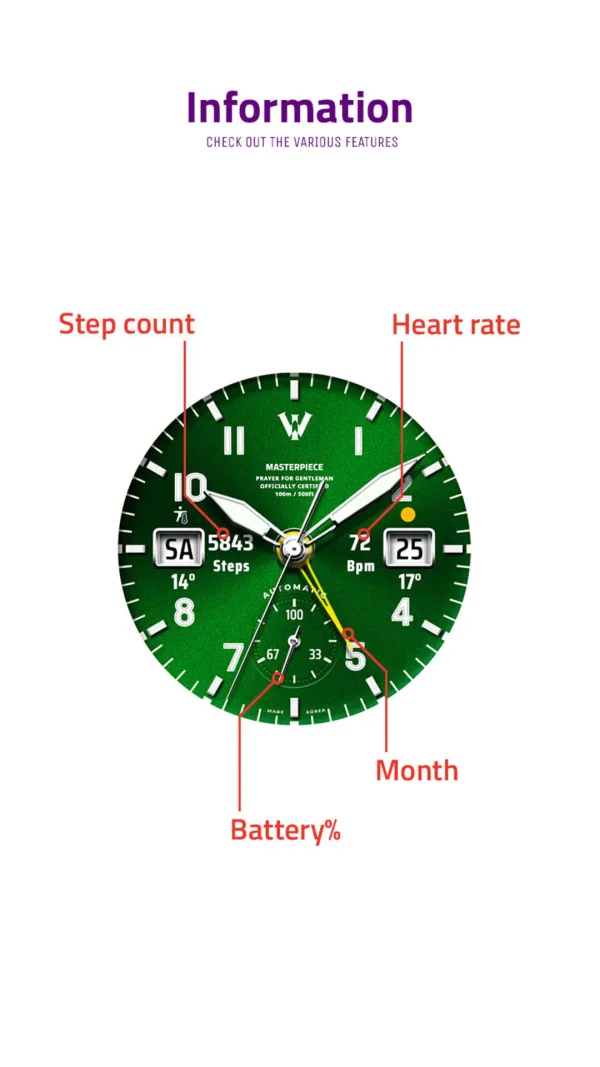


このアプリについて
Googleによる英語 (アメリカ合衆国)からの自動翻訳です。
このウォッチフェイスはWear OSデバイスに対応しています
このウォッチフェイスは、Samsung Galaxy Watch 4、5、6、7、8、Pixel Watchなど、APIレベル34以上のWear OS 5搭載デバイスすべてに対応しています。
++++++++++++++++++++++++++++++++++++++++++++++++
[インストール方法]
支払いボタンを押す前に、お使いのウォッチが選択されていることを確認してください。
支払いボタンの横にある小さな三角形をタップして、お使いのウォッチを選択してください。
Playストアアプリの右上にあるメニュー(3つの点)> 共有 > Chromeブラウザ > 他のデバイスにインストール > 時計を選択して、インストールを進めてください。
インストール後、ダウンロードリストから選択し、お気に入りに登録して使用してください。ダウンロードリストは、ウォッチ画面をタップすると表示されるお気に入りリストの右端にある「ウォッチ画面を追加」をタップすることで確認できます。
+++++++++++++++++++++++++++++++++++++++++++++++++
[機能]
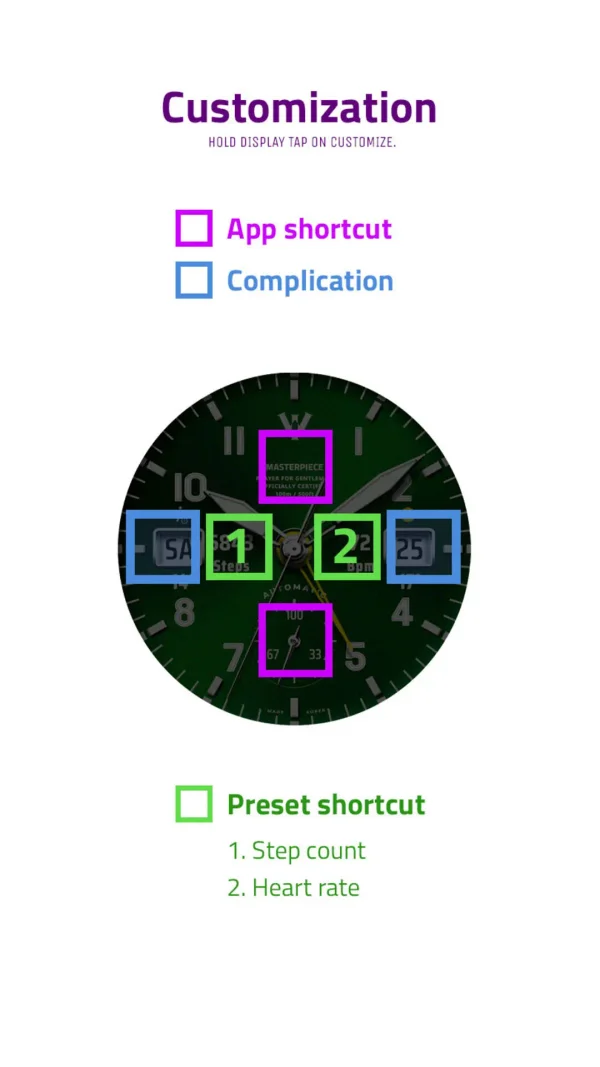
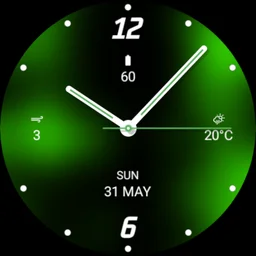
- プリセットアプリショートカット2つ
- カスタマイズ可能なショートカットキー2つ
- カスタマイズ可能なフィールド/情報表示2つ
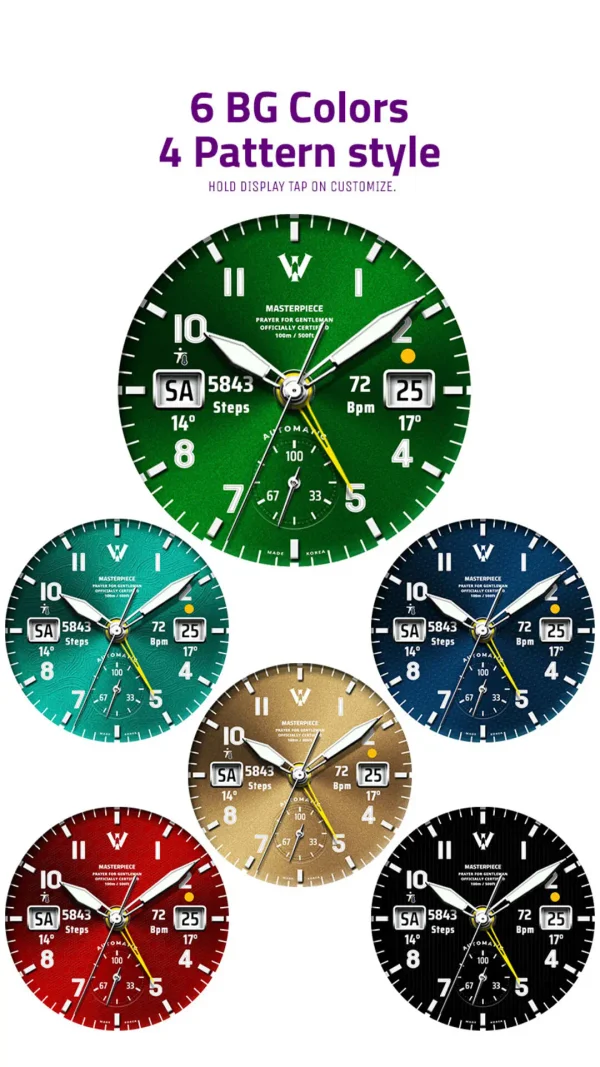
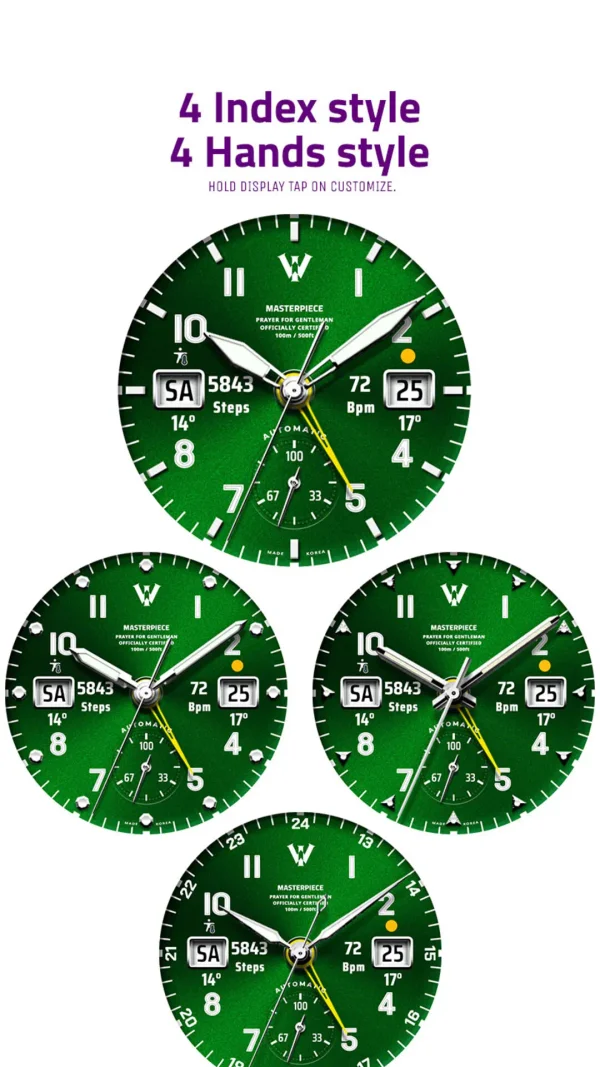
- 背景色、針、インデックスの変更
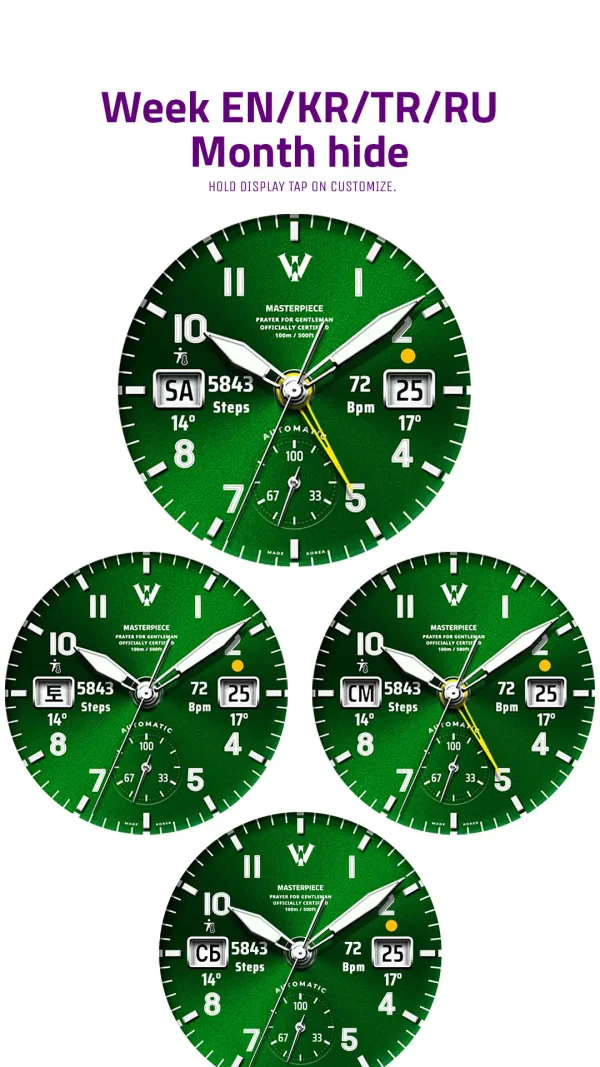
- 曜日表示(英語/韓国語/トルコ語/ロシア語)
- 月針非表示
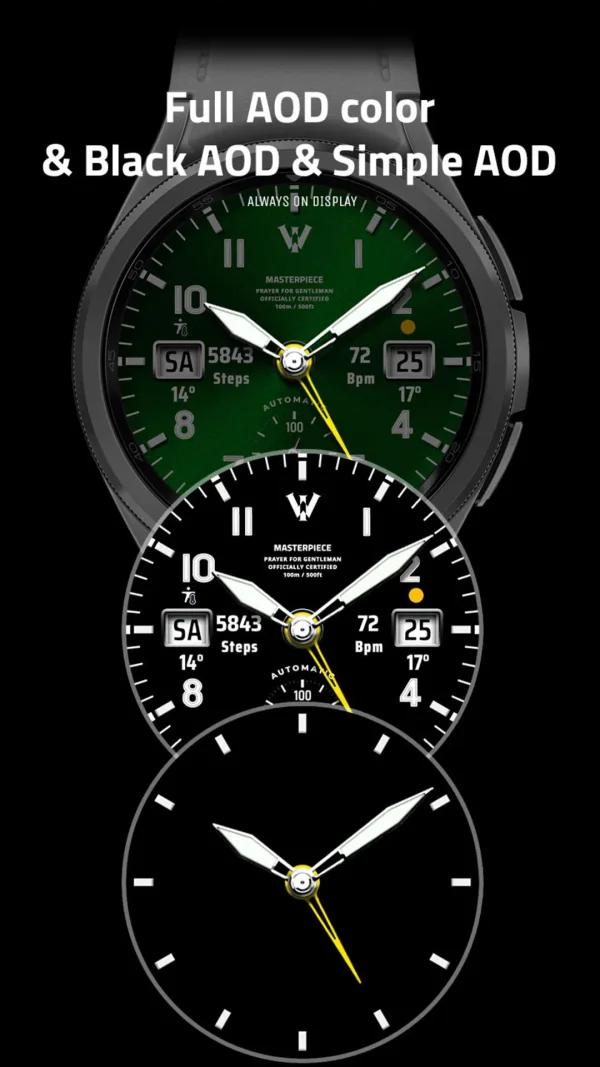
- フルカラーAOD、ブラックAOD、シンプルAOD
[機能]
- プリセットアプリショートカット2つ
- カスタマイズ可能なショートカットキー2つ
- カスタマイズ可能なフィールド/情報表示2つ
++++++++++++++++++++++++++++++++++++++++++++++++
[カスタマイズ]
1 - ディスプレイを長押しします。
2 - カスタムオプションをタップします。
お問い合わせは下記メールアドレスまでご連絡ください。
jenniferwatches@gmail.com
原文を表示
This watch face supports all WearOS 5 devices with API level 34 or higher, such as Samsung Galaxy Watch 4, 5, 6, 7, 8, Pixel Watch, etc.
+++++++++++++++++++++++++++++++++++++++++++++++
[How to install]
Before pressing the payment button, make sure your watch is selected.
Select your watch by pressing the small triangle next to the payment button.
Select the menu at the top right of the Play Store app (three dots) > Share > Chrome browser > Install on other devices > Clock and proceed.
After installation, select it from the download list, register it as a favorite, and use it. You can view the download list by clicking 'Add Watch Screen' on the far right of the favorites list that appears when you press the watch screen.
+++++++++++++++++++++++++++++++++++++++++++++++
[Features]
- 2 preset app shortcut
- 2 customizable shortcut keys
- 2 customizable fields/information display
- Changeable background color, hands, index
- Week EN/KR/TR/RU
- Month hands hide
- Full AOD color, Black and Simple AOD
[function]
- 2 preset app shortcut
- 2 customizable shortcut keys
- 2 customizable fields/information display
+++++++++++++++++++++++++++++++++++++++++++++++
[Custom]
1 - Touch and hold the display.
2 - Tap on Custom Options
For inquiries, please contact the email below.
jenniferwatches@gmail.com
データ セーフティ
このアプリが収集・共有するデータについて、JWstudioがGoogle Playで申告している内容です。
- 第三者と共有されるデータはありません詳しくは、デベロッパーが共有を申告する方法についての説明をご覧ください
- データは収集されません詳しくは、デベロッパーが収集を申告する方法についての説明をご覧ください
新機能
2026/5/15
v2.2 update
- Support Android Target SDK 33 (Wear OS 5)
- Support Companion app Target API level 35
開発元の連絡先
- ウェブサイトinstagram.com
- メールjenniferwatches@gmail.com
- プライバシーポリシーblog.naver.com
- 住所인의동 여헌로7길 8 인동2차서한이다음, 203동 208호 구미시, 경상북도 39433 South Korea
情報
- 提供元
- JWstudio
- カテゴリ
- カスタマイズ
- 更新日
- 2026/5/15
- リリース
- 2021/9/8
- 対象年齢
- 3 歳以上
- 価格
- ¥230
- パッケージ名
- com.watchfacestudio.jwstudio_a_008
類似のアプリ
-
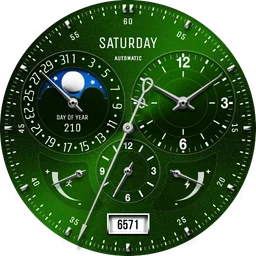 JW199 jwstudio
カスタマイズ
-
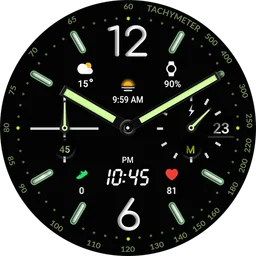 MIMIX MX03 09 Digi Watchface
カスタマイズ
-
 AVI HH 4A11
カスタマイズ
-
 JW111 MP jwstudio
カスタマイズ
-
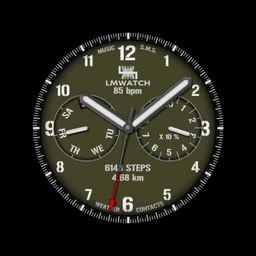 LMwatch army classic 01
カスタマイズ
-
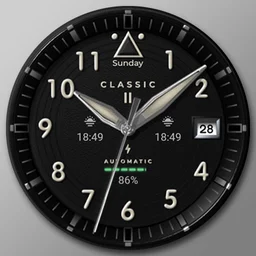 Voron CLASSIC II Watch Face
カスタマイズ
-
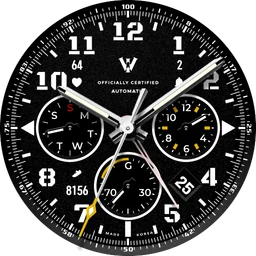 JW339 jwstudio
カスタマイズ
-
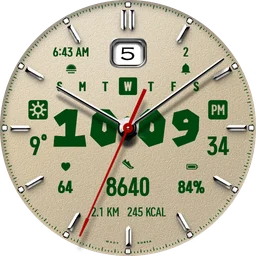 JW345 jwstudio
カスタマイズ
-
 JW103 jwstudio
カスタマイズ
-
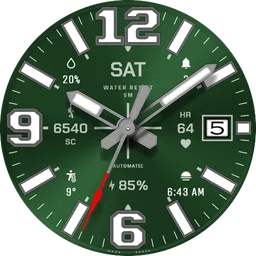 JW268 jwstudio watchface
カスタマイズ
-
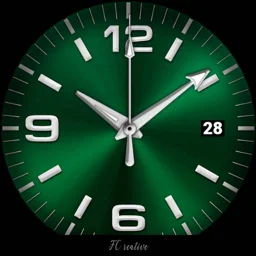 Green Classic FC Watch Face
ライフスタイル
-
 Green Analogue Watch Face
カスタマイズ