KF173 Watch face
KF Watch Face- 3 歳以上対象年齢
- カスタマイズカテゴリ
- 2024/9/8更新日
- ¥170価格
com.watchfacestudio.kf173のGoogle Play公式ページにリンクしています。最終確認:2026/11/26。

スクリーンショット


このアプリについて
Googleによる英語 (アメリカ合衆国)からの自動翻訳です。
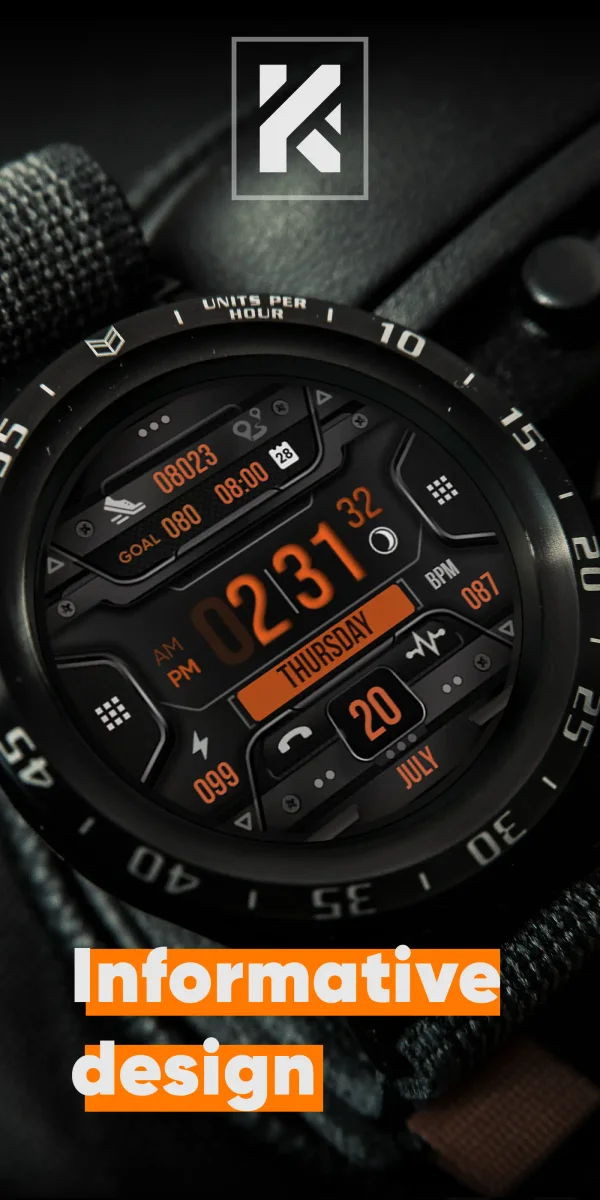
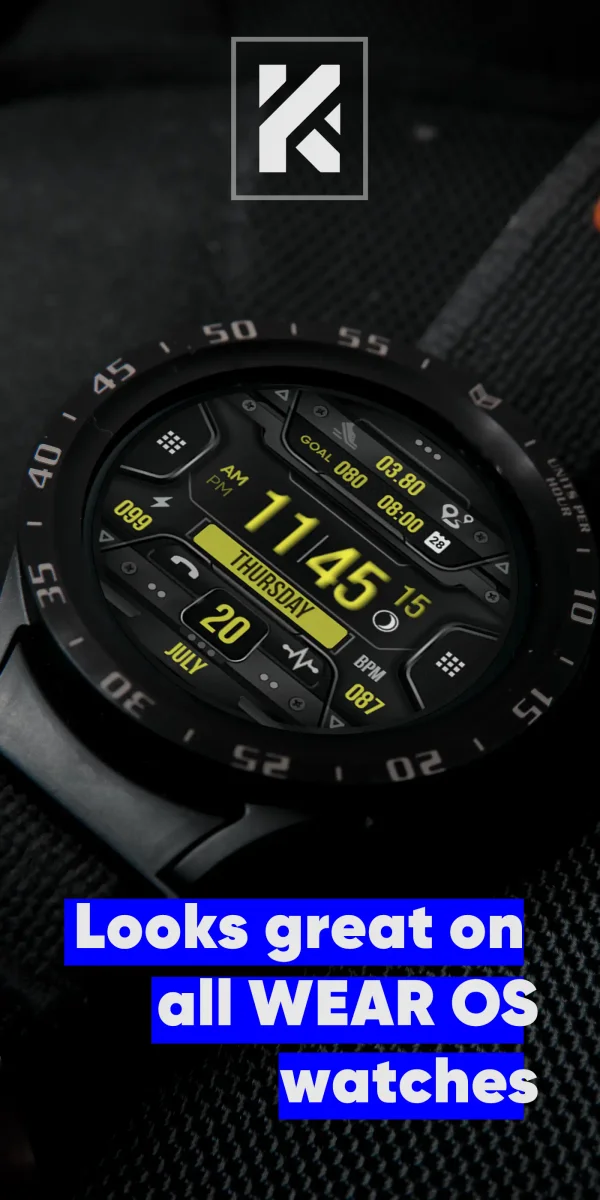
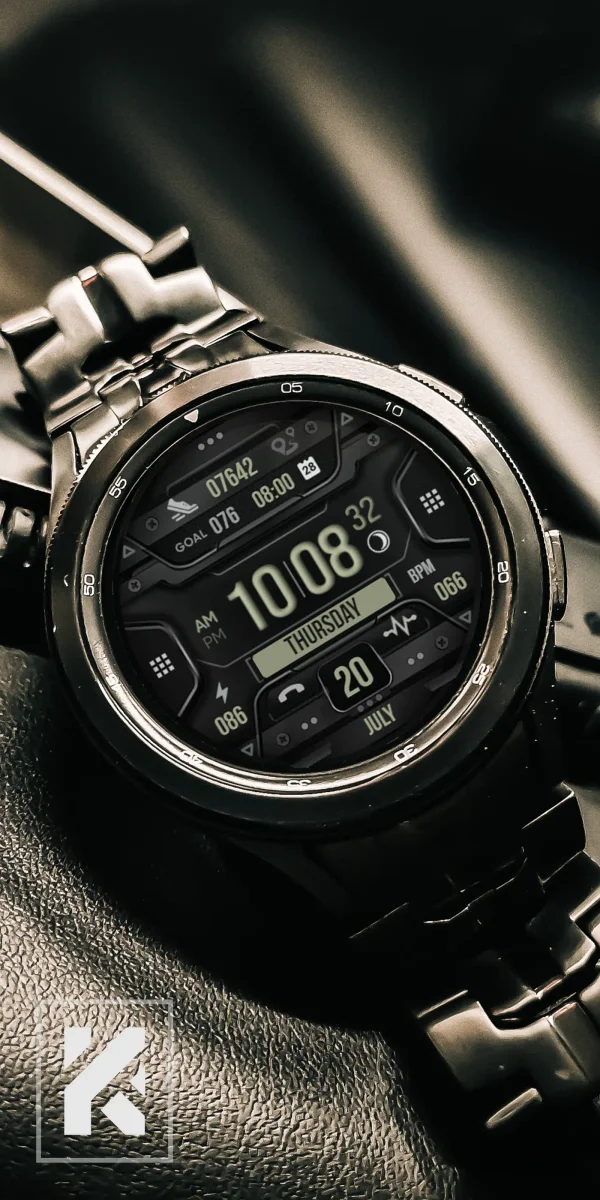
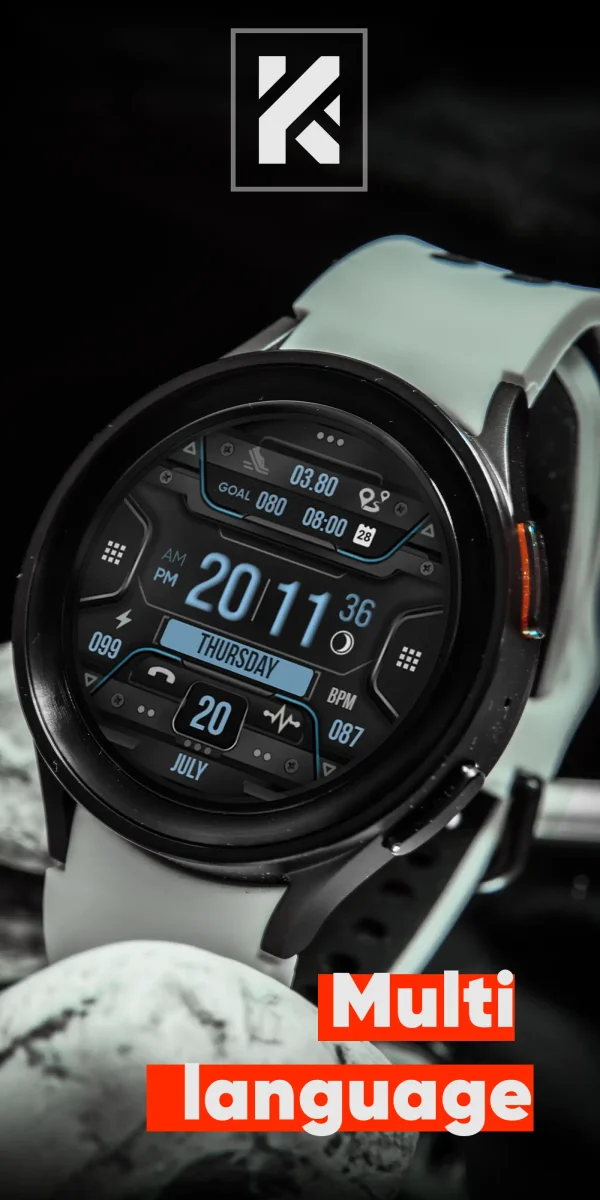
KF173 - ダークデジタルウォッチフェイス。 Wear OS デバイスのみ。
1 つ購入すると 1 つ特典が得られます:
https://sites.google.com/view/kfbogo?usp=sharing
KF173 は、KF の Wear OS 用のデジタル ウォッチフェイスです。
KFはスマートウォッチWear OS用の文字盤セレクションの新製品です。時計のアナログ、デジタル、ハイブリッド ダイヤル。
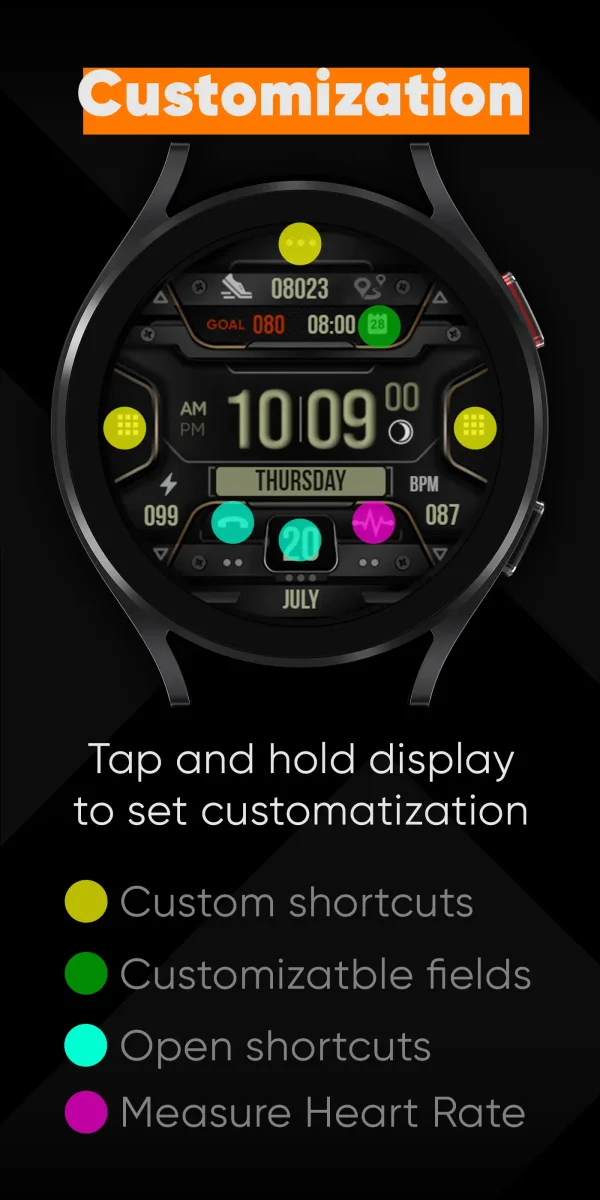
- 複数のカスタマイズ可能なショートカット、3 つの固定カレンダー ショートカット、エネルギー消費情報、電話を備えた WF。
- 午前/午後
- 12/24時間
- BPM 心拍数 (1 分あたりの拍数)
- 曜日
- 日付
- 月
- ステップ
- バッテリー %
- 月の満ち欠け
- カスタマイズ可能なショートカット
- 3 つのプリセット ショートカット (1 つは非表示、2 つのアイコンはユーザーの要求に応じて非表示にできます)
- カスタマイズ可能なフィールド / コンプリケーション (時計によって異なります)
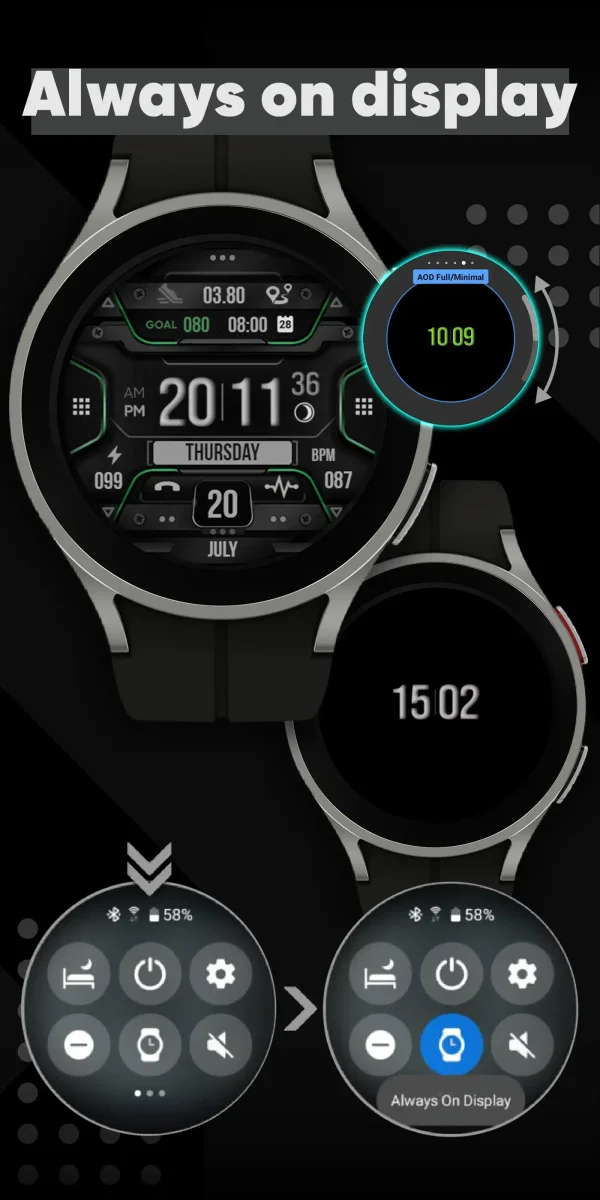
- 常時表示
- 変更可能な色の背景
- 変更可能な色
- 距離 (KM、ML)*、**
* センサーの値を順番に表示 - 5 秒
** マイレージは、言語が設定されているデバイス (イギリス英語またはアメリカ英語) で自動的に表示されます。他の言語の場合、距離はkmで表示されます。
ウォッチフェイスのカスタマイズ:
1 - ディスプレイをタッチアンドホールドします
2 - カスタマイズオプションをタップします
一部の時計では一部の機能が利用できない場合があります。
スマートウォッチのウォッチフェイスのインストールに関する注意事項:
電話アプリは、Wear OS ウォッチに文字盤を簡単にインストールして見つけられるようにするためのプレースホルダーとしてのみ機能します。インストールドロップダウンメニューからウォッチデバイスを選択する必要があります。
注記。支払いサイクルに行き詰まった場合でも、心配する必要はありません。2 回目の支払いを求められた場合でも、支払いは 1 回だけ行われます。 5 分間待つか、時計を再起動してもう一度お試しください。
デバイスと Google サーバーの同期に問題が発生している可能性があります。
この側の問題は開発者のせいではないことに注意してください。こちら側では、開発者は Play ストアを制御できません。
このウォッチフェイスは、API レベル 30 以上のすべての Wear OS デバイスをサポートしています
電報:
https://t.me/KFwatchfaces
フェイスブック:
https://www.facebook.com/groups/620092163327987/
インスタグラム:
https://www.instagram.com/krek_free_watchface
原文を表示
BUE ONE GET ONE OFFER:
https://sites.google.com/view/kfbogo?usp=sharing
The KF173 is a Digital watch face for Wear OS by KF.
KF is a new product in the selection of dials for smart watches Wear OS. Analog, digital, hybrid dials for your watch..
- WF with multiple customizable shortcuts, 3 fixed Calendar shortcuts, Energy consumption information and Phone.
- AM/PM
- 12/24H
- BPM Heart Rate (beats per minute)
- Day of week
- Date
- Month
- Steps
- Battery %
- Phases of the moon
- Customizable shortcuts
- 3 Preset Shortcuts (1 hidden, 2 icons can be hidden at the user's request)
- Customizable field / complications (depends on the watch)
- Always On Display
- Changeable colors background
- Changeable colors
- Distance (KM, ML)*,**
* Shows the value of the sensors in turn - 5 seconds
** Mileage will be automatically displayed on devices with the language set (British or American English). For other languages, the distance will be indicated in km
Watch face customization:
1 - Touch and hold display
2 - Tap on customize option
Some features may not be available on some watches.
Watch face installation notes on smart watch:
Phone app serves only as a placeholder to make it easier to install & find the watch face on your Wear OS watch. You have to select your watch device from the install dropdown menu.
Note. If you are stuck in the payment cycle, don't worry: only one payment will be made, even if you are asked to pay a second time. Wait 5 minutes or restart the watch and try again.
There may be a problem with syncing your device with Google servers.
Please note that any problems on this side are not the fault of the developer. On this side, the developer has no control over the Play Store.
This watch face supports all Wear OS devices with API level 30+
TELEGRAM:
https://t.me/KFwatchfaces
FACEBOOK:
https://www.facebook.com/groups/620092163327987/
INSTAGRAM:
https://www.instagram.com/krek_free_watchface
データ セーフティ
このアプリが収集・共有するデータについて、KF Watch FaceがGoogle Playで申告している内容です。
- 第三者と共有されるデータはありません詳しくは、デベロッパーが共有を申告する方法についての説明をご覧ください
- データは収集されません詳しくは、デベロッパーが収集を申告する方法についての説明をご覧ください
- Play ファミリー ポリシーの遵守に努めています
開発元の連絡先
- メールKFwatchfaces2023@gmail.com
- プライバシーポリシーsites.google.com
- 住所г.Москва, ул. Ак. Пилюгина, 8-2-126 Москва Russia 117393
情報
- 提供元
- KF Watch Face
- カテゴリ
- カスタマイズ
- 更新日
- 2024/9/8
- リリース
- 2023/7/20
- 対象年齢
- 3 歳以上
- 価格
- ¥170
- パッケージ名
- com.watchfacestudio.kf173
類似のアプリ
-
 Watch Face A12
カスタマイズ
-
 SY64 Industrial Watch Face
カスタマイズ
-
 A405 Wear OS ウォッチフェイス
カスタマイズ
-
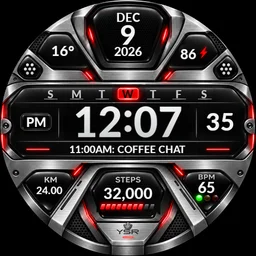 YSR010 Steel Pulse
カスタマイズ
-
 Key120 Digital Watch Face
カスタマイズ
-
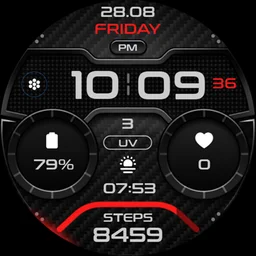 OMG 482 - Modern Digital Watch
カスタマイズ
-
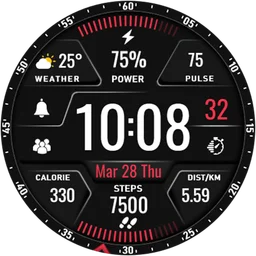 KZY036
カスタマイズ
-
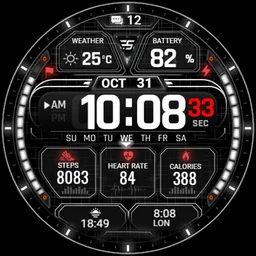 ES WR0024 Tactical Pro
カスタマイズ
-
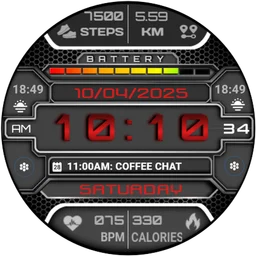 SY33 Watch Face for Wear OS
カスタマイズ
-
 Digital Watch Face Key 017
カスタマイズ
-
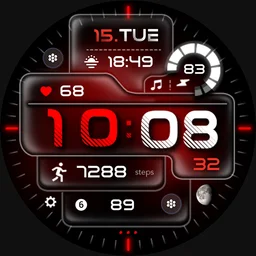 ML2U 216 Watch Face
カスタマイズ
-
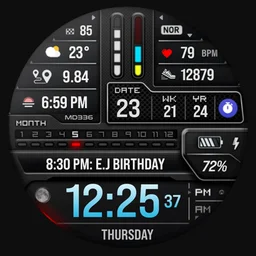 MD336 Digital watch face
カスタマイズ