Material You Dynamic Icon pack
AKBON広告を含む
- 3 歳以上対象年齢
- カスタマイズカテゴリ
- 2026/10/31更新日
- 無料価格
com.akbon.mydのGoogle Play公式ページにリンクしています。最終確認:2026/11/17。

スクリーンショット


このアプリについて
Googleによる英語 (アメリカ合衆国)からの自動翻訳です。
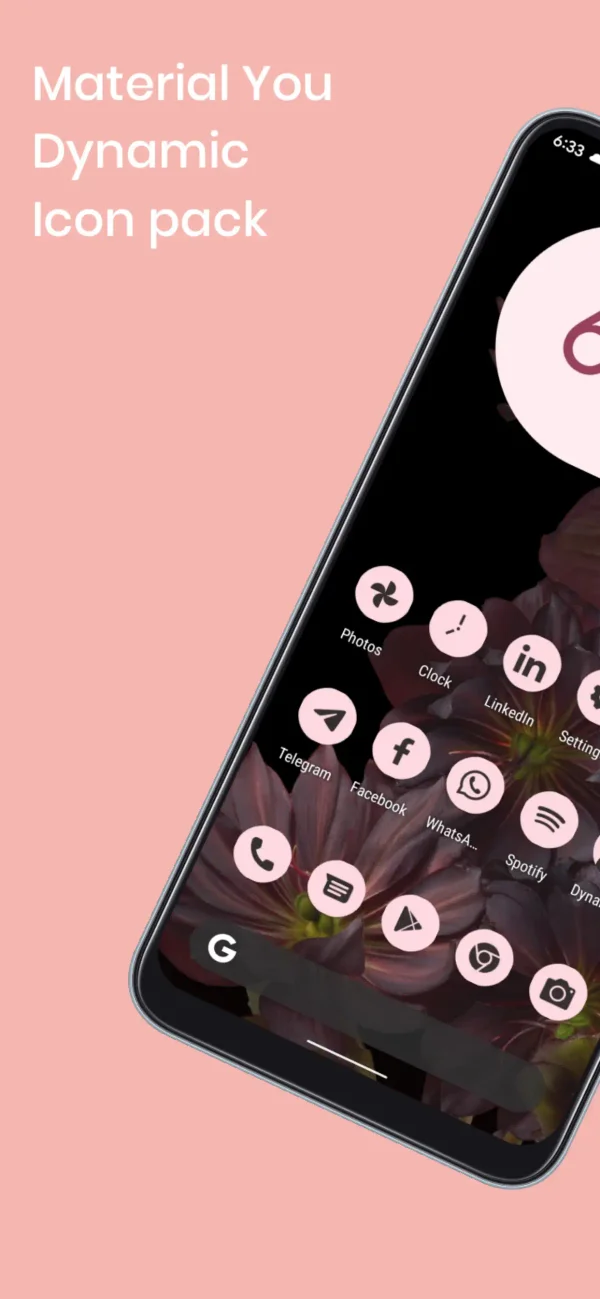
マテリアルユーダイナミックアイコンパックと壁紙
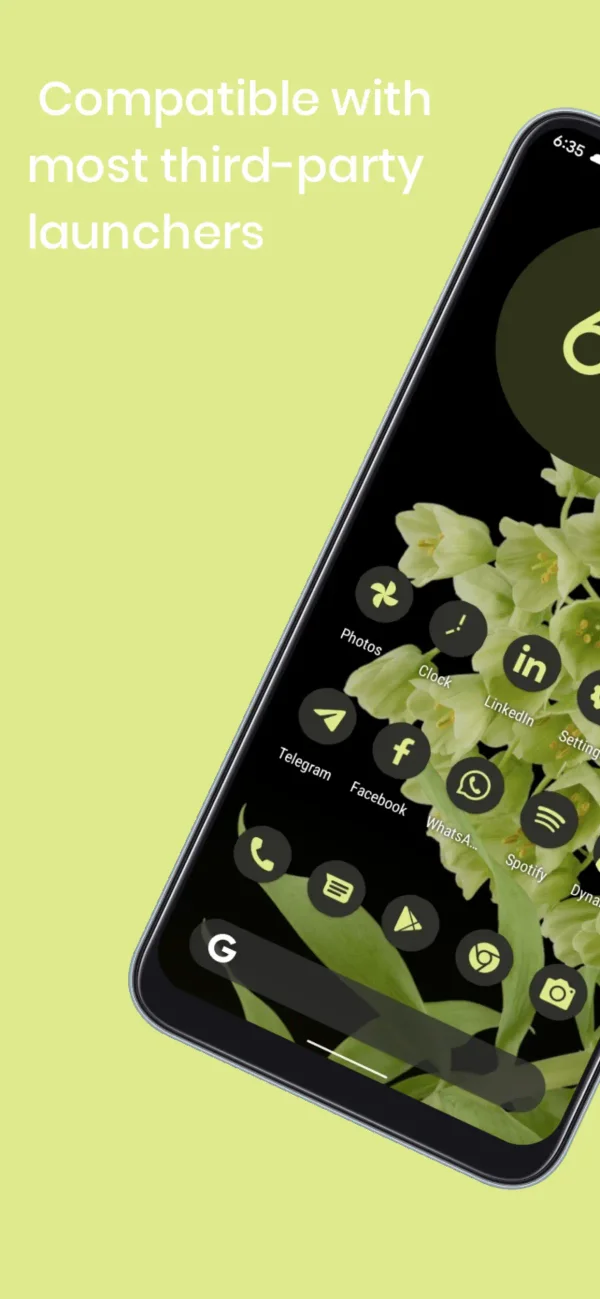
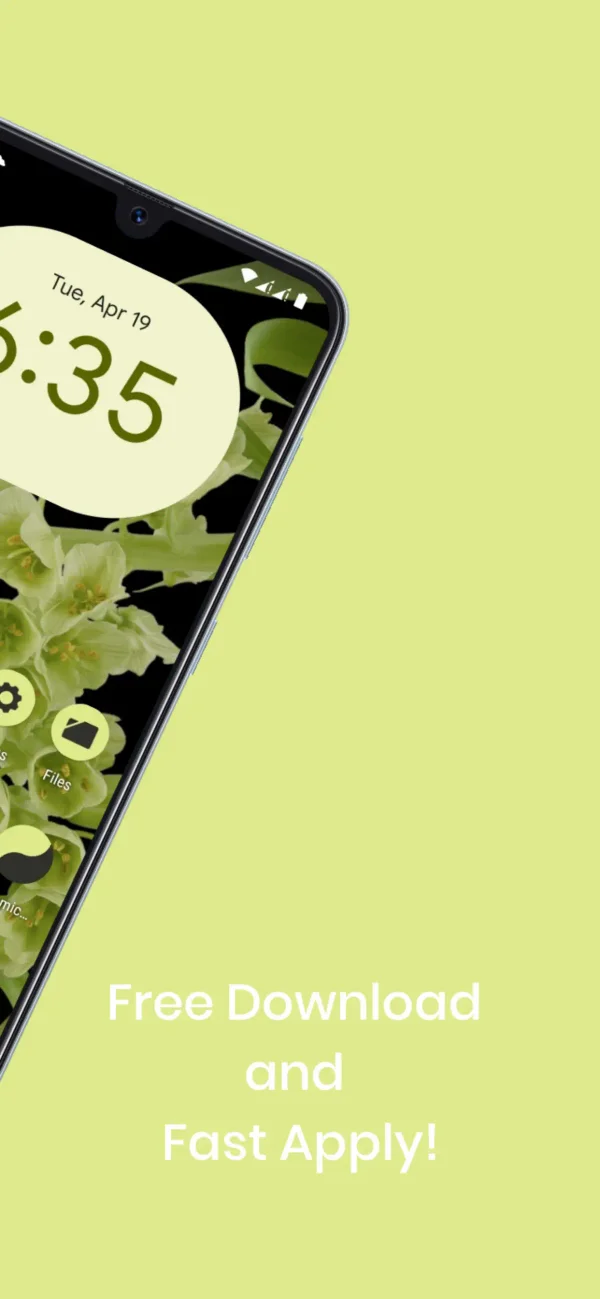
Material You Dynamic Icons - これらはカスタム ランチャーのアイコンで、システムの壁紙/アクセントから色が変化し、デバイスのライト/ダーク モードでも変化します。
アプリケーションで利用可能:
• 頻繁な更新。
• アダプティブ アイコン。
• 3000 以上の独占的なテーマの壁紙。
おすすめ
• このアイコン パックを使用するには、サポートされているランチャーが必要です。
• アプリの FAQ セクション。多くの質問に答えます。
• 質問を電子メールで送信する前に、必ずお読みください。
その他の機能
• アイコンのプレビュー
• 動的カレンダー
• マテリアル パネル。
• カスタム フォルダ アイコン
• カテゴリ ベースのアイコン
• カスタム アプリ ドロワー アイコン。
サポート
• アイコン パックの使用中に問題が発生した場合。 akbon.business@gmail.com までメールでご連絡ください。
アイコン パックでサポートされているランチャー
• Apus • Action Launcher • ADW Launcher • Apex • Atom • Aviate • LineageOS テーマ エンジン • GO • Holo Launcher • Holo HD • LG Home • Lucid • M Launcher • Mini • Next Launcher • Nougat Launcher • Nova Launcher (推奨) • Smartランチャー (推奨) • Solo ランチャー • V ランチャー • ZenUI • Zero • ABC ランチャー • Evie • L ランチャー • Lawnchair (推奨) • XOS ランチャー • HiOS ランチャー • Poco ランチャー
サポートされているランチャーはアイコン パックに含まれていますが、手動でインストールする必要はありません
• Arrow Launcher • ASAP Launcher • Cobo Launcher • Line Launcher • Mesh Launcher • Peek Launcher • Z Launcher Quixey Launcher • iTop Launcher • KK Launcher • MN Launcher • S Launcher • Open Launcher • Flick Launcher
このアイコン パックはテスト済みで、これらのランチャーで動作します。ただし、他の人にも有効な場合があります。ランチャーがアイコン パックのアプリケーション セクションにない場合。ランチャーの設定からアイコンパックを適用できます。
このアイコンパックの使い方:
ステップ 1: サポートされているランチャーをインストールする
ステップ 2: Monet アイコン パックを開き、Monet アイコン パックの適用セクションに移動して、ランチャーを選択します。
ランチャーがリストにない場合は、ランチャー自体の設定から適用してください。
アイコンの色を変更するにはどうすればよいですか?:
壁紙/アクセント システムを変更した後、アイコン パックを再適用する必要があります (または、別のアイコン パックを適用してから、すぐにこのアイコン パックを適用します)。
ライト/ダーク モードに変更するにはどうすればよいですか?:
デバイスのテーマを明るい/暗いに変更した後、アイコン パックを再適用する必要があります (または、別のアイコン パックを適用してからすぐにこれを適用します)。
推奨されるランチャーの使用:
-ハイペリオン。
- ローンチェア。
- ノヴァランチャー。
- ナイアガラランチャー。
- 冷酷なランチャー。
- スマートランチャー
- Pixel Launcher (Pixel デバイスのストック ランチャー) では、アプリ Shortcut Maker と連携します。
- 在庫あり 1 つの UI ランチャーは、テーマ パークを使用して色を変更します。
補足事項
• アイコン パックを使用するにはランチャーが必要です。
• アイコンがない?お気軽にアイコンのリクエストを送ってください。リクエストに応じてこのパックを更新します。
うまくいかない場合は、テレグラムで「テクニカル サポート」に連絡してください。
https://t.me/AKBON_Apps
クレジット
•AKBON(イブラヒム・ファゼルバブ)
• Google Pixel チーム
原文を表示
Material You Dynamic Icons - These are icons for custom launchers that change color from wallpaper / accent of system, also change in the Light / Dark mode of the device.
Available in application:
• Frequent updates.
• Adaptive icons.
• More than 3000 Exclusive thematic Wallpapers.
Recommendations
• A supported launcher is required to use this icon pack!
• FAQ section in the app, which answers a lot of questions you might have.
• Please read it before emailing your question.
Other Features
• Icon preview
• Dynamic calendar
• Material panel.
• Custom folder icons
• Category based icons
• Custom app drawer icons.
support
• If you have any problems while using the icon pack. Just email me at akbon.business@gmail.com
Supported launchers in icon pack
• Apus • Action Launcher • ADW Launcher • Apex • Atom • Aviate • LineageOS Theme Engine • GO • Holo Launcher • Holo HD • LG Home • Lucid • M Launcher • Mini • Next Launcher • Nougat Launcher • Nova Launcher (recommended) • Smart Launcher (recommended) • Solo Launcher • V Launcher • ZenUI • Zero • ABC Launcher • Evie • L Launcher • Lawnchair (recommended) • XOS Launcher • HiOS Launcher • Poco Launcher
Supported launchers are included in the icon pack, but do not require manual installation
• Arrow Launcher • ASAP Launcher • Cobo Launcher • Line Launcher • Mesh Launcher • Peek Launcher • Z Launcher Quixey Launcher • iTop Launcher • KK Launcher • MN Launcher • S Launcher • Open Launcher • Flick Launcher
This icon pack has been tested and works with these launchers. However, it may also work for others. In case the launcher is not in the application section of the icon pack. You can apply the icon pack from the launcher settings.
How to use this icon pack?:
Step 1: Install the supported launcher
Step 2: Open the Monet icon pack, go to the apply section of the Monet icon pack and select your launcher
If your launcher is not in the list, make sure to apply it from the settings of the launcher itself
How do I change the colors of the icons?:
After changing wallpaper / accent system, you need to reapply the icon pack (or apply another icon pack, and then immediately this one).
How do I change to light / dark mode?:
After changing device theme to light / dark, you need to reapply icon pack (or apply another icon pack, and then this one immediately).
Recommended use Launchers:
- Hyperion.
- Lawnchair.
- Nova Launcher.
- Niagara Launcher.
- Ruthless Launcher.
- Smart Launcher
- In Pixel Launcher (stock launcher in Pixel devices) work with the app Shortcut Maker.
- In Stock One UI Launcher uses Theme Park to change color.
Additional notes
• The icon pack needs a launcher to work.
• Icon missing? Feel free to send me an icon request and I'll try to update this pack with your requests.
If something does not work for you, you can contact "technical support" in telegram:
https://t.me/AKBON_Apps
credits
• AKBON (Ibrahim Fathelbab)
• Google Pixel Team
データ セーフティ
このアプリが収集・共有するデータについて、AKBONがGoogle Playで申告している内容です。
- このアプリはサードパーティと以下の種類のデータを共有することがあります個人情報、メッセージ、他 3 件
- データは収集されません詳しくは、デベロッパーが収集を申告する方法についての説明をご覧ください
- データは暗号化されません
- データを削除できません
開発元の連絡先
- ウェブサイトakb0n.blogspot.com
- メールakbon.business@gmail.com
- プライバシーポリシーakb0n.blogspot.com
- 住所14 Haret Borhan Hada'iq El Qobbah القاهرة 4382458 Egypt
情報
- 提供元
- AKBON
- カテゴリ
- カスタマイズ
- バージョン
- 10.10.4
- 更新日
- 2026/10/31
- リリース
- 2022/4/30
- 必要条件
- Android 8.0以降
- 対象年齢
- 3 歳以上
- 価格
- 無料
- パッケージ名
- com.akbon.myd