Messages Phone: simple message
Do It Myself広告を含む
- 3 歳以上対象年齢
- 通信カテゴリ
- 2024/8/6更新日
- 無料価格
com.messages.sms.chat.messengerのGoogle Play公式ページにリンクしています。最終確認:2026/11/27。

スクリーンショット



このアプリについて
Googleによる英語 (アメリカ合衆国)からの自動翻訳です。
自分好みの方法でメッセージを送信しましょう。メッセージ OS でメッセージを簡単に送受信
メッセージは、ユーザーのメッセージング エクスペリエンスを向上させるための多くの高度な機能を統合し、簡単かつ効率的な通信方法を提供します。主な機能 メッセージ OS:
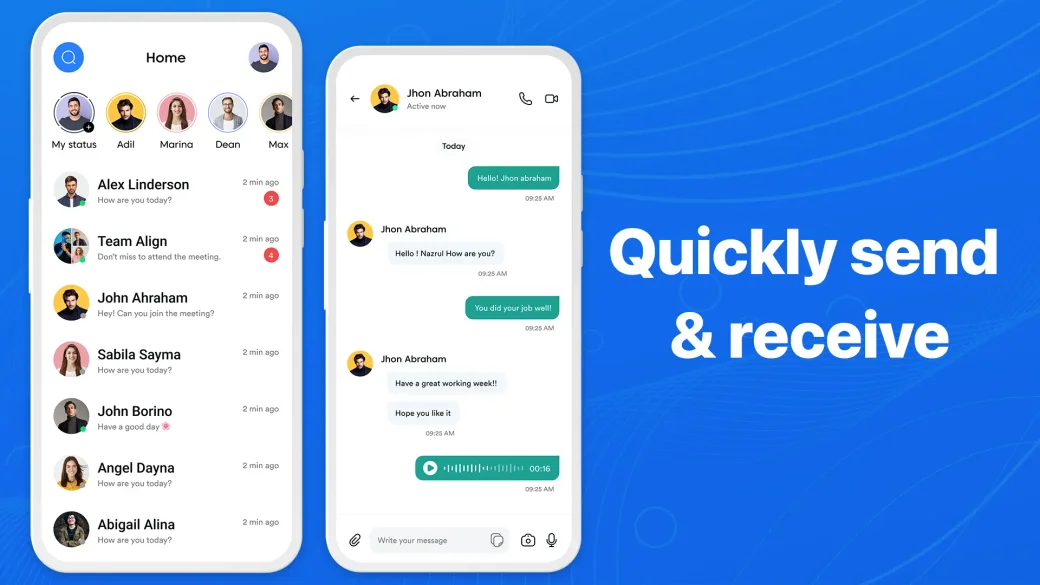
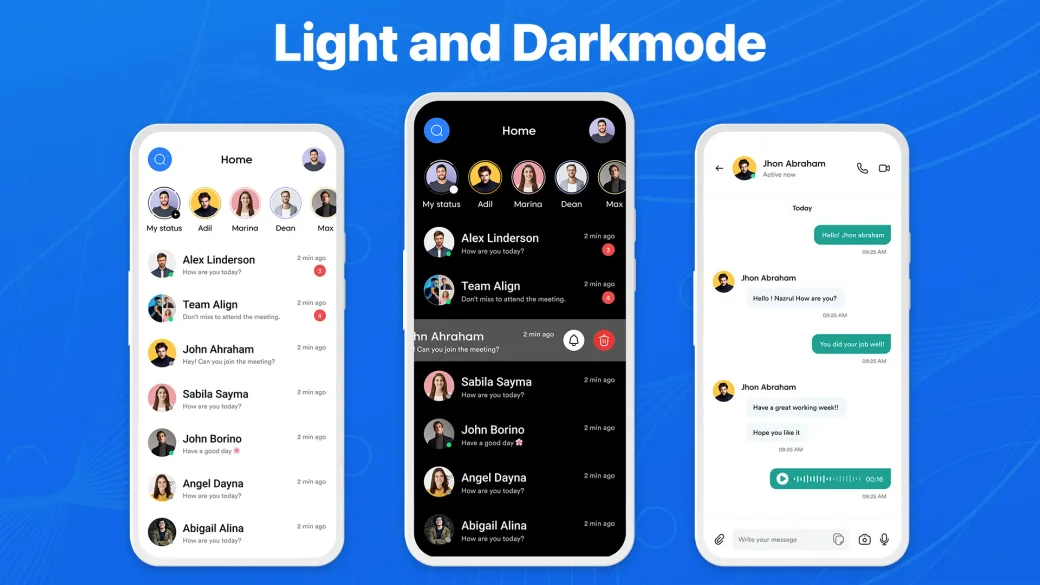
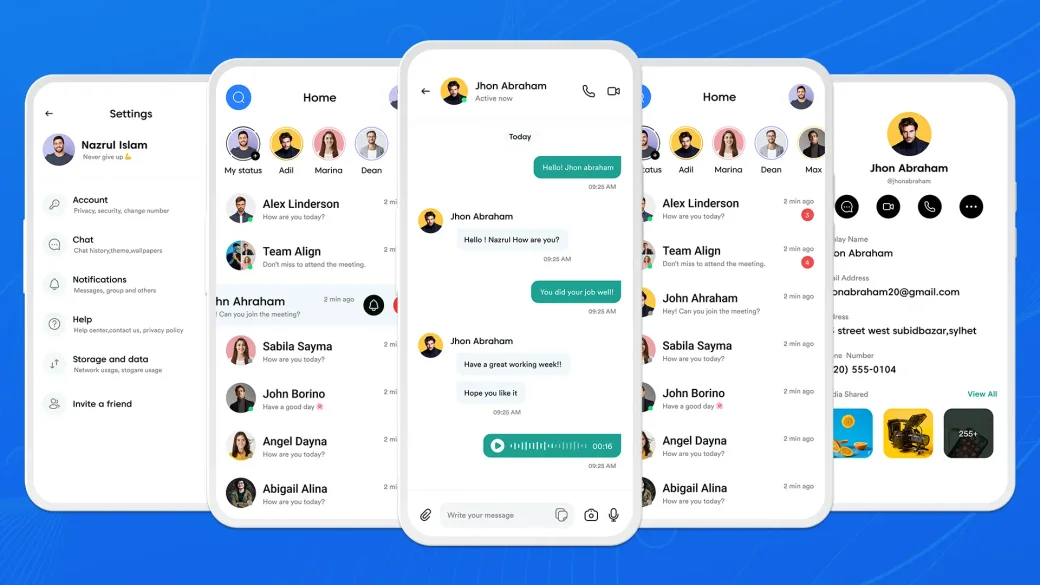
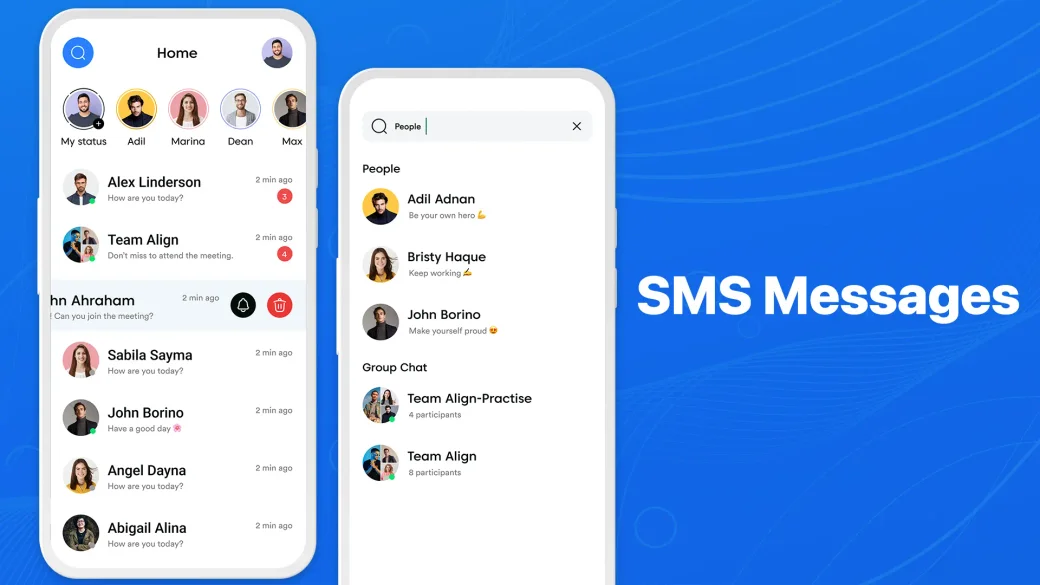
**会話リスト**:
- ユーザーのすべての会話が、最新の会話を先頭にして時系列に並べて表示されます。
- 各会話には、プロフィール写真、連絡先またはグループ名、および最新のメッセージ内容の一部が表示されます。
**検索**:
- 上部の検索バーを使用すると、ユーザーは会話内のメッセージ、連絡先、または特定のコンテンツを簡単に検索できます。
**新しいメッセージを作成ボタン**:
- 右上隅にあるペンと紙のアイコンを使用すると、ユーザーは新しい会話を開始できます。
会話インターフェース:
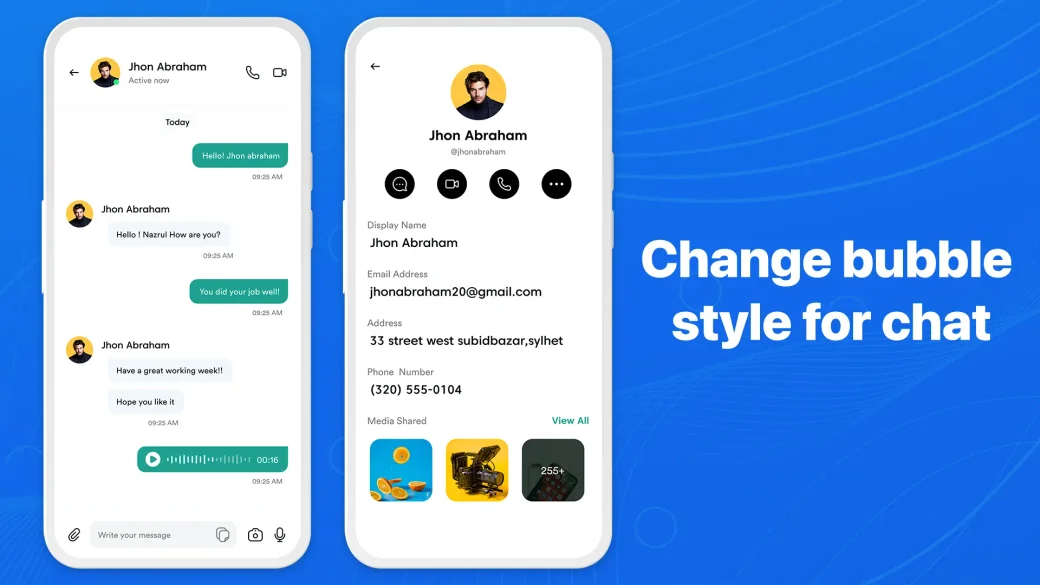
**メッセージを入力して送信**:
- 下部の入力バーを使用すると、ユーザーはテキストを入力し、送信ボタンを押してメッセージを送信できます。
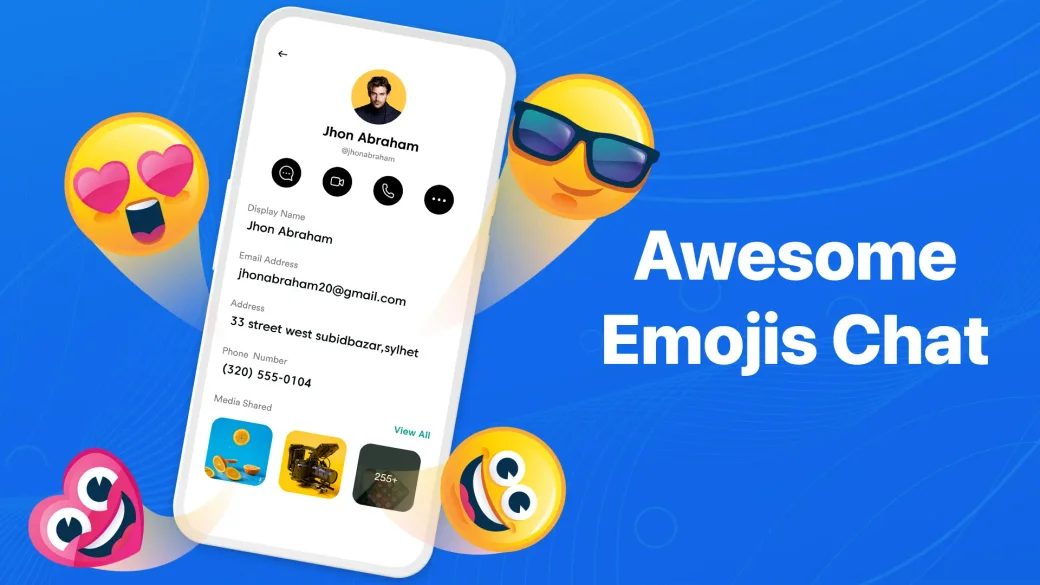
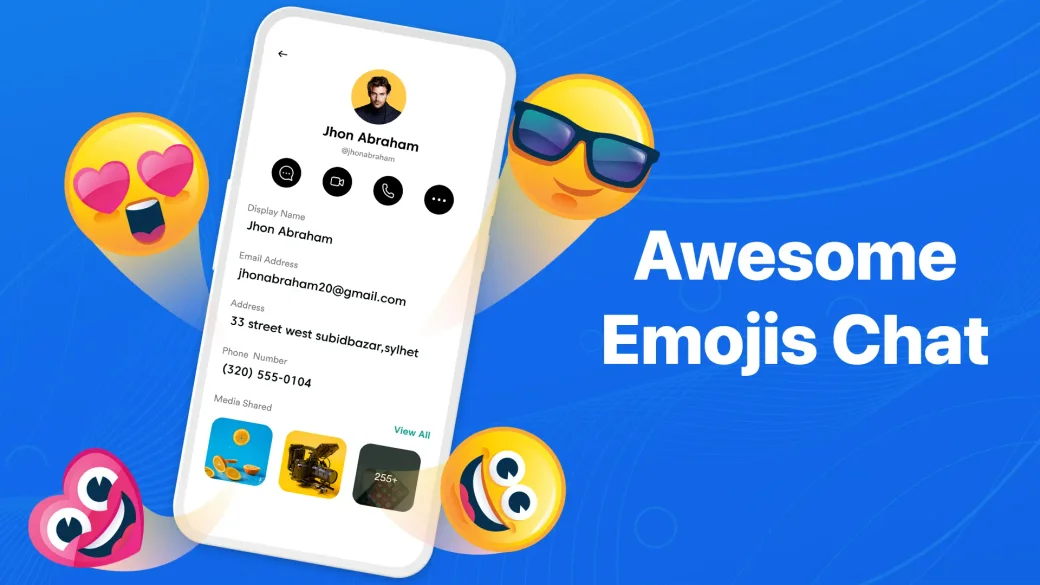
- Emoij アイコンを使用すると、ユーザーが絵文字を友達に送信できるように emoij を挿入できます
- 時計アイコンを使用すると、ユーザーはメッセージを送信する時間をスケジュールしたり設定したりできます
- 友達アイコンを使用すると、ユーザーは連絡先を選択して友達と連絡先を共有できます
**会話をピン留め**:
- 重要な会話をリストの先頭にピン留めして、簡単にアクセスできるようにします
**通知とミュート**:
- ユーザーは、邪魔を避けるために、特定の会話ごとに通知を有効または無効にすることができます。
Messages Phone 15 アプリケーションは、通常のコミュニケーション ツールであるだけでなく、多くの高度な機能を統合しており、ユーザーがリッチで安全なメッセージング エクスペリエンスを楽しむのに役立ちます。
原文を表示
Messages provides an easy and efficient way to communicate, integrating many advanced features to improve the user's messaging experience. Key Features Message OS:
**Conversation List**:
- Displays all of the user's conversations, arranged in chronological order with the most recent conversation at the top.
- Each conversation displays a profile picture, contact or group name, and a portion of the most recent message content.
**Search**:
- The search bar at the top makes it easy for users to search for messages, contacts, or specific content within conversations.
**Compose New Message Button**:
- The pen and paper icon in the upper right corner allows users to start a new conversation.
Conversation Interface:
**Type and Send Message**:
- The input bar at the bottom allows users to enter text and send messages by pressing the send button.
- Emoij icon allows users to insert emoij so that users can send emoticons to friends
- Clock icon allows users to schedule, set time to send messages
- Friends icon allows users to select contacts to share a contact with friends
**Pin conversation**:
- Pin important conversations to the top of the list for easy access
**Notifications and Mute**:
- Users can enable or disable notifications for each specific conversation to avoid being disturbed.
The Messages Phone 15 application is not only a normal communication tool but also integrates many advanced features, helping users enjoy a rich and secure messaging experience.
データ セーフティ
このアプリが収集・共有するデータについて、Do It MyselfがGoogle Playで申告している内容です。
- このアプリはサードパーティと以下の種類のデータを共有することがあります位置情報、個人情報、他 6 件
- このアプリは以下の種類のデータを収集することがあります位置情報、個人情報、他 6 件
- データは送信中に暗号化されます
- データを削除できません
新機能
バージョン 1.6.2 · 2024/8/6
FIx Bugs & Optimize
開発元の連絡先
- ウェブサイトapptoolforphone.com
- メールsonbui.bichdao2650@gmail.com
- プライバシーポリシーsites.google.com
- 住所Đông Hồ Bích Đào, Thành phố Ninh Bình, Ninh Bình Ninh Bình 430000 Vietnam
情報
- 提供元
- Do It Myself
- カテゴリ
- 通信
- バージョン
- 1.6.2
- 更新日
- 2024/8/6
- リリース
- 2024/7/29
- 必要条件
- Android 5.0以降
- 対象年齢
- 3 歳以上
- 価格
- 無料
- パッケージ名
- com.messages.sms.chat.messenger
類似のアプリ
-
 Voxer Walkie-Talkie PTT
通信
-
 MonokaiToolkit
仕事効率化
-
 Smart Messages
通信
-
 Anyplay: オーディオブックとストーリー
書籍&参考書
-
 メッセンジャー SMS - テキストメッセージ
通信
-
 Langotalk-AI Language Learning
教育
-
 Messages Light
通信
-
 ChMeetings
仕事効率化
-
 Spike: AI Email & Team Chat
仕事効率化
-
 Pulse SMS (Phone/Tablet/Web)
通信
-
 Vkids Shapes & Colors Learning
教育
-
 WePhone: eSIM Phone Call &Text
通信