MKE Park
Parkmobile, LLC- 3 歳以上対象年齢
- 地図&ナビカテゴリ
- 2026/11/27更新日
- 無料価格
net.sharewire.milwaukeev2のGoogle Play公式ページにリンクしています。最終確認:2026/11/28。

MKE Parkは現在Google Playで入手できない可能性があります
前回の確認時、ストアのページにアクセスできませんでした。リンク先は引き続きGoogle Playの公式ページです。
スクリーンショット

このアプリについて
Googleによる英語 (アメリカ合衆国)からの自動翻訳です。
ミルウォーキーに駐車するスマートウェイ
ParkMobileを搭載したMKEParkアプリは、携帯電話を使用して駐車料金を支払う便利な方法を提供します。登録は無料で、参加には2分もかかりません。 MKEパークは駐車場からストレスを取り除きます。コインを探す必要はもうありません。使用されていないパーキングメーターについての心配はありません。 MKE Parkアプリを使用すると、駐車セッションの開始に数秒かかります。
MKEパークを使用する理由
•メーターをスキップして、モバイルデバイスから駐車料金を簡単に支払う
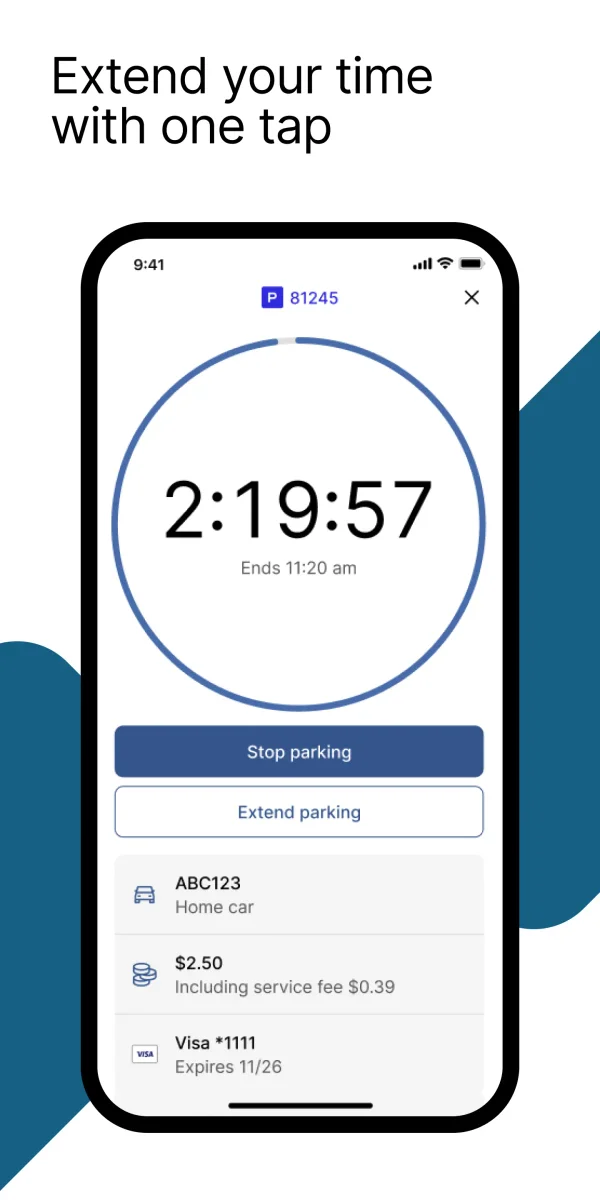
•アプリからリモートで駐車時間を延長する
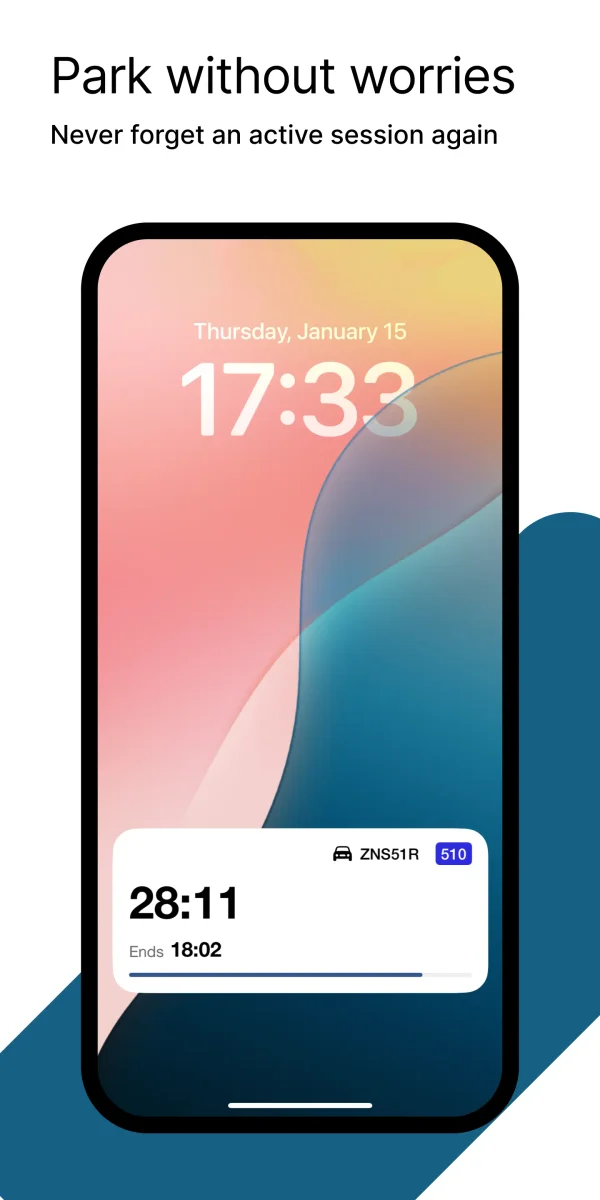
•アラートを取得して、駐車セッションがいつ期限切れになるかを知らせます
•駐車料金を追跡し、経費の払い戻しのために簡単にエクスポートできます
www.MKEPark.comにアクセスして、MKEパークの詳細をご覧ください。
アカウントの設定方法
•MKEパークアプリをダウンロードし、メールアドレスとパスワードでアカウントを作成します
•ナンバープレート番号と車両が登録されている州を入力します
•お支払い方法を追加して、MKEパークの使用を開始します
使い方:
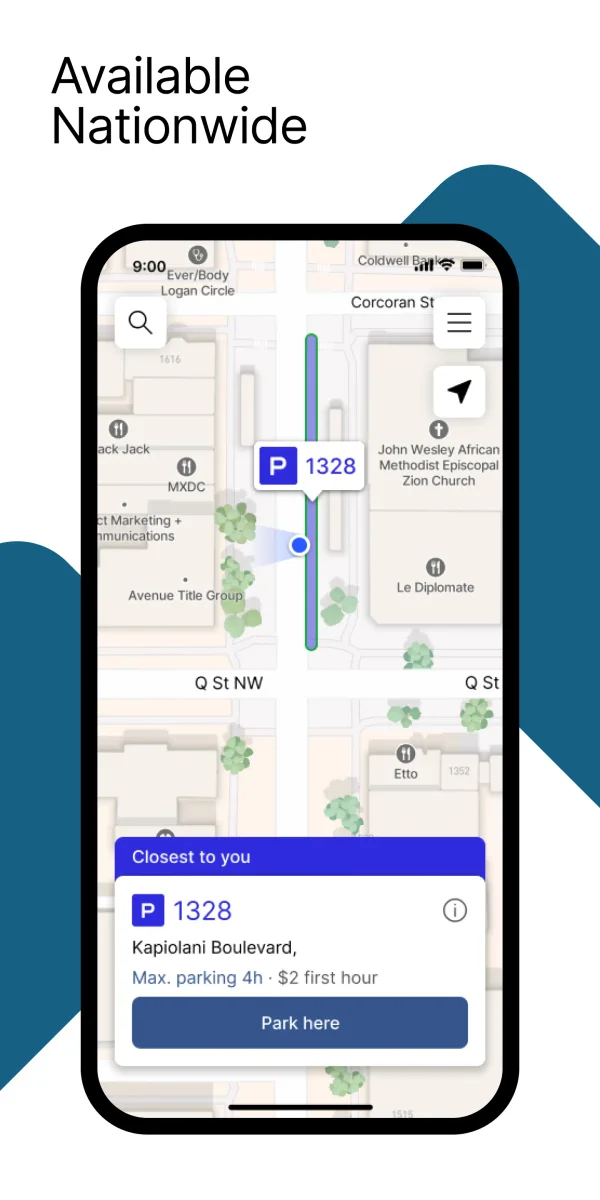
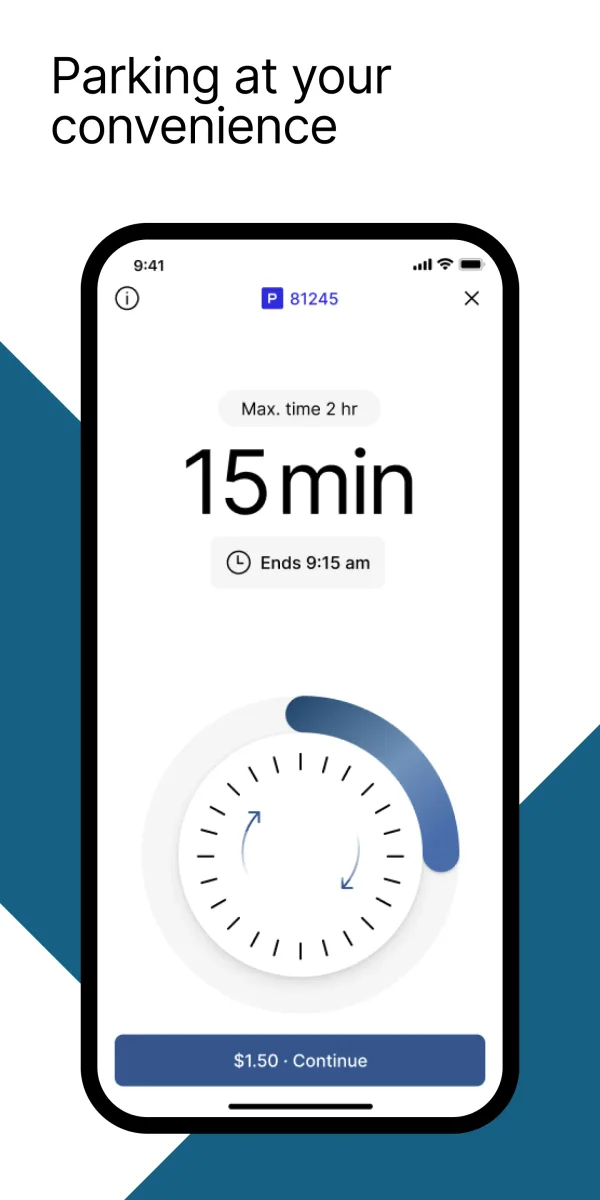
•通り、たくさん、ガレージ:お住まいの地域に掲示されている標識にゾーン番号を入力します。駐車する時間を選択し、セッションを開始します。遅れている場合は、アプリの時間を延長してください。
•駐車場の予約:駐車したい場所を検索し、特定の駐車施設を選択します。日時を選択して予約を完了してください。確認書の指示に従って、駐車場でご利用ください。
アプリの機能
•電子メール、テキスト、および/またはアプリを介して配信されるカスタマイズ可能な通知
•次回のためにお気に入りの駐車場を保存します
•アカウントに最大5台の車を保管します
•「車を探す」機能を使用すると、駐車した場所に戻ることができます。
•利用可能な複数の支払い方法
ParkMobileについて
ParkMobile、LLCは、米国の駐車場支払いソリューションの大手プロバイダーであり、2500万人を超える人々がモバイルデバイスから駐車場を簡単に見つけ、予約し、支払いを行うのを支援しています。
ヘルプをお探しですか?
ParkMobileでは、カスタマーサービスに真剣に取り組んでいます。私たちは毎日35万件以上の駐車トランザクションを処理しており、時々何かがうまくいかない可能性があることを知っています。問題が発生した場合は、問題を解決するためにできる限りのことを行います。カスタマーサービスは24時間年中無休です。サポートが必要な場合は、次の方法でお問い合わせください。
Web:https://ParkMobile.io/
オンラインヘルプセンター:https://support.ParkMobile.io/hc/en-us/requests/new
ビデオチュートリアル:https://ParkMobile.io/tips-demos/
Twitter:https://twitter.com/ParkMobile
Facebook:https://www.facebook.com/ParkMobile/
原文を表示
The MKE Park app, powered by ParkMobile, provides a convenient way to pay for parking using your mobile phone. Registration is free and takes less than two minutes to join. MKE Park takes the stress out of parking. No more searching for coins. No worries about an out-of-service parking meter. With the MKE Park app, starting your parking session takes just a few seconds.
Why Use MKE Park?
• Skip the meter and easily pay for parking from your mobile device
• Extend your parking duration remotely from the app
• Get alerts so you know when your parking session is going to expire
• Track parking expenses and easily export for expense reimbursements
Find out more about MKE Park by visiting www.MKEPark.com.
How to Set Up Your Account
• Download the MKE Park app and create an account with your email address and password
• Enter your license plate number and the state where your vehicle is registered
• Add your method of payment and start using the MKE Park
How It Works:
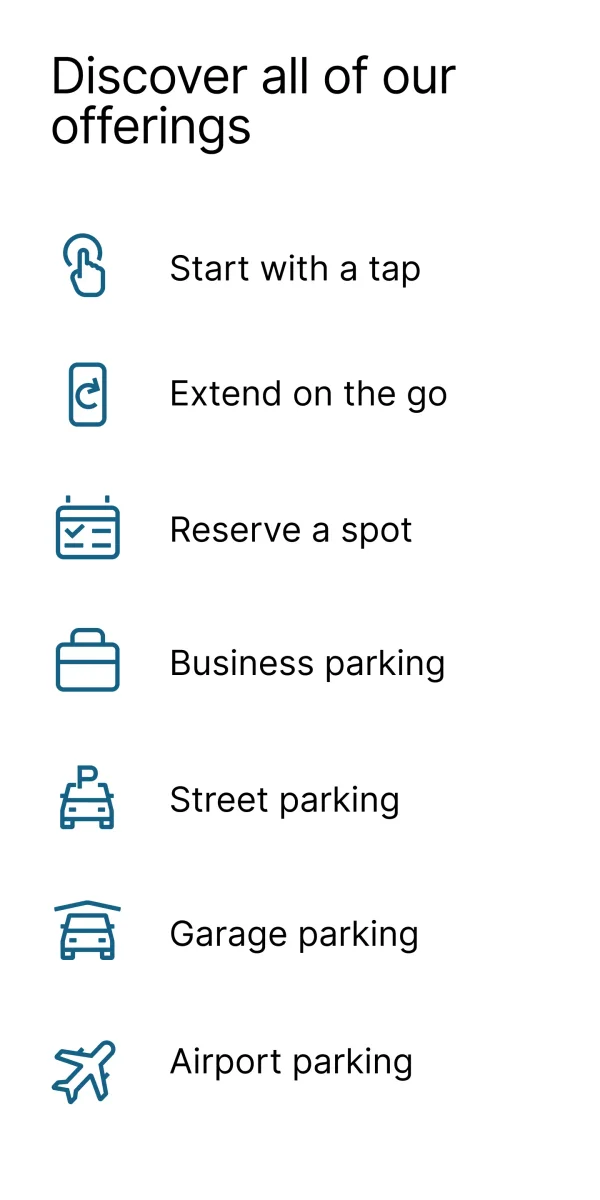
• Streets, Lots, and Garages: Enter the zone number on the posted signs in your area. Select the amount of time you want to park, and start your session. Extend time in the app if you are running late.
• Parking Reservations: Search for where you want to park and select the specific parking facility. Choose the date/time and complete your reservation. Follow the instructions in your confirmation to redeem at the parking facility.
App Features
• Customizable notifications delivered via email, text, and/or app
• Save your favorite parking locations for next time
• Store up to five cars in your account
• “Find my car” feature directs you back to the location where you parked
• Multiple payment methods available
About ParkMobile
ParkMobile, LLC is the leading provider of parking payment solutions in the United States, helping over 25 million people easily find, reserve, and pay for parking from their mobile devices.
Looking for Help?
At ParkMobile, we’re serious about customer service. We process over 350,000 parking transactions every day and we know that every now and then, something might go wrong. If you have an issue, we will do everything we can to make it right. Our customer service is 24/7/365. If you need help, here’s how to get in touch with us:
Web: https://ParkMobile.io/
Online Help Center: https://support.ParkMobile.io/hc/en-us/requests/new
Video Tutorials: https://ParkMobile.io/tips-demos/
Twitter: https://twitter.com/ParkMobile
Facebook: https://www.facebook.com/ParkMobile/
データ セーフティ
このアプリが収集・共有するデータについて、Parkmobile, LLCがGoogle Playで申告している内容です。
- このアプリはサードパーティと以下の種類のデータを共有することがあります位置情報、個人情報、他 4 件
- このアプリは以下の種類のデータを収集することがあります位置情報、個人情報、他 5 件
- データは送信中に暗号化されます
- データを削除するようリクエストできます
開発元の連絡先
- ウェブサイトMKEpark.com
- メールhelpdesk@parkmobileglobal.com
- プライバシーポリシーparkmobile.io
- 住所1100 Spring St NW Atlanta, GA 30309-2846 United States
情報
- 提供元
- Parkmobile, LLC
- カテゴリ
- 地図&ナビ
- バージョン
- 26.46.2
- 更新日
- 2026/11/27
- リリース
- 2015/4/17
- 必要条件
- Android 9以降
- 対象年齢
- 3 歳以上
- 価格
- 無料
- パッケージ名
- net.sharewire.milwaukeev2