Mobile Assistant
Motorola Mobility LLC.- 3 歳以上対象年齢
- ツールカテゴリ
- 2025/12/9更新日
- 無料価格
com.motorola.lmsaappclientのGoogle Play公式ページにリンクしています。最終確認:2026/11/13。
スクリーンショット

このアプリについて
Googleによる英語 (アメリカ合衆国)からの自動翻訳です。
モバイルアシスタントは、お客様のデータを新しいMotorola端末に安全に転送します。
Mobile Assistantは、端末のセットアップと移行時に、古い端末から新しいMotorola端末へ個人データを安全に転送するのに役立ちます。端末間の直接接続を使用することで、選択したコンテンツを迅速かつ安全に移行でき、プロセス全体を通してデータの管理権を維持できます。
対応データ
連絡先
テキストメッセージ(SMS/MMS)
通話履歴
写真
動画
音楽
ドキュメントとファイル
その他の個人コンテンツ
権限とデータ使用
Mobile Assistantは、連絡先、SMS、通話履歴、写真、メディア、ファイルの権限を、端末移行、バックアップ、復元、データ転送というコア機能を提供するためだけに使用します。これらの権限により、ユーザーが選択したコンテンツを端末間で転送および復元できます。アプリは、これらのデータを広告、マーケティング、プロファイリング、分析、またはその他の無関係な目的で使用することはありません。データへのアクセスは、転送、バックアップ、または復元プロセスの一環としてユーザーが開始した場合にのみ行われます。
主なメリット
安全なデバイス間転送
選択したコンテンツのみ転送
クラウドアカウント不要
迅速なセットアップと移行
ユーザーによるデータ転送制御
デバイス間転送
対応デバイス間での安全な直接転送
選択したコンテンツのみ転送
古いデバイスから新しいデバイスへデータを移行
クラウドストレージへの依存なし
対応デバイス
MotorolaおよびLenovoデバイス
Android 8.0(Oreo)以降
Samsungおよびその他のAndroidデバイス
Android 8.0(Oreo)以降
データ転送方法
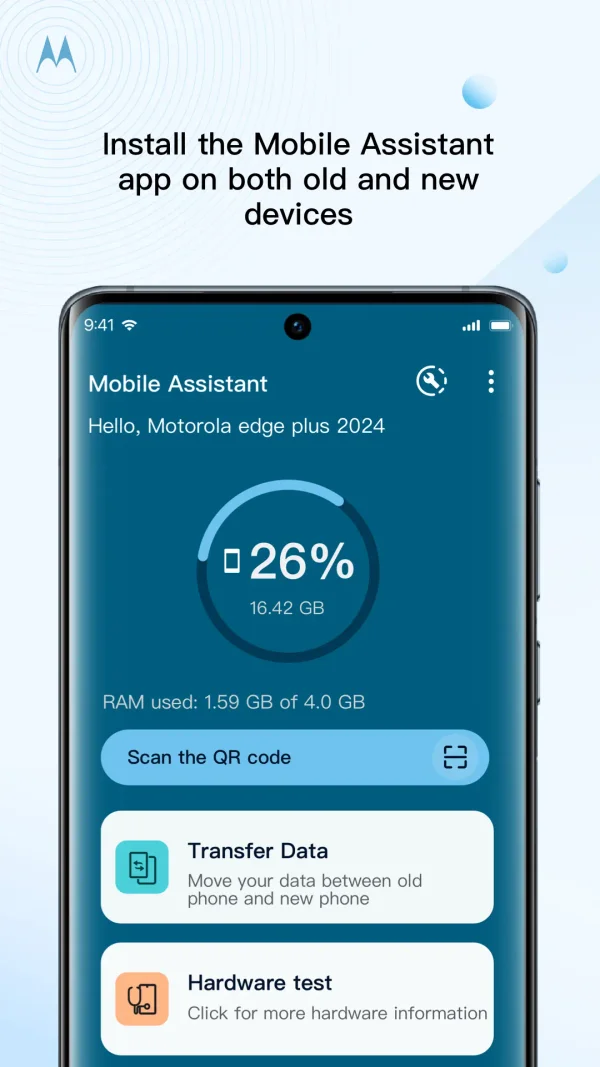
両方のデバイスにMobile Assistantをインストールし、同じWi-Fiネットワークに接続します。
プロンプトが表示されたら、必要な権限を付与します。
新しいデバイスで「データの受信」を選択します。
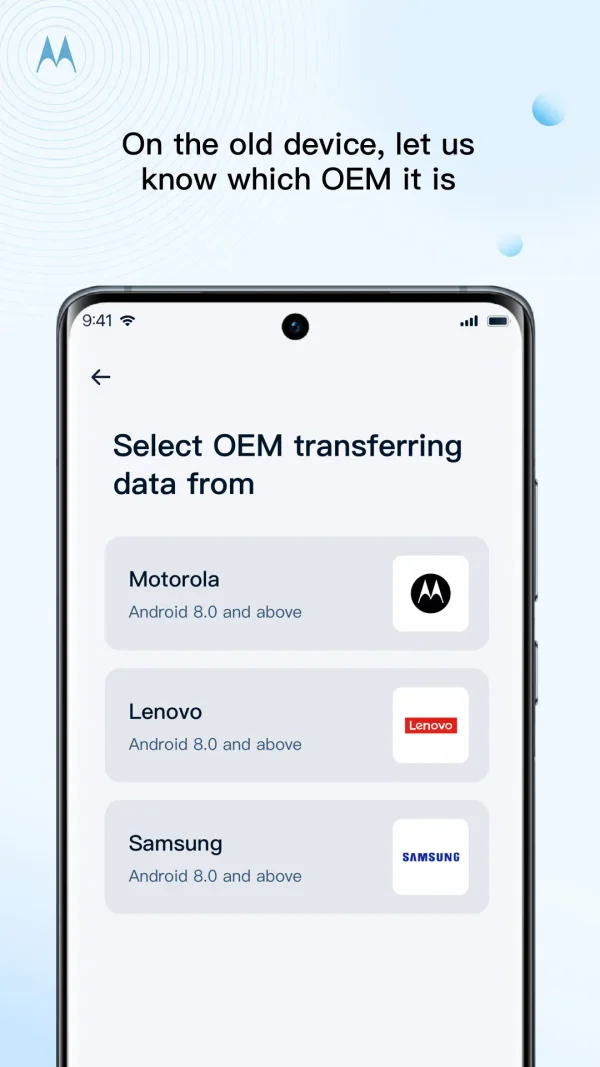
古いデバイスで「データの送信」を選択し、デバイスメーカーを選択します。
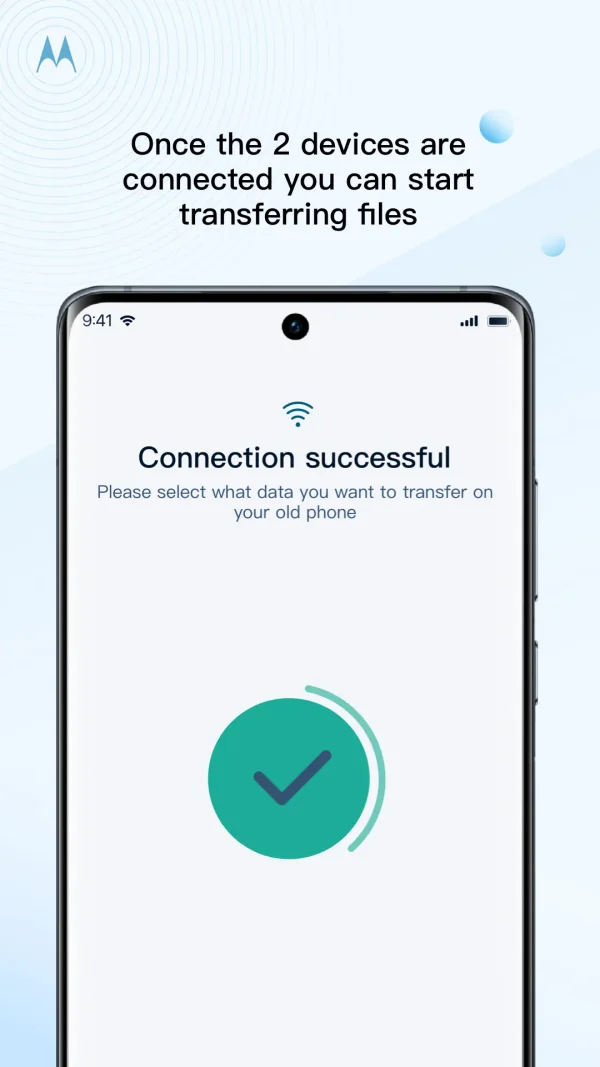
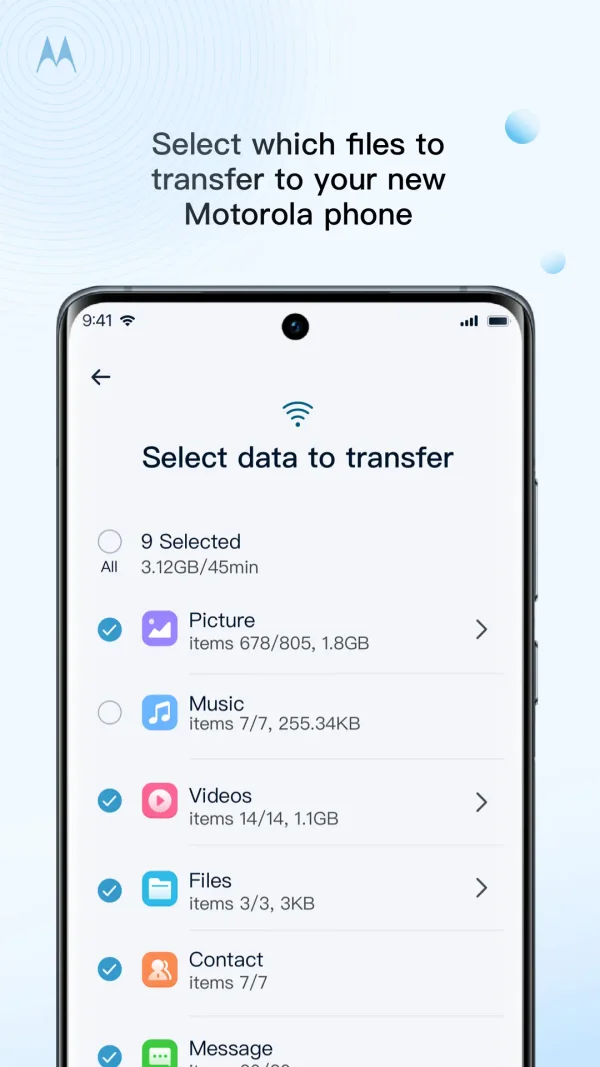
デバイスを接続し、転送するコンテンツを選択します。
原文を表示
Mobile Assistant helps you securely transfer your personal data from your old device to your new Motorola device during device setup and migration. Using a direct device-to-device connection, you can move selected content quickly and securely while remaining in control of your data throughout the process.
Supported Data
Contacts
Text Messages (SMS/MMS)
Call History
Photos
Videos
Music
Documents and Files
Other Personal Content
Permissions and Data Usage
Mobile Assistant uses Contacts, SMS, Call Log, Photos, Media, and Files permissions solely to provide its core device migration, backup, restore, and data transfer functionality. These permissions enable the transfer and restoration of user-selected content between devices. The app does not use this data for advertising, marketing, profiling, analytics, or any unrelated purpose. Access to data occurs only when initiated by the user as part of the transfer, backup, or restore process.
Key Benefits
Secure device-to-device transfer
Transfer only the content you select
No cloud account required
Fast setup and migration experience
User-controlled data transfer
Device-to-Device Transfer
Secure direct transfer between supported devices
Transfer only the content you select
Move data from your old device to your new device
No cloud storage dependency
Supported Devices
Motorola and Lenovo Devices
Android 8.0 (Oreo) or later
Samsung and Other Android Devices
Android 8.0 (Oreo) or later
How to Transfer Your Data
Install Mobile Assistant on both devices and connect them to the same Wi‑Fi network.
Grant the required permissions when prompted.
On the new device, select Receive Data.
On the old device, select Send Data and choose the device manufacturer.
Connect the devices and select the content you want to transfer.
データ セーフティ
このアプリが収集・共有するデータについて、Motorola Mobility LLC.がGoogle Playで申告している内容です。
- 第三者と共有されるデータはありません詳しくは、デベロッパーが共有を申告する方法についての説明をご覧ください
- データは収集されません詳しくは、デベロッパーが収集を申告する方法についての説明をご覧ください
- データは送信中に暗号化されます
- データを削除できません
開発元の連絡先
- ウェブサイトmotorola.com
- メールplaystor@motorola.com
- プライバシーポリシーmotorola.com
- 住所222 Merchandise Mart Plz Ste 1800 Chicago, IL 60654 United States
情報
- 提供元
- Motorola Mobility LLC.
- カテゴリ
- ツール
- 更新日
- 2025/12/9
- リリース
- 2025/2/27
- 必要条件
- Android 8.0以降
- 対象年齢
- 3 歳以上
- 価格
- 無料
- パッケージ名
- com.motorola.lmsaappclient