mSecure - Password Manager
mSeven Software LLCアプリ内課金
- 3 歳以上対象年齢
- 仕事効率化カテゴリ
- 2026/11/23更新日
- 無料価格
com.mseven.baroloのGoogle Play公式ページにリンクしています。最終確認:2026/11/24。
スクリーンショット


このアプリについて
Googleによる英語 (アメリカ合衆国)からの自動翻訳です。
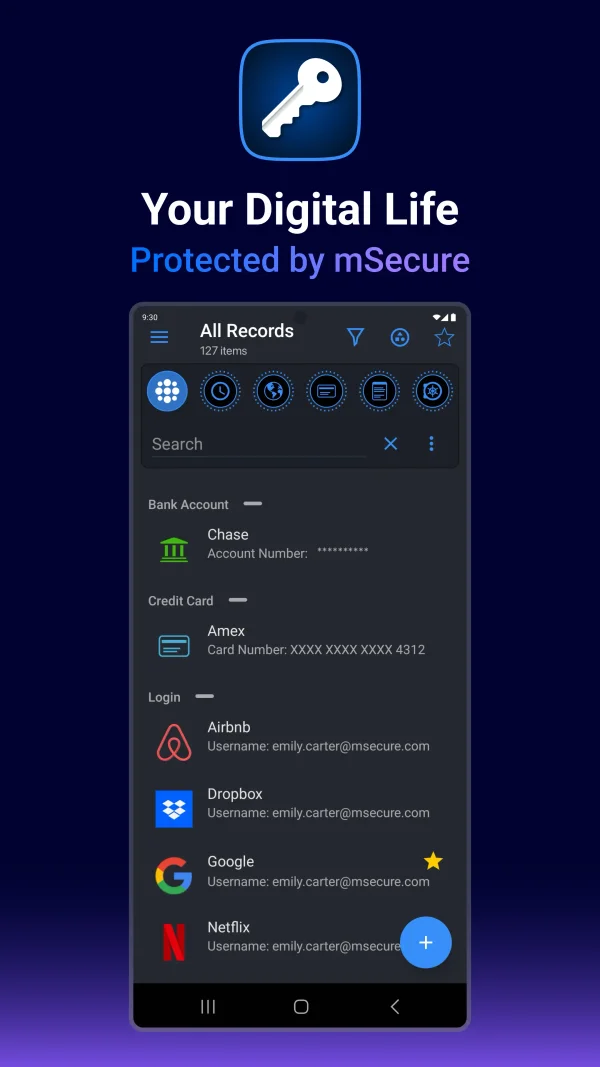
パスキー、2段階認証コード、自動入力、安全な共有機能を備えたパスワードマネージャー。
mSecure 7でパスワード、パスキー、個人情報を保護しましょう。
mSecureは、安全で使いやすいパスワードマネージャーです。パスワード、パスキー、ワンタイムパスワード(OTP)、機密情報を、あらゆるデバイスで保存、生成、自動入力、整理できます。データは業界標準のAES-256暗号化とゼロ知識アーキテクチャで保護され、あなただけが情報にアクセスできます。
mSecure 7の新機能
• パスキー — パスワードなしでパスキー対応のウェブサイトやアプリにサインインできます。
• 内蔵ワンタイムパスワード(OTP) — 2要素認証コードをログイン情報と一緒に保存できるので、別途認証アプリは不要です。
• 共有センター — 共有ボルトとレコードを1か所から簡単に管理できます。
• レコードの詳細、編集、最近の履歴ビューを刷新しました。
・カスタムフィルター - 重要なレコードを保存して素早くアクセスできます。
・検索機能が強化され、必要な情報に素早くアクセスできます。
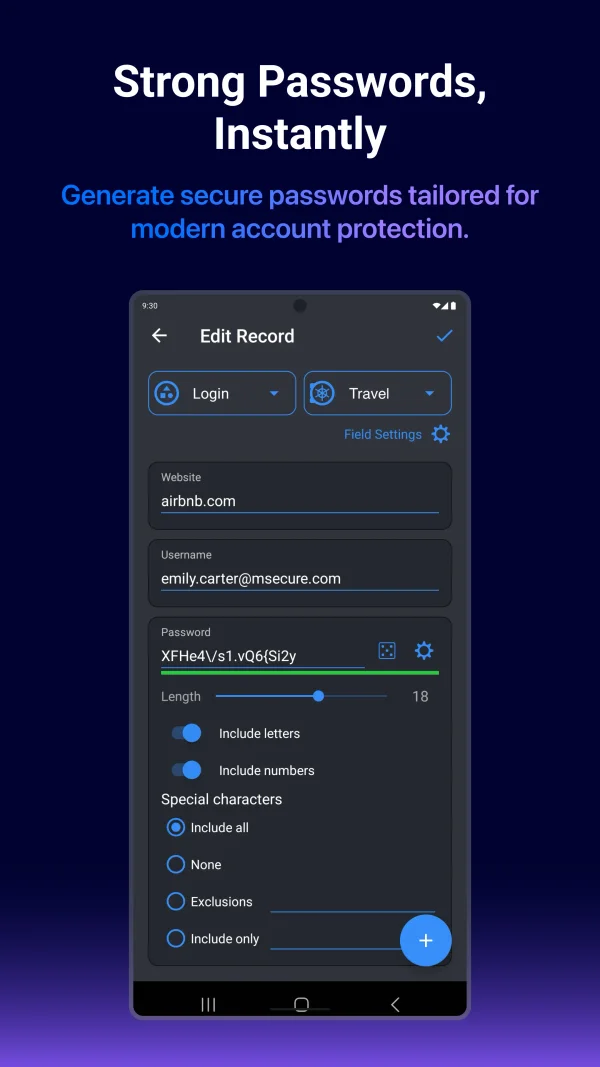
・パスワード生成機能が改善され、ユーザーエクスペリエンスが刷新されました。
・アプリ全体のパフォーマンスが向上し、多数の機能強化が行われました。
ニーズに合ったプランをお選びください
すべてのプランに、AES-256暗号化とゼロ知識証明アーキテクチャが含まれています。
無料プラン:
・レコード数無制限。
・パスワード生成機能。
・自動入力機能。
・カスタマイズ可能なテンプレート。
・検索機能強化。
基本プラン:
・mSecure Cloud、Dropbox、Google Drive、OneDrive、またはWi-Fi経由でのクラウド同期。
対応デバイスでの生体認証ロック解除。
パスキー。
内蔵OTP認証。
セキュリティセンター。
バックアップとCSVインポート/エクスポート。
プレミアム:
共有センター。
カスタムフィルター。
高度なフィールド設定。
レコードごとに複数のタグ。
ドキュメントや画像などのファイル添付。
ファミリー:
プレミアム機能すべて。
最大5人の家族メンバー。
共有保管庫。
安全
安心して情報を保護します。
AES-256暗号化。
ゼロ知識アーキテクチャ。
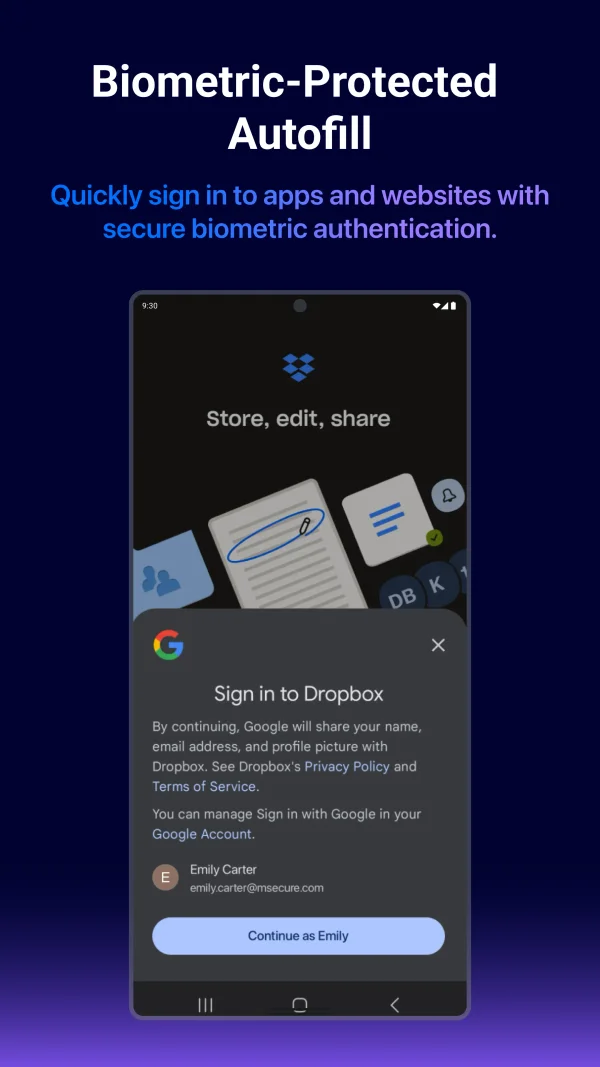
対応デバイスでの生体認証ロック解除。
自動ロック保護。
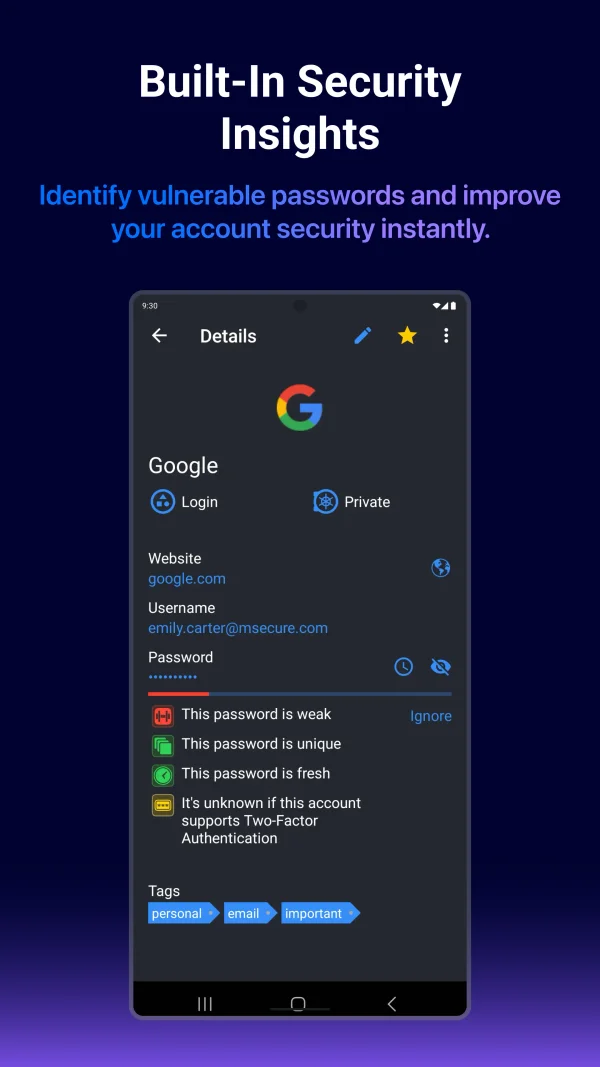
セキュリティセンターで脆弱なパスワード、使い回しのパスワード、漏洩したパスワードを検出。
カスタマイズ可能な設定を備えた強力なパスワード生成機能。
シンプル
ストレスなく情報を管理。
対応アプリとブラウザでパスワードとパスキーを自動入力。
20種類以上の組み込みテンプレートに加え、カスタムテンプレートも利用可能。
強力な検索機能、スマートな並べ替え、タグ、カスタムフィルター。
パスワード、ID、クレジットカード情報、メモなどを素早く整理。
再設計されたレコードビューにより、編集と管理が効率化されます。
シームレス
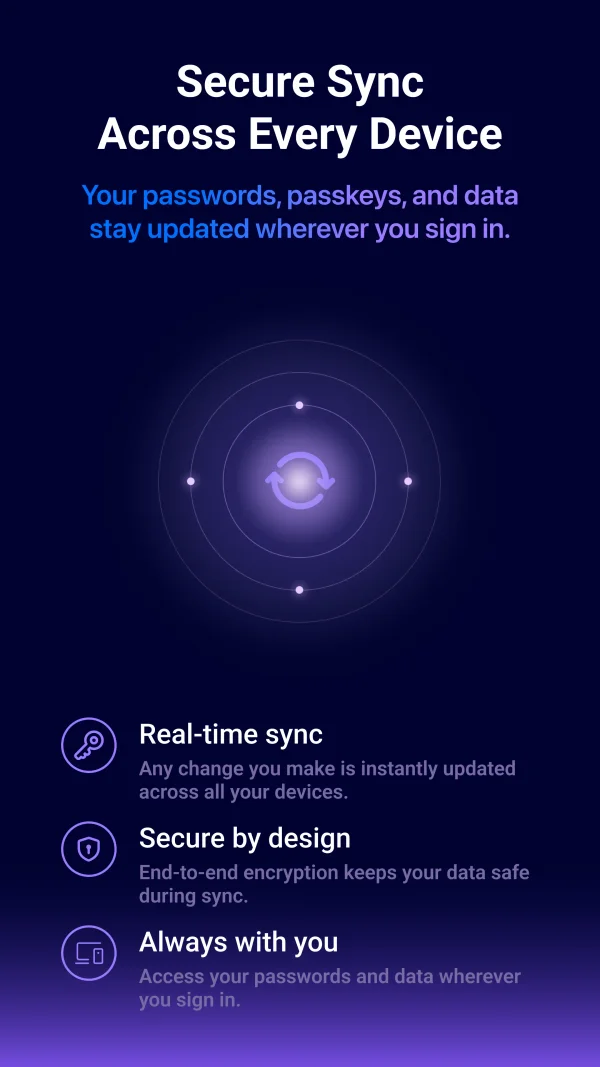
必要な場所からいつでも情報にアクセスできます。mSecure Cloud、Dropbox、またはWi-Fiを使用して、デバイス間でデータを安全に同期できます。Android、Windows、Mac、iOSのいずれを使用している場合でも、必要なときにいつでも情報にアクセスできます。
サポート
ご質問やご意見は、support.msecure.comをご覧いただくか、support@msevensoftware.comまでお問い合わせください。
プライバシーポリシー:msecure.com/privacy-statement
原文を表示
Protect your passwords, passkeys, and personal information with mSecure 7.
mSecure is the secure, easy-to-use password manager that helps you store, generate, autofill, and organize passwords, passkeys, one-time passwords (OTP), and sensitive information across all your devices. Your data is protected by industry-standard AES-256 encryption and a zero-knowledge architecture, ensuring only you can access your information.
WHAT'S NEW IN MSECURE 7
● Passkeys — sign in to passkey-enabled websites and apps without passwords.
● Built-in one-time passwords (OTP) — keep your 2FA codes alongside your logins with no separate authenticator app required.
● Sharing Center — easily manage shared vaults and records from one central location.
● Redesigned Record Details, Edit, and Recents views.
● Custom filters — save and quickly access your most important records.
● Enhanced search with faster access to the information you need.
● Improved password generator and refreshed user experience.
● Performance improvements and numerous enhancements throughout the app.
CHOOSE THE PLAN THAT FITS
Every plan includes the same AES-256 encryption and zero-knowledge architecture.
Free:
● Unlimited records.
● Password generator.
● AutoFill support.
● Customizable templates.
● Enhanced search.
Essentials:
● Cloud syncing via mSecure Cloud, Dropbox, Google Drive, OneDrive, or Wi-Fi.
● Biometric unlock on supported devices.
● Passkeys.
● Built-in OTP authentication.
● Security Center.
● Backup and CSV import/export.
Premium:
● Sharing Center.
● Custom filters.
● Advanced field settings.
● Multiple tags per record.
● File attachments including documents and images.
Family:
● All Premium features.
● Up to 5 family members.
● Shared vaults.
SECURE
Protect your information with confidence.
● AES-256 encryption.
● Zero-knowledge architecture.
● Biometric unlock on supported devices.
● Auto-lock protection.
● Security Center identifies weak, reused, and compromised passwords.
● Powerful password generator with customizable settings.
SIMPLE
Manage your information without friction.
● AutoFill passwords and passkeys in supported apps and browsers.
● Over 20 built-in templates plus custom templates.
● Powerful search, smart sorting, tags, and custom filters.
● Quickly organize passwords, identities, payment cards, notes, and more.
● Redesigned record views streamline editing and management.
SEAMLESS
Access your information wherever you need it. Sync your data securely across devices using mSecure Cloud, Dropbox or Wi-Fi. Whether you're using Android, Windows, Mac, or iOS, your information is always available when you need it.
SUPPORT
Questions or feedback? Visit support.msecure.com or contact support@msevensoftware.com
Privacy Policy: msecure.com/privacy-statement
データ セーフティ
このアプリが収集・共有するデータについて、mSeven Software LLCがGoogle Playで申告している内容です。
- 第三者と共有されるデータはありません詳しくは、デベロッパーが共有を申告する方法についての説明をご覧ください
- このアプリは以下の種類のデータを収集することがあります個人情報、ファイル、ドキュメント、他 3 件
- データは暗号化されません
- データを削除するようリクエストできます
新機能
バージョン 7.0.1 · 2026/11/23
• Added new biometric settings to support all levels of Android Biometrics security
• Bug fixes
開発元の連絡先
- ウェブサイトmsecure.com
- メールsupport@msevensoftware.com
- プライバシーポリシーmsecure.com
- 住所17700 Lake Haven Dr Lake Oswego, OR 97035 United States
情報
- 提供元
- mSeven Software LLC
- カテゴリ
- 仕事効率化
- バージョン
- 7.0.1
- 更新日
- 2026/11/23
- リリース
- 2017/5/9
- 必要条件
- Android 7.0以降
- 対象年齢
- 3 歳以上
- 価格
- 無料
- アプリ内課金
- ¥170~¥8,600/アイテム
- パッケージ名
- com.mseven.barolo