Net Optimizer: Optimize Ping
BGN CAPITAL広告を含む · アプリ内課金
- 3 歳以上対象年齢
- ツールカテゴリ
- 2026/9/8更新日
- 無料価格
com.burakgon.netoptimizerのGoogle Play公式ページにリンクしています。最終確認:2026/11/19。

スクリーンショット
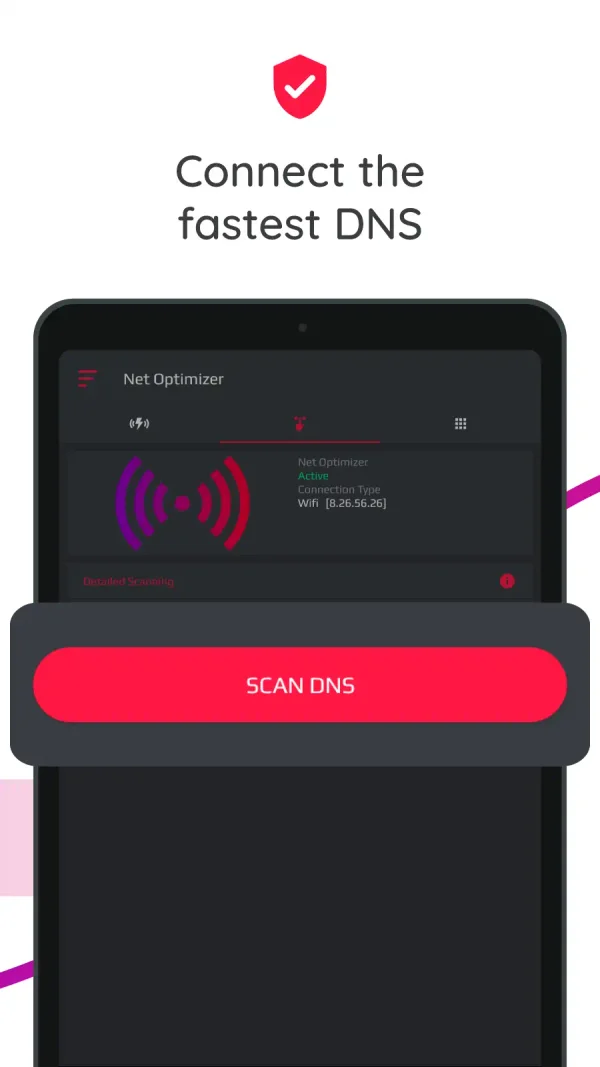
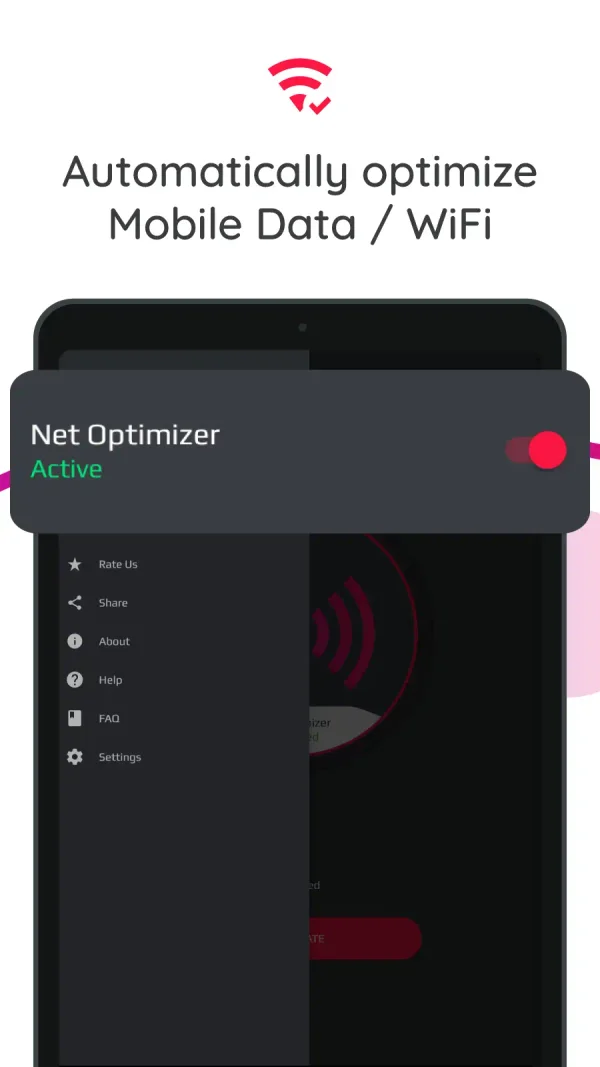
このアプリについて
Googleによる英語 (アメリカ合衆国)からの自動翻訳です。
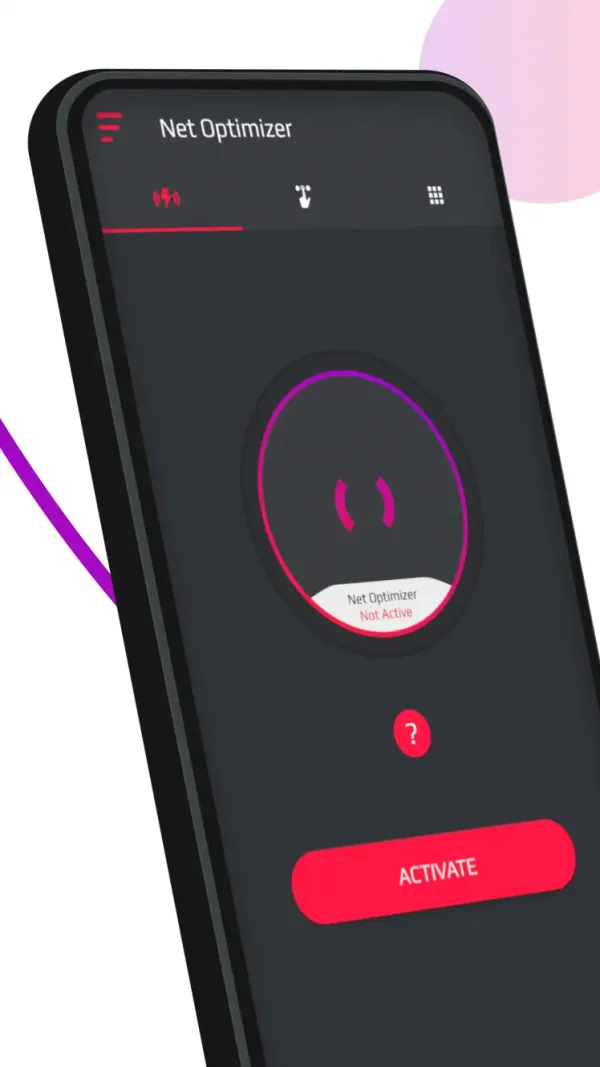
速度テストで最速のDNSサーバーに接続します。インターネットの速度を最適化します。
ネットオプティマイザーの利点は何ですか?
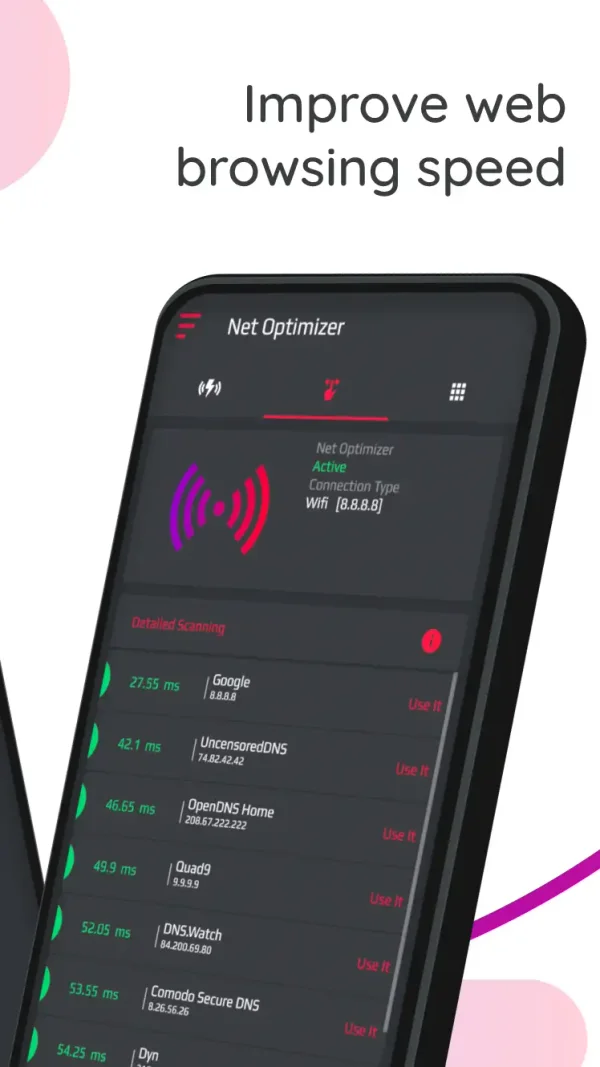
- あなたの場所とネットワークに基づいて、最速の DNS サーバーを見つけて接続します。
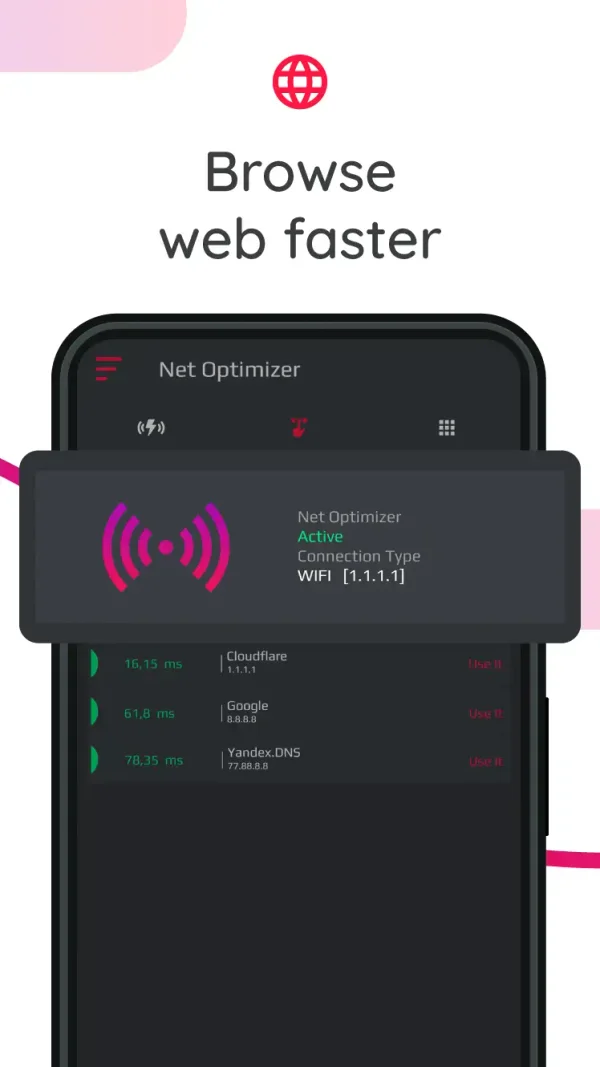
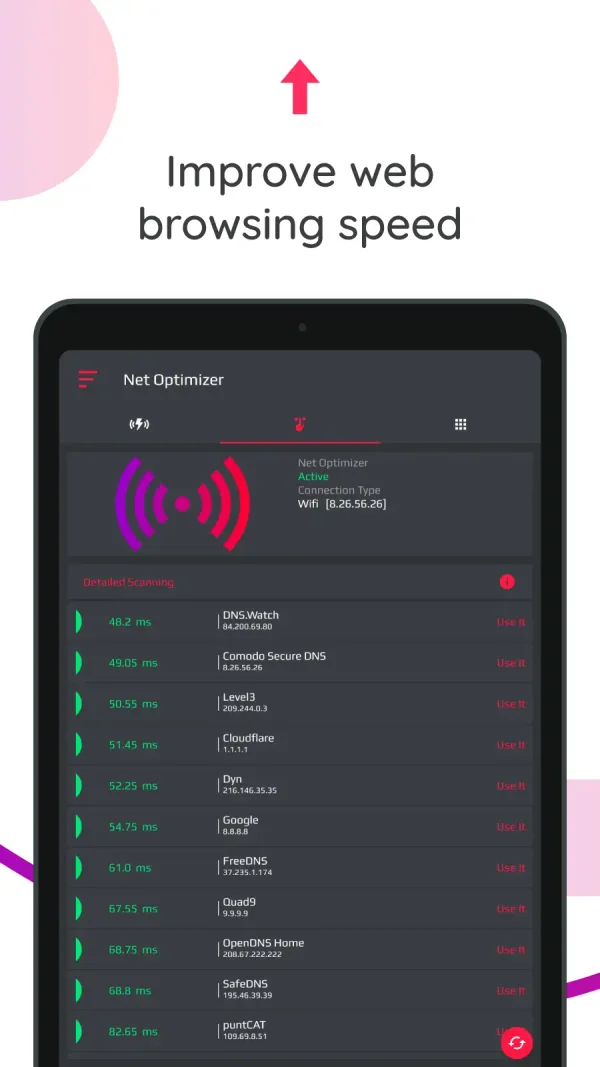
- 応答時間を短縮して Web サーフィンの速度を向上させます。
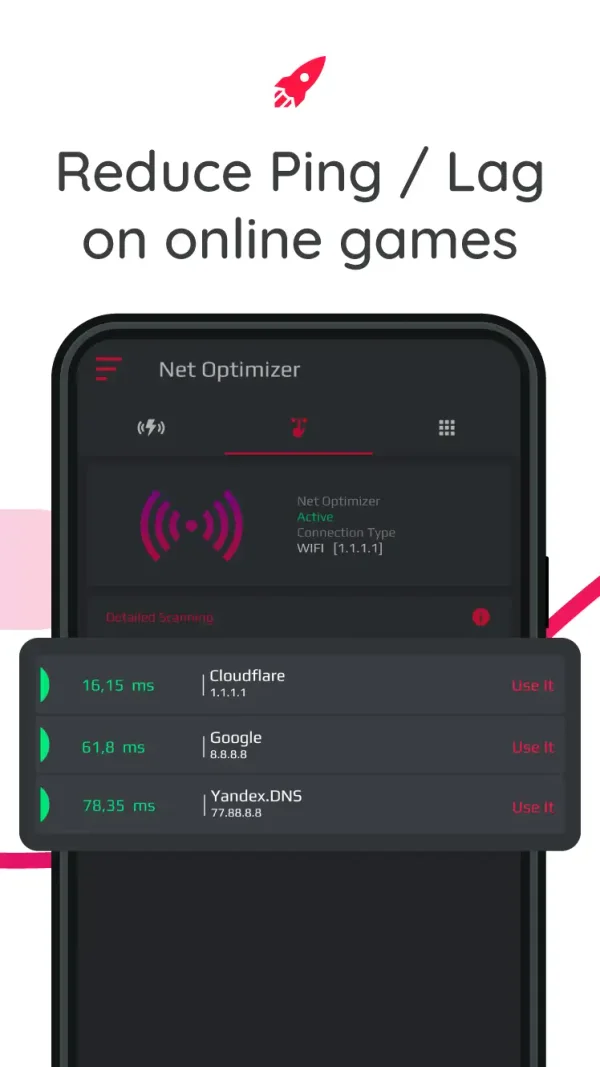
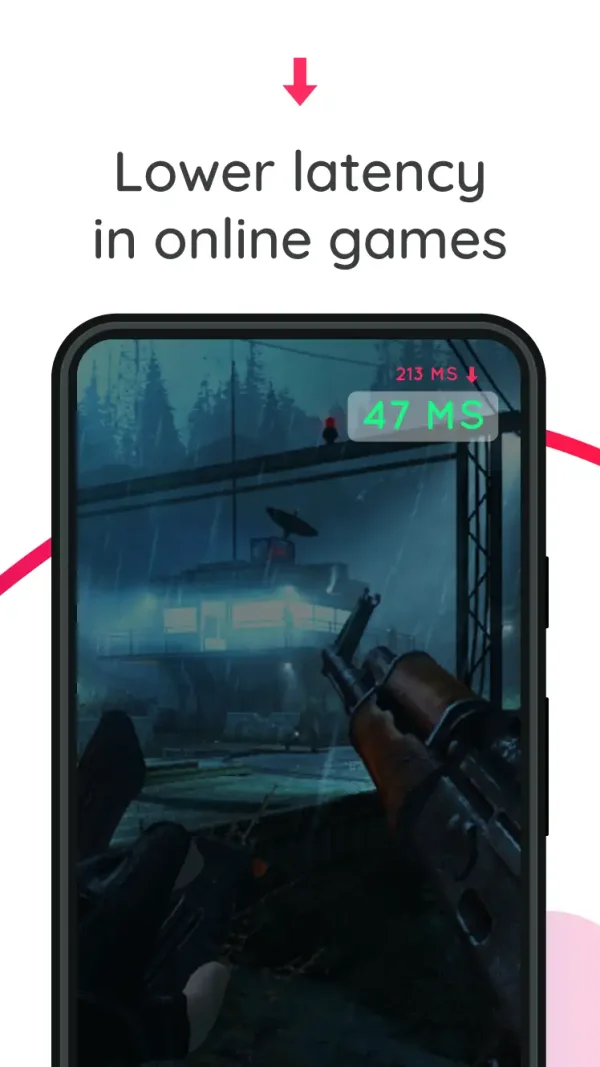
- オンライン ゲームのラグを修正し、待ち時間 (ping 時間) を短縮して、ゲーム体験を向上させます。
特徴
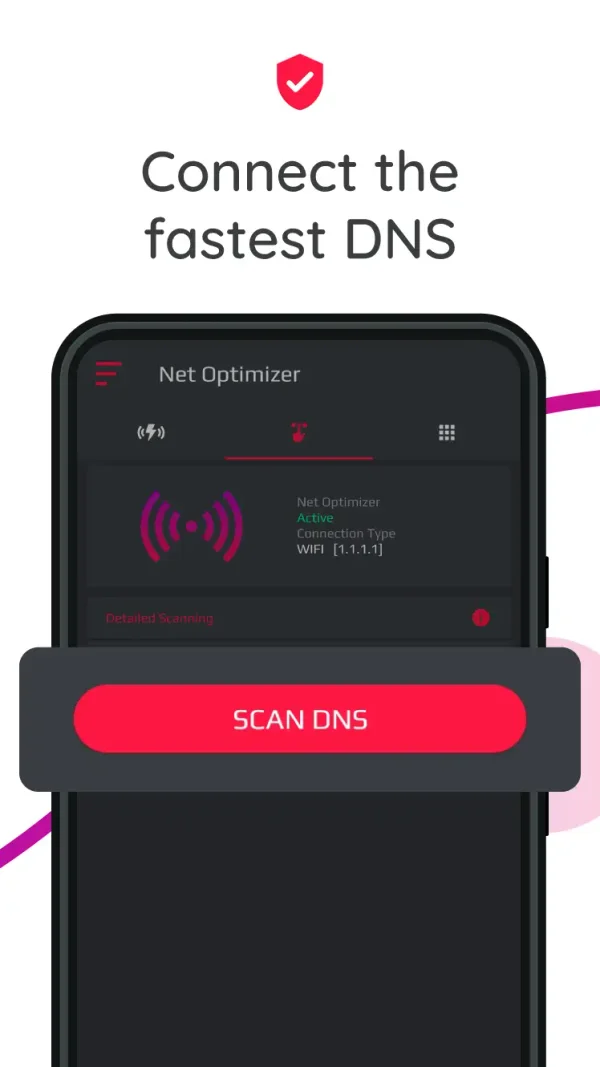
-ワンタッチで最速の DNS サーバーを見つけて接続し、接続を最適化します。
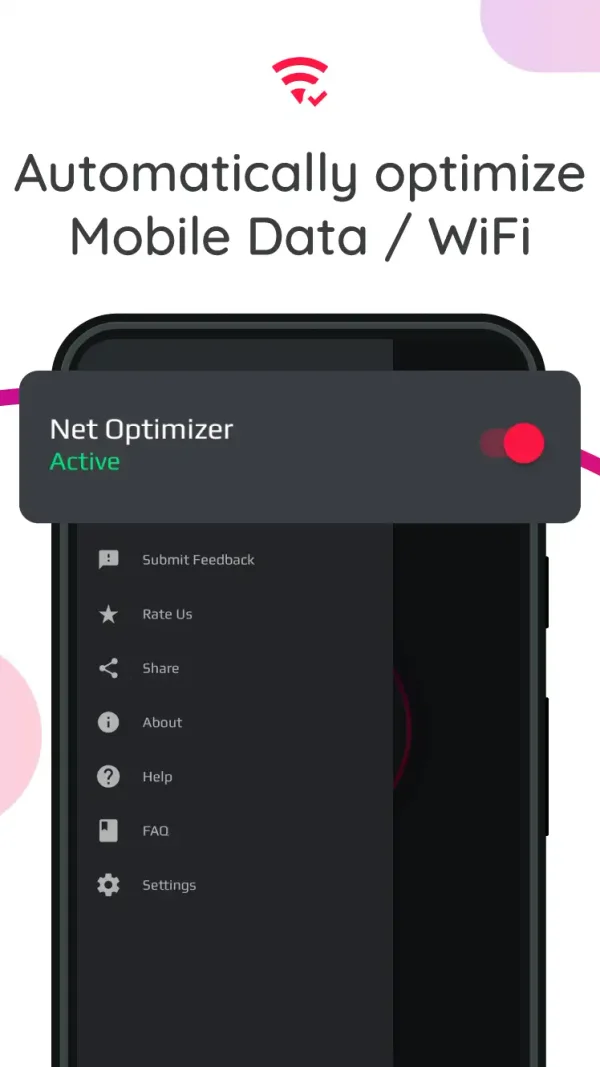
-接続の変更を自動的に検出し、ネットワークを最適化します。
- ワンタッチですべての DNS サーバーを手動でスキャンして、すべての詳細を自分で確認します。
- モバイルデータ (3G/4G/5G) と WiFi 接続の両方に対応
-サポートされている DNS サーバー: Cloudflare、Level3、Verisign、Google、DNS Watch、Comodo Secure、OpenDNS、SafeDNS、OpenNIC、SmartViper、Dyn、FreeDNS、代替 DNS、Yandex DNS、UncensoredDNS、puntCAT
使い方?
高速インターネット接続を使用していても、Web ブラウジング速度が十分でないことに気付いた場合、問題は DNS にある可能性があります。デバイスの DNS レコードを最適化することで、インターネットを移動するときにデータ パケットがたどる最速のルートを見つけることができます。ダウンロード/アップロード速度が向上するわけではありませんが、場合によっては、Web ブラウジング時間が大幅に改善される可能性があります.
デバイスからインターネットを使用しようとしているときに、時折、しゃっくりが遅くなることがあります。 ISP の DNS サーバー速度が常に最適であるとは限らないため、これらの問題はプロバイダーの DNS 設定に起因する場合があります。
デフォルトの DNS サーバーは、ウェブサイトへの接続速度に直接影響します。したがって、場所に応じて最速のサーバーを選択すると、ブラウジングの速度が向上します.
Net Optimizer を使用すると、最速の DNS サーバーを見つけてワンタッチで接続できます。
そのため、ブラウジング速度とゲーム体験 (ping と遅延) を改善できます。 (ただし、DNS 設定はインターネットのダウンロード/アップロード速度には影響しませんが、応答時間には影響しないことに注意してください)
結果
テスト結果によると、Google の DNS サーバーを使用した場合、標準の DNS サーバーを使用した場合よりも 132.1% 改善されましたが、実際の使用では、それほど高速ではない可能性があります.それでも、この 1 つの微調整により、最終的にインターネットへの非常に高速な接続を実現できるようになる可能性があります。
必要な権限とプライバシーに関する注意事項
オーバーレイ許可: 自動最適化ポップアップを表示するには、他のアプリの上に表示する許可を求めます。
VPNService: Net Optimizer は VPNService 基本クラスを使用して DNS 接続を作成します。 Android デバイスが特定のネットワークからインターネットに接続するとき、インターネット上のアドレス (仮想ネットワーク内の Android デバイスの場所) は IP アドレスと呼ばれます。そして、IPアドレスは暗号化された数字からなるコード体系です。 Net Optimizer は、これらの番号を DNS サーバーを使用してサイト アドレスとして処理し、この方法で検索するとアドレスに到達できます。
原文を表示
What is the benefit of Net Optimizer?
-Find & Connect the fastest DNS server based on your location & network.
-Improve web surfing speed with faster response time.
-Fix lag and reduce latency (ping time) on online games for better gaming experience.
Features
-Just one touch to find & connect fastest DNS server to optimize your connection.
-Automatically detect connection changes and optimize the network.
-Scan manually all DNS servers with one touch to see all details yourself.
-Works for both mobile data (3G/4G/5G) and WiFi connection
-Supported DNS Servers: Cloudflare, Level3, Verisign, Google, DNS Watch, Comodo Secure, OpenDNS, SafeDNS, OpenNIC, SmartViper, Dyn, FreeDNS, Alternate DNS, Yandex DNS, UncensoredDNS, puntCAT
How it works?
If you have a high-speed Internet connection but notice that your web browsing speed isn’t all that it’s cracked up to be, then your problem may lie in the DNS. By optimizing your device's DNS records, you can find the fastest routes for your data packets to take when traveling the Internet. It won’t boost to your download/upload speed, but in some cases it can result in quite a noticeable improvement in web browsing time.
At times, you may experience slow hiccups while trying to use the internet from your device. Sometimes, these problems can be attributed to your provider's DNS settings because your ISP may not always have the best DNS server speeds.
Your default DNS server directly affects how fast you’ll be able to connect to a website. So choosing the fastest server according to your location will help speed up browsing.
With Net Optimizer, you can find the fastest DNS server and connect to it with just one touch!
So your browsing speed and gaming experience (ping and latency) can be improved. (But you should remember that DNS settings will not affect your internet download / upload speed but response time)
Results
Test results showed a 132.1 percent improvement from using Google's DNS servers over using the stock DNS servers, but in real world usage, it might not be exactly that much faster. Still, this one tweak might get you finally feeling like you have a blazing connection to the internet!
Required Permissions And Privacy Notes
Overlay Permission: To show Auto Optimize pop-up, we ask for display over other apps permission.
VPNService: Net Optimizer uses VPNService base class to create DNS connection. When your Android device connects to the Internet from a specific network, your address on the Internet (the location of your Android device in the virtual network) is called the IP address. And the IP address is a code system consisting of encrypted numbers. Net Optimizer processes these numbers as site addresses by using DNS servers, and the address can be reached when searched in this way.
データ セーフティ
このアプリが収集・共有するデータについて、BGN CAPITALがGoogle Playで申告している内容です。
- このアプリはサードパーティと以下の種類のデータを共有することがあります位置情報、個人情報、他 4 件
- このアプリは以下の種類のデータを収集することがあります位置情報、個人情報、他 4 件
- データは送信中に暗号化されます
- データを削除できません
新機能
バージョン 1393-2r · 2026/9/8
We are working hard to provide you a seamless experience.
開発元の連絡先
- ウェブサイトapps.bgn.capital
- メールfeedback@bgn.capital
- プライバシーポリシーapps.bgn.capital
- 住所IC KAPI NO:15, NO:91C CINARTEPE MAHALLESI ADNAN MENDERES CADDESI, MERKEZ 67040 Zonguldak Türkiye
情報
- 提供元
- BGN CAPITAL
- カテゴリ
- ツール
- バージョン
- 1393-2r
- 更新日
- 2026/9/8
- リリース
- 2018/9/25
- 必要条件
- Android 6.0以降
- 対象年齢
- 3 歳以上
- 価格
- 無料
- アプリ内課金
- ¥100~¥13,700/アイテム
- パッケージ名
- com.burakgon.netoptimizer