Octave
UserLAnd Technologies- 3 歳以上対象年齢
- ツールカテゴリ
- 2026/11/17更新日
- ¥260価格
tech.ula.octaveのGoogle Play公式ページにリンクしています。最終確認:2026/11/19。
スクリーンショット

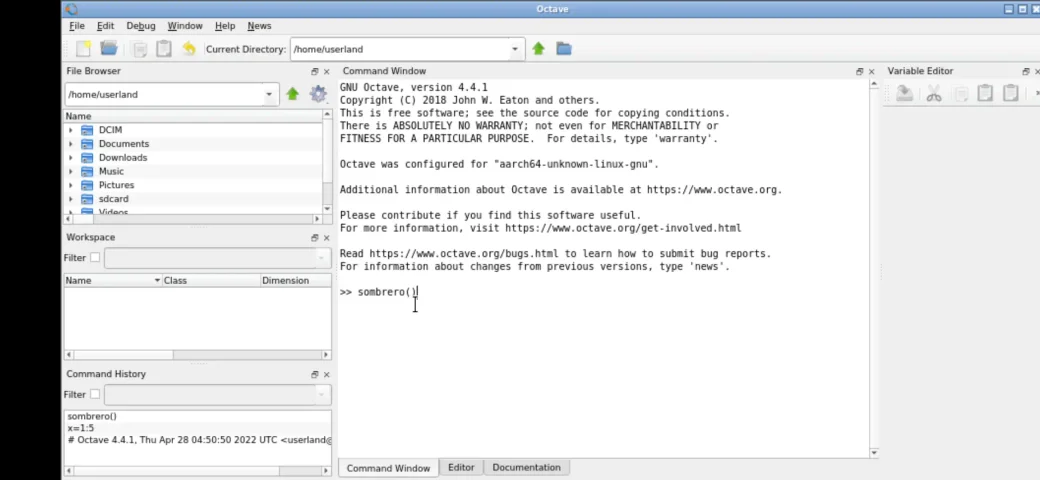
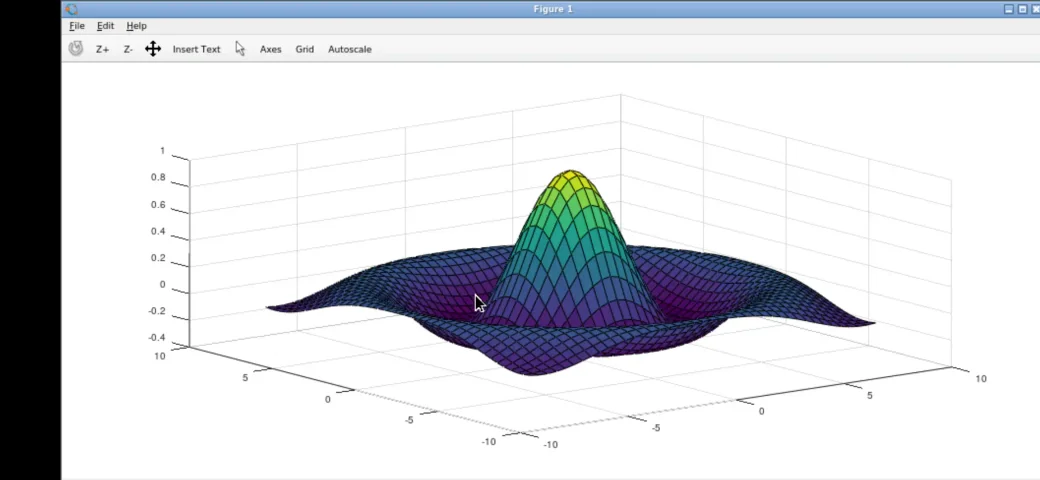
このアプリについて
Googleによる英語 (アメリカ合衆国)からの自動翻訳です。
お使いのデバイスを最も強力なグラフ電卓に変えましょう!
これは、お使いのデバイス上で動作する正真正銘のGNU Octaveです。フル機能搭載で、プロフェッショナルなサポートも受けられます。
これにより、Octave/MATLABコードを(クラウドではなく)スマートフォン上で制限なく実行できます。
Octaveについて:
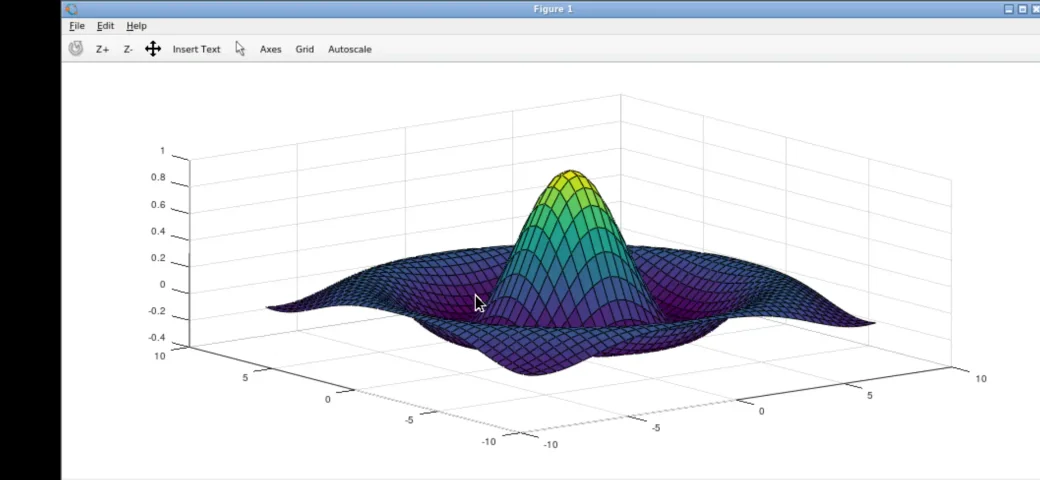
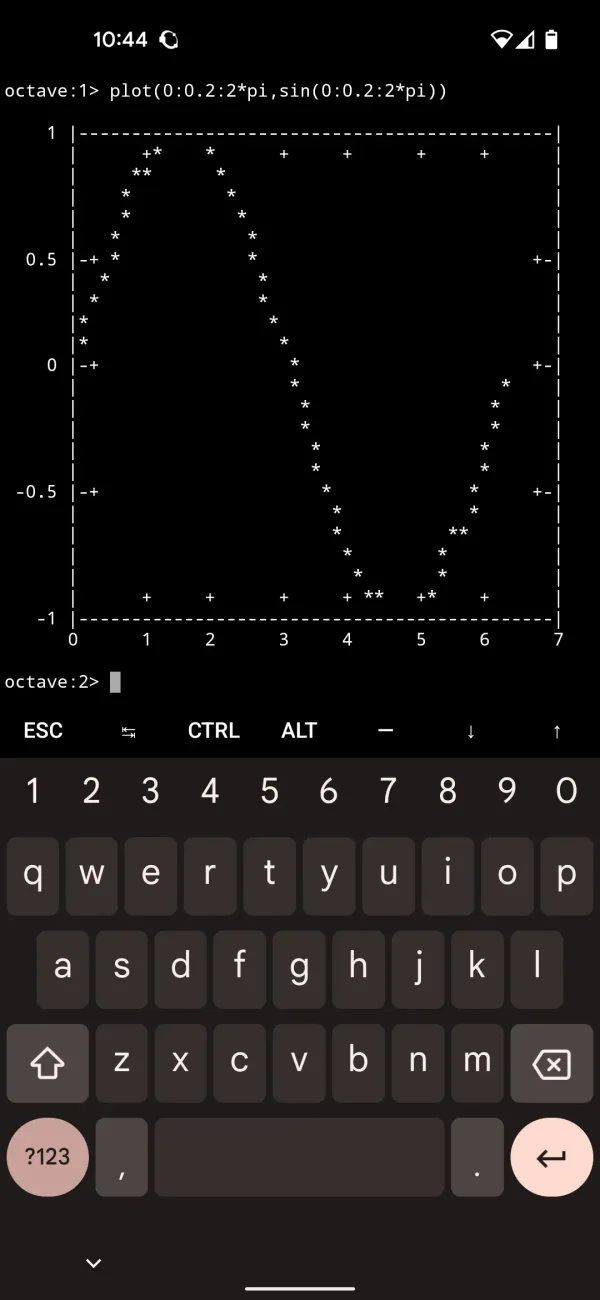
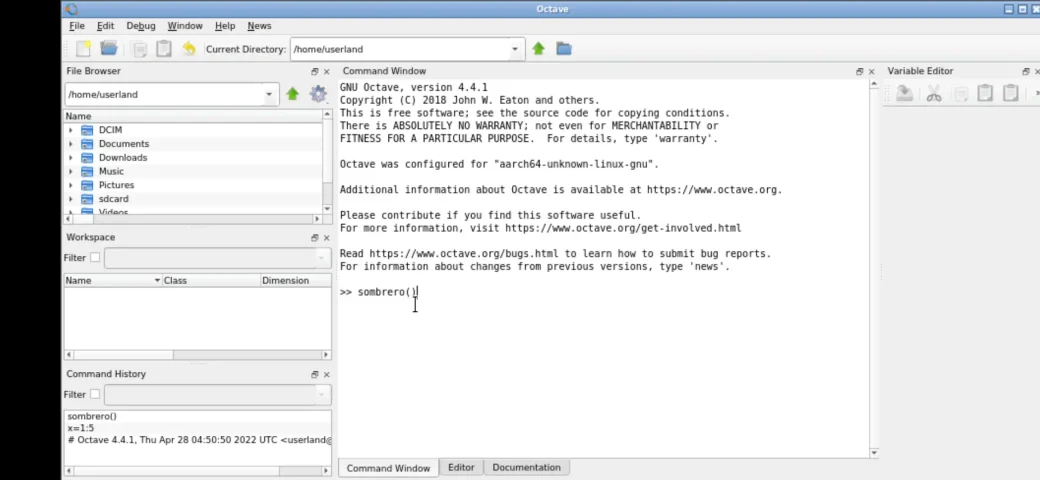
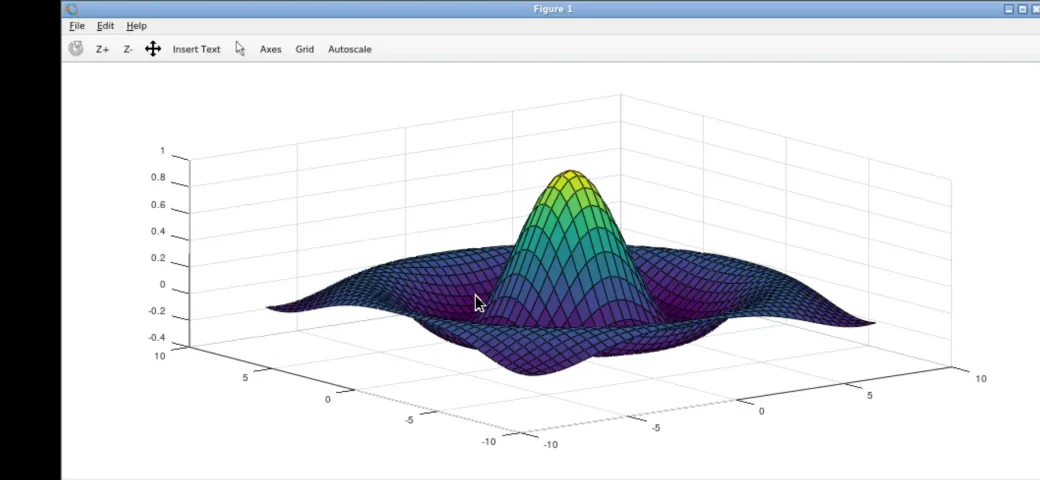
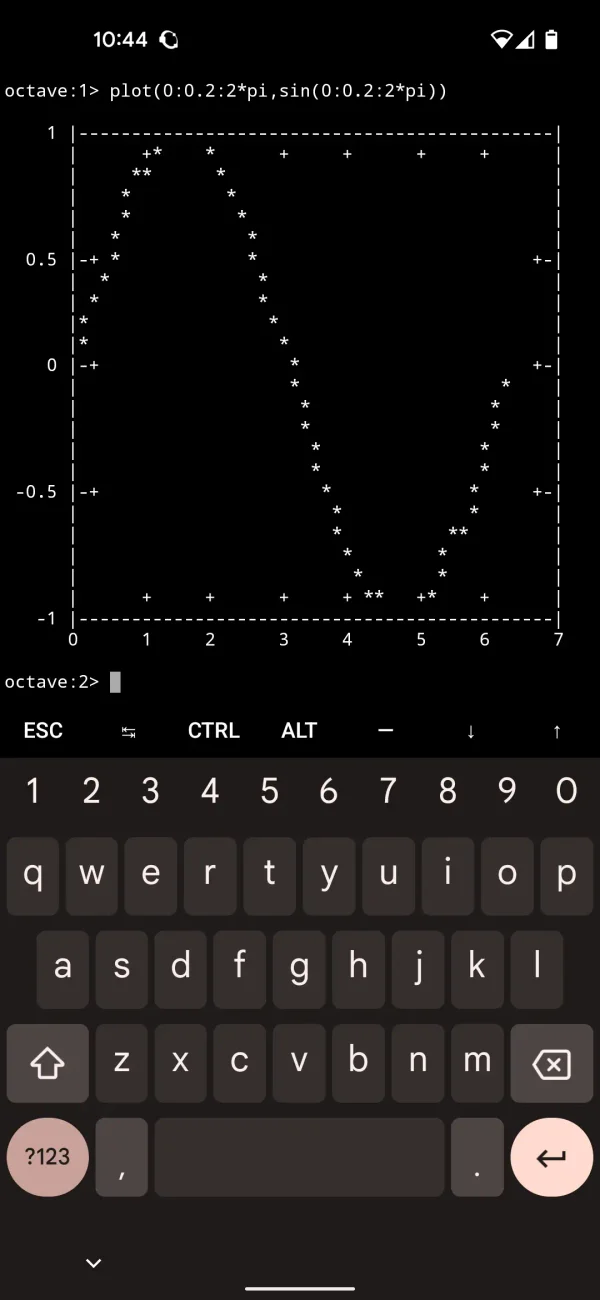
GNU Octaveは、強力な数学指向の構文と、組み込みの2D/3Dプロットおよび可視化ツールをサポートしています。主に数値計算を目的とした高水準プログラミング言語です。Octaveは、線形および非線形問題を数値的に解くのに役立ち、MATLABとほぼ互換性のある言語を使用して他の数値実験を実行することもできます。バッチ処理言語としても使用できます。ここではすべてを列挙することはできませんが、詳細についてはプロジェクトページをご覧ください:https://www.gnu.org/software/octave/
このOctave Androidアプリの使い方:
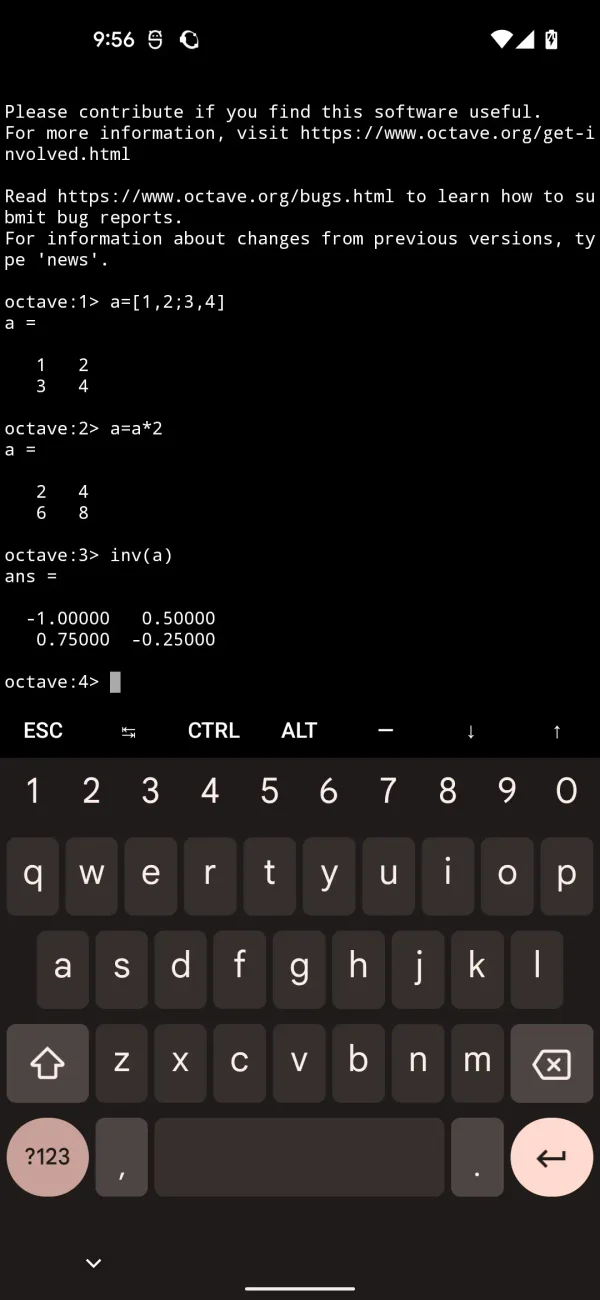
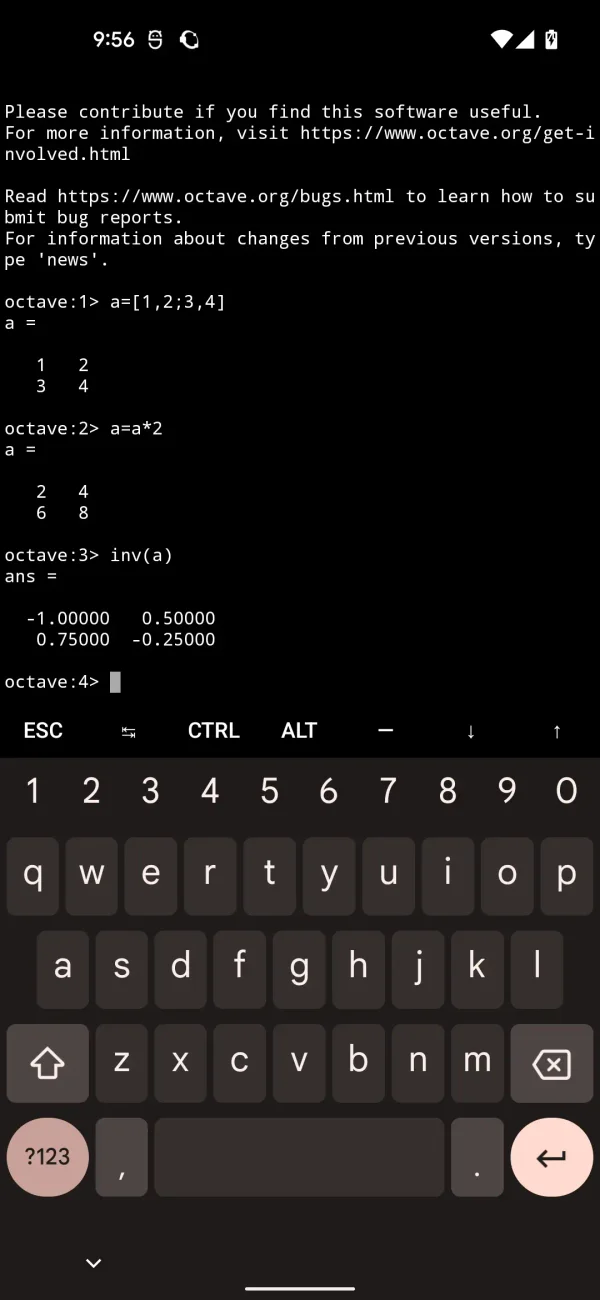
ターミナルを使用する場合は、必要に応じてコマンドを入力してください。
グラフィカルインターフェースを使用する場合は、通常どおりに操作してください。ただし、Androidインターフェース特有の操作方法をいくつかご紹介します。
* 指1本でタップすると左クリックになります。
* マウスカーソルを指一本でスライドさせて移動します。
* ピンチ操作でズームイン/ズームアウトします。
* 長押ししてから指一本でスライドさせるとパン操作ができます(ズームイン時に便利です)。
* 指二本で上下にスライドさせるとスクロールできます。
* キーボードを表示するには、画面をタップしてアイコンを表示させ、キーボードアイコンをクリックします。
* 右クリックと同じ操作を行うには、指二本でタップします。
* デスクトップの拡大縮小設定を変更するには、Androidサービスの通知を探し、設定をタップします。設定を変更した後は、アプリを停止して再起動しないと変更が反映されません。
これらの操作はタブレットとスタイラスペンを使うとより簡単に行えますが、スマートフォンや指でも操作可能です。
Androidの他の場所にあるファイルにアクセスするには、ホームディレクトリ(/home/userland)にドキュメントやピクチャなどの場所への便利なリンクが多数あります。ファイルのインポートやエクスポートは不要です。
このアプリの料金を支払いたくない、または支払えない場合は、UserLAndアプリ経由でOctaveを実行できます。
ライセンス:
OctaveのロゴはGPLv3ライセンスの下で使用されています。
このアプリは、GNU Octaveのメイン開発チームによって作成されたものではありません。Linux版をAndroid上で動作させるための適応版です。
原文を表示
This really is GNU Octave running on your device. It is full featured and professionally supported.
This lets you run Octave / Matlab code on your phone (not the cloud) and without restrictions.
About Octave:
GNU Octave supports a powerful mathematics-oriented syntax with built-in 2D/3D plotting and visualization tools. It features a high-level programming language, primarily intended for numerical computations. Octave helps in solving linear and nonlinear problems numerically, and for performing other numerical experiments using a language that is mostly compatible with MATLAB. It may also be used as a batch-oriented language. It has too many features to list here, but you can check out the project page for more information: https://www.gnu.org/software/octave/
How to use this Octave Android app:
If using the terminal, you just start typing commands as you see fit.
If using the graphical interface, use it just like normal. But here are some specifics to the Android interface.
* Tap with one figure to left click.
* Move mouse by sliding around one finger.
* Pinch to zoom.
* Press and hold and then slide one finger to pan (useful when zoomed in).
* Slide two fingers up and down to scroll.
* If you want to bring up a keyboard, tap on the screen to get a set of icons to appear and then click the keyboard icon.
* If you want to do the equivalent to a right click, tap with two fingers.
* If you want to change the desktop scaling, find the service android notification and click the settings. You have to stop and restart the app after changing this settings for it to take effect.
This is all easier to do on a tablet and with a stylus, but it can be done on a phone or using your finger as well.
To access files from the rest of Android, there are many useful links in your home directory (/home/userland) to places like your Documents, Pictures, etc. No need to import or export files.
If you don't want to, or cannot pay the cost of this app, you can run Octave via the UserLAnd app.
Licensing:
The Octave logo is under the GPLv3 license.
This app is not created by the main GNU Octave development team. Instead it is an adaptation that allows the Linux version to run on Android.
データ セーフティ
このアプリが収集・共有するデータについて、UserLAnd TechnologiesがGoogle Playで申告している内容です。
- 第三者と共有されるデータはありません詳しくは、デベロッパーが共有を申告する方法についての説明をご覧ください
- データは収集されません詳しくは、デベロッパーが収集を申告する方法についての説明をご覧ください
新機能
バージョン 26.11.17 · 2026/11/17
Your app's Linux system is now built fresh from our new image pipeline, with up-to-date packages and a faster, more reliable download. Opening files in your phone's shared storage no longer fails the first time, and more programs run correctly. Already installed? Your existing setup is kept; reinstall to get the new system.
開発元の連絡先
- ウェブサイトuserland.tech
- メールsupport@userland.tech
- プライバシーポリシーuserland.tech
- 住所10258 SW 67th Ave Portland, OR 97223 United States
情報
- 提供元
- UserLAnd Technologies
- カテゴリ
- ツール
- バージョン
- 26.11.17
- 更新日
- 2026/11/17
- リリース
- 2022/4/29
- 必要条件
- Android 7.0以降
- 対象年齢
- 3 歳以上
- 価格
- ¥260
- パッケージ名
- tech.ula.octave
類似のアプリ
-
 Ares Light: Pastel Icon Pack
カスタマイズ
-
 RealVNC Viewer: Remote Desktop
仕事効率化
-
 Zoho Sheet: Spreadsheet アプリ
仕事効率化
-
 ATracker - デイリータスクトラッキング
仕事効率化
-
 nzb360 - Media Server Manager
ツール
-
 Dash - 会議室のディスプレイ
ビジネス
-
 Vera Icon Pack: shapeless icon
カスタマイズ
-
 Friday AI メールの文書作成・ライター・お手伝い
仕事効率化
-
 Solid Explorer ファイルマネージャ
仕事効率化
-
 CodeGym: learn Java
教育
-
 TFT構成ガイド - LoLChess
エンタメ