Online Dictionary
Livio- 3 歳以上対象年齢
- 書籍&参考書カテゴリ
- 2026/11/18更新日
- 無料価格
livio.dictionaryのGoogle Play公式ページにリンクしています。最終確認:2026/11/19。

Online Dictionaryは現在Google Playで入手できない可能性があります
前回の確認時、ストアのページにアクセスできませんでした。リンク先は引き続きGoogle Playの公式ページです。
スクリーンショット


このアプリについて
Googleによる英語 (アメリカ合衆国)からの自動翻訳です。
オンライン辞書アプリケーションは、言葉の意味を説明
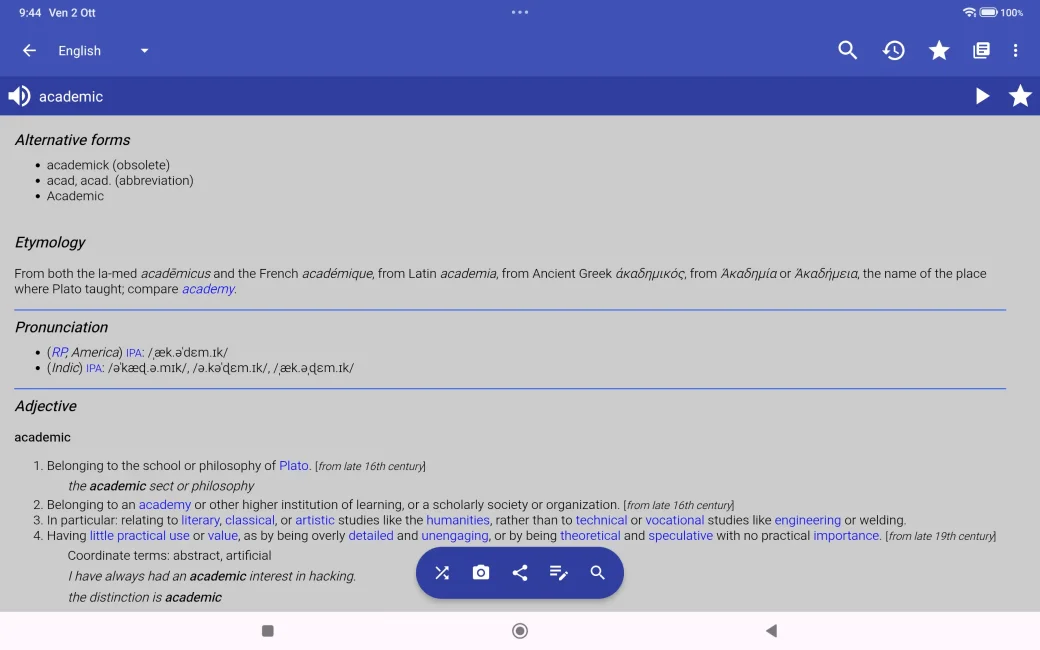
このオンライン辞書アプリケーションは英語、イタリア語、フランス語、ポルトガル語、ドイツ語、スペイン語のウィクショナリーに基づいて単語の意味を説明します。広告なしの軽くて無料のアプリケーション!
機能
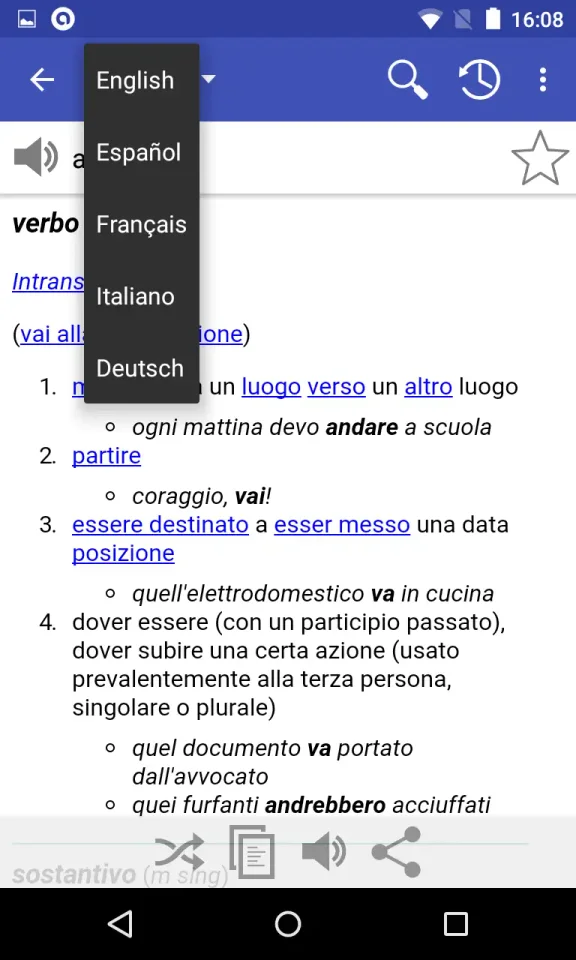
♦ 多言語辞書: 英語、イタリア語、フランス語、ポルトガル語、ドイツ語、スペイン語
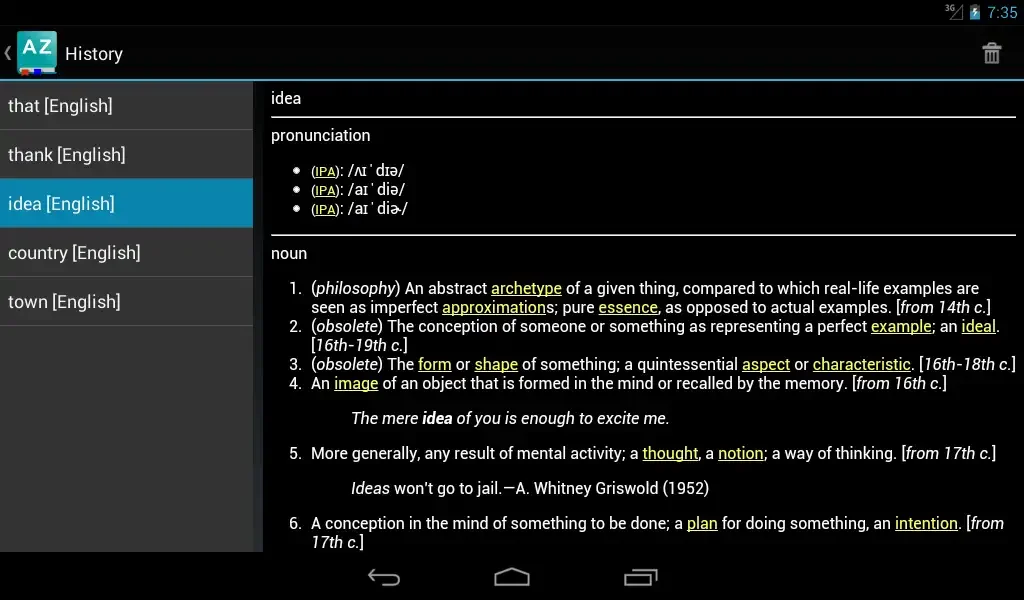
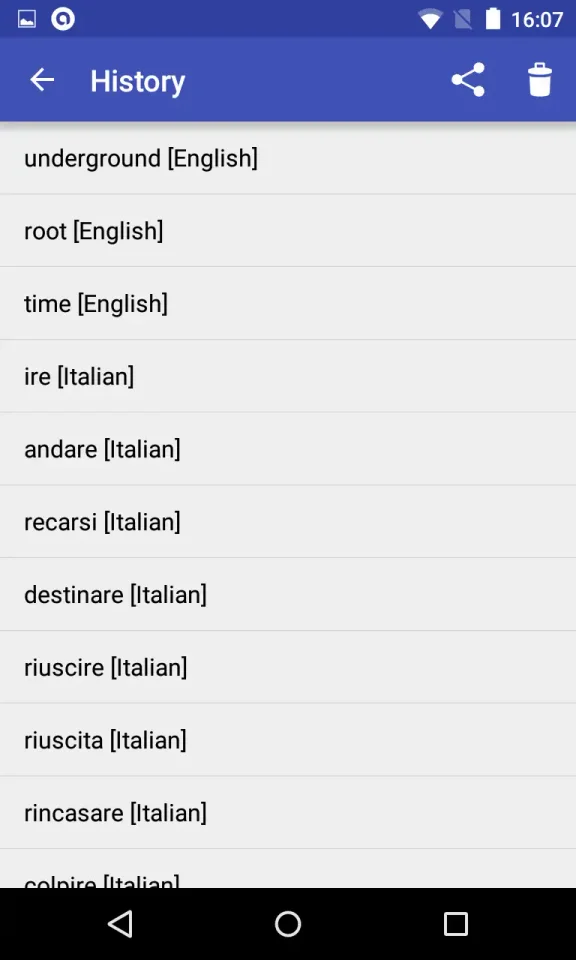
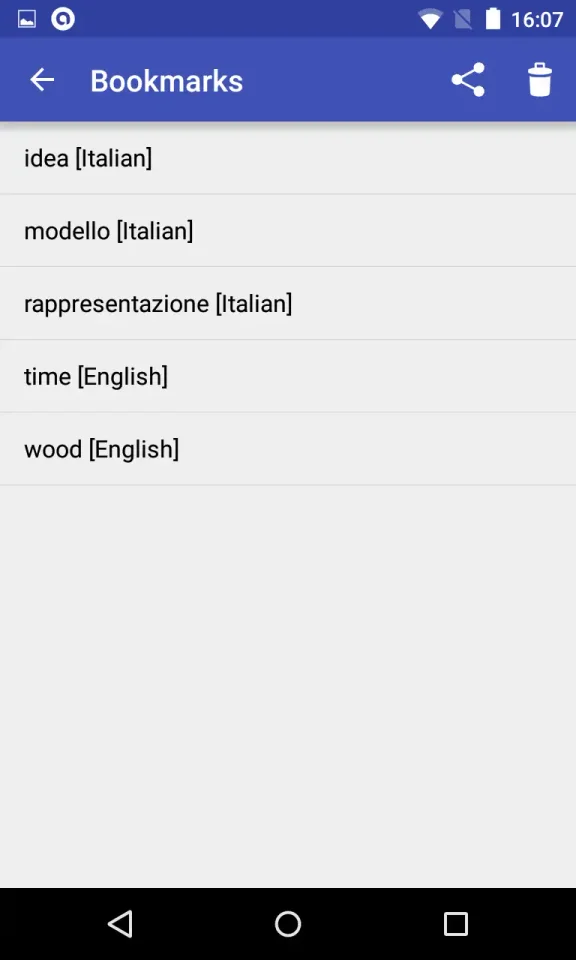
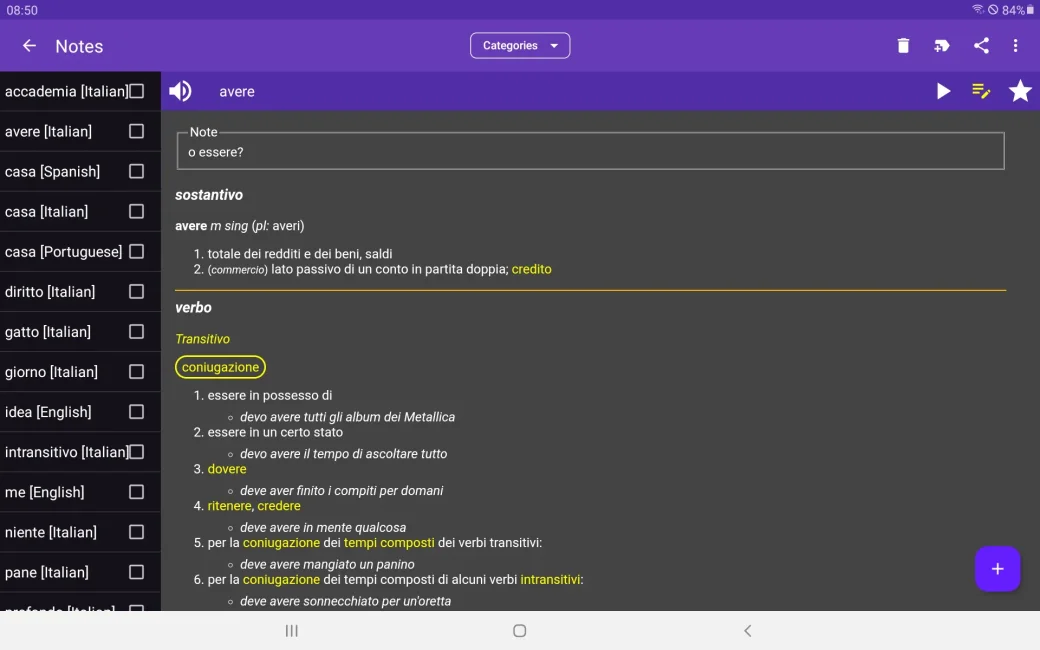
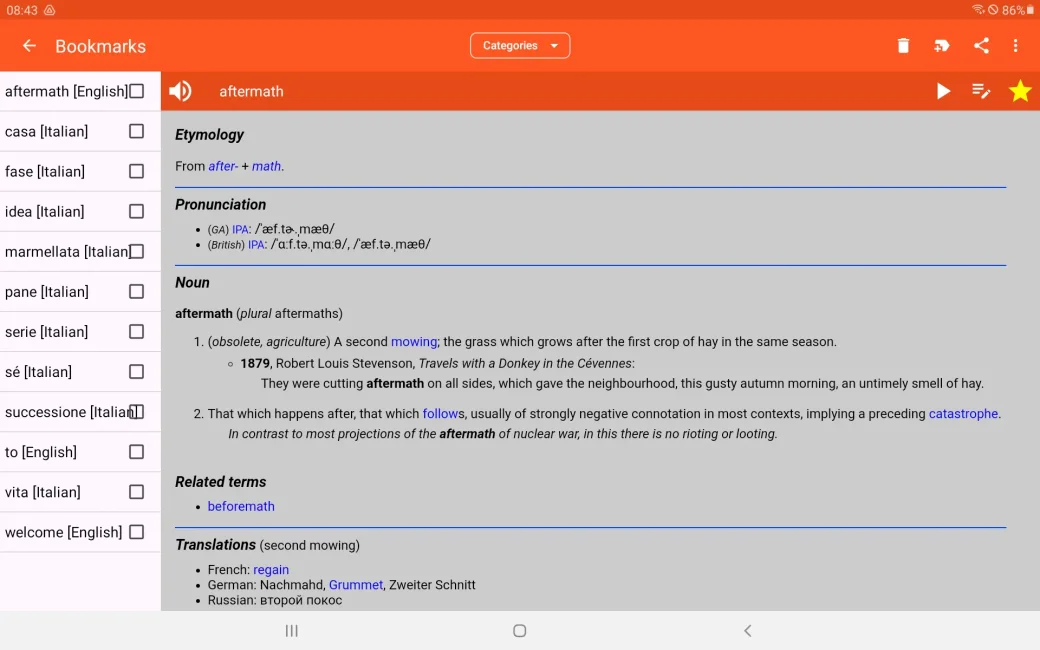
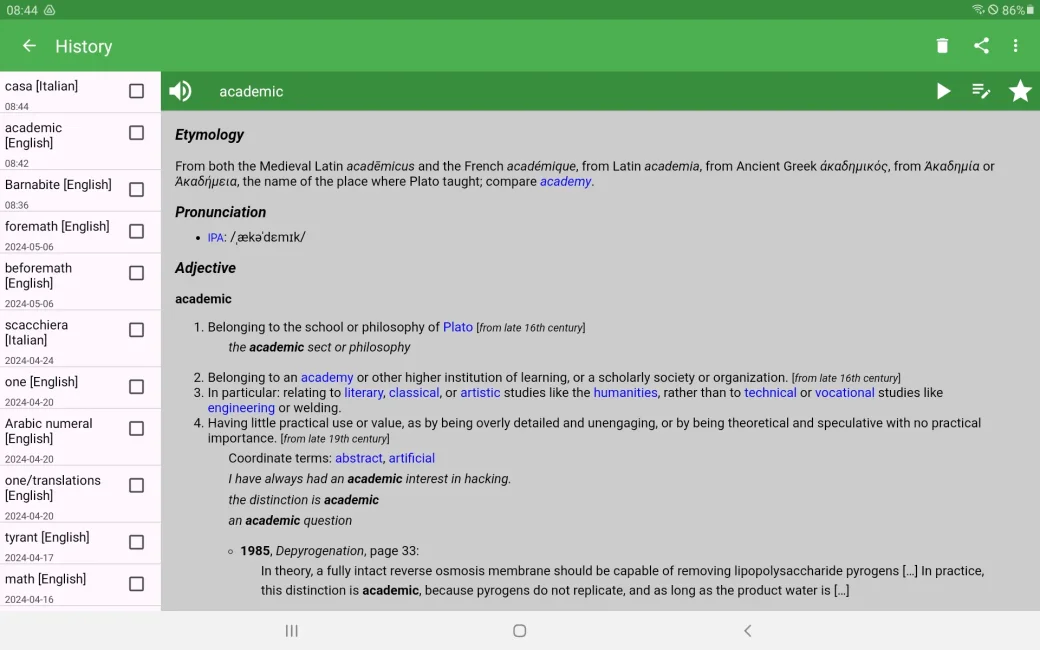
♦ ブックマークと検索履歴
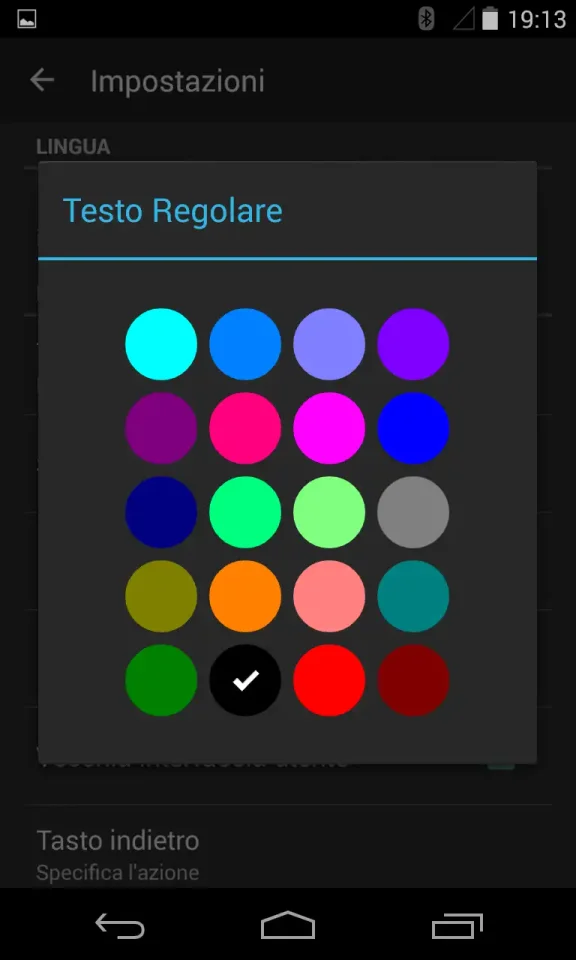
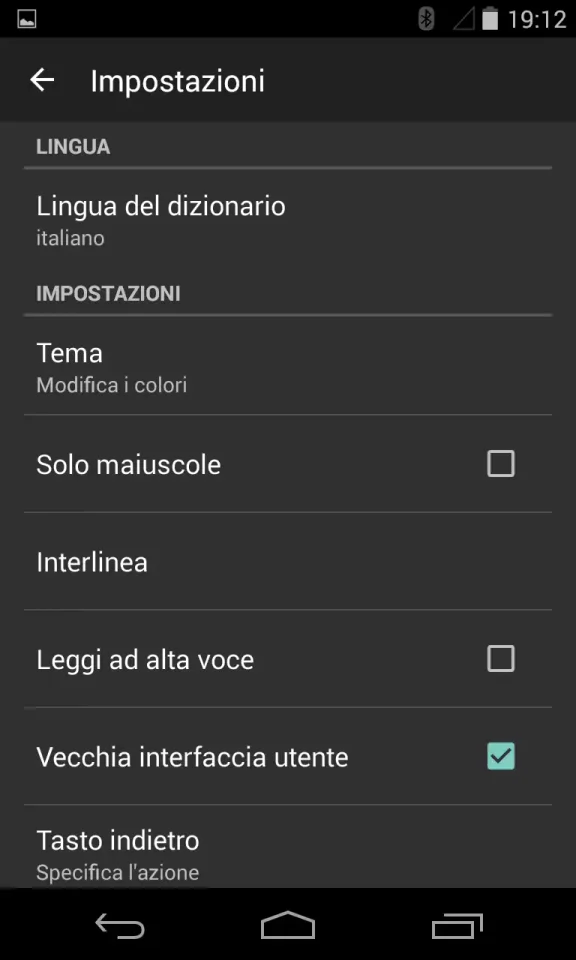
♦ ユーザー定義のテキストカラーを使用したテーマ
♦ランダム検索ボタン(シャッフル)
♦ タブレットと携帯電話用に最適化
♦ 読み上げオプション
♦ ワイルドカード * と ? を使用して検索します。
♦ ローカル ストレージおよび Google Drive、Dropbox、Box クラウド上のブックマークと設定のバックアップと復元 (これらのアプリケーションをデバイスにインストールし、自分のアカウントで設定している場合にのみ利用可能)
♦ 音声検索、ランダムな単語、ブックマーク、履歴、共有アクティビティ用の設定可能なフローティング アクション ボタン (FAB)
♦ 音声検索、ランダムな単語、ブックマーク、履歴、共有アクティビティのための設定可能なシェイク ジェスチャ
♦ 個人的なメモ、独自のテキストを作成します。
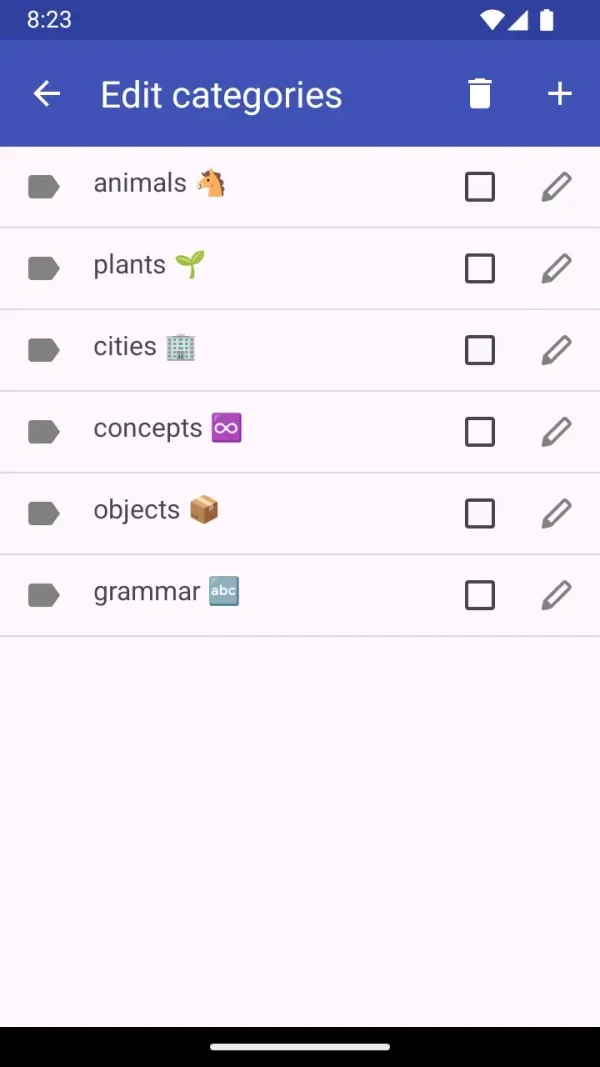
♦ ユーザー定義のカテゴリを使用して、ブックマークやメモ内の単語を整理します。必要に応じて、カテゴリを作成、編集、削除できます。
♦ OCR プラグインによるカメラ検索。バック カメラを備えた Android 4.2 以降のデバイスでのみ利用可能です。 (設定 -> フローティング アクション ボタン -> カメラ)。 OCR プラグインは Google Play からダウンロードする必要があります。
オフライン辞書が必要な場合は、Google Play で他の Livio 辞書をダウンロードしてください: https://play.google.com/store/search?q=pub:Livio
このアプリケーションは翻訳者ではないことに注意してください。
謝辞、コメント、有益な提案を歓迎します。
携帯電話に音声データ(音声合成エンジン)がインストールされていれば、単語の発音を聞くことができます。
サイト http://wiktionary.org に定義を追加することで、基本辞書を改善できます。
権限
このアプリケーションには次の権限が必要です。
♢ インターネット - 単語の定義を検索します。
♢ WRITE_EXTERNAL_STORAGE (別名写真/メディア/ファイル) - 設定とブックマークをバックアップします。
原文を表示
The online dictionary application explains the meaning of words based on English, Italian, French, Portuguese, German and Spanish Wiktionary. Light and free application without any ads!
Features
♦ Multi-language dictionary:English, Italian, French, Portuguese, German and Spanish
♦ Bookmarks and search history
♦ Themes with user defined text color
♦ Random search button (shuffle)
♦ Optimized for tablets and phones
♦ Read aloud option
♦ Search with wildcards * and ?
♦ Backup and restore of bookmarks and settings on local storage and on Google Drive, Dropbox and Box clouds (available only if you have installed these applications on your device and configured with your own account)
♦ Configurable Floating Action Button (FAB) for voice search, random word, bookmarks, history and share activity
♦ Configurable shake gesture for voice search, random word, bookmarks, history and share activity
♦ Personal notes, write your own text
♦ Organize words in bookmarks and notes using user defined categories. You can create, edit, and delete categories as needed.
♦ Camera search via OCR Plugin, available only on Android 4.2 or later devices with back camera. (Settings->Floating Action Button->Camera). The OCR Plugin has to be downloaded from Google Play.
In case you need offline dictionary, please download the other Livio dictionaries in Google Play: https://play.google.com/store/search?q=pub:Livio
Note that this application is not a translator.
Acknowledgements, comments and useful suggestions are welcome.
You can listen to the word pronunciation, provided that voice data have been installed in your phone (Text-to-speech engine).
You can improve the base dictionaries by adding the definitions in the site http://wiktionary.org
Permissions
This application requires the following permissions:
♢ INTERNET - to retrieve the definition of words
♢ WRITE_EXTERNAL_STORAGE (aka Photos/Media/Files) - to backup configuration and bookmarks
データ セーフティ
このアプリが収集・共有するデータについて、LivioがGoogle Playで申告している内容です。
- 第三者と共有されるデータはありません詳しくは、デベロッパーが共有を申告する方法についての説明をご覧ください
- データは収集されません詳しくは、デベロッパーが収集を申告する方法についての説明をご覧ください
- データは送信中に暗号化されます
- データを削除できません
新機能
バージョン 11.0.2-1viug · 2026/11/18
♦ minor fixes and performance improvements
開発元の連絡先
- ウェブサイトthesaurus.altervista.org
- メールandroid-dictionary-livio@googlegroups.com
- プライバシーポリシーthesaurus.altervista.org
- 住所Italy
情報
- 提供元
- Google Commerce Ltd
- カテゴリ
- 書籍&参考書
- バージョン
- 11.0.2-1viug
- 更新日
- 2026/11/18
- リリース
- 2011/11/22
- 必要条件
- Android 7.0以降
- 対象年齢
- 3 歳以上
- 価格
- 無料
- パッケージ名
- livio.dictionary