Ove – IPTV Player
MAHEDI HASANアプリ内課金
- 3 歳以上対象年齢
- エンタメカテゴリ
- 2026/8/18更新日
- 無料価格
info.mahedi.oveのGoogle Play公式ページにリンクしています。最終確認:2026/11/14。

スクリーンショット

このアプリについて
Googleによる英語 (アメリカ合衆国)からの自動翻訳です。
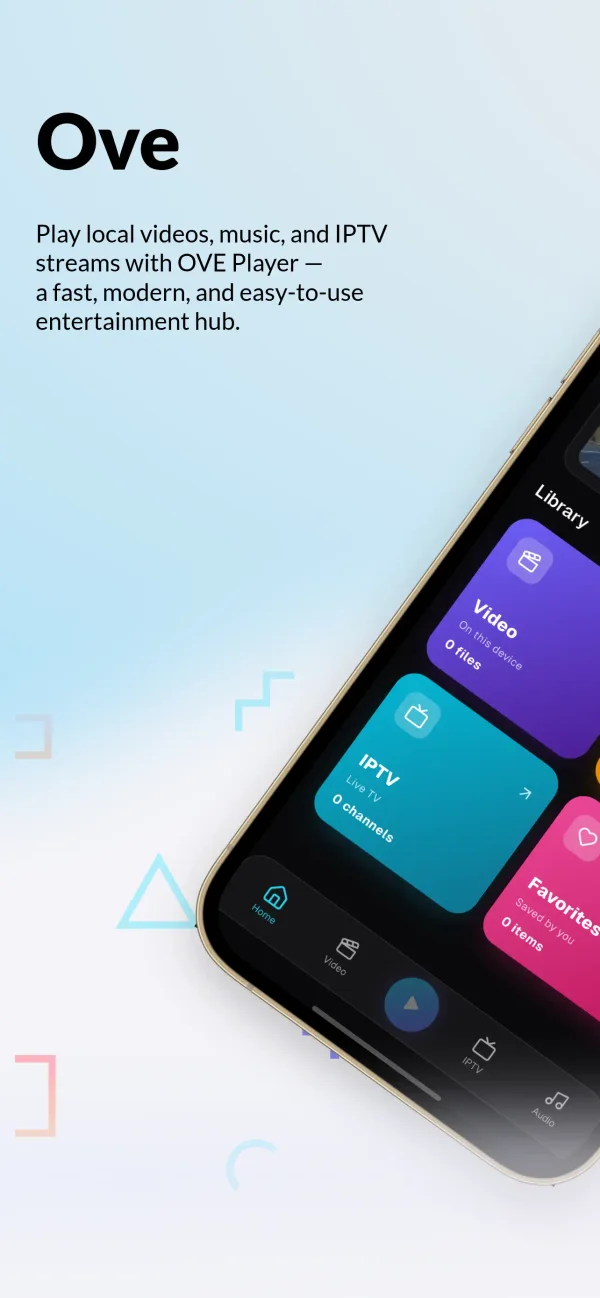
独自のIPTVプレイリストを再生できます。Chromecastに対応しています。
Ove TVは、IPTVプレイリストに特化した、高速でモダンなプレーヤーです。M3U URLまたはXtream Codesのログイン情報を使って、スマートフォン、タブレット、Google TVで、洗練されたアニメーションインターフェースで視聴できます。
Ove TVは独自のチャンネルをホストしていません。中立的なプレーヤーなので、プレイリストはユーザー自身が用意し、コンテンツの視聴権もユーザー自身が確保する必要があります。
機能
• IPTV再生 ― M3U URLまたはXtream Codesのログイン情報でプレイリストを追加できます。グループごとにチャンネルを閲覧したり、瞬時に検索したり、複数の保存済みプレイリストを切り替えたりできます。
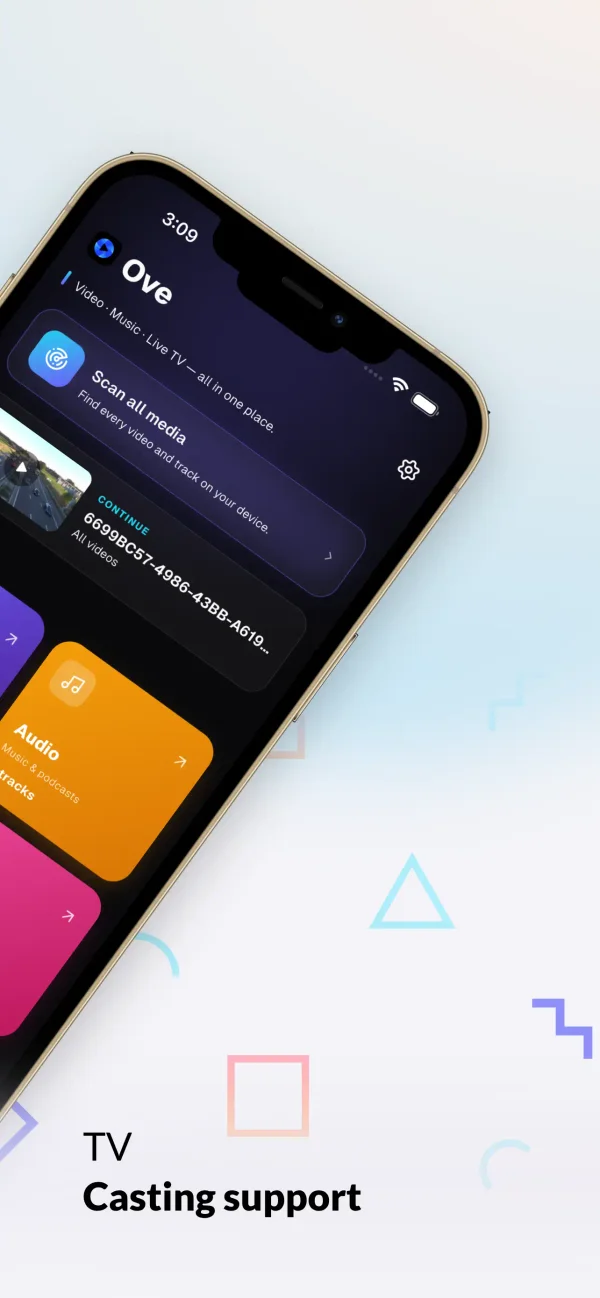
• テレビへのキャスト ― スマートフォンからChromecast/Google Castにチャンネルを検索してキャストできます。
• Google TV対応 ― リモコン/十字キーによるフルナビゲーションと、テレビに最適化されたレイアウト。 (テレビで視聴中は、テレビ画面が既に使用されているため、キャスト機能は自動的に非表示になります。)
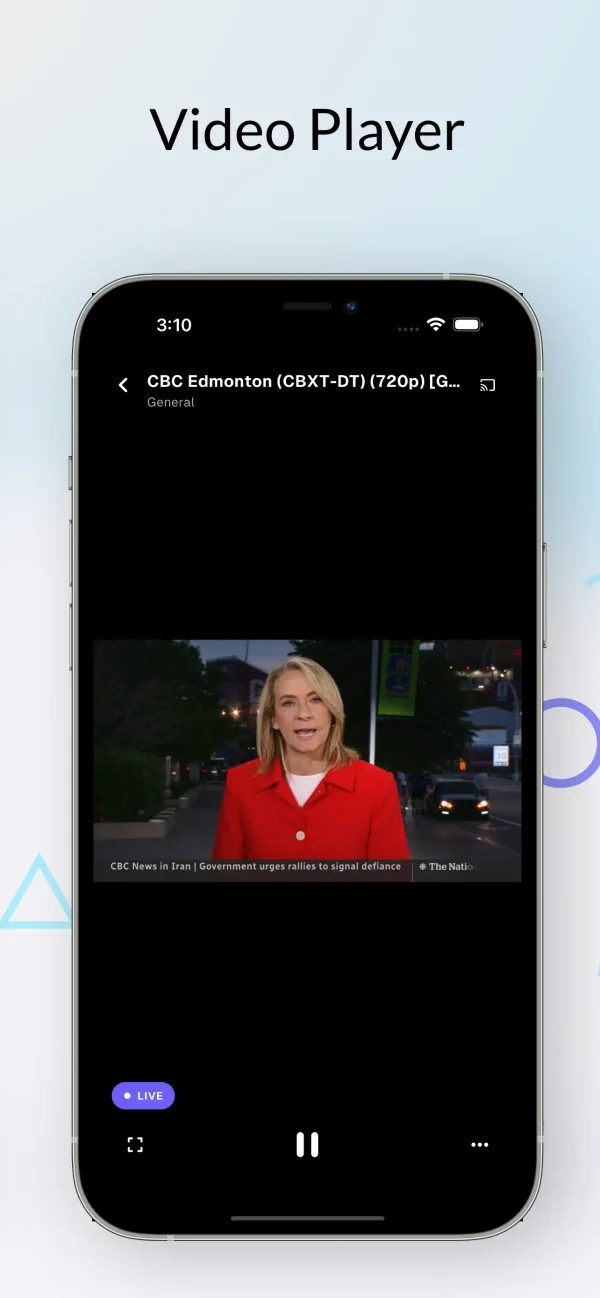
• チャンネルコントロール — カテゴリ内の次のチャンネルまたは前のチャンネルにジャンプしたり、チャンネルドロワーを開いてプレーヤーを終了せずに任意のチャンネルを選択したりできます。
• お気に入り — お気に入りのチャンネルを登録して、すべて一箇所で見つけることができます。
• ロック画面と通知コントロール — ロック画面または通知シェードから、チャンネルの再生、一時停止、スキップを行うことができます。
• 美しくレスポンシブなUI — アニメーショングラデーションの背景とフロストガラスパネル、ライト/ダーク/システムテーマ、そしてスマートフォン、タブレット、テレビなど、あらゆるデバイスでレイアウトが最適化されます。
幅広いフォーマットに対応
Ove TVは、追加のコーデックなしでHTTP/HLS/TSライブストリームを再生します。
プライバシー
Ove TVには、コンテンツやアカウントは内蔵されていません。プレイリストはデバイスに保存されます。
注:Ove TVはメディアプレーヤーのみです。チャンネルやストリームを提供、ホスト、または推奨するものではありません。プレイリストの合法的なソースはご自身でご用意いただく必要があります。
原文を表示
Ove TV is a fast, modern player built for one thing: your IPTV playlists. Bring your own M3U URL or Xtream Codes login and watch with a clean, animated interface — on your phone, tablet, or Google TV.
Ove TV hosts no channels of its own. It's a neutral player: you bring your own playlist, and you're responsible for having the right to view the content on it.
WHAT YOU CAN DO
• IPTV playback — add a playlist by M3U URL or Xtream Codes login. Browse channels by group, search instantly, and switch between multiple saved playlists.
• Cast to your TV — discover and cast channels to Chromecast / Google Cast from your phone.
• Built for Google TV — full remote/D-pad navigation and a TV-optimized layout. (Casting is hidden automatically when running on a TV, since the TV is already the screen you're watching on.)
• Channel controls — jump to the next or previous channel in a category, or open a channel drawer to pick any channel without leaving the player.
• Favorites — star any channel and find them all in one place.
• Lock-screen & notification controls — play, pause, and skip channels from your lock screen or notification shade.
• Beautiful, responsive UI — an animated gradient backdrop with frosted-glass panels, light/dark/system themes, and a layout that adapts from phone to tablet to TV.
WIDE FORMAT SUPPORT
Ove TV plays live HTTP/HLS/TS streams without extra codecs.
PRIVACY
Ove TV ships with no built-in content and no account. Your playlists stay on your device.
Note: Ove TV is a media player only. It does not provide, host, or recommend any channels or streams. You must supply your own legal playlist source.
データ セーフティ
このアプリが収集・共有するデータについて、MAHEDI HASANがGoogle Playで申告している内容です。
- 第三者と共有されるデータはありません詳しくは、デベロッパーが共有を申告する方法についての説明をご覧ください
- データは収集されません詳しくは、デベロッパーが収集を申告する方法についての説明をご覧ください
新機能
バージョン 2.3.0 · 2026/8/18
Bug Fix
開発元の連絡先
- メールletsdoflutter@gmail.com
- プライバシーポリシーdocs.google.com
- 住所6660 Buswell St #301 Richmond, BC V6Y 2G8 Canada
情報
- 提供元
- Google Commerce Ltd
- カテゴリ
- エンタメ
- バージョン
- 2.3.0
- 更新日
- 2026/8/18
- リリース
- 2026/6/12
- 必要条件
- Android 7.0以降
- 対象年齢
- 3 歳以上
- 価格
- 無料
- アプリ内課金
- ¥1,750/アイテム
- パッケージ名
- info.mahedi.ove