Pixel Digits - Digital Watch
jigu watchface広告を含む
- 3 歳以上対象年齢
- ツールカテゴリ
- 2026/10/18更新日
- 無料価格
com.watchface.minimaldigitalwatch.watchdigitsのGoogle Play公式ページにリンクしています。最終確認:2026/11/27。

スクリーンショット
このアプリについて
Googleによる英語 (アメリカ合衆国)からの自動翻訳です。
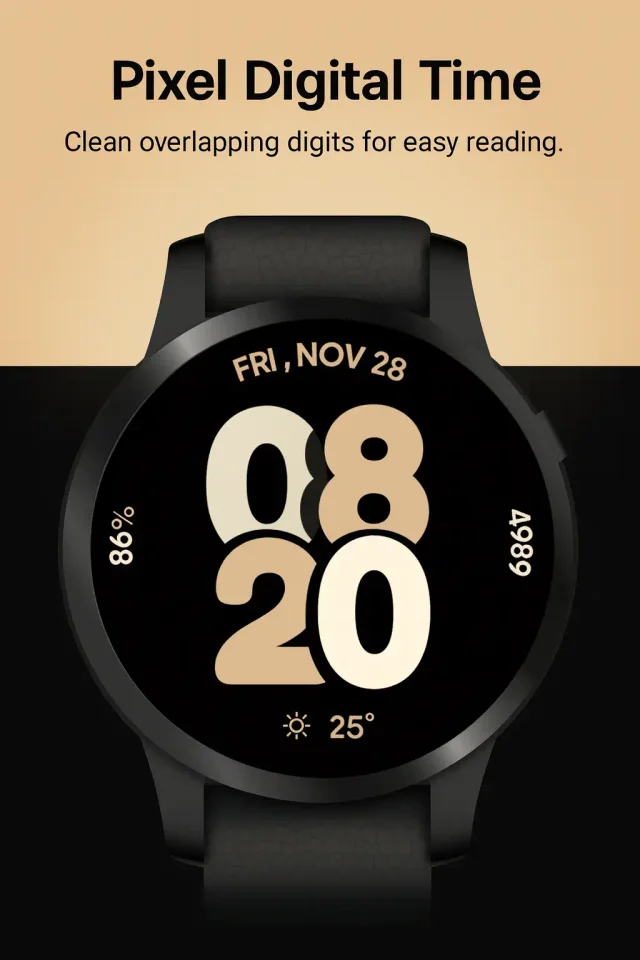
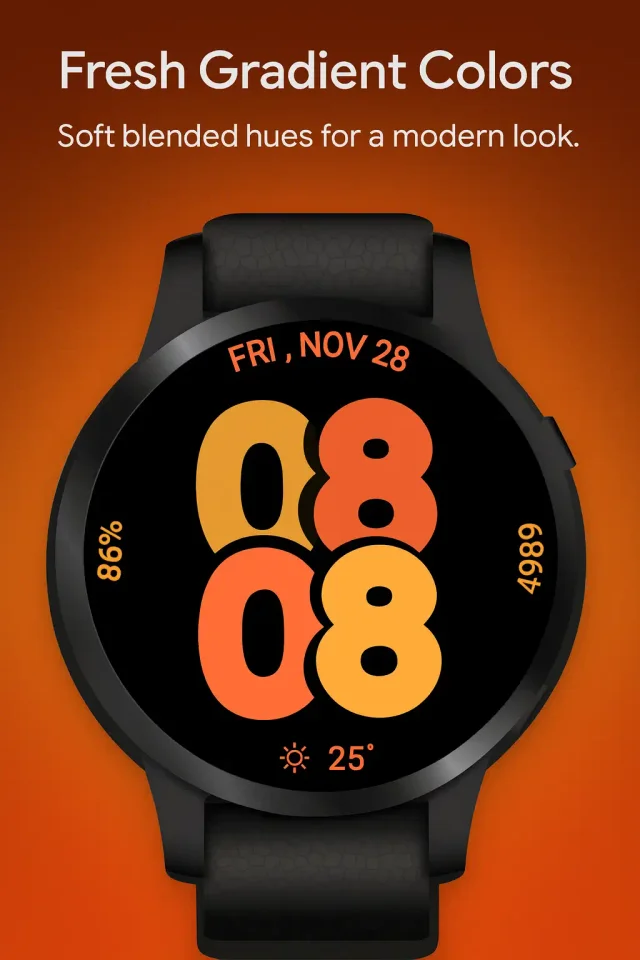
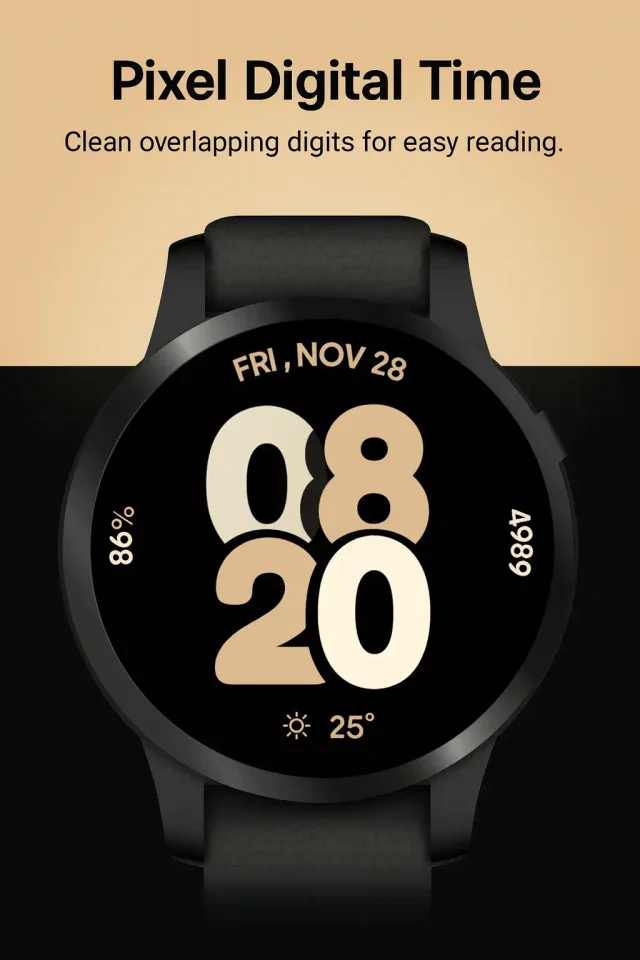
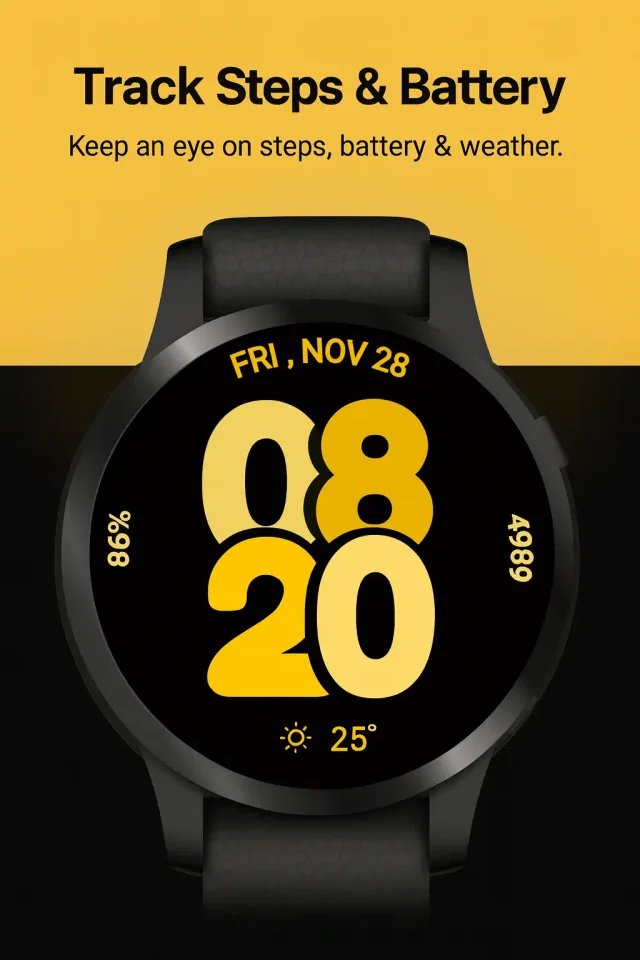
色、時間、日付、歩数、天気、バッテリーを表示する大胆なデジタルウォッチフェイス。
Pixel Digits で、すっきりとしたモダンで力強い時刻表示を体験してください。Wear OS 対応のデジタルウォッチフェイスです。重なり合う太い数字と滑らかなカラーテーマでデザインされたこのウォッチフェイスは、スタイリッシュなデザインと
毎日の重要な情報を一目で確認できる利便性を兼ね備えています。
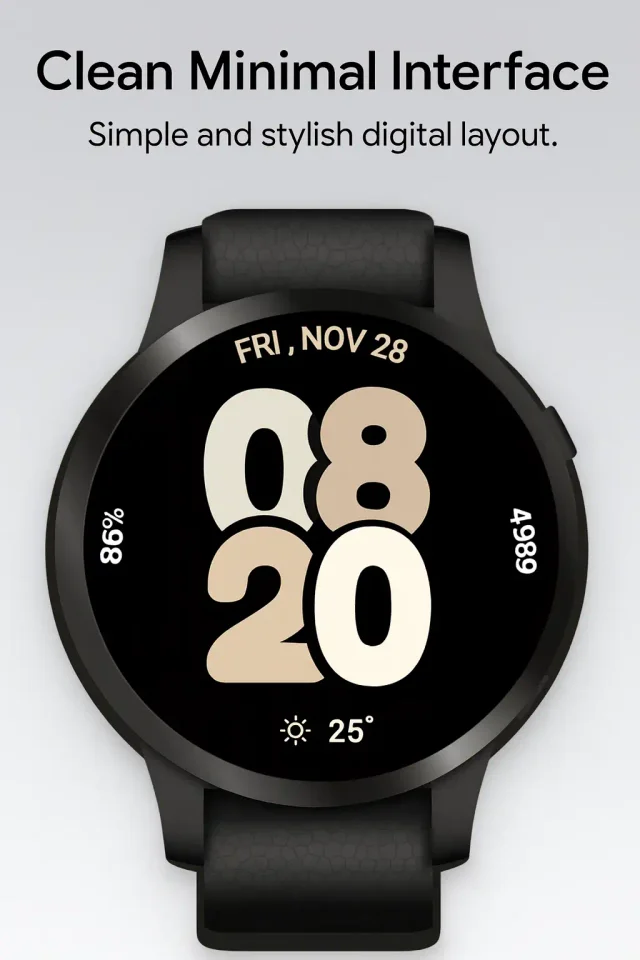
ミニマルでカラフル、モダンで美しいデジタルウォッチフェイスがお好きな方に最適です。
✨ 主な機能
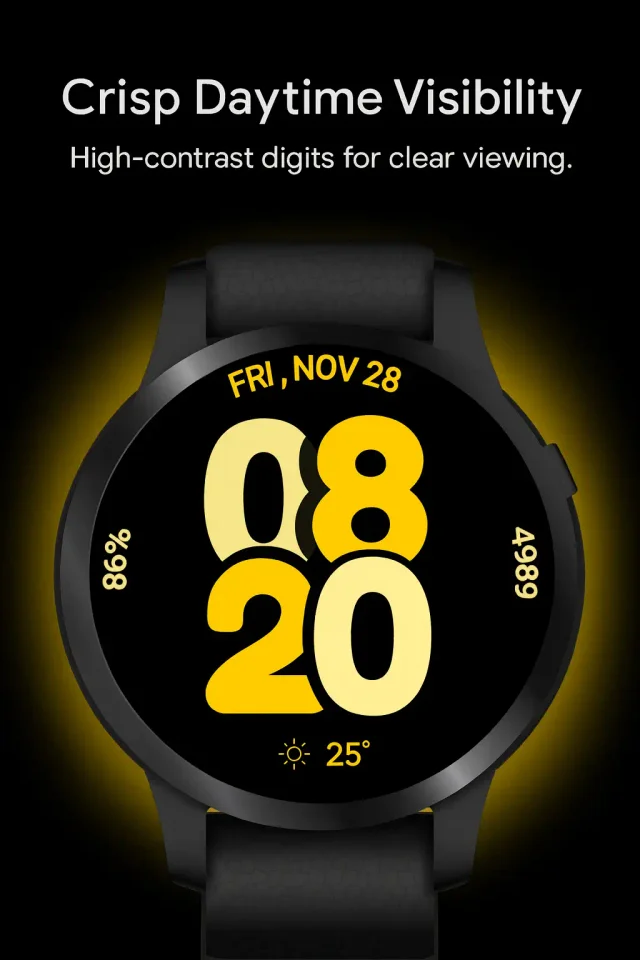
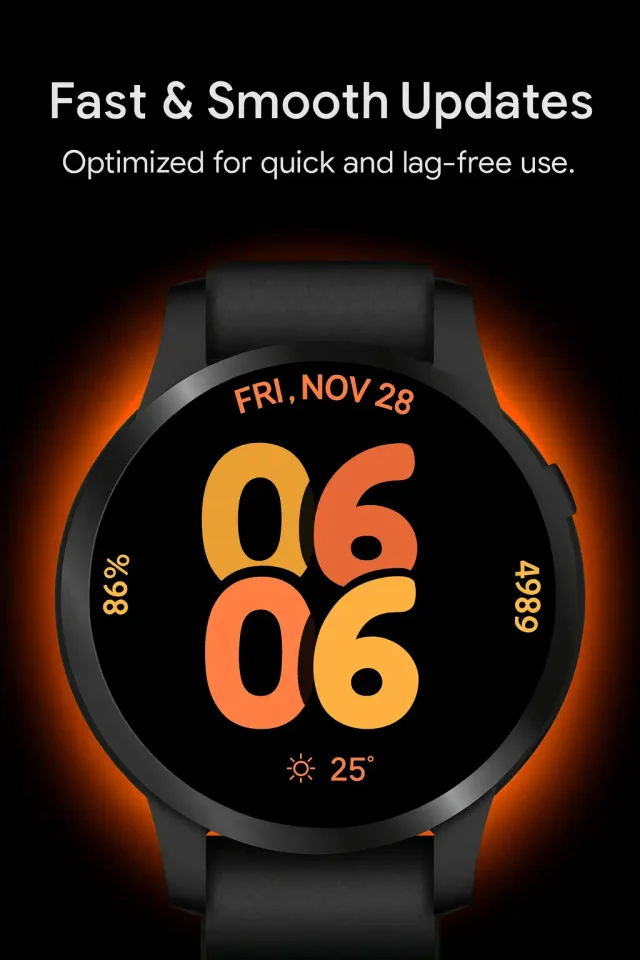
1. 力強いデジタル表示:重なり合う数字で、時と分をはっきりと表示します。
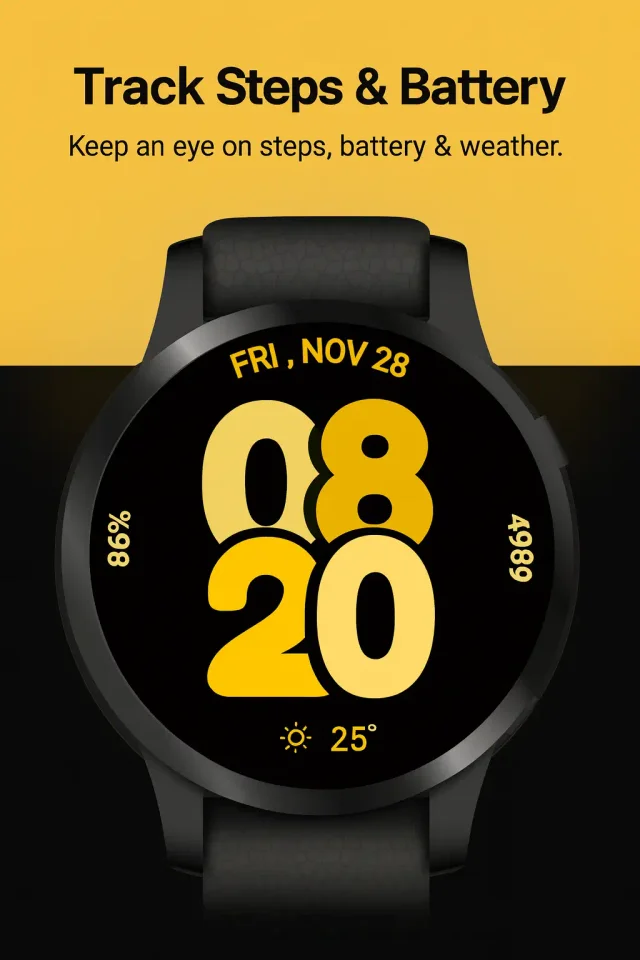
2. 基本的な統計情報:時刻、日付、バッテリー残量、歩数計、天気情報。
3. スムーズなパフォーマンス:高速で遅延のない操作のために最適化されています。
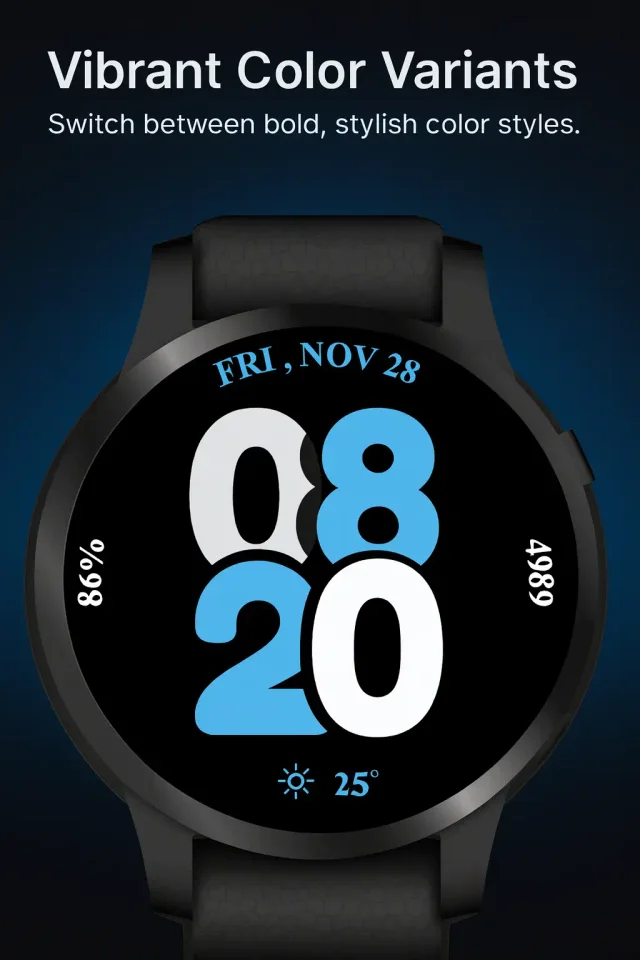
4. 複数のカラーテーマ:鮮やかなカラーパレットまたはソフトなピクセルスタイルのカラーパレットからお選びいただけます。
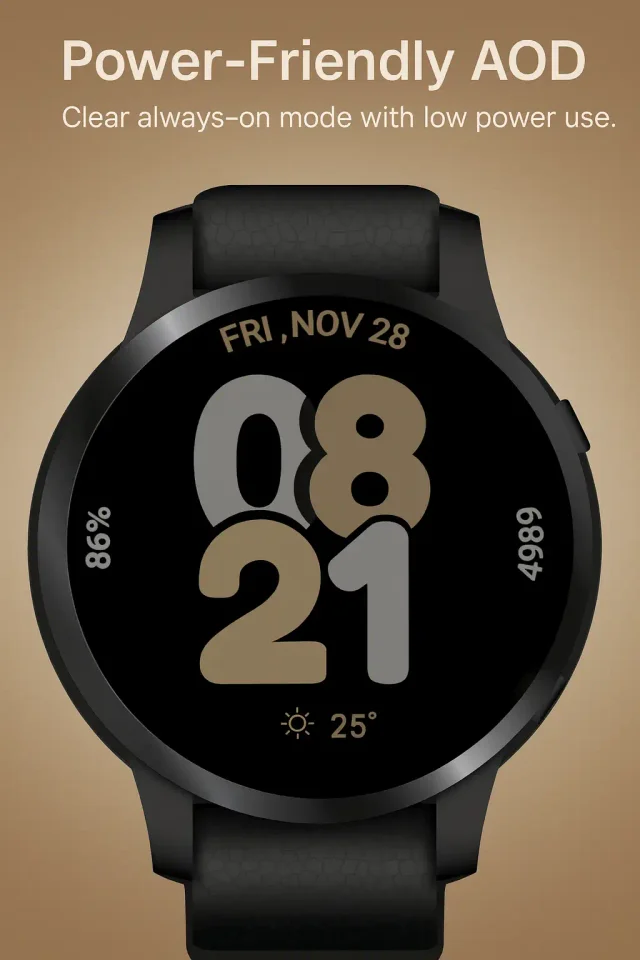
5. 常時表示 (AOD):バッテリーに優しい、鮮明な視認性を備えた AOD モード。
🌟 こんな方におすすめ:
鮮やかなデジタルディスプレイ、モダンなデザイン、カラフルなテーマ、ミニマルなスタイル、フィットネストラッキング、そしてピクセル風のクリーンなウォッチフェイスがお好きな方。
📱 スマートフォン用コンパニオンアプリ
このスマートフォン用アプリは、Wear OS スマートウォッチに Pixel Digits – Digital Watch Face をインストールして見つけるのに役立ちます。
⌚ ウォッチフェイスの機能:
• 12/24時間デジタル時刻
• 日付と曜日
• 歩数計
• バッテリー残量表示
• 天気と気温
• AOD 対応
• ピクセル風のクリーンなデザイン
📲 インストール手順
1. スマートフォンでコンパニオンアプリを開きます。
2. 「ウォッチにインストール」をタップします。ウォッチのギャラリーから Pixel Digits – Digital Watch Face を選択します。
✅ 互換性
以下のすべての Wear OS デバイス(API 33 以上)と互換性があります。
• Google Pixel Watch
• Samsung Galaxy Watch
• Fossil およびその他の Wear OS モデル
❌ 長方形の時計には適していません。
• Pixel Digits – デジタルウォッチフェイスで、大胆でスタイリッシュ、そして見やすい時刻表示をお楽しみください。
日常使い、フィットネストラッキング、仕事、カジュアルウェアに最適です。
原文を表示
Experience a clean, modern, and bold time display with Pixel Digits –
Digital Watch Face for Wear OS. Designed with overlapping chunky
digits and smooth color themes, this watch face offers both style and
essential daily information at a glance.
Perfect for users who love minimal, colorful, modern, aesthetic, and
digital watch faces.
✨ Key Features
1. Bold Digital Display: Clear hours and minutes with overlapping
layered digits.
2. Essential Stats: Time, date, battery level, step counter & weather info.
3. Smooth Performance: Optimized for fast, lag-free operation.
4. Multiple Color Themes: Choose from vibrant or soft pixel-style palettes.
5. Always-On Display (AOD): Battery-friendly AOD mode with crisp readability.
🌟 Perfect For:
Users who love bold digital displays, modern designs, colorful themes,
minimal style, fitness tracking, and clean pixel-inspired watch faces.
📱 Companion Phone App
The phone app helps users install and locate Pixel Digits – Digital
Watch Face on their Wear OS smartwatch.
⌚ Watch Face Features:
• 12/24h Digital Time
• Date & Day
• Steps Counter
• Battery Percentage
• Weather Temperature
• AOD Support
• Clean pixel-inspired aesthetic
📲 Installation Instructions
1. Open the companion app on your phone.
2. Tap “Install on Watch.” On your watch, select Pixel Digits –
Digital Watch Face from your gallery.
✅ Compatibility
Compatible with all Wear OS devices (API 33+), including:
• Google Pixel Watch
• Samsung Galaxy Watch
• Fossil & other Wear OS models
❌ Not suitable for rectangular watches.
• Enjoy a bold, stylish, and easy-to-read time experience with the
Pixel Digits – Digital Watch Face—perfect for daily use, fitness
tracking, work, and casual wear.
データ セーフティ
このアプリが収集・共有するデータについて、jigu watchfaceがGoogle Playで申告している内容です。
- このアプリはサードパーティと以下の種類のデータを共有することがありますアプリのアクティビティ、デバイスまたはその他の ID
- このアプリは以下の種類のデータを収集することがありますアプリのアクティビティ、アプリの情報、パフォーマンス、デバイスまたはその他の ID
- データは送信中に暗号化されます
- データを削除できません
開発元の連絡先
- ウェブサイトjiguwatchface.blogspot.com
- メールjigsdevganiya12345@gmail.com
- プライバシーポリシーjiguwatchface.blogspot.com
- 住所18 Katargam Vitthalnagar Dabholi Road Surat City Surat, Gujarat 395004 India
情報
- 提供元
- jigu watchface
- カテゴリ
- ツール
- 更新日
- 2026/10/18
- リリース
- 2025/11/17
- 対象年齢
- 3 歳以上
- 価格
- 無料
- パッケージ名
- com.watchface.minimaldigitalwatch.watchdigits
類似のアプリ
-
 Pixel Watch 2 Face III
カスタマイズ
-
 Kablammo Watch Face
カスタマイズ
-
 Citrus Glow ウォッチフェイス
カスタマイズ
-
 Psychedelia Watch Face Wear OS
カスタマイズ
-
 Oversized Watch Face by KYB
カスタマイズ
-
 Simple Moved Watch Face
カスタマイズ
-
 ブラックのシンプルなウォッチフェイス
カスタマイズ
-
 Striking Watch Face 029
カスタマイズ
-
 3Dぷっくり数字ウォッチフェイス
カスタマイズ
-
 Waface DW09 - Modern Aesthetic
カスタマイズ
-
 simple number watch face
カスタマイズ
-
 EXD135: Bold Material Face
カスタマイズ