QR Code Scan & Multi Space Web
World Scan & Cleaner広告を含む · アプリ内課金
- 3 歳以上対象年齢
- ライブラリ&デモカテゴリ
- 2026/8/24更新日
- 無料価格
free.qr.code.scanner.generatorのGoogle Play公式ページにリンクしています。最終確認:2026/11/26。
スクリーンショット
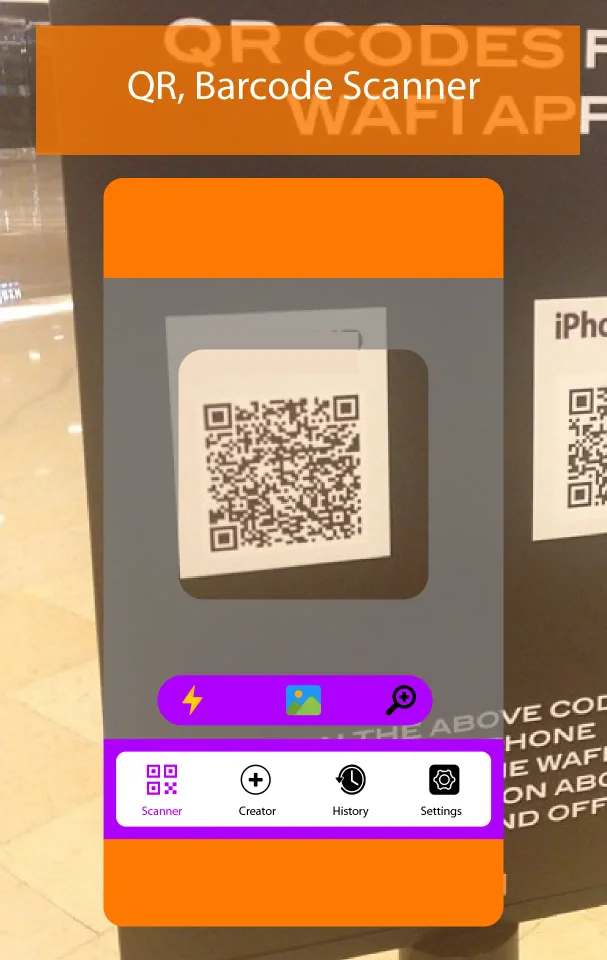
このアプリについて
Googleによる英語 (アメリカ合衆国)からの自動翻訳です。
Multi Space Web 機能を備えた高速で信頼性の高い QR コード スキャナーとバーコード リーダー
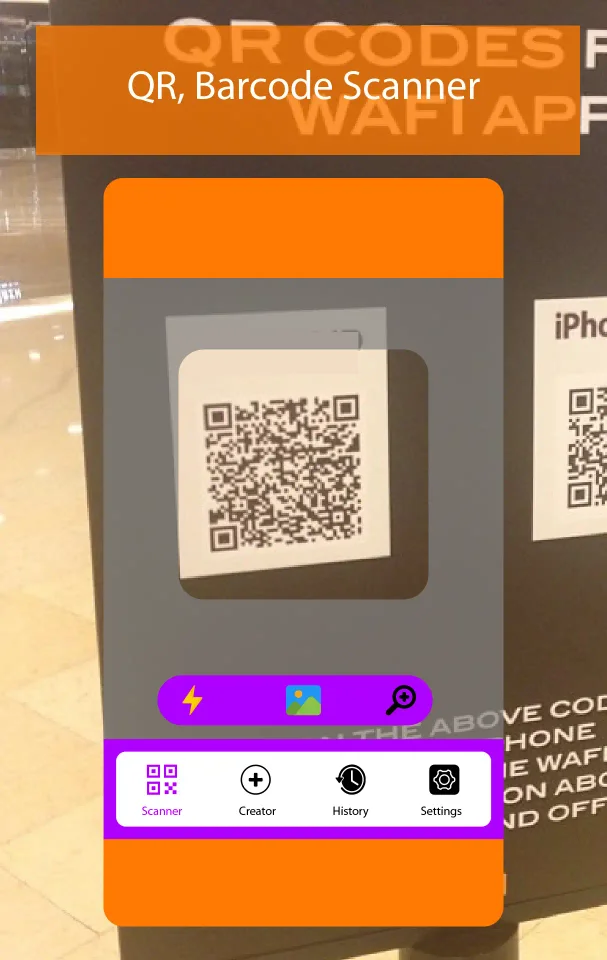
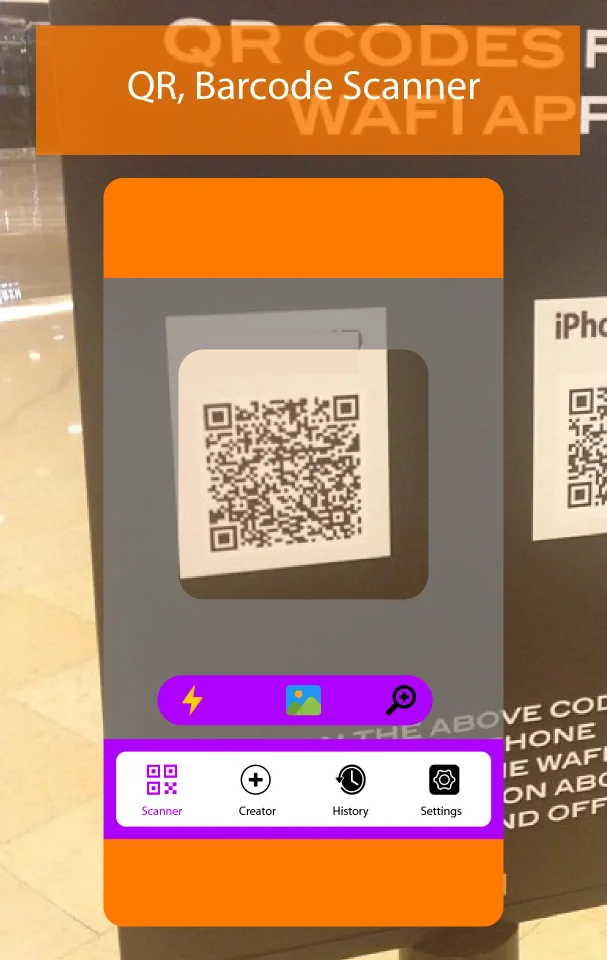
マルチ スペース Web 機能を使用した QR コード スキャン: 強力で使いやすい QR コード スキャナーとバーコード リーダーをお探しですか?もう探す必要はありません。当社の QR コード スキャナー アプリは、超高速かつ正確に QR コードとバーコードをスキャンするための頼りになるツールです。
QR コード、バーコード、Wi-Fi QR コード、または製品バーコードをスキャンする必要がある場合でも、このアプリはすべてを処理できるように設計されています。直感的なインターフェイスと超高速スキャン機能により、1 回のスキャンでコンテンツに即座にアクセスできます。
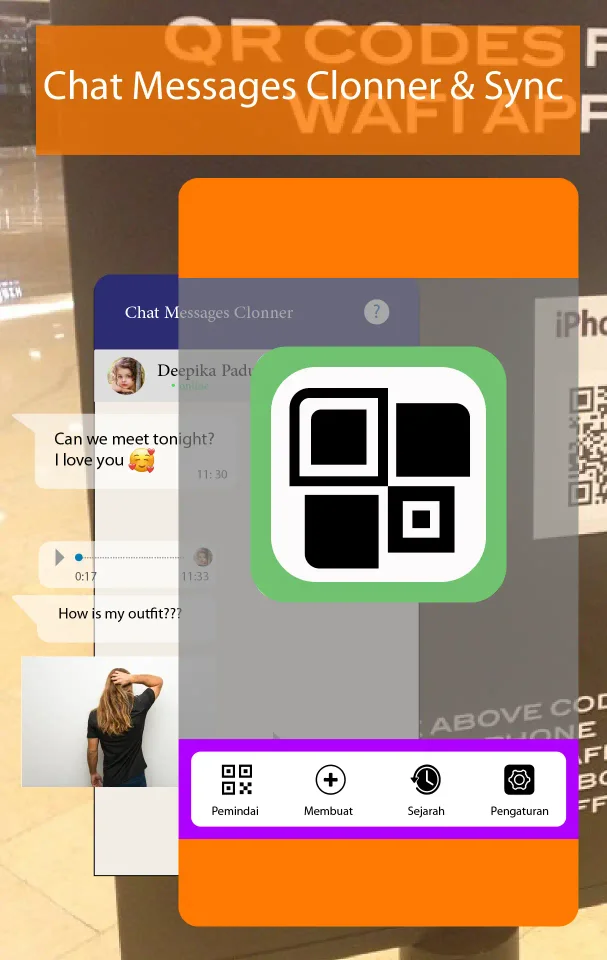
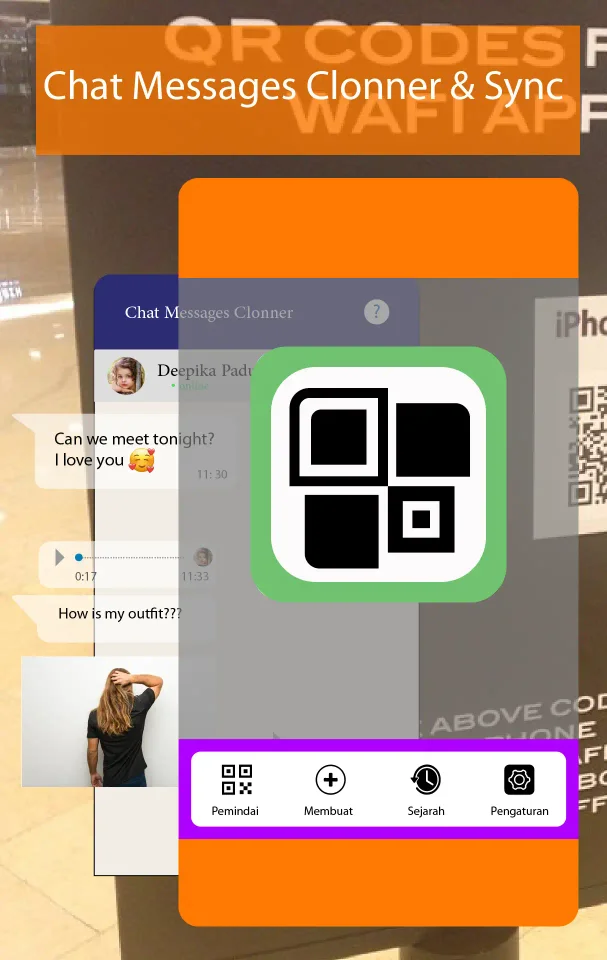
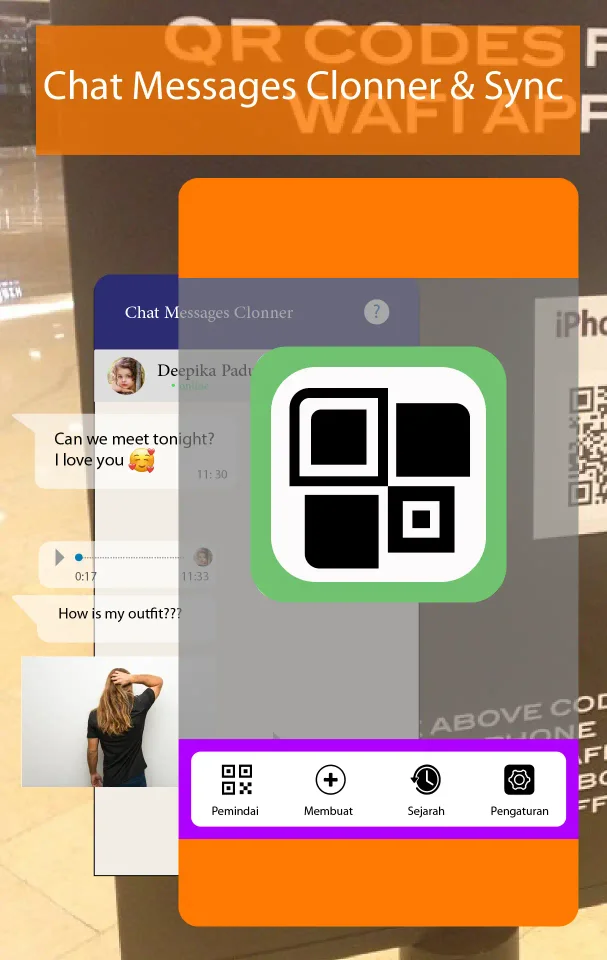
マルチ スペース - ウェブ スキャン チャット同期 を使用すると、複数のウェブ チャット アカウント (および他のチャット プラットフォーム) を 1 か所で簡単に同期および管理できます。個人、家族、職場のアカウントであっても、このアプリを使用すると、複数のアプリを切り替える手間をかけずに、すべてのデバイス間でシームレスに接続を維持できます。
主な機能:
高速 QR コード スキャン: タップするだけであらゆる QR コードを瞬時にスキャンします。
バーコード リーダー: バーコードを読み取ると、製品の詳細、価格、レビューが表示されます。
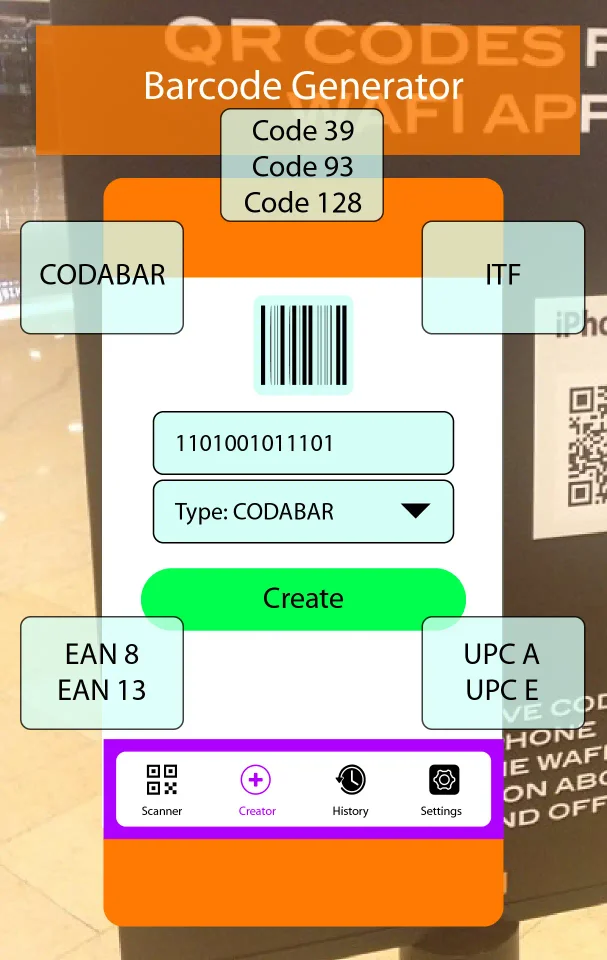
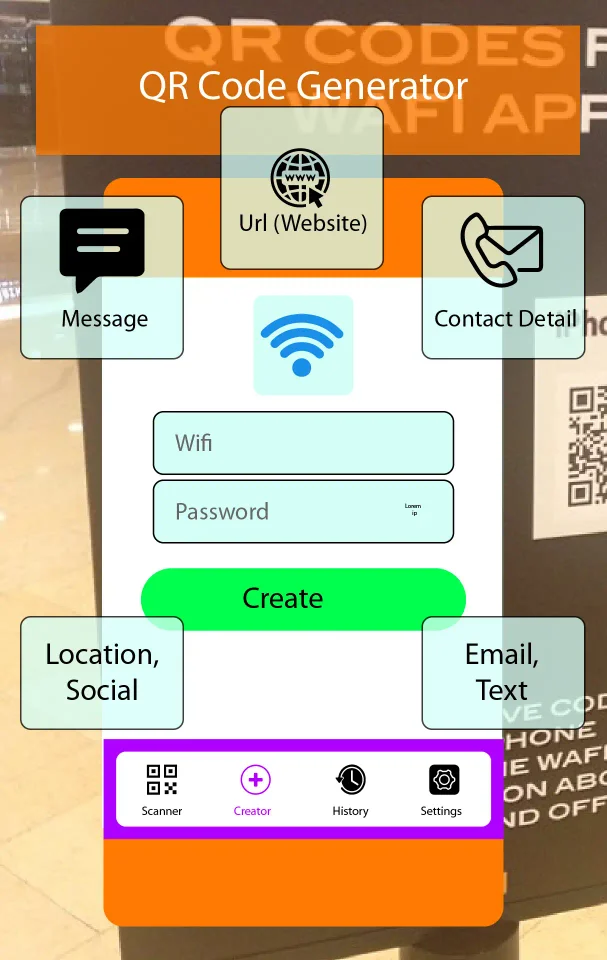
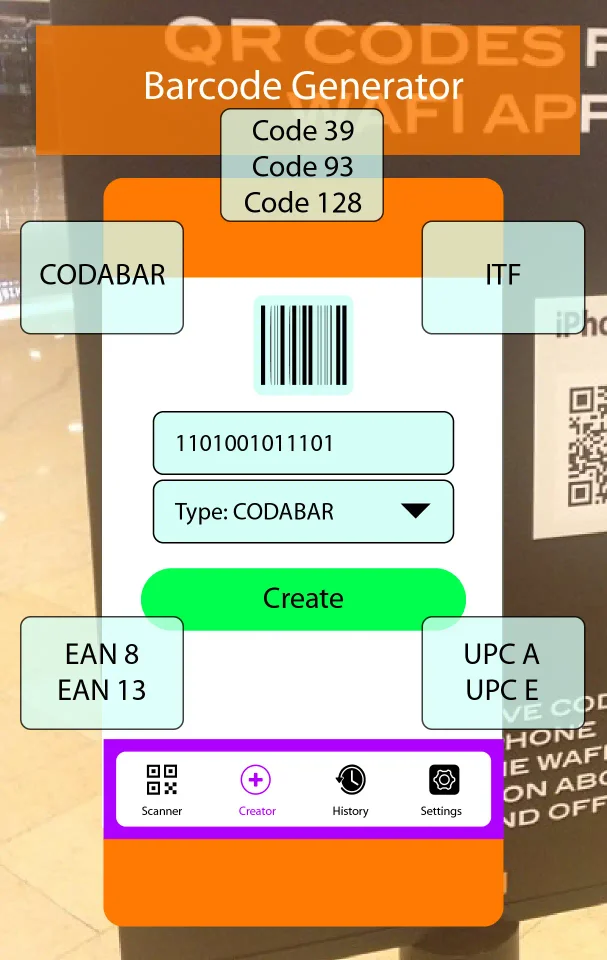
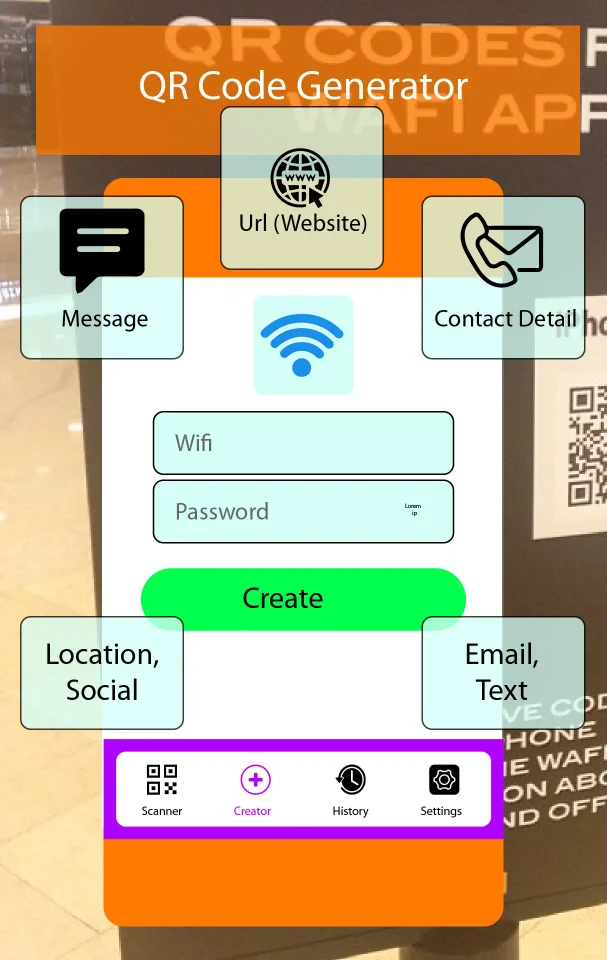
すべての QR コード タイプをサポート: URL、Wi-Fi 認証情報、連絡先情報、電子メール、電話番号、製品バーコードをスキャンし、QR、UPC、EAN、データ マトリックスもサポートします。
保存して共有: スキャン結果を簡単に保存したり、友達と共有したりできます。
履歴ログ: 過去のすべてのスキャンに 1 つの便利な場所からアクセスできます。
複数のアカウントを同期: 単一のアプリから複数のウェブ チャット アカウント (友達、家族、子供のアカウントなどを含む) を同期して管理します。
シームレスな切り替え: ログインやログアウトを行わなくても、異なるチャット アカウントを簡単に切り替えることができます。
統合ダッシュボード: 一元化されたインターフェースからすべてのチャット アカウントにアクセスし、チャット、メッセージ、通知を簡単に管理します。
クロスプラットフォーム同期: 携帯電話からウェブにチャットを同期し、携帯電話やタブレットからリアルタイムで管理します。
写真/ビデオ チャットのダウンロード: 写真やビデオ メッセージをダウンロードして他のユーザーと共有できるようになりました。
簡単なセットアップ: 同期したい各アカウントの QR コードをスキャンするだけで、すぐにチャットの管理を開始できます。
簡単ダウンロード: ウェブ チャット ステータスから写真、ビデオ、GIF を簡単に保存します。
ショッピングのために製品バーコードをスキャンする場合でも、Web サイト、イベント、支払いのために QR コードを読み取る場合でも、このアプリが役に立ちます。
当社を選ぶ理由
超高速かつ正確: 暗い場所でも、100% の精度でコードを瞬時にスキャンします。
無料かつ無制限のスキャン: QR コードとバーコードを好きなだけ無料で制限なくスキャンできます。
ユーザーフレンドリーなインターフェース: 複雑な設定のないシンプルで使いやすいデザイン。
幅広い互換性: さまざまな形式のあらゆる種類の QR コードとバーコードをサポートします。
軽量かつ高速: アプリは最小限のストレージを使用し、すべての Android デバイスでスムーズに動作します。
QR コード スキャナーの使用方法:
1) アプリを起動すると、デバイスのカメラが自動的に起動します。
2) 携帯電話またはタブレットをしっかりと持ち、スキャンしたい QR コードの上にカメラを置きます。
3) QR コードが画面上のスキャン領域内に完全に表示されていることを確認します。ほとんどのアプリでは、ガイドとしてフレームまたはボックスが表示されます。
* Wi-Fi QR コードの場合、アプリはパスワードを入力せずに Wi-Fi ネットワークへの接続を自動的に提案する場合があります。
* テキストまたは連絡先情報の場合、アプリは情報を表示したり、携帯電話の連絡先リストに直接追加したりすることがあります。
* バーコードまたは商品 QR コードの場合、アプリには商品の価格比較や詳細が表示される場合があります。
マルチスペースの使用方法 - ウェブスキャンと同期:
1. Multi Space - Web Scan Chat Sync アプリをダウンロードしてインストールします。
2. アプリを開き、同期するチャット プラットフォームを選択します)。
3. 同期する各アカウントの QR コードをスキャンします (Web チャット アカウントと同様)。
4. アカウントをシームレスに切り替えて、すべてのチャットに同時に接続したままにします。
今すぐダウンロードして、スキャンのニーズを簡素化してください。
原文を表示
QR Code Scan with Multi Space Web feature: Looking for a powerful and easy-to-use QR code scanner and barcode reader? Look no further! Our QR Code Scanner app is your go-to tool for scanning QR codes and barcodes with lightning-fast speed and precision.
Whether you need to scan QR codes, barcodes, Wi-Fi QR codes, or product barcodes, this app is designed to handle it all. With an intuitive interface and lightning-fast scanning capabilities, you’ll be able to access content instantly with just a single scan.
With Multi Space - Web Scan Chat Sync, you can easily synchronize and manage multiple web chat accounts (and other chat platforms) all in one place. Whether it's your personal, family, or work accounts, this app allows you to seamlessly stay connected across all your devices without the hassle of switching between multiple apps.
Key Features:
Fast QR Code Scanning: Instantly scan any QR code with just a tap.
Barcode Reader: Read barcodes to find product details, prices, or reviews.
Supports All QR Code Types: Scan URLs, Wi-Fi credentials, contact info, emails, phone numbers, product barcodes, and also supports QR, UPC, EAN, Data Matrix.
Save & Share: Easily save scanned results or share them with friends.
History Log: Access all your past scans in one convenient place.
Sync Multiple Accounts: Sync and manage multiple web chat accounts (including your Friends, Family and Children accounts etc.) from a single app.
Seamless Switching: Effortlessly switch between different chat accounts without logging in and out.
Unified Dashboard: Access all your chat accounts from a centralized interface and manage chats, messages, and notifications easily.
Cross-Platform Sync: Sync chats from your phone to the web and manage them in real-time from your mobile or tablet.
Download photo/video chat: Now you can download photo and video message and share with others.
Easy Setup: Simply scan the QR code from each account you wish to sync and start managing your chats right away.
Easy Download: Save photos, videos, and GIFs from Web Chat statuses effortlessly.
Whether you're scanning product barcodes for shopping or reading QR codes for websites, events, or payments, this app has you covered.
Why Choose Us?
Super Fast & Accurate: Scans codes instantly with 100% accuracy, even in low-light conditions.
Free & Unlimited Scans: Scan as many QR codes and barcodes as you like, for free—without limitations.
User-Friendly Interface: A simple, easy-to-use design with no complicated settings.
Wide Compatibility: Supports all types of QR codes and barcodes from various formats.
Lightweight & Fast: The app uses minimal storage and works smoothly on all Android devices.
How to Use QR Code Scanner:
1) Launch the app, and it will automatically activate your device's camera.
2) Hold your phone or tablet steady and position the camera over the QR code you want to scan.
3) Ensure the QR code is fully visible within the scanning area on your screen. Most apps will show a frame or a box to guide you.
* If it’s a Wi-Fi QR code, the app may automatically offer to connect you to the Wi-Fi network without needing to enter a password.
* If it’s text or contact info, the app may display the information or add it directly to your phone’s contact list.
* If it's a barcode or product QR code, the app might show price comparisons or details about the product.
How to Use Multi Space - Web Scan & Sync:
1. Download and install the Multi Space - Web Scan Chat Sync app.
2. Open the app and select the chat platform you want to sync).
3. Scan the QR code from each account you want to sync (just like Web Chat Account).
4. Switch between accounts seamlessly and stay connected to all your chats at once.
Download now and simplify your scanning needs!
データ セーフティ
このアプリが収集・共有するデータについて、World Scan & CleanerがGoogle Playで申告している内容です。
- 第三者と共有されるデータはありません詳しくは、デベロッパーが共有を申告する方法についての説明をご覧ください
- このアプリは以下の種類のデータを収集することがありますファイル、ドキュメント
- データは送信中に暗号化されます
- データを削除できません
新機能
バージョン 6.6 · 2026/8/24
New web scan feature is added for multiple chat.
Wifi connectivity is fixed.
Save problem of QR code is fixed.
開発元の連絡先
- ウェブサイトwhatsappwebapp.blogspot.com
- メールrawdev4@gmail.com
- プライバシーポリシーwhatsappwebapp.blogspot.com
- 住所61-D, Sector 4-A, Khayaban e Sirsyed Rawalpindi, 46000 Pakistan
情報
- 提供元
- World Scan & Cleaner
- カテゴリ
- ライブラリ&デモ
- バージョン
- 6.6
- 更新日
- 2026/8/24
- リリース
- 2021/2/28
- 必要条件
- Android 7.0以降
- 対象年齢
- 3 歳以上
- 価格
- 無料
- アプリ内課金
- ¥460~¥4,650/アイテム
- パッケージ名
- free.qr.code.scanner.generator