Razer Cortex Mobile
Razer Inc.- 3 歳以上対象年齢
- エンタメカテゴリ
- 2026/10/22更新日
- 無料価格
com.razer.biancaのGoogle Play公式ページにリンクしています。最終確認:2026/11/18。
スクリーンショット
このアプリについて
Googleによる英語 (アメリカ合衆国)からの自動翻訳です。
PCゲームのストリーミングとプレイ、クリップの同期、Razerモバイルコントローラーのカスタマイズが可能
Razer NexusはRazer Cortex Mobileに名称変更されました。Razer Cortex Mobileは、Razer Prio、Razer Kishi V3シリーズ、Razer Kishi Ultra、Razer Kishi V2シリーズに対応しています。
【バージョン6.0.0の新機能】
Game Clips:Razer CortexでPCゲームをプレイし、最高のゲームプレイシーンをハイライト動画にクリップしましょう。モバイル版Game Clipsは、これらのハイライト動画をスマートフォンに素早く同期するので、いつでもどこでもライブラリ全体を閲覧し、最高のプレイを再生できます。お気に入りのクリップは、ワンタップでソーシャルメディアに共有できます。
• スマートフォンからRazer CortexでPCゲームのハイライト動画に素早くアクセスできます。
• いつでもどこでも、クリップライブラリ全体を閲覧して再生できます。
• お気に入りのシーンを、数回タップするだけでソーシャルメディアや友人と共有できます。
• いつでも好きな時にクリップを再生できます。
Razer Prioに対応
• Razer Prioに対応しました。
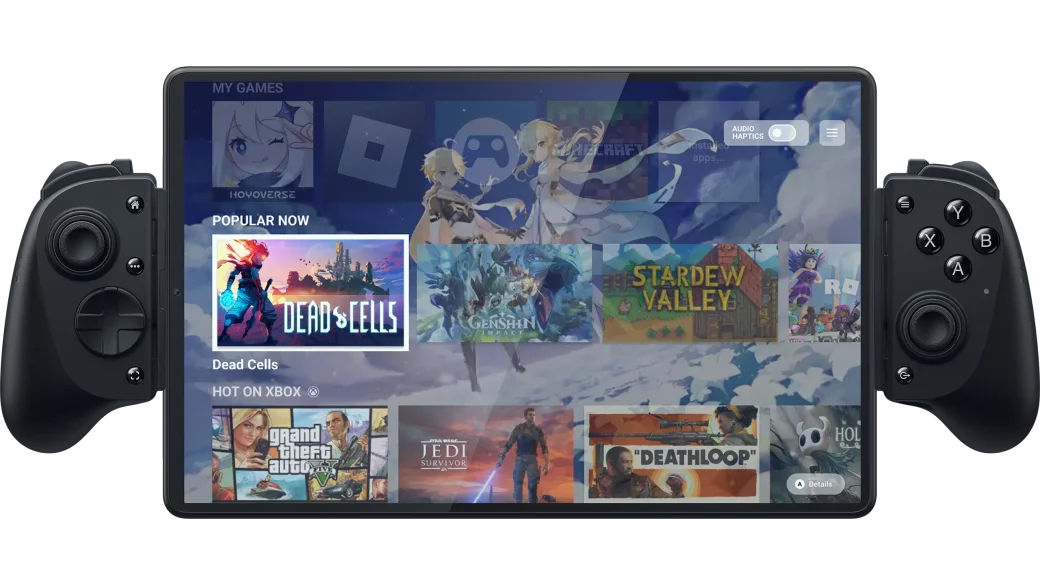
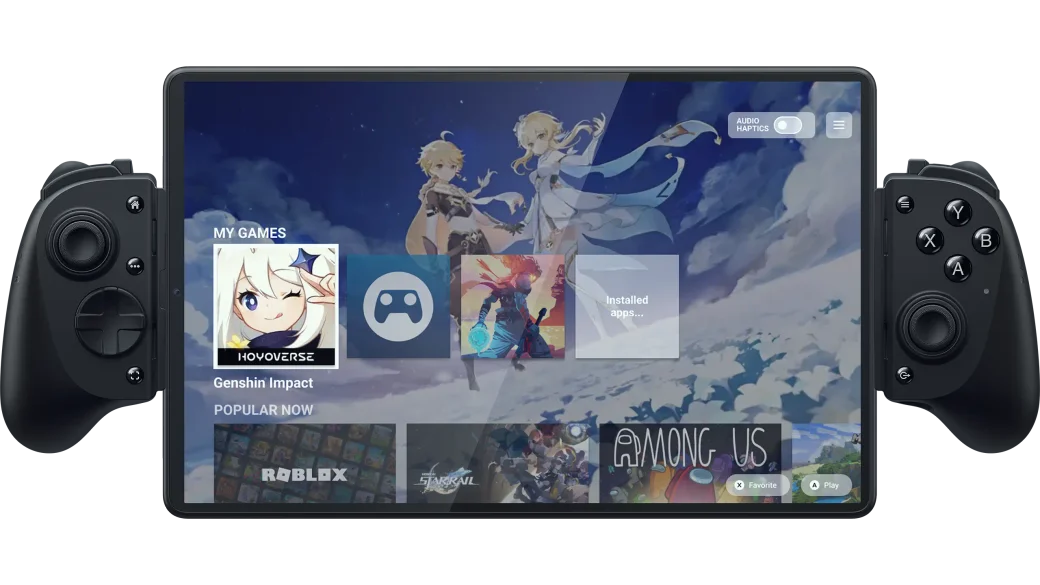
【PCリモートプレイ】Razer PCリモートプレイを使えば、PCゲームをモバイルデバイスに直接ストリーミングできます。アプリからゲームを閲覧・起動し、デバイスのフル解像度、最大リフレッシュレート、そしてフルHDRでプレイできます。
• アプリから直接PCゲームを閲覧・起動できます。
• フル解像度、最大リフレッシュレート、HDRストリーミングに対応。
【数千もの対応ゲームを発見】
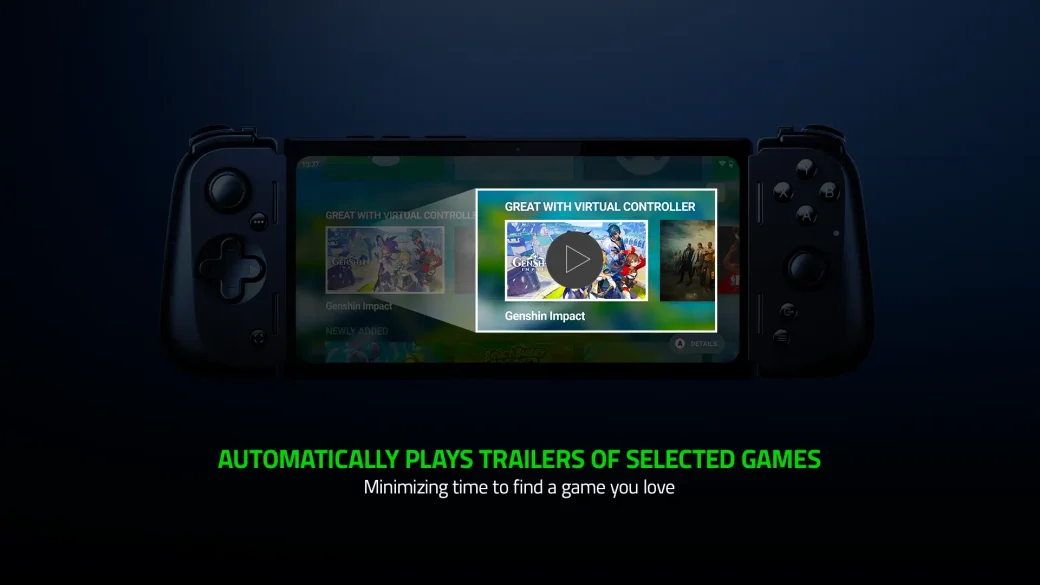
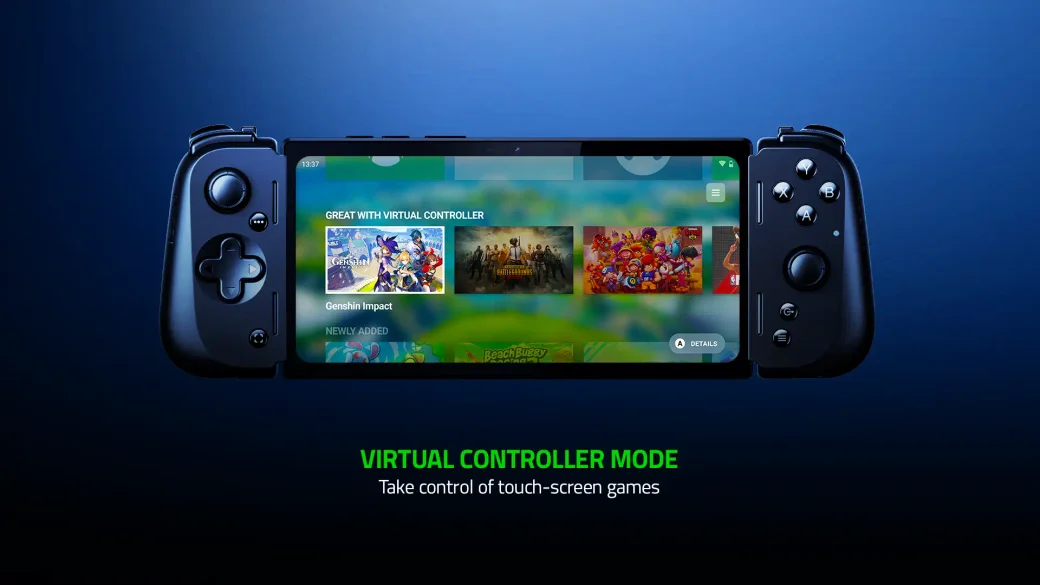
• 厳選されたカテゴリからおすすめのゲームを見つけ、お気に入りのゲームを数秒で見つけましょう。
• オプションのビデオトレーラーで、ゲームが面白そうかどうかを一目で判断できます。ダウンロード前に視聴できます。
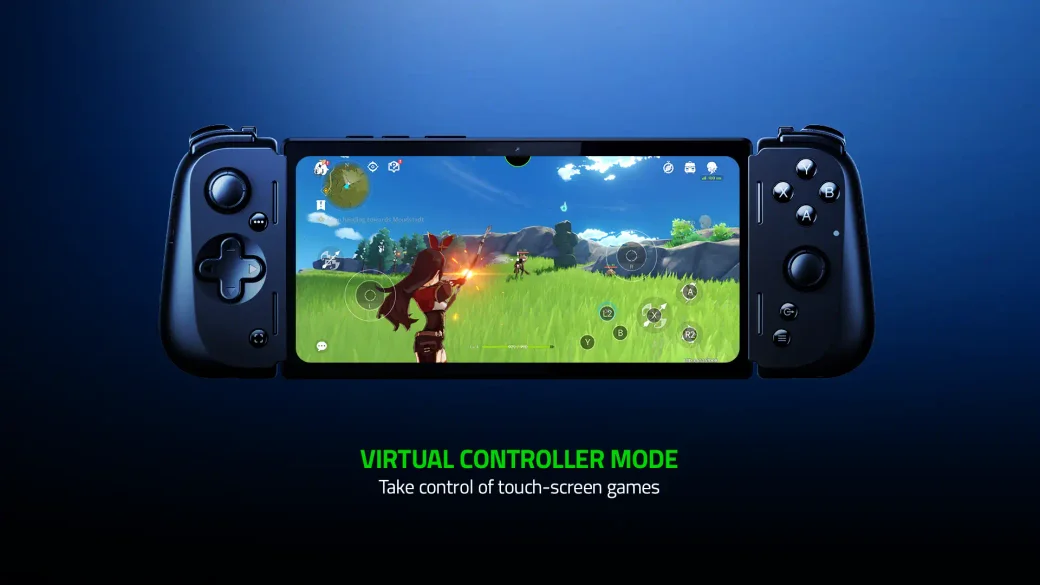
• コントローラーをサポートするあらゆるゲームやサービスと完全に互換性があります。プラグアンドプレイで簡単に使用できます。
【コントローラーをカスタマイズ】
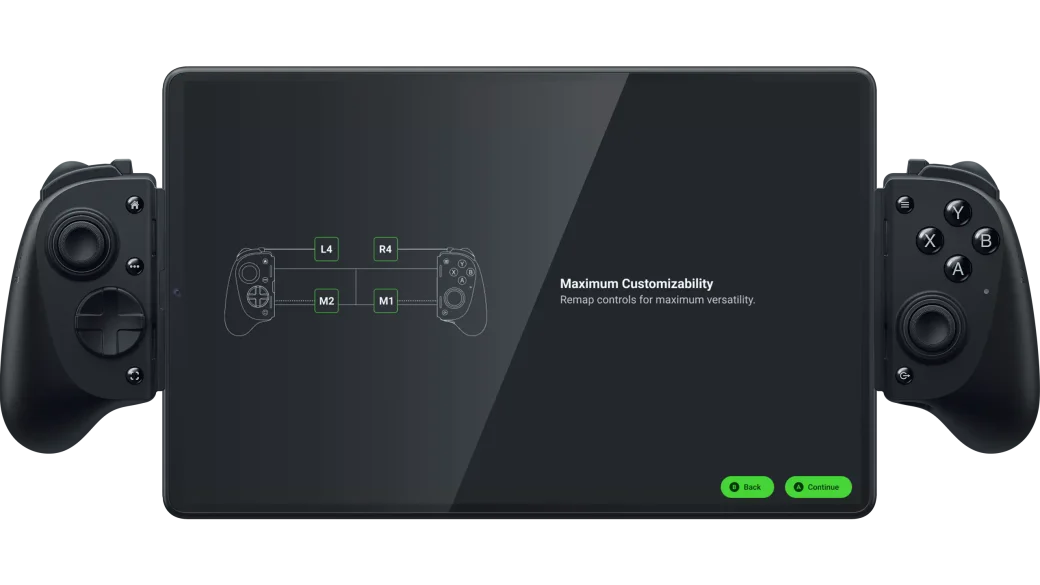
• ボタンとトリガーのマッピングを変更できます。
• サムスティックのデッドゾーンと感度を調整できます。
• クロマカラーとアニメーションパターンをカスタマイズできます。
• コントローラーのファームウェアをアップデートして、新機能や改善点を入手できます。
【Xboxクラウドゲーミング】
• Cortex MobileからXboxクラウドゲームの全カタログを閲覧できます。数千ものゲームがすぐにプレイ可能です。
• これらのゲームをスマートフォンで直接プレイする方法も掲載。数分でプレイを開始できます。
• ほとんどのゲームにはXbox Game Pass Ultimateアカウントが必要です。
【その他の機能】
• ゲームプレイを録画・ライブ配信できます。
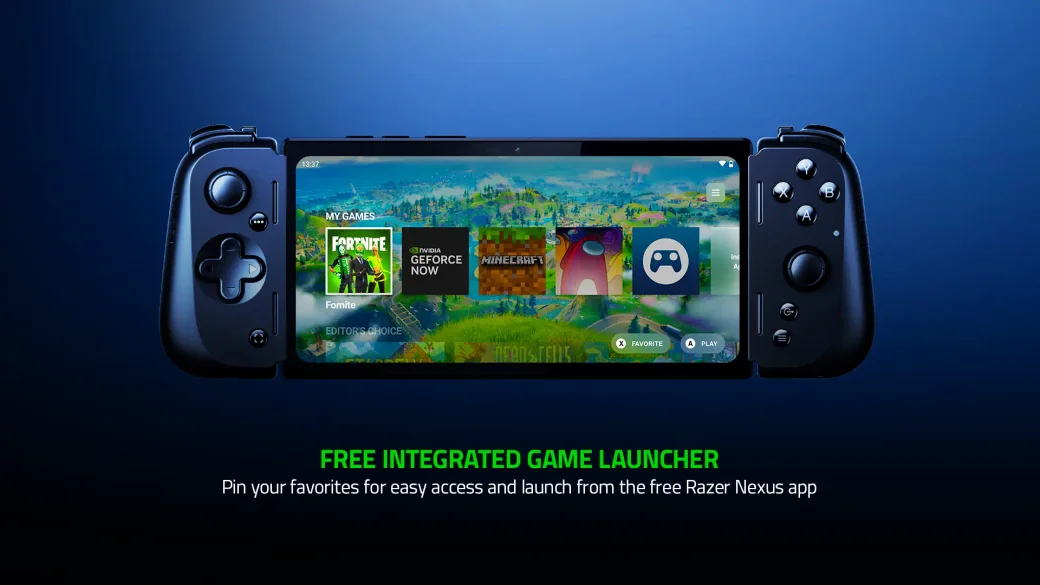
• ダイナミックカラーとゲーム背景モードを備えたカスタマイズ可能なUI。
原文を表示
Razer Nexus is now renamed to Razer Cortex Mobile.Razer Cortex Mobile is compatible with the Razer Prio, Razer Kishi V3 series, Razer Kishi Ultra, and Razer Kishi V2 series.
【WHAT'S NEW IN 6.0.0】
Game Clips Play on PC with Razer Cortex to clip your greatest gaming moments into highlights. Game Clips on mobile quickly syncs those highlights to your phone, so you can browse your full library and replay your best plays anytime, anywhere. Share your favorite clips to social platforms with just one tap.
• Quickly access your PC gameplay highlights from Razer Cortex on your phone.
• Browse and replay your full clip library anytime, anywhere.
• Share your favorite moments to social media or with friends in just a few taps.
• Your clips, always ready whenever you want them.
Updated for Razer Prio
• Added support for Razer Prio.
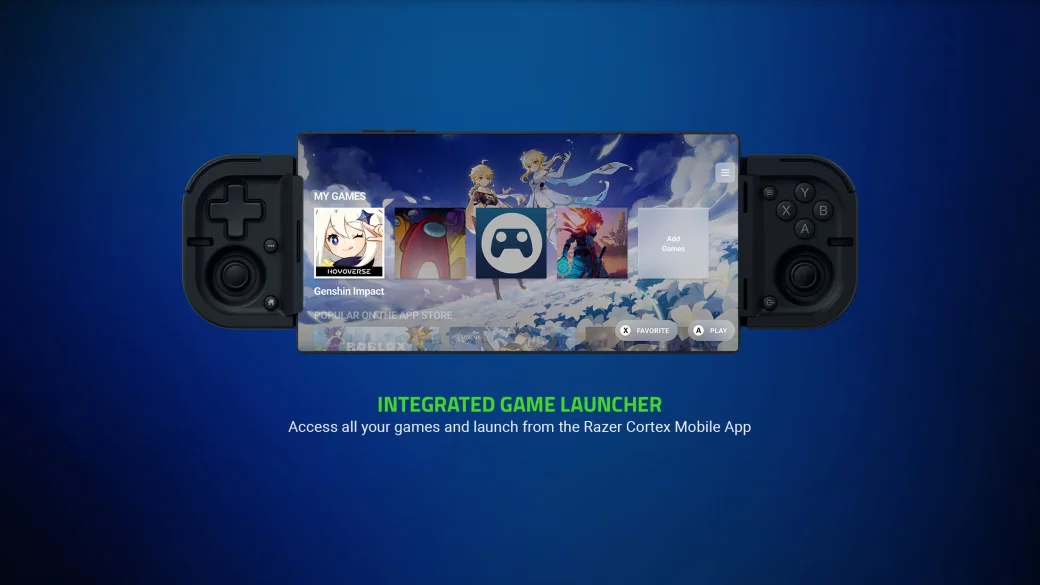
【PC REMOTE PLAY】 Stream your PC games directly to your mobile device with Razer PC Remote Play. Browse and launch your games from the app, and play at your device's full resolution and max refresh rate with full HDR support.
• Browse and launch PC games directly from the app.
• Full resolution, max refresh rate, and HDR streaming.
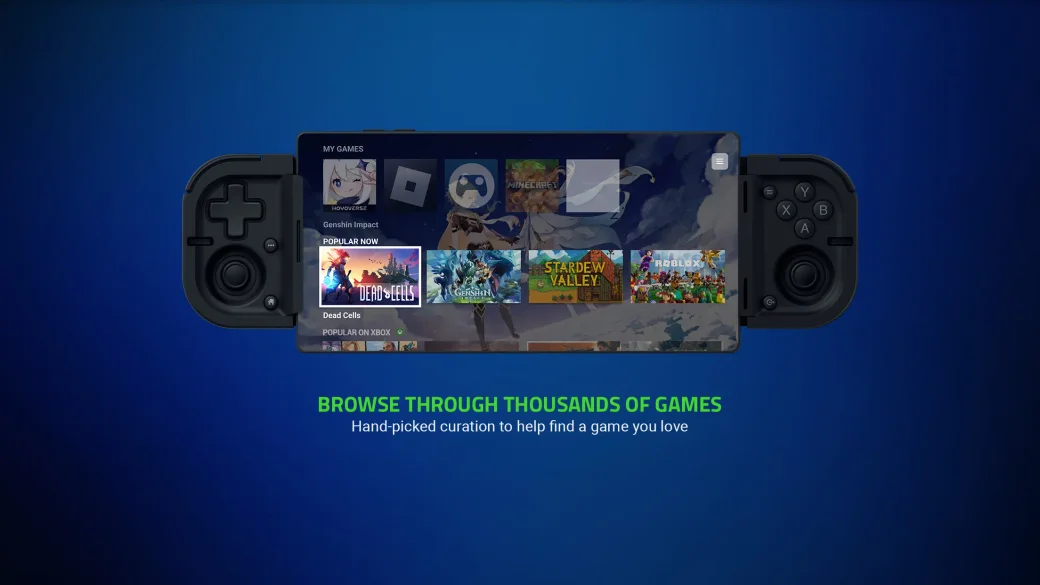
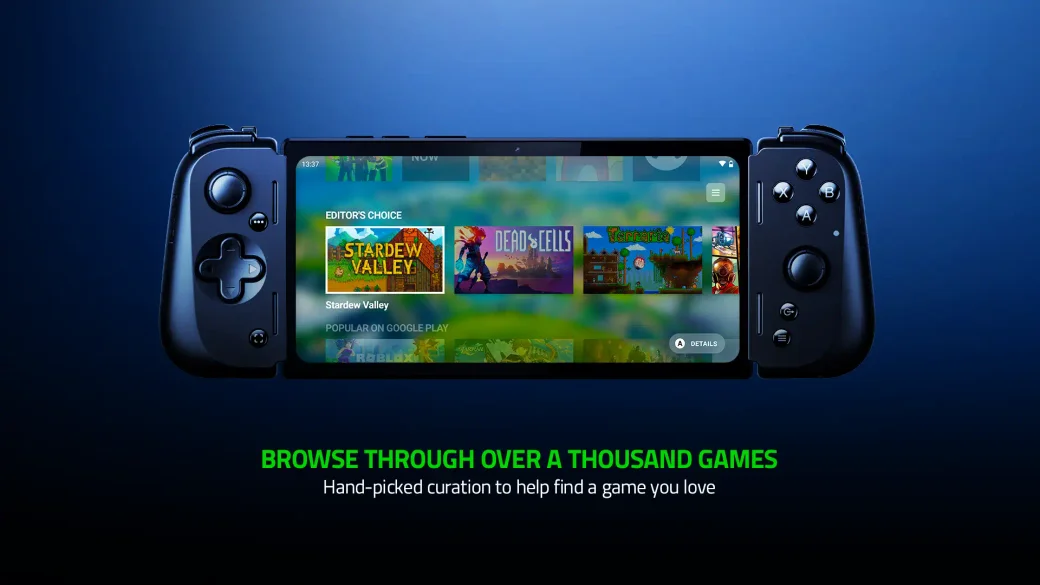
【DISCOVER THOUSANDS OF COMPATIBLE GAMES】
• Discover handpicked game recommendations across curated categories—find your next favorite game in seconds.
• Optional video trailers make it easier to tell at a glance if a game looks fun, watch before you download.
• Fully compatible with any game or service that supports controllers—just plug and play.
【CUSTOMIZE YOUR CONTROLLER】
• Remap buttons and triggers.
• Adjust thumbstick dead zones and sensitivity.
• Specify custom Chroma colors and animation patterns.
• Update controller firmware for new features and improvements.
【XBOX CLOUD GAMING】
• Browse the complete catalog of Xbox Cloud games from within Cortex Mobile—thousands of games at your fingertips.
• Includes information on how to play these games directly on your phone—start playing in minutes.
• Xbox Game Pass Ultimate account required for most games.
【MORE FEATURES】
• Record and livestream your gameplay.
• Customizable UI with Dynamic Color and Game Background modes.
データ セーフティ
このアプリが収集・共有するデータについて、Razer Inc.がGoogle Playで申告している内容です。
- このアプリはサードパーティと以下の種類のデータを共有することがありますアプリのアクティビティ、アプリの情報、パフォーマンス、デバイスまたはその他の ID
- このアプリは以下の種類のデータを収集することがあります個人情報、アプリのアクティビティ、他 2 件
- データは送信中に暗号化されます
- データを削除できません
新機能
バージョン 6.0.3 · 2026/10/22
• Added Game Clips feature: Sync PC gameplay highlights to your mobile, replay, and share your best gaming moments in one tap.
• Bug fixes and performance improvements
開発元の連絡先
- メールdevelopers@razer.com
- プライバシーポリシーrazer.com
- 住所1 One-North Crescent #02-01 Razer SEA HQ Singapore 138538
情報
- 提供元
- Razer Inc.
- カテゴリ
- エンタメ
- バージョン
- 6.0.3
- 更新日
- 2026/10/22
- リリース
- 2022/6/8
- 必要条件
- Android 9以降
- 対象年齢
- 3 歳以上
- 価格
- 無料
- パッケージ名
- com.razer.bianca