RoCur
Mohamed Nabil Elewa- 3 歳以上対象年齢
- カスタマイズカテゴリ
- 2026/8/17更新日
- 無料価格
com.watchfacestudio.RoCurのGoogle Play公式ページにリンクしています。最終確認:2026/11/15。

スクリーンショット
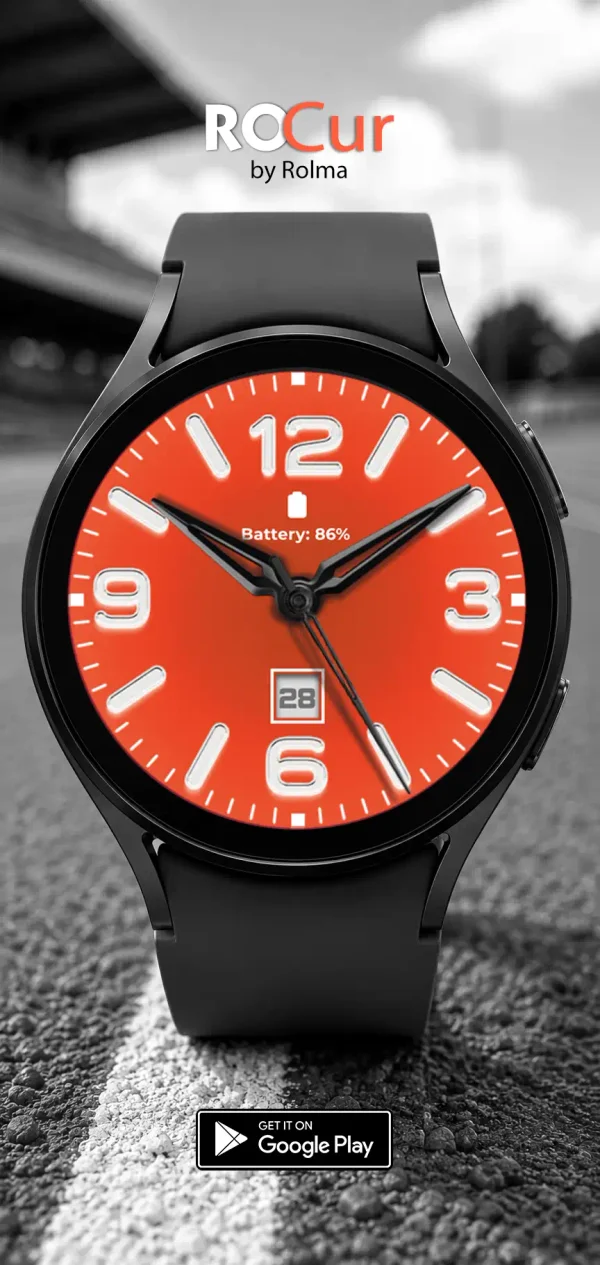
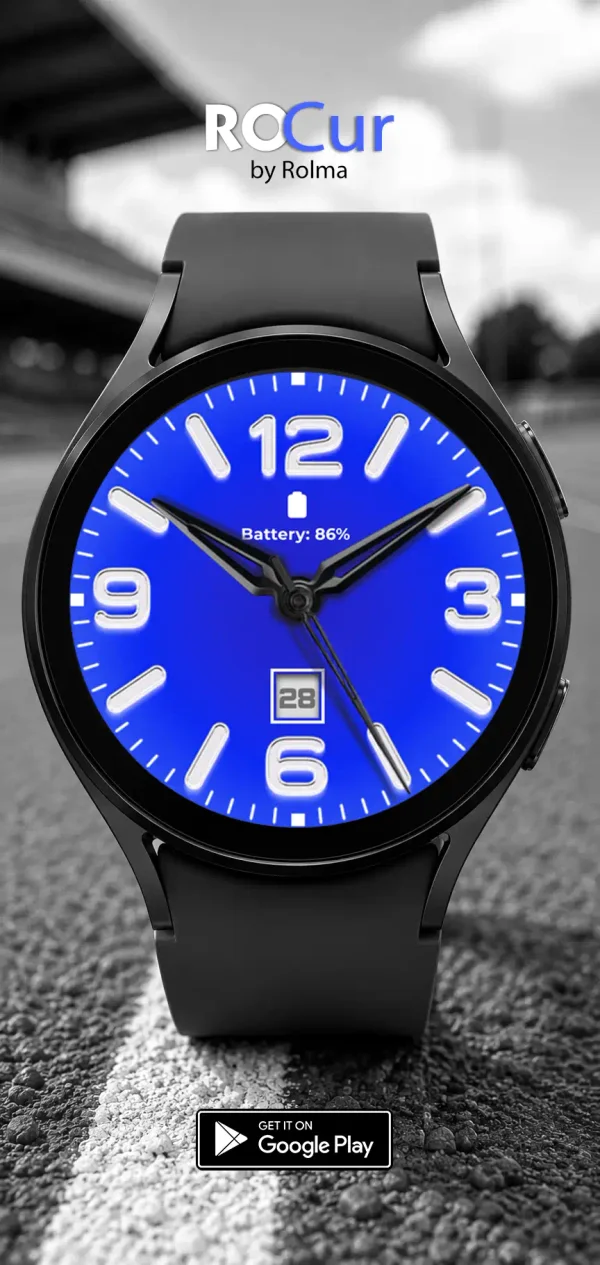
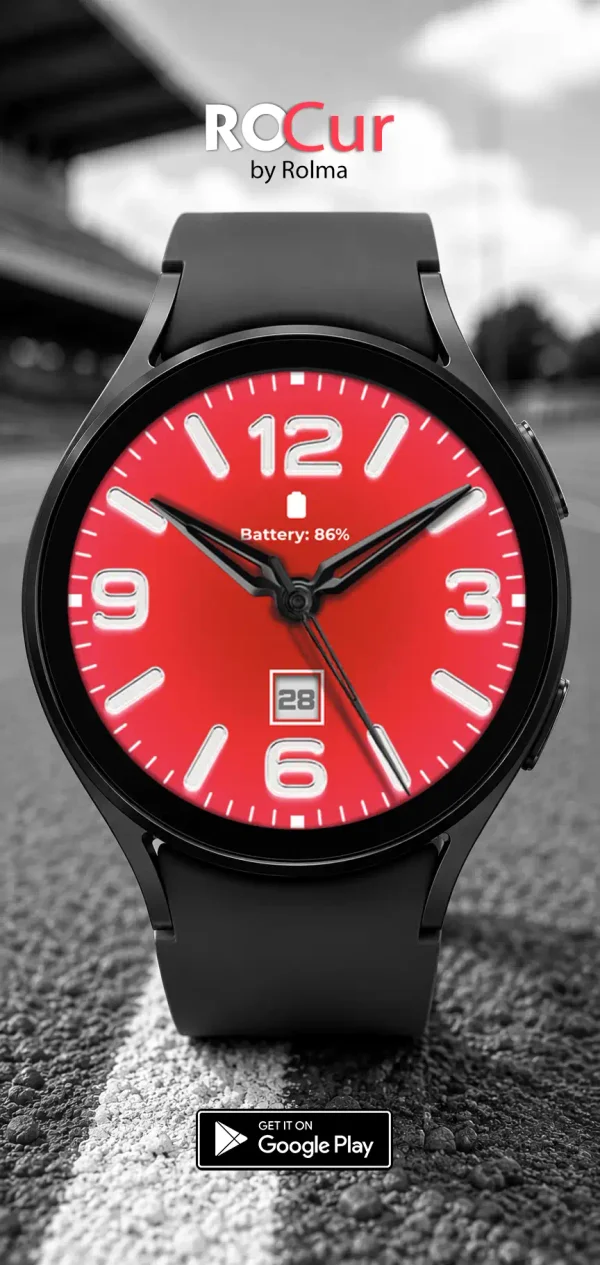
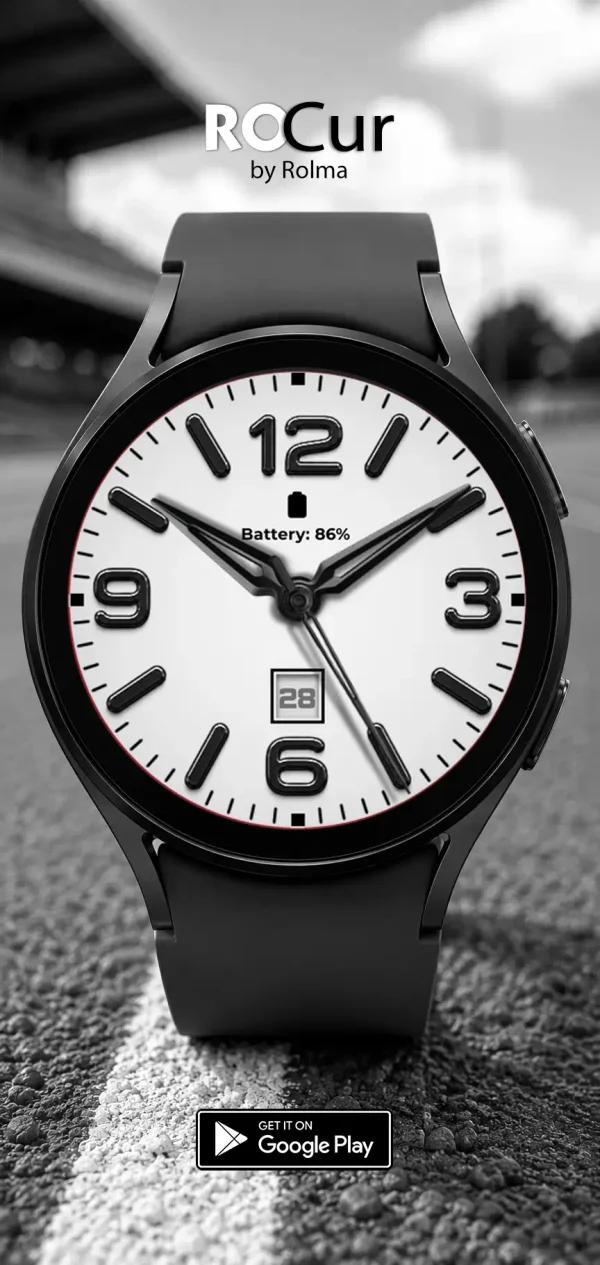
このアプリについて
Googleによる英語 (アメリカ合衆国)からの自動翻訳です。
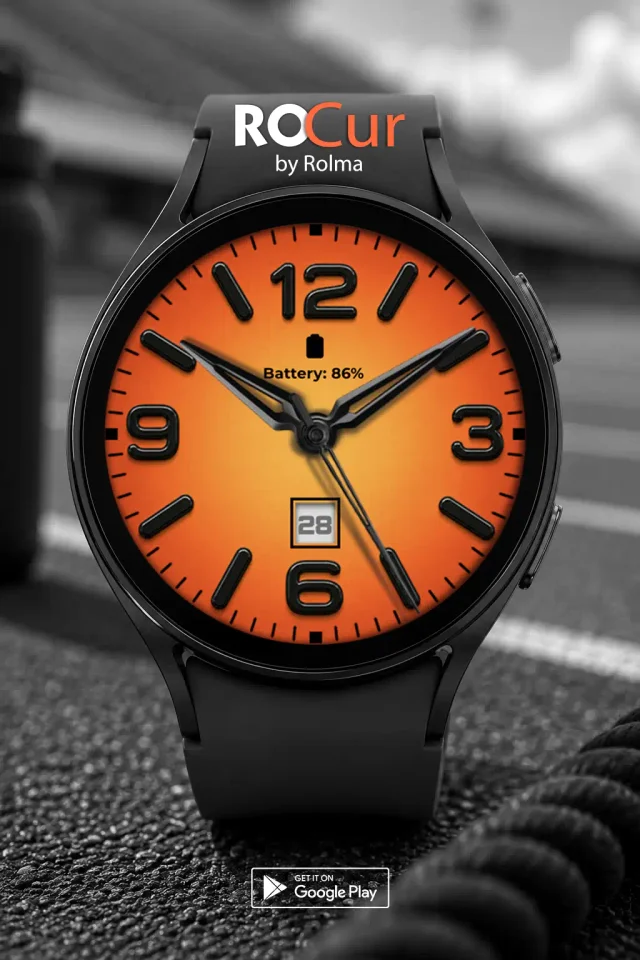
ミニマルでカラフルな時計の文字盤。
「RoCur」は、Wear OSデバイス向けのユニークでミニマルなアナログ風カラフルウォッチフェイスです。
このウォッチフェイスは、Watch Face Studioツールを使用してデザインされました。
注:丸型ウォッチ用のウォッチフェイスは、長方形または正方形のウォッチには適していません。
インストール方法:
1. ウォッチをスマートフォンに接続します。
2. ウォッチにインストールします。インストール後、ウォッチの画面を長押しし、右端までスワイプして「ウォッチフェイスを追加」をタップすると、ウォッチフェイス一覧が表示されます。新しくインストールしたウォッチフェイスを有効化してください。
3. インストール後、以下の点もご確認ください。
I. Samsung製ウォッチの場合:スマートフォンのGalaxy Wearableアプリを開きます(まだインストールされていない場合はインストールしてください)。「ウォッチフェイス」>「ダウンロード済み」に、新しくインストールしたウォッチフェイスが表示されますので、接続済みのウォッチフェイスに適用してください。
II. その他のスマートウォッチブランド、その他のWear OSデバイスの場合:お使いのスマートウォッチブランドに付属のウォッチアプリをスマートフォンにインストールし、ウォッチフェイスギャラリーまたは一覧から新しくインストールしたウォッチフェイスを探してください。
カスタマイズ方法:
1. ディスプレイを長押しし、「カスタマイズ」をタップします。
2. 左右にスワイプしてカスタマイズしたい項目を選択します。
3. 上下にスワイプして利用可能なオプションを選択します。
4. 「OK」をタップします。
機能:
- 文字盤カラー10種類
- インデックスカラー10種類
- カスタムコンプリケーション1種類
- スイープ秒針
- 日付表示
- 常時表示
サポートやご要望は、mhmdnabil2050@gmail.comまでお気軽にお問い合わせください。
原文を表示
The "RoCur" is a unique minimalist analog colorful watch face for Wear OS devices.
This watch face was designed using Watch Face Studio tool.
Note: watch faces for the a round watches are not suitable for rectangular or square watches.
INSTALLATION:
1. Keep your watch connected to your phone.
2. Install in the watch. After installation, check your watch face list in your watch by pressing and hold display then swipe to the right end and click Add watch face. There you can see the newly installed watch face and just activate it.
3. After installation, you can also check the following:
I. For Samsung watches, check your Galaxy Wearable app in your phone (install it if not yet installed). Under Watch faces > Downloaded, there you can see the newly installed watch face and then just apply it to connected watch.
II. For other smartwatch brands, for other Wear OS devices, please check the watch app installed in your phone that comes with your smartwatch brand and find the newly installed watch face in the watch face gallery or list.
CUSTOMIZATION:
1. Press and hold display then hit "Customize".
2. Swipe left and right to choose what to customize.
3. Swipe up and down to choose options available.
4. Hit "OK".
FEATURES:
- 10X dial colors.
- 10X index colors.
- 1X Custom Complication.
- Sweep Second Hand Movement.
- Day in the month.
- Always on display.
For support and request, Do not hesitate emailing me at mhmdnabil2050@gmail.com
データ セーフティ
このアプリが収集・共有するデータについて、Mohamed Nabil ElewaがGoogle Playで申告している内容です。
- 第三者と共有されるデータはありません詳しくは、デベロッパーが共有を申告する方法についての説明をご覧ください
- データは収集されません詳しくは、デベロッパーが収集を申告する方法についての説明をご覧ください
開発元の連絡先
- メールmhmdnabil2050@gmail.com
- プライバシーポリシーtermsfeed.com
- 住所6 Fathalla Refaat Street, Nasr City 3 Cairo القاهرة 11371 Egypt
情報
- 提供元
- Mohamed Nabil Elewa
- カテゴリ
- カスタマイズ
- バージョン
- 3.0.0
- 更新日
- 2026/8/17
- リリース
- 2026/8/17
- 対象年齢
- 3 歳以上
- 価格
- 無料
- パッケージ名
- com.watchfacestudio.RoCur