Samsung Mobile Print
HP Inc.- 3 歳以上対象年齢
- 仕事効率化カテゴリ
- 2026/11/11更新日
- 無料価格
com.sec.print.mobileprintのGoogle Play公式ページにリンクしています。最終確認:2026/11/27。
スクリーンショット



このアプリについて
Googleによる英語 (アメリカ合衆国)からの自動翻訳です。
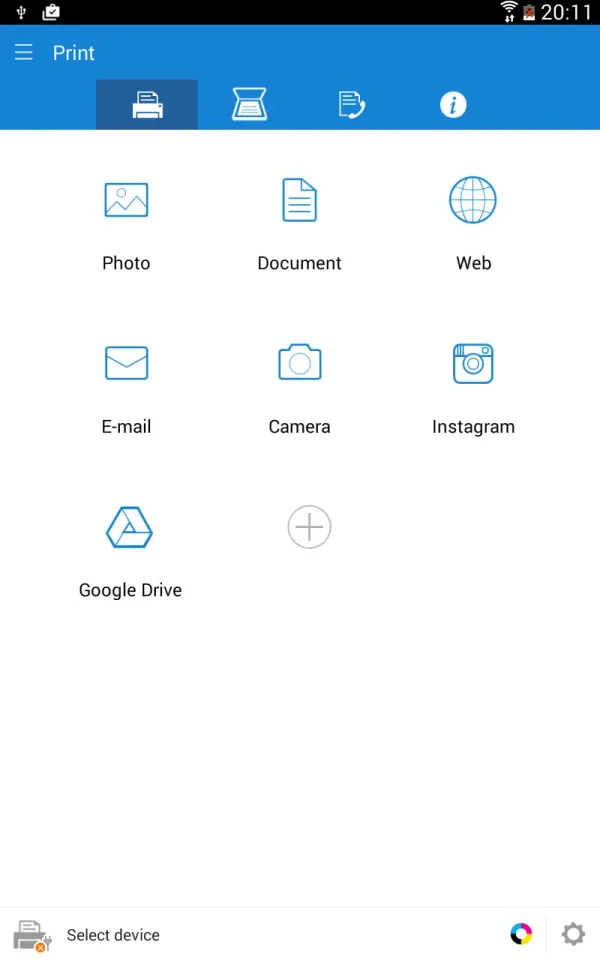
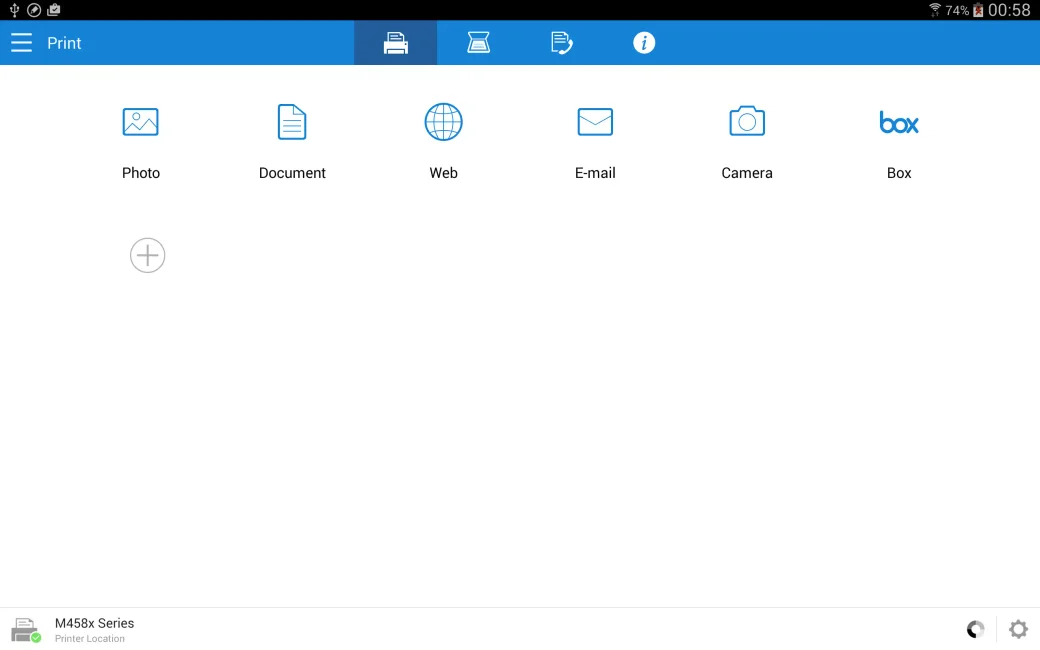
サムスンモバイル印刷を使用すると、直接、サムスンプリンタに印刷することができます。
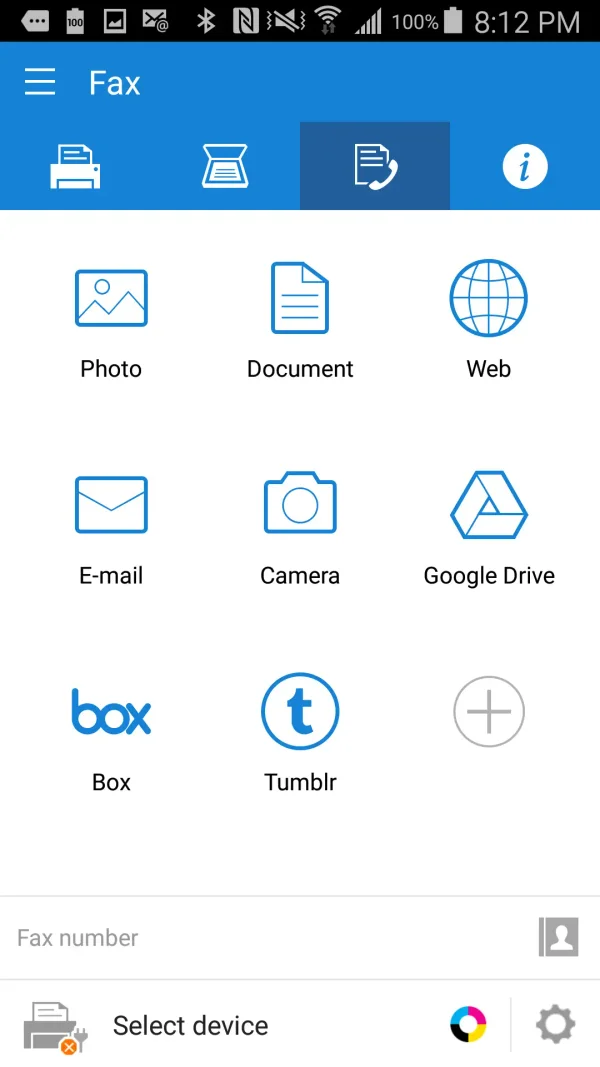
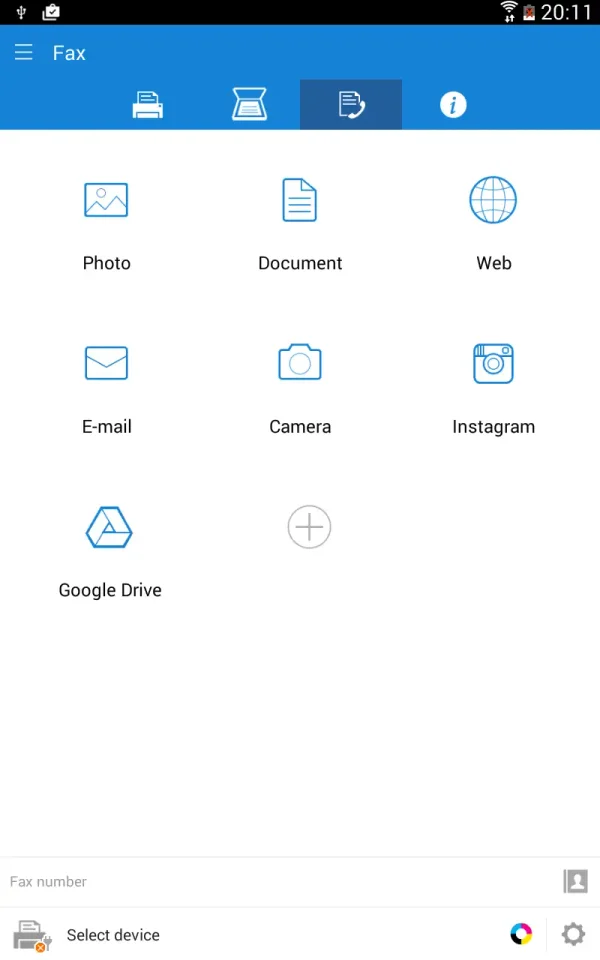
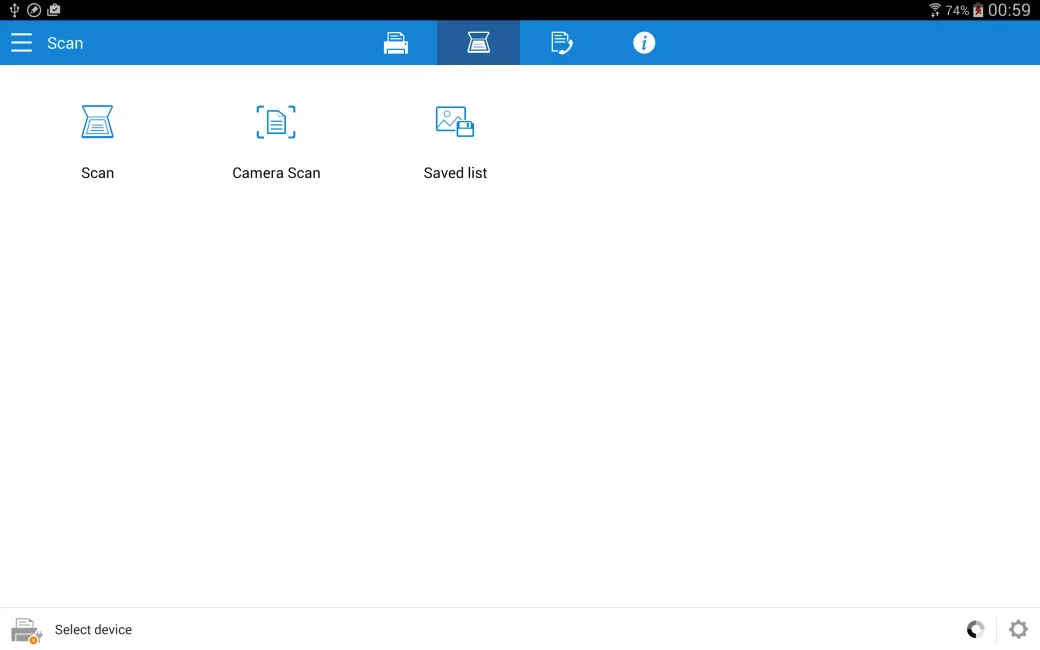
Androidスマートフォン、タブレット、またはサポートされているその他のAndroidデバイスからほとんどすべての* SamsungレーザープリンターにFAXを印刷、スキャン、または送信します。
Samsung Mobile Printは、Officeドキュメント、PDF、画像、電子メール、Webページ、さらにはソーシャルネットワークサイトのコンテンツなど、ほとんどのデジタルコンテンツを印刷またはFAXで送信できるようにします。
コンテンツをスマートフォンやGoogleドライブに置くのは簡単です。
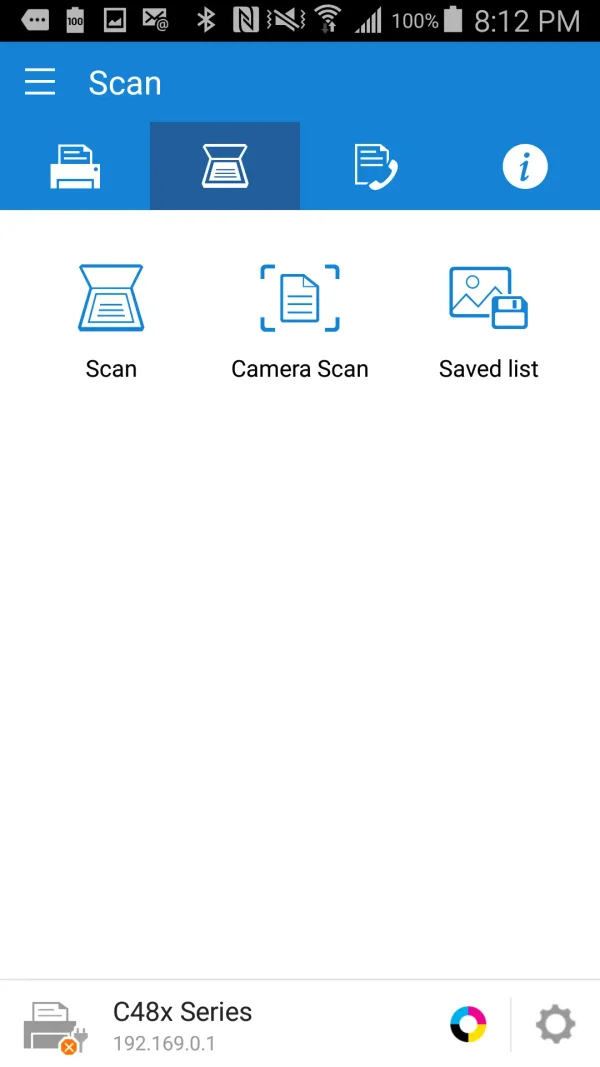
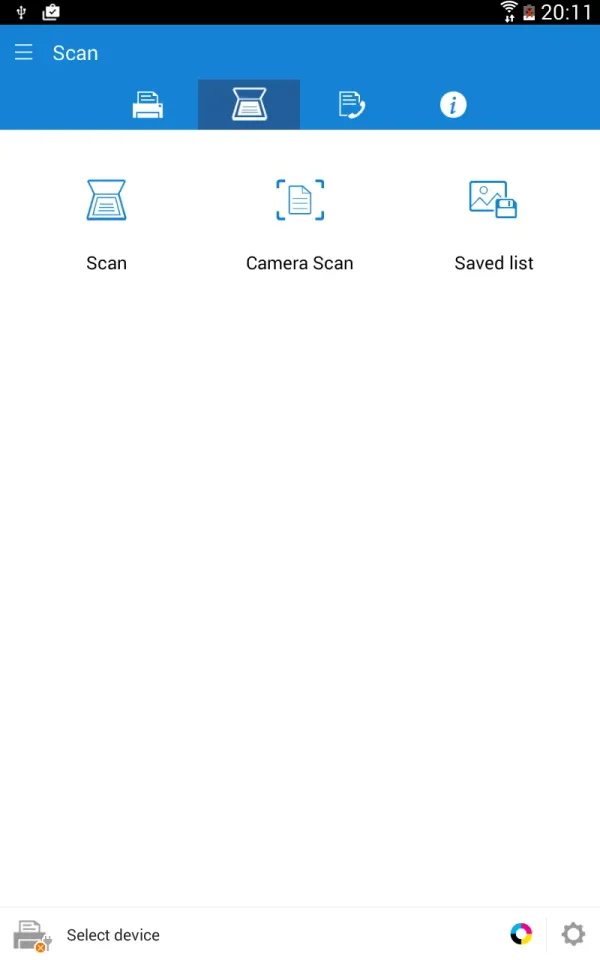
また、ネットワークの多機能デバイスからのスキャンや、pdf、jpg、pngなどのさまざまな形式での保存もサポートしています。スキャンしたドキュメントの共有は、クリックするだけです。
主な特徴
>直感的なアクションバースタイルのユーザーインターフェイス。
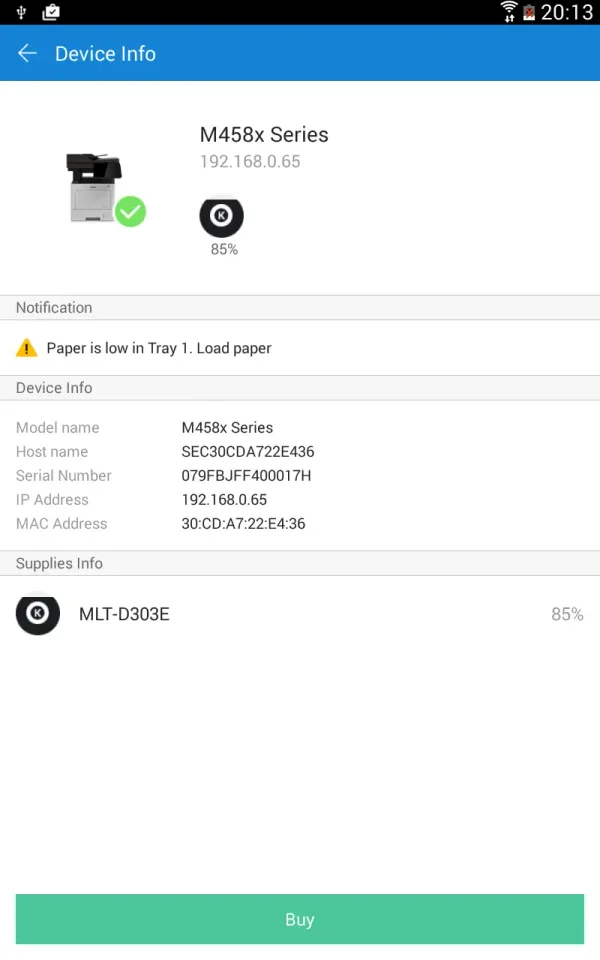
>サポートされているネットワークデバイスの自動検出。
>複数の画像を選択し、タップしてトリミングまたは回転します。
>ページ上の複数の画像サイズと複数の画像をサポートします。
> FAX文書/電子メール/電子メールの添付ファイル/ Webページ/画像を印刷または送信します。
> Googleドライブ、Dropbox、Evernote、OneDrive、Box、Facebookのコンテンツをサポートします。
>フラットベッドまたはADFからスキャンし、PDF、PNG、JPGとして保存します。
> A3 *ほどの大きさのページを印刷またはスキャンします。
>共有して、他のアプリからサポートされているコンテンツを開きます。
>企業環境の場合、ジョブアカウンティング、機密印刷、セキュアリリースなどのセキュリティ機能をサポートします。
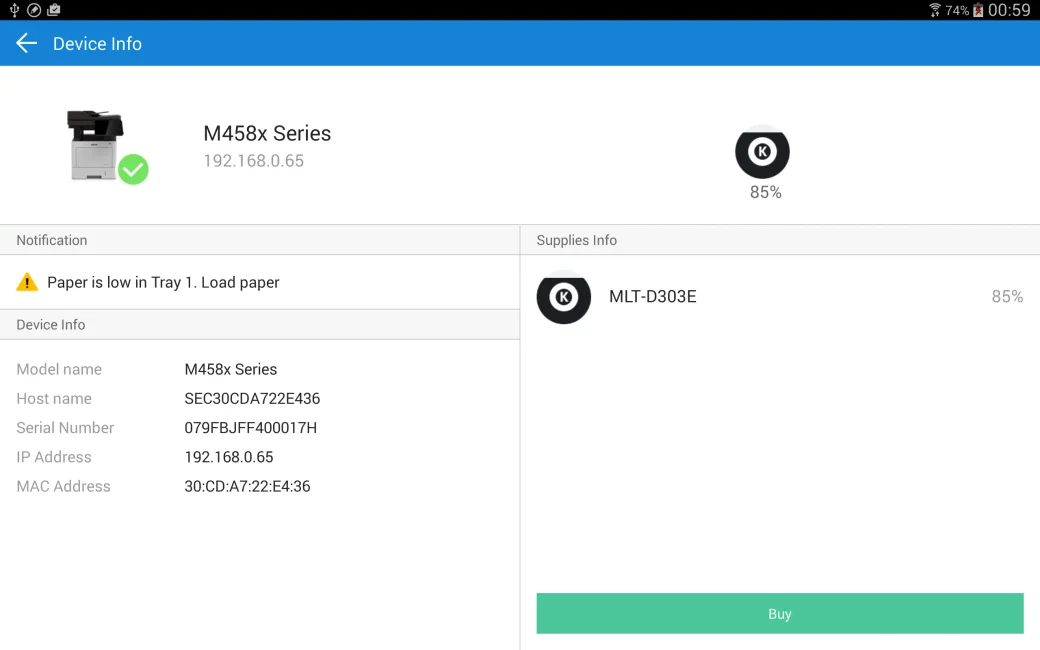
>自動トナー注文サービスの統合サポート(米国および英国)
>次のプリンターのWi-Fiセットアップの統合サポート(M2020 / 2070 / 283x / 288x / 262x / 282x / 267x / 287x / 301x / 306xシリーズ、CLP-360シリーズ、CLX-330xシリーズ、C410 / 460/430/480シリーズ)
** Samsungプリンターのみをサポート**
* FAXのスキャンと送信は、サポートされているN / Wプリンターでのみサポートされています。
※プリントは、プリントサーバーまたは共有で接続されたプリンターで行うことができます。
*印刷とスキャンの最大サイズは、デバイスでサポートされているメディアサイズによって異なります。
※CJX-1050W / CJX-2000FWプリンターをご利用の場合は、本アプリの代わりに「Samsung Mobile Print Photo」をインストールしてください。
対応機種一覧
* M2020 / 2070 / 283x / 288x / 262x / 282x / 267x / 287x / 4370/5370/4580シリーズ
* C410 / 460/1810/1860/2620/2670 / 140x / 145x / 4820シリーズ
* CLP-300 / 31x / 32x / 350/360/610/620/660/670/680/770/775シリーズ
* CLX-216x / 316x / 317x / 318x / 838x / 854x / 9252/9352 / 92x1 / 93x1シリーズ
* ML-1865W / 2150/2160/2165/2250/2525 / 257x / 2580 / 285x / 2950 / 305x / 3300 / 347x / 331x / 371x / 405x / 455x / 551x / 651xシリーズ
* SCX-1490 / 2000 / 320x / 340x / 4623 / 4x21 / 4x24 / 4x26 / 4x28 / 470x / 472x / 4x33 / 5x35 / 5x37 / 6545/6555/8030/8040/8123/8128シリーズ
* SF-650、SF-760シリーズ
許可の詳細:
以下は、Samsung Mobile Printアプリが使用している権限の詳細です。
。ストレージ:写真やファイルを印刷します。
。 LOCATION:近くのWi-Fi Directプリンターを検索するには、位置情報の許可が必要です。
。 NFC:モバイルデバイスとプリンター間の直接接続用。
。カメラ:カメラを使用します。
。インターネット:ネットワーク通信用。
。 READ_CONTACTS:アドレス帳からFAX番号を選択します。
。 GET_ACCOUNTS:メール印刷での登録済みアカウントの表示、およびGoogleドライブからのコンテンツの印刷用。
。 USE_CREDENTIALS:Googleドライブからの印刷用。
。 VIBRATION:NFCタグが正しく読み取られたときに通知する
原文を表示
Print, Scan or send Fax wirelessly from your Android phone, tablet, or any other supported Android device to almost any* Samsung Laser Printer.
Samsung Mobile Print empowers to print or send fax, most of the digital contents like Office documents, PDF, images, emails, web pages or even the contents on your social network sites.
Let your content be on your phone or on Google drive it’s just easy.
It also supports scanning from your network multi-functional device and saving in various formats like pdf, jpg or png. Sharing your scanned documents is just a click away.
Key Features
> Intuitive action bar style user interface.
> Automatic discovery of supported network devices.
> Select multiple images, tap to crop or rotate.
> Supports multiple image sizes and multiple images on a page.
> Print or send fax documents/emails/email attachments/web pages/images.
> Supports contents at Google Drive, Dropbox, Evernote, OneDrive, Box and Facebook.
> Scan from flatbed or ADF and save as PDF, PNG, JPG.
> Print or Scan pages as big as A3*.
> Share to open any of the supported content from any other App.
> For corporate environment, supports security features like Job Accounting, Confidential Print and Secure Release.
> Integration support for Auto Toner Ordering Service (US and UK)
> Integration support for following printer's Wi-Fi setup (M2020/2070/283x/288x/262x/282x/267x/287x/301x/306x Series, CLP-360 Series, CLX-330x Series, C410/460/430/480 Series)
**Supports Only Samsung Printers**
* Scanning and sending fax is supported only on supported N/W printers.
* Printing can be done on printers connected via Print server or Shared.
* Maximum print and scan size would depend on the media size supported by the device.
* If you use the CJX-1050W/CJX-2000FW printer, please install "" Samsung Mobile Print Photo"" instead this app.
Supported Model List
* M2020/2070/283x/288x/262x/282x/267x/287x/4370/5370/4580 Series
* C410/460/1810/1860/2620/2670/140x/145x/4820 Series
* CLP-300/31x/32x/350/360/610/620/660/670/680/770/775 Series
* CLX-216x/316x/317x/318x/838x/854x/9252/9352/92x1/93x1 Series
* ML-1865W/2150/2160/2165/2250/2525/257x/2580/285x/2950/305x/3300/347x/331x/371x/405x/455x/551x/651x Series
* SCX-1490/2000/320x/340x/4623/4x21/4x24/4x26/4x28/470x/472x/4x33/5x35/5x37/6545/6555/8030/8040/8123/8128 Series
* SF-650, SF-760 Series
Permission Details:
Below are the details about the permissions Samsung Mobile Print app is using.
. STORAGE : To print photos and files.
. LOCATION : Location permission is required to search for nearby Wi-Fi Direct printers.
. NFC : For direct connection between mobile device and Printer.
. CAMERA : To use Camera.
. INTERNET: For any network communication.
. READ_CONTACTS: For selecting Fax number from Address book.
. GET_ACCOUNTS: For showing registered accounts in email printing and printing contents from Google drive.
. USE_CREDENTIALS: For printing from Google Drive.
. VIBRATION : To notify when NFC tag was read properly
データ セーフティ
このアプリが収集・共有するデータについて、HP Inc.がGoogle Playで申告している内容です。
- 第三者と共有されるデータはありません詳しくは、デベロッパーが共有を申告する方法についての説明をご覧ください
- データは収集されません詳しくは、デベロッパーが収集を申告する方法についての説明をご覧ください
- データは送信中に暗号化されます
- データを削除できません
新機能
バージョン 4.08.046 · 2026/11/11
1. Target API level updated to 36.
2. Bug fixes and compatibility improvements.
開発元の連絡先
- ウェブサイトsamsungprinter.com
- メールHPIncAppStore@hp.com
- プライバシーポリシーhp.com
- 住所1501 Page Mill Rd Palo Alto, CA 94304 United States
情報
- 提供元
- Google Commerce Ltd
- カテゴリ
- 仕事効率化
- バージョン
- 4.08.046
- 更新日
- 2026/11/11
- リリース
- 2011/1/18
- 必要条件
- Android 10以降
- 対象年齢
- 3 歳以上
- 価格
- 無料
- パッケージ名
- com.sec.print.mobileprint