Scanner+ App: Scan Docs to PDF
Codespace Dijitalアプリ内課金
- 3 歳以上対象年齢
- ビジネスカテゴリ
- 2026/4/17更新日
- 無料価格
com.codewaystudios.scannerplusのGoogle Play公式ページにリンクしています。最終確認:2026/11/29。
スクリーンショット
このアプリについて
Googleによる英語 (アメリカ合衆国)からの自動翻訳です。
Scanner +は、携帯電話をポケットに収まる強力なスキャナーに変えます。
お金もスキャナーもポケットに入れて持ち歩きたいですか?今すぐScanner+を無料でダウンロードして、PDF、JPG、DOCX形式のあらゆるドキュメントをスキャン、署名、共有しましょう。
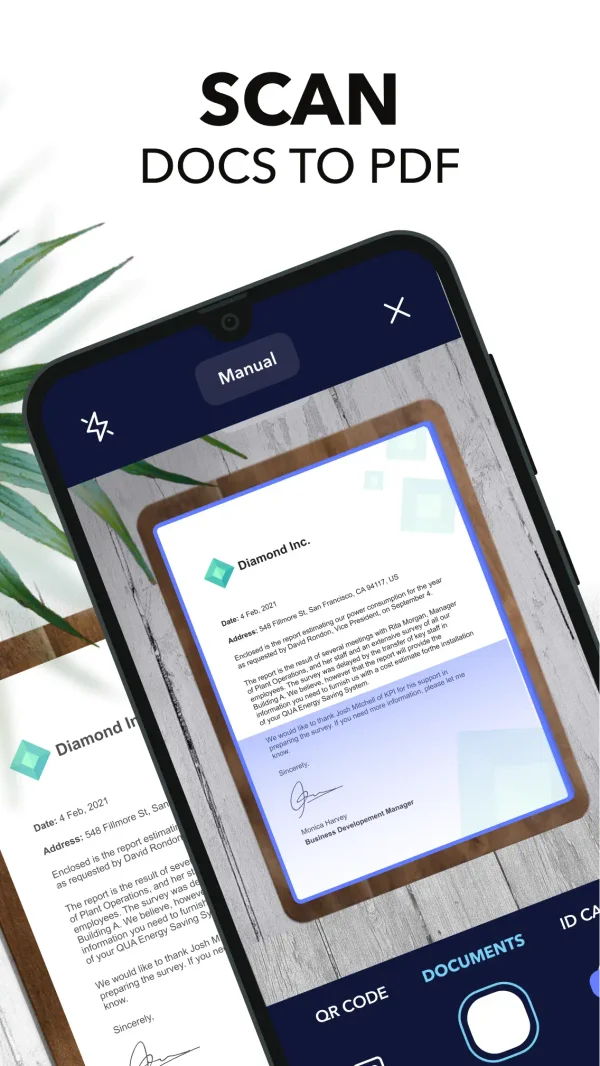
スマートフォンのカメラで紙をスキャンするだけで、Scanner+アプリがドキュメントの端を自動的に認識し、補正して、お気に入りのプラットフォームで共有できる完璧なスキャンコピーを作成します!
Scanner+には、他のスキャナーにはない11の素晴らしい機能があります。
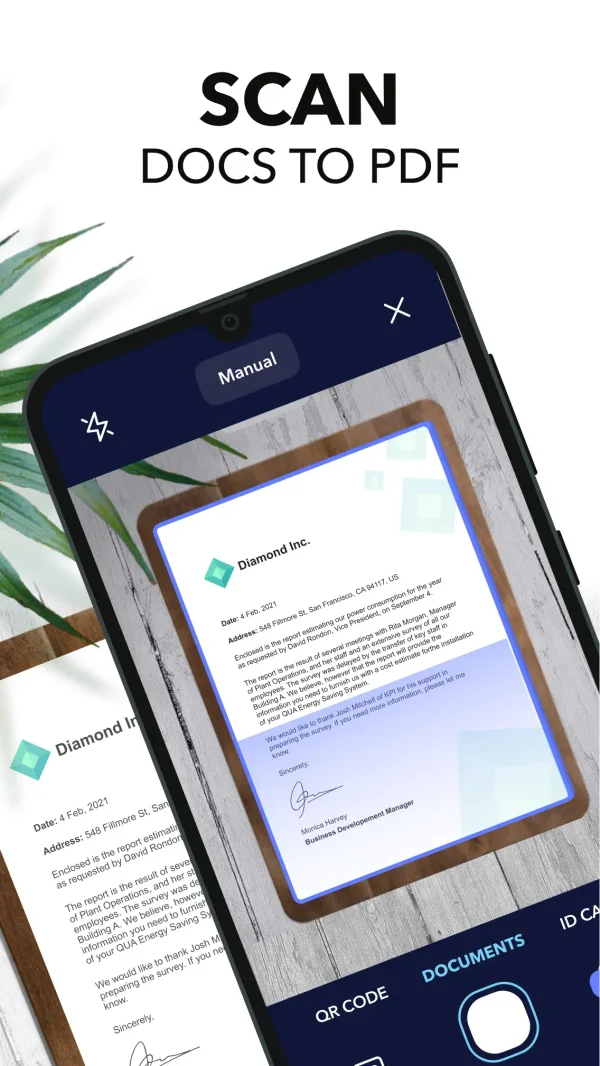
1) ドキュメントのスキャン
複数ページを1つのPDFドキュメントにスキャンできます。ターボスキャンモードをお楽しみください!ポケットに入る小さなスキャナーで素早くスキャンできるのに、なぜパソコンで何時間も費やす必要があるのでしょうか?
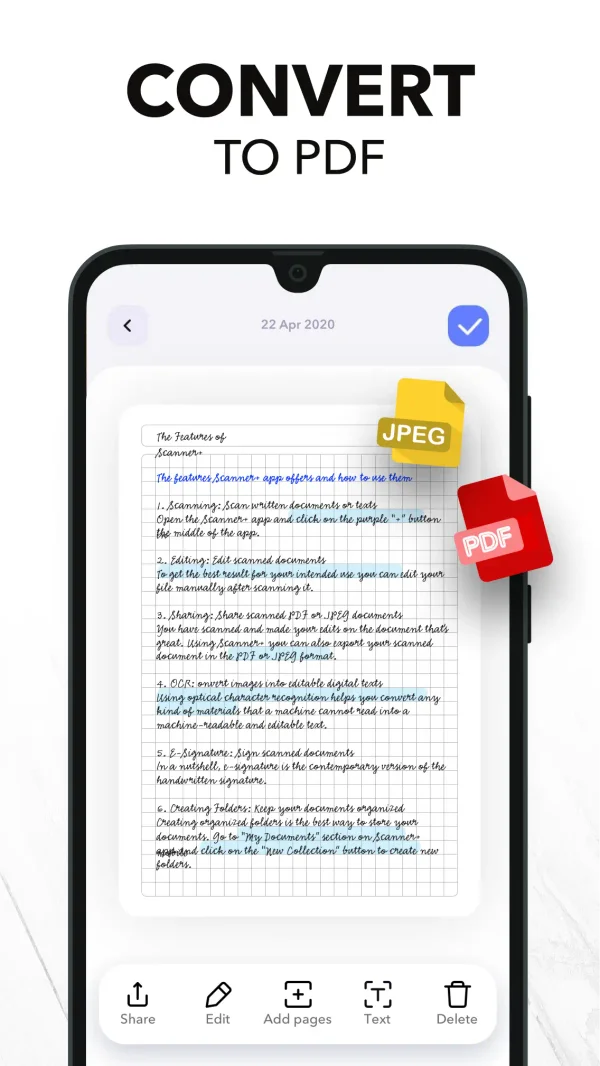
2) PDFへの変換
Scanner+はPDFコンバーターとしても機能し、写真や画像を検索可能なデジタルドキュメントに変換します!ドキュメント全体を「Ctrl+F」で検索することもできます!
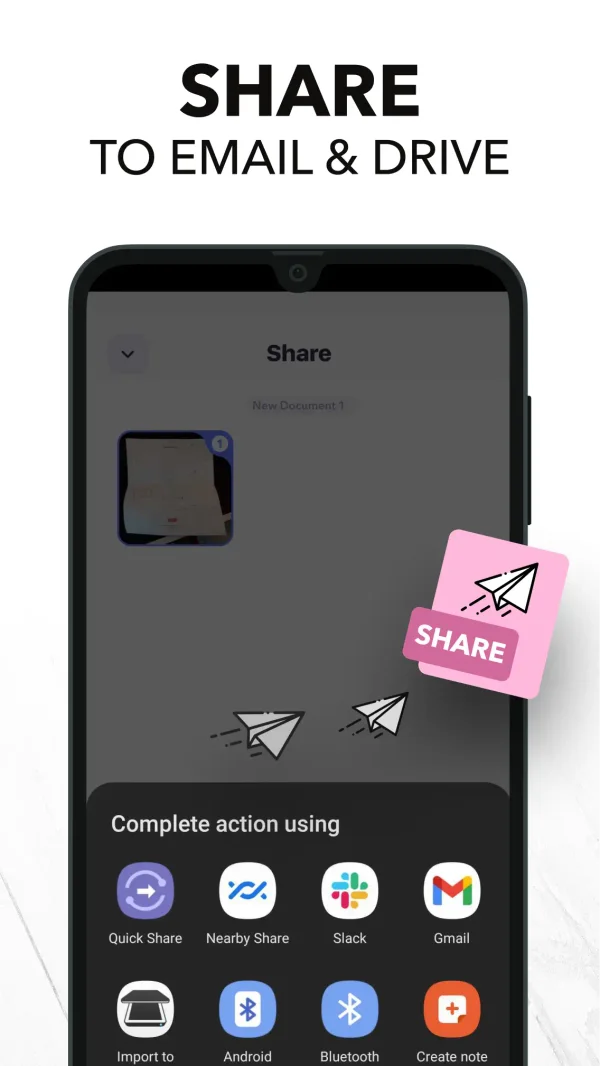
3) エクスポートと共有
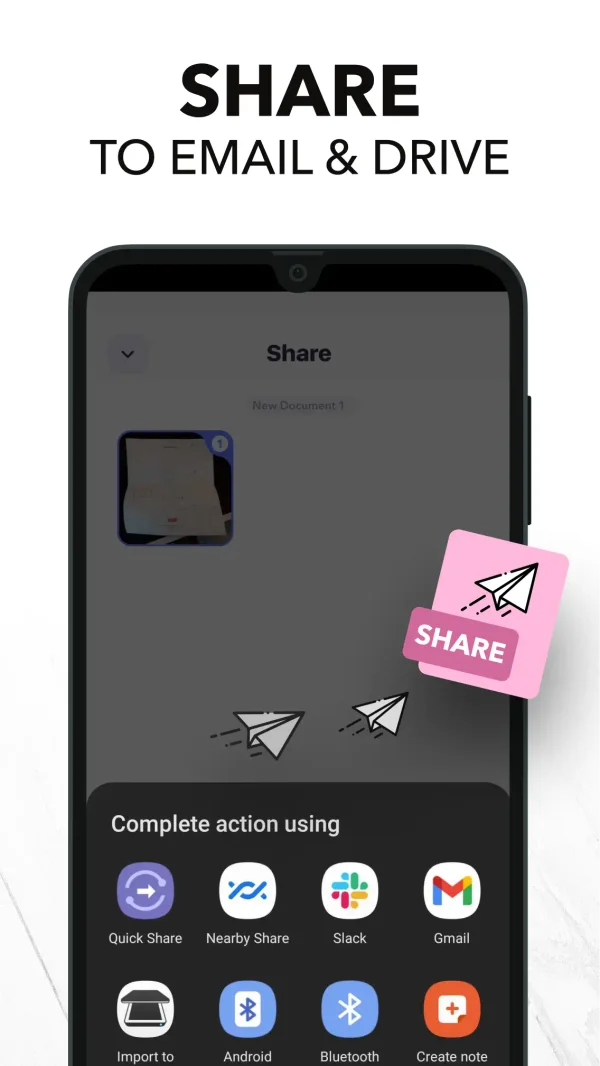
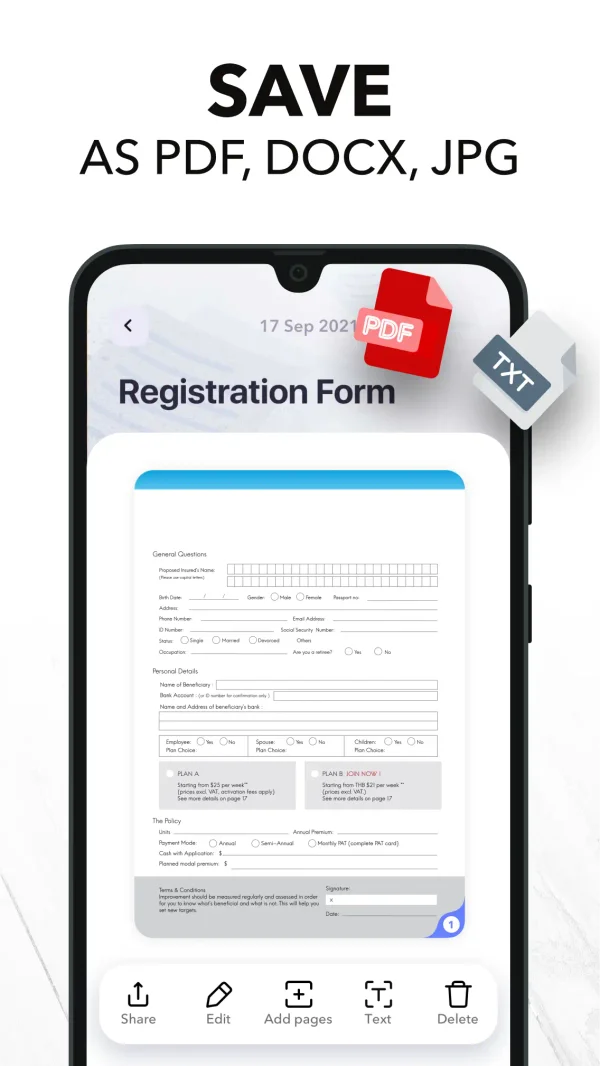
スキャンした画像を.PDF、.JPEG、または.DOCX形式でエクスポートし、Adobe PDF、メール(Gmail、Outlook、Spark)、Wi-Fiプリンター、Box、WhatsApp、Facebook Messenger、Dropbox、Evernote、Google Drive、OneDrive、OneNoteなど、あらゆるアプリやプラットフォームで共有できます!
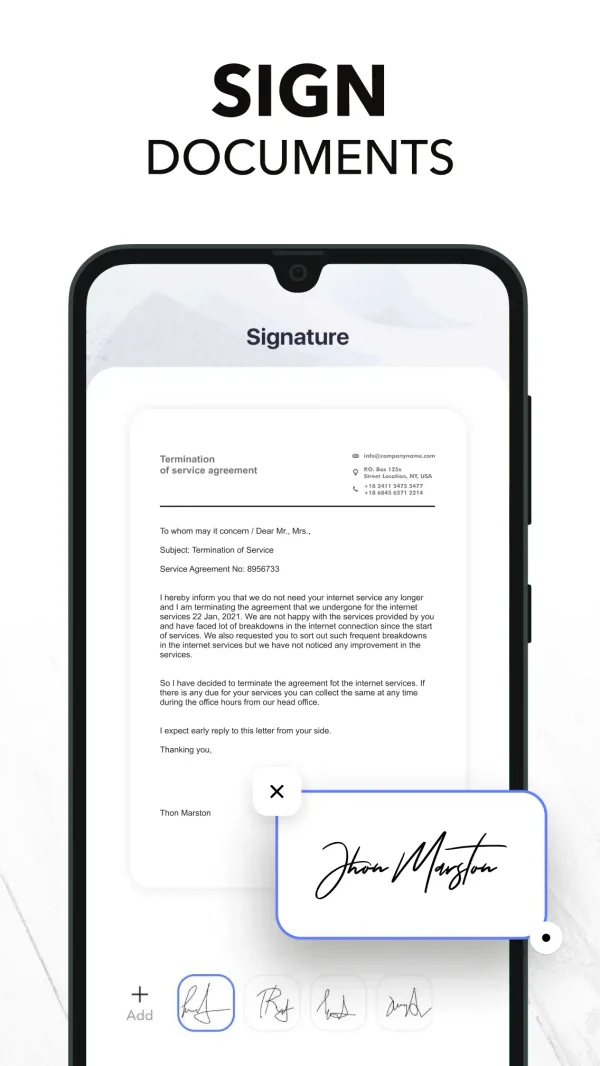
4) 文書への署名
PDF文書に1秒未満で署名できます。署名を複数の文書に転送できます!
5) スマートクロップ(きっと気に入るはず!)
スキャン後、文書の端が自動的にトリミングされます。文書ごとにトリミングする手間はもう必要ありません!
6) 破損した文書の復元
文書にコーヒーをこぼしてしまった?愛犬が宿題をかじってしまった?Genius Scanモードを使えば、スキャンアプリで文書を復元し、スキャンの達人になれます!
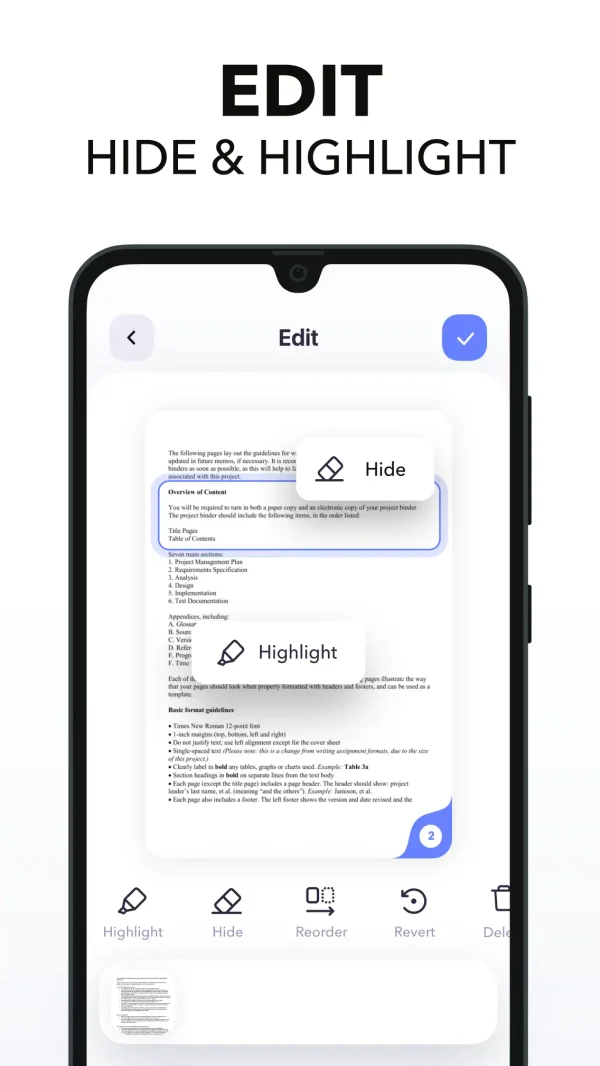
7) テキストのハイライト
Scanner+ドキュメントスキャナーで、文書の重要な部分をハイライト表示できます!スキャンした教科書で勉強する際にとても便利です!
8) ドキュメントの編集
Scanner+のドキュメントエディターを使えば、不要な部分を非表示にしたりぼかしたりできます!機密性の高い部分を隠すのに便利な機能です。さあ、スキャンマスターになりましょう!
9) 明るさの調整
暗い部屋で書類をスキャンする必要がありますか?全く問題ありません!
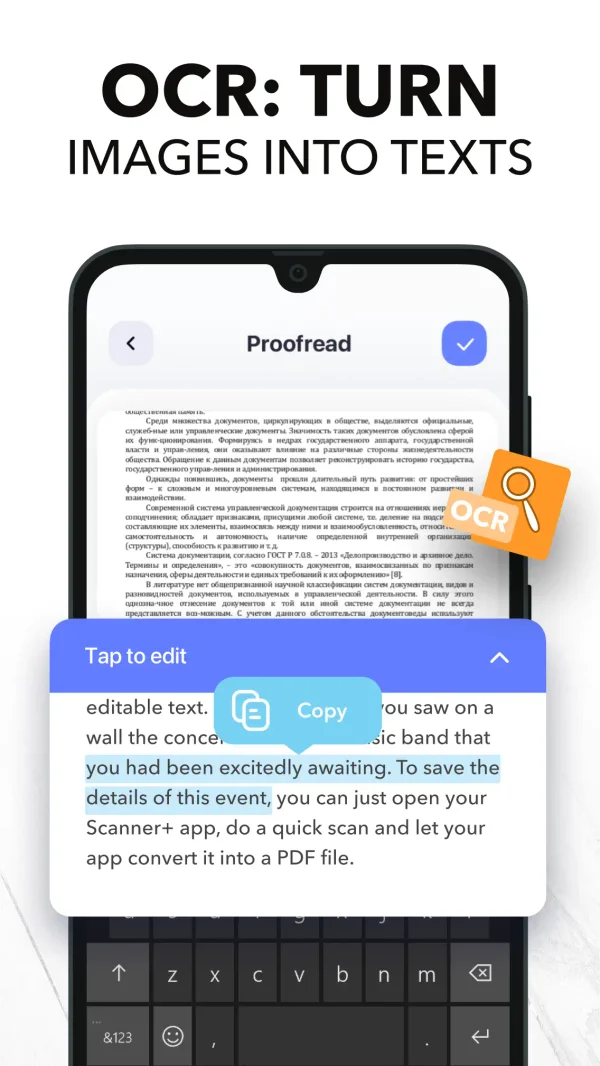
10) OCRでテキストを認識
OCRテキストスキャナーモードを使えば、スキャン可能なあらゆるオブジェクトのテキストを認識できます。さらに、Scanner+なら手書きのテキストも編集できます!
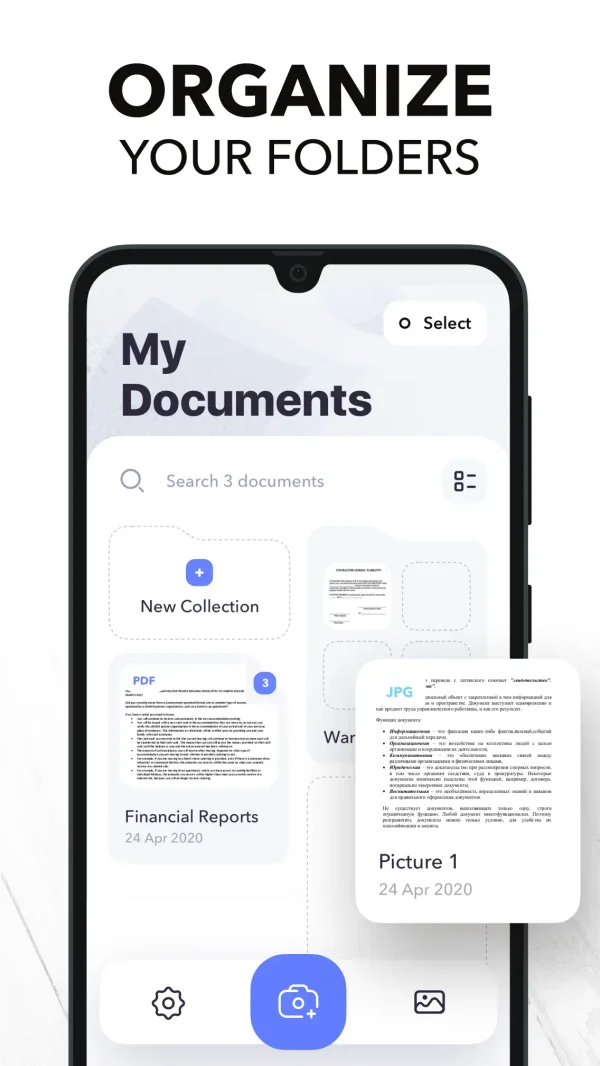
11) ドキュメントを整理整頓
Scanner+は高性能なカメラスキャナーだけでなく、スマートタグ付きのドラッグ&ドロップファイルマネージャーも搭載しています。もう大切な書類を紛失することはありません!
Scanner+で書類をスキャン&印刷:
- 領収書
- 契約書(署名もできます!)
- 宿題
- 請求書
- メモ
- ファックス
- 書籍
- 身分証明書とパスポート
- 名刺
Scanner+の主なユーザー:
- 学生
- マネージャー
- 弁護士
- 会計士
- 不動産業者
== プライバシーとセキュリティ ==
すべての書類はスマートフォンにローカル保存されるため、アクセスできるのはあなただけです!当社および第三者がアクセスすることはありません。
== 料金と法的情報 ==
Scanner+は無料でご利用いただけます。今後もずっと無料です。ご希望の場合は、Scanner+ Premiumにご登録いただくと、より多くの機能をご利用いただけます。
年間サブスクリプションは3日間の無料トライアルから開始できます。サブスクリプションは、現在の期間が終了する24時間前までに自動更新をオフにしない限り、自動的に更新されます。 Google Play ストアで定期購入を管理し、自動更新を無効にできます。
プライバシーポリシー:https://static.cdwscan.com/privacy_updated.html
利用規約(EULA):https://static.cdwscan.com/terms_en.html
モバイルPDFスキャナーに関するご質問やお問い合わせは、scanner@codeway.co までご連絡ください。
原文を表示
Want to keep both your money & your scanner in your pocket? Get Scanner+ for free NOW & instantly start to SCAN, SIGN, and SHARE any document in PDF, JPG, or DOCX formats.
Scan any paper with your phone's camera: the Scanner+ app will automatically recognize the edges of your document, enhance it, and give you a perfectly scanned copy that’s ready to share on your favourite platform!
Scanner+ offers you 11 AMAZING FEATURES that other scanners won’t:
1) SCAN DOCUMENTS
Scan multiple pages into one PDF document. Enjoy the Turbo Scan mode! Why waste hours on your computer when you can quickly do it with a tiny scanner in your pocket?
2) CONVERT TO PDF
Scanner+ is also a PDF Converter that turns photos & images into searchable digital documents! This way you can also “CTRL+F” across your documents!
3) EXPORT & SHARE
Export your scans as .PDF .JPEG or .DOCX and share with Adobe PDF, Email - Gmail - Outlook - Spark, Wi-Fi Printer, Box, Whatsapp, Facebook Messenger, Dropbox, Evernote, Google Drive, OneDrive, OneNote and any other app/platform!
4) SIGN DOCUMENTS
Sign PDF documents in less than a second. Transfer your signature across documents!
5) SMART CROP (YOU’LL LOVE THIS!)
Your docs will be automatically cropped from its edges right after you scan it. Don’t waste your valuable time trying to crop every single document!
6) RECOVER RUINED DOCUMENTS
Spilled coffee to your doc? Your dog took a bite from your homework? Recover it with our scanner app using the Genius Scan mode and become a scan guru!
7) HIGHLIGHT TEXTS
Highlight important parts of your documents with Scanner+ doc scanner! Very useful while studying from your scanned textbook!
8) EDIT DOCUMENTS
HIDE and BLUR unwanted parts with Scanner+ document editor! This is a great feature for hiding confidential parts of your documents. Time to become a scanmaster!
9) ADJUST THE BRIGHTNESS
Need to scan documents in a dark room? No problem at all!
10) RECOGNIZE TEXTS WITH OCR
Recognize texts from any scannable object with the OCR text scanner mode. And yes, you can even edit handwritten texts with Scanner+!
11) KEEP YOUR DOCS ORGANIZED
Scanner+ offers more than a powerful cam scanner, it also has a drag & drop file manager with smart tags. Never lose an important document again!
SCAN AND PRINT DOCUMENTS with Scanner+:
- Receipts
- Contracts (and sign them!)
- Homeworks
- Invoice
- Paper notes
- Fax papers
- Books
- ID cards and Passports
- Business cards
Typical Scanner+ users:
- Students
- Managers
- Lawyers
- Accountants
- Realtors
== PRIVACY & SECURITY ==
All documents are stored locally on your phone, so ONLY YOU will be able to access your documents! Neither we nor any third parties will have access.
== PRICING & LEGAL ==
Scanner+ is free to use, and it will always stay free. Should you choose to, you can subscribe to Scanner+ Premium to access more features.
You can start a yearly subscription with a 3-day free trial. Subscriptions automatically renew unless auto-renew is turned off no later than 24 hours before the end of the current period. Manage subscriptions, disable auto-renewal in the Google Play Store.
Privacy Policy: https://static.cdwscan.com/privacy_updated.html
Terms & Condition - EULA : https://static.cdwscan.com/terms_en.html
For any questions or inquiries about our mobile pdf scanner, reach out to us at scanner@codeway.co
データ セーフティ
このアプリが収集・共有するデータについて、Codespace DijitalがGoogle Playで申告している内容です。
- このアプリはサードパーティと以下の種類のデータを共有することがありますファイル、ドキュメント
- データは収集されません詳しくは、デベロッパーが収集を申告する方法についての説明をご覧ください
- データは暗号化されません
- データを削除できません
新機能
バージョン 3.5.9 · 2026/4/17
Hi, with this latest version, Scanner+ has become more powerful and faster! So make sure to update to the latest version. Any comments or thoughts? We greatly appreciate any feedback you might have. You can reach out to us by using the Support section on our app, or directly email to scanner@codeway.co
開発元の連絡先
- メールscanner@codeway.co
- プライバシーポリシーstatic.cdwscan.com
- 住所FERKO SIGNATURE BLOK, N:175-141 ESENTEPE MAHALLESI BUYUKDERE CADDESI, SISLI 34394 Istanbul (Europe)/İstanbul Türkiye
情報
- 提供元
- Codespace Dijital
- カテゴリ
- ビジネス
- バージョン
- 3.5.9
- 更新日
- 2026/4/17
- リリース
- 2021/9/29
- 必要条件
- Android 6.0以降
- 対象年齢
- 3 歳以上
- 価格
- 無料
- アプリ内課金
- ¥210~¥7,000/アイテム
- パッケージ名
- com.codewaystudios.scannerplus